
 MONA OS 2.0
 Partner with MONA


 Tự động hoá doanh nghiệp
 Cẩm nang SEO
 Digital Marketing
 Kinh nghiệm thiết kế website
 Hạ Tầng Server
 Giáo dục

 VI
VI
 EN
EN






































Message us on
Zalo Official


 ProductsNew

 ProductsProducts
 Mới ra mắtKHA AI 2027App tự edit video, tự đăng mọi mạng xã hội, 2 phút mỗi ngày










 Website designLooks good and wins customers over.
SEO servicesBrings in customers searching for exactly what you sell.
Website designLooks good and wins customers over.
SEO servicesBrings in customers searching for exactly what you sell.
 Tư vấn digital marketingKéo khách từ nhiều kênh, đo bằng số thật.
Corporate video productionVideos introducing your company, factory and team.
Tư vấn digital marketingKéo khách từ nhiều kênh, đo bằng số thật.
Corporate video productionVideos introducing your company, factory and team.
 NewAI video productionCompany story films made with AI.
 Custom software developmentCRM, ERP and HRM built for your business.
 Viết AI Agent theo yêu cầuĐặt riêng một trợ lý AI cho đúng việc của mình.
 Tư vấn chuyển đổi AIĐưa AI vào vận hành của cả công ty.
NewMONA LMSManagement for centers and schools.
MONA SkillHubInternal training for company staff.
Tư vấn chuyển đổi AIĐưa AI vào vận hành của cả công ty.
NewMONA LMSManagement for centers and schools.
MONA SkillHubInternal training for company staff.
 NHTQ systemEnd-to-end China–Vietnam shipping operations.
MONA JMSManagement for gold, diamond and pawn shops.
NHTQ systemEnd-to-end China–Vietnam shipping operations.
MONA JMSManagement for gold, diamond and pawn shops.
 MONA E-LearningA website with every feature you need to sell courses.
 How to sell online courses (course)More than 30 free lessons on selling courses on autopilot.
 MONA Cloudmonacloud.vnServers to get your apps and websites running.
 MONA Basemonabase.vnPostgres database, sign-in and file storage.
 MONA Mailmonamail.vnSend OTP, order and invoice emails from your software.
 MONA Paymonapay.vnAccept bank transfers via VietQR and notify your software when the money arrives.
 MONA eInvoiceComing soonIssue e-invoices that meet tax standards.
Gấu CườiTrả lời khách 24/7 trên web, Fanpage, Zalo và thu lead cho sale.
MONA eInvoiceComing soonIssue e-invoices that meet tax standards.
Gấu CườiTrả lời khách 24/7 trên web, Fanpage, Zalo và thu lead cho sale.
 Gấu TeleSalesGọi điện tư vấn, chăm khách như tổng đài viên thật.
Dê CườiTư vấn và chốt đơn cho shop ngay trong khung chat.
Gấu WebmasterNhắn nhóm Zalo là website được sửa xong.
Gấu TeleSalesGọi điện tư vấn, chăm khách như tổng đài viên thật.
Dê CườiTư vấn và chốt đơn cho shop ngay trong khung chat.
Gấu WebmasterNhắn nhóm Zalo là website được sửa xong.
 Gấu Pháp ChếSoạn hợp đồng, rà điều khoản trong vài phút.
 Gấu Báo GiáLên báo giá đúng mẫu và gửi khách ngay.
 AI chăm sóc khách hàngTheo dõi và giữ chân khách hàng cũ.
 Gấu Tuyển DụngLọc hồ sơ, hẹn lịch, phỏng vấn ứng viên.
 Mới ra mắt
KHA AI 2027
Xây kênh chuyên gia 2 phút mỗi ngày
Quay bằng điện thoại, AI tự edit video, tự đăng lên 16 nền tảng và tự trả lời bình luận, tin nhắn.
446.554lượt xem trên kênh CEO MONA sau 24 ngày
Mới ra mắt
KHA AI 2027
Xây kênh chuyên gia 2 phút mỗi ngày
Quay bằng điện thoại, AI tự edit video, tự đăng lên 16 nền tảng và tự trả lời bình luận, tin nhắn.
446.554lượt xem trên kênh CEO MONA sau 24 ngày
 Anh Khánh HùngCEO MONA đang dùng mỗi ngày
Xem app làm được gì
Anh Khánh HùngCEO MONA đang dùng mỗi ngày
Xem app làm được gì
 AI
Gấu Cười MONA ĐANG TỰ XÀITrả lời khách 24/7 trên website, Zalo OA, Messenger và thu lead về cho sale.
Dê CườiChốt đơn bán lẻ và sàn: Shopee, TikTok Shop, web. Chăm cả khách sỉ, đại lý.
Gấu WebmasterCập nhật nội dung, tối ưu SEO website mỗi ngày.
Gấu TeleSalesGọi điện tư vấn, chăm khách như tổng đài viên thật.
Gấu Tuyển DụngLọc hồ sơ, hẹn lịch, phỏng vấn ứng viên tự động.
AI chăm sóc khách hàngGiữ khách cũ, cứu lead đã rớt cho phòng kinh doanh.
Gấu Pháp ChếSoạn hợp đồng, rà điều khoản trong vài phút.
Gấu Báo GiáLên báo giá đúng mẫu, gửi khách ngay khi có yêu cầu.
AI
Gấu Cười MONA ĐANG TỰ XÀITrả lời khách 24/7 trên website, Zalo OA, Messenger và thu lead về cho sale.
Dê CườiChốt đơn bán lẻ và sàn: Shopee, TikTok Shop, web. Chăm cả khách sỉ, đại lý.
Gấu WebmasterCập nhật nội dung, tối ưu SEO website mỗi ngày.
Gấu TeleSalesGọi điện tư vấn, chăm khách như tổng đài viên thật.
Gấu Tuyển DụngLọc hồ sơ, hẹn lịch, phỏng vấn ứng viên tự động.
AI chăm sóc khách hàngGiữ khách cũ, cứu lead đã rớt cho phòng kinh doanh.
Gấu Pháp ChếSoạn hợp đồng, rà điều khoản trong vài phút.
Gấu Báo GiáLên báo giá đúng mẫu, gửi khách ngay khi có yêu cầu.
 Chuyển đổi AI toàn phầnGiải pháp tổng cho doanh nghiệp, 3 lớp triển khai.
 Viết AI Agent theo yêu cầuĐặt riêng một con AI gánh đúng nghiệp vụ của bạn.
 Custom softwareCRM, ERP and HRM with built-in AI automation.
 SEO & AEO thời đại AIĐược Google lẫn AI trích dẫn, không chỉ xếp hạng.
 Kiến thức AI cho doanh nghiệpBài phân tích, hướng dẫn ứng dụng AI vào vận hành.
 Free AI courses
 AI tools at work
App mới · KHA AI 2027
Xây kênh 2 phút mỗi ngày
AI tự edit video, tự đăng mọi mạng xã hội
Free consultation, 8am–10pm every day
AI tools at work
App mới · KHA AI 2027
Xây kênh 2 phút mỗi ngày
AI tự edit video, tự đăng mọi mạng xã hội
Free consultation, 8am–10pm every day

18 March, 2023

SEO is a key strategy when building and growing a website, but with Google's algorithm changing constantly, keeping up with new rules and standards is a challenge. That is why building an SEO Checklist is very useful for tracking and optimizing your site. In this article, MONA Media shares a website SEO checklist with 41 tips you can put to work in 2026. Let's go through the checklist in detail so you can optimize your website right away.
SEO Checklist helps you check your site step by step, save time and keep improving your website SEO plan . That in turn helps increase organic traffic and improve your site's rankings on search engines.
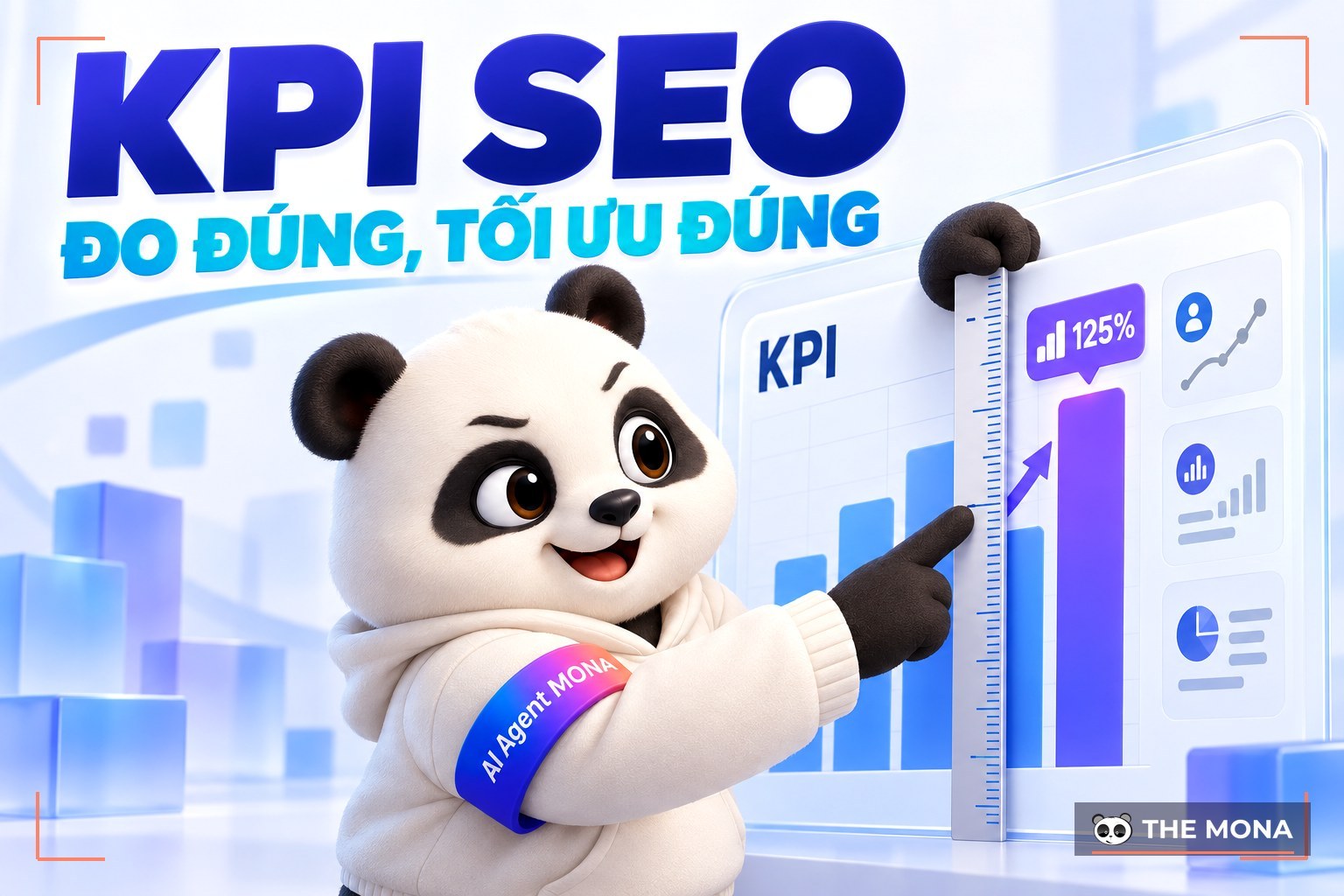
Running through the website SEO checklist regularly lets a business fix problems in time, such as issues flagged by Google or reported by SEO tools. It also gives the business data to update KPI SEO, so you can improve and run your web SEO checks better.
“Old but Gold". If you want to take control of SEO, you can't skip the basics. Below are the key steps of a basic SEO checklist for your website.
Setting up Google Search Console is an important step for monitoring and analyzing how your site performs on Google Search. It shows you how people find your site and which keywords bring in traffic.
Some features of Google Search Console:
Bing Webmaster Tools helps you monitor and optimize your site on Bing Search. Setting it up lets you control and analyze how your site performs on Bing, and it also helps you understand how users search for and interact with your content. With Bing Webmaster Tools you can refine your SEO strategy and find growth opportunities on Bing Search. Some of its advantages:
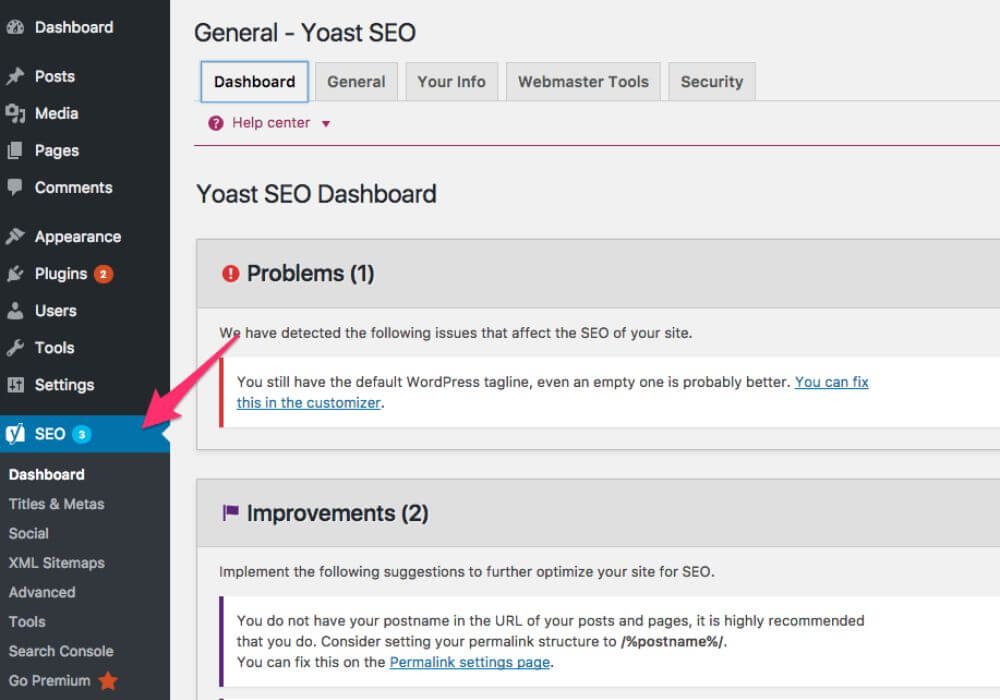
Install and configure Yoast SEO – this is a plugin WordPress that is popular and useful for optimizing your site's titles, descriptions, keywords and other elements. Yoast SEO also gives detailed guidance on improving SEO for each page and post on your site.
You need to create an XML Sitemap for your website and submit it to Google, so Googlebot can find its way around and crawl your site. Your site can then be indexed fully and efficiently.
Setting up Google Analytics helps you track and analyze traffic on your site. You can see visits, number of users, most viewed pages and much more to help you optimize your site. Once you understand what Google Analytics offers, SEO becomes easier to grasp:
If you do SEO but still don't know what an internal link is, or you still place links by gut feeling, this video is for you. Huy walks you through, step by step, how to place links so Google understands them, readers like them and your site climbs faster. Watch the video to optimize your internal links the right way.
In SEO, keyword research is an extremely important step to make sure you use the right keywords to bring traffic to your site. With that in mind, MONA has put together tips for the keyword research part of your SEO checklist:
Using the Ahrefs tool is one of the fastest ways to research competitor keywords. The goal is to find keywords with low competition. This makes your SEO more efficient and helps you build more content that fits your website.
Google Keyword Planner is a free Google tool that helps you find keywords related to your field and shows the competition level and monthly search volume of each keyword.
As a rule, a page should focus on one main keyword. These are hard SEO keywords with high search volume, so competition is high too.
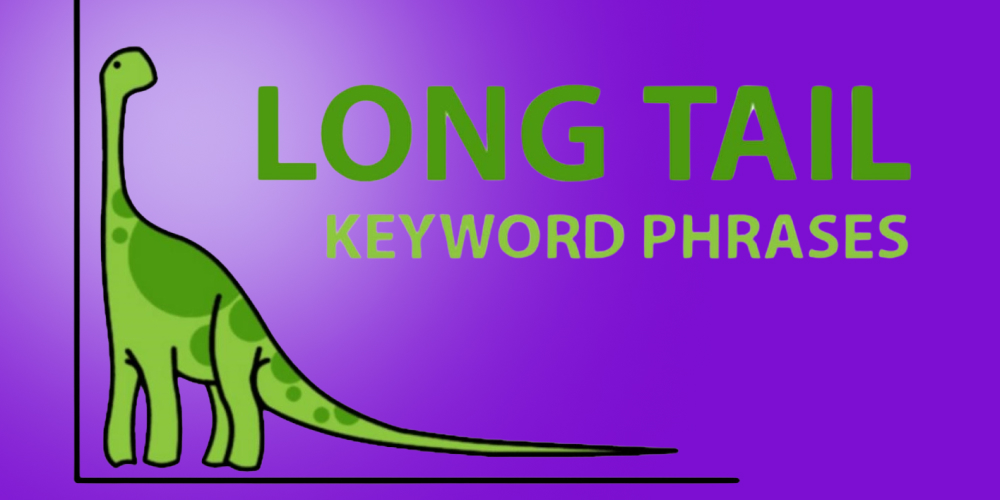
Long-tail keywords usually have low search volume and low competition, but they convert better than the main keyword.
Google Suggest automatically shows related keywords as you type into the Google search box. Use Google Suggest to find long-tail keywords that fit your field. You can also try other long-tail keyword tools such as Keywordtool.io, Google Keyword Planner…
Knowing how hard a keyword is helps you prioritize your content and set realistic expectations for the ranking you can reach.
SEMRush is a paid tool that shows how competitive a keyword is, suggests suitable keywords and gives you statistics such as search volume and SEO difficulty.
Search Intent is what the user wants to get when they type a query into a search engine. There are 4 types of search intent:

Answering questions in your articles attracts a lot of interested readers and makes your site more trustworthy. Use question keywords (question keywords) to optimize your content for what readers search for and improve your site's position in search results.
Read more related articles:
SEO Onpage land an important part of website optimization. These are the activities you carry out on your site to increase its chances of appearing in search results. Here are some tips for an effective on-page SEO checklist:
Title tag is a very important factor in website optimization and should usually be no longer than 60 characters. Put the keyword at the start of the title tag so search engines can identify the main topic of the page.
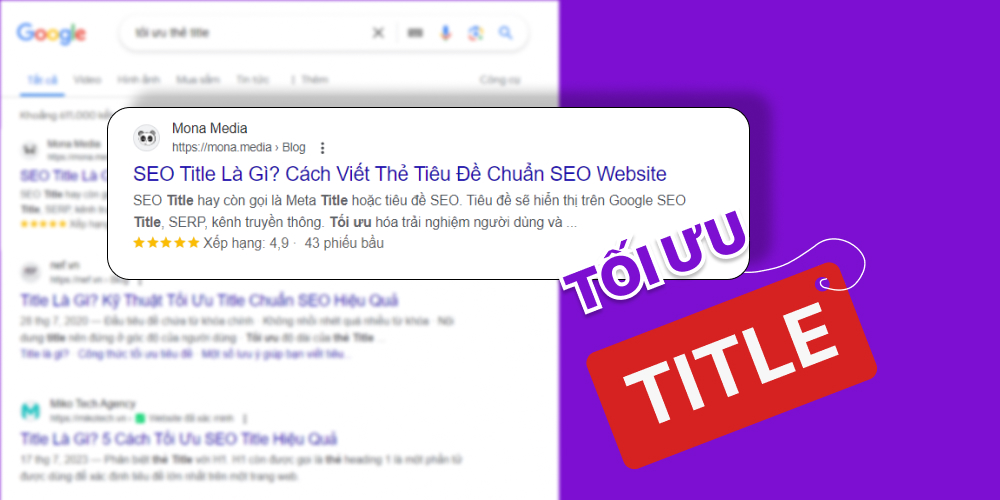
Besides the main keyword, also use long-tail keywords in the page title to improve relevance and detail. Long-tail keywords face less competition, so it is easier to reach the right searchers.
Check Meta tags for missing, duplicate or too-short ones. Optimising the Meta Description helps Google rate your article well. It also lets searchers picture what your page is about, so they can decide whether to click your result on the SERPs.
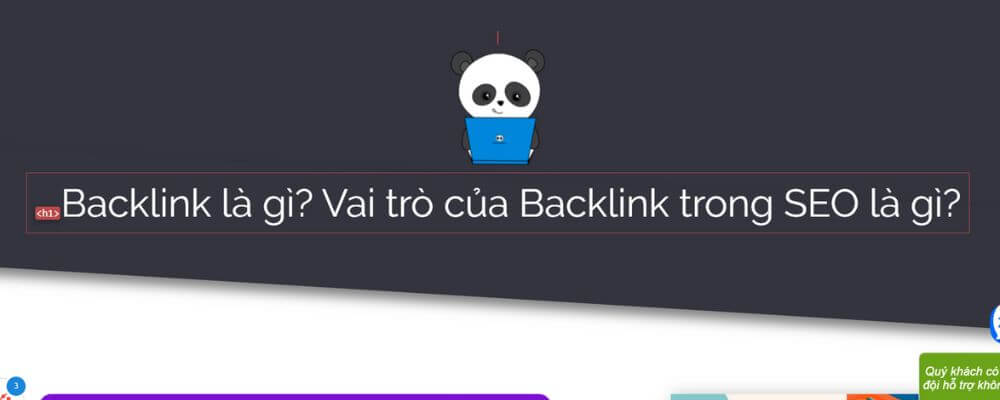
There should be only one the H1 tag on a page. If you find more than one H1, change the extras to H2, H3 and so on. Make sure the H1 contains the main keyword article.
Adding the keyword to the URL of your page helps your site appear higher in search results. Use the page's main keyword in the URL to make the content more accurate and relevant. Note that you need to include the keyword in the URL so Google understands what your page is about and recognizes it more easily.
A short URL is also easier to remember and share. It helps the page load faster and makes it friendlier to use.
Placing the keyword in the first 150 words of an article helps search engines quickly understand the main content and makes search results more accurate. It also helps Google show your article among the top results.
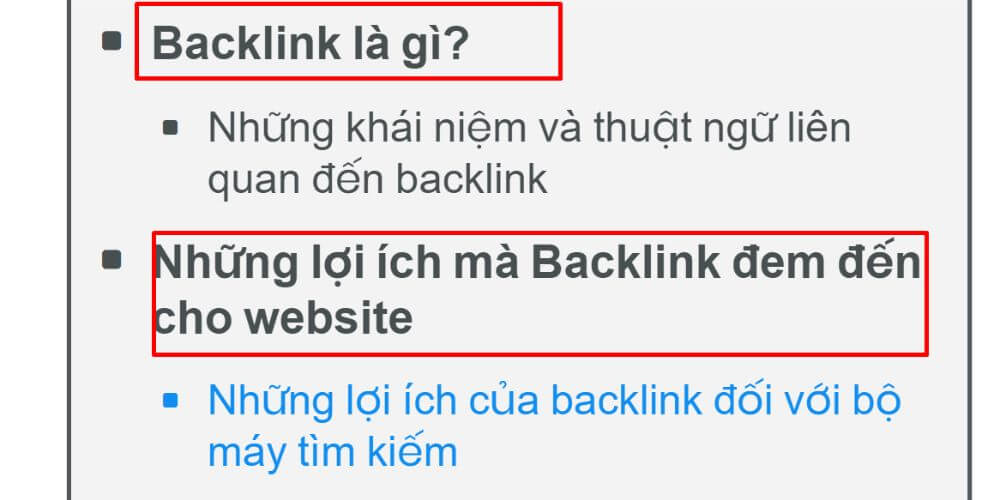
Using keywords in heading tags helps search engines understand the structure of your page and the main topic of each section. Besides the main keyword in headings, also use related keywords in the lower headings to avoid over-optimizing and keyword spam.
Optimizing images on your site includes reducing file size, using file names and the ALT tag with keywords, so search engines can understand what the image shows.
Using synonyms and variations of the main keyword makes your content richer and avoids repeating the main keyword too often. But don't use too many synonyms or variations in one article, because this can make the text hard to read and unnatural.
Linking to reputable, high-quality websites can help your site rank higher in search results. But don't link to too many external links sites in one article, and only choose sites that are relevant to your content.
Using internal links help users find related content easily and help Google rate your site well. That in turn helps your site rank higher in search results.
If your company has a limited budget, an in-house team overloaded with work, and no way to follow every Google algorithm update closely, auditing your own site is even harder. Staff often lack the technical expertise to handle everything from page speed, 404 errors and redirects to data structure and Schema markup, which makes SEO performance keep declining.
SEO services Full-scope SEO from MONA Media is the solution to all of these problems. MONA's experts work alongside your in-house staff, resolve technical issues thoroughly, stay on top of Google's algorithm changes, and keep your website optimized for the long term with clear results.
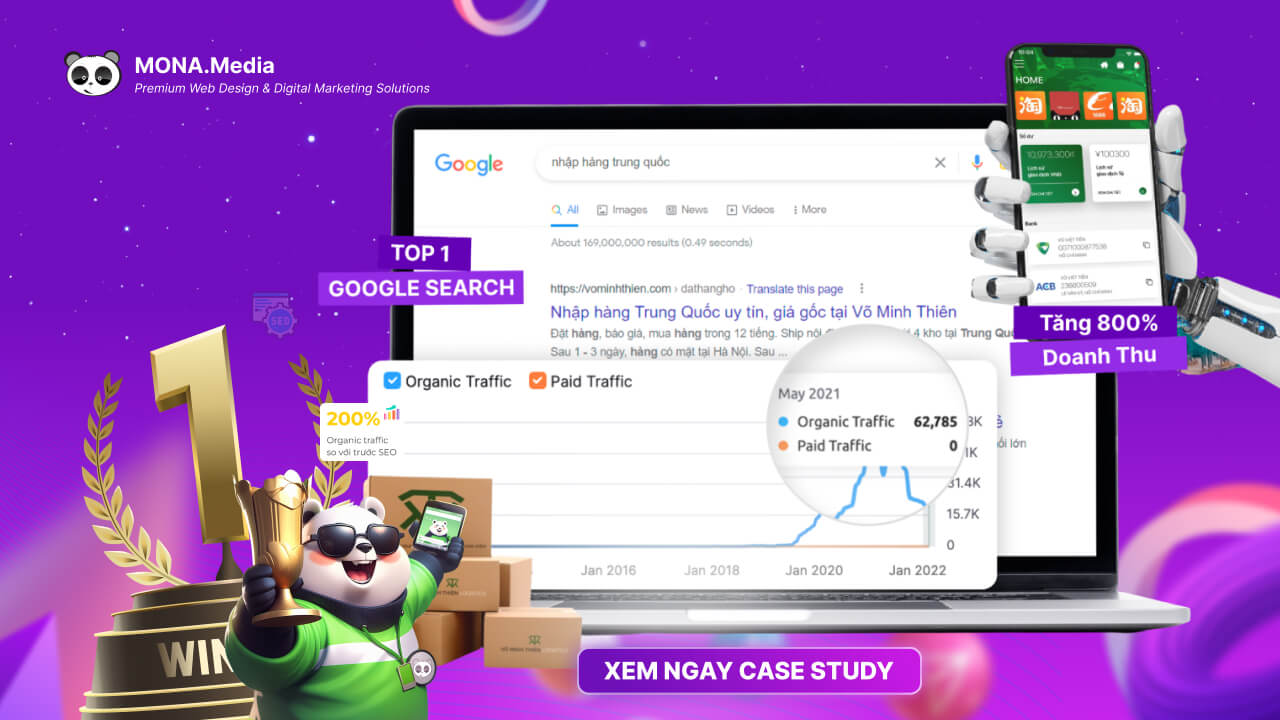
MONA Media doesn't make empty promises. We prove our ability and results with real outcomes. Take a look at the case study of MONA's work with Võ Minh Thiên Logistics – a pioneer in importing goods from China through e-commerce. With a structured full-scope SEO strategy, the brand gained full coverage across the internet and revenue grew dramatically, by up to 800%.

Here are the key technical tips for a Google SEO checklist that help you improve your site's rankings effectively:
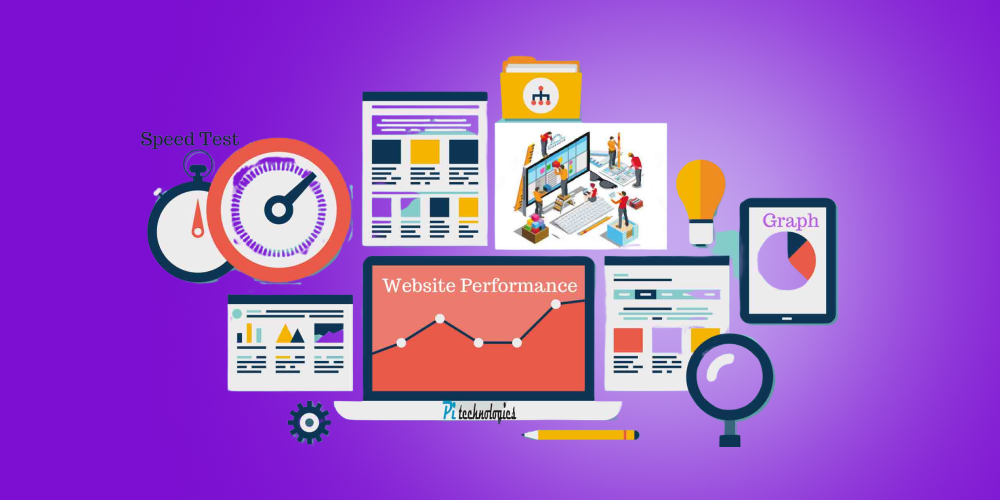
Optimization website structure that follows SEO standards helps guide both users and search engines. A well-optimized Google SEO checklist improves user experience and keeps readers on your site longer, which helps reduce bounce rate and improve conversion rate sales.
Structured data (Schema) is an important part of technical SEO. It lets search engines understand context and give users clearer, richer results. Google also often uses structured data to show highlighted information in search results. Adding structured data to your pages correctly is therefore an essential part of any SEO strategy.
Many people think Schema is "for coders", but it isn't. Anyone can do it if they know how. In this video Huy shares how to implement schema step by step so you can optimize your site. Let's watch.
Crawl Error are errors that occur when Google's bot can't access your site to collect information. They can affect how your site appears and ranks in Google results. Identifying and fixing them helps Googlebot crawl your site more effectively.
Buying Google crawling a site and and have completed indexing a site are two completely separate things. Google usually can't index a page because a noindex tag has been set on that URL. So check your URLs in Google Search Console.
If your site has broken links or expired ones, Googlebot can't reach the linked pages, which hurts your site's performance. Fixing broken links lets Googlebot reach those pages and improves your site's search visibility.
Only use Redirect once, from A to B. Don't redirect A to B and then B to C, because that creates a redirect chain or loop. Too many redirects also do no good: Google rates your site lower and it is harder to get a good position.

With more and more people using phones, a mobile-friendly site is extremely important. Responsive design, using smaller images, reducing font sizes and removing unnecessary elements are some ways to optimize a site for mobile.
HTTPS is a secure protocol that protects information sent between the browser and the server. Using HTTPS makes your site more trustworthy and can improve its ranking in search results.
Page load speed affects user experience and your site's ranking on search engines. Check and optimize load speed regularly with tools such as Google PageSpeed Insights and GTmetrix to improve your technical SEO.
Doing the content SEO checklist well will make your site meet SEO standards and match what users search for. Let's go through the checklist below with MONA:
The Skyscraper technique is a method of creating new content: find existing articles on the topic you want to write about, then improve on them and produce a better, more engaging article.
Breaking text into short, easy-to-read, easy-to-understand paragraphs is a good way to make your content more accessible and keep readers engaged. Readers take in information faster and more easily, which speeds up reading and increases interaction.
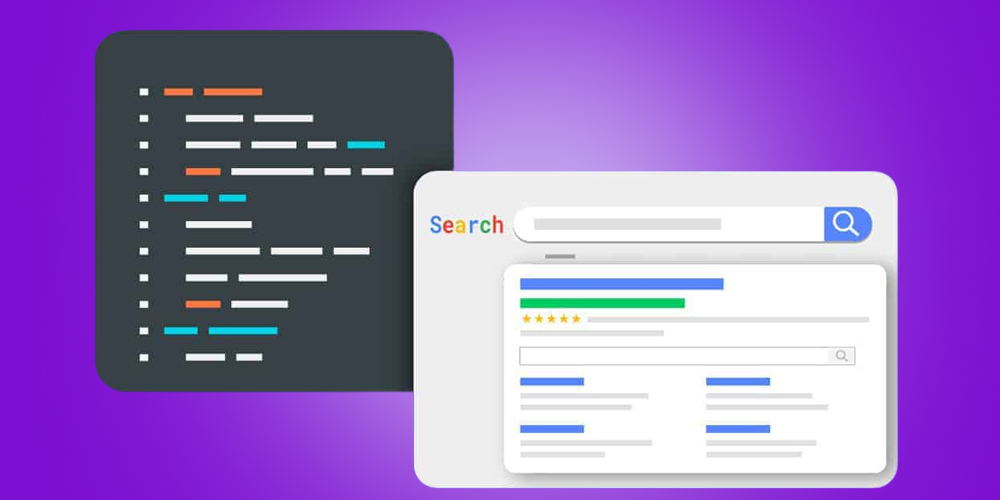
Schema Markup is a technology that lets a website present basic information to search engines in an easy way. With Schemamarkup, you can tell Google the basic parts of your page, from title, description and address to products, articles and reviews.
To create quality content, don't just focus on the number of keywords. Go deep on the topic by exploring subjects related to the main keyword. This makes your site richer in content and also increases its chances of appearing in search results for that keyword.
A suitable content writing formula includes elements such as:
Learning and applying an SEO-standard content formula helps your content attract and keep readers more effectively.
Here are tips for the off-page SEO checklist to help you carry out SEO checklist optimization for your website as effectively as possible:
Check out Backlink Looking at competitors' backlinks helps you find sites and articles related to your topic and consider placing your own links there. This improves your site's ranking in search results and reaches a large pool of potential readers.
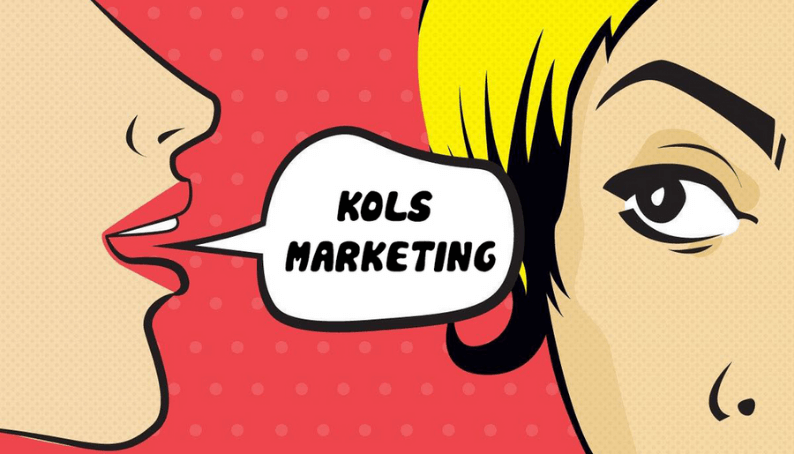
When you create new content, you can link to people or influential accounts (KOL) in your industry. This helps you reach new potential readers and also increases your chances of earning important links to your site.
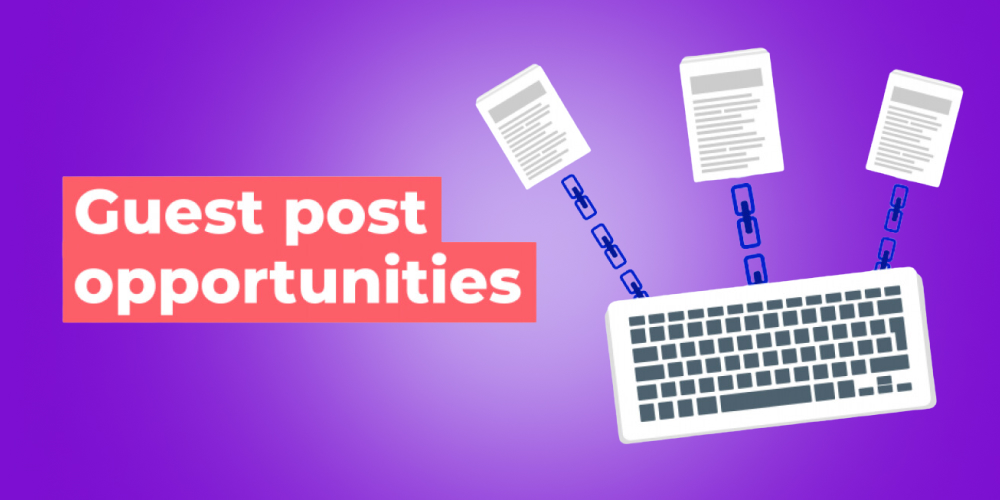
The backlink technique with Guest Post means writing articles for other websites and placing a link back to yours. Guest posts create natural backlinks and are an effective way to build your site's credibility.
Booking PR articles on online news sites is another way to earn quality backlinks from high-traffic sources. PR placements usually cost more, but the results are very strong, so they are worth considering.
Google My Business is a free tool from Google. Create and optimize your Google My Business profile to manage how you appear on Google Search and Google Map. It brings in potential customers right away through phone calls and direction requests.
Social media platforms such as Facebook, Instagram, Twitter and YouTube have plenty of traffic. Used well, they make an effective off-page SEO checklist strategy. For this task, keep your business details such as name, address and phone number consistent to build a unified brand. Then link your social profiles together and point them to your website.
Beyond the 41 SEO checklist items for optimizing a website that MONA covered above, look at advanced SEO tactics too, to help your pages rank more easily on search engines.
Click-through rate (CTR) is the ratio of clicks on a link to the number of times that link is shown. Using CTR to optimize pages is an advanced SEO tactic: improve the CTR of each link. A higher CTR helps improve your site's position in search results and brings in more visits.
Limiting page downtime is an advanced SEO strategy that helps keep the strength of the links and content on your site. If a page no longer exists, deleting it or redirecting it preserves the links and SEO value on your site.
This is an advanced SEO tactic for improving the quality of your site. Removing low-quality and irrelevant content makes your website more credible and increases user engagement.
Improve time on page is an advanced SEO tactic for improving your site's quality. Factors that affect time on page include page load speed, user experience and site features.
Re-optimize outdated content is another advanced SEO tactic you should use. Adding new, useful content on a regular basis also raises how your site is rated for content quality, which attracts more backlinks and builds trust with the market and search engines.
That is the full list of 41 tips and tactics in the SEO checklist to help raise your rankings and strengthen your presence on search engines. Completing the SEO checklist steps and applying effective SEO tactics will make your website look more professional and attract more traffic. We hope what MONA has shared is useful. If you want to improve rankings and traffic effectively, contact MONA for a consultation and to receive website SEO price list details!

CEO & Founder · The MONA
Founder of The MONA, who built a services company of 200+ staff with 14,000+ projects delivered. Khánh Hùng shares how he thinks about building systems that run themselves, automating a business, and the real lessons from delivering projects at MONA.
 1,5K
1,5K




Professional website
design services
Own a website with a beautiful, 100% exclusive design and a lifetime warranty, with the ability
to expand features flexibly as your business grows, starting today!








 MONA will never sell your information or send you spam
MONA will never sell your information or send you spam
MONA will never sell your information or send you spam


 MONA will never sell your information or send you spam