
 MONA OS 2.0


 Tự động hoá doanh nghiệp
 Cẩm nang SEO
 Digital Marketing
 Kinh nghiệm thiết kế website
 Hạ Tầng Server
 Giáo dục


 VI
VI
 EN
EN










Message us on
Zalo Official


 ProductsNew

 ProductsProducts
 Mới ra mắtKHA AI 2027App tự edit video, tự đăng mọi mạng xã hội, 2 phút mỗi ngày










 Website designLooks good and wins customers over.
SEO servicesBrings in customers searching for exactly what you sell.
Website designLooks good and wins customers over.
SEO servicesBrings in customers searching for exactly what you sell.
 Tư vấn digital marketingKéo khách từ nhiều kênh, đo bằng số thật.
Corporate video productionVideos introducing your company, factory and team.
Tư vấn digital marketingKéo khách từ nhiều kênh, đo bằng số thật.
Corporate video productionVideos introducing your company, factory and team.
 NewAI video productionCompany story films made with AI.
 Custom software developmentCRM, ERP and HRM built for your business.
 Viết AI Agent theo yêu cầuĐặt riêng một trợ lý AI cho đúng việc của mình.
 Tư vấn chuyển đổi AIĐưa AI vào vận hành của cả công ty.
NewMONA LMSManagement for centers and schools.
MONA SkillHubInternal training for company staff.
Tư vấn chuyển đổi AIĐưa AI vào vận hành của cả công ty.
NewMONA LMSManagement for centers and schools.
MONA SkillHubInternal training for company staff.
 NHTQ systemEnd-to-end China–Vietnam shipping operations.
MONA JMSManagement for gold, diamond and pawn shops.
NHTQ systemEnd-to-end China–Vietnam shipping operations.
MONA JMSManagement for gold, diamond and pawn shops.
 MONA E-LearningA website with every feature you need to sell courses.
 How to sell online courses (course)More than 30 free lessons on selling courses on autopilot.
 MONA Cloudmonacloud.vnServers to get your apps and websites running.
 MONA Basemonabase.vnPostgres database, sign-in and file storage.
 MONA Mailmonamail.vnSend OTP, order and invoice emails from your software.
 MONA Paymonapay.vnAccept bank transfers via VietQR and notify your software when the money arrives.
 MONA eInvoiceComing soonIssue e-invoices that meet tax standards.
Gấu CườiTrả lời khách 24/7 trên web, Fanpage, Zalo và thu lead cho sale.
MONA eInvoiceComing soonIssue e-invoices that meet tax standards.
Gấu CườiTrả lời khách 24/7 trên web, Fanpage, Zalo và thu lead cho sale.
 Gấu TeleSalesGọi điện tư vấn, chăm khách như tổng đài viên thật.
Dê CườiTư vấn và chốt đơn cho shop ngay trong khung chat.
Gấu WebmasterNhắn nhóm Zalo là website được sửa xong.
Gấu TeleSalesGọi điện tư vấn, chăm khách như tổng đài viên thật.
Dê CườiTư vấn và chốt đơn cho shop ngay trong khung chat.
Gấu WebmasterNhắn nhóm Zalo là website được sửa xong.
 Gấu Pháp ChếSoạn hợp đồng, rà điều khoản trong vài phút.
 Gấu Báo GiáLên báo giá đúng mẫu và gửi khách ngay.
 AI chăm sóc khách hàngTheo dõi và giữ chân khách hàng cũ.
 Gấu Tuyển DụngLọc hồ sơ, hẹn lịch, phỏng vấn ứng viên.
 Mới ra mắt
KHA AI 2027
Xây kênh chuyên gia 2 phút mỗi ngày
Quay bằng điện thoại, AI tự edit video, tự đăng lên 16 nền tảng và tự trả lời bình luận, tin nhắn.
310.136lượt xem trên kênh CEO MONA sau 17 ngày
Mới ra mắt
KHA AI 2027
Xây kênh chuyên gia 2 phút mỗi ngày
Quay bằng điện thoại, AI tự edit video, tự đăng lên 16 nền tảng và tự trả lời bình luận, tin nhắn.
310.136lượt xem trên kênh CEO MONA sau 17 ngày
 Anh Khánh HùngCEO MONA đang dùng mỗi ngày
Xem app làm được gì
Anh Khánh HùngCEO MONA đang dùng mỗi ngày
Xem app làm được gì
 AI
Gấu Cười MONA ĐANG TỰ XÀITrả lời khách 24/7 trên website, Zalo OA, Messenger và thu lead về cho sale.
Dê CườiChốt đơn bán lẻ và sàn: Shopee, TikTok Shop, web. Chăm cả khách sỉ, đại lý.
Gấu WebmasterCập nhật nội dung, tối ưu SEO website mỗi ngày.
Gấu TeleSalesGọi điện tư vấn, chăm khách như tổng đài viên thật.
Gấu Tuyển DụngLọc hồ sơ, hẹn lịch, phỏng vấn ứng viên tự động.
AI chăm sóc khách hàngGiữ khách cũ, cứu lead đã rớt cho phòng kinh doanh.
Gấu Pháp ChếSoạn hợp đồng, rà điều khoản trong vài phút.
Gấu Báo GiáLên báo giá đúng mẫu, gửi khách ngay khi có yêu cầu.
AI
Gấu Cười MONA ĐANG TỰ XÀITrả lời khách 24/7 trên website, Zalo OA, Messenger và thu lead về cho sale.
Dê CườiChốt đơn bán lẻ và sàn: Shopee, TikTok Shop, web. Chăm cả khách sỉ, đại lý.
Gấu WebmasterCập nhật nội dung, tối ưu SEO website mỗi ngày.
Gấu TeleSalesGọi điện tư vấn, chăm khách như tổng đài viên thật.
Gấu Tuyển DụngLọc hồ sơ, hẹn lịch, phỏng vấn ứng viên tự động.
AI chăm sóc khách hàngGiữ khách cũ, cứu lead đã rớt cho phòng kinh doanh.
Gấu Pháp ChếSoạn hợp đồng, rà điều khoản trong vài phút.
Gấu Báo GiáLên báo giá đúng mẫu, gửi khách ngay khi có yêu cầu.
 Chuyển đổi AI toàn phầnGiải pháp tổng cho doanh nghiệp, 3 lớp triển khai.
 Viết AI Agent theo yêu cầuĐặt riêng một con AI gánh đúng nghiệp vụ của bạn.
 Custom softwareCRM, ERP and HRM with built-in AI automation.
 SEO & AEO thời đại AIĐược Google lẫn AI trích dẫn, không chỉ xếp hạng.
 Kiến thức AI cho doanh nghiệpBài phân tích, hướng dẫn ứng dụng AI vào vận hành.
 Free AI courses
 AI tools at work
App mới · KHA AI 2027
Xây kênh 2 phút mỗi ngày
AI tự edit video, tự đăng mọi mạng xã hội
Free consultation, 8am–10pm every day
AI tools at work
App mới · KHA AI 2027
Xây kênh 2 phút mỗi ngày
AI tự edit video, tự đăng mọi mạng xã hội
Free consultation, 8am–10pm every day

18 March, 2023
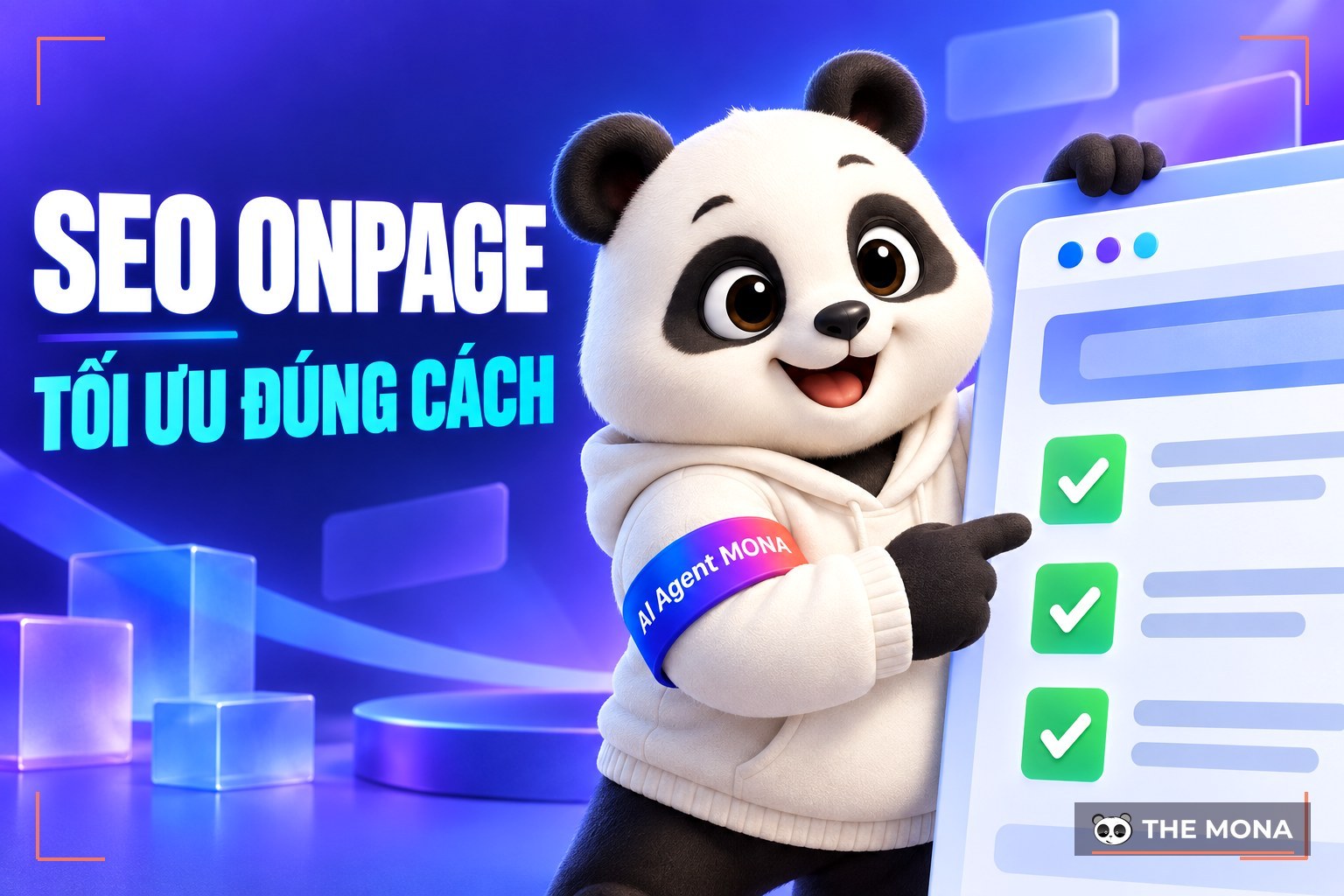
On-page SEO is a key part of any SEO project. Optimizing it thoroughly not only improves user experience but also meets Google's standards, giving your website a better chance of ranking higher in search results.
So What is on-page SEO and what criteria are on a website's on-page SEO checklist? Let's MONA Media take a closer look in today's article.
On-page SEO (also called on-site SEO) is the process of optimizing the elements on your own website to improve search rankings and give users the best possible experience.
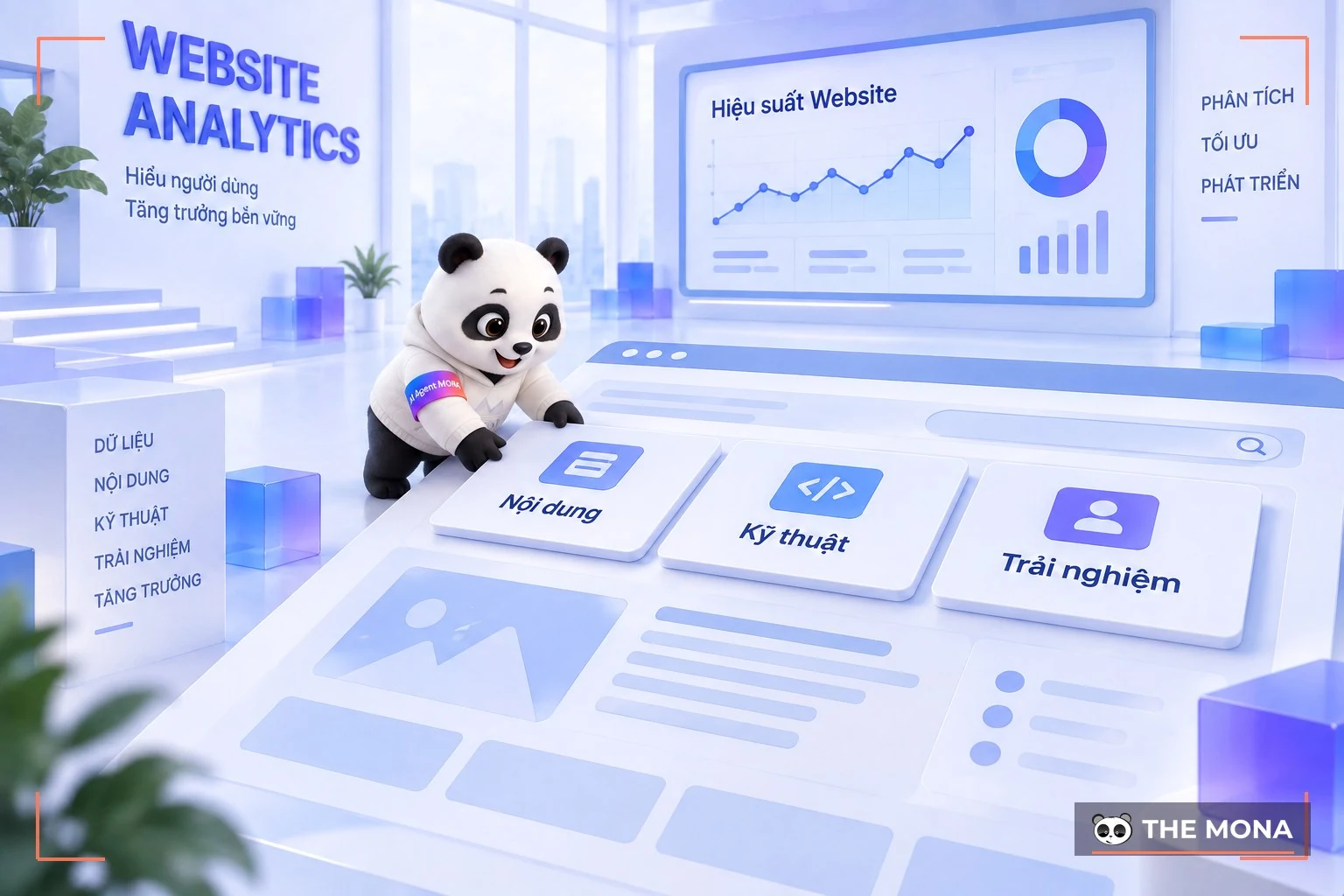
Optimizing to on-page SEO standards is a key part of an overall SEO strategy. It covers content, keywords, title tags, URLs, meta tags and page structure. These optimizations help search engines understand your site's content better, and help users find the information they need quickly.
On-page SEO needs attention to both the technical side and the content, so your website is not only easy to reach but also gives users real value.
|
If you are struggling to carry out on-page SEO, full-scope SEO services of MONA Media is the right solution for you. 
We focus on delivering quality content optimized for Google's algorithms, so your project gets the best possible results. With experience in more than 300 successful SEO projects, MONA is confident it can help your business get through the hardest stretch, the "launch phase" included. When you work with MONA, your business gets:
With an experienced team of specialists, MONA Media, an SEO company, always keeps up with the latest algorithms and Under the SEO trends updates, so your project gets the best possible results. Please CONTACT US with MONA via HOTLINE 1900 636 648 for a consultation from our team, website SEO quote with full details, and start your website's climb to the top of Google. Contact MONA:
|
Focusing on on-page SEO is a smart way to make sure your website performs well in search results. On-page SEO factors do more than give users a smooth experience. They also help search engines understand your site's content and purpose.
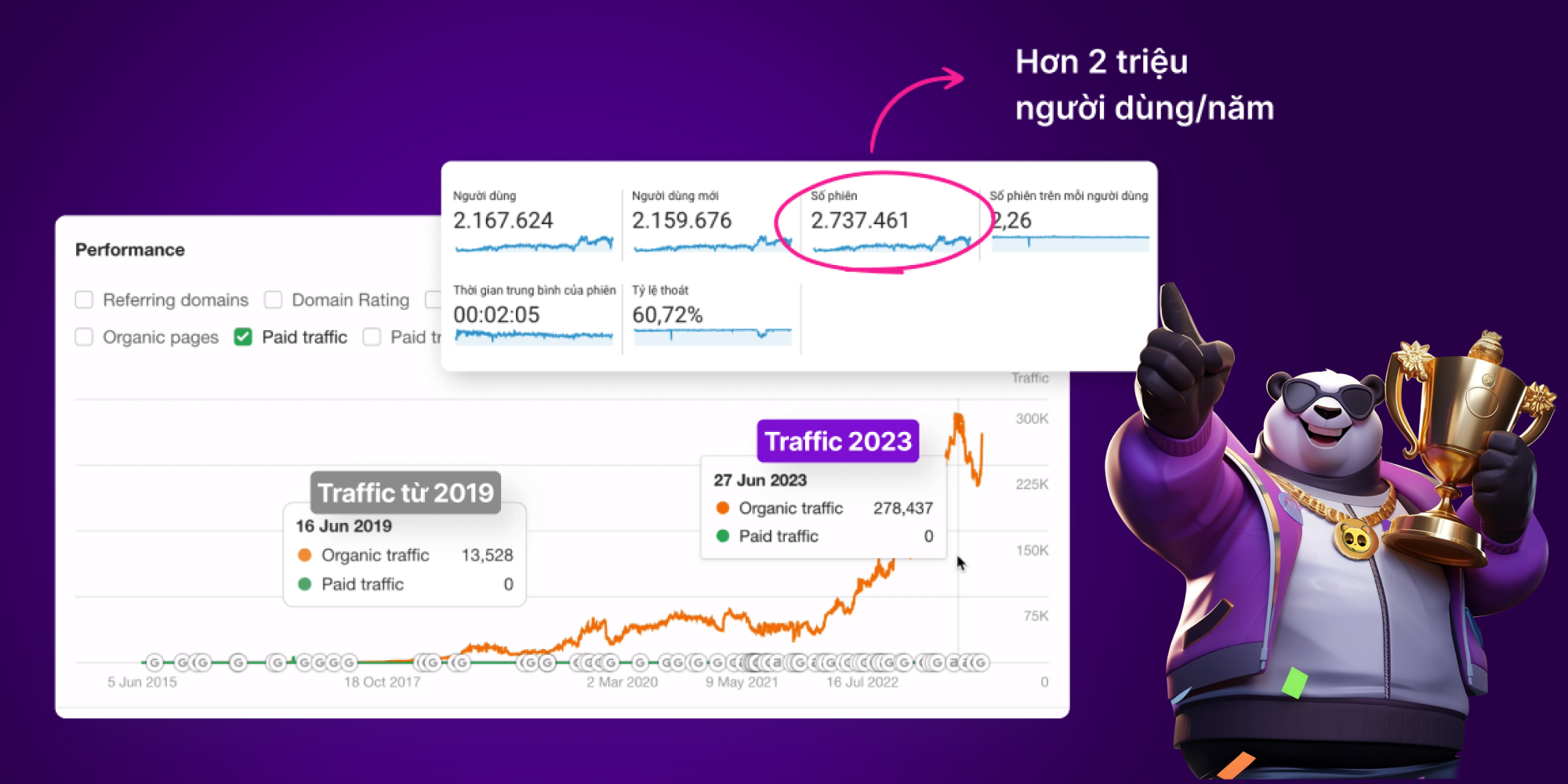
When you optimize your website's on-page SEO, you get significant benefits such as:
Unlike off-page SEO, which depends on external backlinks, on-page SEO is fully in your own hands to optimize. So start optimizing your website's on-page SEO now to build a solid foundation for your SEO plan.
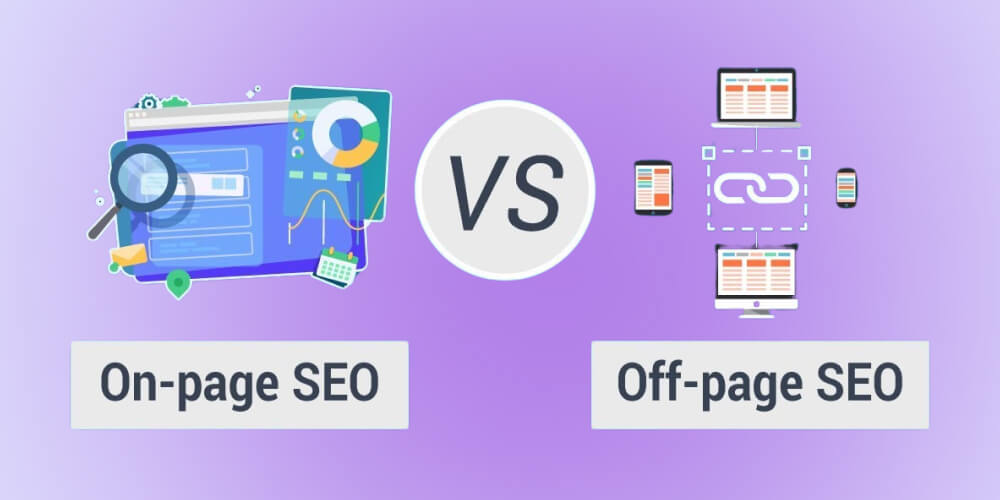
On-page SEO and off-page SEO are two key parts of a search engine optimization strategy, but beginners often find the two concepts vague and hard to tell apart.
So what sets on-page SEO optimization and off-page SEO optimization apart?
Both matter, but combining on-site SEO and off-page SEO well will help you build a complete SEO strategy that delivers the best, lasting results. Make sure your website is well optimized from the inside out to succeed on search engines in the long run.
If you still don't know where to start with SEO, don't worry. Watch the video "SEO from A to Z" for a detailed, easy-to-follow guide to on-page SEO for beginners that you can apply to your website right away.
To get your website to the top of Google, you must master the on-page SEO checklist, which helps your website meet Google's latest algorithm standards.
Below, MONA has put together 10+ on-page optimization checklist items for beginners, to help you build a solid SEO foundation and get the best results from your digital marketing campaign in 2026.
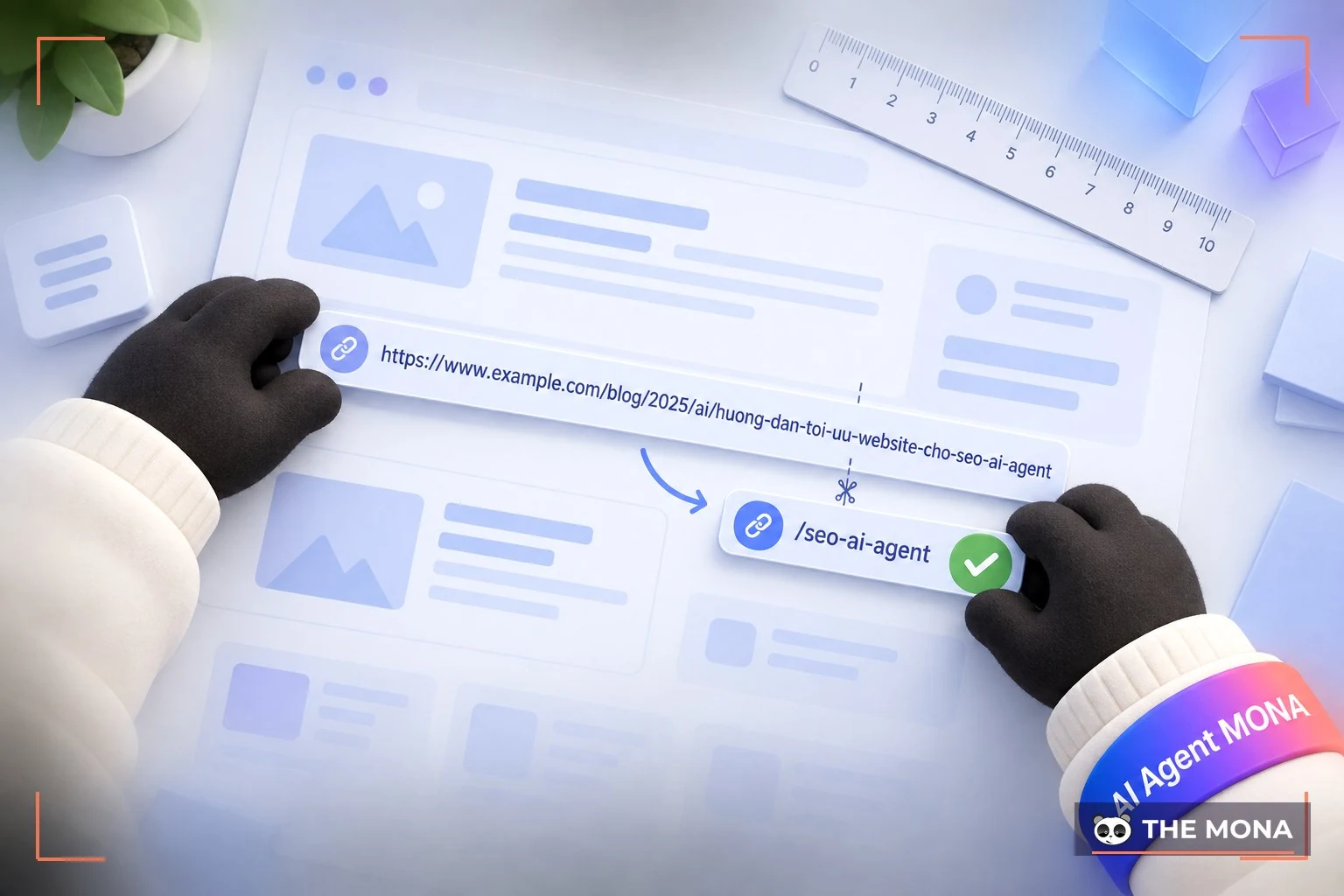
The URL is a key item on the on-page optimization checklist because it directly affects visibility and user experience.
For example, this MONA article's URL looks like this: mona.media/seo-onpage-la-gi/
An on-page SEO standard URL should be:
When building a URL, also avoid special characters and make sure it describes exactly what users will find. This is an effective on-page SEO practice. A friendly URL not only catches the attention of search engines but also makes a good impression on users, which raises the chance of ranking high on Google.
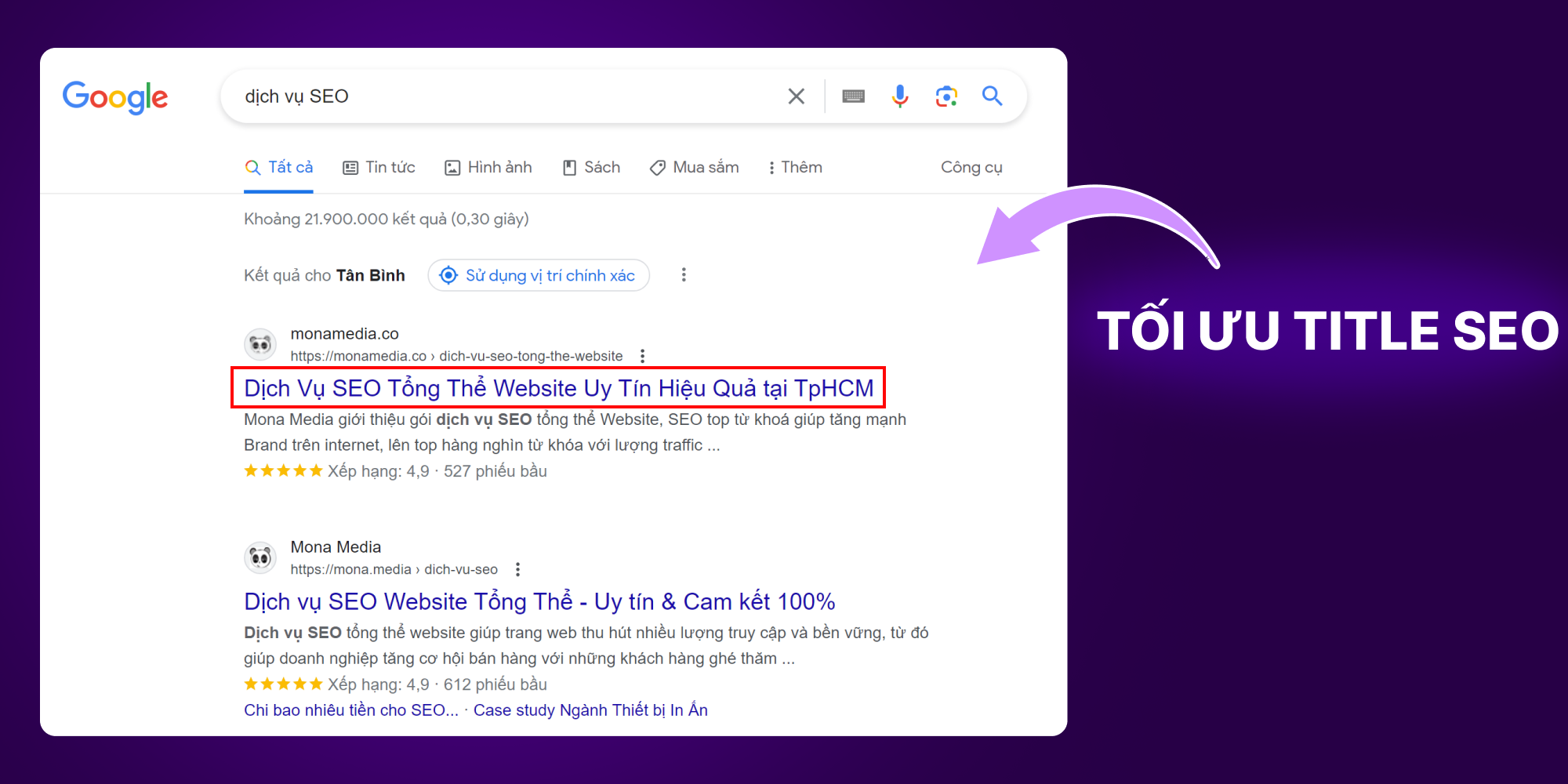
The title is the first thing readers see when they search for content. An appealing, engaging title is what gets people to click on your article. A title that follows SEO standards also displays clearly in the browser, so users can easily find what they need.
So to optimize the title tag in on-site SEO, make sure of the following:
This is one of the most effective on-page SEO practices and directly affects your website's rankings on Google.
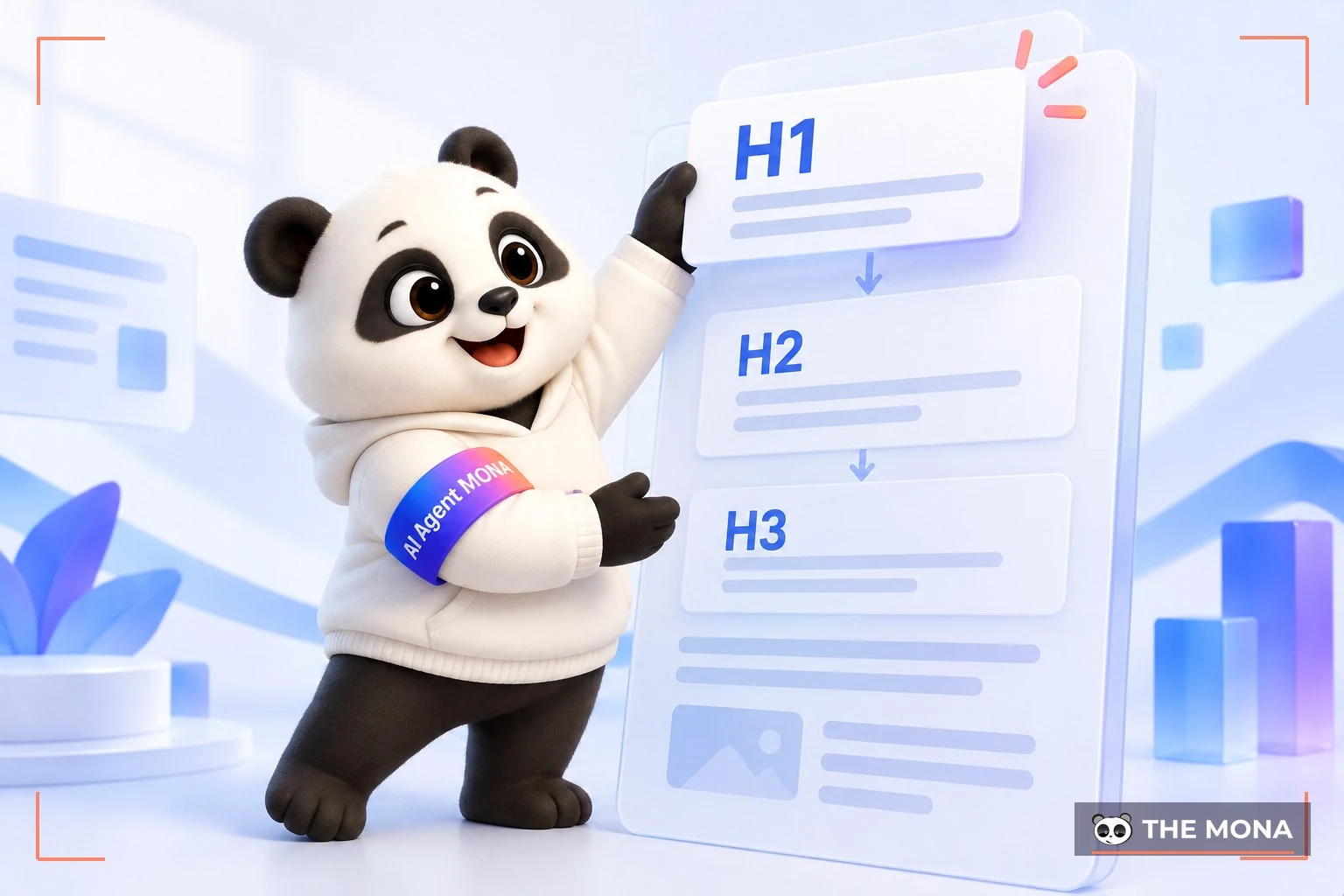
Using heading tags helps readers and search engines understand the main points of an article. To optimize headings effectively for on-page SEO, you need to know these criteria:

Optimizing heading 2 and heading 3 tags is an important part of an on-page SEO strategy. These tags not only keep your content well structured, they also play a key role in helping search engines understand what you want to present.
Heading 2 (H2) is usually used to split content into main sections, while heading 3 (H3) clarifies the smaller points within each section. Think of them as chapter and section titles in a book, helping readers follow along and find what they need.
When optimizing these tags, make sure each heading 2 and heading 3 is:
Following on-page SEO optimization standards helps your SEO-ready article get noticed by Google and gives it a chance to rank high in search results.
Checking indexability is an important step in on-page SEO optimization, because your website can only appear in search results once Google has indexed it.
Factors that affect indexability include:
How to check indexability:
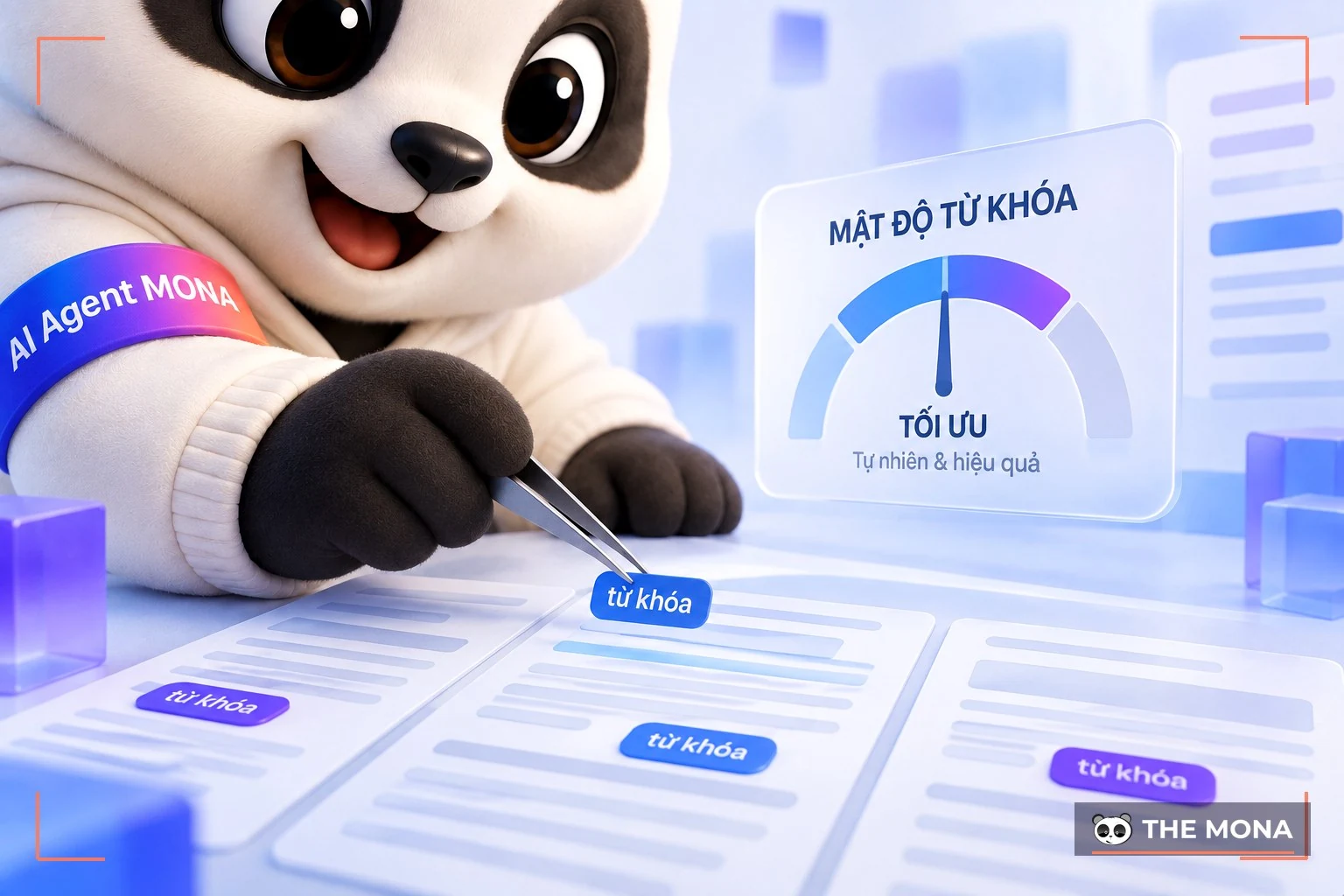
Keyword Density (Keyword density) is the percentage of times a keyword appears compared with the total number of words in a piece of content or on a web page. Optimizing keyword density helps search engines identify the topic and main content of the page. Keywords must be used with a light touch, though.
One effective way to optimize on-page SEO is to spread keywords at a suitable density, so you should:
The website interface matters for on-page SEO because it directly affects user experience and how Google evaluates the site.
A few things to watch on the interface for on-page SEO:
An interface optimized for on-page SEO gives users a better experience and helps the site rank higher on Google.
Unique content that matches search intent is one of the on-page SEO standards to prioritise. Unique content means more than not being duplicated: it has to give users real value, stand apart from the near-identical content all over the web, and answer what the user was actually searching for.
To get the most out of your content for on-page SEO, you need to understand what people are looking for when they search on Google and other search engines. When your content meets that need, Google rates it more highly and ranks your site higher.

Good content should meet these criteria:
|
Quality factors |
Content |
|
Expert Content |
Written by people who know the subject well, with detailed and reliable information |
|
Structure Content |
Organised in a logical structure, with clear arguments and points. |
|
Reverse Engineer SERPs |
Study the current search results to see which structure and format of content performs well. |
|
Crucial Data |
Give accurate, necessary information that matches what users ask for and the relevant entity. |
|
Search Journey |
Follow the customer's search journey and serve it, from looking for information to taking action (based on the AIDA) |
|
User Intent |
Identify and serve each type of intent: Know (information) - Do (action) – Visit (go somewhere) – Navigate (find a specific site) |
|
Google Guideline |
Make sure the content offers real value, is accurate and has no grammar mistakes. |
There are currently about 9 common types of intent you can refer to: Research Intent, Answer Intent, Local Intent, Transactional Intent, Video Intent, Visual Intent, News Intent/Fresh Intent, Branded Intent and Split Intent.
Example: If someone searches for “cách làm bánh mì tại nhà” (how to make bread at home), they clearly want detailed instructions for a recipe. So the content should give specific, step-by-step guidance, ideally with photos or a video. If the keyword is “mua bánh mì online” (buy bread online), the person wants to make a purchase, so the content should focus on bakeries that sell online, delivery terms and current offers.
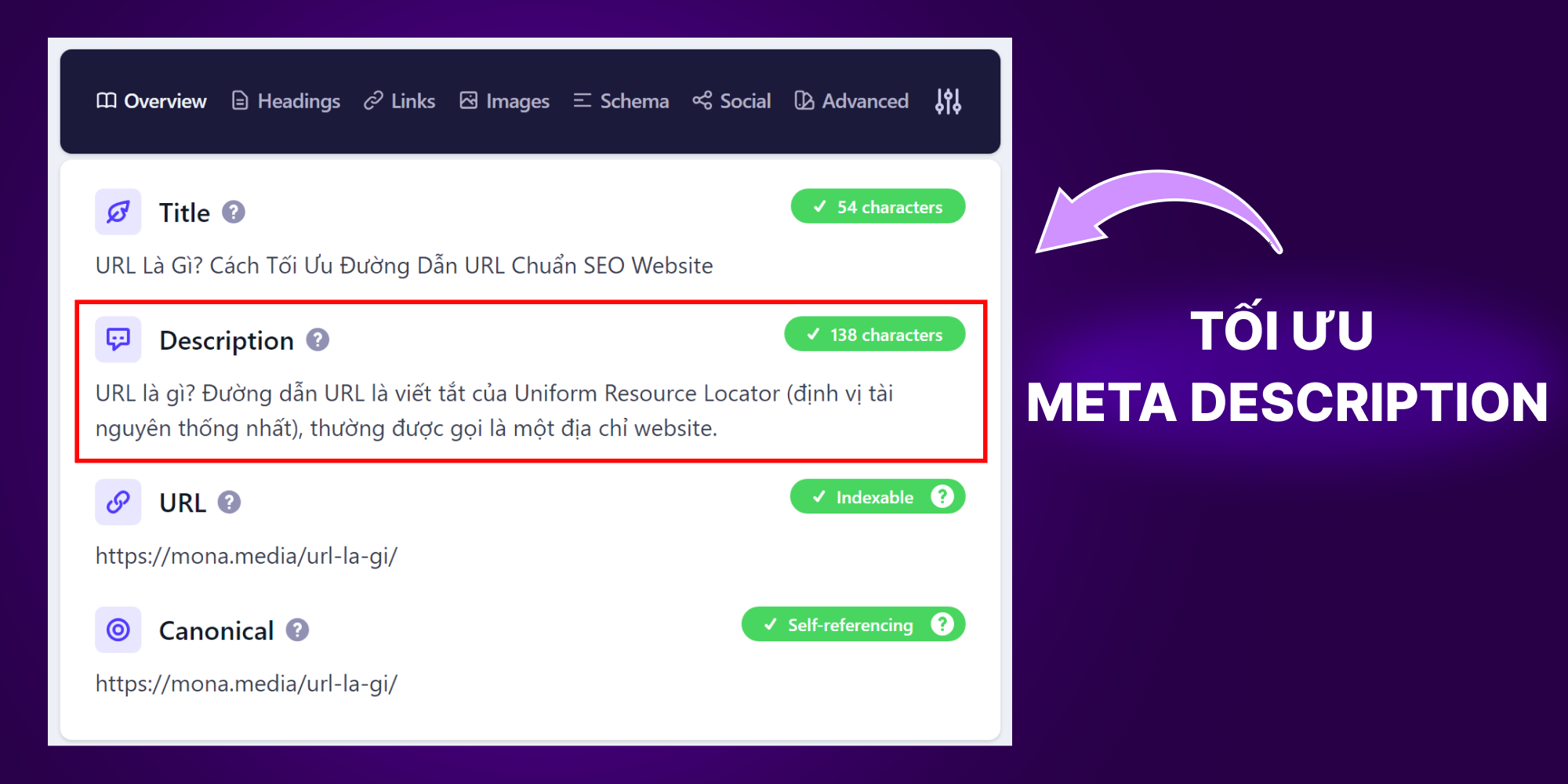
A meta description is a short summary, usually under 156 characters since it is shown in search results to sum up what the page is about. Its job is to give users a quick idea of the article, so a compelling meta description catches attention and also lifts your click-through rate (CTR).
To optimize the meta description and improve your page's ranking in search engines, you should:
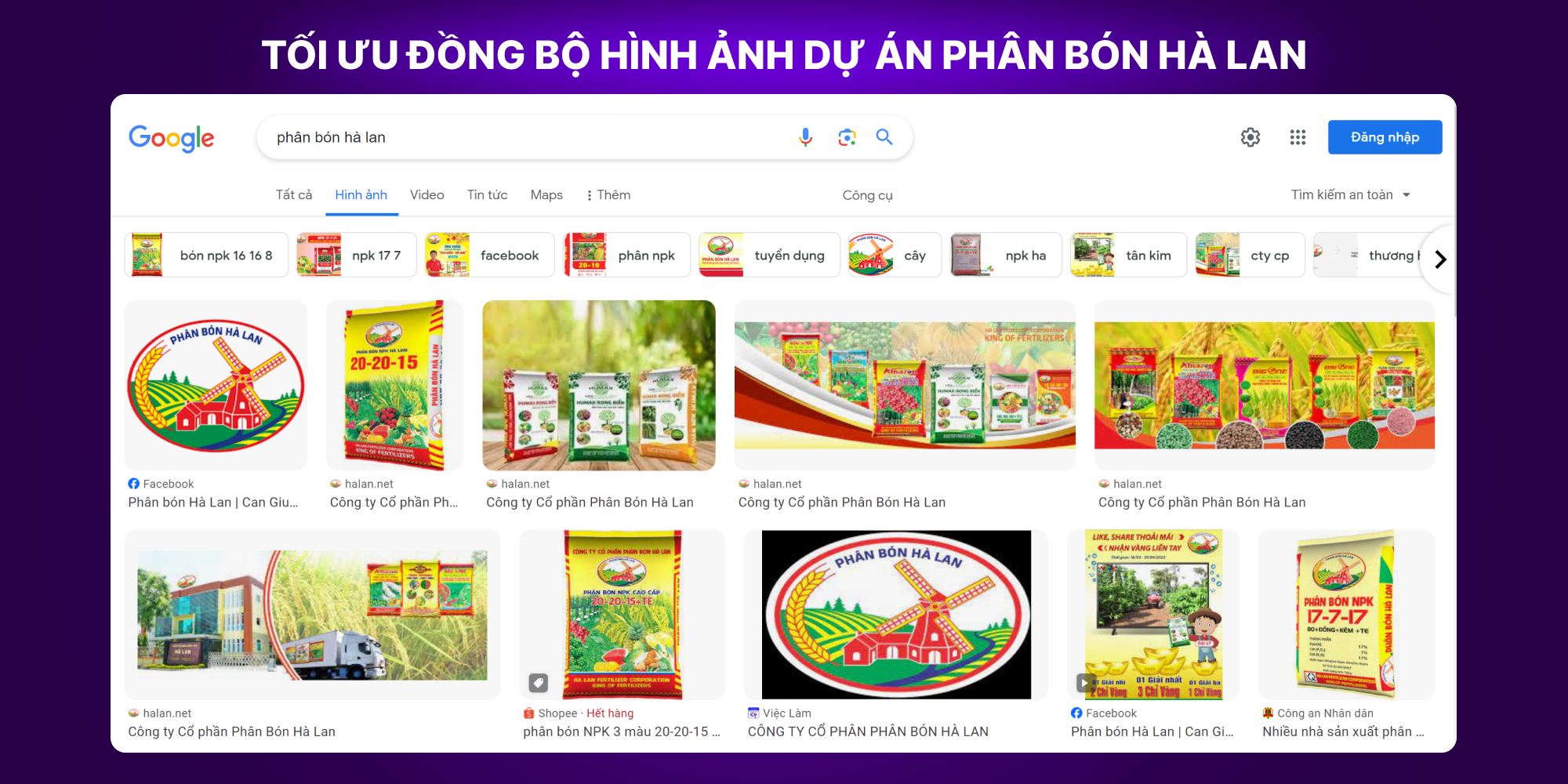
Many websites today get very good results from image search. Banners on the main site and images in articles should all be optimized for on-site SEO.
To get good results from image optimization during on-site SEO, focus on the following:
A well-optimized site structure makes it easy for Google to crawl the site and for users to find their way. A clear, tight structure improves SEO and also gives users a better experience.
You can check your site structure against on-page SEO standards like this:
Building an SEO-friendly site structure map helps you keep control of the structure and optimize it effectively.
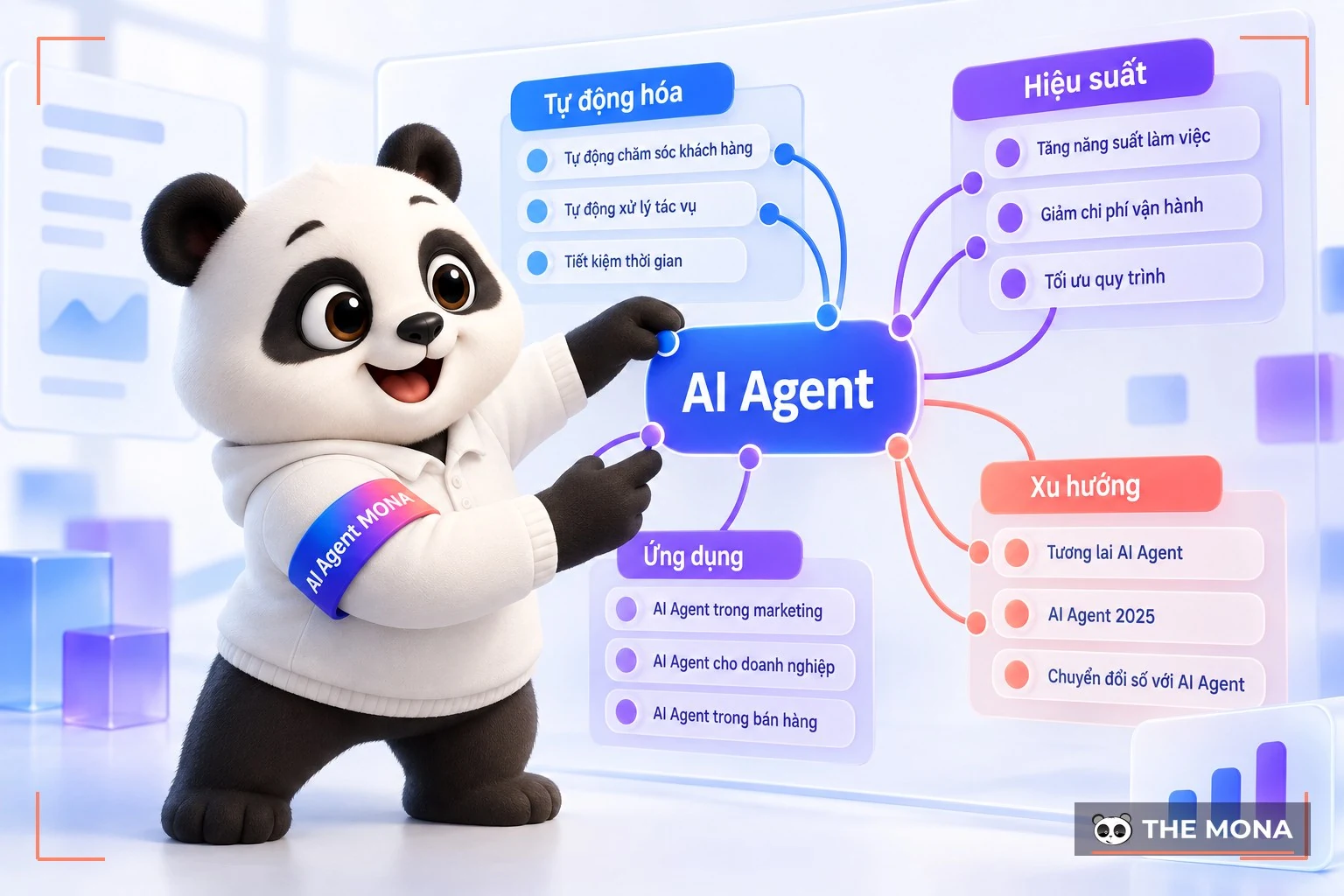
Optimizing semantic and LSI keywords is an important step in modern on-page SEO, making your content more relevant and higher quality. LSI keywords are more than extra keywords: they clarify the context and meaning of the content, which helps Google understand what your article is about.
Unlike LSI keywords, semantic keywords expand on and connect related ideas. When optimizing on-site, pick 10-20 semantic keywords that are related, and work them naturally into the content you are optimizing.
Example: If you are doing SEO for the keyword “Apple“, semantic keywords such as “Steve Jobs“, “iPhone“, “MacBook” make the article richer and clearer.
By optimizing semantics and using LSI keywords, your content has a better chance of ranking higher in search engines and gives readers real value too.
Bolding the main, secondary and long-tail keywords makes the article read more consistently and ties its parts closely together. It also helps search engines see your article as natural and engaging.
Readers notice and appreciate this kind of care, too. You can count it as part of improving user experience in on-site SEO.
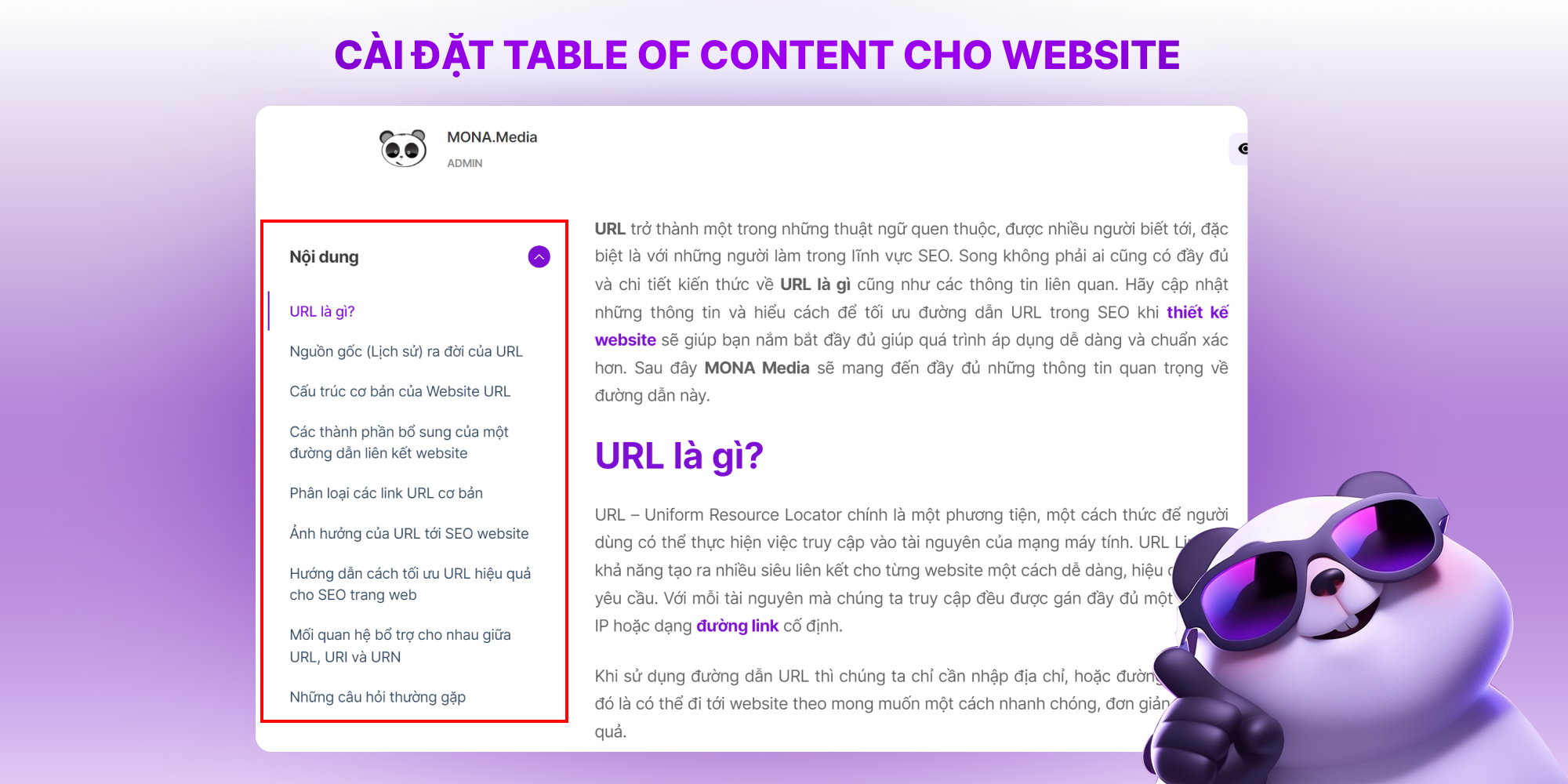
User experience is one of the key criteria Google uses to judge a website's quality. A table of contents at the top of the article gives readers an overview of the content, so they can jump straight to the section they need.
That's why a table of contents has a big impact on advanced on-page SEO. Most websites can enable it as a default feature, so it's easy to do.
Knowing and applying advanced on-page SEO techniques is how you get your website to the top of search results quickly. But not everyone understands what these criteria mean or how to apply them when optimizing on-page.
So let's go through in detail, with MONA, the 7 on-page SEO technical standards below, which help you hold and improve your site's ranking on Google and bring in more quality traffic.
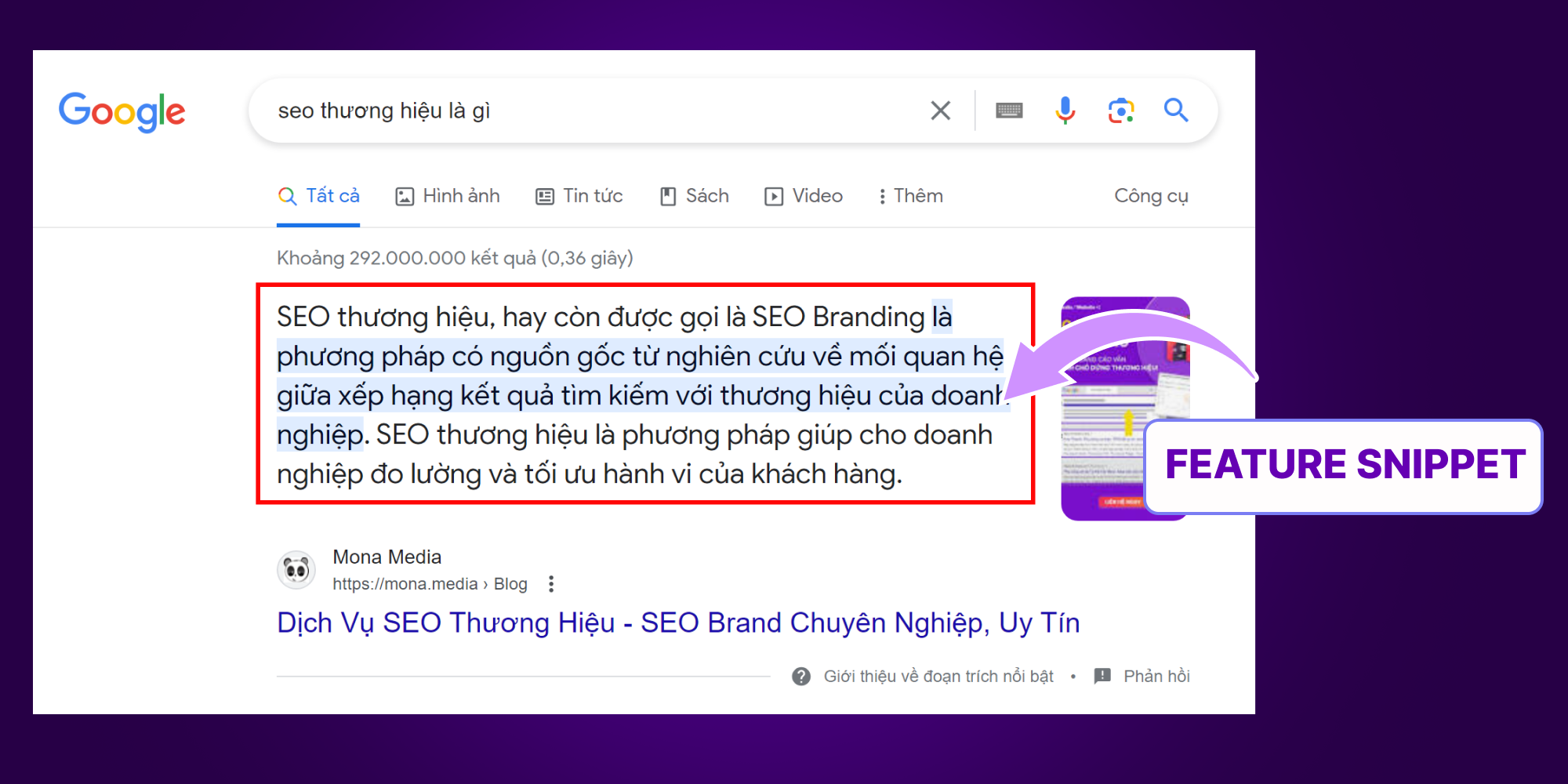
Featured snippets make a strong impression on readers right on the results page. To optimize for featured snippets, keep in mind the 2 most important items in the on-page checklist:
Setting up 301 redirects properly is an important part of on-page SEO, helping your site keep its ranking and authority when URLs change.
Things to watch when using 301 redirects:
Used properly, 301 redirects keep your SEO rankings, backlinks and domain authority when you move to a new URL.
Fixing 404 errors and using HTTPS are two important ways to improve user experience and rankings.
Fix 404 errors:
Use HTTPS:
On-page optimization should cover both of these to get the best SEO results.
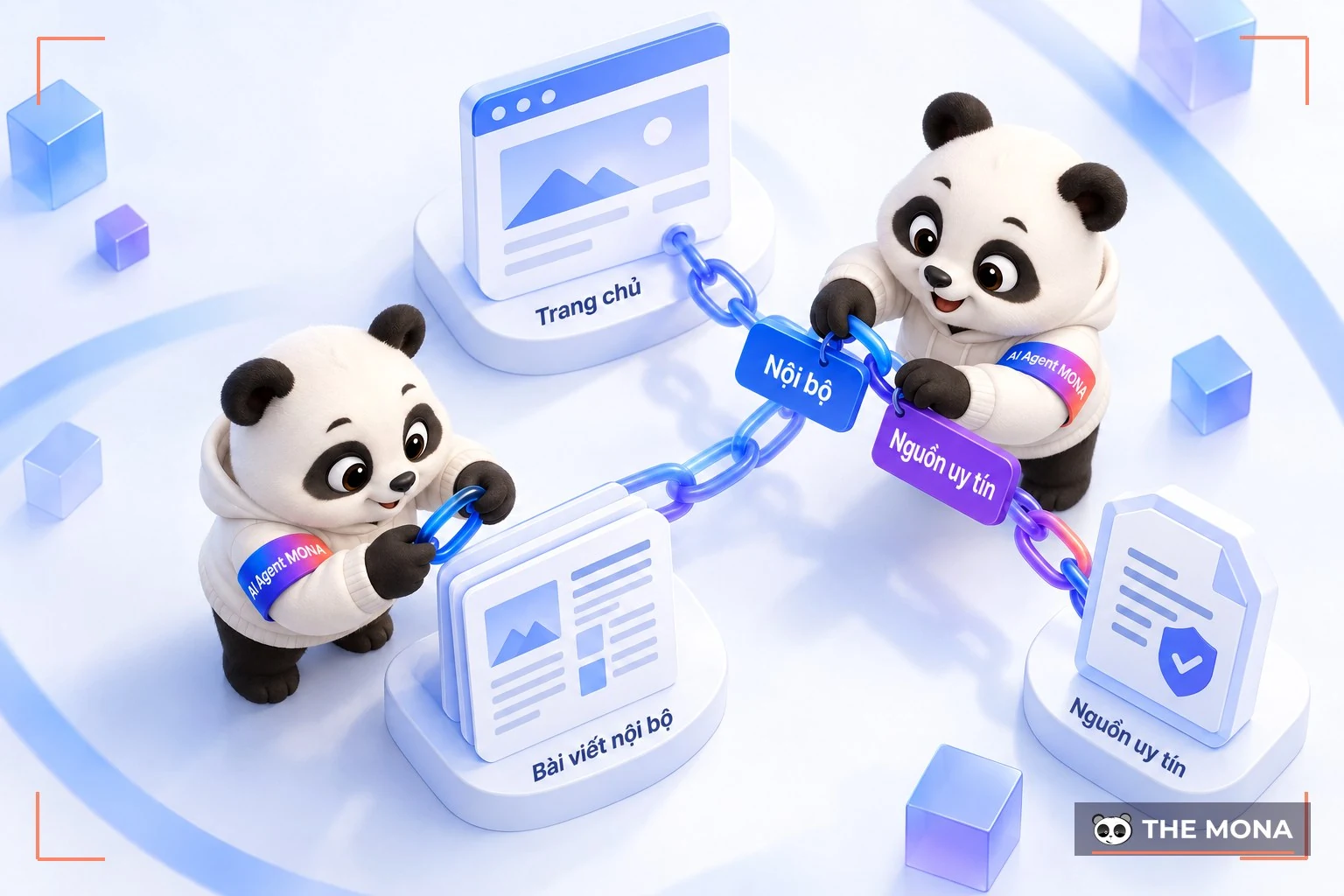
An article counts as fully optimized when it combines internal links and outbound links well. Internal links guide users around the site and make it easier for Google to crawl, which improves rankings.
Outbound links point to other sites and help Google understand what your site is about, raise your click-through chances and build relationships with other websites. There are also external links, which have a positive effect on your overall SEO plan and raise your site's trust.
One thing to watch with these links: don't repeat the same links, and choose quality links from reputable sources.
|
SEO is the tool that “draws” customers in to learn about your brand. But to keep users, you also need credibility. Entity link building is the method that builds trust in SEO. Brand credibility should be built from the moment a brand is created. SEO Entity is a service that builds a credible brand presence on the internet. Google then rates your site's credibility and quality more highly, which makes it easier to reach the top of search results. 
|
In on-page SEO, using Blockquote (quote blocks) can bring your website a few benefits. Here are some ways to use blockquotes in basic on-site SEO:
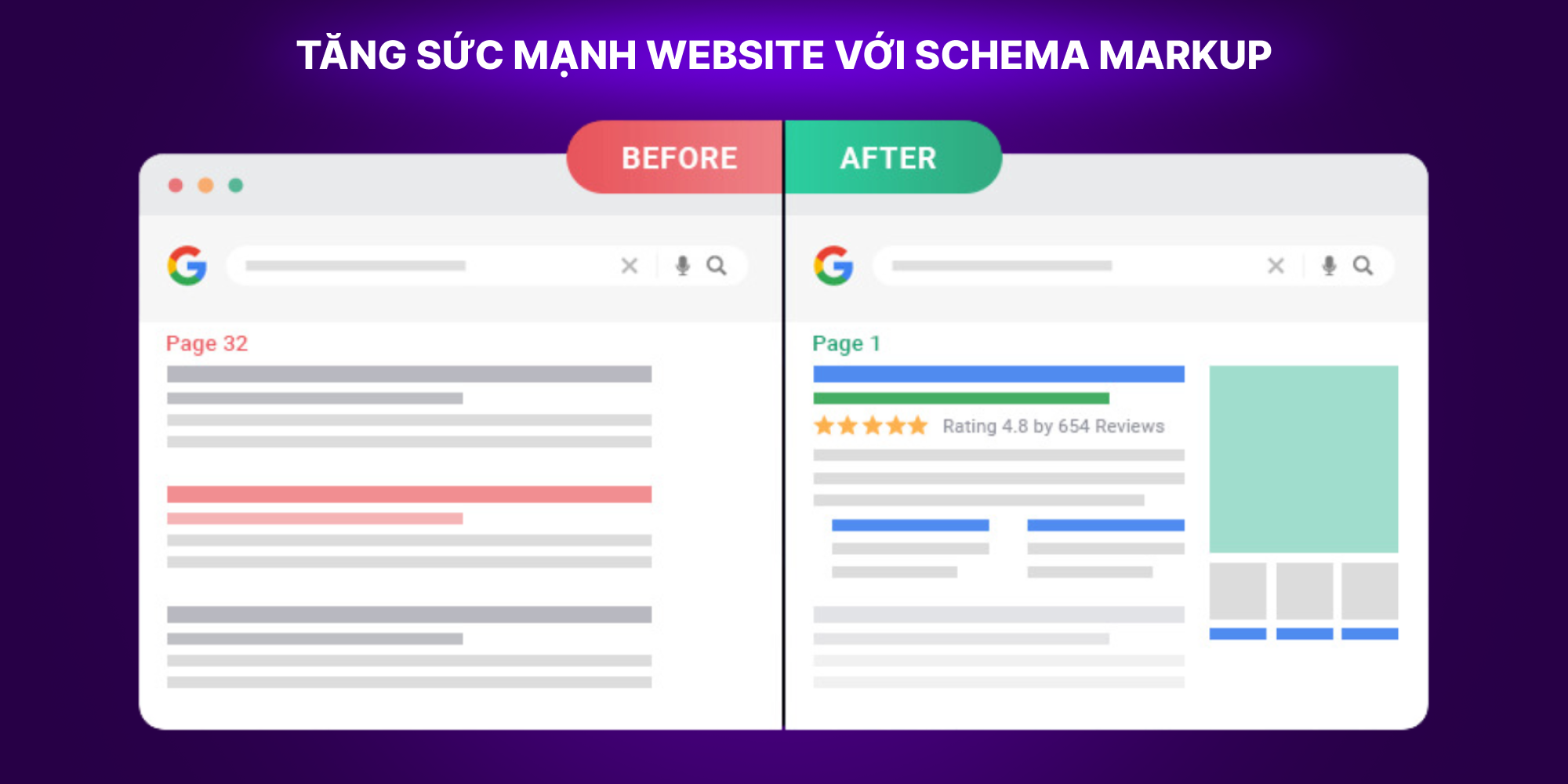
Schema markup is a language for marking up structured data so that search engines like Google, Bing and Yahoo can understand and classify your pages more accurately. That helps search engine bots crawl and index your on-site optimized articles faster.
Schema markup also makes your pages stand out on the results page and gives users richer results right there, which raises your click-through rate.
It's one of the key on-page SEO standards and appears regularly in SEO specialists' on-page checklists.
Content Gap is a way to assess and find the content gaps between your site and your competitors. Content gap analysis helps you identify keywords and topics you haven't covered or haven't developed enough, so you can optimize your site's content and take the chance to rank higher in search engines.
Here are the main benefits of content gap analysis for on-page optimization:
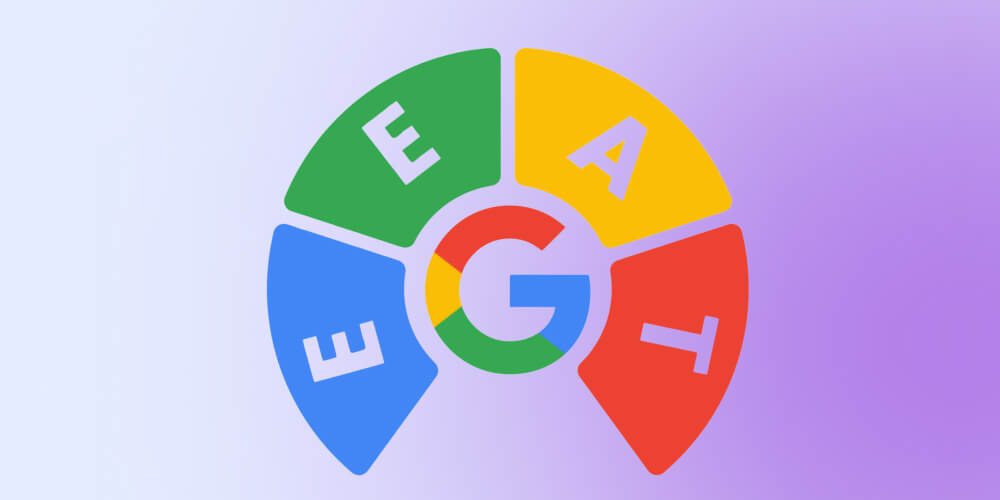
E-E-A-T stands for Experience (Experience) – Expertise (Expertise) – Authoritativeness (Authoritativeness) – Trustworthiness (Trustworthiness). These are the four criteria Google uses to judge the quality of your content and how credible your site is. Meeting them also helps your search rankings and builds trust with your readers. In detail:
Unlike the older E-A-T criteria, this version adds experience, so readers get information that is “archive footage” and accurate. It shows that Google increasingly values content based on real, hands-on experience from the person who published it.
Did you know? Google favors content that answers exactly what the searcher wants, with no rambling and no filler. A well-optimized article needs more than keywords: the on-page work has to be done properly, from the title and description to headings and images. Watch the video “4 Core Factors That Get Your Website to the Top of Google” to learn how to optimize keywords naturally, so quality content stays on top for the long run without hurting the reading experience.
For beginners, using the right on-page SEO checking tools makes the job simpler and helps you spot and fix weak points on your site. To save you the search, MONA has put together the popular, reliable tools below:
SEOQuake is one of the best-known free SEO tools in the SEO community. It installs as a browser extension for Chrome and Firefox, and lets you quickly analyze the on-page SEO of any website.
Notable SEOQuake features include:
Yoast SEO is very popular in the WordPress community and is built to make on-page SEO easy.
Key features of Yoast SEO include:
Whether you run a personal blog or work on SEO for a business site, Yoast SEO has a version that fits:
Surfer SEO is a standout paid SEO tool that analyzes and optimizes content using data from competitors on the search results page (SERP). Plans start from $89/month for Essential, $179/month for Advanced and $299/month for Max, depending on your needs and size.
Some features of Surfer SEO:
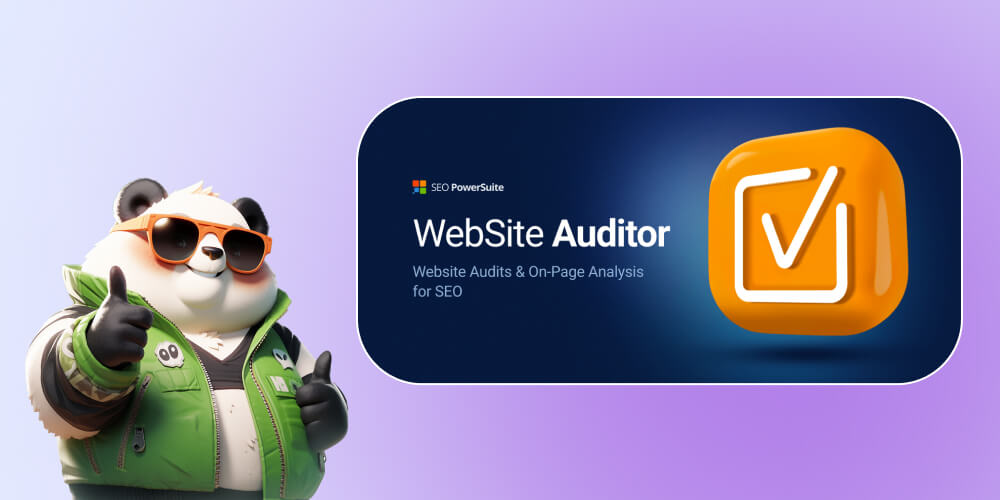
Website Auditor is part of the SEO PowerSuite toolkit and gives a full analysis of both technical SEO and on-page SEO for your website.
Website Auditor features include:
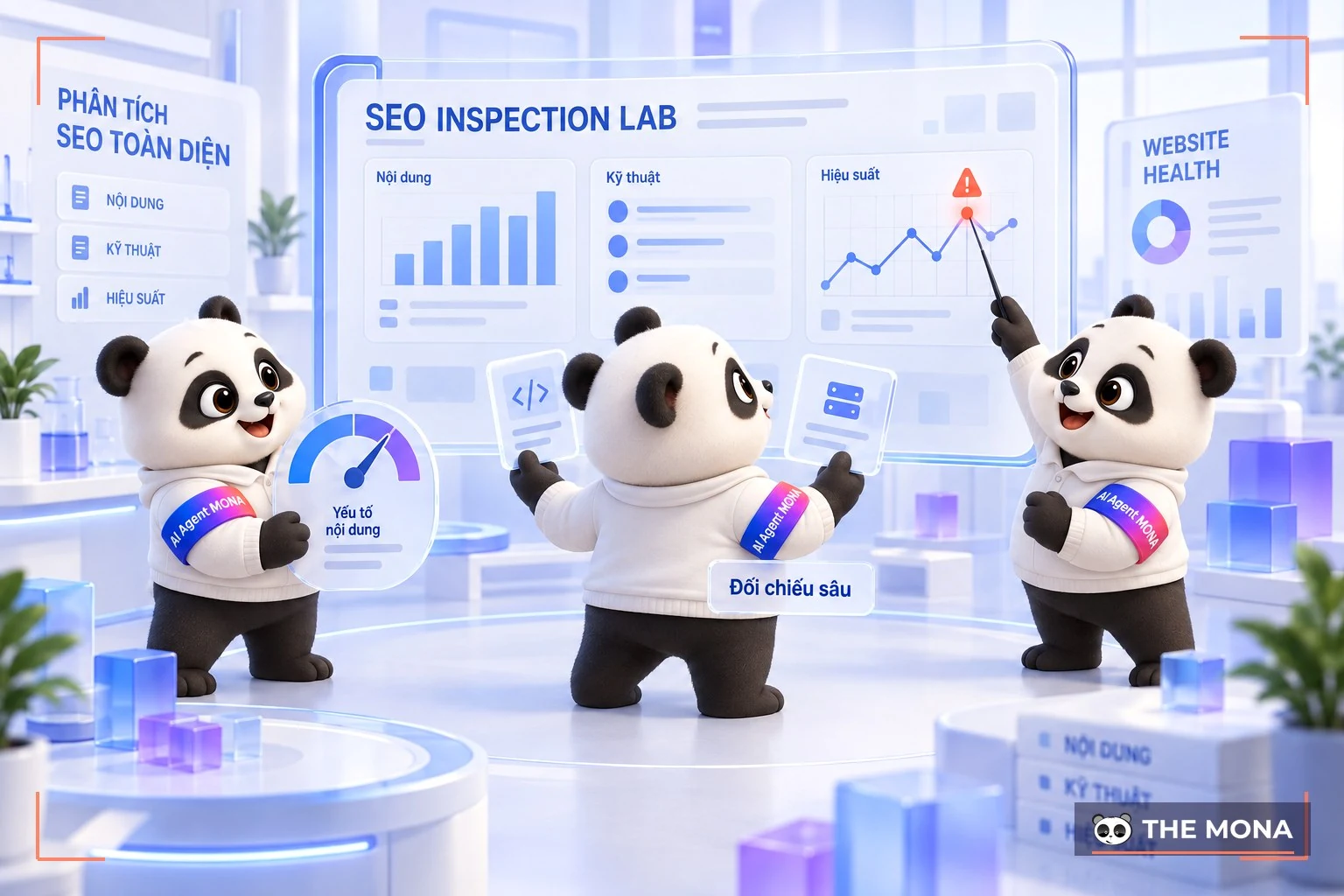
Cora SEO is an advanced SEO tool built to analyze your site in detail and compare it with your competitors on the SERP. Cora SEO is not a cloud tool but a desktop program, so downloading and processing data can take longer. It offers a free 3-day trial and plans starting from $50/month cho SEO Editor Pro, $125/month for Cora Lite SEO and $250/month for the full Cora SEO.
Highlights of Cora SEO include:

1 – Who should do on-page SEO?
On-page SEO isn't only for “SEO people”. It applies to anyone who wants to improve their website's ranking on Google. Whether you're a blogger, an affiliate marketer or a service business, you need on-page SEO.
2 – What does on-page SEO involve?
On-page SEO includes these main tasks:
3 – What are the benefits of on-page SEO for an article?
On-site SEO brings these benefits to your article:
For search engines:
For users:
This article from MONA Media has covered the question What is on-page SEO in detail, along with the most common ways to optimize on-page SEO today. We hope this helps you apply on-site SEO techniques to raise the ranking of your articles and your website on search engines.

CEO & Founder · The MONA
Founder of The MONA, who built a services company of 200+ staff with 14,000+ projects delivered. Khánh Hùng shares how he thinks about building systems that run themselves, automating a business, and the real lessons from delivering projects at MONA.
 1,6K
1,6K




Professional website
design services
Own a website with a beautiful, 100% exclusive design and a lifetime warranty, with the ability
to expand features flexibly as your business grows, starting today!



NHẬN TƯ VẤN SEO MIỄN PHÍ !








 MONA will never sell your information or send you spam
MONA will never sell your information or send you spam
MONA will never sell your information or send you spam


 MONA will never sell your information or send you spam