
 MONA OS 2.0
 Hợp tác với MONA


 Tự động hoá doanh nghiệp
 Cẩm nang SEO
 Digital Marketing
 Kinh nghiệm thiết kế website
 Hạ Tầng Server
 Giáo dục


 VI
 EN












Message us on
Zalo Official


 ProductsNew

 ProductsProducts
 Mới ra mắtKHA AI 2027App tự edit video, tự đăng mọi mạng xã hội, 2 phút mỗi ngày










 Thiết kế websiteVừa đẹp vừa thuyết phục được khách.
Dịch vụ SEOKéo về khách đang tìm đúng thứ anh chị bán.
 Tư vấn digital marketingKéo khách từ nhiều kênh, đo bằng số thật.
Quay video doanh nghiệpVideo giới thiệu công ty, nhà xưởng, đội ngũ.
 MớiDựng video AIDựng phim câu chuyện công ty bằng AI.
 Custom software developmentCRM, ERP and HRM built for your business.
 Viết AI Agent theo yêu cầuĐặt riêng một trợ lý AI cho đúng việc của mình.
 Tư vấn chuyển đổi AIĐưa AI vào vận hành của cả công ty.
NewMONA LMSManagement for centers and schools.
MONA SkillHubInternal training for company staff.
 NHTQ systemEnd-to-end China–Vietnam shipping operations.
MONA JMSManagement for gold, diamond and pawn shops.
 MONA E-LearningA website with every feature you need to sell courses.
 How to sell online courses (course)More than 30 free lessons on selling courses on autopilot.
 MONA Cloudmonacloud.vnServers to get your apps and websites running.
 MONA Basemonabase.vnPostgres database, sign-in and file storage.
 MONA Mailmonamail.vnSend OTP, order and invoice emails from your software.
 MONA Paymonapay.vnAccept bank transfers via VietQR and notify your software when the money arrives.
 MONA eInvoiceComing soonIssue e-invoices that meet tax standards.
Gấu CườiTrả lời khách 24/7 trên web, Fanpage, Zalo và thu lead cho sale.
 Gấu TeleSalesGọi điện tư vấn, chăm khách như tổng đài viên thật.
Dê CườiTư vấn và chốt đơn cho shop ngay trong khung chat.
Gấu WebmasterNhắn nhóm Zalo là website được sửa xong.
 Gấu Pháp ChếSoạn hợp đồng, rà điều khoản trong vài phút.
 Gấu Báo GiáLên báo giá đúng mẫu và gửi khách ngay.
 AI chăm sóc khách hàngTheo dõi và giữ chân khách hàng cũ.
 Gấu Tuyển DụngLọc hồ sơ, hẹn lịch, phỏng vấn ứng viên.
 Mới ra mắt
KHA AI 2027
Xây kênh chuyên gia 2 phút mỗi ngày
Quay bằng điện thoại, AI tự edit video, tự đăng lên 16 nền tảng và tự trả lời bình luận, tin nhắn.
872.592lượt xem trên kênh CEO MONA sau 35 ngày
 Anh Khánh HùngCEO MONA đang dùng mỗi ngày
Xem app làm được gì
 AI
Gấu Cười MONA ĐANG TỰ XÀITrả lời khách 24/7 trên website, Zalo OA, Messenger và thu lead về cho sale.
Dê CườiChốt đơn bán lẻ và sàn: Shopee, TikTok Shop, web. Chăm cả khách sỉ, đại lý.
Gấu WebmasterCập nhật nội dung, tối ưu SEO website mỗi ngày.
Gấu TeleSalesGọi điện tư vấn, chăm khách như tổng đài viên thật.
Gấu Tuyển DụngLọc hồ sơ, hẹn lịch, phỏng vấn ứng viên tự động.
AI chăm sóc khách hàngGiữ khách cũ, cứu lead đã rớt cho phòng kinh doanh.
Gấu Pháp ChếSoạn hợp đồng, rà điều khoản trong vài phút.
Gấu Báo GiáLên báo giá đúng mẫu, gửi khách ngay khi có yêu cầu.
 Chuyển đổi AI toàn phầnGiải pháp tổng cho doanh nghiệp, 3 lớp triển khai.
 Viết AI Agent theo yêu cầuĐặt riêng một con AI gánh đúng nghiệp vụ của bạn.
 Custom softwareCRM, ERP and HRM with built-in AI automation.
 SEO & AEO thời đại AIĐược Google lẫn AI trích dẫn, không chỉ xếp hạng.
 Kiến thức AI cho doanh nghiệpBài phân tích, hướng dẫn ứng dụng AI vào vận hành.
 Free AI courses
 AI tools at work
App mới · KHA AI 2027
Xây kênh 2 phút mỗi ngày
AI tự edit video, tự đăng mọi mạng xã hội
Free consultation, 8am–10pm every day

18 March, 2023
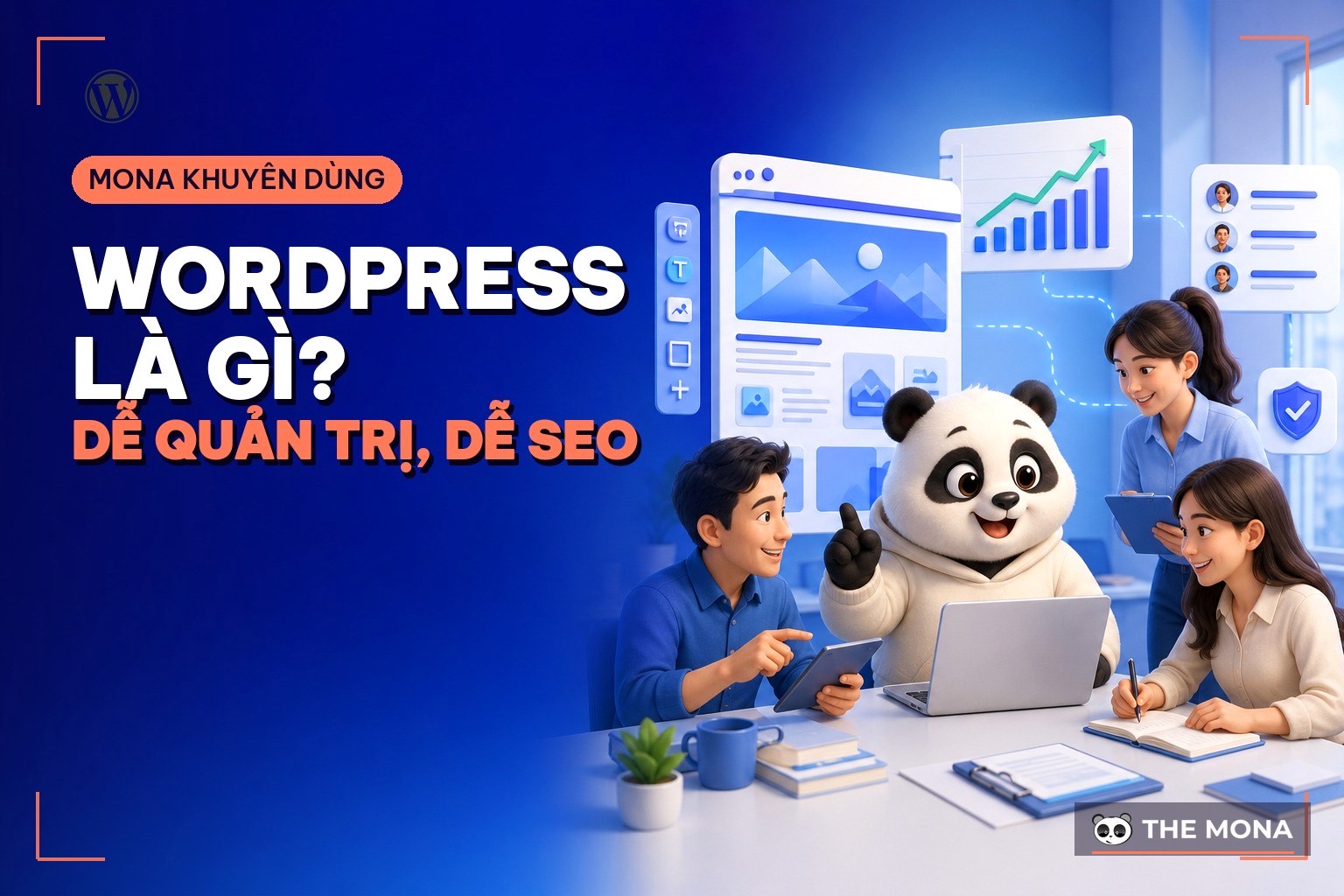
The page you are reading runs on WordPress. Really. Not a demo, not a side site: mona.media, MONA’s main website with more than 1,700 live content pages, runs on WordPress with a theme we wrote ourselves from scratch. So when people ask what WordPress is and whether it’s worth using for a company website, we answer with something we operate every day, not with translated documentation. WordPress is an open-source content management system that lets you create, edit and extend a website without touching the source code in day-to-day work. W3Techs records it running on about 41.2% of all websites worldwide. This article covers both sides honestly: what WordPress does very well, what you shouldn’t force it to do, and the real cost of a decent company website.
WordPress launched in 2003 and is now more than 20 years old, growing from a blogging platform into a content management system for almost every kind of website: company profiles, news, recruitment, basic online sales. More than 4 out of every 10 websites in the world run on it, which brings a huge ecosystem of tens of thousands of themes and plugins, and a support community so large that almost any bug you hit, someone has already hit before you. Popularity is a kind of insurance.

First, one common mix-up that leads many people to start in the wrong place: WordPress.com and WordPress.org are two different things. The .com version is a hosted service, fast but with many permissions locked, and unlocking them costs a monthly fee. The .org version is free open-source software you download and install on your own hosting, with full control, and it is the version professional web builders, including us, mean when they say WordPress. This whole article is about the .org version. Please keep that in mind.
After more than 10 years of building websites for clients, we have drawn a very clear line. WordPress is good for: company profile websites, service pages that need proper SEO, blog systems that build the brand, recruitment pages, and small-scale online sales. That is the kind of work where content changes every week while the structure stays stable, exactly what a content management system is good at. mona.media itself is an example: our content team publishes almost every day, each article with around 10 illustrations, without calling a developer.

On the other side, and we’ll say it plainly even though WordPress pays our bills: don’t force WordPress to carry business software. Multi-level order approval, real-time inventory, payroll, each company’s own operating workflow: pile those into WordPress with 30 to 40 plugins and it runs smoothly for the first few months, then it slows down, plugins conflict and nobody dares to upgrade. That kind of work belongs to custom-built software, where business workflows are designed from the ground up. A WordPress profile website plus custom operations software, talking to each other through a data connection, is the setup we see lasting longest with business clients. Each does the job it was built for.
WordPress’s strength lies in two building blocks: themes decide the interface, plugins add features. And this is exactly where most WordPress websites break, not because the platform is bad but because of careless assembly.

These are the three traps we see most often when we take over a client’s old site. One, theme themes bought from dubious sources or cracked copies that carry malware from the moment they are installed; we covered this in a separate article, buying WordPress themes: watch out for pirated copies. Two, installing plugin on a whim; 40 to 50 plugins on one site is not a rare sight, the site crawls and nobody remembers what each one is for. Three, forgetting that paid plugins are a recurring cost: a well-known SEO plugin currently charges 118.80 USD per year, and add a few more paid plugins and the yearly renewals cost as much as a full content refresh. Add it up before you install, so the bill doesn’t surprise you.
Our simple rule: one plugin per feature, prefer plugins whose developers make their living from them, and every 6 months review the list and remove what isn’t used. We have listed the plugins a business website really needs in the article essential WordPress plugins, with a separate article for each group, such as SEO, cache, backup and multilingual translation plugins.
WordPress is free, but a WordPress website isn’t, and sellers rarely list all the cost lines. Here is a framework so you can do the math yourself, checked as of 02/08/2026:
| Item | Cost range | Cycle |
|---|---|---|
| Domain | .com about 400,000 VND, .vn about 700,000 VND | Every year |
| Hosting cho WordPress | A few hundred thousand to a few million VND depending on traffic | Every year |
| Paid themes + plugins | Free if chosen carefully, up to a few million VND if you depend on paid versions | Every year |
| Initial design and build | From a few million VND with a template theme to a few tens of millions of VND with a custom-written interface | One-time |
The last line can differ tenfold, so it deserves a closer look. A template theme is cheap at first, but you share the same design with thousands of other sites and usually have to live with a pile of unneeded features that slow the site down. A custom-built interface costs more up front, but it matches your brand identity, carries only what you need, and doesn’t depend on the theme seller’s renewal cycle. A website represents your business for 5 to 10 years, so spread the initial cost over each year of use before deciding whether it’s expensive. Once you do, the answer is obvious.
WordPress often gets a reputation for being slow and easy to hack. Checked fairly, half of that bad reputation is true and half is unfair. The true half: a site with dozens of plugins installed carelessly, the cheapest possible hosting and nobody updating it will sooner or later be slow and breached. The unfair half: the WordPress core itself is patched continuously by a dedicated security team and most hacks come through pirated plugins, weak passwords and unupdated software, meaning operational mistakes rather than platform flaws.

The minimum set we apply to every WordPress site we hand over: only install plugins from known sources, keep updates on, automatic backups once a day, an SSL certificate, and hosting behind a firewall that only opens the necessary ports. If a site is slow, check it against the article speed up your website and WordPress security, and if it hits classic errors such as mixed content, being unable to access the admin page we have ready-made articles to fix each WordPress error. The platform’s system requirements are very light; the official recommendation only calls for recent versions of PHP and MySQL, so slowness is almost always down to how the site was built, not to underpowered machines. How it’s built is what counts.
We don’t install a template theme, swap the logo and hand it to the client. Our process is to design the interface around each company’s brand identity, write a custom theme from that design, and add exactly the features needed. Of more than 14,000 projects since 2016, most of the business profile websites followed this formula, including mona.media itself, as we mentioned at the start.

For plugins, we go one step further: we developed a suite of 7 MONA plugins on the same technical standard, covering the most common business needs from SEO, forms and multilingual support to custom data fields. Clients who build their website with MONA get the Pro version of the whole suite per domain, saving 3 to 7 million VND in renewal fees each year, and the website keeps running normally even after the license expires, it just stops receiving new updates. This addresses exactly the recurring cost line in the table above. One less expense every year.

Handover is also a step we do carefully, because it is what clients complained about most with their previous agencies: full top-level admin rights, the hosting account, the domain registered in the client’s name, plus usage guides for non-technical people. If it’s your website, the keys have to be in your pocket. No exceptions.
The industries where we deploy WordPress most: professional services such as law, accounting and architecture; clinics and education that need blog systems to build credibility; construction and manufacturing that need company profile pages; and retail chains with 20 to 30 branches that need a page for each store to direct customers to the one nearest them.


On the other hand, for some projects we recommend a different route from the very first consultation. Large e-commerce marketplaces that need real-time inventory and promotions, complex booking apps, internal systems with many permission levels: those belong to custom-built software, as mentioned above. And if you are torn between drag-and-drop platforms, we have a direct comparison of Wix and Shopify vs WordPress; a 10-minute read and you’ll know which group you belong to. Choose the platform by the problem, not by the advertising. The problem comes first.
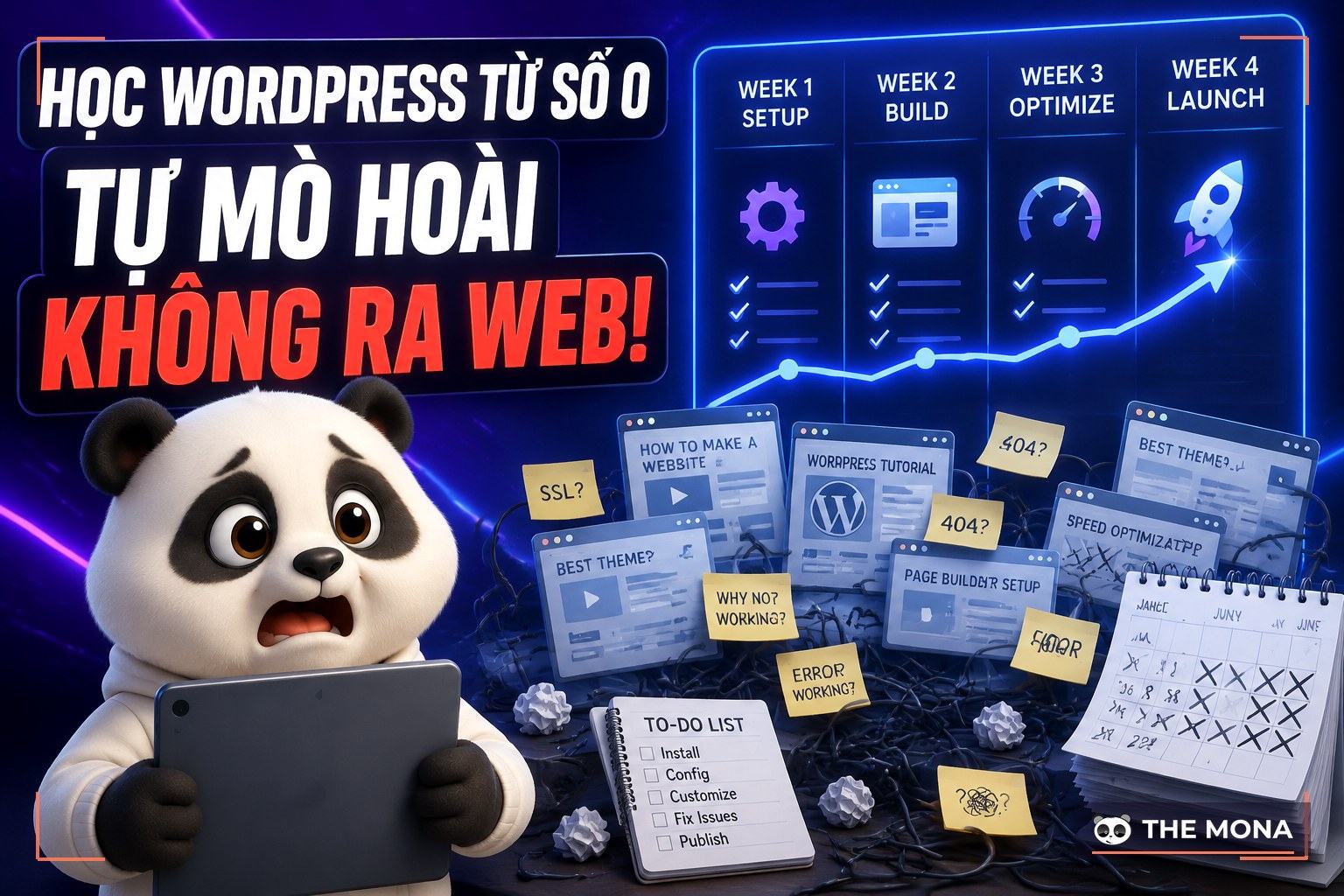
Doing it yourself is entirely feasible if you have the time and the website isn’t yet a key source of revenue. We have already written the roadmap as a series of articles: how to create a website with WordPress in 7 steps for beginners, and a 4-week WordPress learning path if you want a solid grounding to manage the site yourself in the long run. Building a basic profile site yourself takes about 2 to 4 weeks of evenings, costing mainly the domain and hosting.

Hiring makes sense when the website is directly tied to your business: you need the right brand identity, SEO built into the structure, completion within a few weeks to match a campaign timeline, or the current site is so slow and messy that fixing it costs more than rebuilding. The second case is not rare among the clients who come to us: an old website built 4 to 5 years ago, the developer has left, and nobody holds the source code. Don’t wait for that. Demand admin rights and the source code from the very first contract, whoever you hire.

The WordPress.org core is free forever. The real costs are the domain, hosting, themes, paid plugins and the build work; the specific figures are in the cost table above.
The platform supports it well: clear structure, fast content editing, mature SEO plugins. But whether a site is SEO-ready is decided by content structure, speed and article quality, meaning by how it’s done. A sloppy WordPress site still drops in rankings like any other.
The core is patched continuously, and most hacks come through dubious plugins, weak passwords and missed updates. Run it properly as described in the security section above and WordPress is safe enough for a business website.
A lightly adjusted template theme: 1 to 2 weeks. A custom-designed interface: usually 3 to 6 weeks, depending on the number of pages and how quickly content feedback goes back and forth.
Yes, and we’ve done it many times: keep the content, keep the old URLs or redirect them properly so you don’t lose search rankings. The parts that need the most care are the article data and the redirect map, so ask the implementer to list both clearly in the quote.
The short answer to the title: WordPress is the content management system running 41.2% of websites worldwide, and for business profile websites it is our default recommendation, proof being that we put our own website on it. Choose it when you need a company site that is easy to manage, strong in SEO and with controllable costs. Don’t choose it when what you really need is operations software.
If you are planning a new company website or a rebuild, call 1900 636 648, and send us your current website if you have one. We give you a straight answer in one session: whether the site should stay on its current platform or move to WordPress, whether it needs a custom design yet, and a cost table itemized line by line like the one above, including the plugin costs you save with the MONA plugin suite licensed per domain. See our website design service first if you like, or read the basic article on websites if you want the core concepts before deciding. A company profile website is your company’s storefront for 5 to 10 years, so choose carefully and choose once.

CEO & Founder · The MONA
Founder of The MONA, who built a services company of 60+ staff with 14,000+ projects delivered. Khánh Hùng shares how he thinks about building systems that run themselves, automating a business, and the real lessons from delivering projects at MONA.
 1,7K




Professional website
design services
Own a website with a beautiful, 100% exclusive design and a lifetime warranty, with the ability
to expand features flexibly as your business grows, starting today!












 MONA will never sell your information or send you spam


 MONA will never sell your information or send you spam
