


 MONA OS 2.0
 Partner with MONA










































 Free AI courses
 AI tools at work

 Tự động hoá doanh nghiệp
 Cẩm nang SEO
 Digital Marketing
 Kinh nghiệm thiết kế website
 Hạ Tầng Server
 Giáo dục


 VI
 EN


How to configure the system on MONA eLearning
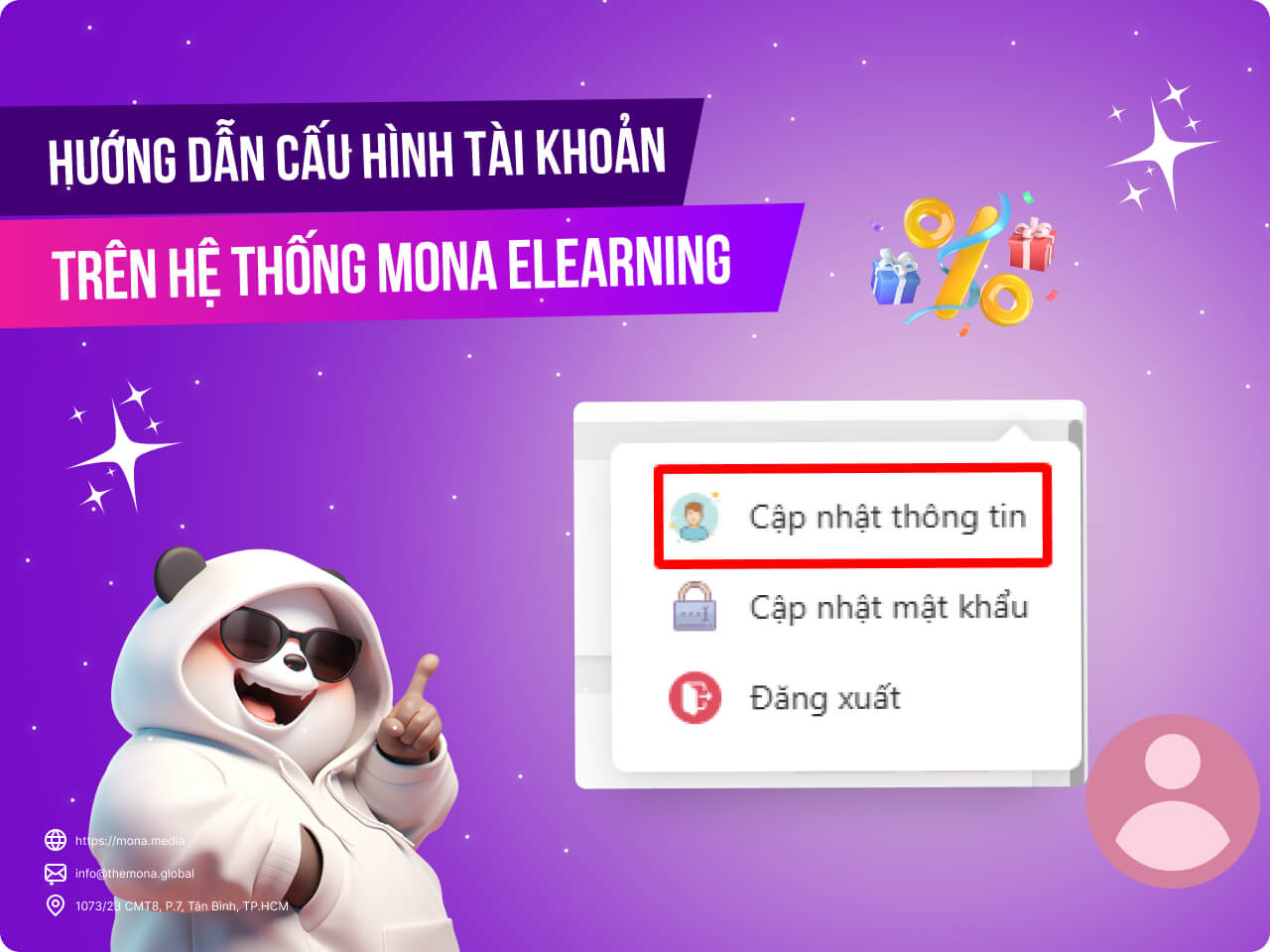
MONA Elearning is a solution for managing a course-selling website, helping streamline learning and teaching. But for new users, configuring the system can be hard, especially tasks like updating personal information or changing the account password. This article shows you in detail how to configure the system in MONA Elearning so you can get used to it quickly and use it well.
Step 1: Open the personal management page
Open your profile in the top right corner of the screen. It has 3 options:
- Update information
- Update password
- Log out
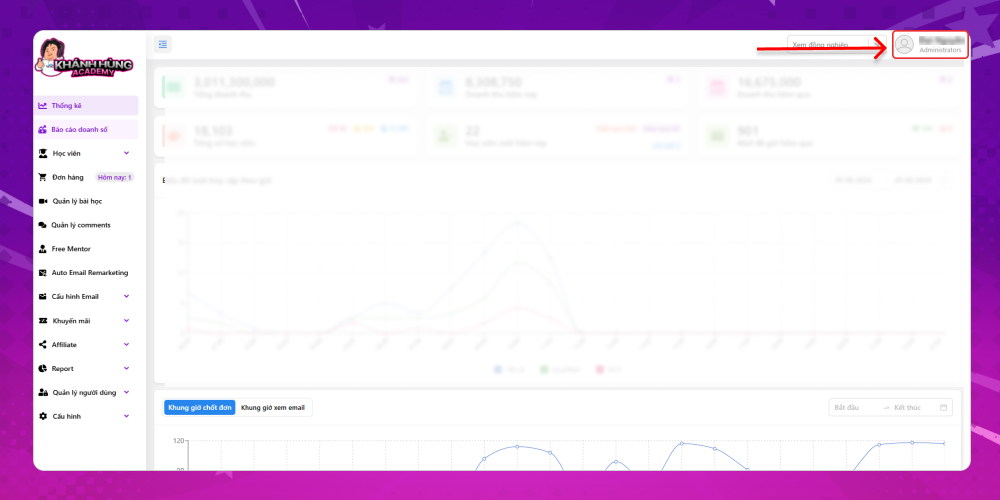
Step 2: Configure account information in MONA Elearning
If you need to update account information, select the module Update information
The account overview includes:
- Username
- Full name
- Account login email
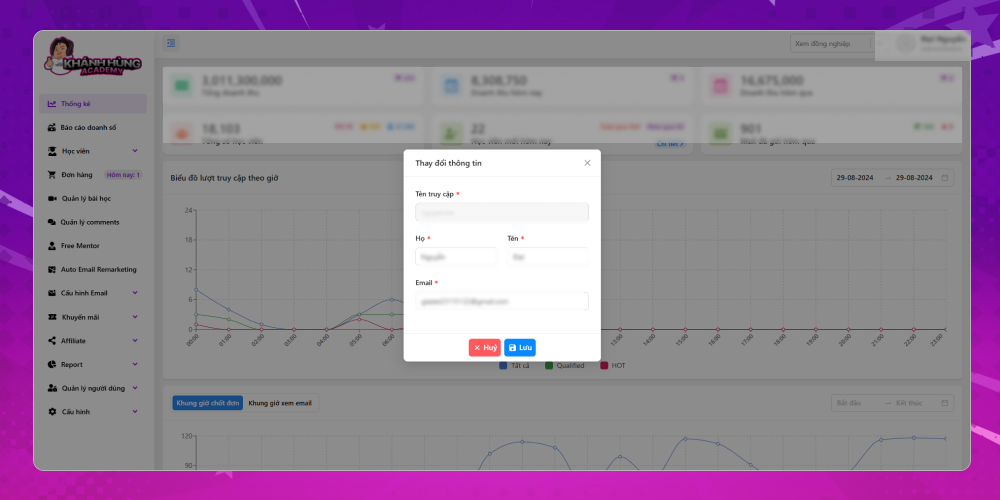
Here you can only change your first name, last name and email. The username is set by MONA Media when the account is first created
You can do the same if you need to change the account password.
Configuring the system in MONA Educenter not only lets you personalize your experience but also keeps your information safe and secure. We hope these steps show you how to update personal information and change your account password easily. If you have questions about MONA Elearning, customers can contact MONA Media for detailed advice:
- Hotline: 1900 636 648
- Email: info@themona.global
- Address: 1073/23 Cach Mang Thang 8, Ward 7, Tan Binh District, Ho Chi Minh City








