


 MONA OS 2.0
 Partner with MONA










































 Free AI courses
 AI tools at work

 Tự động hoá doanh nghiệp
 Cẩm nang SEO
 Digital Marketing
 Kinh nghiệm thiết kế website
 Hạ Tầng Server
 Giáo dục


 VI
 EN


How to view Affiliate payment history on MONA eLearning
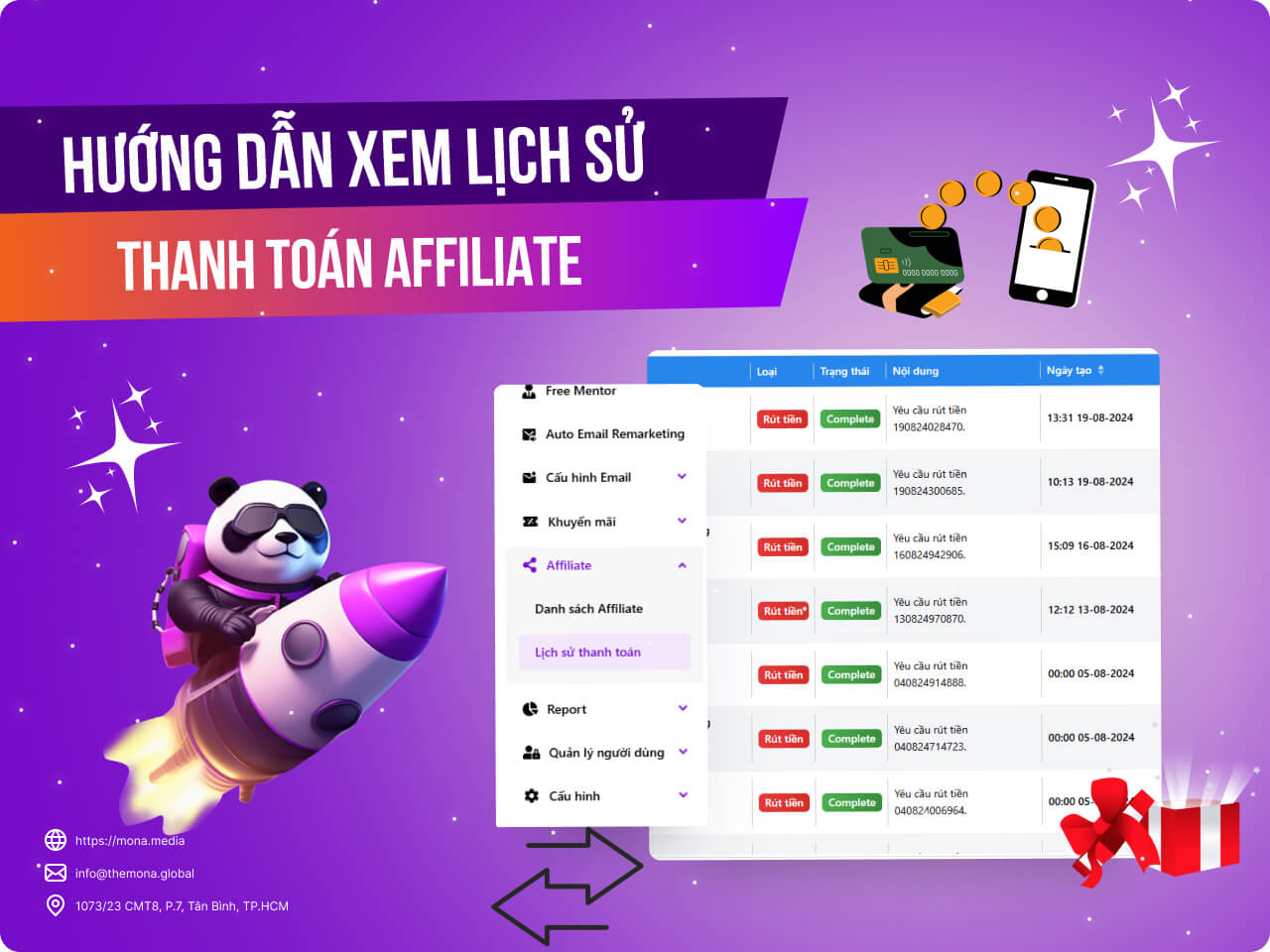
In online education, tracking and managing affiliate payment history for eLearning courses is key to keeping the business transparent and effective. MONA Elearning has a feature for this, and knowing how to open and read the affiliate payment history report helps you manage income and partners accurately. This article walks you step by step through viewing the affiliate payment history report on MONA Elearning.
Step 1: Open the Affiliate payment history
In the admin interface, go to Affiliate → Payment history
The detailed columns in this report include:
- Publisher info: full name and Affiliate code on Khánh Hùng Academy
- Amount
- Balance
- Bank
- Type: whether it is an affiliate withdrawal or a receipt
- Completion status
- Content
- Created date
- Completion time
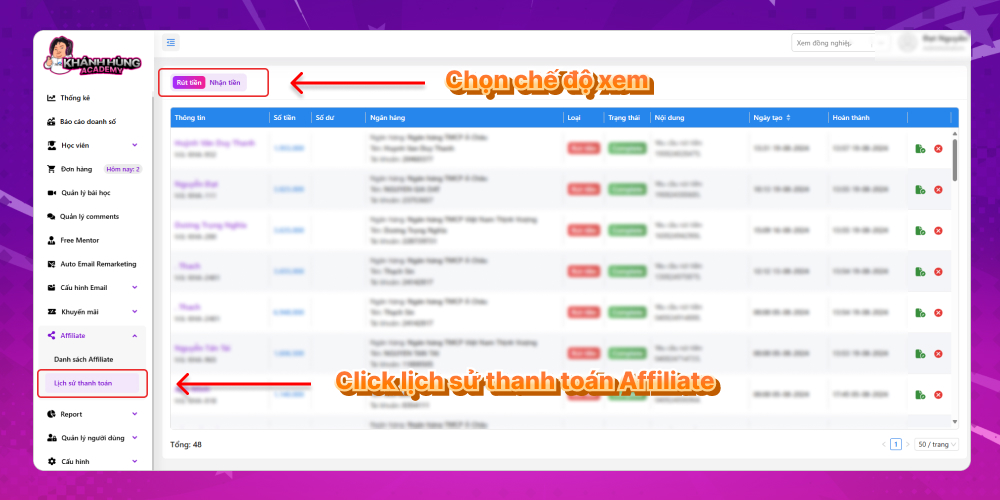
Step 2: View the Affiliate payment history details
There are two views, withdrawals and receipts:
- Withdrawals: A report on publishers withdrawing their money from the system
- Receipts: A report on the amounts Khánh Hùng has received and not yet paid out to publishers
Knowing how to read the affiliate payment history report in the system not only helps you manage income from eLearning courses effectively but also builds better relationships with your affiliate partners. We hope this detailed guide helps you carry out the steps and streamline your financial management. For any questions about the MONA Elearning system, you can contact MONA Media through the details below:
- Hotline: 1900 636 648
- Email: info@themona.global
- Address: 1073/23 Cach Mang Thang 8, Ward 7, Tan Binh District, Ho Chi Minh City








