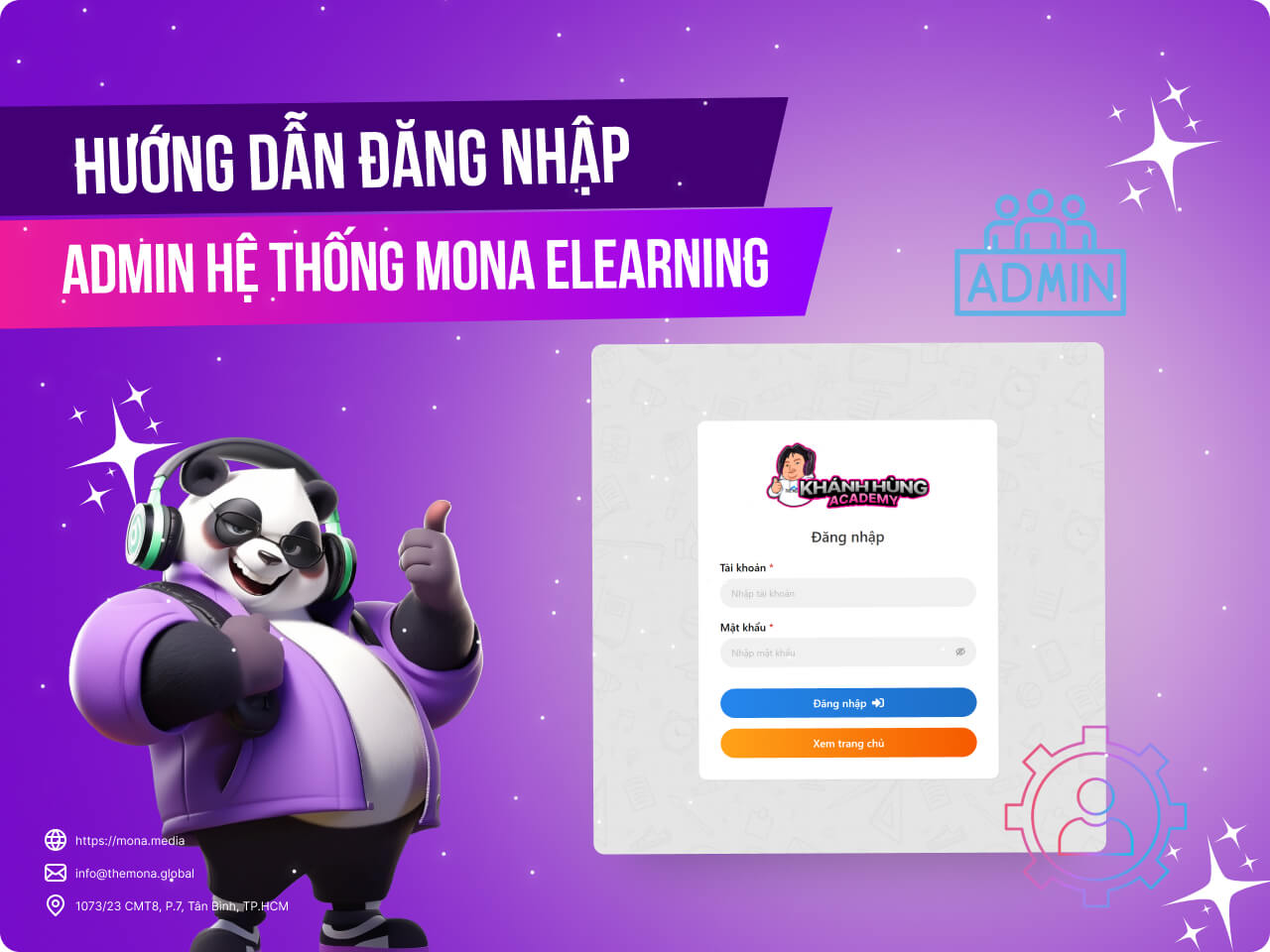
New to MONA Elearning and having trouble logging in? Don't worry! Logging in to the system is simple once you know the steps. In this guide, MONA Media walks you through each step so you can get into MONA Elearning easily.
Step 1: Get your login details
Students and colleagues who register to use MONA Elearning are given a login account made up of:
Username
Password
If you already have a course website domain, the login link for MONA Elearning looks like this: domain/admin/login
For example, the course website for Khánh Hùng Academy has this MONA Elearning access link: https://khanhhung.academy/admin/login/
Step 2: Enter your admin login details
Enter your username and password, and you can start using MONA Elearning to manage and run your e-learning course.
Those are the steps to log in to the MONA Elearning admin. The next posts in this series will give you the most detailed guides to using the system. For any questions about MONA Elearning, students, colleagues and customers can contact MONA Media using the details below:
Hotline: 1900 636 648
Email: info@themona.global
Address: 1073/23 Cach Mang Thang 8, Ward 7, Tan Binh District, Ho Chi Minh City
MONA has a podcast: listen instead of readingEpisodes on AI, automation & SEO for Vietnamese businesses



 MONA OS 2.0
 Partner with MONA










































 Free AI courses
 AI tools at work

 Tự động hoá doanh nghiệp
 Cẩm nang SEO
 Digital Marketing
 Kinh nghiệm thiết kế website
 Hạ Tầng Server
 Giáo dục


 VI
 EN