
 MONA OS 2.0
 Partner with MONA


 Tự động hoá doanh nghiệp
 Cẩm nang SEO
 Digital Marketing
 Kinh nghiệm thiết kế website
 Hạ Tầng Server
 Giáo dục


 VI
 EN
















Message us on
Zalo Official


 ProductsNew

 ProductsProducts
 Mới ra mắtKHA AI 2027App tự edit video, tự đăng mọi mạng xã hội, 2 phút mỗi ngày










 Website designLooks good and wins customers over.
SEO servicesBrings in customers searching for exactly what you sell.
 Tư vấn digital marketingKéo khách từ nhiều kênh, đo bằng số thật.
Corporate video productionVideos introducing your company, factory and team.
 NewAI video productionCompany story films made with AI.
 Custom software developmentCRM, ERP and HRM built for your business.
 Viết AI Agent theo yêu cầuĐặt riêng một trợ lý AI cho đúng việc của mình.
 Tư vấn chuyển đổi AIĐưa AI vào vận hành của cả công ty.
NewMONA LMSManagement for centers and schools.
MONA SkillHubInternal training for company staff.
 NHTQ systemEnd-to-end China–Vietnam shipping operations.
MONA JMSManagement for gold, diamond and pawn shops.
 MONA E-LearningA website with every feature you need to sell courses.
 How to sell online courses (course)More than 30 free lessons on selling courses on autopilot.
 MONA Cloudmonacloud.vnServers to get your apps and websites running.
 MONA Basemonabase.vnPostgres database, sign-in and file storage.
 MONA Mailmonamail.vnSend OTP, order and invoice emails from your software.
 MONA Paymonapay.vnAccept bank transfers via VietQR and notify your software when the money arrives.
 MONA eInvoiceComing soonIssue e-invoices that meet tax standards.
Gấu CườiTrả lời khách 24/7 trên web, Fanpage, Zalo và thu lead cho sale.
 Gấu TeleSalesGọi điện tư vấn, chăm khách như tổng đài viên thật.
Dê CườiTư vấn và chốt đơn cho shop ngay trong khung chat.
Gấu WebmasterNhắn nhóm Zalo là website được sửa xong.
 Gấu Pháp ChếSoạn hợp đồng, rà điều khoản trong vài phút.
 Gấu Báo GiáLên báo giá đúng mẫu và gửi khách ngay.
 AI chăm sóc khách hàngTheo dõi và giữ chân khách hàng cũ.
 Gấu Tuyển DụngLọc hồ sơ, hẹn lịch, phỏng vấn ứng viên.
 Mới ra mắt
KHA AI 2027
Xây kênh chuyên gia 2 phút mỗi ngày
Quay bằng điện thoại, AI tự edit video, tự đăng lên 16 nền tảng và tự trả lời bình luận, tin nhắn.
935.986lượt xem trên kênh CEO MONA sau 42 ngày
 Anh Khánh HùngCEO MONA đang dùng mỗi ngày
Xem app làm được gì
 AI
Gấu Cười MONA ĐANG TỰ XÀITrả lời khách 24/7 trên website, Zalo OA, Messenger và thu lead về cho sale.
Dê CườiChốt đơn bán lẻ và sàn: Shopee, TikTok Shop, web. Chăm cả khách sỉ, đại lý.
Gấu WebmasterCập nhật nội dung, tối ưu SEO website mỗi ngày.
Gấu TeleSalesGọi điện tư vấn, chăm khách như tổng đài viên thật.
Gấu Tuyển DụngLọc hồ sơ, hẹn lịch, phỏng vấn ứng viên tự động.
AI chăm sóc khách hàngGiữ khách cũ, cứu lead đã rớt cho phòng kinh doanh.
Gấu Pháp ChếSoạn hợp đồng, rà điều khoản trong vài phút.
Gấu Báo GiáLên báo giá đúng mẫu, gửi khách ngay khi có yêu cầu.
 Chuyển đổi AI toàn phầnGiải pháp tổng cho doanh nghiệp, 3 lớp triển khai.
 Viết AI Agent theo yêu cầuĐặt riêng một con AI gánh đúng nghiệp vụ của bạn.
 Custom softwareCRM, ERP and HRM with built-in AI automation.
 SEO & AEO thời đại AIĐược Google lẫn AI trích dẫn, không chỉ xếp hạng.
 Kiến thức AI cho doanh nghiệpBài phân tích, hướng dẫn ứng dụng AI vào vận hành.
 Free AI courses
 AI tools at work
App mới · KHA AI 2027
Xây kênh 2 phút mỗi ngày
AI tự edit video, tự đăng mọi mạng xã hội
Free consultation, 8am–10pm every day

06 September, 2026
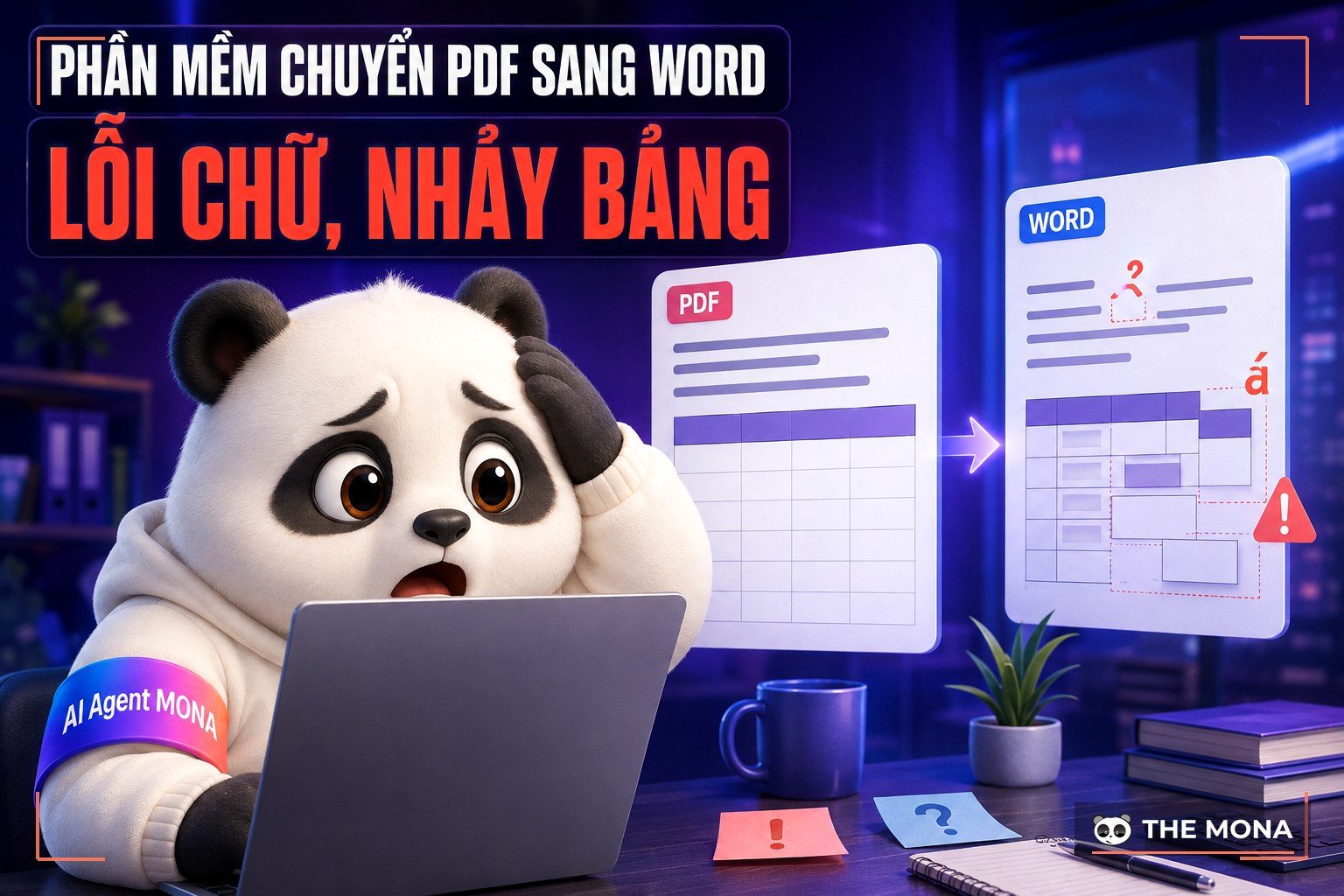
You receive a document from a partner, packed with figures, and you need to fix a few lines in a hurry to show your boss this morning. You go online and search for a PDF to Word converter, and you throw the file into the first tool that appears. 5 minutes of waiting gets you a mangled text, the cost column jumping around and Vietnamese diacritics turned into unreadable font-error boxes. This scene plays out every day in many offices MONA has visited to roll out systems after 3 months a trial run. It really is a headache.
Processing digital documents looks simple but eats countless working hours when done the wrong way. After years building websites and software for customers, we see clearly that the line between a smooth workflow and a tangled mess often comes down to picking the right tool. People who know the job know exactly which file goes to an online tool for speed and which must be handled with software installed on the machine so sensitive data does not leak outside. This is the amount of website knowledge you should know.
This article does not list tools superficially; we go deep into every corner of the tools on the market as of 06/09/2026. All figures, prices and limits were tested and verified by MONA, who opened the browser by hand, over 2 hours on the clock. By looking closely at each PDF to Word converter, you will see which one fits your company's size and which one is just advertising noise. Do not choose at random.
To open with a truly real test, we prepared a sample contract exactly 12 trang. We tested it right away. This file contains everything that easily breaks a system: a quotation table split into 6 columns set tightly together, 2 signatures inserted as images PNG 300dpi, and above all, a serif typeface whose strokes easily jump. The goal is to see which tools are truly smart and which only use a cheap algorithm to strip the text and throw it onto a blank page.
The results fell into three clearly separate groups that surprised the whole team after testing exactly 10 tools. The first group extracted the text but completely destroyed table formatting, so the accountants would have found retyping from scratch faster than aligning margins. The second group kept 3 tables but dropped the Vietnamese diacritics, turning the word for tax into strange characters. The last group did quite well, keeping about 90% of the original formatting, and even the background color of 18 cells in the table did not suffer too much.
MONA always tells customers that a document is an asset, and converting it must not distort that asset. When you need to convert Word to PDF to lock a document before sending, the operation is usually smooth. The reverse direction is always rougher because the original format has already been packed tight. Do not trust promises of perfect conversion; look at each application's ability to recover the document structure. Using these tools is the first step in enterprise AI transformation.
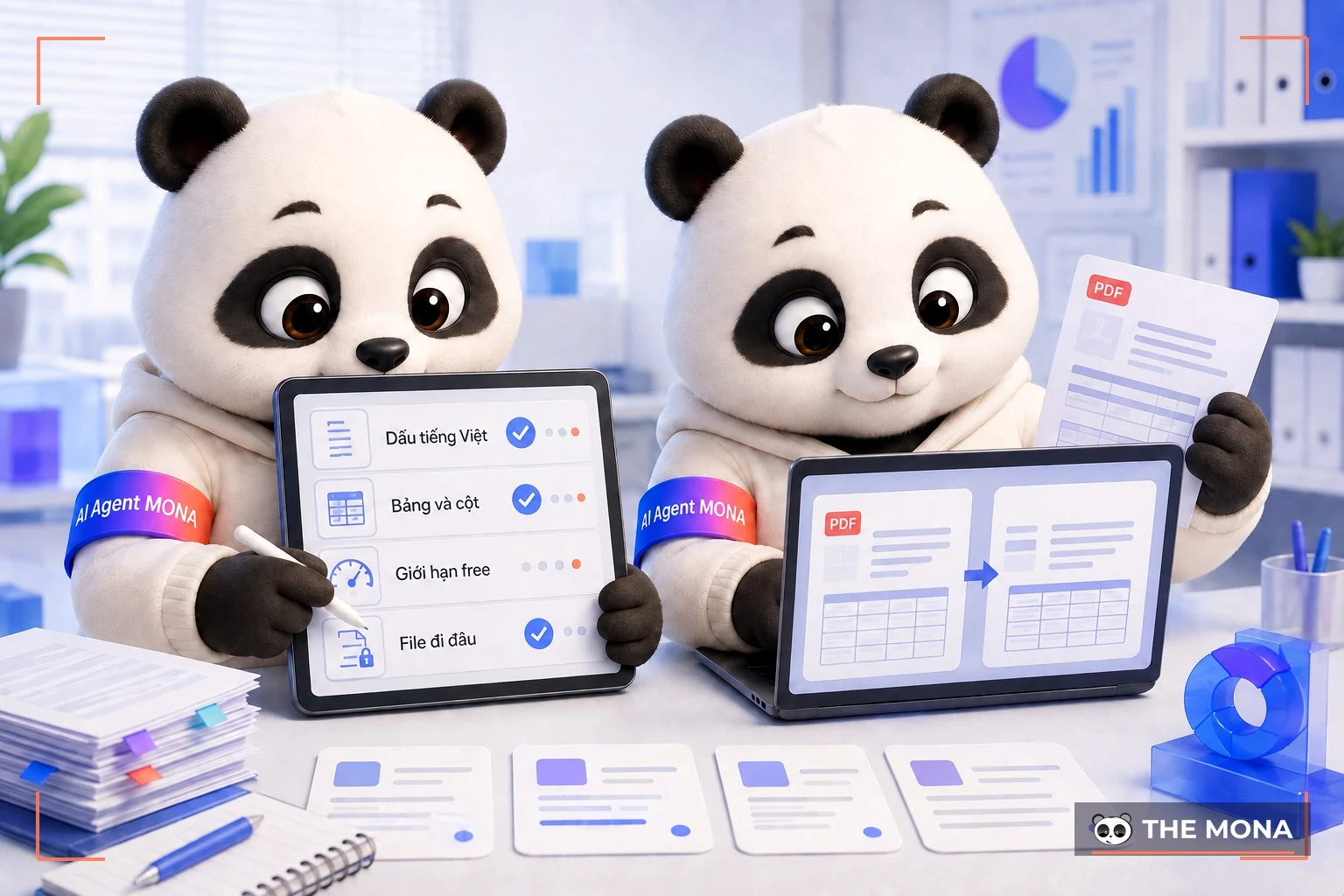
Picking an app is not a lottery. You need to measure properly. We apply exactly 4 criteria that are very practical when advising businesses on platforms, so nobody is left frustrated after signing up by mistake. The first and most critical criterion for users in Vietnam is that the tool must fully preserve Vietnamese diacritics in long documents of 10,000 words. The Vietnamese alphabet has 29 letters and complex tone marks. If the optical recognition system has not been trained carefully, the output text will come out badly patched together.
The second criterion is structure, such as a 5-column table. A long financial report 20 trang that loses its alignment is worthless to read. We check closely whether PDF to Word converter the table is converted into a real table object in the document, or just spaced out with the space bar. The third criterion is the real limit of the free version. Many sites advertise free but allow only one file a day, or cap file size below 5 MB, and lock core features to push users into paying by card.
Finally, there is the path your file travels. You cannot throw a confidential company contract onto an unknown overseas server without knowing when it will be deleted. Protecting digital documents matters just as much as deploying an AI agent for website management to protect customer information. Always ask yourself whether your file sits on your computer or in the cloud before you click upload.
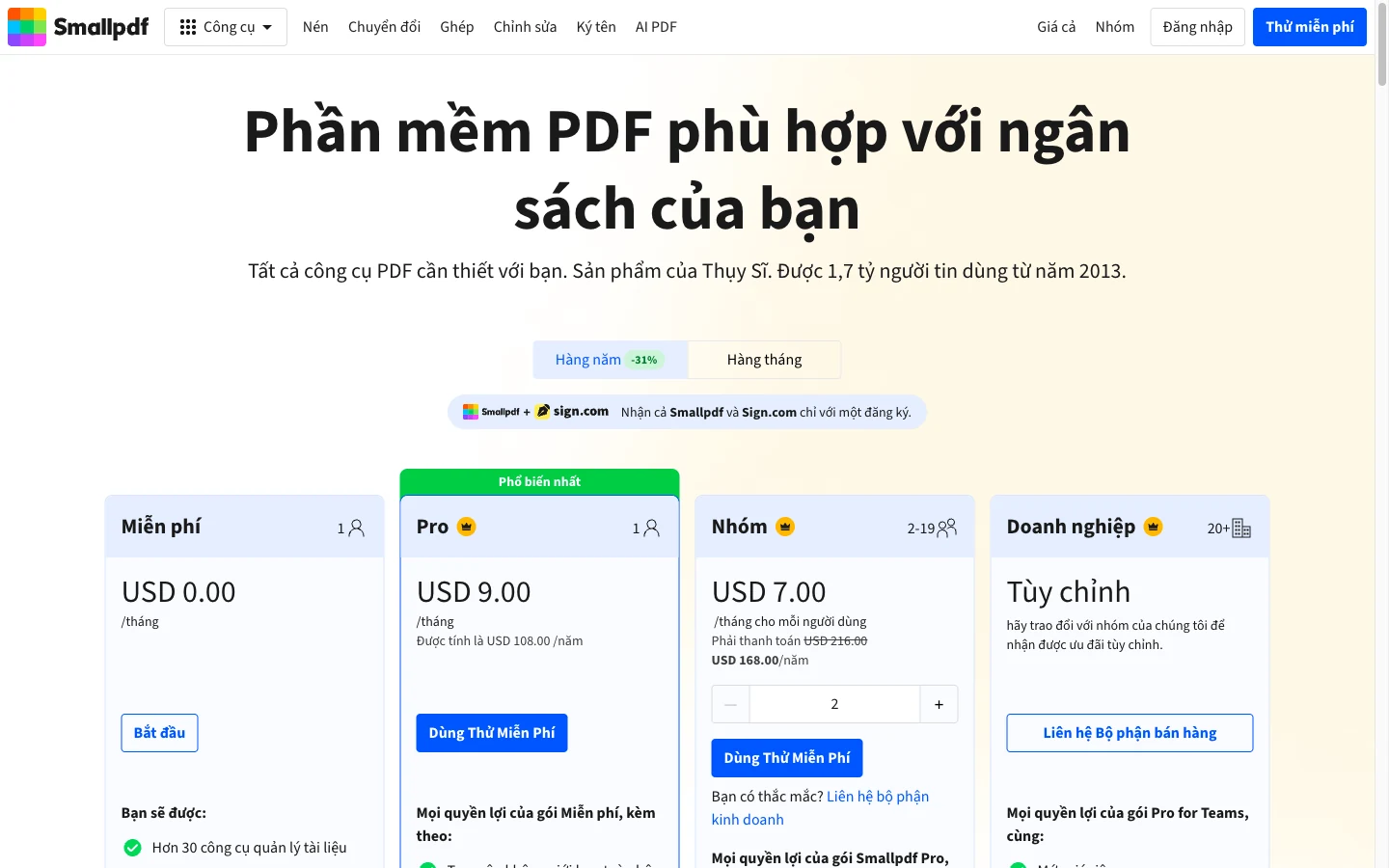
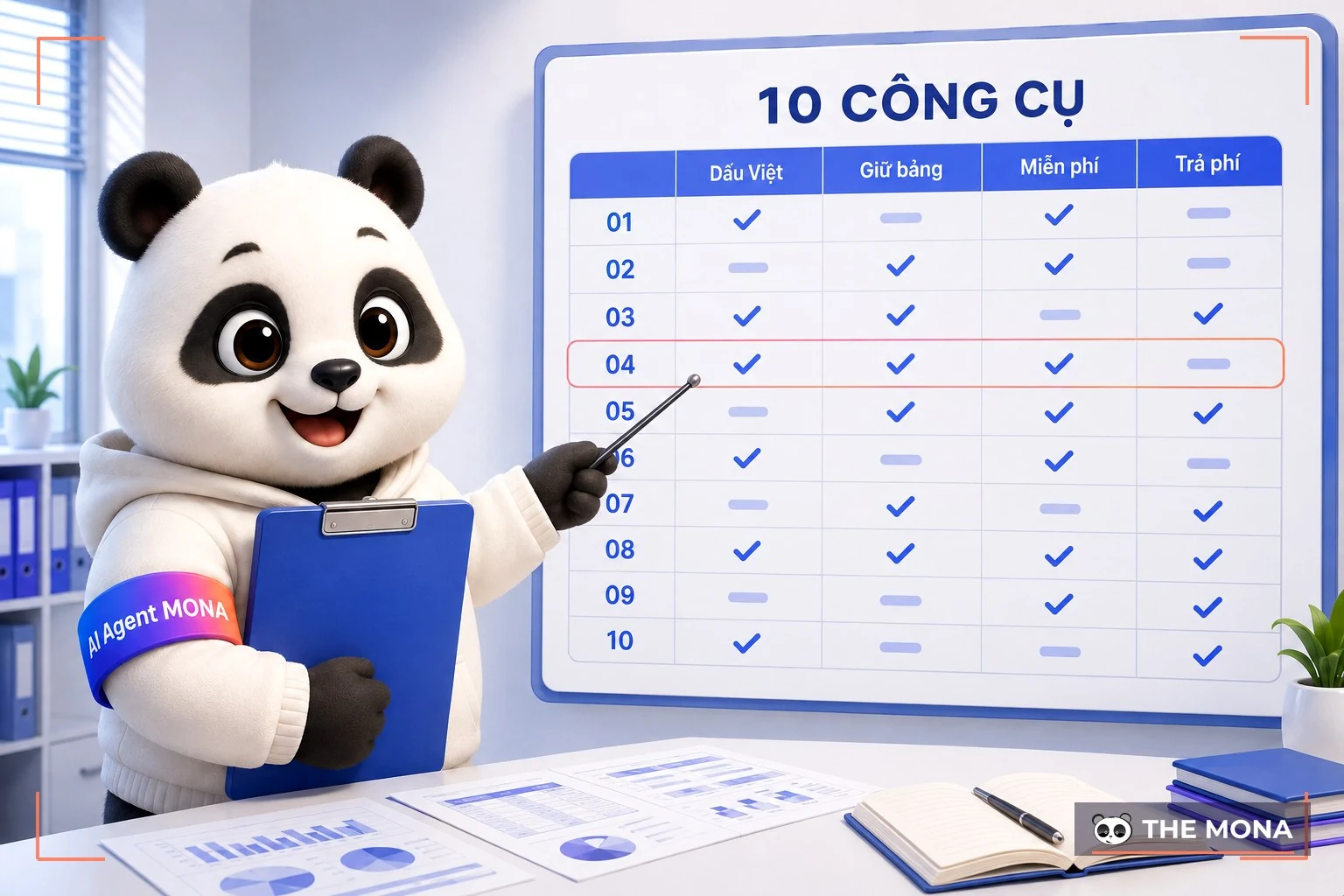
Instead of making you open a dozen browser tabs yourself, we gathered all the measured data into one table. The numbers don't lie. The information was recorded on 06/09/2026, looked up directly from each vendor's official price list, with no guessed conversions. Every limit is laid out clearly. This saves 2 hours hours of searching, just like when we support web design in Ho Chi Minh City for partners.
| Tools | Free version limit (checked 06/09/2026) | Paid plan price | Vietnamese and scanned files | Where the file goes |
|---|---|---|---|---|
| Tool MONA | No limit on uses, no sign-up needed | Free | Keeps Vietnamese diacritics; cannot read scanned PDFs | Processed in the browser, the file never leaves your computer |
| iLovePDF | PDF sang Word 1 use on the free plan, files up to 100–200 MB depending on the tool | Premium 4 USD/month billed yearly, or 7 USD/month | Yes, OCR on the paid plan | Uploaded to the vendor's server |
| Smallpdf | Daily download limit, the pricing page gives no number | Pro 9 USD/month (108 USD/year) | Have | Uploaded to the vendor's server |
| Adobe Acrobat online | Daily conversion limit, no sign-up needed the first time | Part of Adobe's paid Acrobat plans | Good with text PDFs, has OCR | Uploaded to Adobe's server |
| PDF24 | Free and unlimited, supported by ads | Free | Yes, with OCR | Web or desktop install |
| Microsoft Word | Opens PDFs directly from Word 2013 and later | Part of the Microsoft 365 plan | Good with text PDFs, weak with scans | Computer |
| Google Docs | Free with a Google account, loses table formatting on complex files | You only pay more if you need extra Drive storage | Fair | Google cloud |
| Foxit PDF Editor | 14-day trial | About 129.99 USD/year at the vendor's list price | Yes, you need to download a language pack | Computer |
| Nitro PDF | 14-day trial | About 179.99 USD/year at the vendor's list price | We haven't tested enough to score it | Computer |
| WPS Office | First 5 pages, with ads | About 450,000 VND/year | Have | Computer or cloud |
| ABBYY FineReader | 7-day trial, exports up to 100 pages | About 99 USD/year | Accurate, suited to scanned documents | Computer |
The table above shows how generous each provider is. You are paying 20 million VND a month cho for 3 administrative staff just to sit and retype documents, and it is not only about money. MONA knows you have tried many other ways and put in a great deal of effort (buying scattered pieces of software, downloading cracked versions laced with malware, teaching staff to copy and paste line by line, slowly). But no. All that effort doesn't pay off. One person's strength is a drop in the ocean, the pile of documents keeps growing and drags staff down with dull tasks, and one person alone can't change the whole picture. Changing the manual process is not the way out. What you need is a technology solution that depends less on people. Try it right now PDF to Word converter from us in the browser, so your dedicated staff can work on tasks that earn money instead of a department that only types. It is an ecosystem we built, like our other SEO tools for internal use.
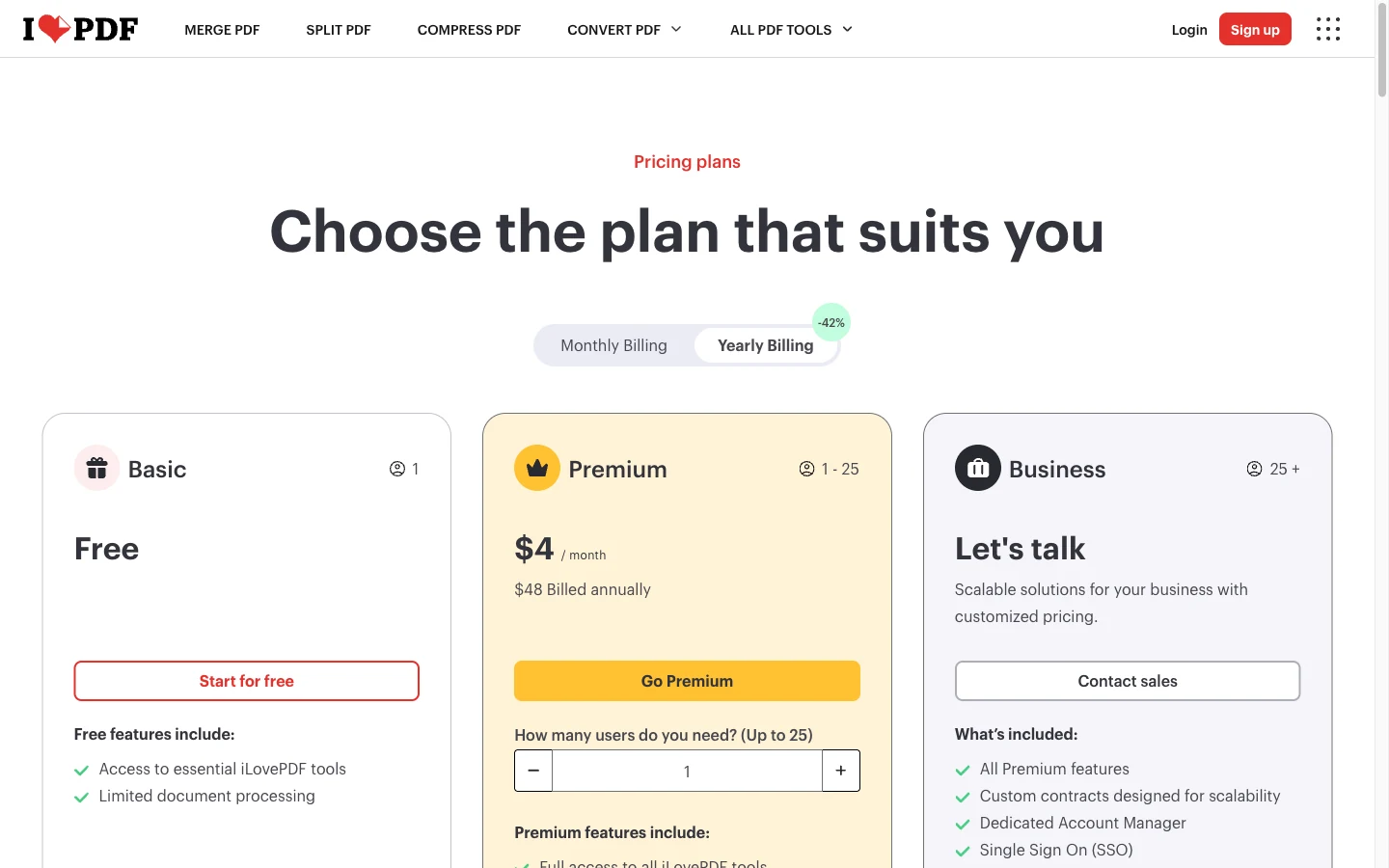
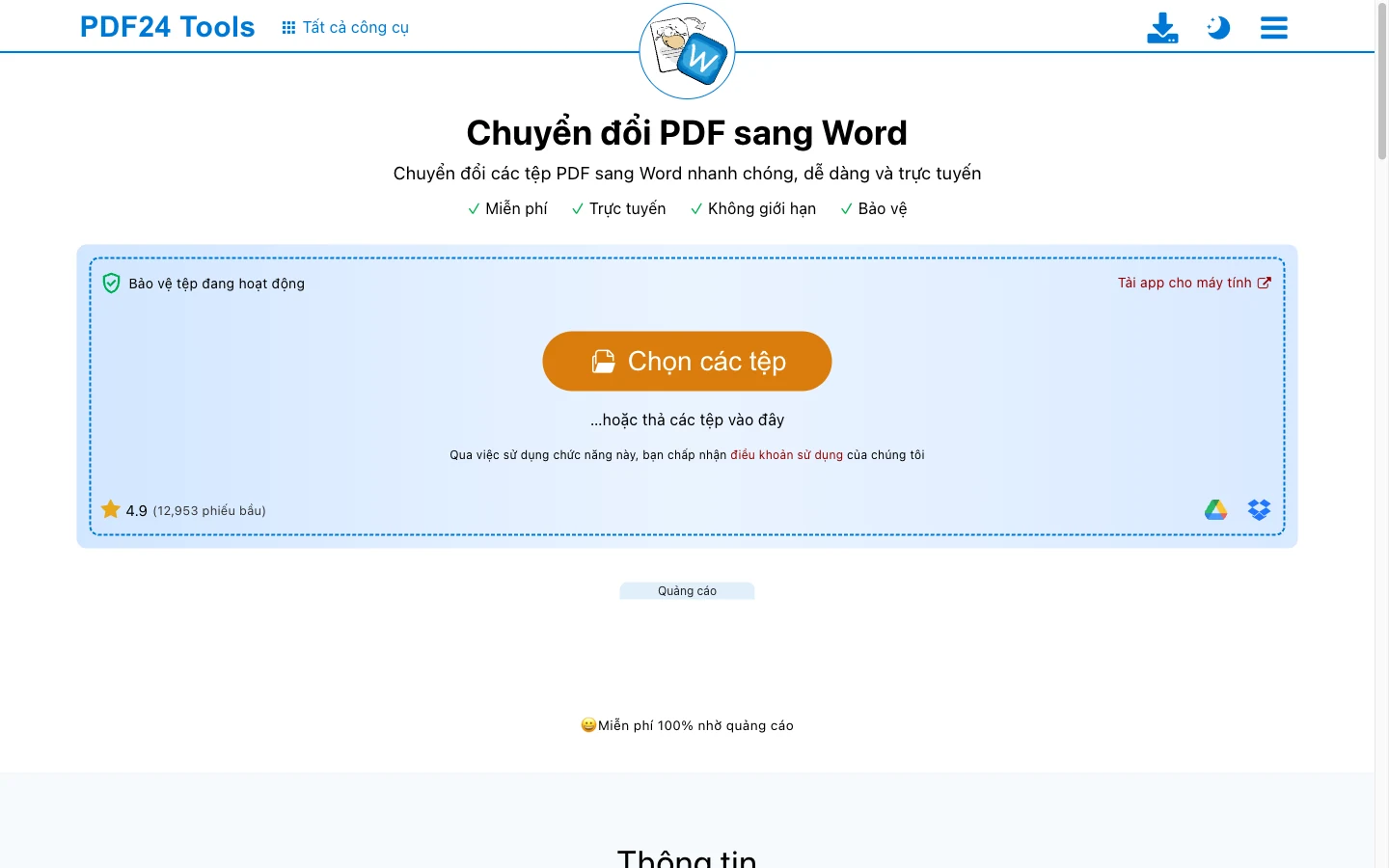
One rainy afternoon, a client rushes you to send back a contract appendix for a draft signature. You need to be fast. Waiting for a half-gigabyte program to download, installing it with all the hassle, and fiddling with cracks will certainly derail your business. Browser-based tools were made to solve exactly that speed problem: open the site, drag and drop your file, and get the result instantly.
We are proud to put MONA's own app up against the others. The free MONA tool at congcuseo.mona.media/chuyen-pdf-sang-word is tuned to run entirely on your own computer's resources inside the browser window. Files are never pushed to any unknown server, which means strong privacy, very fast processing, and it is completely 0 VND. It keeps Vietnamese diacritics excellently for files exported from design software. Its only weakness is that it has no optical character recognition built in, so it can't handle files that are images scanned from a printer.
Next is iLovePDF, the household name in offices. This vendor's free version caps file size quite tightly at 15 MB and allows only a few tasks per hour. If you pay 4 USD a month on the yearly plan, all limits are lifted and Vietnamese recognition runs very smoothly. Smallpdf, meanwhile, locks free users at exactly 2 tasks a day, forcing you to upgrade to the premium plan at 9 USD a month. Smallpdf's biggest drawback is that its language recognition handles Vietnamese diacritics poorly, often dropping the tilde and hook-above marks. A very good workaround is to convert the image to PDF first and then use a text extraction app if the original file is too messy.
Last is PDF24, a fully free tool run on ads and donations. The website looks a bit dated, but the power is no joke. This web app pushes your file to a server in Germany and deletes it automatically after 1 hour. PDF24's shining point is that it comes with built-in open-source OCR, letting you download the Vietnamese language pack to your computer and process batches without spending a cent. Choosing a web tool spares you the installation burden, but in exchange you accept that your internet connection affects how fast the job finishes. Many QR code generators that are free follow this same path.
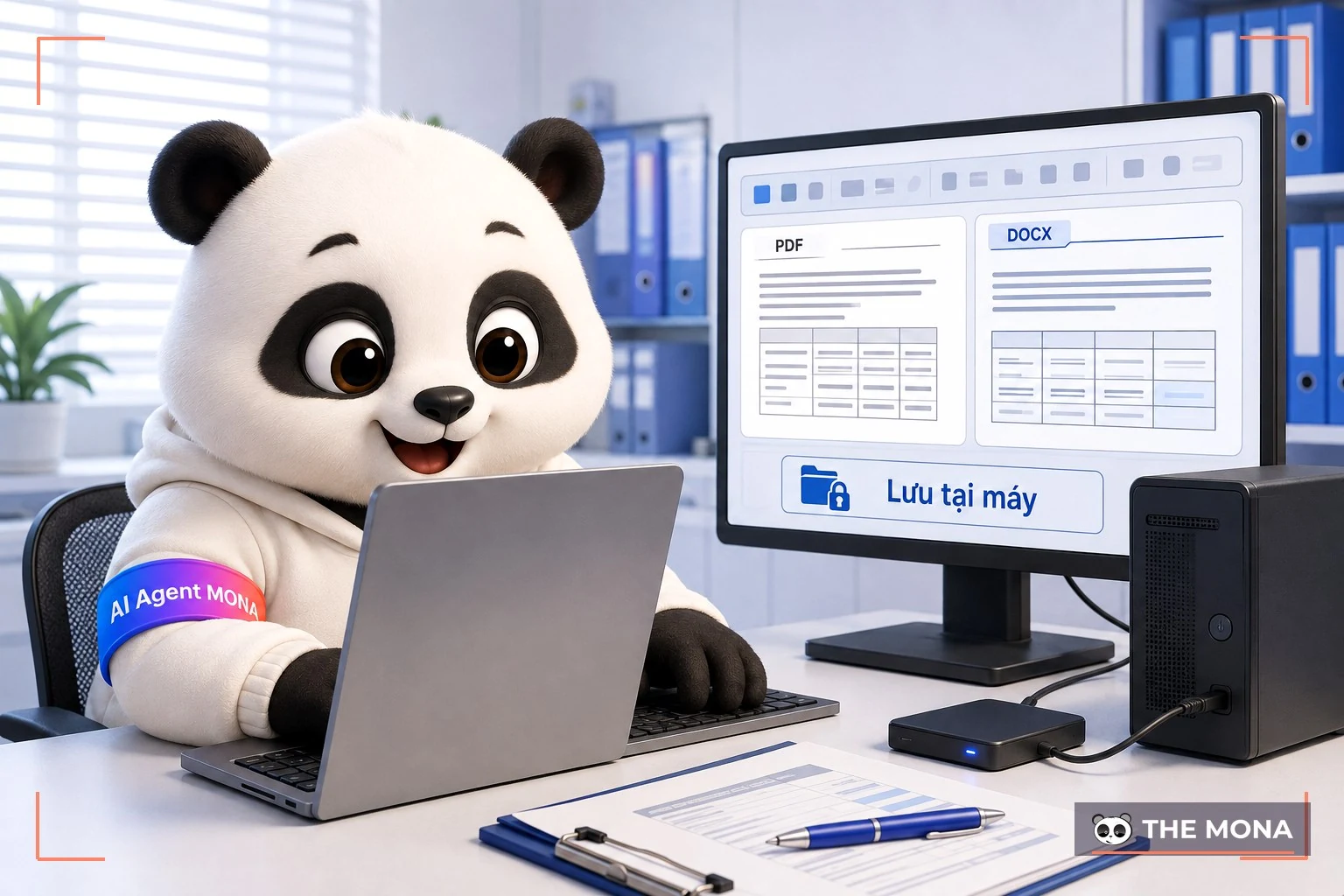
Away from the online world, many businesses have internal security policies that strictly forbid uploading documents to the internet. Everything must stay closed. In that case you have to use software installed straight on the hard drive. This group is powerful and stable and can handle thousands of pages at once, but the license cost often makes managers wince.
Start with the app everyone has: Microsoft Word on the personal plan costs 1,490,000 VND a year. The PDF Reflow built into Word lets you open digital files directly and edit very conveniently. Unfortunately, Microsoft's filter is helpless against scanner copies, with shattered text and serious loss of Vietnamese diacritics. Similarly, WPS Office at about 450,000 VND a year supports Vietnamese very well, but its free version only extracts exactly the first 5 pages of a document. You can't use WPS on a thick book without paying for the paid version. Don't forget to read up on the best software writing tools to understand how these systems work.
Moving up to the professional tier, Foxit asks 129.99 USD a year sau 14-day trial. This vendor handles tables very well, and you can download the Vietnamese language pack straight from their system. Its direct rival Nitro has a subscription price of 179.99 USD a year , and we haven't tested its Vietnamese OCR enough to score it, so we don't rank it on this criterion. The biggest surprise is ABBYY FineReader, at 99 USD a year. It is the most powerful system in text processing, extracting Vietnamese tone marks with astonishing accuracy and keeping table structure intact. However, ABBYY only lets you export 100 trang over 7-day in the trial. Choosing desktop install means choosing total safety, accepting a license fee in exchange for peace of mind about your data, much like when you check a website for SEO standards for demanding partners.
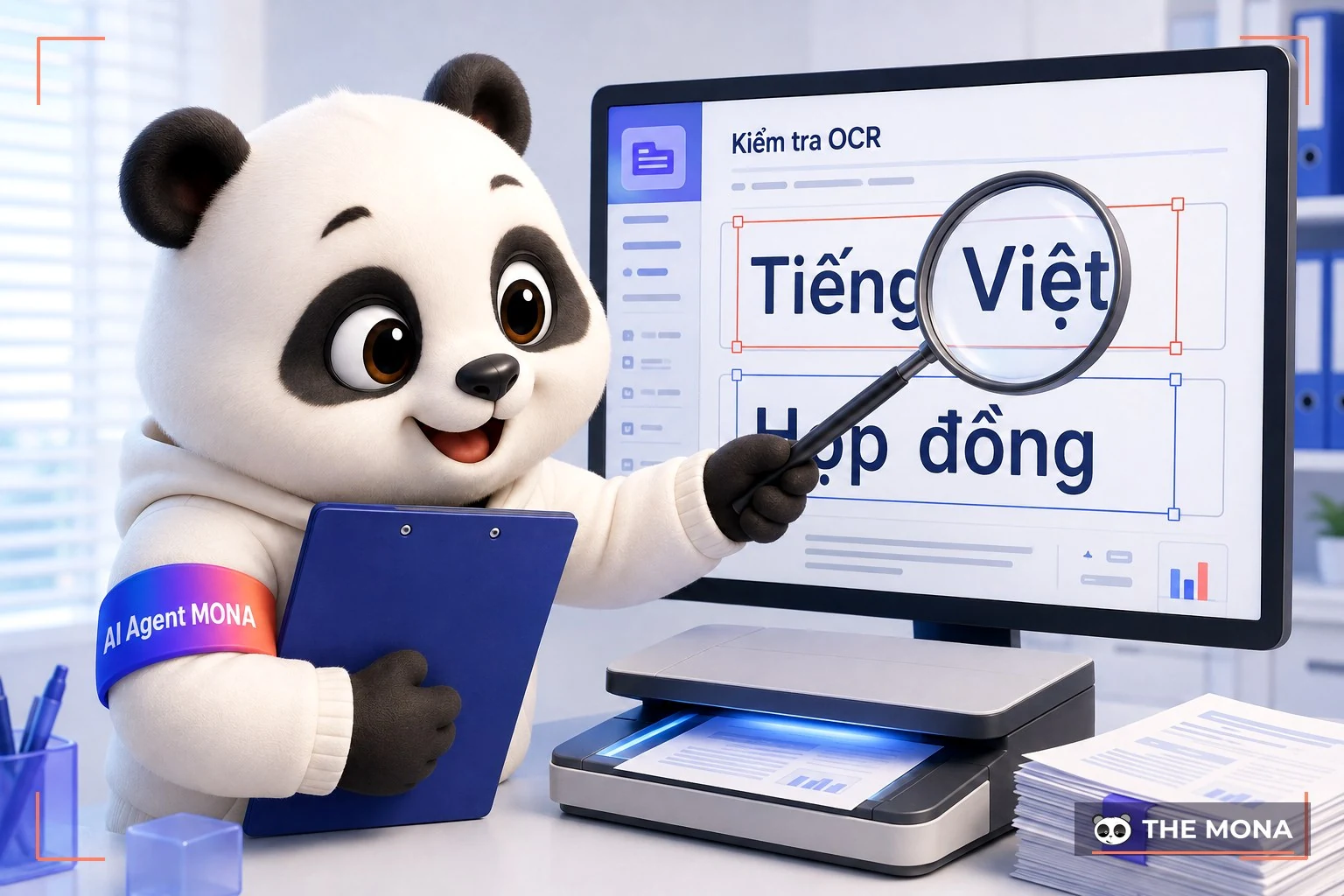
When you put a printed sheet in a scanner and export it digitally, you are really holding a picture, not text. A picture can't be edited. You can't highlight it, and you can't copy and paste it either. Trying to get 3 trang also gives zero. This is where optical character recognition becomes decisive, turning meaningless pixels into editable characters.
The harsh reality is that most PDF to Word converter built on foreign engines fall apart on Vietnamese. Stacked diacritics confuse the computer. The challenge is to find a tool trained specifically for our language. Google Docs is a surprisingly good hidden player. You just upload the file, right-click, and choose to open with Google Docs. Recognition is very accurate, but it caps file size below 2 MB and extracts only the first 10 pages. To process a large batch of up to 10MB, you should pdf sang jpg first, split the images into smaller pieces, and feed them in slowly to get around the limit.
If Google Docs is too limited, the open-source Tesseract OCR on a desktop computer is an unbeatable free solution. Tesseract is a community project, so once you download the language pack it runs smoothly on your computer with no internet connection. The top of the range is still ABBYY, which doesn't just read text but also recognizes the original italic and bold fonts and recreates the text perfectly. Modern extraction technology genuinely saves businesses thousands of hours of manual retyping. Applying it is similar to understanding what an SEO audit is to catch problems early.
On paper the features look impressive, but the real problem is always blunt. It is exhausting. MONA once sat down with a consumer goods distributor whose accounting department had exactly 3 staff grimly shouldering data entry for 8 hours. Every month, dealers sent in more than 400 invoices in digital form, mostly blurry phone photos or smudged copies from old printers.
The chief accountant said they had to split up and type by hand for the entire 7-day at month end, eyes glued to the screen, and a single wrong digit meant paying out of pocket. They once tried a free app online, and the result was a broken materials detail table, decimal points turned into commas, and a financial report that was wrong from top to bottom. We stepped in right away. Instead of having them upload files to an unsafe online platform, we installed the professional ABBYY version directly on their internal server. In a test scan of 50 invoices, the software extracted with an accuracy of 98%, kept the table format intact, and pushed it straight into sales management software. A huge pile of work that took seven days was cleared neatly in half a morning.
It wasn't only about saving time. When staff are less worn down by pointless repetitive work, they look more closely for anomalies in the books, saving the business from serious legal trouble. Technology is not made to replace people. It helps people work at their real capability. Don't force employees to be typists when an automated system can do it for them.
Finding it convenient and throwing everything in is a habit that puts internal documents on unknown servers without anyone reading the terms. Absolutely not. MONA sincerely advises: never use unfamiliar, unknown online platforms to process long financial reports 2 trang, customer lists, or confidential contracts in 5 minutes. Once you click upload, nobody can be sure whether a copy of that document is stored permanently on some server on the other side of the planet, even if they have opened 10 years.
Even for our own product, we openly admit that PDF to Word converter from MONA is not a magic cure-all. It is designed to be minimal, running locally using Javascript in the browser to keep lightning speed 3 seconds and strong privacy. The cost of being minimal is that it loses badly to image files from scanners. Because it doesn't embed a huge character recognition engine, MONA's app reports an error right away if you try to make it read a photo taken with a phone. Knowing this weakness, we always tell clients to switch to PDF24 or invest in professional paid software if their work regularly involves image documents. When you roll out an enterprise automation project, it is the same: you have to understand the limits of each piece before you can assemble them into a smooth system.
Likewise, don't use Smallpdf's free feature if your files are full of Vietnamese text with serifs. Tilde and hook-above marks that keep dropping will make you waste time checking line by line. An app that is good for foreigners is not necessarily a good tool for the local market. Choosing with a clear head will save you from avoidable trouble.
Every week, our support team keeps getting messages about how to handle stubborn formatting. We have noted them. Collected from real problems, here are the most straightforward answers, without confusing programming language, to 5 questions .
Can I convert a 200 MB file for free? Yes, but don't use web-based apps. Most platforms such as iLovePDF or Google Docs block large files 100MB to save server bandwidth. Your solution is to install PDF24 Desktop free software that chews through files of several hundred MB without any extra fee. This is the practical experience we often apply when doing SEO audit services with huge volumes of data.
Why does opening a scanner file in Word 365 produce broken text? Microsoft's system uses a feature designed to read document structure. When you feed it an image from a scanner, Word has no dedicated Vietnamese character recognition built in, so it forces the pixels into meaningless Latin characters. You must run it through OCR recognition software first and only then drop it into the editor to edit.
Is there a risk of internal information leaking when using online platforms? It is very risky if you use a system with unclear 5GB junk. Although the big players promise to delete files after 2 hours, the transmission line always has gaps. If a document holds trade secrets or sensitive customer information, MONA advises you to go offline and use software that processes locally on your computer. Being overly careful never hurts, and it is a hard-won lesson in operations management.
With a document in your hand, the first decision is not which site to open but how sensitive the file is. This is vital. If it is just an e-book 10 trang with no confidentiality value, throw it straight onto a popular platform or the MONA tool and get the result in 3 seconds. But if you are holding the detailed payroll of the whole company for 12 months , close the browser, open dedicated software, and process it yourself. Understanding the nature of each PDF to Word converter is the key to running your workflow smoothly.
Readers of this article usually fall into 2 groups. Group 1 is long used to it and has given up looking for a solution, accepting that staff spend time retyping documents as part of life and treating it as ‘whatever happens, happens’. Group 2 is made of newcomers, or people who, even after 10 years twenty years in business, are still constantly looking for the best tools and listening for automated systems, so that the moment a solution appears they bring it in and shock the whole admin department. MONA (we are business people just like you) belongs to group 2, and we are fully confident we can bring a solution to you in group 2. All you need is 1 phone call. Whether you manage a small office or a chain of 5 branches, we have a process optimization solution for every case. This is our 10th year bringing SEO services and software systems to Vietnamese businesses. Call now 1900 636 648 or send a message to info@themona.global and we will sort it out with you directly.

CEO & Founder · The MONA
Founder of The MONA, who built a services company of 60+ staff with 14,000+ projects delivered. Khánh Hùng shares how he thinks about building systems that run themselves, automating a business, and the real lessons from delivering projects at MONA.
 355




Professional website
design services
Own a website with a beautiful, 100% exclusive design and a lifetime warranty, with the ability
to expand features flexibly as your business grows, starting today!






 MONA will never sell your information or send you spam


 MONA will never sell your information or send you spam
