
 MONA OS 2.0


 Tự động hoá doanh nghiệp
 Cẩm nang SEO
 Digital Marketing
 Kinh nghiệm thiết kế website
 Hạ Tầng Server
 Giáo dục


 VI
VI
 EN
EN
























Message us on
Zalo Official


 Products

 ProductsProducts









 Website designLooks good and wins customers over.
SEO servicesBrings in customers searching for exactly what you sell.
Website designLooks good and wins customers over.
SEO servicesBrings in customers searching for exactly what you sell.
 Tư vấn digital marketingKéo khách từ nhiều kênh, đo bằng số thật.
Corporate video productionVideos introducing your company, factory and team.
Tư vấn digital marketingKéo khách từ nhiều kênh, đo bằng số thật.
Corporate video productionVideos introducing your company, factory and team.
 NewAI video productionCompany story films made with AI.
 Custom software developmentCRM, ERP and HRM built for your business.
 Viết AI Agent theo yêu cầuĐặt riêng một trợ lý AI cho đúng việc của mình.
 Tư vấn chuyển đổi AIĐưa AI vào vận hành của cả công ty.
NewMONA LMSManagement for centers and schools.
MONA SkillHubInternal training for company staff.
Tư vấn chuyển đổi AIĐưa AI vào vận hành của cả công ty.
NewMONA LMSManagement for centers and schools.
MONA SkillHubInternal training for company staff.
 NHTQ systemEnd-to-end China–Vietnam shipping operations.
MONA JMSManagement for gold, diamond and pawn shops.
NHTQ systemEnd-to-end China–Vietnam shipping operations.
MONA JMSManagement for gold, diamond and pawn shops.
 MONA E-LearningA website with every feature you need to sell courses.
 How to sell online courses (course)More than 30 free lessons on selling courses on autopilot.
 MONA Cloudmonacloud.vnServers to get your apps and websites running.
 MONA Basemonabase.vnPostgres database, sign-in and file storage.
 MONA Mailmonamail.vnSend OTP, order and invoice emails from your software.
 MONA Paymonapay.vnAccept bank transfers via VietQR and notify your software when the money arrives.
 MONA eInvoiceComing soonIssue e-invoices that meet tax standards.
Gấu CườiTrả lời khách 24/7 trên web, Fanpage, Zalo và thu lead cho sale.
MONA eInvoiceComing soonIssue e-invoices that meet tax standards.
Gấu CườiTrả lời khách 24/7 trên web, Fanpage, Zalo và thu lead cho sale.
 Gấu TeleSalesGọi điện tư vấn, chăm khách như tổng đài viên thật.
Dê CườiTư vấn và chốt đơn cho shop ngay trong khung chat.
Gấu WebmasterNhắn nhóm Zalo là website được sửa xong.
Gấu TeleSalesGọi điện tư vấn, chăm khách như tổng đài viên thật.
Dê CườiTư vấn và chốt đơn cho shop ngay trong khung chat.
Gấu WebmasterNhắn nhóm Zalo là website được sửa xong.
 Gấu Pháp ChếSoạn hợp đồng, rà điều khoản trong vài phút.
 Gấu Báo GiáLên báo giá đúng mẫu và gửi khách ngay.
 AI chăm sóc khách hàngTheo dõi và giữ chân khách hàng cũ.
 Gấu Tuyển DụngLọc hồ sơ, hẹn lịch, phỏng vấn ứng viên.
 KHA AI 2027
Xây kênh chuyên gia 2 phút mỗi ngày
Quay bằng điện thoại, AI tự edit video, tự đăng lên 16 nền tảng và tự trả lời bình luận, tin nhắn.
284.904lượt xem trên kênh CEO MONA sau 16 ngày
KHA AI 2027
Xây kênh chuyên gia 2 phút mỗi ngày
Quay bằng điện thoại, AI tự edit video, tự đăng lên 16 nền tảng và tự trả lời bình luận, tin nhắn.
284.904lượt xem trên kênh CEO MONA sau 16 ngày
 Anh Khánh HùngCEO MONA đang dùng mỗi ngày
Xem app làm được gì
Anh Khánh HùngCEO MONA đang dùng mỗi ngày
Xem app làm được gì
 AI
Gấu Cười MONA ĐANG TỰ XÀITrả lời khách 24/7 trên website, Zalo OA, Messenger và thu lead về cho sale.
Dê CườiChốt đơn bán lẻ và sàn: Shopee, TikTok Shop, web. Chăm cả khách sỉ, đại lý.
Gấu WebmasterCập nhật nội dung, tối ưu SEO website mỗi ngày.
Gấu TeleSalesGọi điện tư vấn, chăm khách như tổng đài viên thật.
Gấu Tuyển DụngLọc hồ sơ, hẹn lịch, phỏng vấn ứng viên tự động.
AI chăm sóc khách hàngGiữ khách cũ, cứu lead đã rớt cho phòng kinh doanh.
Gấu Pháp ChếSoạn hợp đồng, rà điều khoản trong vài phút.
Gấu Báo GiáLên báo giá đúng mẫu, gửi khách ngay khi có yêu cầu.
AI
Gấu Cười MONA ĐANG TỰ XÀITrả lời khách 24/7 trên website, Zalo OA, Messenger và thu lead về cho sale.
Dê CườiChốt đơn bán lẻ và sàn: Shopee, TikTok Shop, web. Chăm cả khách sỉ, đại lý.
Gấu WebmasterCập nhật nội dung, tối ưu SEO website mỗi ngày.
Gấu TeleSalesGọi điện tư vấn, chăm khách như tổng đài viên thật.
Gấu Tuyển DụngLọc hồ sơ, hẹn lịch, phỏng vấn ứng viên tự động.
AI chăm sóc khách hàngGiữ khách cũ, cứu lead đã rớt cho phòng kinh doanh.
Gấu Pháp ChếSoạn hợp đồng, rà điều khoản trong vài phút.
Gấu Báo GiáLên báo giá đúng mẫu, gửi khách ngay khi có yêu cầu.
 Chuyển đổi AI toàn phầnGiải pháp tổng cho doanh nghiệp, 3 lớp triển khai.
 Viết AI Agent theo yêu cầuĐặt riêng một con AI gánh đúng nghiệp vụ của bạn.
 Custom softwareCRM, ERP and HRM with built-in AI automation.
 SEO & AEO thời đại AIĐược Google lẫn AI trích dẫn, không chỉ xếp hạng.
 Kiến thức AI cho doanh nghiệpBài phân tích, hướng dẫn ứng dụng AI vào vận hành.
 Free AI courses
 AI tools at work
 App mới · KHA AI 2027
Xây kênh 2 phút mỗi ngày
AI tự edit video, tự đăng mọi mạng xã hội
Free consultation, 8am–10pm every day
App mới · KHA AI 2027
Xây kênh 2 phút mỗi ngày
AI tự edit video, tự đăng mọi mạng xã hội
Free consultation, 8am–10pm every day

18 March, 2023
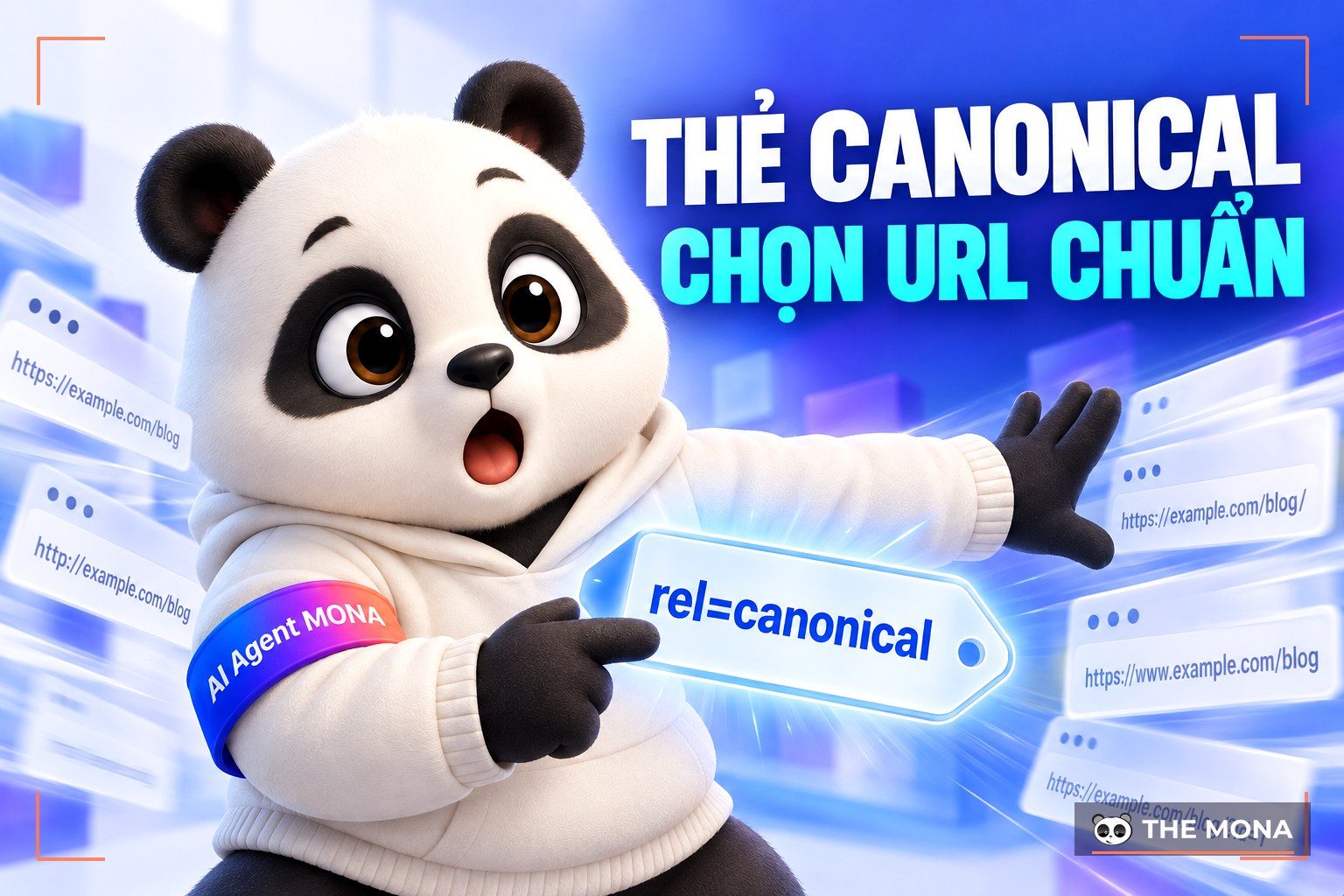
The Canonical tag is a familiar concept to SEOs. The canonical URL was created by Google, Microsoft and Yahoo to give site owners a faster, more thorough way to deal with duplicate content. But you may not fully understand What is a canonical tag? What is a canonical link? How do you use the canonical tag? This article from MONA Media will answer these questions.

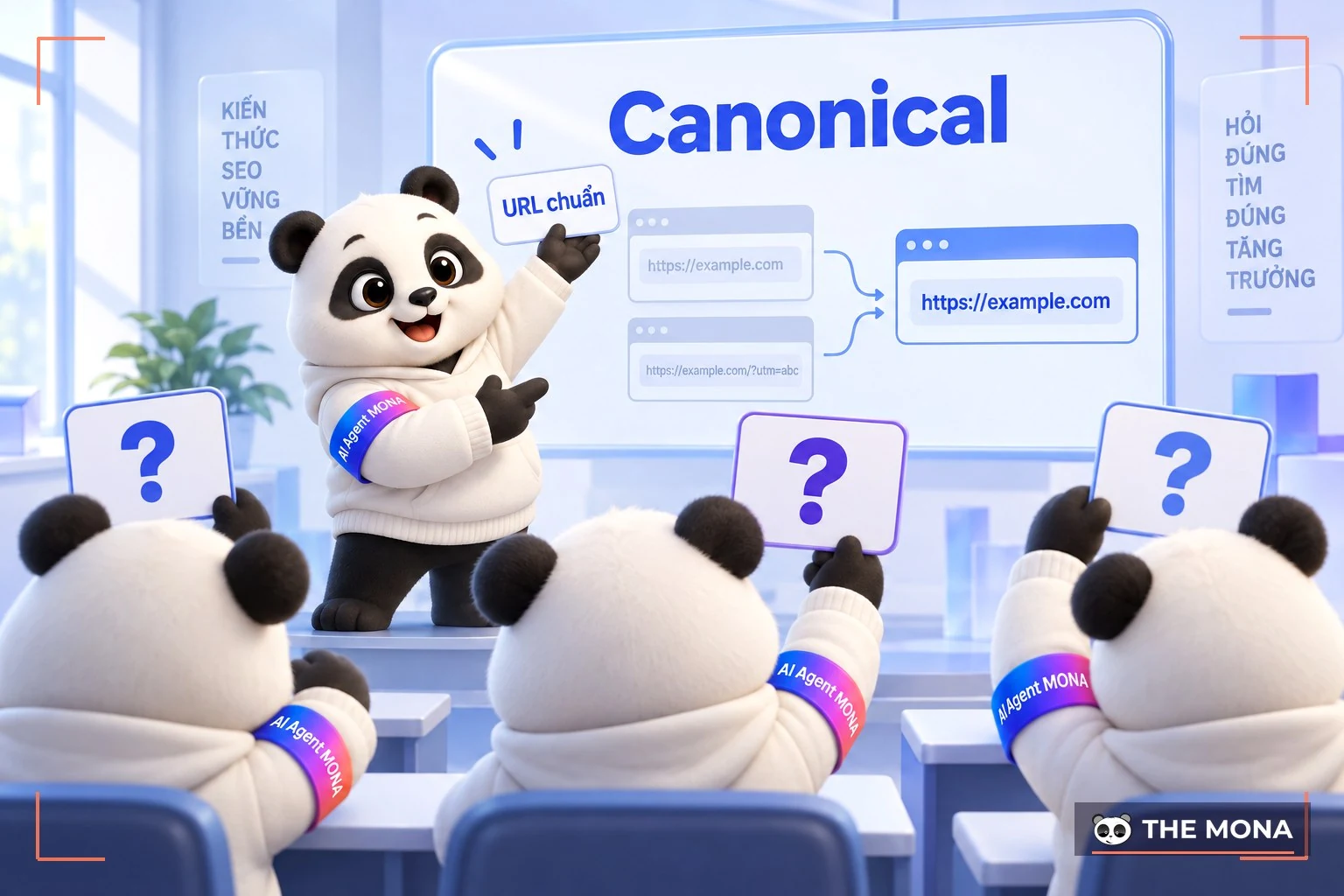
The canonical tag (“rel=canonical”) is an HTML element that tells search engines which URL is the original of a page whose content is duplicated (search engine). Use the canonical link tag when the same or similar content appears on several URLs.
If different URLs carry the same or very similar content, you can use a canonical URL to say which one is the main version, and then get that one indexed.
Here is what each part of a canonical URL means:
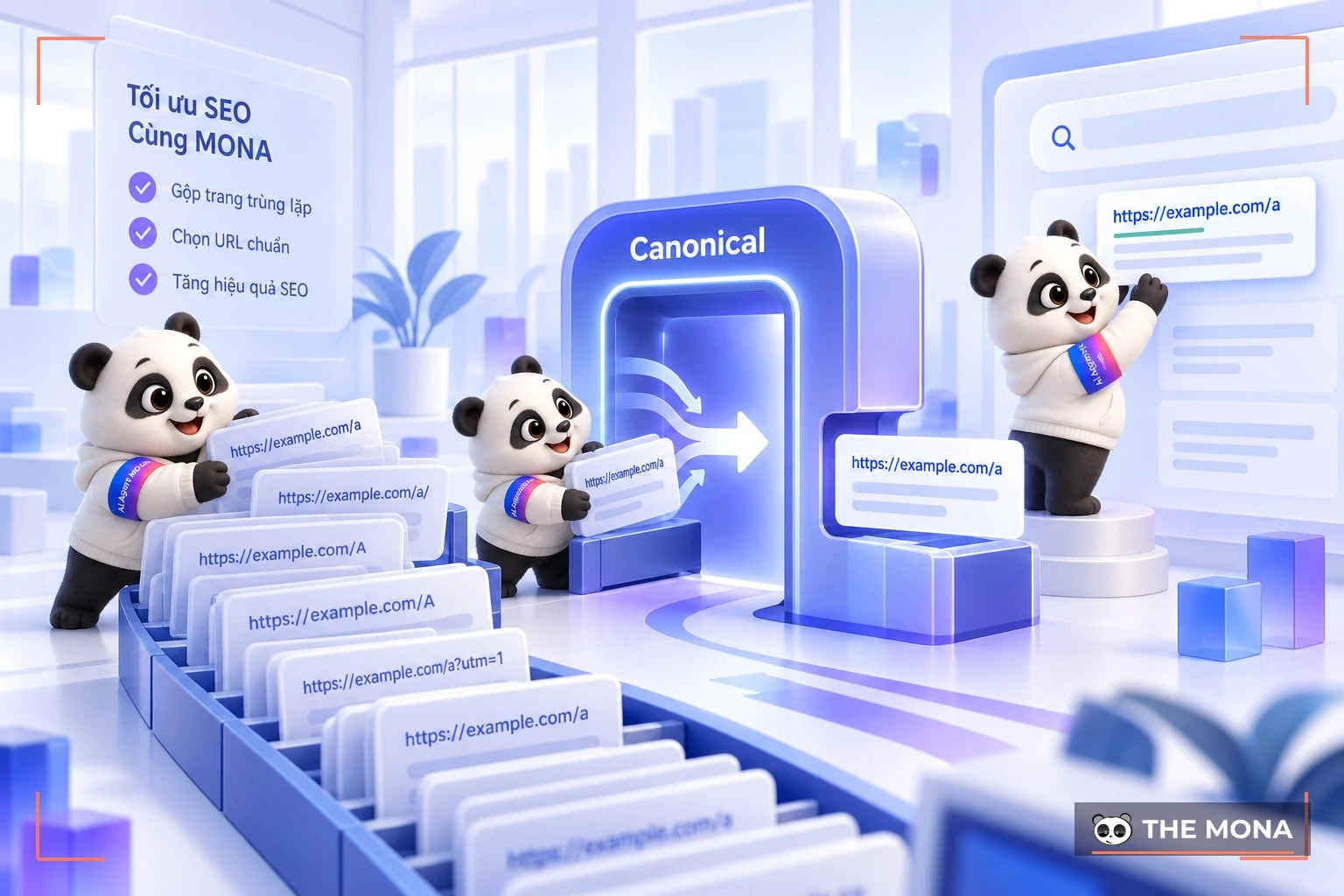
As a website grows and publishes more content, it often ends up with pages that are similar or duplicate. This causes “duplicate content” (Duplicate Content”, and you may be penalized by the algorithms of penalized by Google.
Duplicate content is a tricky problem. When search engines crawl several URL with the same or similar content, and all of them qualify to be Google index and ranked for a certain keyword, search engines may pick a URL you never wanted to rank. Google canonical is the fix, and it does the following:
Besides optimizing canonical tags, there is a lot more to do to build the credibility of your website and raise the ranking of your articles. Each step is small, but don't skip any of them if you want to build the most SEO web effective strategy possible!
To make your SEO investment deliver more value and keep costs down, choose a trusted SEO Agency provides SEO Services in Ho Chi Minh City provider. One SEO service MONA recommends putting first is full-scope SEO. With this option you can grow brand reach and industry credibility at the same time and reach the top spot in your online market. All you need to do is find a SEO agency that is reputable and experienced to work with.
At MONA Media, we have a team SEO specialists leading and experienced team and a clear working process to get clients the best results. MONA also offers a wide range of marketing solutions and services that go beyond websites and SEO.
Please CONTACT US with MONA via Hotline 1900 636 648 to get detailed advice on top-ranking SEO services and receive the most accurate SEO price list quote.
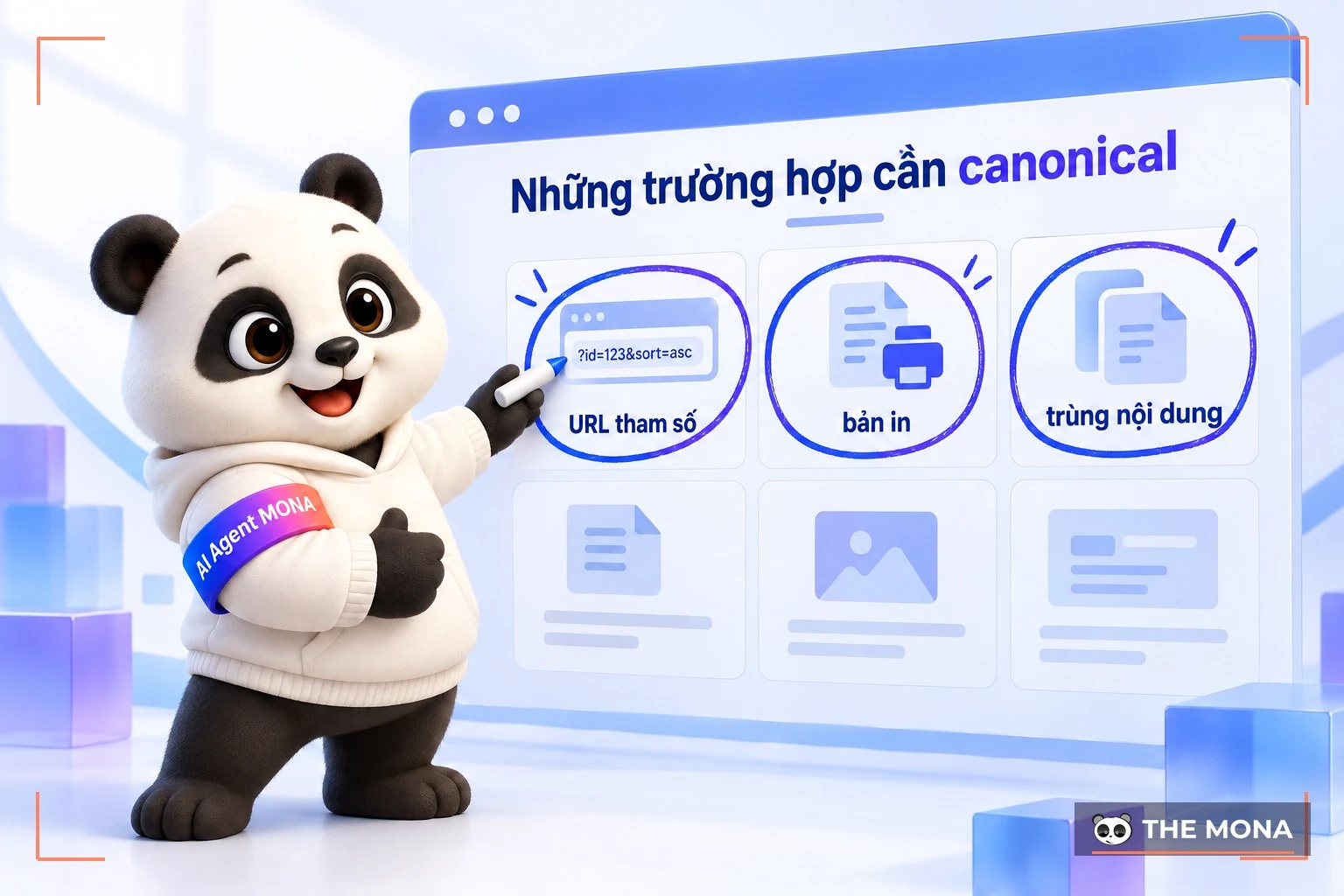
Here are the cases where you should use the rel canonical link:

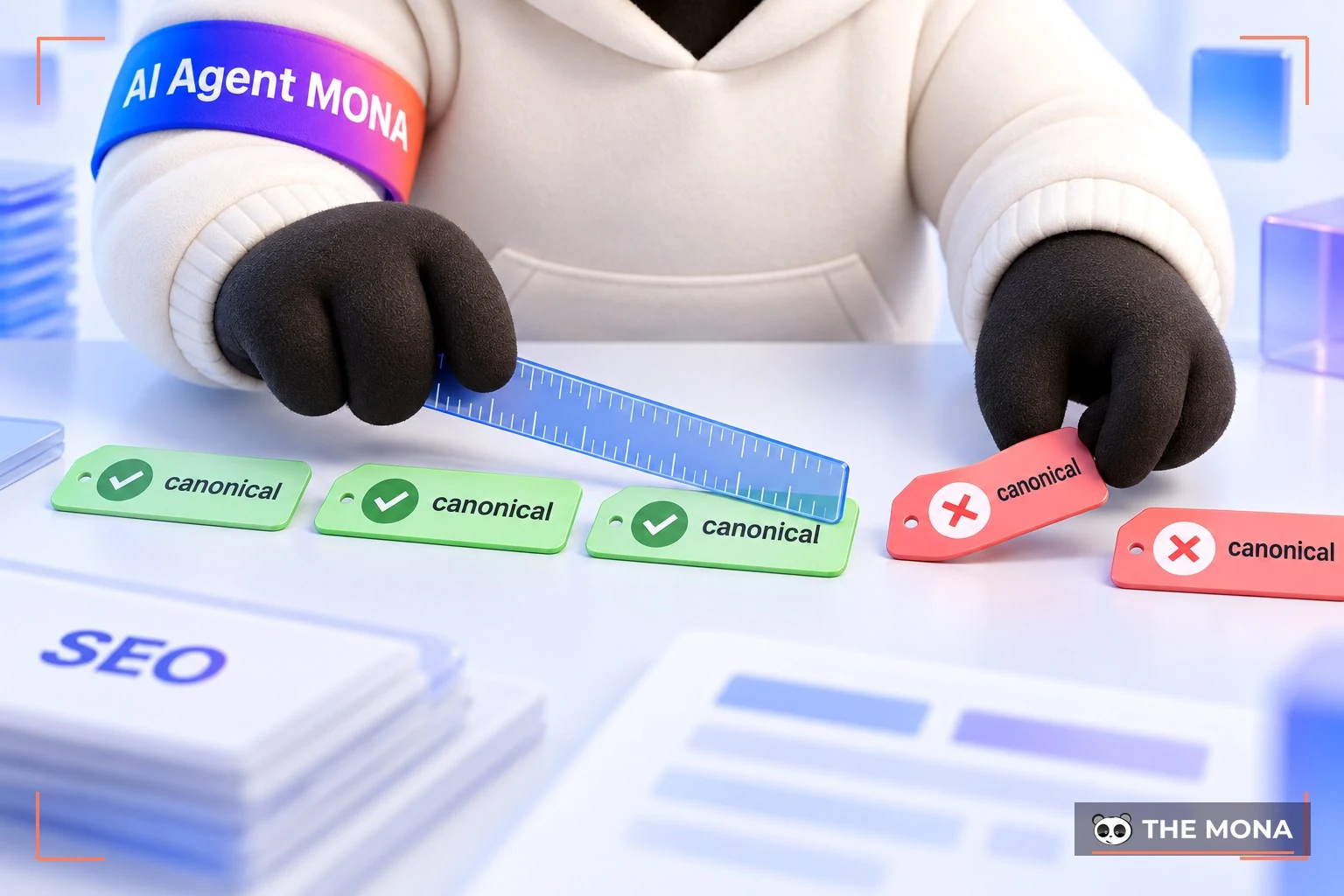
The canonical tag is an important part of SEO Technical, used to identify the official version of a page when several versions with similar or duplicate content exist on different URLs. So what are the rules for using it? Let's go through them with MONA.
Google's John Mueller has said you should not use relative paths in the rel=“canonical” link element.
Example: For the website https://mona.media/, use an absolute URL like this: <link rel=“canonical” href=“https://mona.media/sample-page/” />. Do not use a structure like: <link rel=“canonical” href=”/sample-page/” />.
Google may treat URLs with uppercase and lowercase letters as different URLs. So normalize all URLs on your server to lowercase, then use the lowercase URLs in your canonical tags.
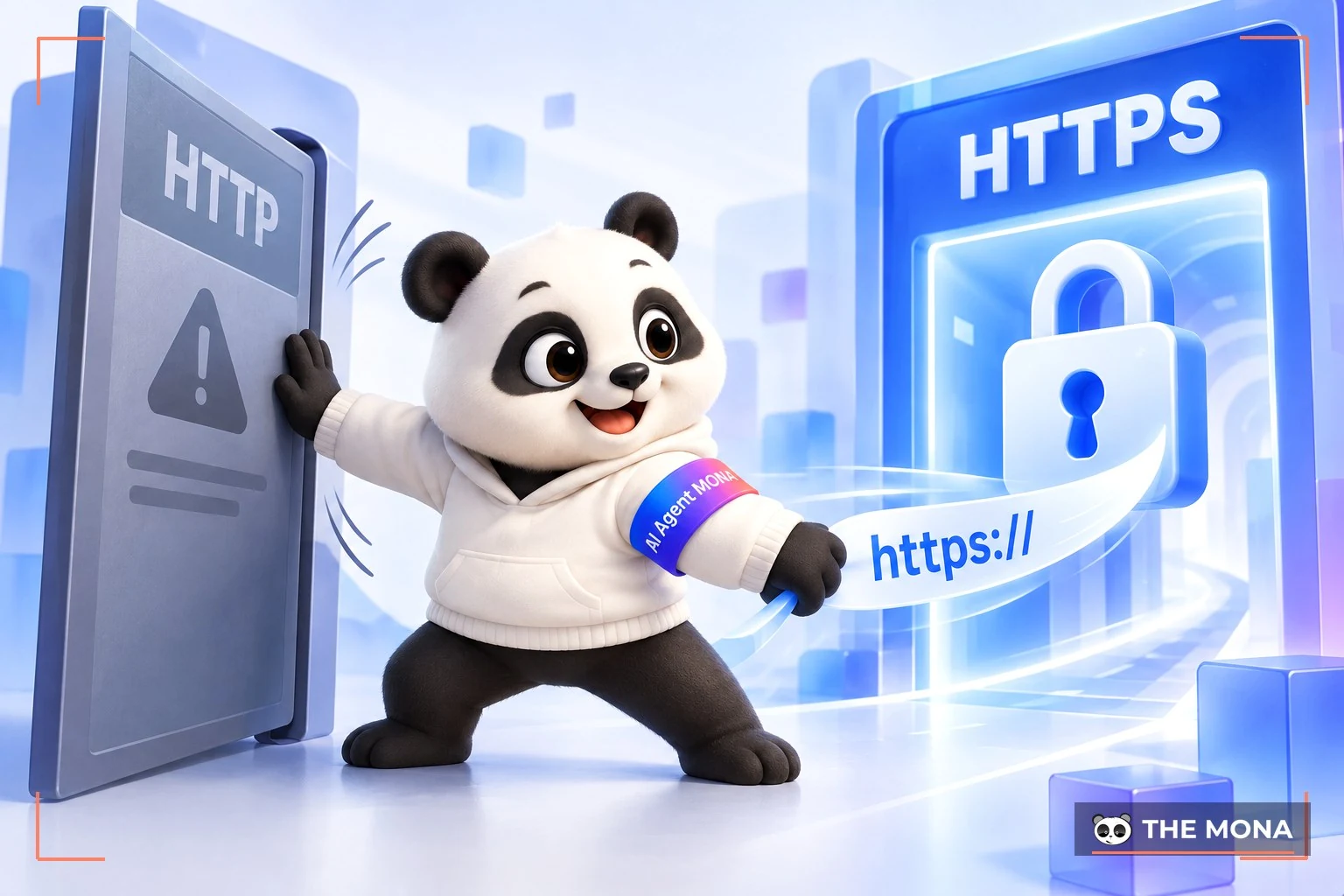
If your site has moved to SSL, make sure you don't declare any URL that isn't SSL in your canonical tag. In other words, use the right domain version, HTTPS (SSL) or HTTP. In theory this avoids confusion and unwanted results.
If you're on a proper, secure domain, use this structure for HTTPS: <link rel=“canonical” href=“https://mona.media/sample-page/” />.
Do not use a structure like: <link rel=“canonical” href=“https://mona.media/sample-page/” />.
If you don't use HTTPS, the opposite structure is the better fit.
John Mueller of Google has said self-referencing canonical tags are the recommended practice, though they aren't required. If you're not sure how a self-referencing canonical works, it's simply a canonical tag on a page that points to the page itself.
Example: If the URL is https://mona.media/sample-page then the self-referencing canonical tag on the page is: <link rel=“canonical” href=“https://mona.media/sample-page” />. Most modern CMS add self-referencing URLs automatically. If you use a custom CMS, though, ask your developer to hard-code it.
If a page has more than one canonical tag, Google ignores all of them. In other words, when it meets more than one rel=canonical declaration, Google disregards every rel=canonical hint. So use only one canonical link tag per page.
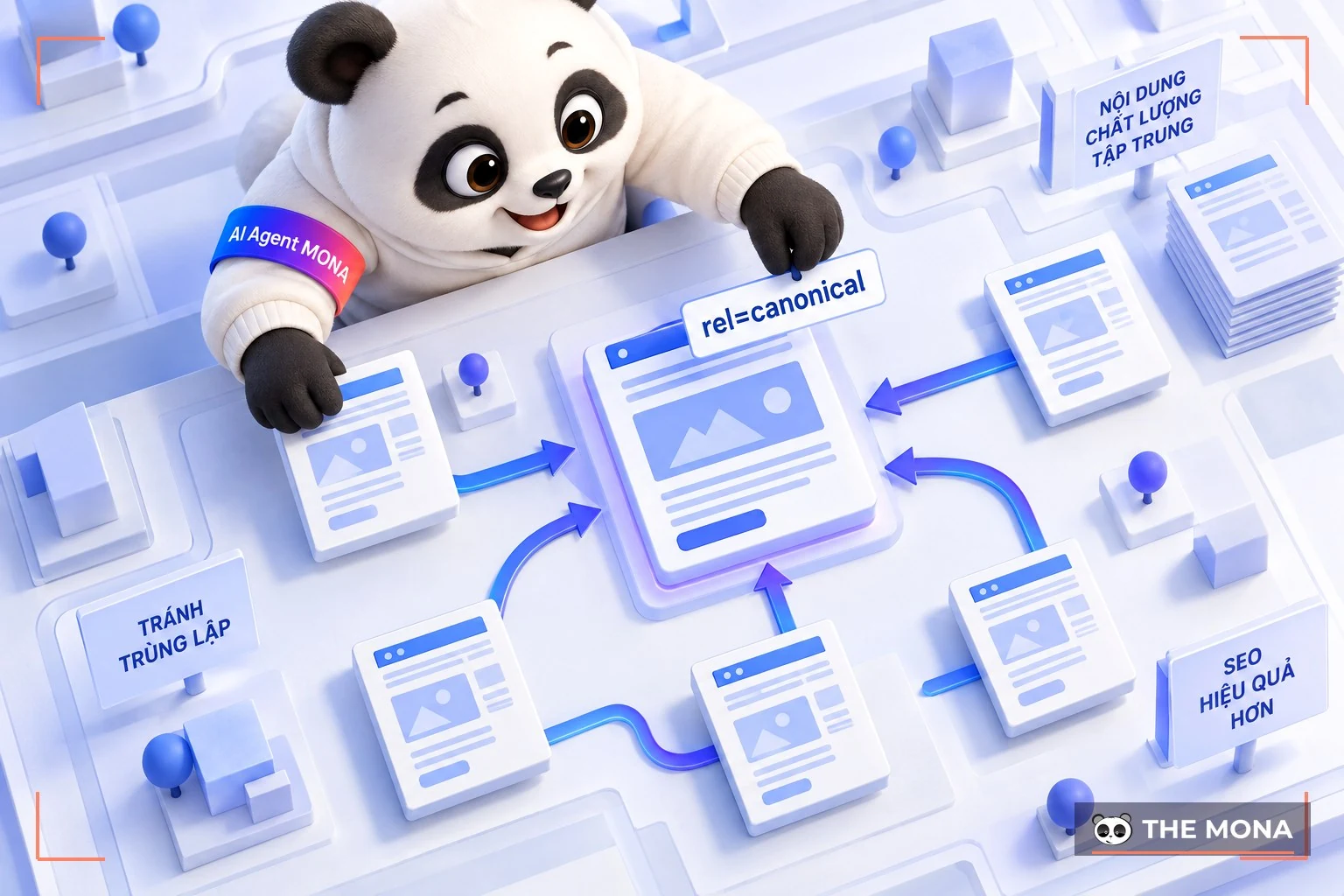
Use the rel=”canonical” tag with the full structure: <link rel=”canonical” href=”https://example.com/” /> and place this link tag inside the <head></head> of the page.
-> You may also want to read:
The rel=canonical tag is the simplest way to declare the original URL. Just add the following code to the <head> of any duplicate page:
<link rel=”canonical” href=”https://example.com/sample-page/”/>
Example: Say you run a flower shop website and want https://store.com/flower/red-roses/ to be the original URL, even though the same content can also be reached at other URLs, such as https://store.com/red-roses/. Add the canonical tag to every duplicate page like this:
<link rel=”canonical” href=”https://store.com/flower/red-roses/ l”/>
Note: If you use a content management system CMS you don't need to worry much about the page code.
Just install Yoast SEO and a self-referencing canonical is added to your pages automatically. Choose the “Improve” section on each post or page to add custom settings.
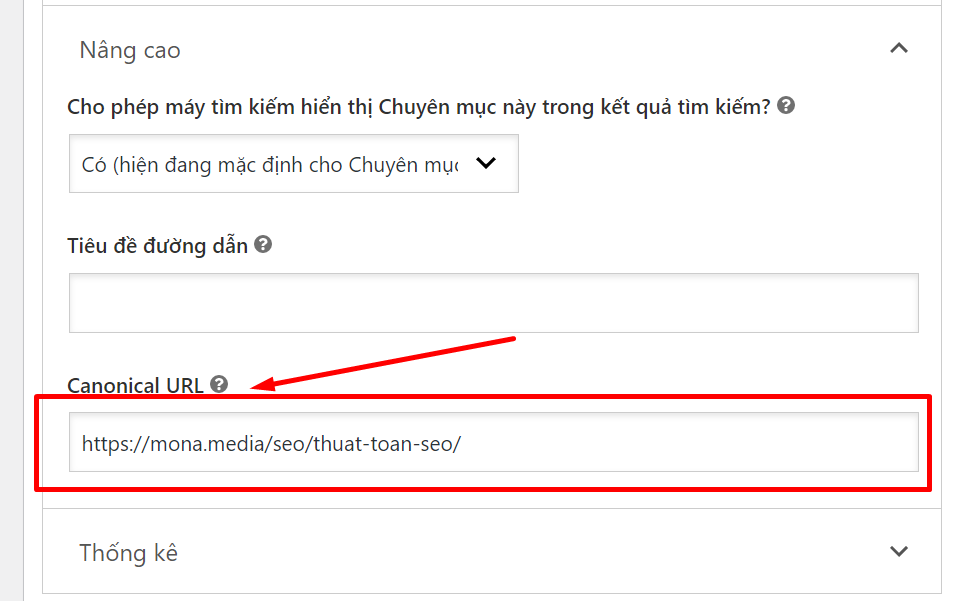
PDF files have no <head> section, so a canonical tag can't be used. In that case, set it in the HTTP header instead. You can also use the HTTP header for other website canonicals.
For sitemaps, Google says pages without a canonical tag are not included, and only canonical URLs are listed.
The reason is that Google treats the pages in a sitemap as the proposed original URLs. In some cases, site owners also decline to choose the URLs in their sitemap as the original URLs.

Use a 301 redirects redirect when you want to send traffic from a duplicate URL to the original URL.
Example: Your website may be reachable through these links:
Pick one URL as the original and redirect all the others to it.
To check a page's Canonical tag with Page Source, follow these simple steps with MONA:
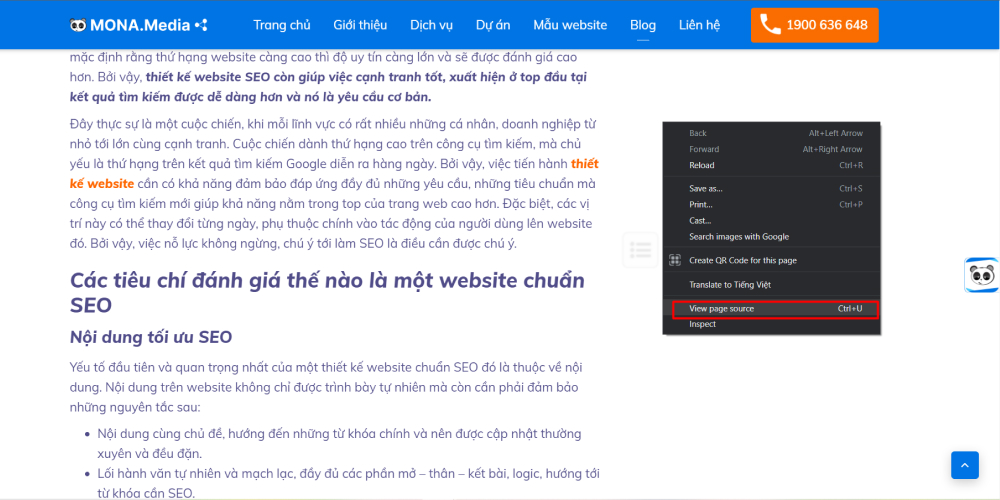
Step 1: Move the cursor to any empty area of the page, right-click and choose View page source. You can also use the shortcut Ctrl + U to open the page source in a new tab.
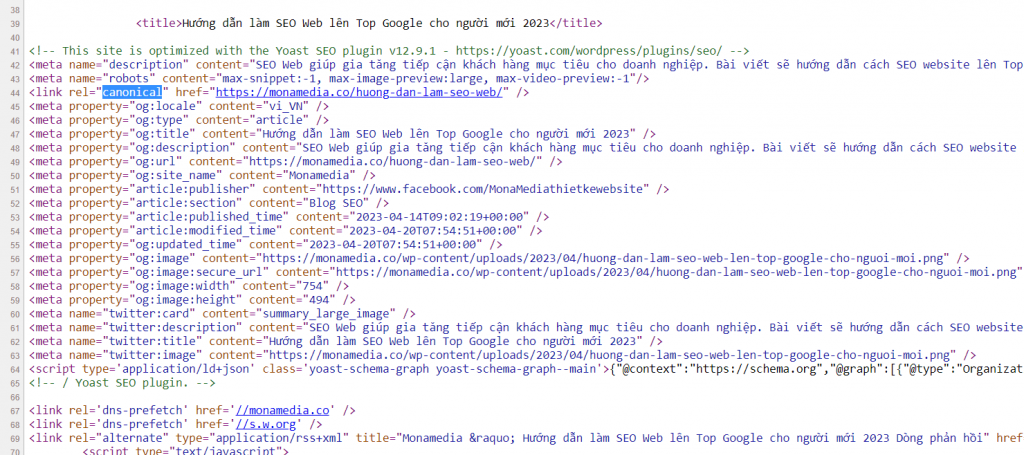
Step 2: Press the keys Ctrl + F. In the search box that opens, type “canonical”
Step 3: All the rel=“canonical” tags will appear. Then check whether the URL in the code is the canonical URL and the Canonical tag is correct.
These two Mozbar and SeoQuake tools are both tools SEO that check canonical tags for free. In detail:
SEOQuake
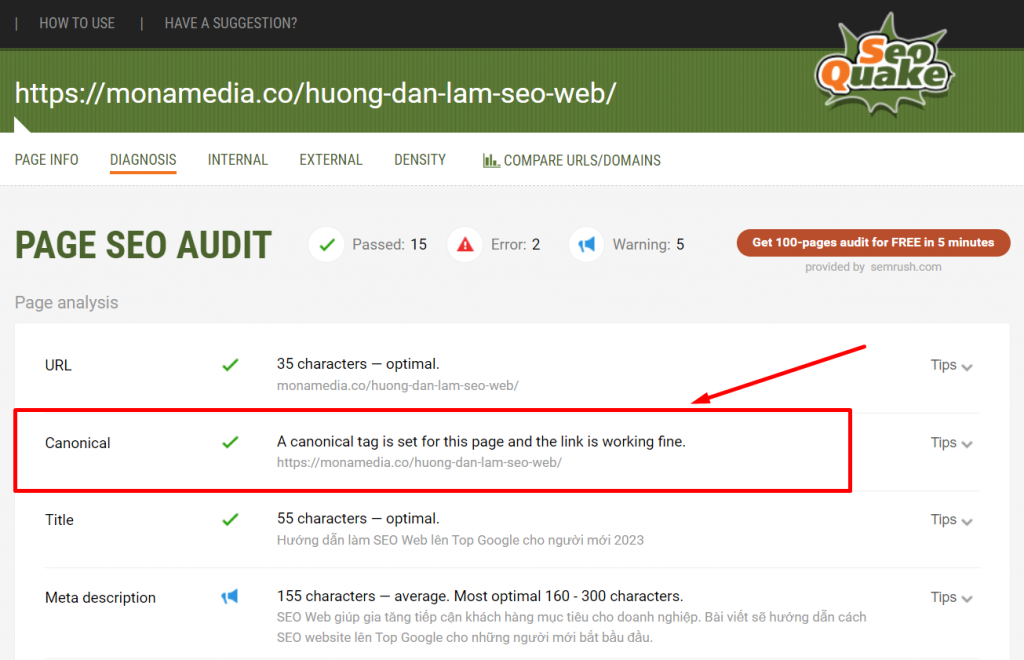
How to check a Canonical tag with SEOquake:
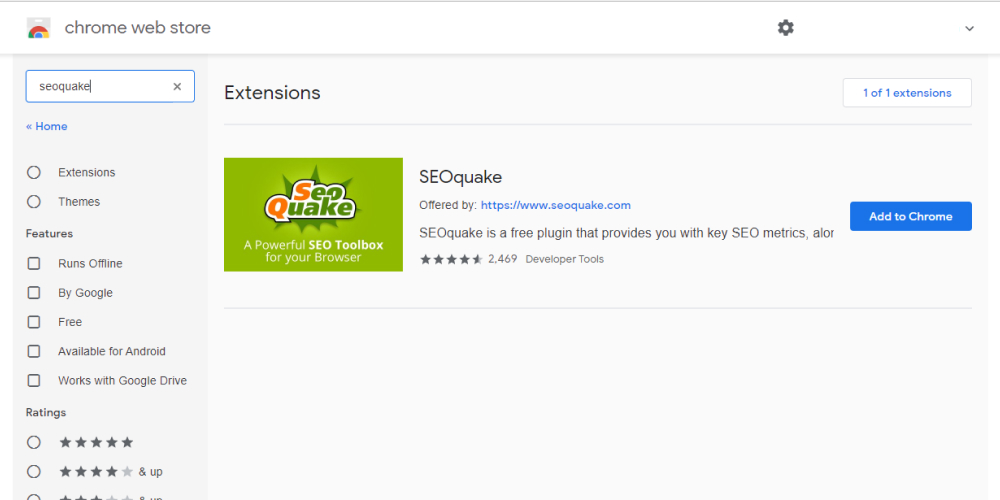
Step 1: Install the SEOquake extension in your browser.
Step 2: Open the page you want to check. Then click the SEOquake icon in the extensions area at the top right of the screen and choose DIAGNOSIS. The page's Canonical tag shows in the Canonical line.
Mozbar
How to check a Canonical tag with Mozbar:
Step 1: Install the Mozbar extension in your browser.
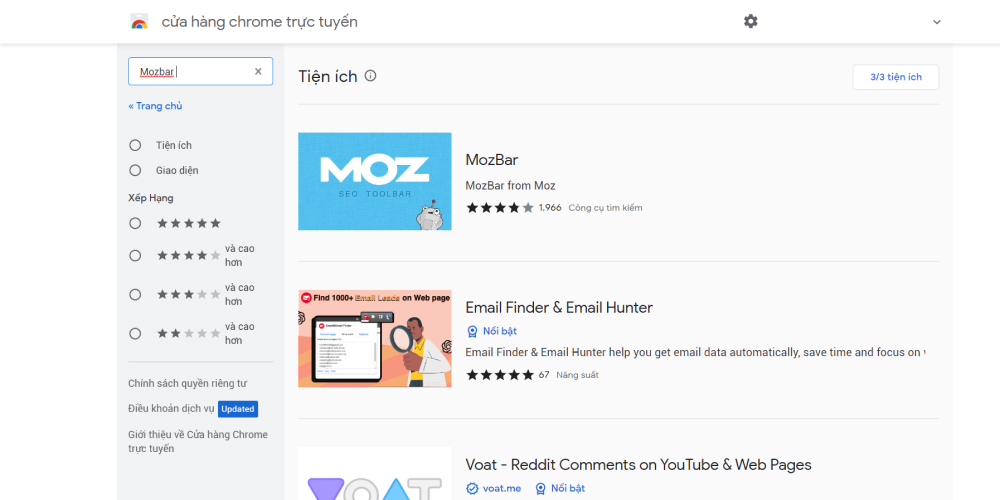
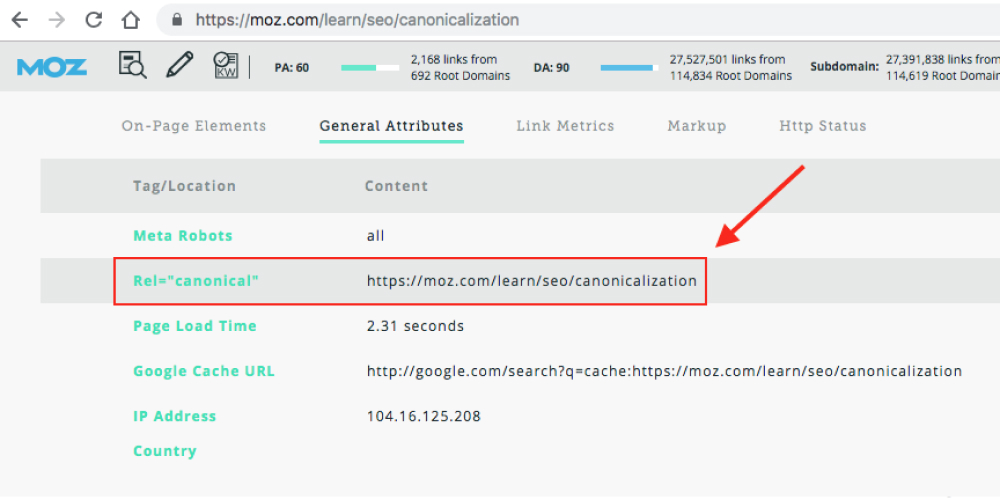
Step 2: Open the page you want to check. Then open Mozbar, click the “page magnifier” icon on the left and choose the tab Page Analysis.
Step 3: Choose General Attributes, and the Canonical tag details will show in the Rel=“canonical” line. Check whether these URLs are already the canonical ones.
Many SEOs misunderstand how to use the canonical URL. Here are some common mistakes when using canonical tags:
Blocking a URL in robots.txt stops Googlebot from crawling it. That means bots can't see any Canonical tag on it, so Google can't pass the “link equity” from the non-canonical page to the canonical one.
Remember not to combine noindex and canonical, because they send opposite signals.
Google usually gives canonical priority over the “noindex” tag. If you want to noindex a page and point it elsewhere, use a 301 redirect. Otherwise, just use rel=”canonical”.
Returning an HTTP 4XX status code for the original URL has the same effect as using a noindex tag.
The Hreflang tag specifies the audience of a site by language and geographic location.
Google's advice on using the hreflang tag: you should “specify the original page in the same language as the site, or in the best alternative language if no common language can be found for both”.
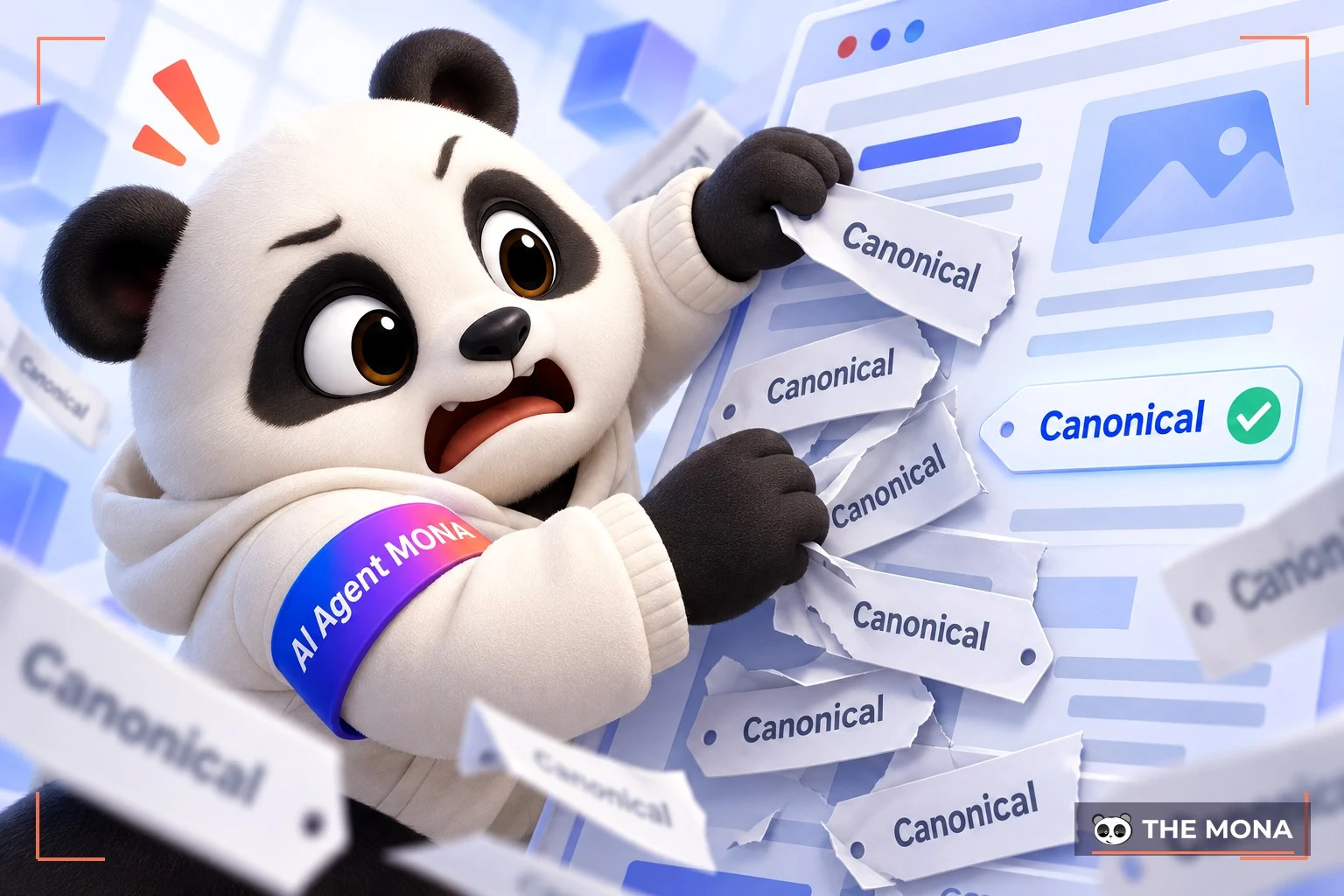
When several rel=”canonical” tags appear, Google ignores all of them. This happens because canonical tags get added to the system at different times.
In some cases rel=”canonical” is added by JS. Google accepts this when the original URL does not appear in the HTML and you then add rel=”canonical” with JS.
On the other hand, you should not swap in a different preferred page with Javascript if the HTML already has a canonical tag.
Rel=“canonical” should only appear in the <head>. A canonical tag in the <body> of a site is easily ignored.
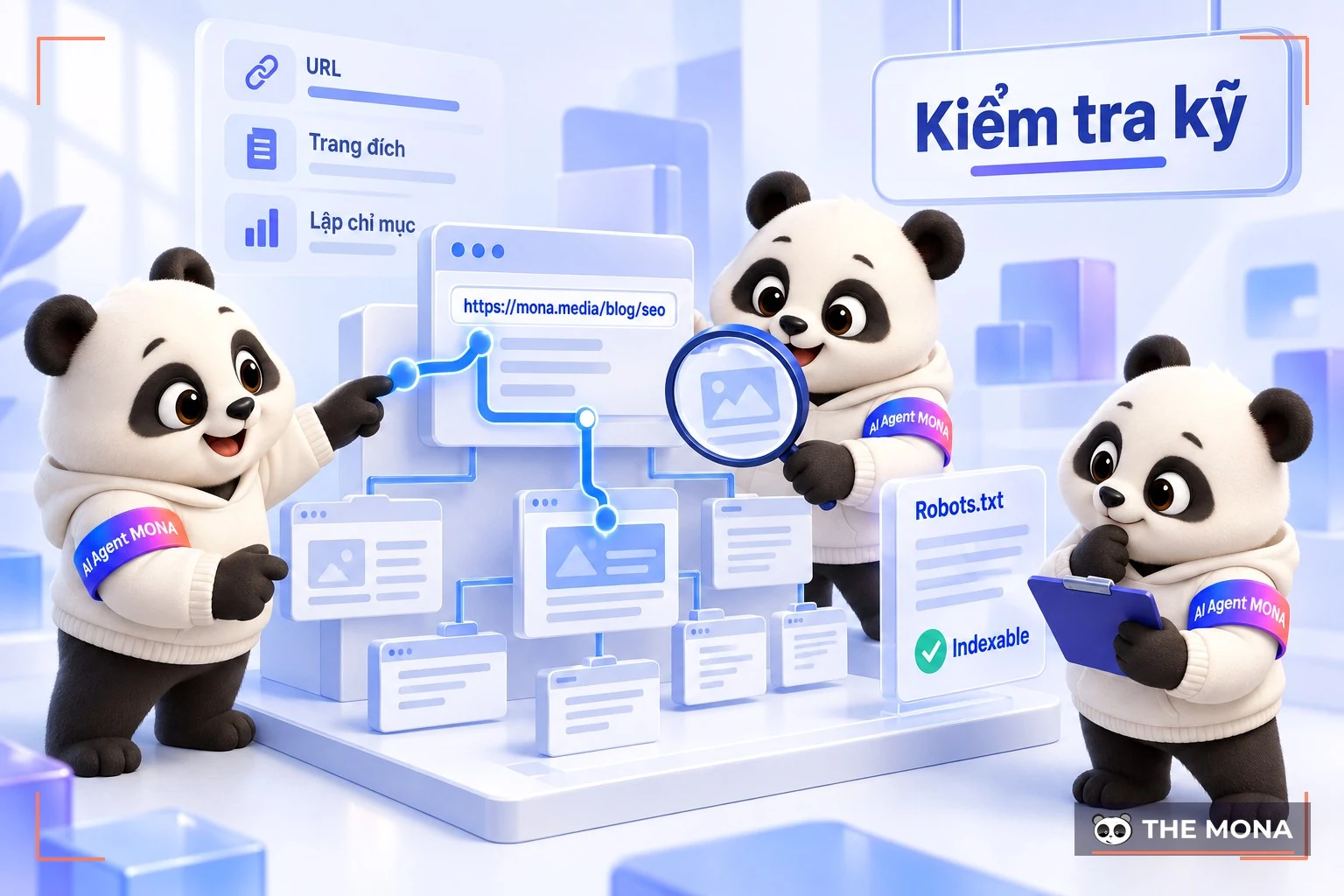
Keep these points in mind when using the Canonical tag:
A canonical tag can point to the current URL. In other words, if URLs A, B and C are duplicates and A is the canonical link, you can put a canonical tag pointing to A on URL A itself.
Homepage duplication is quite common, and people can link to your homepage in many different ways. Put a rel=”canonical” tag on your homepage URL to prevent unexpected problems.
Faulty code can make the system write a different canonical tag for every version of a URL. Check your URLs right away, especially on e-commerce and CMS pages.
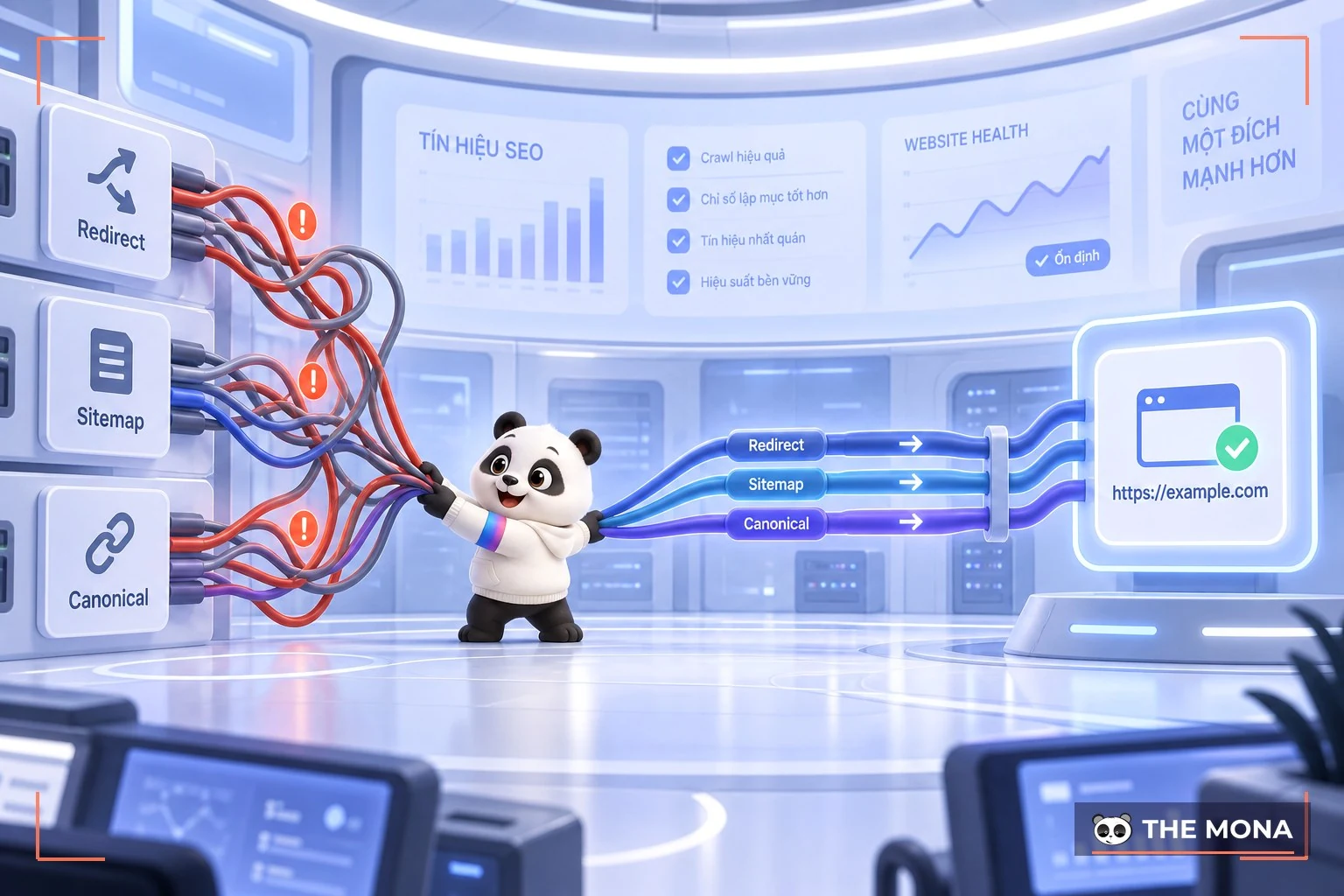
Conflicting signals can lead search engines to misidentify a canonical tag or interpret it wrongly. In short, don't set a rel=”canonical” to page Y on page X, and then set a rel=”canonical” to page X on page Y.
Likewise, don't set a canonical tag from page X to page Y and then use a a 301 redirect from page Y to page X.
-> See more: What is a 302 redirect? How to redirect temporarily with 302
If you manage both sites, you can use cross-domain canonical tags between those domains. For example, a company that publishes media content may post the same article on several sites. A canonical tag focuses the ranking on one page to help it rank higher.
How do you get the most from cross-domain Canonical? Some websites or blogs republish articles from other sites with related content, which is why you see the same content on more than one site.
If you manage several sites and often post the same articles and content across them, a Canonical tag concentrates ranking value on the original URL on the site you choose.
Check carefully that the right page URL is in each Canonical tag. This keeps mistakes and slip-ups that lead to wrong canonical tags to a minimum.
This check matters most on e-commerce sites and CMS-driven systems. You can use tools to check canonical URLs, and Open SEO Stats is one many SEOs prefer.
Duplicate homepages are a common mistake, so adding a Canonical tag in this case is essential.
If the canonical page has a mobile variant, add a rel=“canonical” link to that page pointing to the mobile version of the page.
1 – Does rel=canonical pass 100% of link value to the canonical page?
The rel=canonical tag doesn't pass 100% of link value to the canonical page, but it passes most of it. Search engines don't say much about this, but using a canonical tag does benefit SEO.
2 – Can you use a Canonical tag if the two pages aren't identical?
You can use a canonical tag when two pages aren't exactly the same, but don't abuse it. Search engines may honor the tag even if the content on the pages differs.
However, if search bots see you using canonical tags on pages that aren't really duplicates, they will start ignoring all the canonical tags on your site.
3 – Why is Canonical so important for SEO?
The main purpose of the Canonical tag is to tell search engines which page is the original version of the content and which are duplicates. Google then decides which page to index and rank.
Besides this main purpose, the canonical meta tag brings other benefits:
4 – Can you canonicalize every page on a website?
There is still a lot of debate over whether rel=canonical can be applied to every page on a site. One view is that overusing rel=canonical makes bots take the tag less seriously on your site.
If you want to apply the tag to every page on your site, it is possible. Just make sure the syntax of every tag is correct.
5 – Can you canonicalize a page on another website?
You can canonicalize a page to another website. The rel=canonical tag works across different domains.
That covers what a Canonical tag is. We hope you now have the information you need about canonical links to optimize your website's SEO. If you still have questions on this topic, contact MONA and we will answer your SEO questions.
Please contact us via:
-> See also:

CEO & Founder · The MONA
Founder of The MONA, who built a services company of 200+ staff with 14,000+ projects delivered. Khánh Hùng shares how he thinks about building systems that run themselves, automating a business, and the real lessons from delivering projects at MONA.
 1,6K
1,6K



Professional website
design services
Own a website with a beautiful, 100% exclusive design and a lifetime warranty, with the ability
to expand features flexibly as your business grows, starting today!



NHẬN TƯ VẤN SEO MIỄN PHÍ !








 MONA will never sell your information or send you spam
MONA will never sell your information or send you spam
MONA will never sell your information or send you spam


 MONA will never sell your information or send you spam