
 MONA OS 2.0
 Partner with MONA


 Tự động hoá doanh nghiệp
 Cẩm nang SEO
 Digital Marketing
 Kinh nghiệm thiết kế website
 Hạ Tầng Server
 Giáo dục


 VI
 EN



























Message us on
Zalo Official


 ProductsNew

 ProductsProducts
 Mới ra mắtKHA AI 2027App tự edit video, tự đăng mọi mạng xã hội, 2 phút mỗi ngày










 Website designLooks good and wins customers over.
SEO servicesBrings in customers searching for exactly what you sell.
 Tư vấn digital marketingKéo khách từ nhiều kênh, đo bằng số thật.
Corporate video productionVideos introducing your company, factory and team.
 NewAI video productionCompany story films made with AI.
 Custom software developmentCRM, ERP and HRM built for your business.
 Viết AI Agent theo yêu cầuĐặt riêng một trợ lý AI cho đúng việc của mình.
 Tư vấn chuyển đổi AIĐưa AI vào vận hành của cả công ty.
NewMONA LMSManagement for centers and schools.
MONA SkillHubInternal training for company staff.
 NHTQ systemEnd-to-end China–Vietnam shipping operations.
MONA JMSManagement for gold, diamond and pawn shops.
 MONA E-LearningA website with every feature you need to sell courses.
 How to sell online courses (course)More than 30 free lessons on selling courses on autopilot.
 MONA Cloudmonacloud.vnServers to get your apps and websites running.
 MONA Basemonabase.vnPostgres database, sign-in and file storage.
 MONA Mailmonamail.vnSend OTP, order and invoice emails from your software.
 MONA Paymonapay.vnAccept bank transfers via VietQR and notify your software when the money arrives.
 MONA eInvoiceComing soonIssue e-invoices that meet tax standards.
Gấu CườiTrả lời khách 24/7 trên web, Fanpage, Zalo và thu lead cho sale.
 Gấu TeleSalesGọi điện tư vấn, chăm khách như tổng đài viên thật.
Dê CườiTư vấn và chốt đơn cho shop ngay trong khung chat.
Gấu WebmasterNhắn nhóm Zalo là website được sửa xong.
 Gấu Pháp ChếSoạn hợp đồng, rà điều khoản trong vài phút.
 Gấu Báo GiáLên báo giá đúng mẫu và gửi khách ngay.
 AI chăm sóc khách hàngTheo dõi và giữ chân khách hàng cũ.
 Gấu Tuyển DụngLọc hồ sơ, hẹn lịch, phỏng vấn ứng viên.
 Mới ra mắt
KHA AI 2027
Xây kênh chuyên gia 2 phút mỗi ngày
Quay bằng điện thoại, AI tự edit video, tự đăng lên 16 nền tảng và tự trả lời bình luận, tin nhắn.
834.192lượt xem trên kênh CEO MONA sau 27 ngày
 Anh Khánh HùngCEO MONA đang dùng mỗi ngày
Xem app làm được gì
 AI
Gấu Cười MONA ĐANG TỰ XÀITrả lời khách 24/7 trên website, Zalo OA, Messenger và thu lead về cho sale.
Dê CườiChốt đơn bán lẻ và sàn: Shopee, TikTok Shop, web. Chăm cả khách sỉ, đại lý.
Gấu WebmasterCập nhật nội dung, tối ưu SEO website mỗi ngày.
Gấu TeleSalesGọi điện tư vấn, chăm khách như tổng đài viên thật.
Gấu Tuyển DụngLọc hồ sơ, hẹn lịch, phỏng vấn ứng viên tự động.
AI chăm sóc khách hàngGiữ khách cũ, cứu lead đã rớt cho phòng kinh doanh.
Gấu Pháp ChếSoạn hợp đồng, rà điều khoản trong vài phút.
Gấu Báo GiáLên báo giá đúng mẫu, gửi khách ngay khi có yêu cầu.
 Chuyển đổi AI toàn phầnGiải pháp tổng cho doanh nghiệp, 3 lớp triển khai.
 Viết AI Agent theo yêu cầuĐặt riêng một con AI gánh đúng nghiệp vụ của bạn.
 Custom softwareCRM, ERP and HRM with built-in AI automation.
 SEO & AEO thời đại AIĐược Google lẫn AI trích dẫn, không chỉ xếp hạng.
 Kiến thức AI cho doanh nghiệpBài phân tích, hướng dẫn ứng dụng AI vào vận hành.
 Free AI courses
 AI tools at work
App mới · KHA AI 2027
Xây kênh 2 phút mỗi ngày
AI tự edit video, tự đăng mọi mạng xã hội
Free consultation, 8am–10pm every day

18 March, 2023
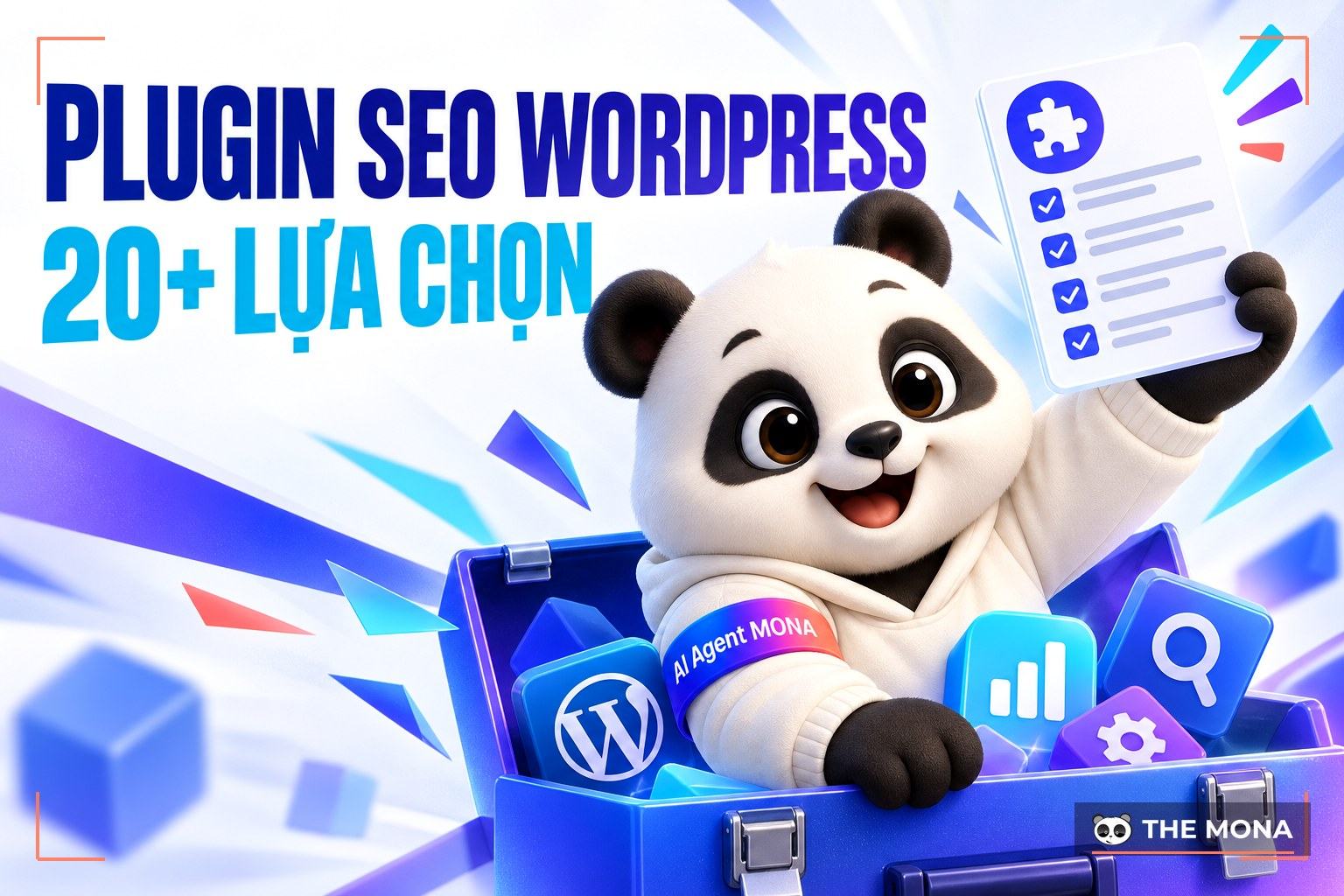
Plugin SEO WordPress are tools that help optimize a website on the WordPress platform, improving search rankings and increasing organic traffic. As of 2025 there are more than 59,000 different plugins, so finding the best one is not simple. Knowing this, MONA Media has selected the Top 20+ WordPress SEO plugins trusted by experts, covering needs from basic to advanced.
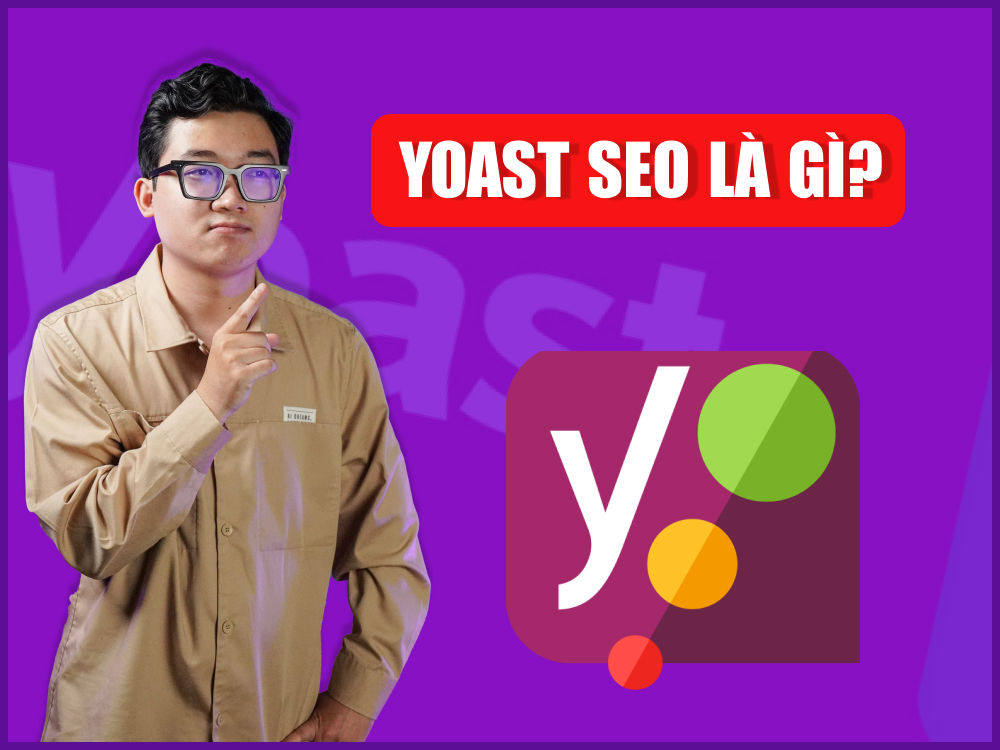
Yoast SEO is a WordPress free plugin and the most widely used today, with more than 5 million downloads and more than 27,570 five-star ratings. It has a clean interface and user-friendly options to optimize blog posts. Product pages also meet SEO standards and stand out more.

Here are some of the main features of the Yoast SEO free version that any beginner can use easily:
Pricing:
All in One SEO Pack is an SEO plugin for WordPress trusted by many SEO company thanks to its comprehensive feature set. The free version includes a range of essential SEO features, such as customizing page titles and other titles, and providing meta tags for snippets on search engine results pages.

The premium version adds many more options, such as a Google Local Business SEO module, a sitemap module, and advanced SEO options for Woocommerce.
When you use All in One SEO, you can easily:
Pricing: Besides the free version (7 months), All in One SEO has upgrade plans for different needs:
The SEO Framework plugin is a great choice for those who SEO specialists want a light, fast WordPress plugin without any ads or upselling. This SEO plugin for WordPress has a simple, intuitive interface and removes some unnecessary notices, so SEO people can easily track and adjust SEO for each post and page.

Some standout features of The SEO Framework include:
Pricing:
If you are looking for a complete SEO plugin with outstanding features, Premium SEO Pack is certainly worth considering. This WordPress SEO plugin not only helps with search engine optimization but also improves website performance and gives users a better experience.

So what are the standout features of the Premium SEO Pack plugin?
Pricing: 79,000 – 90,000 VND (bought through a third party).
Rank Math is a free SEO plugin with many useful features that help SEO specialists optimize content easily. Like Yoast SEO, Rank Math lets users set different page titles and other titles, and set meta descriptions to try to control the text snippets in search results. It also has a set of options to control your sitemap, and integrates with Google Search Console and other tools.

Here are some standout features of the Rank Math WordPress SEO plugin:
Pricing:
Optimizing content on WordPress is much simpler with WP Meta SEO. This plugin is designed to help administrators control all on-page SEO factors visually and quickly. With both free and paid versions, the tool works well for individuals and businesses that want better search performance.

Standout features of WP Meta SEO:
Pricing: 49 USD/year.
Among the best WordPress SEO plugins, SEOPress is consistently rated highly by experts for its completeness and strong optimization. Besides helping improve a website's ranking on Google, it offers simple, effective SEO management for both beginners and professionals.
The most useful features of SEOPress are:
Pricing:
If you are looking for a free WordPress SEO plugin that is still powerful and easy to use, take a look at SEO Squirrly. This tool is designed for people who don't yet have much knowledge of SEO, helping you optimize your website visually and quickly. Just enter the target keyword and the system suggests the best keywords and guides your content optimization in real time.

Some standout features of SEO Squirrly include:
Pricing: Besides the free version, SEO Squirrly has flexible upgrade plans such as:
Broken Link Checker is one of the most useful WordPress SEO plugins today. It helps SEO people keep control of every link on the site and fix broken linksin time, so Google doesn't rate the website lower.

The Broken Link Checker plugin has powerful features such as:
Pricing:
Managing outbound links on your website is easier with Rel NoFollow Checkbox, a WordPress SEO plugin that helps you control how SEO value passes to other pages. By adding the “rel nofollow” attribute to all external links, you tell Google clearly which links do not pass link juice, while reducing the risk of being seen as link manipulation and building the website's credibility.

WP Rocket is an SEO-supporting plugin for WordPress trusted by many SEO people for its effective website speed optimization. It has a friendly, easy-to-use settings interface but delivers a noticeable improvement in page load speed, improving user experience and SEO performance.

Some standout features of the WP Rocket plugin:
Pricing:
See also: 10 ways to speed up a WordPress website
WP Smush Pro is known as a popular image optimization plugin. With more than 1 million downloads on WordPress, it has received many positive reviews from the SEO community. This WordPress SEO plugin comes in a free and a paid version. For the best experience, you can use the Premium version.

Standout features of the WP Smush Pro plugin include:
Pricing:
The SEMrush SEO Writing Assistant plugin helps you optimize content for the best SEO results. Although it is not widely used by SEO people, this keyword SEO plugin for WordPress is still a top option worth considering.

SEMrush SEO Writing Assistant is a smart editor that helps you optimize your page content, SEO score, readability, article length and more. This WordPress SEO plugin also lets you add the main keyword of a post and gives useful suggestions to optimize the focus keyword for the best SEO result. To get started, you just need to create an account on SEMRush and that's it (and it is completely free).
SEMrush Writing Assistant simplifies your work with features such as:
Pricing:
Easy Table of Contents is a keyword SEO plugin for WordPress that helps you create a table of contents for posts and pages quickly and easily. The plugin helps readers grasp the structure of the content, spot the important sections and navigate to the information they need, while improving user experience and boosting the CTR metric and SEO performance of the website.
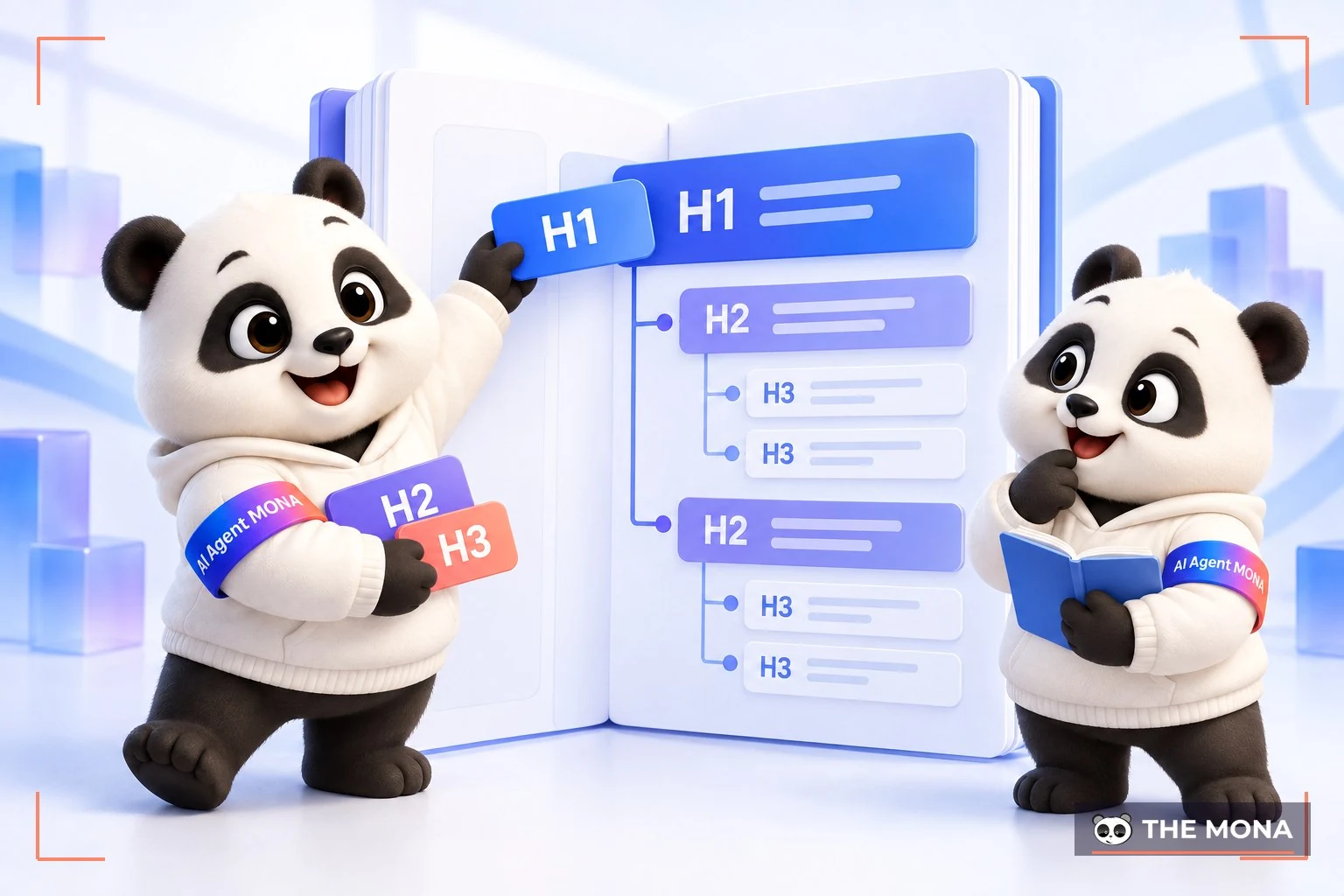
These useful features have helped Easy Table of Contents earn more than 20,000 downloads:
Pricing:
ShortPixel is considered one of the most effective WordPress SEO plugins for image compression. For websites with many images, optimizing image size not only improves page load speed but also gives users a smoother experience. That is why ShortPixel is trusted and highly rated by many SEO people.

It is also very simple to use. After you install it on WordPress, ShortPixel automatically compresses and optimizes any image uploaded to your website.
Some standout advantages of ShortPixel:
Pricing:
A3 Lazy Load is a simple and extremely handy plugin that any website can use. It enables lazy loading of images/videos, meaning images/videos appear in the area you can see, while content further down the screen loads later to optimize the website's page load speed. For pages that don't need lazy loading, you can easily turn it off in the settings.

The main functions of the WordPress SEO plugin A3 Lazy Load include:
Hreflang Tags Lite helps Google identify the right language of your pages and serve and display content correctly to users in each region. Hreflang is also very easy to use: just install it and choose the right language to add to the URL of any post you want to show that language.
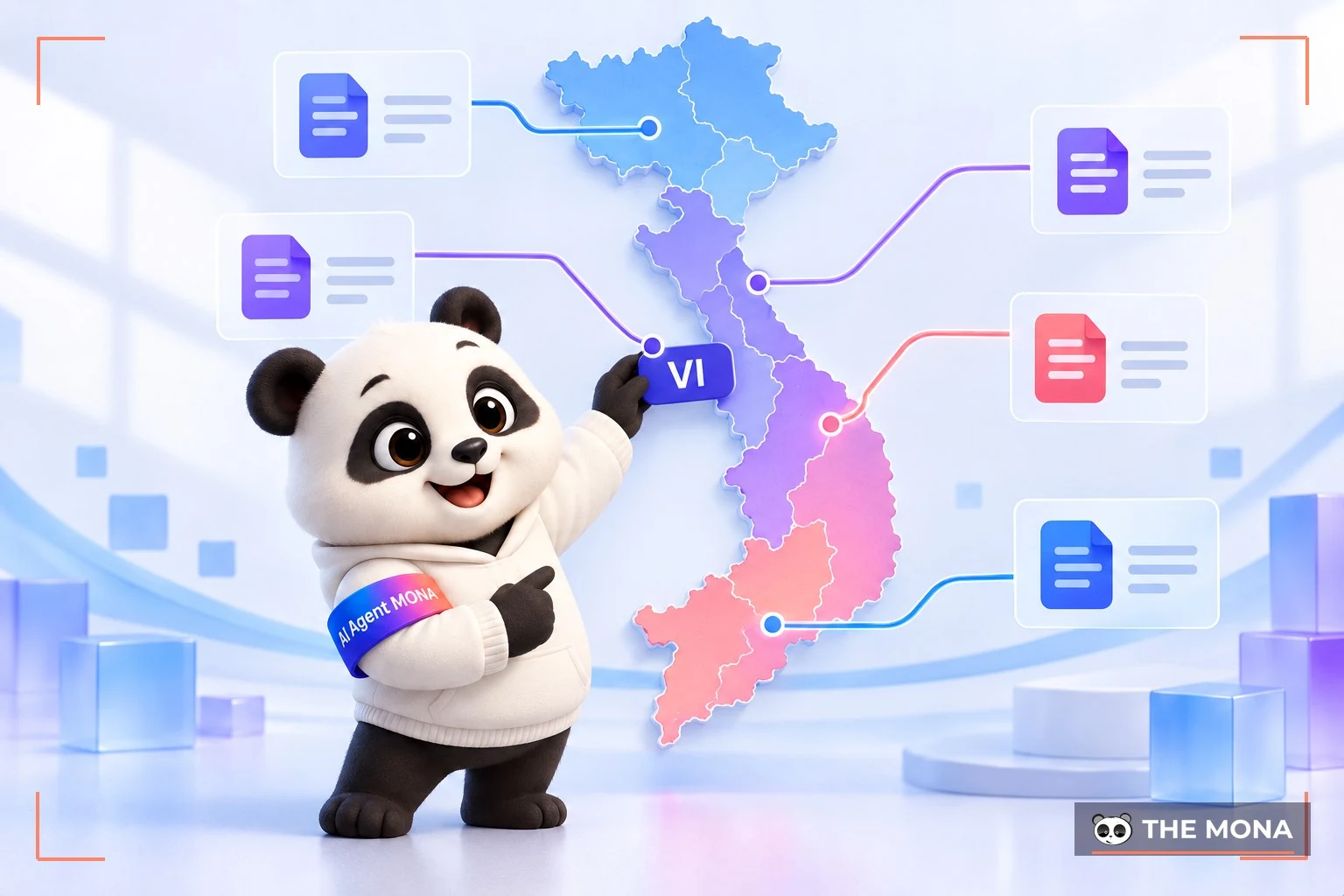
However, for the best results, use the Hreflang Tags Lite plugin on small websites with a limited amount of content.
Redirection is a free WordPress SEO plugin that helps you manage redirects Redirect 301 from old URLs to new URLs on your website. Users won't hit 404 errors when they open old links, and Google understands that the old and new URLs hold the same content, which protects your site's ranking. Redirection is very easy to use: install it on WordPress, then enter the old address and the new address to set up the redirect.

Standout features of the Redirection plugin:
See more: What is a 302 redirect? Guide to 302 Moved Temporarily redirects
The free WordPress SEO plugin WP Super Cache was created to store static cache copies of pages and posts, speed up page loading, reduce bandwidth and optimize the website's SEO effectively.

As one of the best WordPress SEO plugins today, WP Super Cache offers powerful features such as:
To get the best results from WP Super Cache, you should also clear the cache whenever you change any content on a page. If you don't, the changes won't be shown to users afterwards.
You may also be interested in: Top 8 Plugin Cache WordPress best of 2026
If you want to improve the performance and speed of your WordPress website, you can use an SEO-supporting WordPress plugin such as Autoptimize. It is a free but powerful tool that optimizes HTML, CSS and Javascript, giving users a smoother experience.

The Autoptimize plugin speeds up your website by:
Pricing:
Optimizing a website to SEO standards and ranking high on search engines depends on many complex factors. With more than 10 years of experience providing SEO services full-scope SEO services, MONA Media is confident in bringing businesses effective SEO strategies that help websites grow strongly and sustainably.
Besides applying proven Onpage and Offpage SEO techniques, we also integrate advanced SEO AI technologies to raise results, helping your brand show up anywhere, anytime on the Internet.

Hundreds of businesses have grown x3 Traffic and led TOP 1-3 on search engines using MONA's full-scope SEO service alone. So are you ready to reach the top of Google with MONA? Contact us now for a detailed SEO quote and a more detailed discussion.
Do SEO plugins affect page load speed?
HaveYes, SEO plugins can affect page load speed both positively and negatively. If you install too many plugins or use poorly optimized ones, your website may slow down. On the other hand, using a quality SEO plugin together with CSS/JS optimization and image compression will improve performance. To speed things up, choose only the plugins you need, and use performance tools such as WP Rocket and image compression plugins such as ShortPixel.
Should you use several SEO plugins in WordPress?
No,because using too many SEO plugins easily causes conflicts and slows the website down. According to MONA, you should choose just one complete SEO plugin and configure it fully.
The business's plugin SEO WordPress will help website administrators manage and grow their sites better, reach higher rankings, attract more potential customers and increase revenue. We hope this article helps you choose the SEO plugin that suits you for your website.
See more related articles:
- How to install plugins for WordPress and free plugins worth using
- Top 5 text editor plugins for WordPress most popular
A suggestion from MONA
If you are considering an SEO plugin for your WordPress website, we have MONA SEO, a licensed plugin developed by the MONA team. Besides SEO for Google, the plugin also declares data for ChatGPT, Gemini and AI Overview, and its admin interface is fully in Vietnamese. It detects an existing Yoast or Rank Math install and steps aside, so you can switch over gradually without conflicts.
See the details at plugin.mona.software, or see more reviews in the plugin WordPress section of our blog. For advice based on your website's current state, call 1900 636 648.

CEO & Founder · The MONA
Founder of The MONA, who built a services company of 200+ staff with 14,000+ projects delivered. Khánh Hùng shares how he thinks about building systems that run themselves, automating a business, and the real lessons from delivering projects at MONA.
 1,6K




Professional website
design services
Own a website with a beautiful, 100% exclusive design and a lifetime warranty, with the ability
to expand features flexibly as your business grows, starting today!



NHẬN TƯ VẤN SEO MIỄN PHÍ !






 MONA will never sell your information or send you spam


 MONA will never sell your information or send you spam
