
 MONA OS 2.0


 Tự động hoá doanh nghiệp
 Cẩm nang SEO
 Digital Marketing
 Kinh nghiệm thiết kế website
 Hạ Tầng Server
 Giáo dục


 VI
VI
 EN
EN




















Message us on
Zalo Official


 Products

 ProductsProducts









 Website designLooks good and convinces your customers.
SEO servicesBrings in customers searching for exactly what you sell.
Website designLooks good and convinces your customers.
SEO servicesBrings in customers searching for exactly what you sell.
 Tư vấn digital marketingKéo khách từ nhiều kênh, đo bằng số thật.
Corporate video productionVideos introducing your company, factory and team.
Tư vấn digital marketingKéo khách từ nhiều kênh, đo bằng số thật.
Corporate video productionVideos introducing your company, factory and team.
 NewAI video productionCompany story films made with AI.
 Custom software developmentCRM, ERP and HRM built for your business.
 Viết AI Agent theo yêu cầuĐặt riêng một trợ lý AI cho đúng việc của mình.
 Tư vấn chuyển đổi AIĐưa AI vào vận hành của cả công ty.
NewMONA LMSManagement for centers and schools.
MONA SkillHubInternal training for company staff.
Tư vấn chuyển đổi AIĐưa AI vào vận hành của cả công ty.
NewMONA LMSManagement for centers and schools.
MONA SkillHubInternal training for company staff.
 NHTQ systemEnd-to-end China–Vietnam shipping operations.
MONA JMSManagement for gold, diamond and pawn shops.
NHTQ systemEnd-to-end China–Vietnam shipping operations.
MONA JMSManagement for gold, diamond and pawn shops.
 MONA E-LearningA website with every feature you need to sell courses.
 Course on selling online coursesMore than 30 free lessons on selling courses automatically.
 MONA Cloudmonacloud.vnServers to get your apps and websites running.
 MONA Basemonabase.vnPostgres database, sign-in and file storage.
 MONA Mailmonamail.vnSend OTP, order and invoice emails from your software.
 MONA Paymonapay.vnReceive bank transfers via VietQR, with payment alerts sent to your software.
 MONA eInvoiceComing soonIssue e-invoices that meet tax standards.
Gấu CườiTrả lời khách 24/7 trên web, Fanpage, Zalo và thu lead cho sale.
MONA eInvoiceComing soonIssue e-invoices that meet tax standards.
Gấu CườiTrả lời khách 24/7 trên web, Fanpage, Zalo và thu lead cho sale.
 Gấu TeleSalesGọi điện tư vấn, chăm khách như tổng đài viên thật.
Dê CườiTư vấn và chốt đơn cho shop ngay trong khung chat.
Gấu WebmasterNhắn nhóm Zalo là website được sửa xong.
Gấu TeleSalesGọi điện tư vấn, chăm khách như tổng đài viên thật.
Dê CườiTư vấn và chốt đơn cho shop ngay trong khung chat.
Gấu WebmasterNhắn nhóm Zalo là website được sửa xong.
 Gấu Pháp ChếSoạn hợp đồng, rà điều khoản trong vài phút.
 Gấu Báo GiáLên báo giá đúng mẫu và gửi khách ngay.
 AI chăm sóc khách hàngTheo dõi và giữ chân khách hàng cũ.
 Gấu Tuyển DụngLọc hồ sơ, hẹn lịch, phỏng vấn ứng viên.
 AI
Gấu Cười MONA ĐANG TỰ XÀITrả lời khách 24/7 trên website, Zalo OA, Messenger và thu lead về cho sale.
Dê CườiChốt đơn bán lẻ và sàn: Shopee, TikTok Shop, web. Chăm cả khách sỉ, đại lý.
Gấu WebmasterCập nhật nội dung, tối ưu SEO website mỗi ngày.
Gấu TeleSalesGọi điện tư vấn, chăm khách như tổng đài viên thật.
Gấu Tuyển DụngLọc hồ sơ, hẹn lịch, phỏng vấn ứng viên tự động.
AI chăm sóc khách hàngGiữ khách cũ, cứu lead đã rớt cho phòng kinh doanh.
Gấu Pháp ChếSoạn hợp đồng, rà điều khoản trong vài phút.
Gấu Báo GiáLên báo giá đúng mẫu, gửi khách ngay khi có yêu cầu.
AI
Gấu Cười MONA ĐANG TỰ XÀITrả lời khách 24/7 trên website, Zalo OA, Messenger và thu lead về cho sale.
Dê CườiChốt đơn bán lẻ và sàn: Shopee, TikTok Shop, web. Chăm cả khách sỉ, đại lý.
Gấu WebmasterCập nhật nội dung, tối ưu SEO website mỗi ngày.
Gấu TeleSalesGọi điện tư vấn, chăm khách như tổng đài viên thật.
Gấu Tuyển DụngLọc hồ sơ, hẹn lịch, phỏng vấn ứng viên tự động.
AI chăm sóc khách hàngGiữ khách cũ, cứu lead đã rớt cho phòng kinh doanh.
Gấu Pháp ChếSoạn hợp đồng, rà điều khoản trong vài phút.
Gấu Báo GiáLên báo giá đúng mẫu, gửi khách ngay khi có yêu cầu.
 Chuyển đổi AI toàn phầnGiải pháp tổng cho doanh nghiệp, 3 lớp triển khai.
 Viết AI Agent theo yêu cầuĐặt riêng một con AI gánh đúng nghiệp vụ của bạn.
 Custom softwareCRM, ERP and HRM with built-in AI automation.
 SEO & AEO thời đại AIĐược Google lẫn AI trích dẫn, không chỉ xếp hạng.
 Kiến thức AI cho doanh nghiệpBài phân tích, hướng dẫn ứng dụng AI vào vận hành.
 Free AI courses
 AI tools at work
28 June, 2023
Do you know why, among sales websites, some make users buy right away while others get skipped after a few seconds? It is because those websites invested in UI UX design from the start. UX (User Experience) is the experience users have when interacting with a website, while UI (User Interface) is the visual interface that conveys emotion and brand. In this article, MONA Media will explain these 2 concepts and share tips to help you optimise the user experience on your own website or mobile app project!
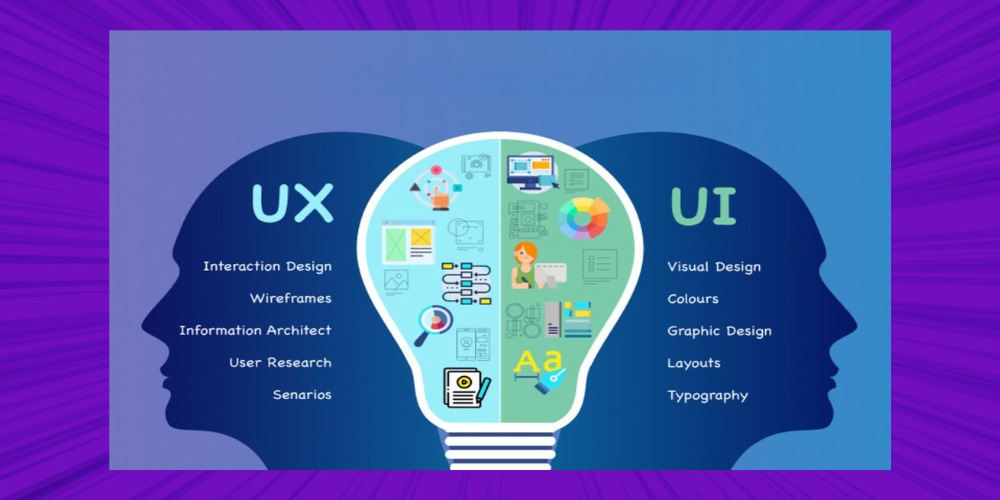
UI (User Interface) is where users and electronic devices interact, including the screens they use in an app and the buttons they click on Website. Simply put, UI includes everything users can see, including colours, layout and font size.
It is not only smartphone interfaces that need proper UI: control panels and screens on everyday machines such as POS terminals, vending machines, coffee machines, washing machines… are also called UI. The main goal of UI design is to create an attractive, easy-to-use interface from the product's content and functions.
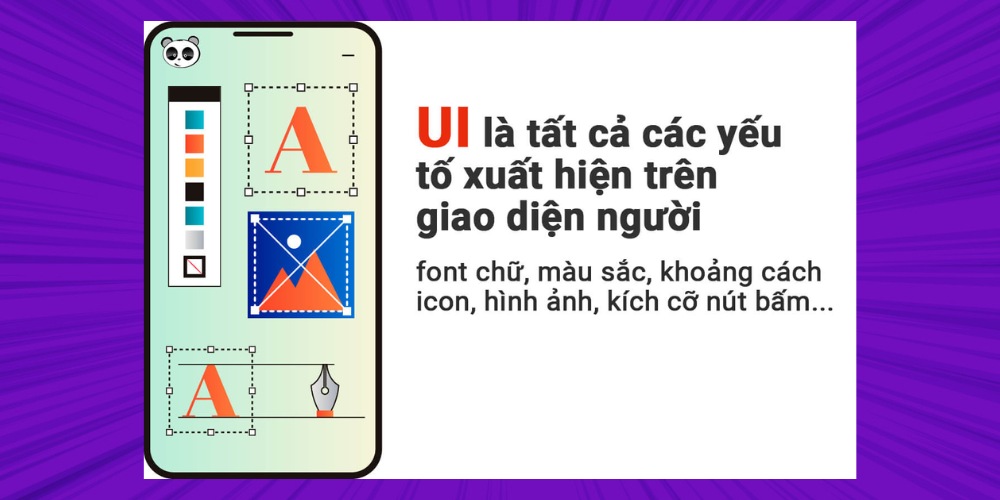
The process of creating a UI design depends not only on experience but also on many other factors such as colour, visual principles and the motion of each element on the website. These factors usually relate to Visual Design and Motion Design.
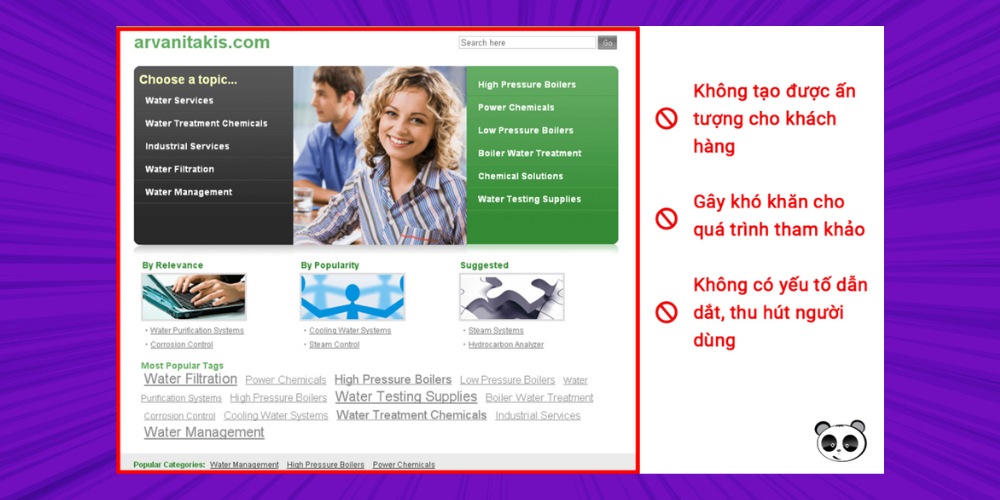
Your website is the face of your brand, but if that face isn't professional, polished and true to the service you offer, you are only wasting your time, money and effort.
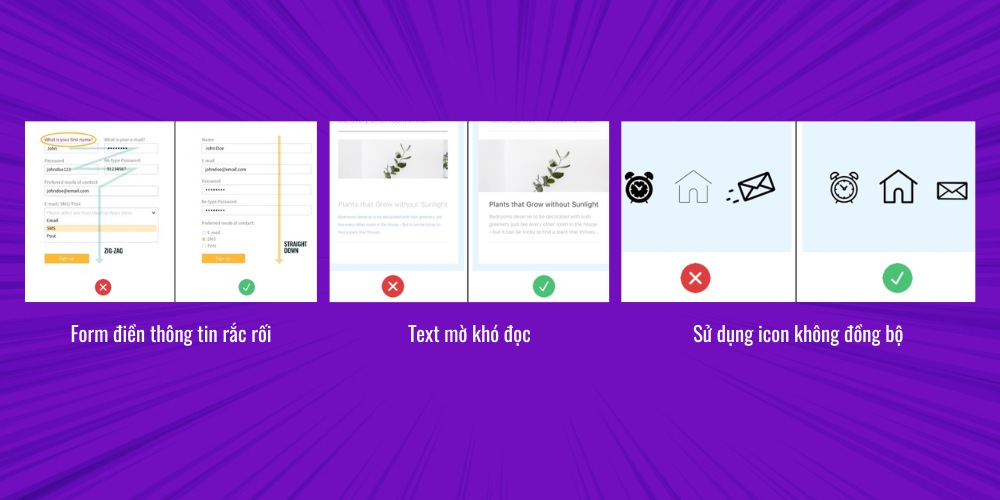
A UI design with too many errors, or one that isn't up to standard, will hurt your conversion rate with customers and won't bring the revenue you want. Below are the basic errors if your website or mobile app doesn't meet user interface design criteria:
A good interface design gives users exactly what they need in the fastest, simplest way, which helps you create a professional impression and strengthen your brand's credibility:
It helps users reach your services and products more easily, which encourages them to convert (decide to buy, use a service, get in touch, leave their details…) and helps you generate revenue.
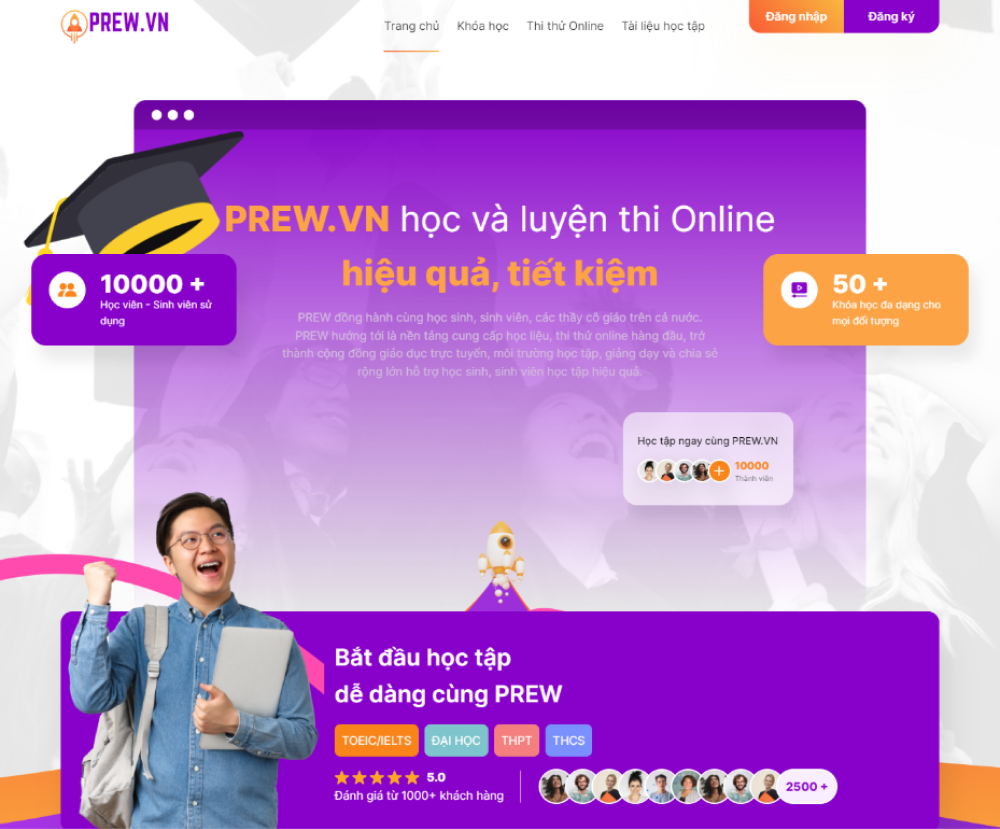
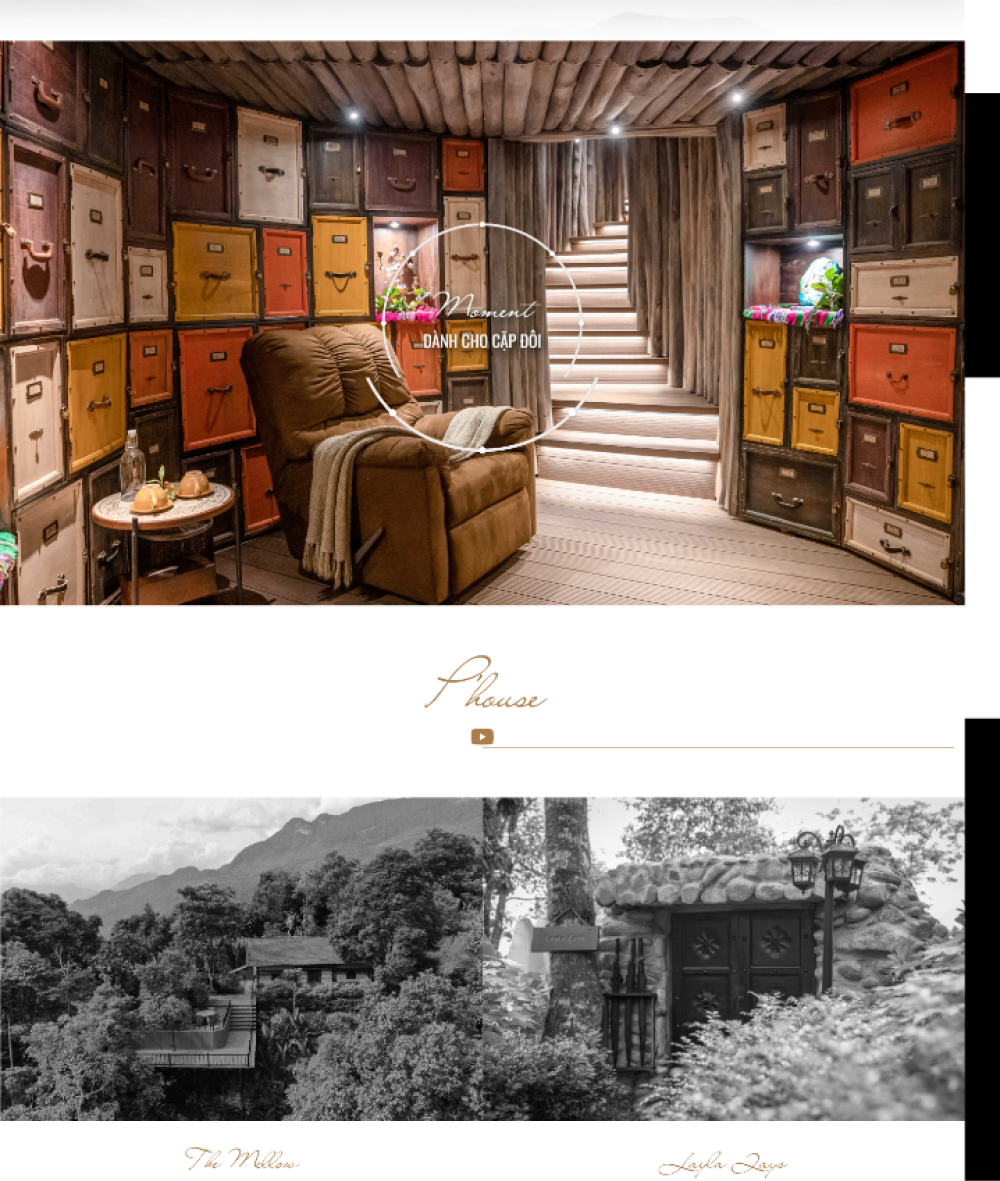
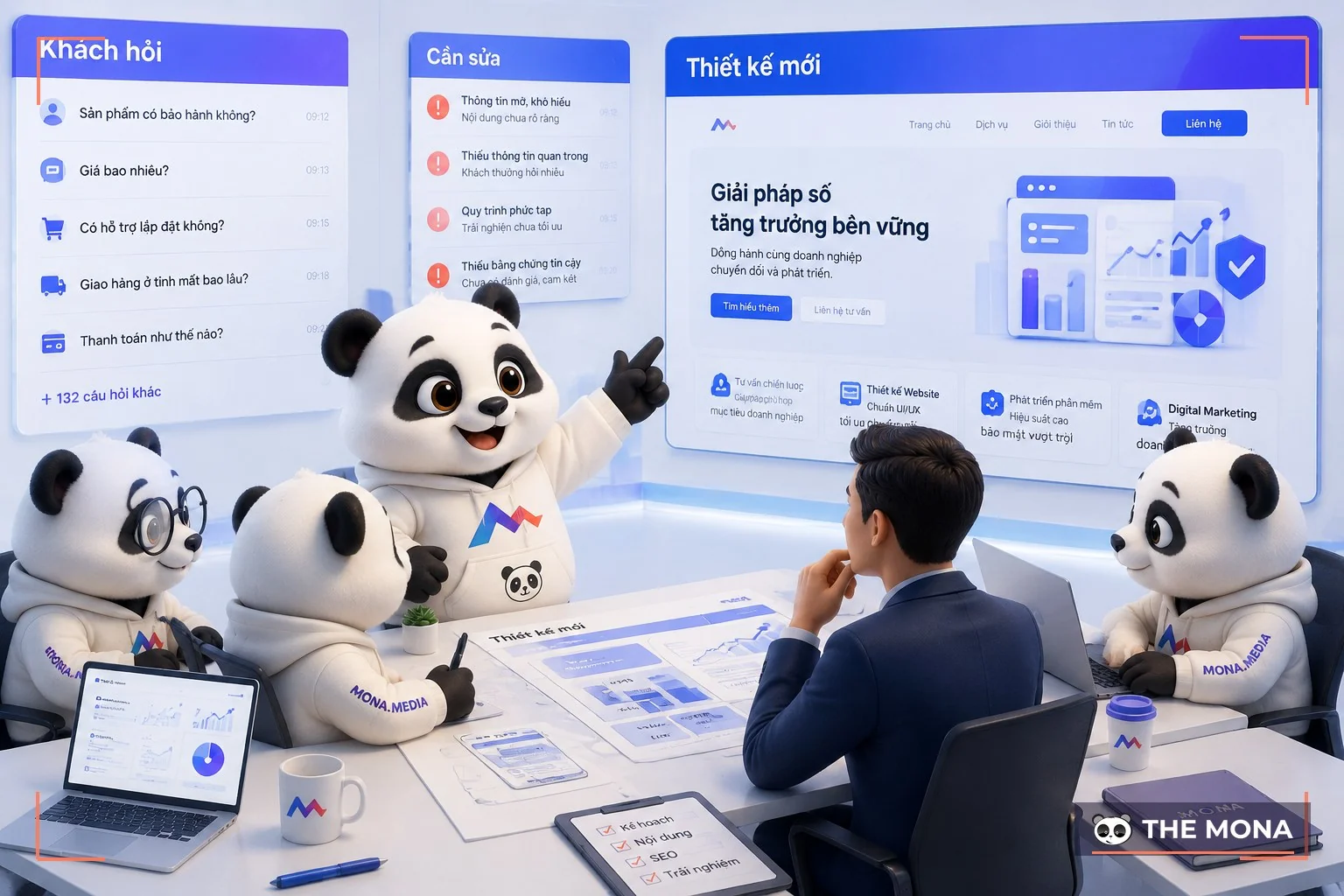
At MONA, we have 9,689+ website design projects and have received outstanding praise for them, so I know what standards make a website with proper UI design. Below are some of the products MONA built directly for its clients:
UX (User Experience) is the set of experiences that affect users' emotions and perceptions from the moment they start using a product or service until they finish. UX design is designing how users feel when experiencing a product, and it can be applied to any kind of product or service.
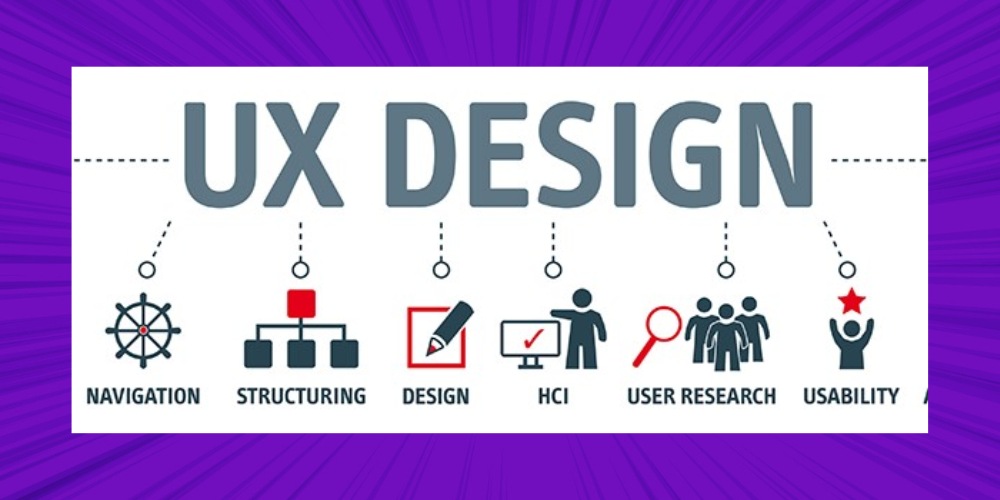
This design approach uses technology to improve the quality of interaction and make technology friendlier to people (users can easily tell exactly what they are doing, how to find products and information, and which stage of the sign-up process they are at…).
The quality of interaction between users and products or services is a UX designer's most important goal. That is why user experience design is not just about how you use electronic devices, websites and apps; it is also applied in many other fields to improve the quality of interaction.
MONA Media is proud to be a provider of website design with proper UI UX among the most reputable in Vietnam. Above all, we have 10+ years of experience in website design across a wide range of industries. There is no industry MONA hasn't worked in, which is why we are confident our custom website design service will meet up to 99% of your needs.
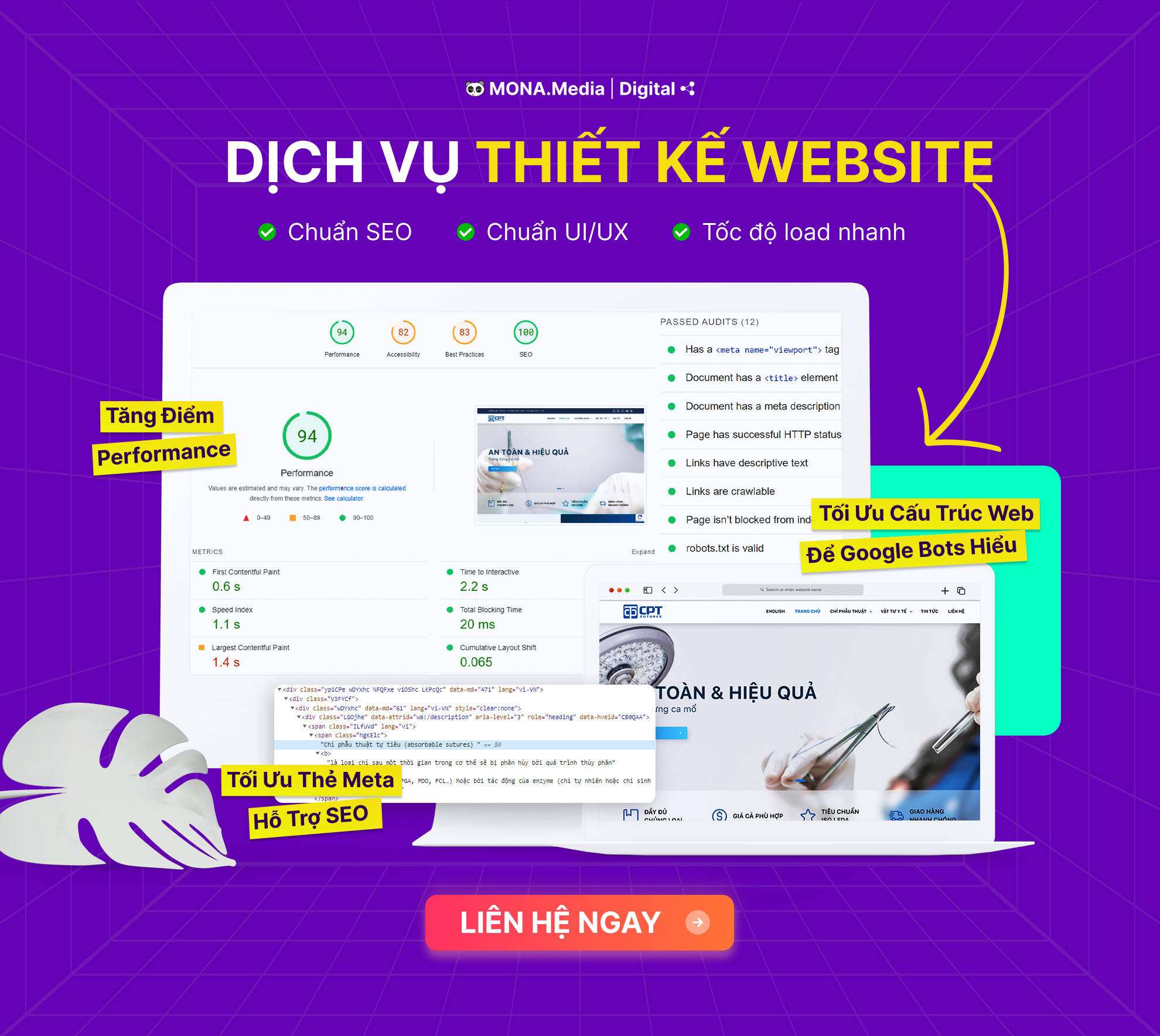
Whether you need SEO-ready website design, responsive website design hay interior design website, multi-industry website design,.. just call the Hotline: 1900 636 648. MONA's account team will advise you right away.
Because UX Design is essentially designing the user experience, UX fits almost every industry and line of work, not just website design. Below are a few case studies of UX design in use:
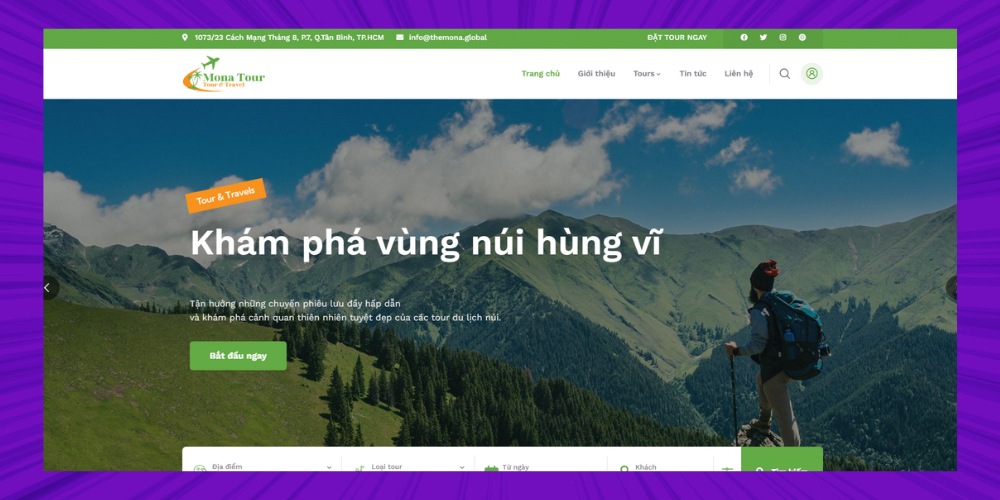
MONA has also built websites and software with UI UX design to proper standards, both for our clients and for MONA itself. For example:
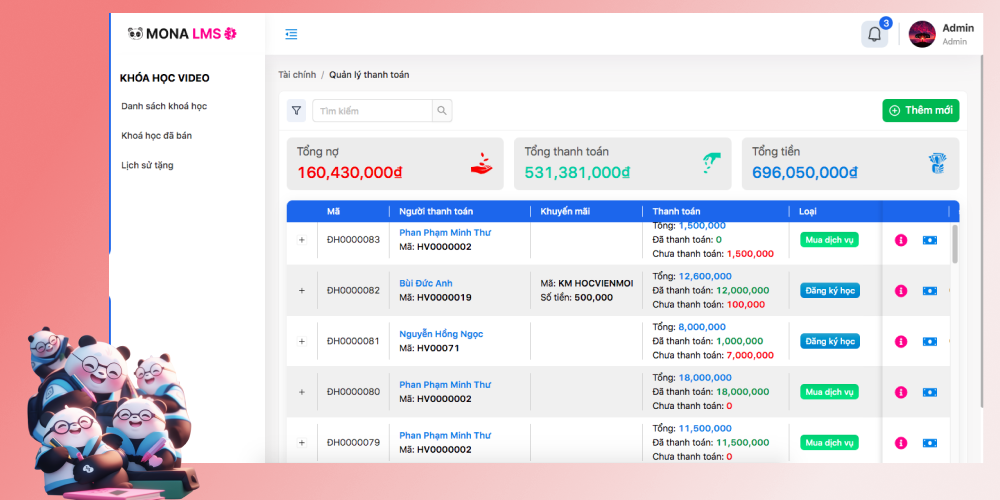
A website designed to proper UX standards makes your business look more professional, attracts customers more easily and helps your business generate more conversions. So when your website is designed to all of those standards, it will:
Deliver exactly what users are looking for
The website is yours, and you are the one who decides what content to show customers, how to present it and how to make their visit to your website as convenient as possible. A typical example is Disney+, which implemented many small UX details and gave users a much more complete and convenient experience.
Deliver comfort and convenience beyond customer expectations
Netflix has done a great job of giving customers the best movie-watching experience: relaxing comfortably and simply focusing on the film.
With creative UX design, Netflix spent very little developing the skip intro feature, yet it had a huge impact: it won wide support from users and attention from the community when the feature was tested in 2017, helping attract many new users and increase revenue.
Here is an example of UI UX design from MONA:
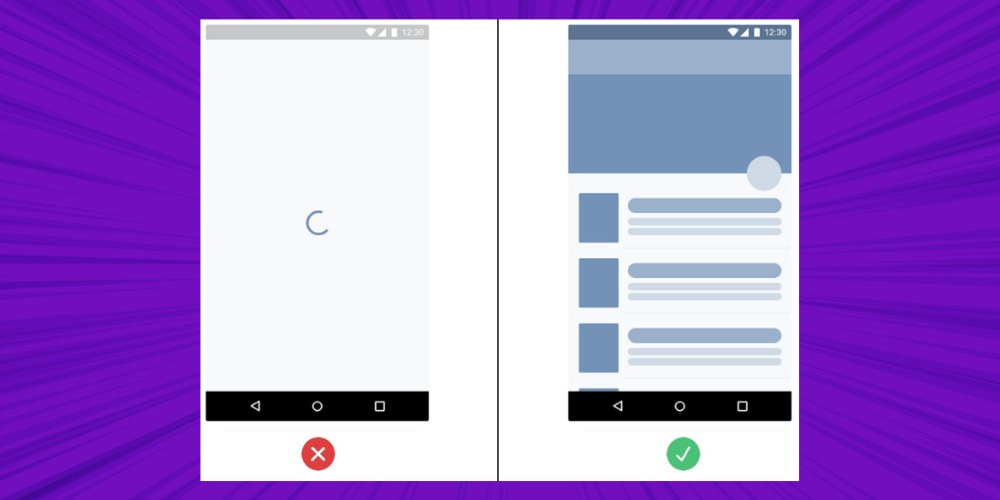
Lazy loading: a loading screen designed to make users feel things are faster. Lazy loading is used by content-heavy sites such as Medium, Slack, LinkedIn and Facebook so that users do not feel the wait is too long, and it reduces the amount of data to load.
Optimizing your website's user experience makes it feel friendly, so customers trust you and are ready to recommend your products/services to others. When you invest in UX UI design, your business also gains benefits such as:
Users have more and more choices, which brings stricter demands on service quality, products and browsing speed. With the rise of the mobile web, smart devices and powerful connectivity on social media, a poor UI/UX design, bad service or slow page loading will spread quickly, create a negative experience and sharply reduce business results.
A good user experience reflects the overall quality of products and services. When designing UI UX for a website, every action, journey and emotion of the user is carefully considered, bringing satisfaction and a positive impression.
Good UI UX design makes it easy and convenient for users to interact with a website or app, so the chance they take the desired action rises significantly. This maximizes the conversion rate, the main goal of every online marketing strategy.
User interface and user experience (UI/UX) are not only about looks; they are how you show the value and professionalism of your business. If your website does not yet show who you are and what you do well, watch the video below to see how to fix it.
By focusing on optimized interface and experience design, you significantly reduce the chance that customers leave the page immediately, and increase your chances of reaching and keeping them.
At MONA, we are proud to be one of VERY FEW businesses whose website keeps visitors on the page for up to 4.5 minutes => something usually only seen on academic pages or articles.
We will use the experience and knowledge built over more than 10 years in website design to create an impressive website interface for you, with a smooth user experience, a higher conversion rate and better business performance.
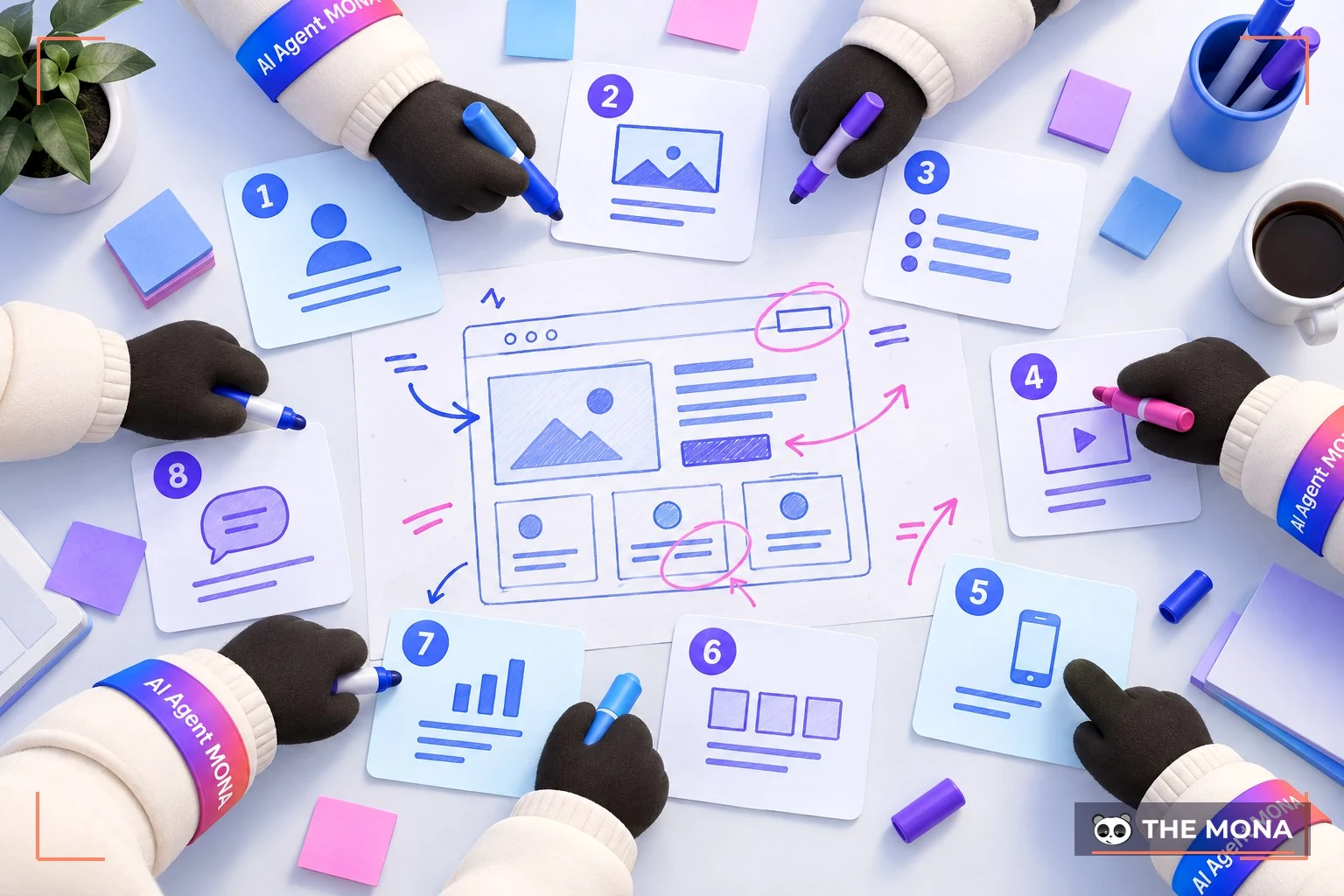
MONA has worked with 12,000+ brands in Vietnam and abroad, and 100% of clients were satisfied; 80% of them even chose long-term partnerships, because MONA's products all deliver a smooth, easy-to-use, easy-to-operate user experience.
Of course, MONA's products did not receive such good feedback at launch by chance. We went through many Big Updates and hundreds of mini updates, large and small, to build products that deliver the best experience. And the secret lies in:
What do you want when browsing a website? Design your website that way for your customers. Putting yourself in your customers' position gives you a broad view for optimizing the UI UX design of your website or app.
Website loading speed and accessibility are the top criteria for satisfaction. If your website takes more than 3s to load, you have already lost 50% of your website visitors yourself.
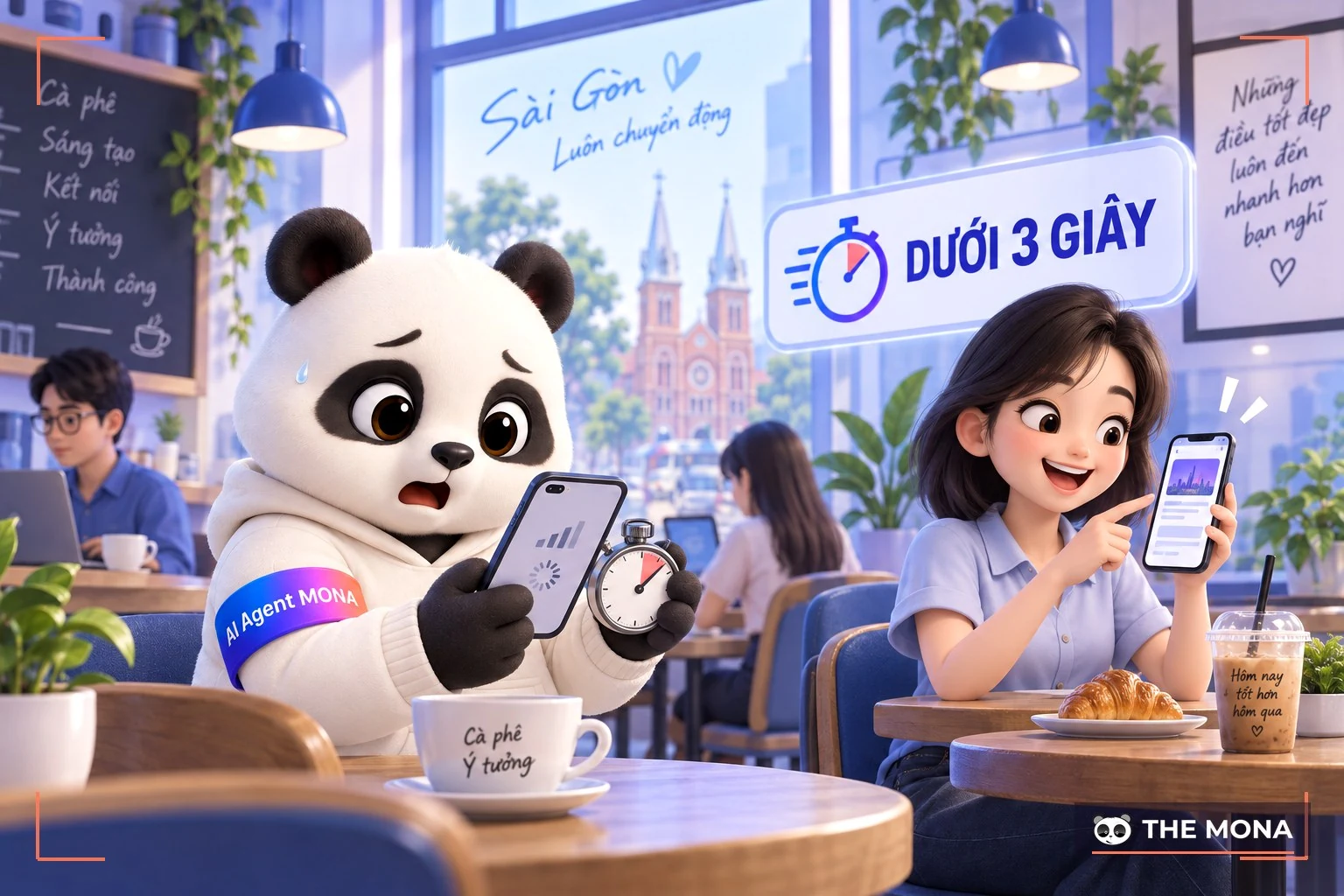
That is why MONA set up its own MONA.Host, with high-spec hosting services so that clients' websites load fast and do not lag. See how to check your website speed here!
-> Solution for speeding up your website: Speed up your website in Vietnam and international markets with a CDN
Do not just invest in the website, software or app. You need business strategies to build your brand and promote your products . Users can only experience your product once they can reach it.
That is also why MONA runs SEO, Google Ads, Facebook Ads, YouTube campaigns,… so customers can see us anytime, anywhere.
Your website, app or software should be tested over and over to optimize the UI UX design. Catch every bug before launching to customers. Repeated testing ensures the product handed over to the client is always the best version.
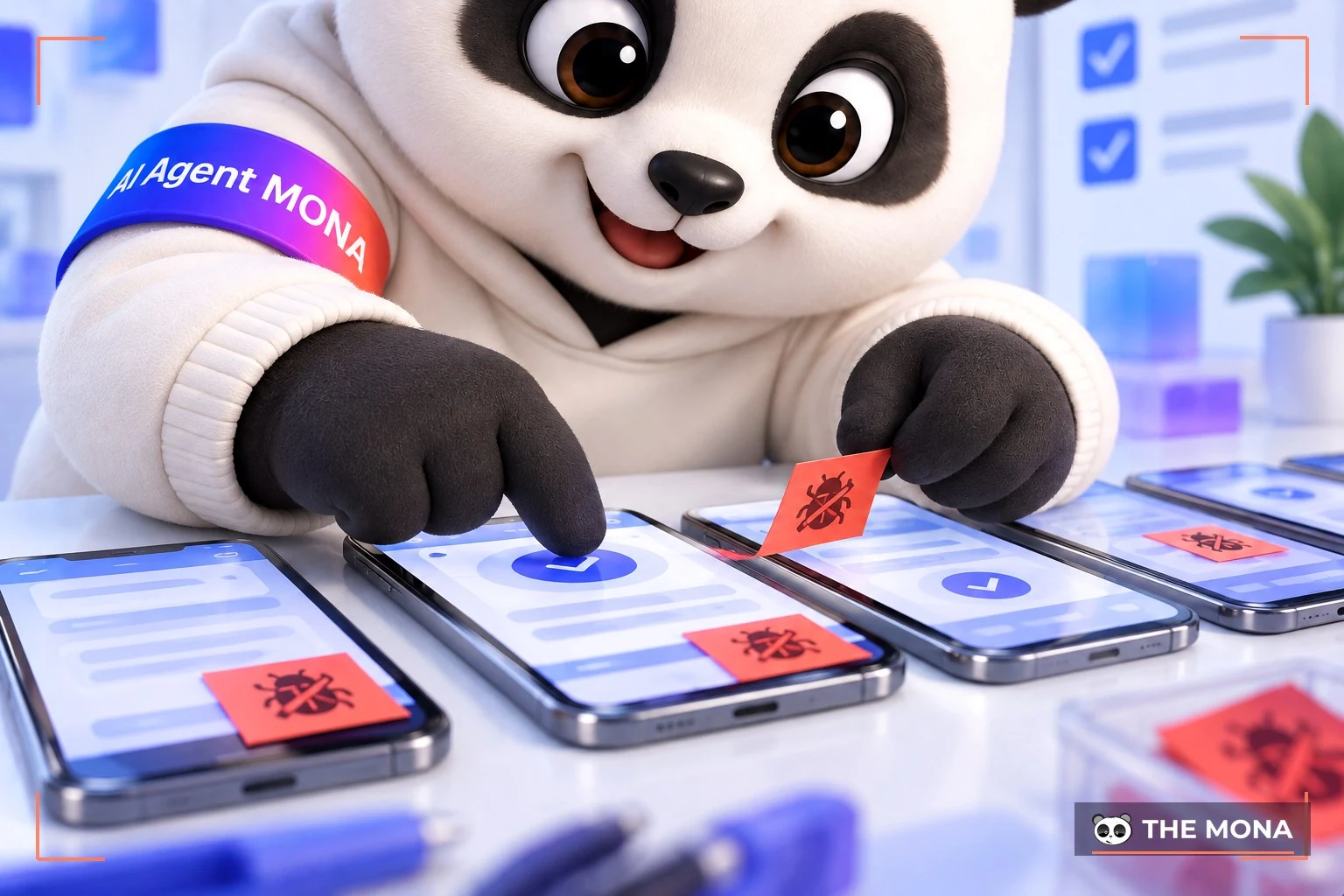
In addition, with MONA's ready-made products such as the MONA Edutech suite, the China import system, MONA Skillhub, MONA Jewelry,… MONA regularly updates them so they always integrate new technology and stay easy to use,… which improves the user experience.
Every product that wants to offer a good user experience needs a clear audience. Not every website or app suits every audience. You can only optimize their experience when they need and want to try it and learn about it. Set clear goals before you set out to optimize UX design.
Example of good UI UX design: A travel website designed to provide travel information and services. The main audience is travel lovers, especially people who want to explore unique cultures and plan their trips. So the website usually focuses on an attractive, easy-to-use interface that works on many devices, vivid images and descriptions, and an optimized search function to give users a convenient and appealing travel experience.
Users need to be prompted to act through Call to Action or icons. More than anything, the CTA is the point that "makes money", which you must have if you want customers to take action (click the contact button, call, fill in a sign-up form,..).
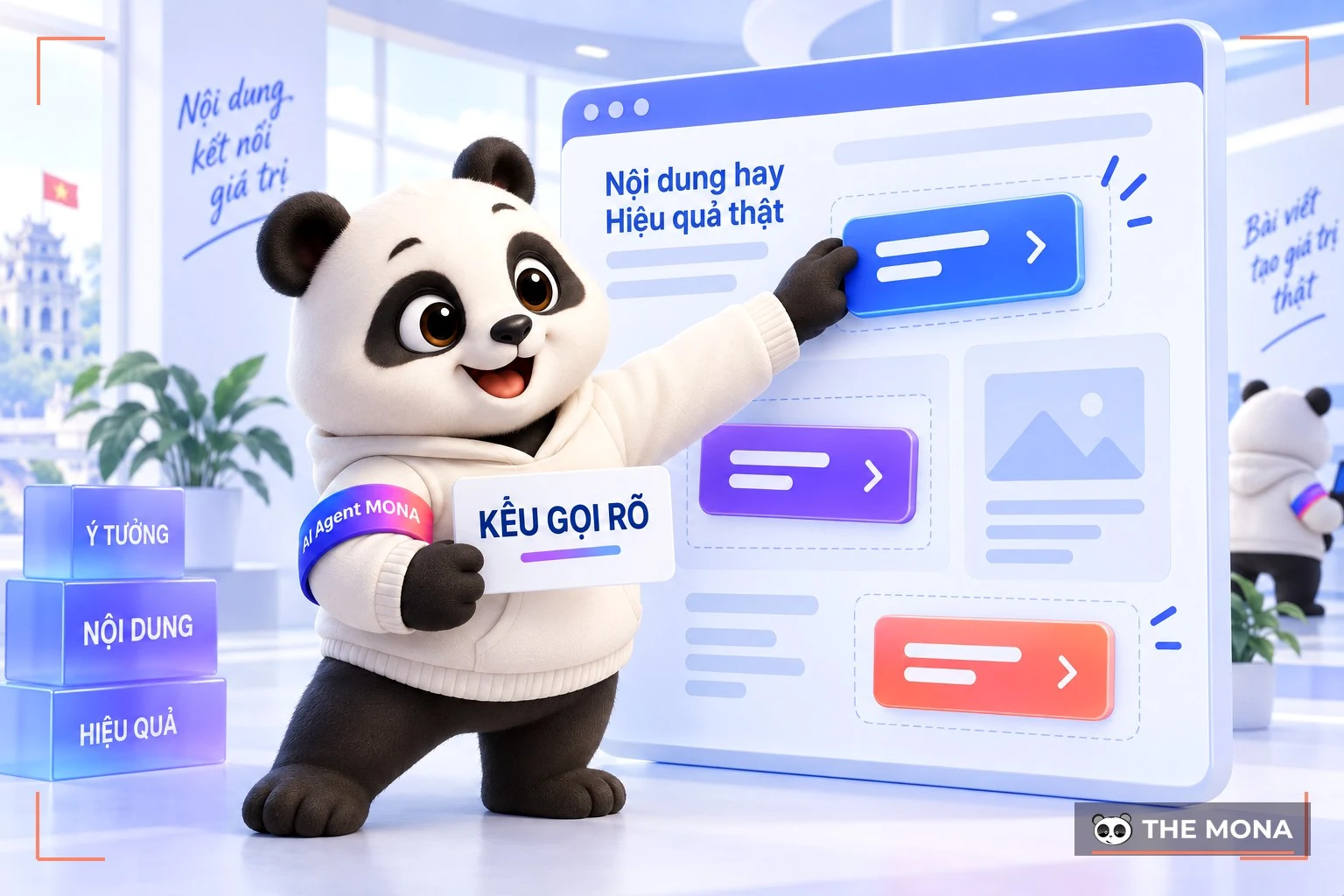
CTAs should also be placed in different positions and formats that suit the user experience. If you only place them at the top or bottom of the page, you lose many chances to convert customers, which is why optimizing UI UX design is so important and necessary for a website.
For example, right inside a blog post, you can insert a natural CTA button like this:

When customers click this button, they are taken to another article on the website. If that article also meets their needs, they will buy your product/service, improving your conversion rate and revenue.
To optimize UX, design responsively. This is currently the latest UX UI web design trend, helping your site display well on every device such as laptop, desktop, mobile-friendly…
This is essential, because if you only design the website for desktop, customers who mostly use mobile will find it hard to navigate and use, and you lose the chance to gain more potential customers.
Monitor your website content and refresh it regularly. Provide the content customers are looking for. Find out which content customers rarely visit so you can improve and optimize it. In addition, regularly optimizing your website to have SEO-friendly article content can also keep your articles fresh and increase credibility, which improves your ranking at the top of Google search.
See how to write good website content: Tips for writing good content that increases the conversion rate
If you want a website that looks great, meets UI/UX standards and delivers outstanding SEO results, let MONA Media work with you. Click the button below to get advice from MONA's Account team on the right solution for your business.

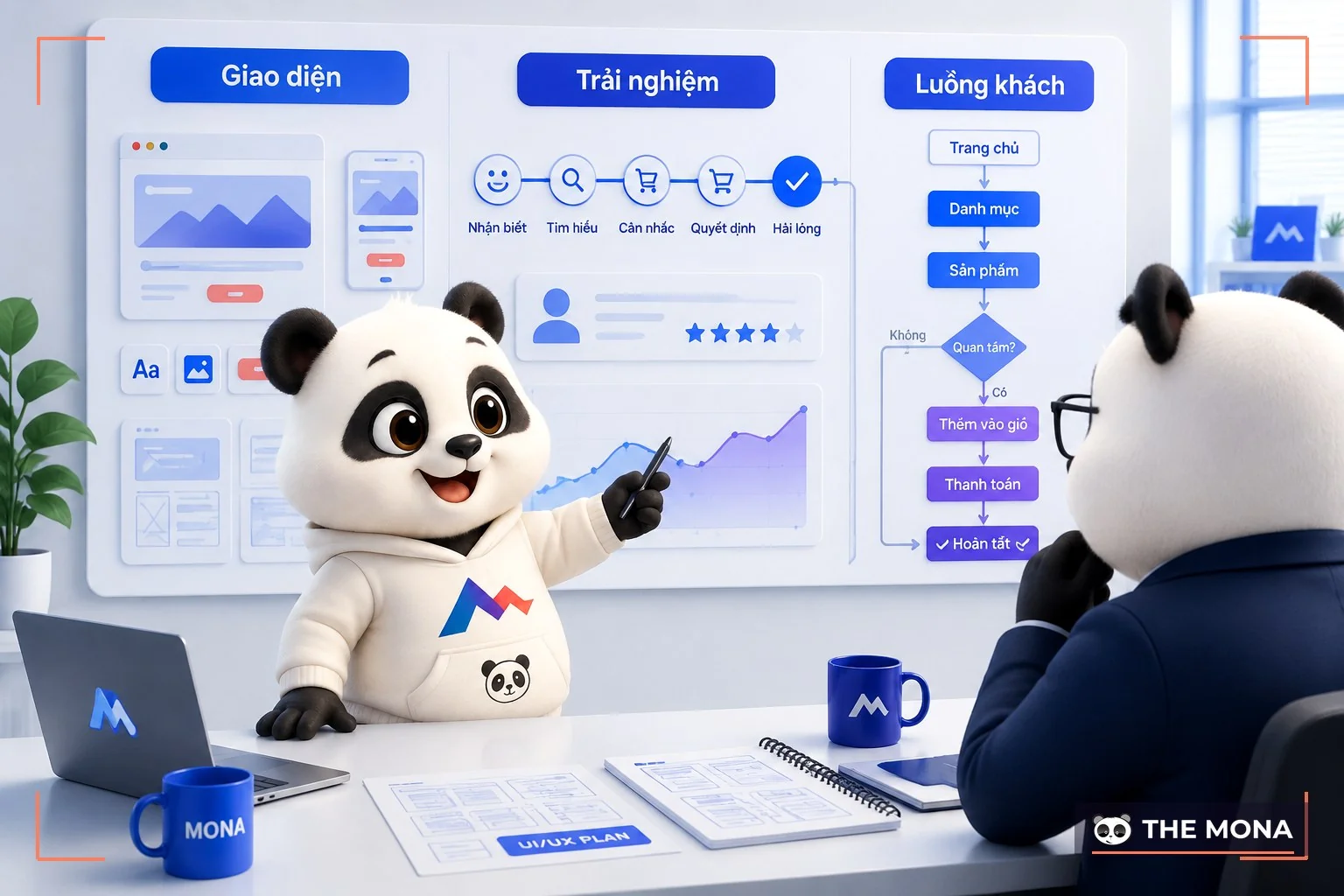
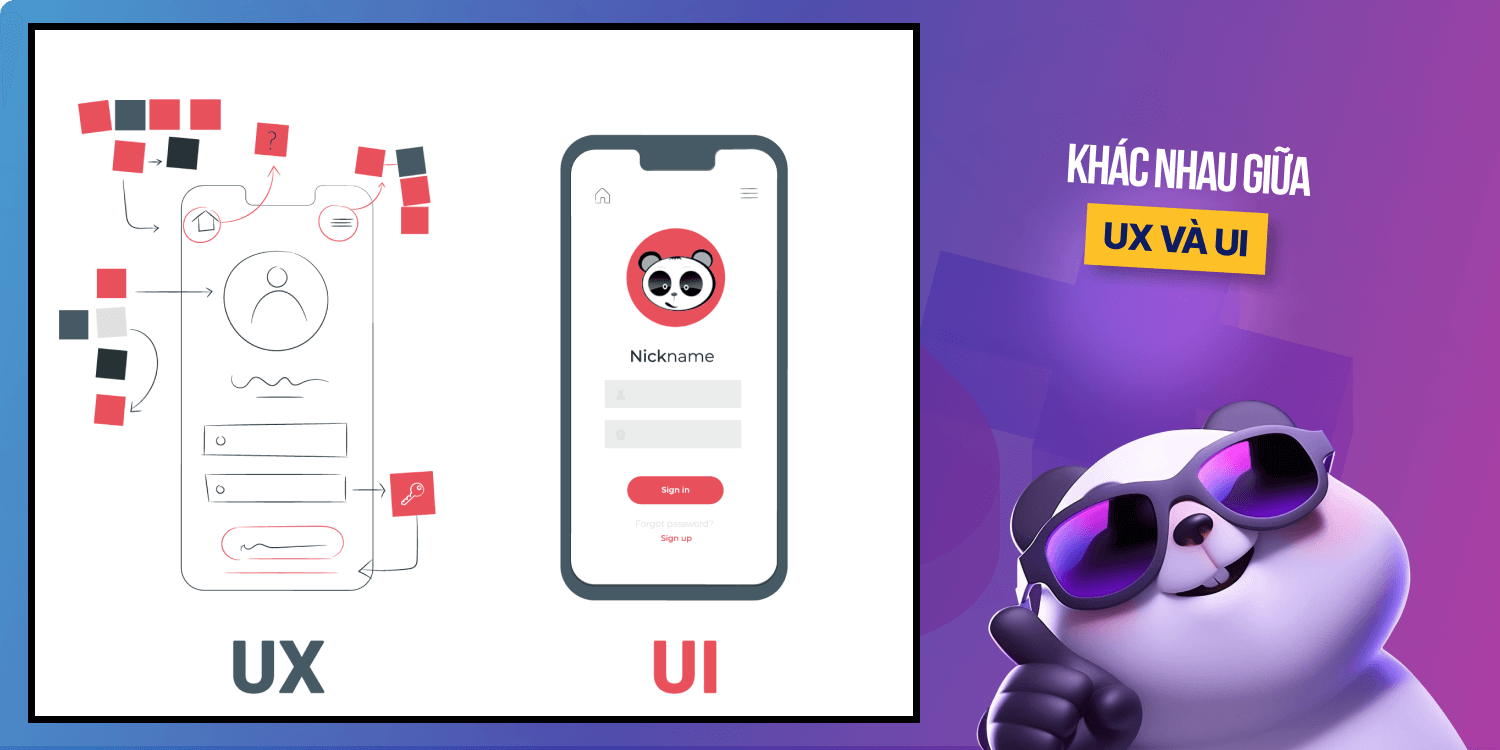
Because UI and UX overlap and affect each other, it is very hard to fully understand these 2 concepts. Many companies treat UI/UX as one shared role with tasks covering both jobs:
Although they are often mentioned together in the design process, UI and UX are 2 completely different concepts. UX design is usually completed first in the design process, followed by UI:
| UX design | UI design |
|
|
|
|
|
|
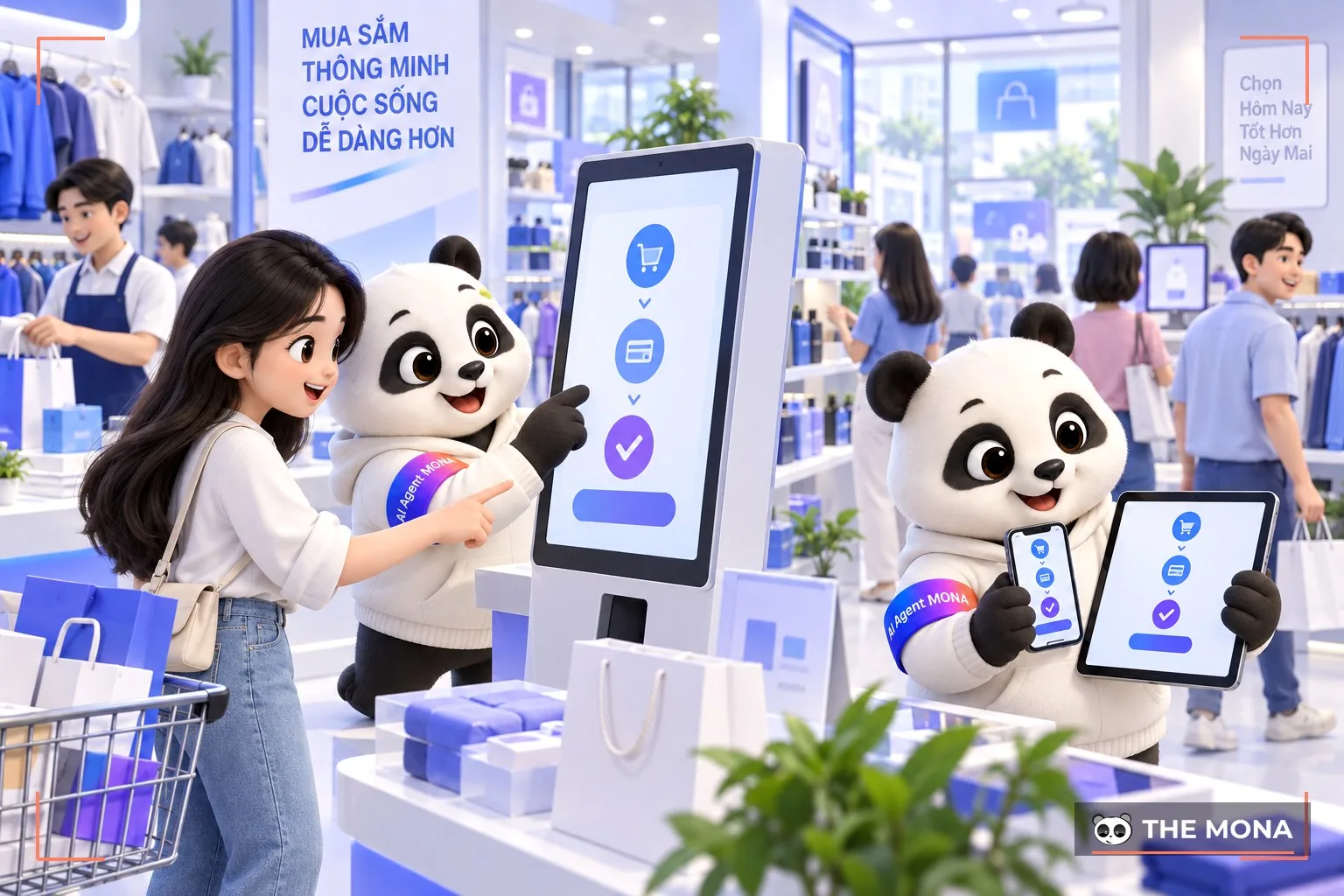
Your SEO position will clearly improve with professional UI UX design, because Google now evaluates websites with ever higher and far more complex requirements. The most visible benefits UI/UX design brings to SEO are:
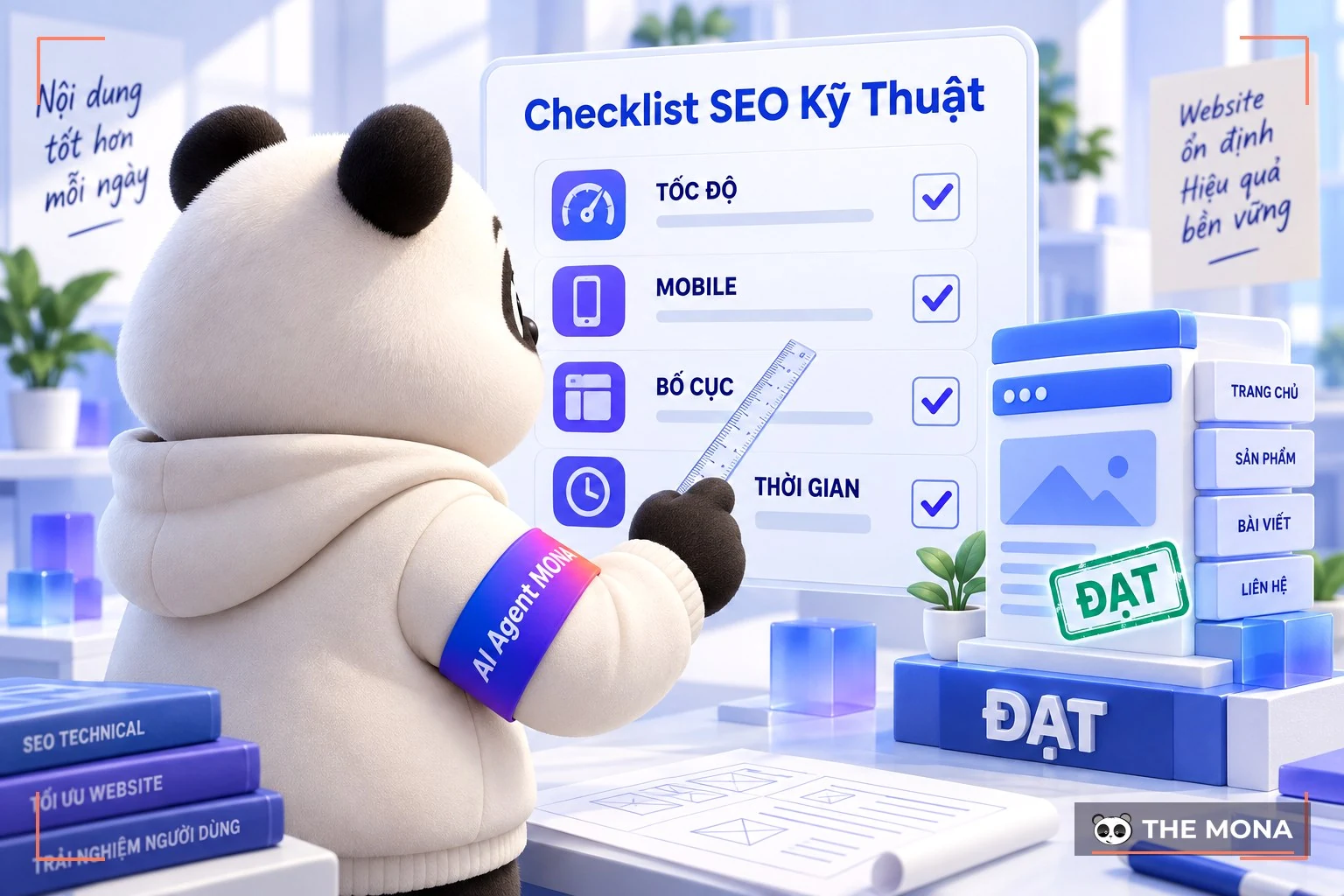
MONA itself is clear proof of what UI/UX design can do. After reworking its interface, the MONA website saw outstanding SEO growth, increased traffic and time on page reached 4.5 minutes, a figure rarely seen on a service website. The new MONA website interface is friendlier and also optimizes layout, fonts, images and loading speed, fully meeting mobile-first criteria and giving mobile users a smooth experience.
->See: The business's standard website sizes cho mobile – tablet – pc
Effective UI/UX design creates a good impression at first glance and also guides users through a smooth, natural experience in every action. UI design attracts with layout, colors and a style consistent with the brand, while UX design optimizes the user journey, helping customers easily take desired actions such as affiliate, buying or leaving their contact details.
When the experience is good enough, users stay longer and trust you more, and your website becomes a real sales tool that gives your brand a professional, trustworthy image.
Investing in effective UI/UX helps your business:
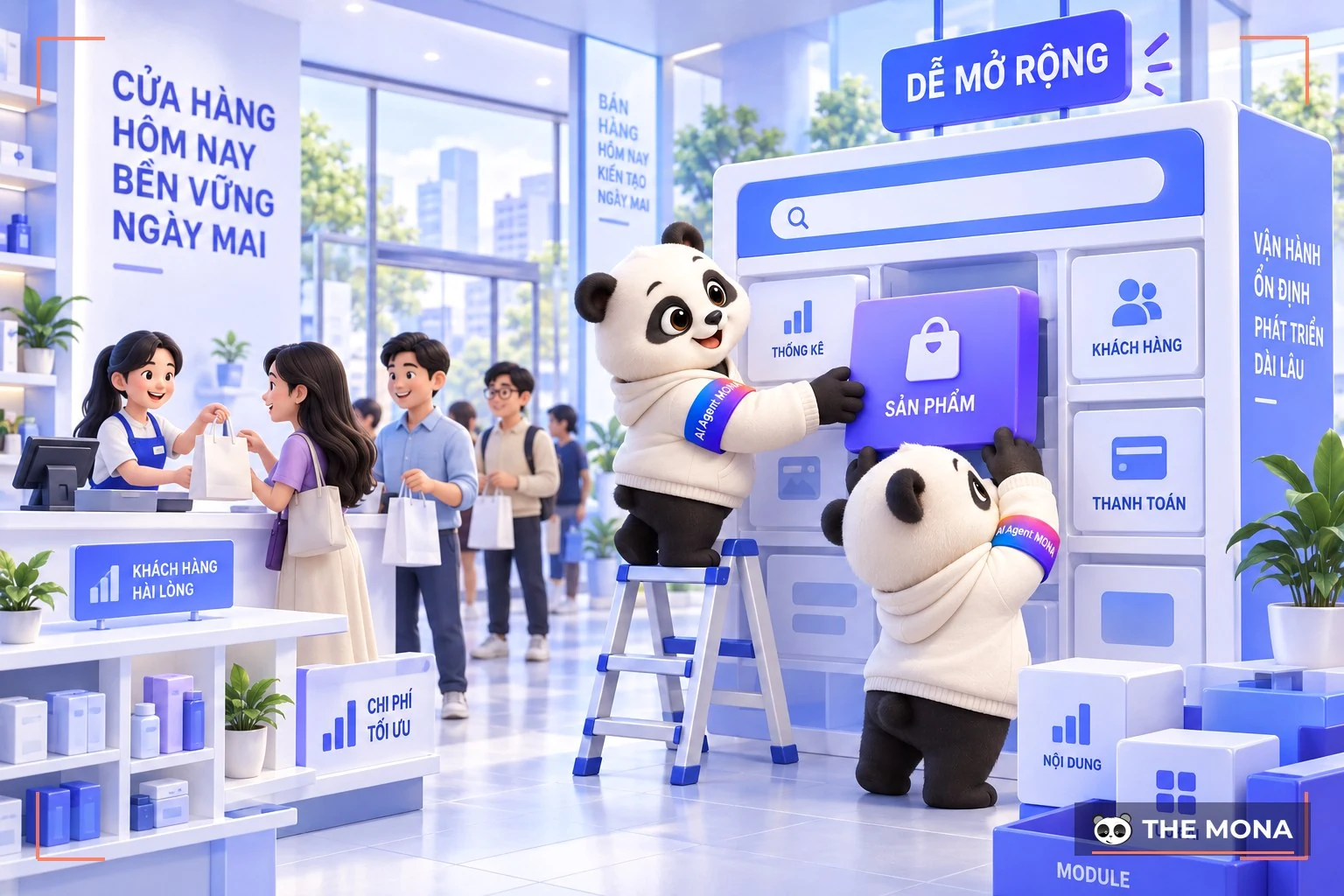
At MONA Media, we treat every UI/UX design project as a professional, end-to-end process where each of our specialists takes on a specific role to create the finished product: a website that is not just beautiful but actually "converts".
Does UI UX design really matter to the customer experience? The truth is, even if customers do not admit it, they are strongly influenced by how polished and attractive the website, app or any platform they interact with is. Watch the video below to see why a website's "look" can become an important business advantage:
>See more: Top 10 website analytics tools – website reviews
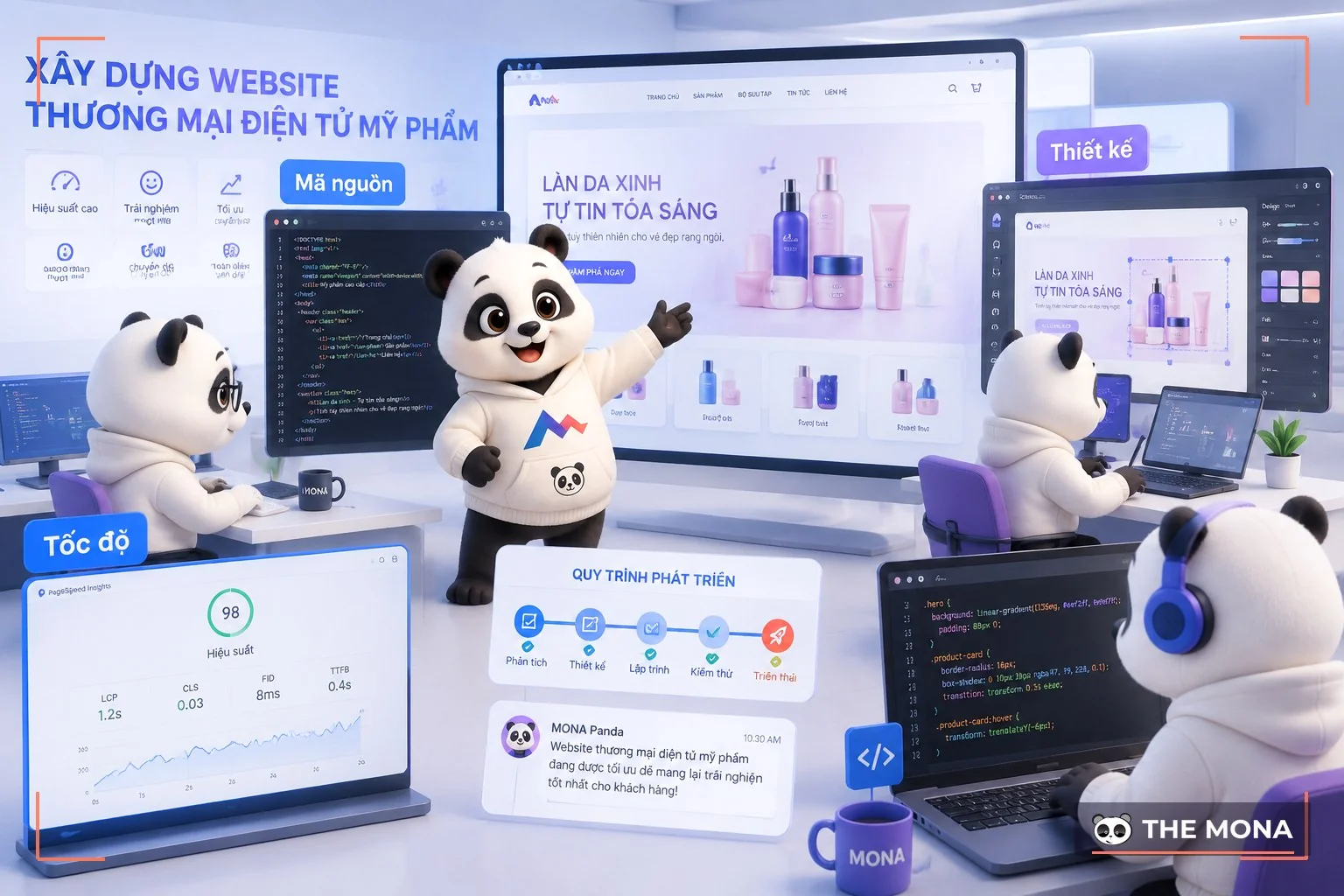
UX/UI design is only worth it when it helps the website sell better. It also makes the business easier to run and easier to scale. Large businesses often see a website that looks great at handover but is hard for staff to use. Customers struggle to buy, and every fix means waiting several weeks.
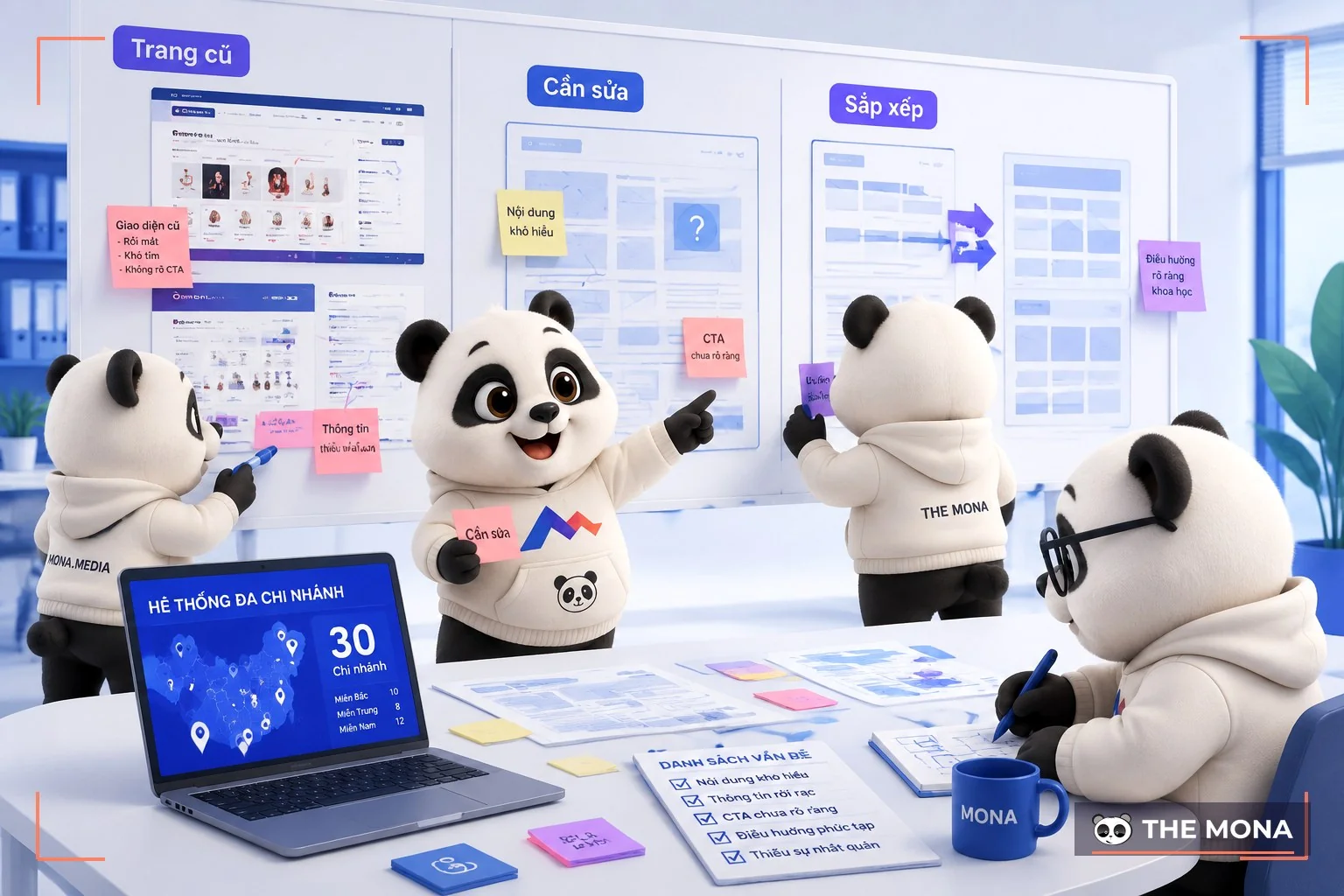
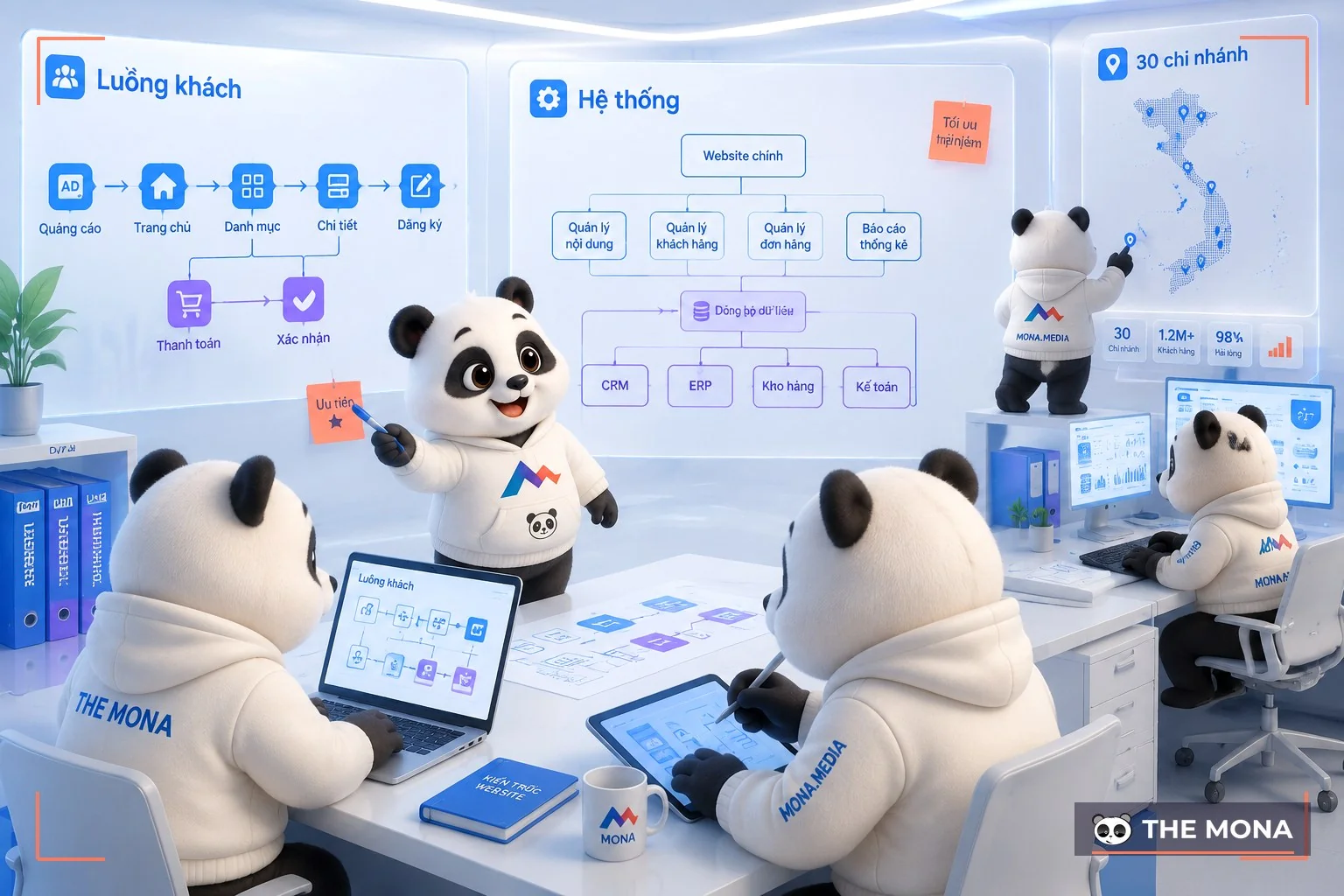
We have run into this when taking over many old systems. A retail chain with 30 branches has many product groups. Many staff have to update data every day. If the interface only focuses on looks, staff easily enter wrong information. Customers waste time finding products. Management also struggles to track sales.
So MONA starts by understanding the real users. We look at what actions shoppers need to take. What tasks staff need to handle. What data management needs to track. This approach is part of the UX/UI design process for websites that MONA applies to every project.

On a cosmetics e-commerce marketplace, design and development talked from the very start. The interface has to look good. But every button, filter and product page also has to fit the way customers shop.
The MONA team turns the design into a clear code structure. Adding features later will not mean rewriting everything. This is where many businesses doing it themselves get stuck after a few years of operation.
According to Nielsen Norman Group, users often leave a website when they run into usability problems. The organization's research on interface usability is shared at Nielsen Norman Group. The research shows that understanding users from the start directly affects website performance.
A business website has to withstand traffic spikes. It must not interrupt sales. MONA designs a structure suited to large data volumes. We control access permissions and plan for scalability right from the build.
For you, the benefit is a website that supports your business more reliably. Staff do not have to go through many extra steps. Customers complete purchases easily. Important data is also better protected.
MONA has developed more than 14,000 projects. When taking over systems, we see that many problems come from the old structure. We usually review how staff use it, how the data flows and what needs improving before rebuilding.
UX/UI is not decoration added at the end. It is how you turn business goals into a website that can run for the long term.
Many businesses spend extra money fixing their websites. The reason is that they start with the looks. Only later do they find that customers cannot find what they need.
You may have seen your team spend weeks adjusting colors, changing banners and fixing every button. The website still runs and the interface still looks neat. But customers come in and leave because the actions do not match their needs.
The hard part of UX/UI design is looking at the website from the buyer's point of view. If you rely only on internal opinions, your business easily spends more on staff salaries, meeting time and rework.
A mistake we often see when taking over old projects is that the business picks the interface based on what the approver likes. The colors match the brand and the images look good. But customers struggle to find products, prices or how to get in touch.
Picture a retail chain with 30 branches and thousands of visitors a day. Before rebuilding the website, the internal team usually argues a lot about where to put the sign-up button.
How to arrange the categories and the images also often takes a lot of discussion.
When we join, MONA focuses on reviewing how customers look for information. We check how they move between pages. We also look at where they usually stop.
This is an important part of UX/UI design, because the interface needs to serve real behavior.
MONA has been developing software and websites since 2016, with more than 14,000 projects completed. When taking over old systems, we usually review the page structure, the user flows and the points that make it hard for customers to reach their goal.
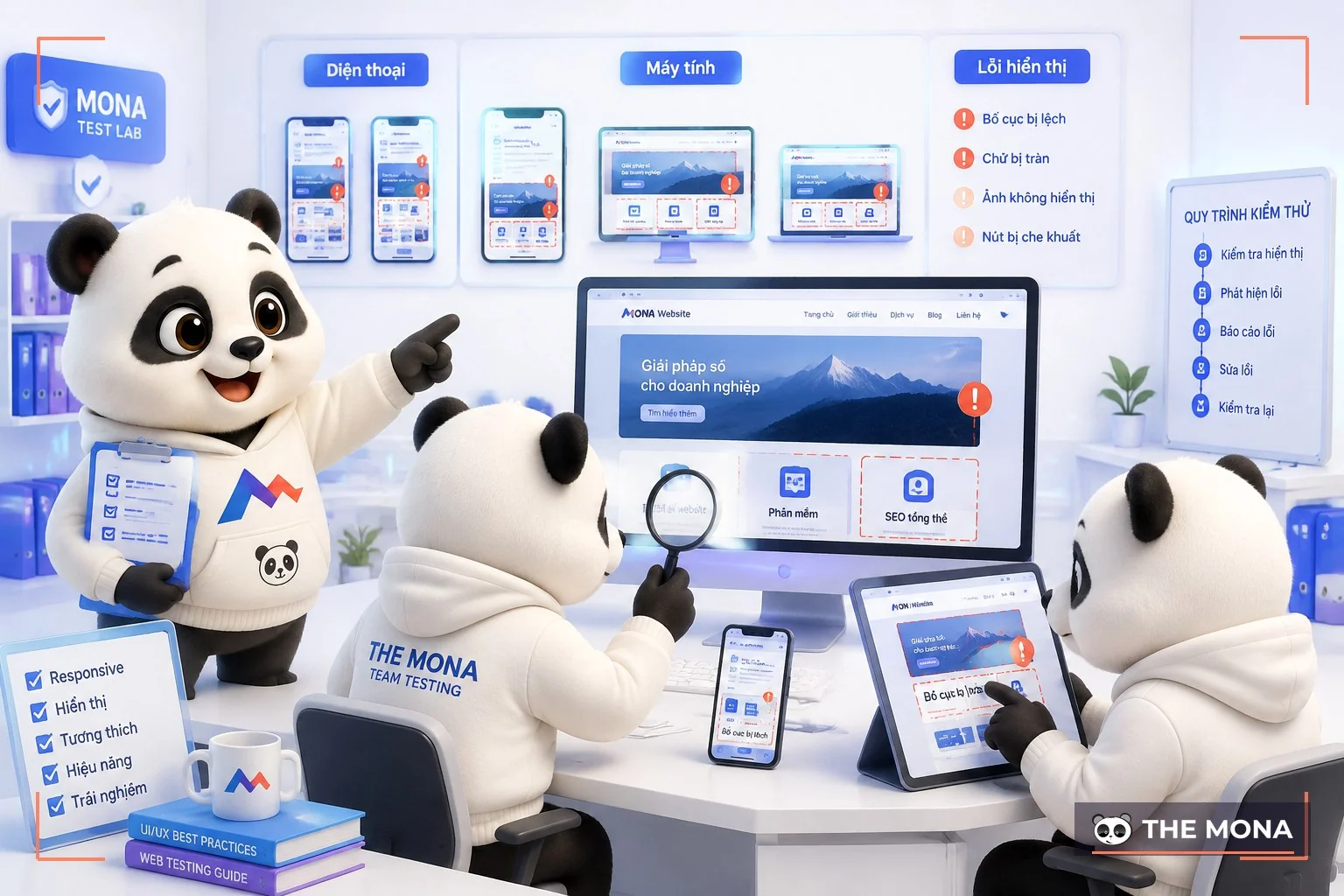
A website can look great on a computer in the office. But the experience is different when customers use their phone outside a store or on a weak connection.
We once saw a case where a retail chain with 30 branches had a fairly attractive product page. However, when customers viewed it on their phones, the important information was buried too deep.
This forced staff to guide customers manually over messages.
So MONA usually tests many usage situations before handover. We check the website on many devices.
We test the ordering flow and how users reach information.
You can also see how we deliver HTML5 CSS3 standard website design. This section helps you understand why the technology behind it also directly affects the customer experience.
Getting UX/UI design right helps your business cut unnecessary rounds of revisions. This is also why many businesses come to MONA when they need a website built through a clear process.
We focus on structure, speed and user flows. The goal is a website that serves customers, rather than just a pretty interface.
UX/UI design directly affects how customers sign up, learn about you and make decisions.
Many businesses lose customers even though their website looks good. But the experience does not match how customers buy, study or use the service.
Someone looking for a course needs to see a clear learning path. Someone buying a product needs to find the right item in a few steps.
Picture a retail chain with 30 branches. The website already has all the information, but it still gets many calls asking about prices and stock.
The problem lies in how the experience is arranged. Customers have to search too much on their own before deciding.
We have seen many systems like this when taking over projects. The original interface was usually polished visually.
But the ordering, sign-up or contact flows did not follow customers' habits.
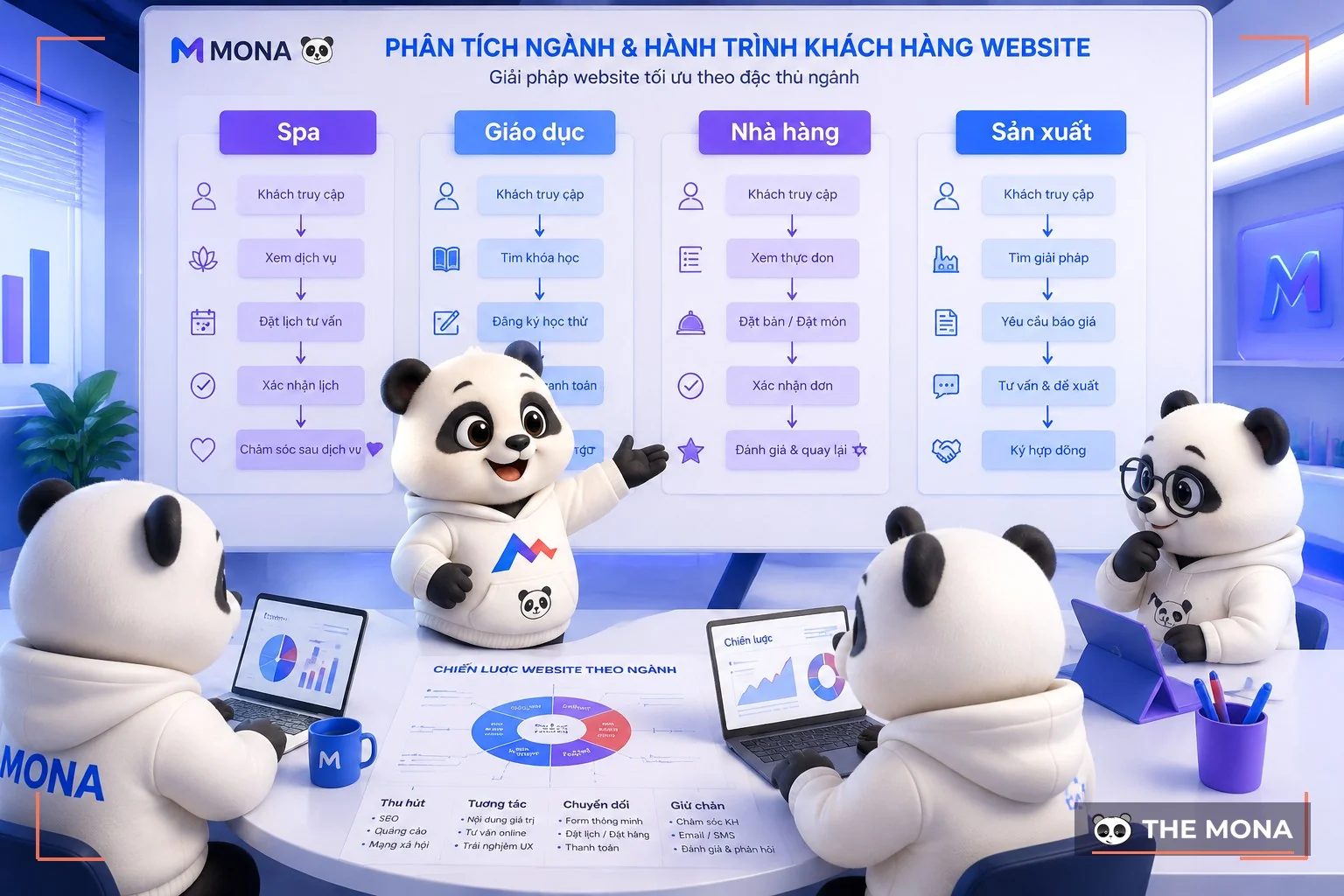
MONA delivers UX/UI design based on how customers actually use it in each industry.
We study every step customers go through. Then we build an interface that fits the business's operating goals.
You can see more about how MONA delivers UX/UI design for business websites.
The education sector has many touchpoints before a student decides to enroll.
The website needs to help parents and students understand the program, schedule, tuition and how to get started.
MONA has developed education systems such as websites for education providers.
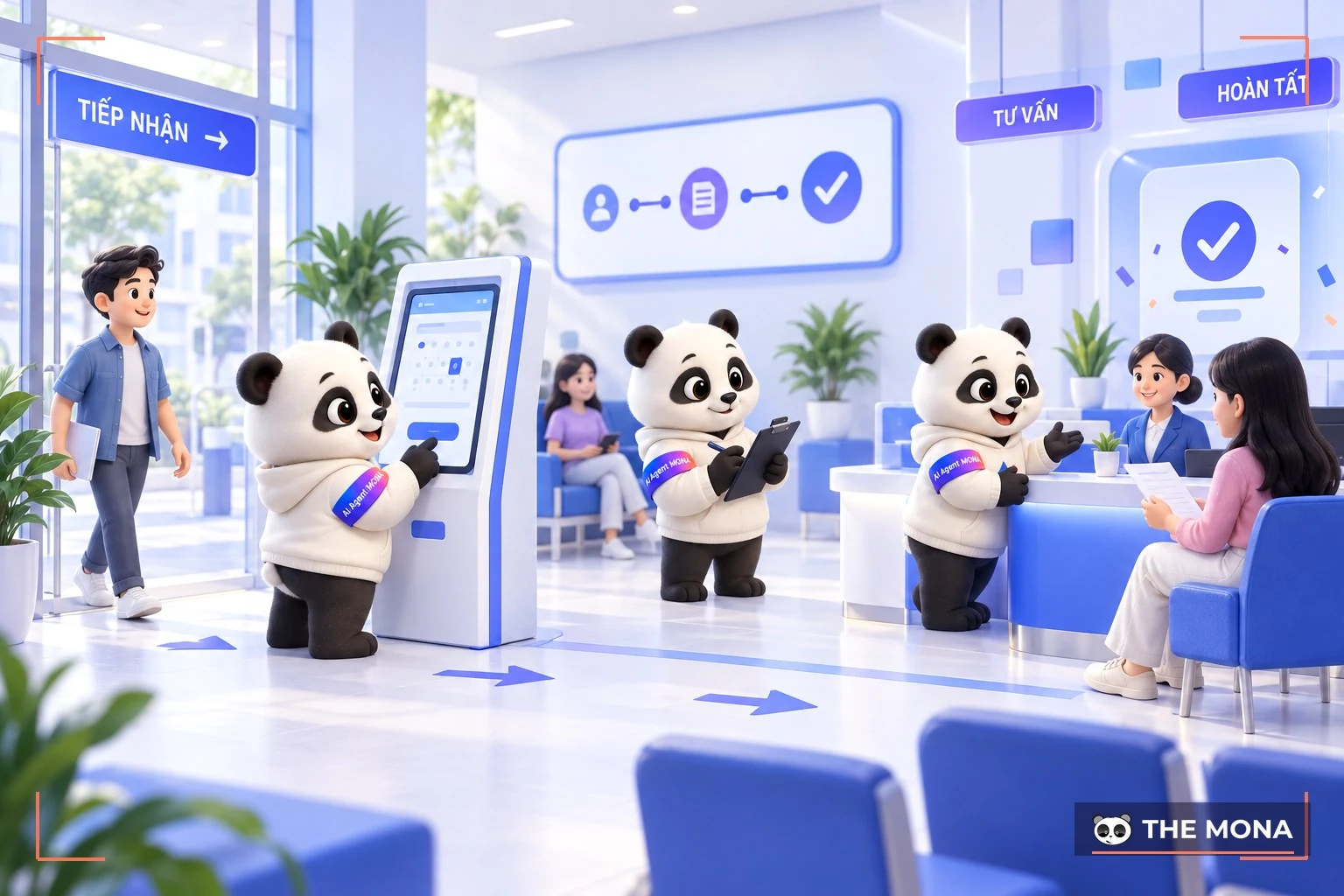
In these systems, the sign-up experience needs to be short and easy to follow.
When the process is clear, the advisory team gets far fewer repeated questions.
In retail, a few minutes of customers fumbling to find a product can reduce the chance of a sale.
The website needs to support product filtering, viewing information and completing a purchase conveniently.
A cosmetics e-commerce marketplace needs a different structure from a website selling industrial supplies.
MONA usually builds the interface based on the characteristics of each customer group.
This approach makes the website easier for the business to manage and change when needed.
These principles also apply to spas, restaurants, manufacturing and finance.
Each industry has its own service process. So UX/UI needs to be tied to real operations instead of focusing only on looks.
Through real-world projects, MONA has found that customer experience is always tied to business results.
When taking over a system, we usually review the flows customers use to find information, book appointments, buy and get in touch.
You can also see website design for the finance sector to see how the experience is adjusted for each industry.
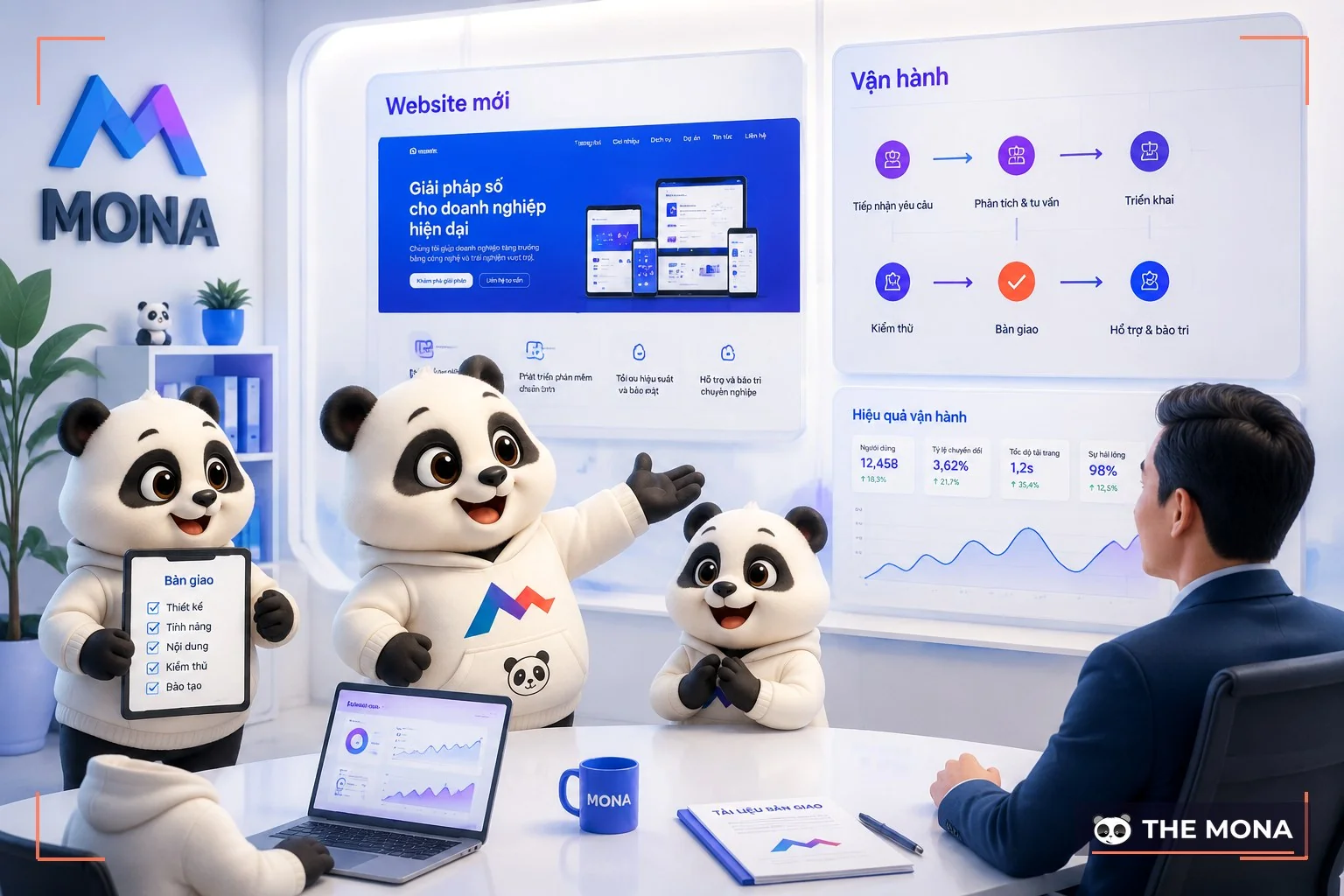
Many businesses still waste money by fixing their website piece by piece, without looking at the whole customer experience. A button changes color, an about page gets reworked, or a few new lines of content are added, and the interface may look better. But if customers still struggle to find information and place orders, the old problem remains.
Picture a retail chain with 30 branches whose traffic surges during promotions. The website still runs, but customers have to go through many steps to find the product they want. Sales staff get more questions. Customers may leave before leaving their details.
This is a situation we see when taking over many old projects. The business has invested a lot in the website. So reviewing it needs care. We always respect what you have built.
When you look into what ui ux is, you will see it is not just how the website looks. User experience is how customers go through each step. From landing on the page, learning about the product and getting in touch, to making a decision.
We usually start by observing user behavior. Then we check the page structure, loading speed and how it displays on different devices. For a cosmetics e-commerce marketplace, the category layout, filters and product information need to be reviewed before changing the interface.
A good website needs to fit how the business operates. So MONA usually builds the design plan based on the industry, sales goals and specific needs of each business. You can read more about UX UI design for websites to better understand how this process is carried out.
MONA has completed more than 14,000 projects, and 85% of clients come back to use our services again. We focus on building websites with the right structure, easy to manage and able to grow with real needs.
In large-scale business projects, we also care about the operations behind the scenes. The website needs to stay stable as traffic grows. Customer data needs to be protected. Updating to new versions needs to minimize the impact on business operations.
You can start by reviewing your current website. Note the points where customers struggle and discuss them with MONA. When the user experience is reviewed from the ground up, future repair costs will be much better controlled.
Every month, the revenue lost when customers visit your website and then leave for lack of guidance is money you are missing out on. We understand that many of you have already adjusted the interface yourselves, added content and asked many people for feedback to fix this.
Many business owners have also changed colors, reworked the layout or added contact buttons. Afterwards, you still cannot tell which step customers get stuck at. We understand the issue is that UX/UI design has to guide customers along the right path. The system also needs to support the sales team every day. MONA builds UX/UI design around sales goals, helping you see clearly what needs improving before a major overhaul. You can send us your current website so we can review it together. Contact MONA at 1900 636 648.
To make the relationship between UI and UX design easier to understand, we will give you two cases, along with more specific examples of each.
Case 1: Beautiful but hard-to-use products have good UI and bad UX
You come up with an app based on a creative, innovative idea with great potential that no one has thought of yet. You quickly find a UX designer to do the research and build an app that meets the needs of many people.
But after only a short time, user time on the app keeps dropping?
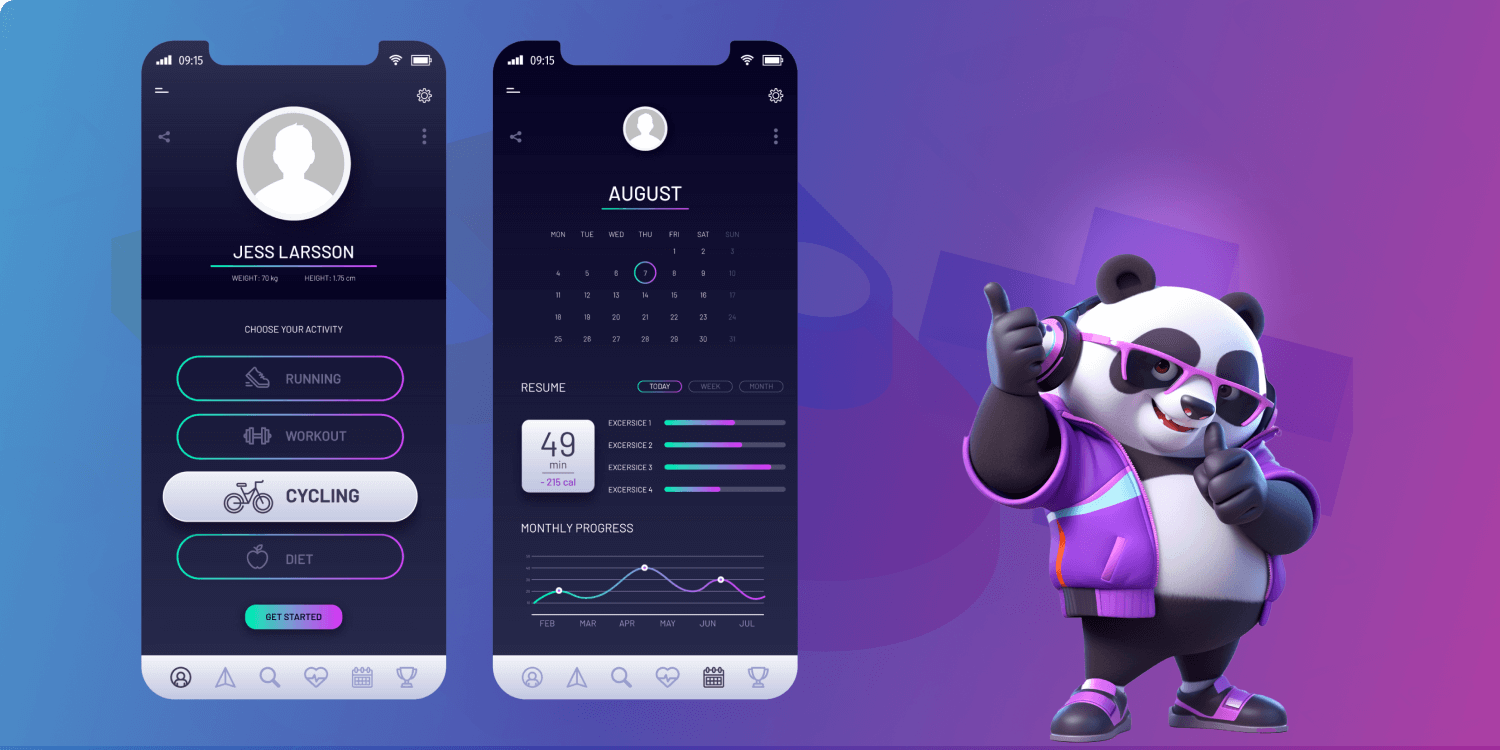
After checking the feedback, you find that users complain a lot about how they operate the app:
=> This is a case where UI UX design ruined a unique business idea, a useful app that could have been profitable if it had been finished better.
Case 2: Easy-to-use but unattractive products have good UX and bad UI
You own a service business and start designing a website to attract more users online and grow your brand.
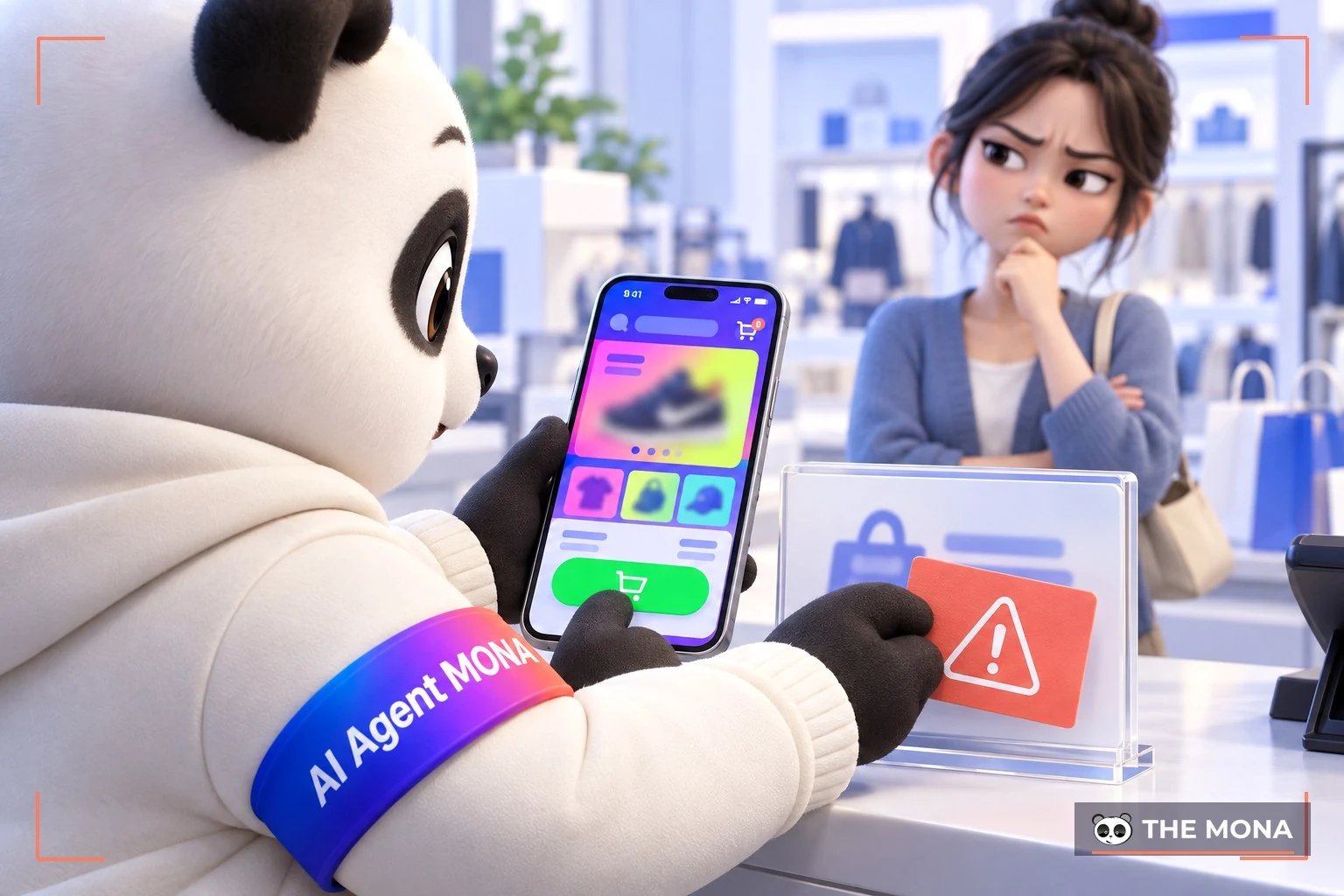
When you receive the website, you are very happy that it has a modern interface, reflects the company culture and attracts potential customers… but using it is very complicated and causes users many difficulties:
=> Not only the interface but also the usability can hurt how users think of your brand, as a brand that is unrefined, poorly invested in and does not care about customers…
User Experience Strategy is the term for a strategy around user experience, UX strategy for short. Website, app and software publishers come up with tactics to improve users' experience with their brand. These tactics may differ, but most must optimize key UX design factors such as:
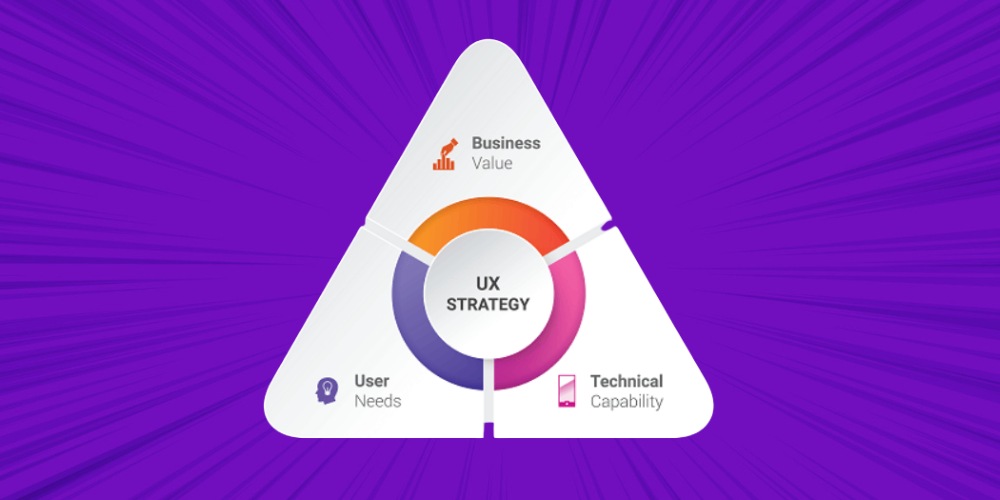
For example, a UX-optimized website must meet these criteria:
Attracting potential audiences is already a very hard process that costs marketing money, and once you have reached them, you must not miss the chance to turn them into your customers and users.
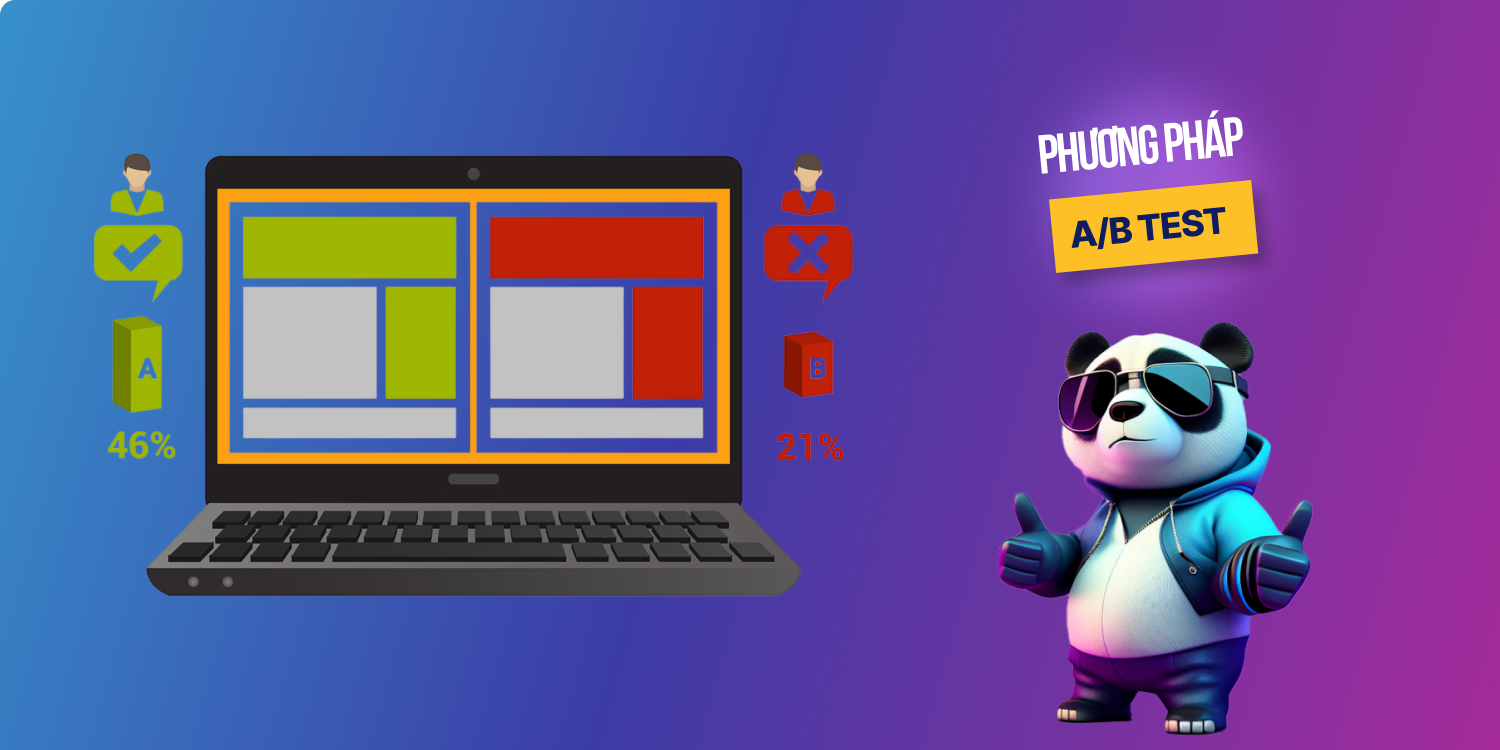
A/B testing is a method for measuring the effectiveness of UI UX design that helps businesses increase their chances of persuading customers by:
Ads that mislead users:
Selection lists that are too long:
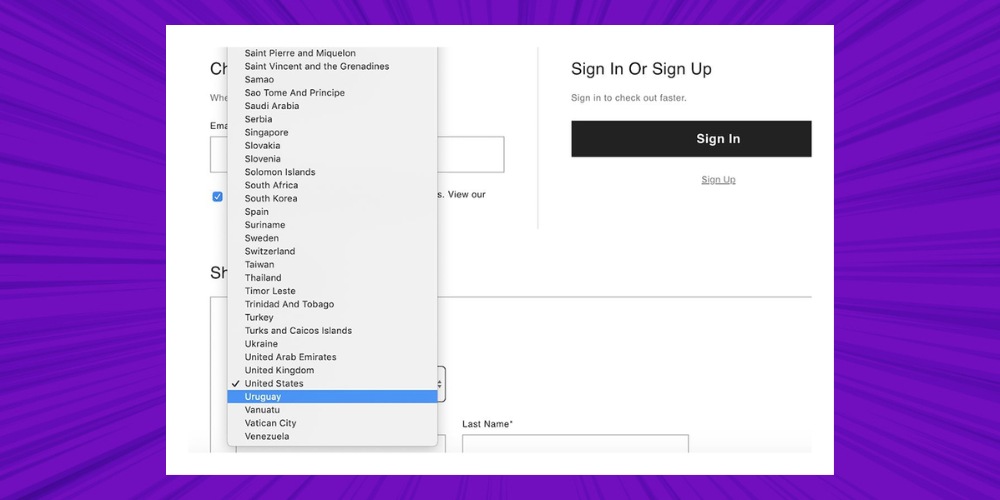
Unfriendly alert systems:
An alert with more customer-friendly UX UI design would be clearer and more detailed about how to resolve the issue.
Customer support live chat that backfires:
So even though they are 2 different concepts, the UI UX design must be complete and complement each other to create a strongly competitive product.
If you want to understand the groundwork behind this in more depth, the article what a mockup is and why the interface should be approved first explains it in detail and describes how we do it for our clients.

CEO & Founder · The MONA
Founder of The MONA, who built a services company of 200+ staff with 14,000+ projects delivered. Khánh Hùng shares how he thinks about building systems that run themselves, automating a business, and the real lessons from delivering projects at MONA.
 7,1K
7,1K





Professional website
design services
Own a website with a beautiful, 100% exclusive design and a lifetime warranty, with the ability
to expand features flexibly as your business grows, starting today!










 MONA promises never to use your information for sale or SPAM
MONA promises never to use your information for sale or SPAM
MONA promises never to use your information for sale or SPAM


 MONA promises never to use your information for sale or SPAM