
 MONA OS 2.0


 Tự động hoá doanh nghiệp
 Cẩm nang SEO
 Digital Marketing
 Kinh nghiệm thiết kế website
 Hạ Tầng Server
 Giáo dục


 VI
VI
 EN
EN











Message us on
Zalo Official


 ProductsNew

 ProductsProducts
 Mới ra mắtKHA AI 2027App tự edit video, tự đăng mọi mạng xã hội, 2 phút mỗi ngày










 Website designLooks good and wins customers over.
SEO servicesBrings in customers searching for exactly what you sell.
Website designLooks good and wins customers over.
SEO servicesBrings in customers searching for exactly what you sell.
 Tư vấn digital marketingKéo khách từ nhiều kênh, đo bằng số thật.
Corporate video productionVideos introducing your company, factory and team.
Tư vấn digital marketingKéo khách từ nhiều kênh, đo bằng số thật.
Corporate video productionVideos introducing your company, factory and team.
 NewAI video productionCompany story films made with AI.
 Custom software developmentCRM, ERP and HRM built for your business.
 Viết AI Agent theo yêu cầuĐặt riêng một trợ lý AI cho đúng việc của mình.
 Tư vấn chuyển đổi AIĐưa AI vào vận hành của cả công ty.
NewMONA LMSManagement for centers and schools.
MONA SkillHubInternal training for company staff.
Tư vấn chuyển đổi AIĐưa AI vào vận hành của cả công ty.
NewMONA LMSManagement for centers and schools.
MONA SkillHubInternal training for company staff.
 NHTQ systemEnd-to-end China–Vietnam shipping operations.
MONA JMSManagement for gold, diamond and pawn shops.
NHTQ systemEnd-to-end China–Vietnam shipping operations.
MONA JMSManagement for gold, diamond and pawn shops.
 MONA E-LearningA website with every feature you need to sell courses.
 How to sell online courses (course)More than 30 free lessons on selling courses on autopilot.
 MONA Cloudmonacloud.vnServers to get your apps and websites running.
 MONA Basemonabase.vnPostgres database, sign-in and file storage.
 MONA Mailmonamail.vnSend OTP, order and invoice emails from your software.
 MONA Paymonapay.vnAccept bank transfers via VietQR and notify your software when the money arrives.
 MONA eInvoiceComing soonIssue e-invoices that meet tax standards.
Gấu CườiTrả lời khách 24/7 trên web, Fanpage, Zalo và thu lead cho sale.
MONA eInvoiceComing soonIssue e-invoices that meet tax standards.
Gấu CườiTrả lời khách 24/7 trên web, Fanpage, Zalo và thu lead cho sale.
 Gấu TeleSalesGọi điện tư vấn, chăm khách như tổng đài viên thật.
Dê CườiTư vấn và chốt đơn cho shop ngay trong khung chat.
Gấu WebmasterNhắn nhóm Zalo là website được sửa xong.
Gấu TeleSalesGọi điện tư vấn, chăm khách như tổng đài viên thật.
Dê CườiTư vấn và chốt đơn cho shop ngay trong khung chat.
Gấu WebmasterNhắn nhóm Zalo là website được sửa xong.
 Gấu Pháp ChếSoạn hợp đồng, rà điều khoản trong vài phút.
 Gấu Báo GiáLên báo giá đúng mẫu và gửi khách ngay.
 AI chăm sóc khách hàngTheo dõi và giữ chân khách hàng cũ.
 Gấu Tuyển DụngLọc hồ sơ, hẹn lịch, phỏng vấn ứng viên.
 Mới ra mắt
KHA AI 2027
Xây kênh chuyên gia 2 phút mỗi ngày
Quay bằng điện thoại, AI tự edit video, tự đăng lên 16 nền tảng và tự trả lời bình luận, tin nhắn.
355.527lượt xem trên kênh CEO MONA sau 21 ngày
Mới ra mắt
KHA AI 2027
Xây kênh chuyên gia 2 phút mỗi ngày
Quay bằng điện thoại, AI tự edit video, tự đăng lên 16 nền tảng và tự trả lời bình luận, tin nhắn.
355.527lượt xem trên kênh CEO MONA sau 21 ngày
 Anh Khánh HùngCEO MONA đang dùng mỗi ngày
Xem app làm được gì
Anh Khánh HùngCEO MONA đang dùng mỗi ngày
Xem app làm được gì
 AI
Gấu Cười MONA ĐANG TỰ XÀITrả lời khách 24/7 trên website, Zalo OA, Messenger và thu lead về cho sale.
Dê CườiChốt đơn bán lẻ và sàn: Shopee, TikTok Shop, web. Chăm cả khách sỉ, đại lý.
Gấu WebmasterCập nhật nội dung, tối ưu SEO website mỗi ngày.
Gấu TeleSalesGọi điện tư vấn, chăm khách như tổng đài viên thật.
Gấu Tuyển DụngLọc hồ sơ, hẹn lịch, phỏng vấn ứng viên tự động.
AI chăm sóc khách hàngGiữ khách cũ, cứu lead đã rớt cho phòng kinh doanh.
Gấu Pháp ChếSoạn hợp đồng, rà điều khoản trong vài phút.
Gấu Báo GiáLên báo giá đúng mẫu, gửi khách ngay khi có yêu cầu.
AI
Gấu Cười MONA ĐANG TỰ XÀITrả lời khách 24/7 trên website, Zalo OA, Messenger và thu lead về cho sale.
Dê CườiChốt đơn bán lẻ và sàn: Shopee, TikTok Shop, web. Chăm cả khách sỉ, đại lý.
Gấu WebmasterCập nhật nội dung, tối ưu SEO website mỗi ngày.
Gấu TeleSalesGọi điện tư vấn, chăm khách như tổng đài viên thật.
Gấu Tuyển DụngLọc hồ sơ, hẹn lịch, phỏng vấn ứng viên tự động.
AI chăm sóc khách hàngGiữ khách cũ, cứu lead đã rớt cho phòng kinh doanh.
Gấu Pháp ChếSoạn hợp đồng, rà điều khoản trong vài phút.
Gấu Báo GiáLên báo giá đúng mẫu, gửi khách ngay khi có yêu cầu.
 Chuyển đổi AI toàn phầnGiải pháp tổng cho doanh nghiệp, 3 lớp triển khai.
 Viết AI Agent theo yêu cầuĐặt riêng một con AI gánh đúng nghiệp vụ của bạn.
 Custom softwareCRM, ERP and HRM with built-in AI automation.
 SEO & AEO thời đại AIĐược Google lẫn AI trích dẫn, không chỉ xếp hạng.
 Kiến thức AI cho doanh nghiệpBài phân tích, hướng dẫn ứng dụng AI vào vận hành.
 Free AI courses
 AI tools at work
App mới · KHA AI 2027
Xây kênh 2 phút mỗi ngày
AI tự edit video, tự đăng mọi mạng xã hội
Free consultation, 8am–10pm every day
AI tools at work
App mới · KHA AI 2027
Xây kênh 2 phút mỗi ngày
AI tự edit video, tự đăng mọi mạng xã hội
Free consultation, 8am–10pm every day

18 March, 2023
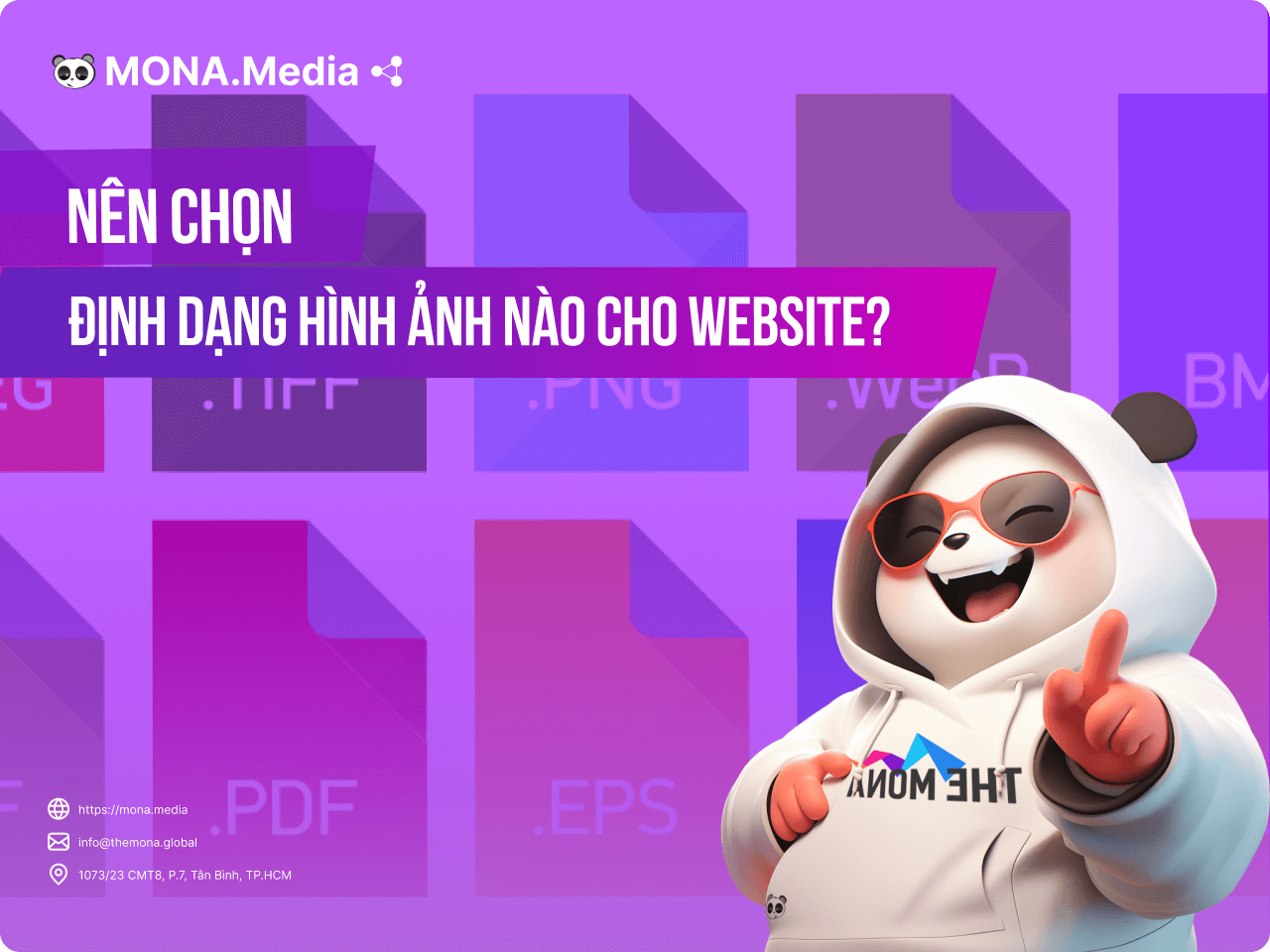
Image formats commonly used on websites are JPG, PNG and GIF. Some other formats are used too, but less often. Each format suits a different purpose and feature set, which gets the best result for your site and affects page load speed and website SEO. In today’s article, MONA Media will help you learn about the image formats and how to use them to best effect on your website.
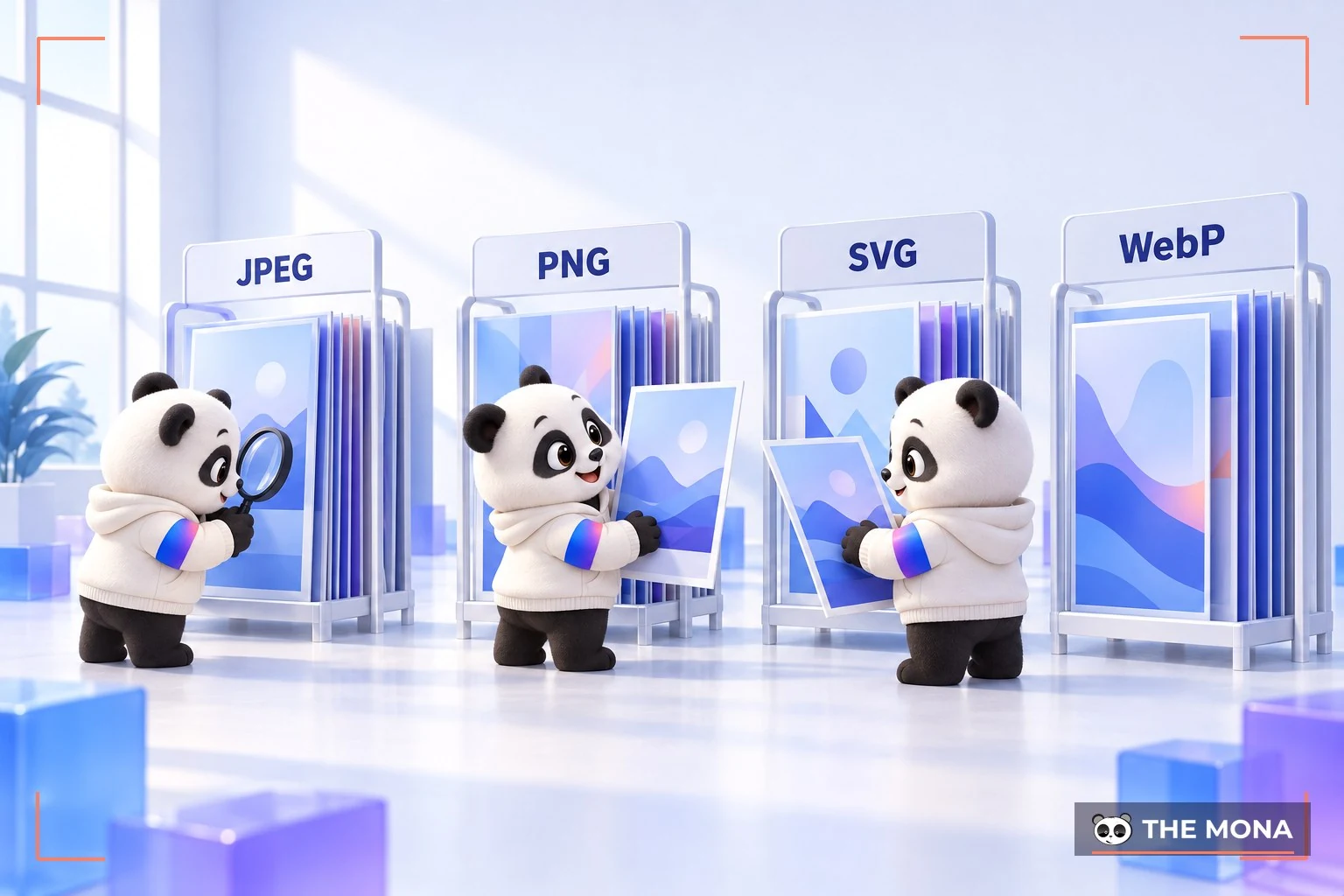
GIF, SVG, JPG, JPEG or PNG and WebP are the image formats used most on websites. Knowing the strengths and weaknesses of each helps you choose the right one for your site. Here is a closer look at the common image formats from MONA:
GIF is an image format that isn’t used very often on the web, yet it catches the viewer’s eye. GIFs can be compressed to small sizes and keep color well. Some GIFs are even smaller than a JPG.
GIF is fairly outdated for large images. Today it is chosen for icons and small animations. So if you need small animated images or short, low-resolution video clips, GIF is the one to pick.
The one drawback of GIF is its limited color range. For today’s colorful images, GIF can’t keep up.
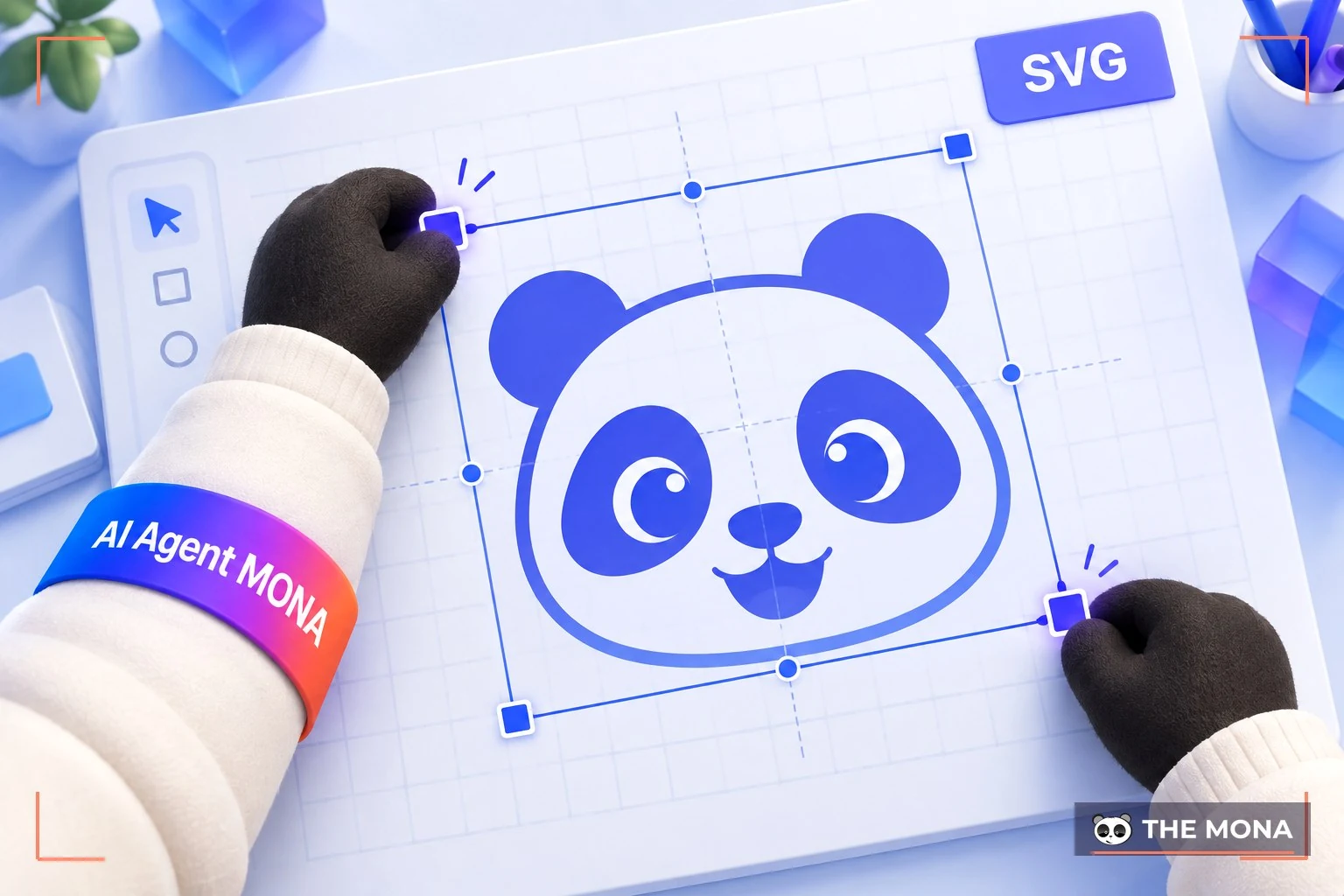
Image formats SVG is not widely used. These images are written in XML code and can be resized.
SVG files are created by developers using JavaScript or CSS to write them. Because the image size is flexible, quality doesn’t change when it is viewed on different devices. This format is also light, looks good and doesn’t use up resources on the site.
However, creating SVG images takes a professional, and complex images cannot be drawn in SVG at all. Older browsers also do not support this format. Think carefully before choosing it for your website images.
JPG is one of the most widely used standard image formats today. Most images you find on the internet are JPG. High sharpness, easy compression, many pixels and a wide range of colors are the main strengths of the JPG format.

JPEG is also a JPG file format. It is widely used for the web and for print because it is easy to edit and compresses images without a noticeable loss in quality.
Both JPEG and JPG are supported by every browser and email client, and can display millions of colors. The drawback is that this format does not support transparent backgrounds, which makes it less readable than PNG.
PNG is a short form of the English name: Portable Network Graphics and is one of the most popular image formats today. PNG was first created to replace the aging GIF. Over time, thanks to technical improvements such as lossless compression, transparent backgrounds and support for millions of colors, PNG became the most widely chosen image format for websites.
With PNG files, you can easily place an icon, logo or other information on top of an image and get a polished look. According to current website statistics, PNG is the most used image format.
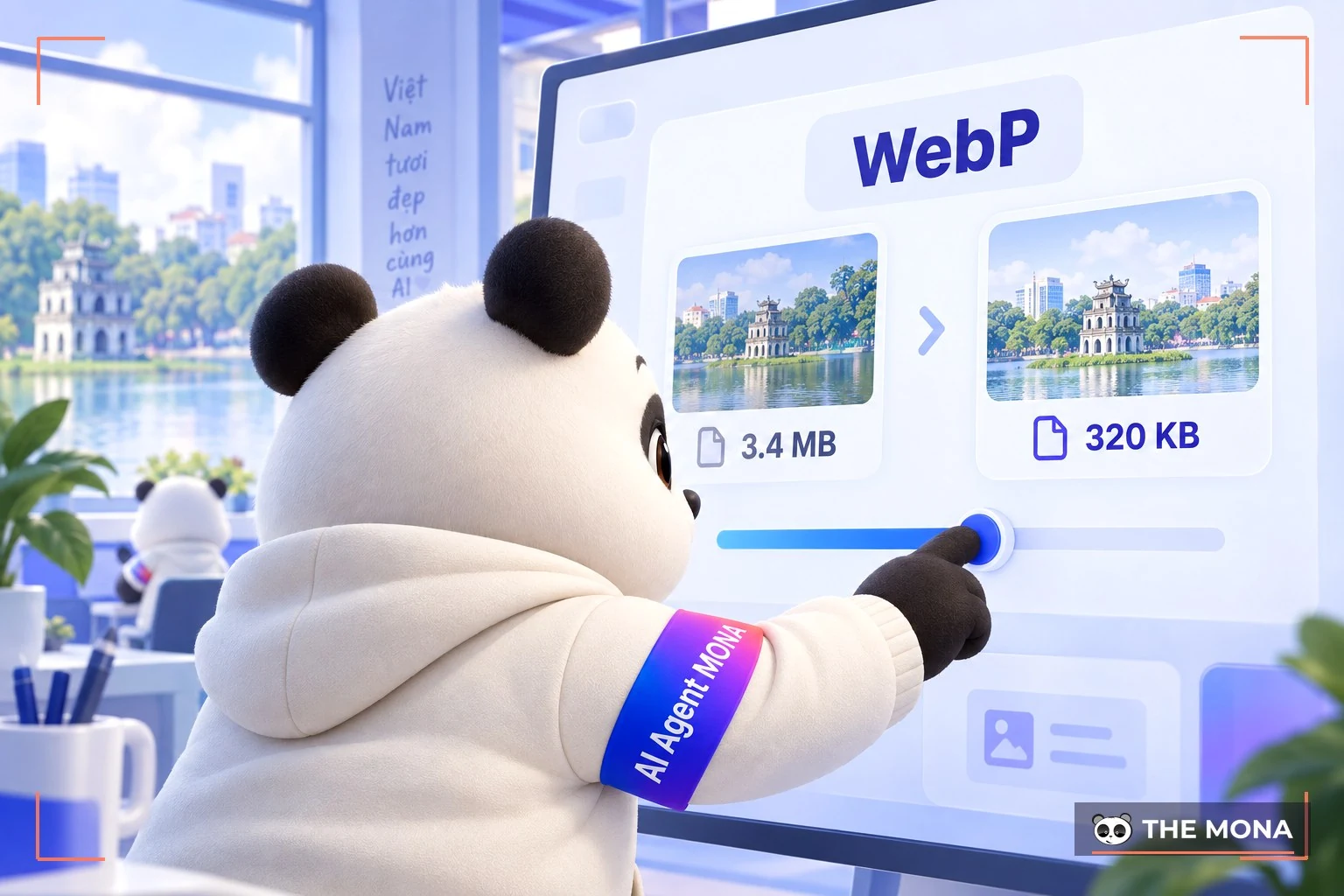
WEBP is an image format that has become popular for websites in recent years. WebP images usually offer high quality, good sharpness and fast loading, and do not need much bandwidth.
Google now also favors websites that use WebP images. WebP works well in all major browsers, offers strong security and better copyright protection than other formats, so it is rated very highly.
However, WebP takes longer to decode, so it is still less common than JPG or PNG. Even so, foreign websites have recently been using WebP more and more.
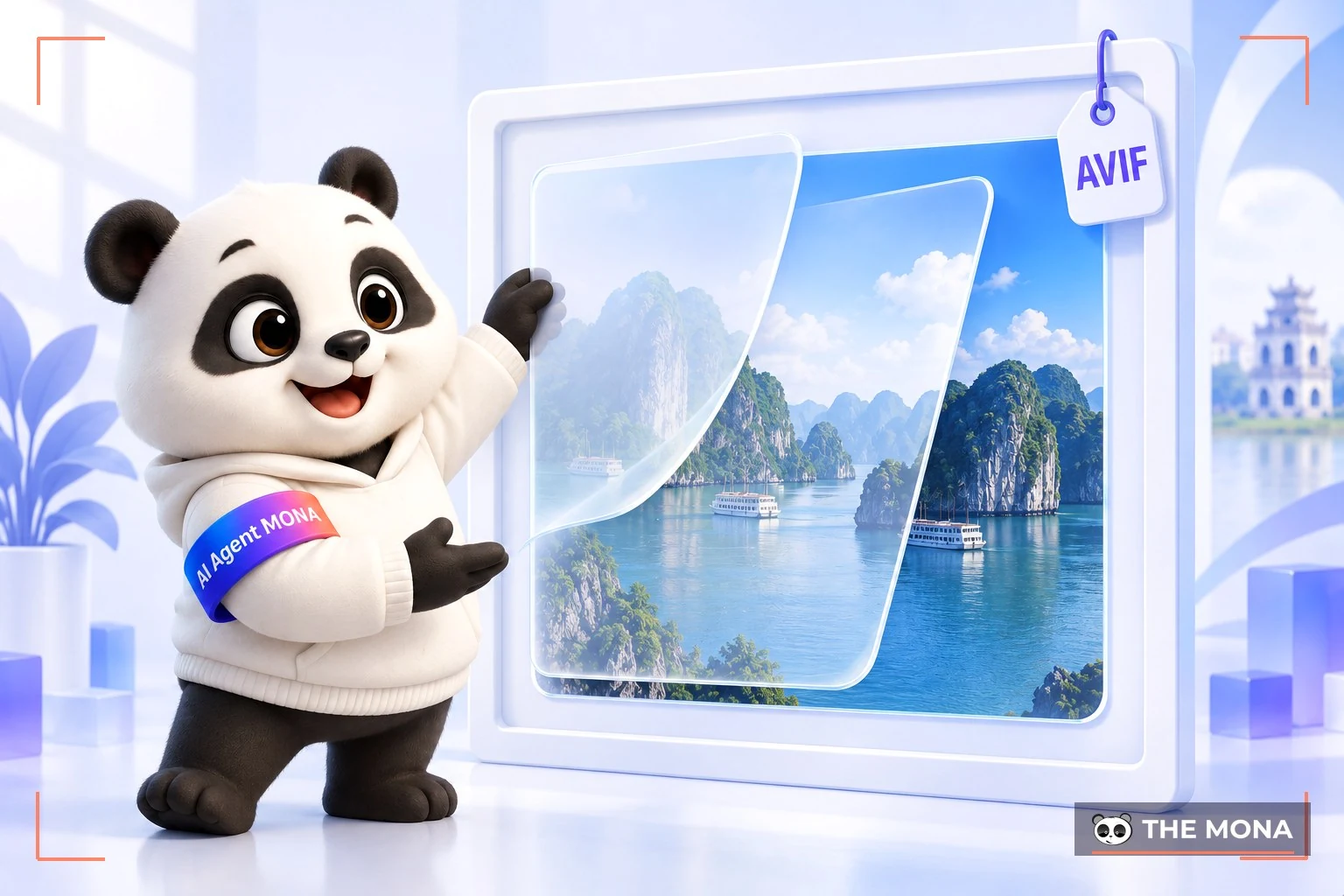
is one of the most widely used image formats in recent years, AVIF and it is increasingly rated highly by search engines and chosen by SEOers. In detail, AVIF is an open image file format based on the AV1 video compression standard, considered to compress better than both PNG and JPEG. It is also supported by many browsers and web platforms such as Google Search, WordPress, Cloudflare and Joomla.
However, like other image formats, AVIF has some drawbacks to weigh before you use it: limited compatibility, and image decompression that can be slower than traditional formats because of its advanced compression algorithm.
Images are, in a sense, your online graphics. Every website uses images to show products, articles and services. They help improve the results of top 1 SEO services and earn more trust from Google. Choosing the right format for each display purpose gives you better quality.
In detail, here is why the image format you use on your website matters so much:
A website with images optimized for quality, polished content, sharp pictures and a clear logo is rated more highly for content quality by both search engines and users. That makes it easier to keep readers on the page and build the site's credibility.
Images usually take up a large share of a website's size. As the number of images grows, the loading speed of the site suffers. The result is slow page loads and a seriously worse user experience.
So besides learning which image format is best for your website, you also need to know how to convert image formats when needed, to optimize the images on your site.
You can also look into lazy loading so your website keeps all its images while still loading quickly, without making users lose patience and leave.
-> See how to speed up your website:
Some formats can reduce file size but the image dimensions shrink too. Others reduce file size while the image quality stays the same. That is why choosing the right image format for your website matters so much.
You can see what your website is missing, but you are not a website management expert? Let Website management services from MONA take care of managing and growing your website end to end!

With our expertise in over 10 years in Professional website and SEO services, MONA knows well what a high-quality, SEO-compliant website needs in order to be rated highly by search engines and users. That is why we are confident we can look after your website and help it grow sustainably.
When you choose MONA's website management service, you get benefits such as:
And many more useful features are waiting for you! Please CONTACT US with MONA via hotline 1900 636 648 for detailed advice.
Usually, The two most chosen image formats are PNG and JPG. Depending on the case, administrators, content writers and SEOers use one of the two:
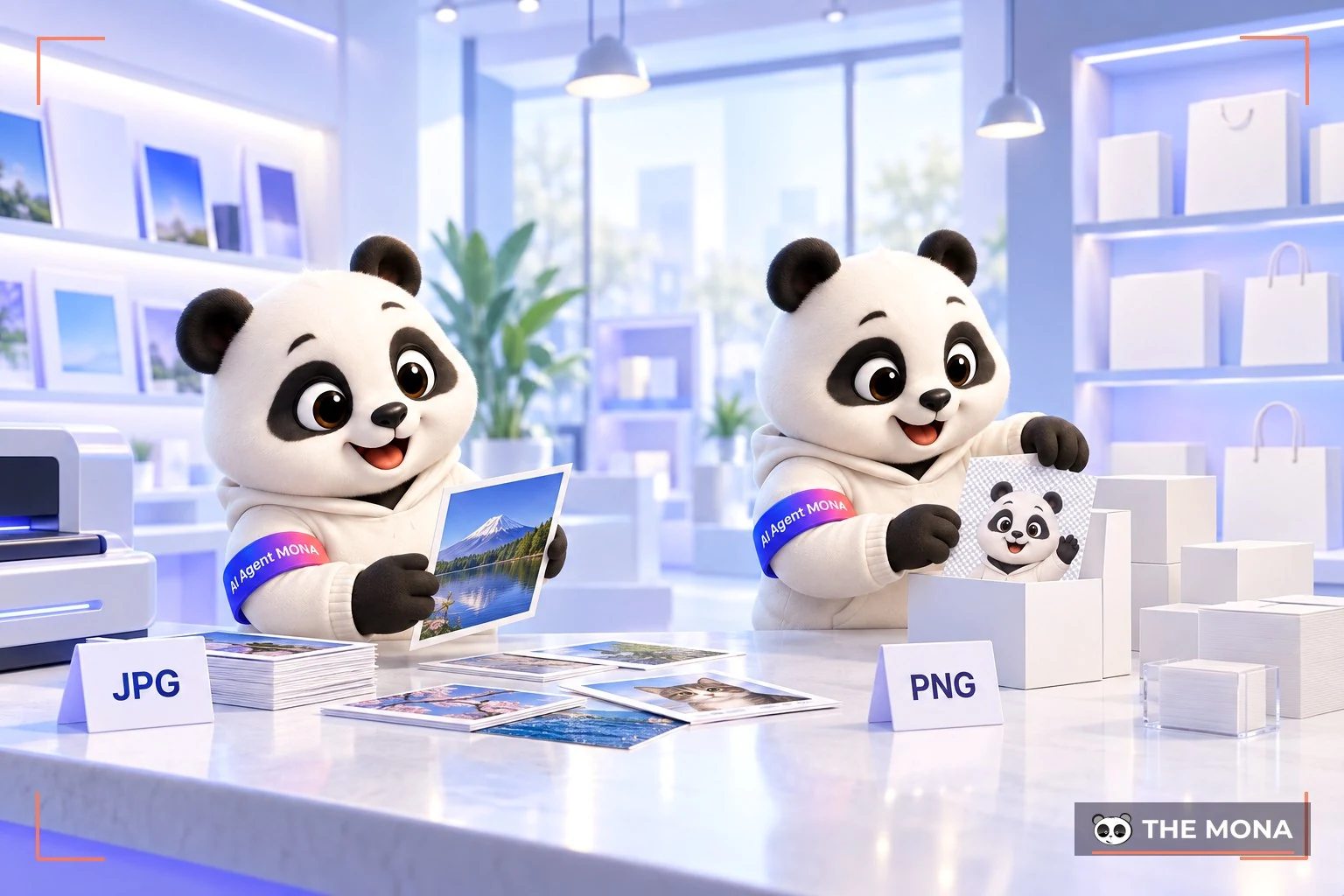
GIF is also used in some places on a web page to look better and encourage action. GIF is not as common as PNG or JPG, but it is an important element on every website.
As we analyzed above, PNG is rated higher and used more. JPG, however, still gives fairly good image quality at a small file size. Let's look at these two formats in more depth with MONA.
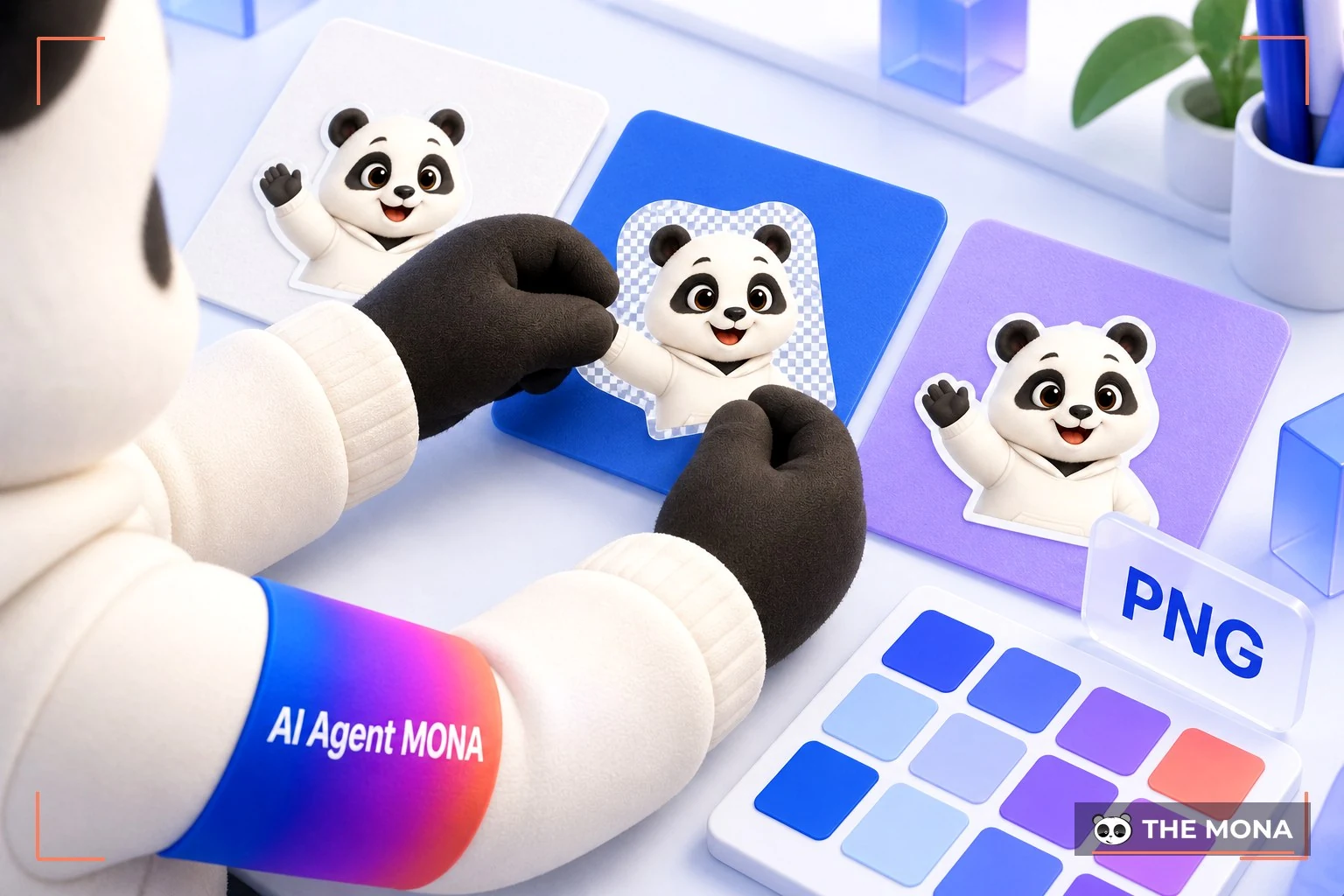
PNG image format provides from 24-bit color, even up to 64-bit, so it displays excellent color for web images. It can be compressed to a small size while the image still looks good to the naked eye. It also supports transparent backgrounds, so you can add a copyright mark, text and a logo on top of the image.
JPG can be compressed too, but the file size does not drop much compared with the original. Compared with PNG, JPG serves fewer purposes on the web.
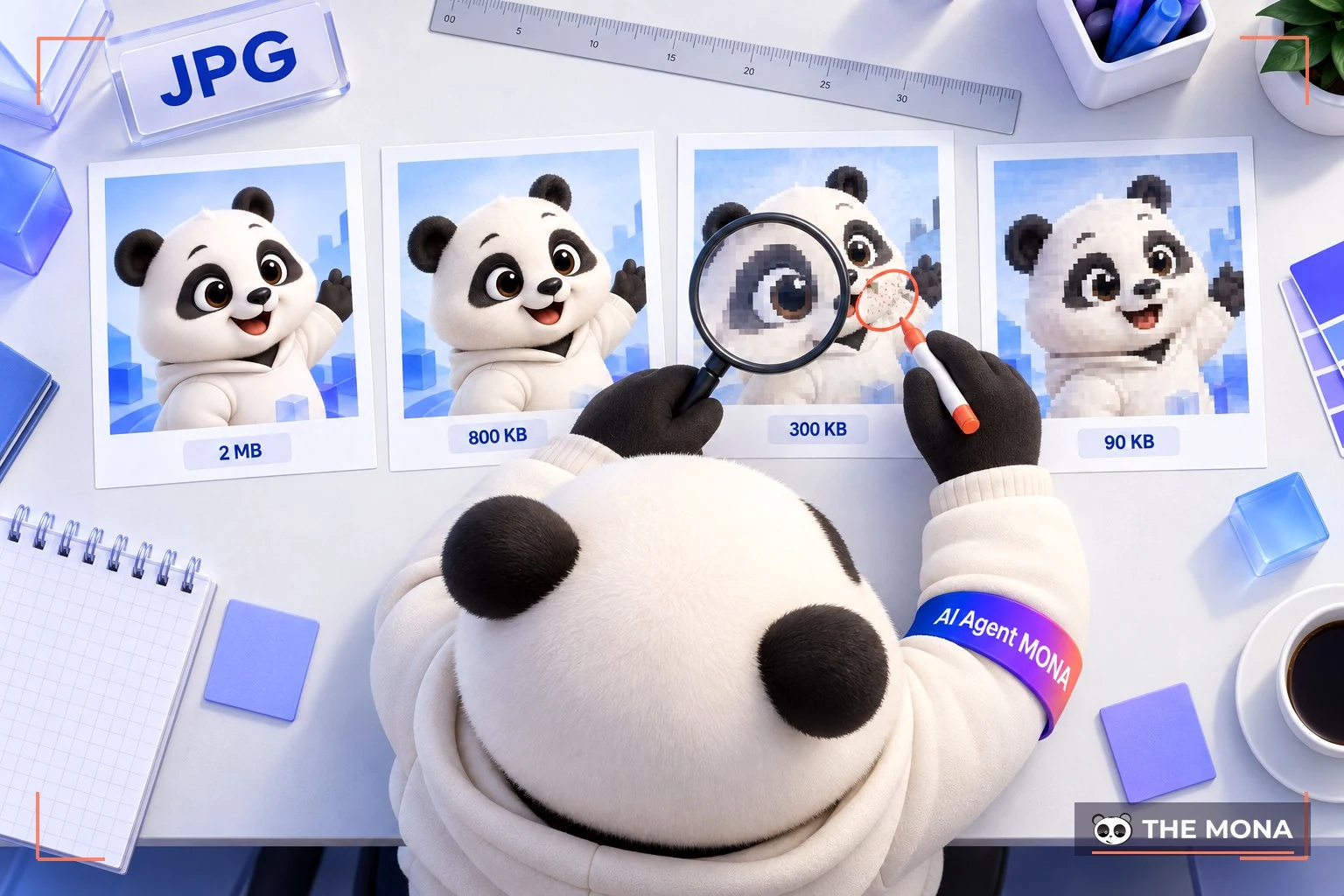
To answer this question, consider these two factors:
JPG cannot match PNG on these two points, so for the best result MONA still recommends PNG image files for your website.
Above is the detailed information on the most common image formats today, with a summary of the pros and cons of each so you can make the most sensible choice. We hope this article from MONA helps you pick image formats that suit your website, improve user experience and earn higher ratings from search engines. Good luck!
-> See related articles now:

CEO & Founder · The MONA
Founder of The MONA, who built a services company of 200+ staff with 14,000+ projects delivered. Khánh Hùng shares how he thinks about building systems that run themselves, automating a business, and the real lessons from delivering projects at MONA.
 1,5K
1,5K



Professional website
design services
Own a website with a beautiful, 100% exclusive design and a lifetime warranty, with the ability
to expand features flexibly as your business grows, starting today!








 MONA will never sell your information or send you spam
MONA will never sell your information or send you spam
MONA will never sell your information or send you spam


 MONA will never sell your information or send you spam