
 MONA OS 2.0
 Partner with MONA


 Tự động hoá doanh nghiệp
 Cẩm nang SEO
 Digital Marketing
 Kinh nghiệm thiết kế website
 Hạ Tầng Server
 Giáo dục


 VI
 EN









Message us on
Zalo Official


 ProductsNew

 ProductsProducts
 Mới ra mắtKHA AI 2027App tự edit video, tự đăng mọi mạng xã hội, 2 phút mỗi ngày










 Website designLooks good and wins customers over.
SEO servicesBrings in customers searching for exactly what you sell.
 Tư vấn digital marketingKéo khách từ nhiều kênh, đo bằng số thật.
Corporate video productionVideos introducing your company, factory and team.
 NewAI video productionCompany story films made with AI.
 Custom software developmentCRM, ERP and HRM built for your business.
 Viết AI Agent theo yêu cầuĐặt riêng một trợ lý AI cho đúng việc của mình.
 Tư vấn chuyển đổi AIĐưa AI vào vận hành của cả công ty.
NewMONA LMSManagement for centers and schools.
MONA SkillHubInternal training for company staff.
 NHTQ systemEnd-to-end China–Vietnam shipping operations.
MONA JMSManagement for gold, diamond and pawn shops.
 MONA E-LearningA website with every feature you need to sell courses.
 How to sell online courses (course)More than 30 free lessons on selling courses on autopilot.
 MONA Cloudmonacloud.vnServers to get your apps and websites running.
 MONA Basemonabase.vnPostgres database, sign-in and file storage.
 MONA Mailmonamail.vnSend OTP, order and invoice emails from your software.
 MONA Paymonapay.vnAccept bank transfers via VietQR and notify your software when the money arrives.
 MONA eInvoiceComing soonIssue e-invoices that meet tax standards.
Gấu CườiTrả lời khách 24/7 trên web, Fanpage, Zalo và thu lead cho sale.
 Gấu TeleSalesGọi điện tư vấn, chăm khách như tổng đài viên thật.
Dê CườiTư vấn và chốt đơn cho shop ngay trong khung chat.
Gấu WebmasterNhắn nhóm Zalo là website được sửa xong.
 Gấu Pháp ChếSoạn hợp đồng, rà điều khoản trong vài phút.
 Gấu Báo GiáLên báo giá đúng mẫu và gửi khách ngay.
 AI chăm sóc khách hàngTheo dõi và giữ chân khách hàng cũ.
 Gấu Tuyển DụngLọc hồ sơ, hẹn lịch, phỏng vấn ứng viên.
 Mới ra mắt
KHA AI 2027
Xây kênh chuyên gia 2 phút mỗi ngày
Quay bằng điện thoại, AI tự edit video, tự đăng lên 16 nền tảng và tự trả lời bình luận, tin nhắn.
835.295lượt xem trên kênh CEO MONA sau 27 ngày
 Anh Khánh HùngCEO MONA đang dùng mỗi ngày
Xem app làm được gì
 AI
Gấu Cười MONA ĐANG TỰ XÀITrả lời khách 24/7 trên website, Zalo OA, Messenger và thu lead về cho sale.
Dê CườiChốt đơn bán lẻ và sàn: Shopee, TikTok Shop, web. Chăm cả khách sỉ, đại lý.
Gấu WebmasterCập nhật nội dung, tối ưu SEO website mỗi ngày.
Gấu TeleSalesGọi điện tư vấn, chăm khách như tổng đài viên thật.
Gấu Tuyển DụngLọc hồ sơ, hẹn lịch, phỏng vấn ứng viên tự động.
AI chăm sóc khách hàngGiữ khách cũ, cứu lead đã rớt cho phòng kinh doanh.
Gấu Pháp ChếSoạn hợp đồng, rà điều khoản trong vài phút.
Gấu Báo GiáLên báo giá đúng mẫu, gửi khách ngay khi có yêu cầu.
 Chuyển đổi AI toàn phầnGiải pháp tổng cho doanh nghiệp, 3 lớp triển khai.
 Viết AI Agent theo yêu cầuĐặt riêng một con AI gánh đúng nghiệp vụ của bạn.
 Custom softwareCRM, ERP and HRM with built-in AI automation.
 SEO & AEO thời đại AIĐược Google lẫn AI trích dẫn, không chỉ xếp hạng.
 Kiến thức AI cho doanh nghiệpBài phân tích, hướng dẫn ứng dụng AI vào vận hành.
 Free AI courses
 AI tools at work
App mới · KHA AI 2027
Xây kênh 2 phút mỗi ngày
AI tự edit video, tự đăng mọi mạng xã hội
Free consultation, 8am–10pm every day

18 March, 2023

WordPress security is an issue many people care about. As this open-source platform becomes common for website design, security deserves attention. Left unattended, security problems can lead to real negative consequences. That is why WordPress website security methods and plugins deserve close attention, a clear understanding and effective use.
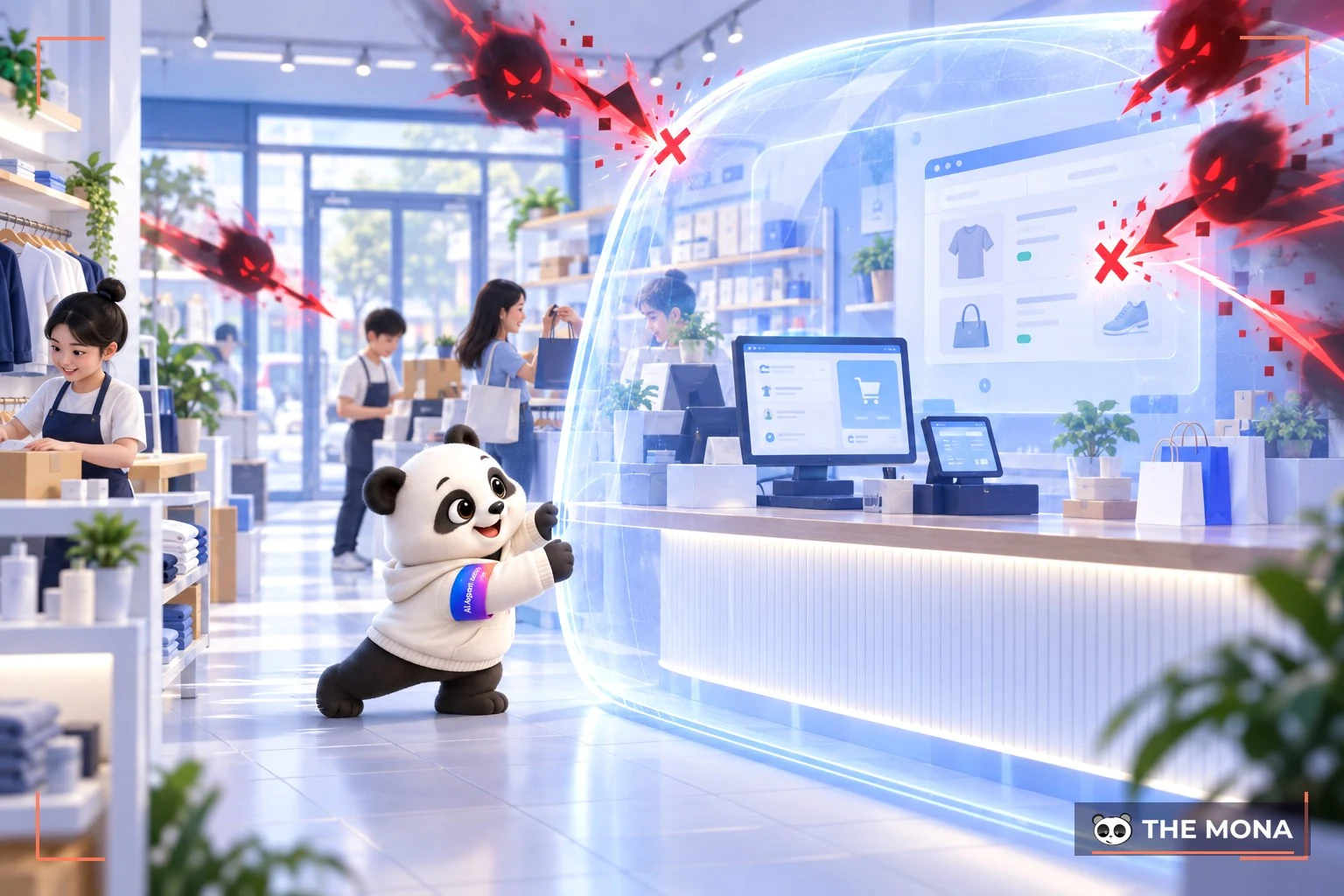
Why WordPress website security matters
Run WordPress website security is a basic but essential requirement that you should follow. Securing WordPress brings clear benefits, namely:
When a website's security is taken seriously, the risk of losing data and important content is reduced and well controlled. Content, images, videos, file types or anything else can be protected with confidence. Recovering lost data is quite hard, so solid security is something you need to do.
When a website is infected with a virus, Google blocks ads such as GDN, Google Ads, Google Shopping and any other kind of advertising. This greatly affects how the website operates, and the status SEM and SEO of the website.
Not only that, if a WordPress website's protection is neglected, it can also fall in rankings on search engines such as Google. No business wants to face that.
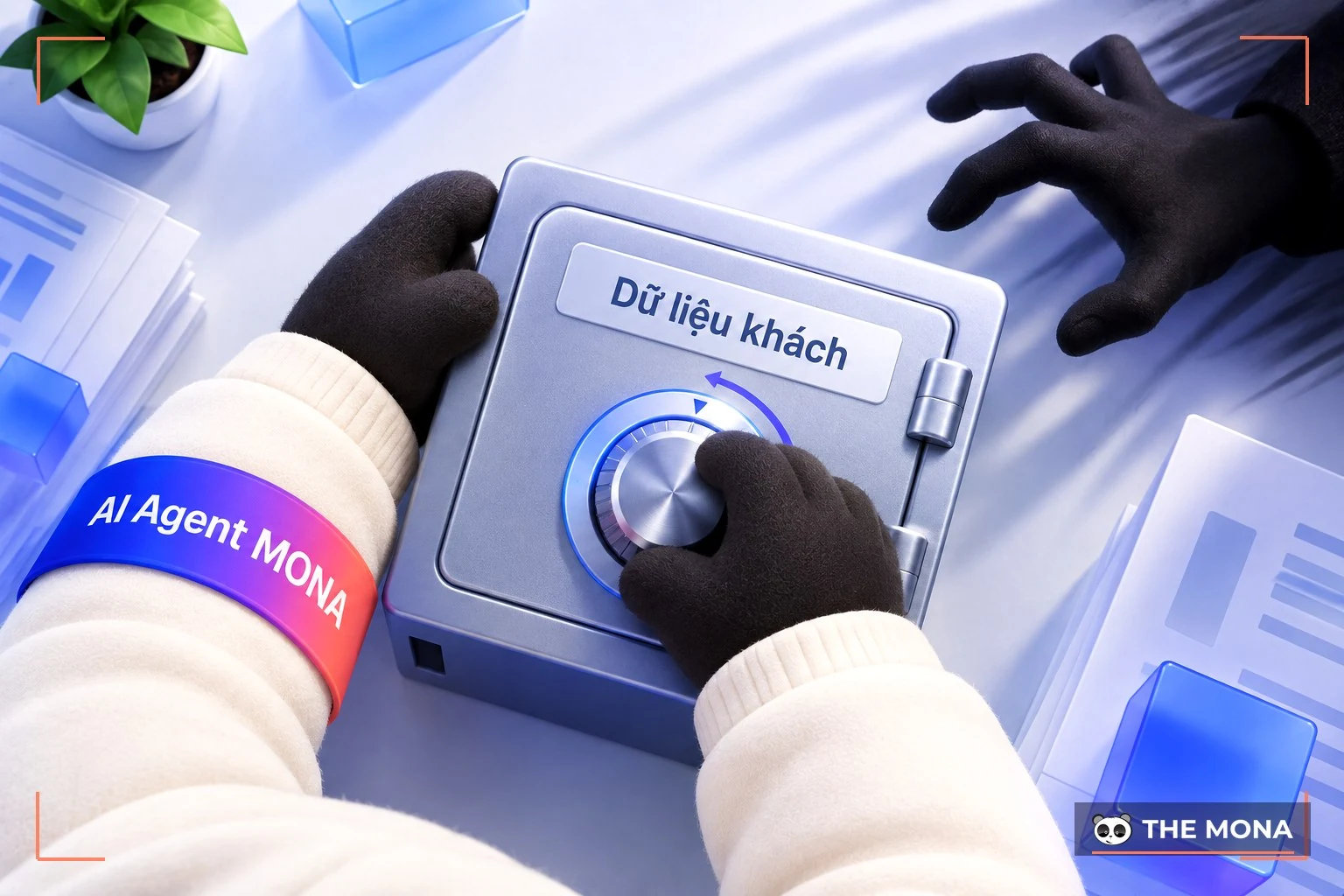
Keep hackers from stealing customer data
For every business, customers are one of the biggest assets. So hackers stealing data or losing customer data must never happen. Protecting your business website once it goes live reduces that risk as much as possible.
With website security in place, you can be confident that access to the site is not disrupted or negatively affected. Online sales, product presentations and the like then run without interruption, so business goes smoothly as required.
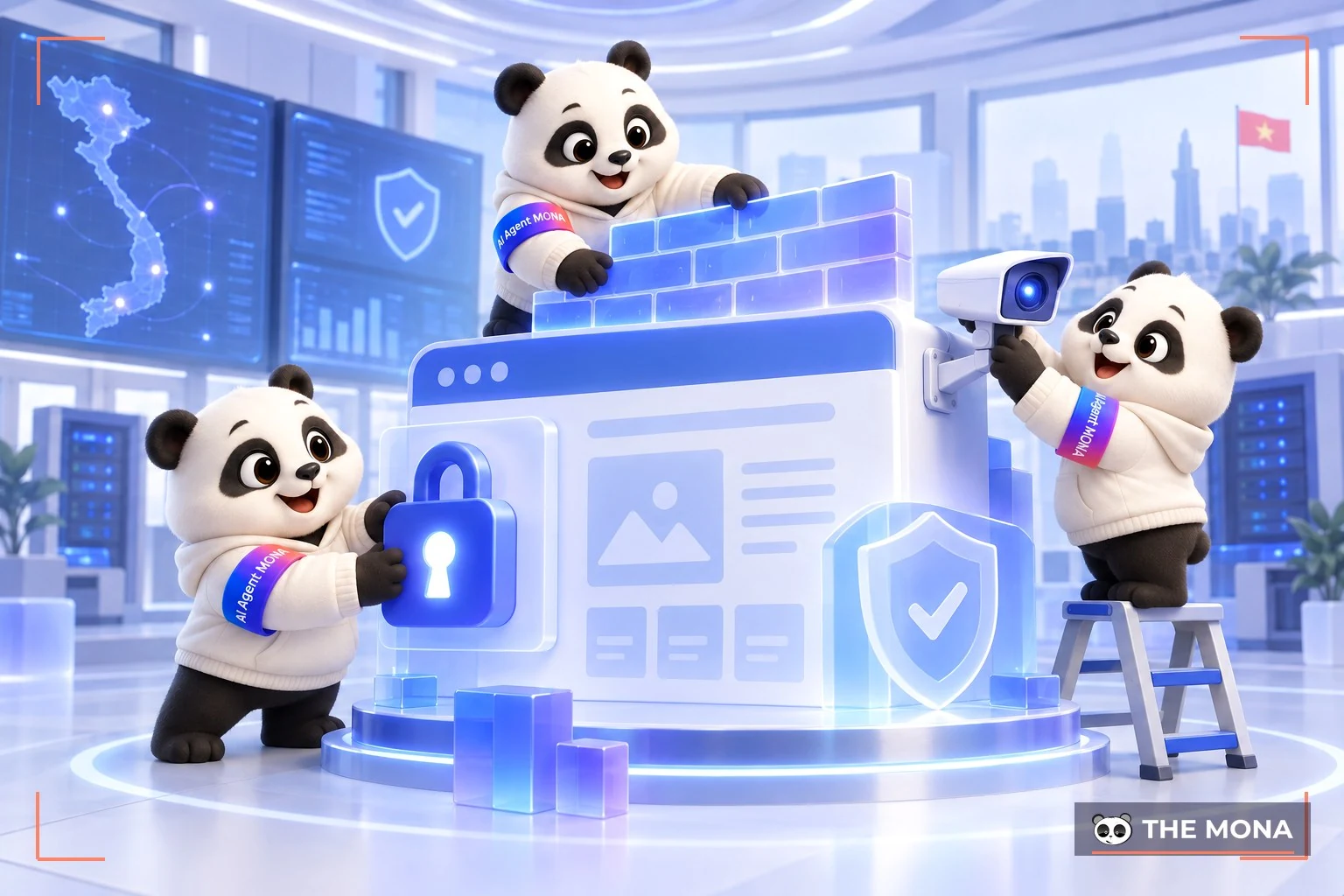
WordPress website security methods
Given these benefits, applying the right method accurately is highly valued. The main methods to consider are:
Installing SSL certificate or the https protocol for WordPress can be done in the folder Cpanel of your hosting, with these basic steps:
That said, this is only free SSL. Mona Media offers a range of professional SSL certificates that protect your data and customer information more completely. Contact us now 1900 636 648 for a free consultation
For the security of web wordpress keeping to the latest versions is a basic requirement. A new WordPress version addresses issues such as:
Update WordPress regularly and use up-to-date plugins to meet your needs and protect the website as much as possible.
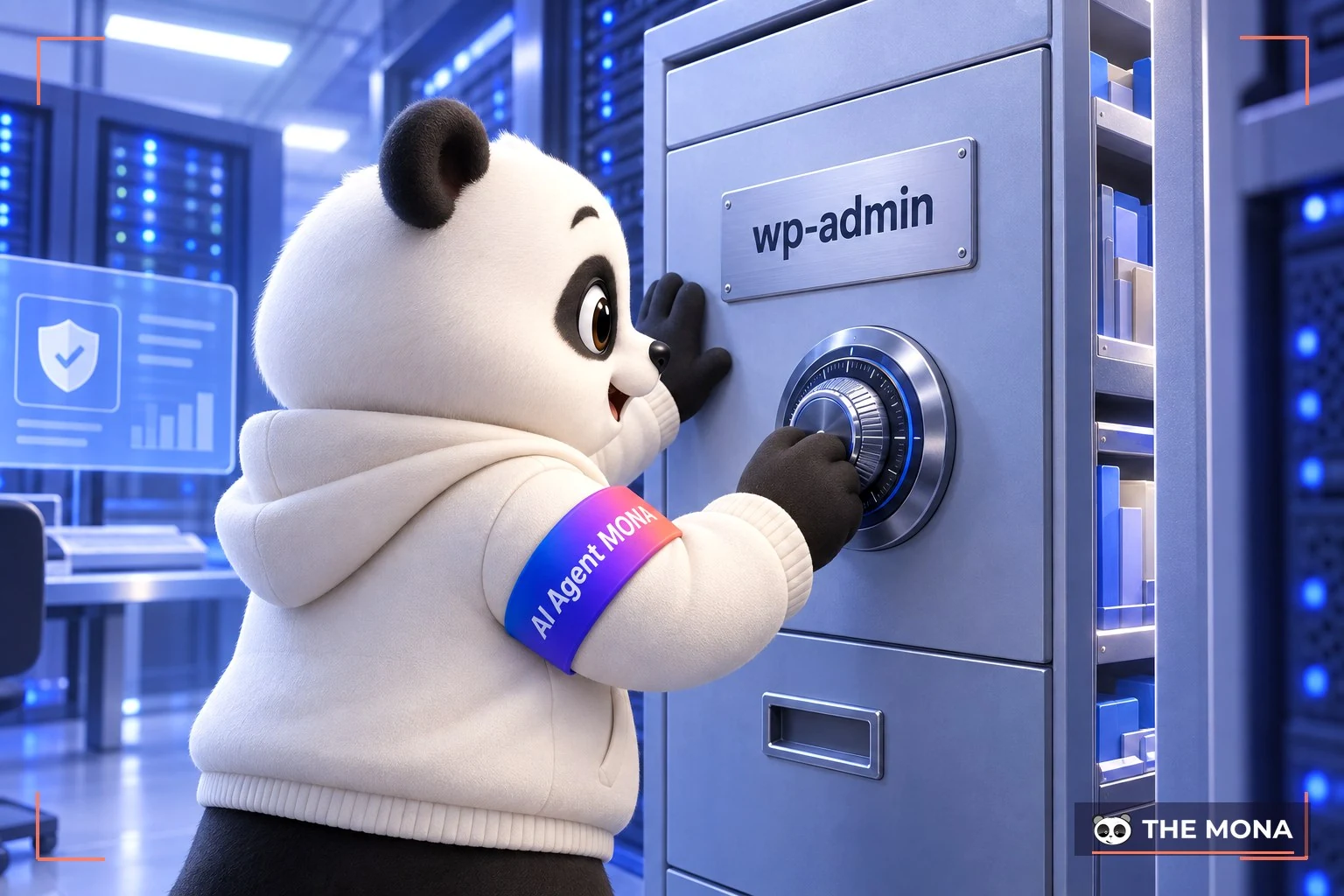
Protect the wp-admin folder
The wp-admin folder needs full protection. A few simple steps, done correctly, will protect it well:
Two-factor authentication improves account security on the open-source WordPress platform. It is worth considering because it asks for extra information in addition to the username and password.
In To set up 2-factor login with Google Authenticator, we can do it simply as follows:
Once set up, it is essential to verify logins in the right way. There are two specific cases:
Pay attention to disabling XML-RPC as well, to secure WordPress properly. XML-RPC lets data be transferred using HTTP as the transport and XML as the encoding.
When internet speeds were not ideal, transferring data on a website took many steps and a lot of time. Today that is handled much better. The biggest problem with XML-RPC is security. The problem does not come from XML-RPC itself but from the xmlrpc.php file, which has been used for brute force attacks. Using very strong passwords, and adding a WordPress security plugin, is the best way to get strong security.

Set up security at the hosting level
Pay attention to hosting security to limit attacks as much as possible. For hosting-level security, hosting there are 2 basic options:
When you moderate comments, or handle Pingbacks and Trackbacks in WordPress, check for malicious code or suspicious links attached. If you find anything suspicious, delete the comment completely and do it quickly, to remove the risk of the virus spreading.
This does not reduce the risk of being attacked, but it limits the damage after each attack as much as possible. By being able to back up all your data regularly you remove the risk of losing data with no way to recover it. It keeps your website, and your business, running.
To secure WordPress you can consider several plugins. Highly rated and widely used ones include:
WordPress security tool iThemes Security
Plugin iThemes Security is one of the big, widely used names today. It fixes vulnerabilities on the website and limits attacks. Using iThemes Security also lets you change the login link when needed, use strong passwords, and block users after repeated failed logins.
It has all the functions you need to secure a WordPress site with iThemes Security smoothly. It keeps the website running steadily and is highly practical. It can also send timely notifications when something unexpected happens, so you stay in control.
Well known and widely trusted by the WordPress community, Jetpack has become popular. Its combination of many functions strengthens website security considerably. Brute force attacks are blocked well, which makes protecting your WordPress site simpler.
Jetpack comes in two versions, free and paid. For stronger security features, the paid version is the best choice. Daily malware scans, website backups and automatic restore are all supported.
VaultPress WordPress security plugin
VaultPress is regarded as a reliable and easy-to-use security plugin. It fully supports backups on a schedule or in real time. Backups can also be restored within seconds, to limit any data loss.
VaultPress also scans your site for viruses and malware, and removes them quickly in just a few steps.
When you need to secure a WordPress website, the plugin BulletProof Security is always well rated. It covers firewall, login security, database security and many other features. Simple installation and easy use make keeping your website highly secure much easier.
Safer with All in One WP Security and Firewall helps an open-source WordPress website run effectively. It has the features you need, designed by leading experts. Its main features are:
WordPress website security methods and plugins is used effectively and gives good security. That makes it easier to keep each website running steadily, so every organization and business can operate well, grow strongly and hold a good position in its field.

The admin interface suddenly goes blank, and customers who click a post get redirected to an unfamiliar ad page. You were sure you had paid for a full perimeter firewall, and you rushed to change every employee's password, yet the problem remains. According to Patchstack's State of WordPress Security in 2025, the ecosystem sees 22 new vulnerabilities every day. In fact, 96% of infection sources lie in add-ons, not in the original core. More than 500,000 websites were infected with malware simply because people prefer cracked software, downloaded illegally to save website running cost. That is like letting a thief into the living room and only then locking the door. As many as 43% of vulnerabilities are exploited directly without the attacker needing login access, which makes changing passwords completely useless.
In June 2026, our own internal server was infected with a coin-mining program after attackers got in through a test application that exposed a public port with the highest admin privileges. That incident led us to write 10 safe operating rules, applied to every system Cloud VPS to close off junk ports before they are opened to customers. For a WordPress website, when handling an incident we always clean out pirated software first, replace it with genuine products, and only then add a protective layer around it. Don't rush to buy more locks. Do not install any protection app until you have removed every piece of software of unknown origin that is draining your server.
Many business owners hand us an admin area full of pirated plugins and ask for one piece of software to install that will stop hackers for good. No such software exists. Patchstack's 2024 report shows that 96% of vulnerabilities are in plugins, and 43% are exploited without login. Using pirated plugins is self-destructive. When we take over a system, the first thing we do is clean it up and replace the plugins with genuine ones. Only then do we install MONA Shield to close off automated scanning entry points such as the XML-RPC port or an unneeded REST API. This software hides the source code version and is licensed for life per domain, so you pay only once.
The real weapon for protecting your business is daily backup, because restoring the latest working version is always faster than cleaning malware by hand. We have built this standard into website maintenance serviceswith a written commitment covering everything from source code updates to incident review. For complex projects, we suggest the basic plan of Gấu Webmaster at 2,000,000 VND per month. This assistant automatically reads warning logs and restores the system with one tap, very quickly, when the site crashes with a 500 error. Don't leave your revenue to mindless code. If your website is an app written by AI, don't open it to paying customers without a skilled engineer on call.
A manifesto for growing together
MONA is a software, digital transformation and AI transformation company, but above all, MONA is a B2B service company that benefits directly from this: THE MORE SUCCESSFUL VIETNAMESE BUSINESSES BECOME, THE MORE MONA BENEFITS, while a declining, slow market with weak technology is exactly what kills MONA's future business opportunities. So, more than anyone, MONA wants you to succeed, and MONA actually steps in to help you succeed.
And AI transformation is the key to that success for all of us.
MONA
Every minute you delay cleaning up your system is a minute you're inviting thieves to steal your data. MONA Shield is licensed for life per domain, with no yearly fee. Try it first at https://mona.media/ban-quyen/mona-shield/; it takes about 5 minutes. Click and you're done.
A suggestion from MONA
For security, we have MONA Shield, MONA's licensed plugin: a firewall, bad IP blocking, spam protection and WordPress core file scanning. Every request goes through four layers of checks, and visitors are protected from spam without having to solve a captcha.
See the details at plugin.mona.software, or see more reviews in the plugin WordPress section of our blog. For advice based on your website's current state, call 1900 636 648.

CEO & Founder · The MONA
Founder of The MONA, who built a services company of 200+ staff with 14,000+ projects delivered. Khánh Hùng shares how he thinks about building systems that run themselves, automating a business, and the real lessons from delivering projects at MONA.
 1,6K



Professional website
design services
Own a website with a beautiful, 100% exclusive design and a lifetime warranty, with the ability
to expand features flexibly as your business grows, starting today!






 MONA will never sell your information or send you spam


 MONA will never sell your information or send you spam
