
 MONA OS 2.0
 Hợp tác với MONA


 Tự động hoá doanh nghiệp
 Cẩm nang SEO
 Digital Marketing
 Kinh nghiệm thiết kế website
 Hạ Tầng Server
 Giáo dục


 VI
 EN












Message us on
Zalo Official


 ProductsNew

 ProductsProducts
 Mới ra mắtKHA AI 2027App tự edit video, tự đăng mọi mạng xã hội, 2 phút mỗi ngày










 Thiết kế websiteVừa đẹp vừa thuyết phục được khách.
Dịch vụ SEOKéo về khách đang tìm đúng thứ anh chị bán.
 Tư vấn digital marketingKéo khách từ nhiều kênh, đo bằng số thật.
Quay video doanh nghiệpVideo giới thiệu công ty, nhà xưởng, đội ngũ.
 MớiDựng video AIDựng phim câu chuyện công ty bằng AI.
 Custom software developmentCRM, ERP and HRM built for your business.
 Viết AI Agent theo yêu cầuĐặt riêng một trợ lý AI cho đúng việc của mình.
 Tư vấn chuyển đổi AIĐưa AI vào vận hành của cả công ty.
NewMONA LMSManagement for centers and schools.
MONA SkillHubInternal training for company staff.
 NHTQ systemEnd-to-end China–Vietnam shipping operations.
MONA JMSManagement for gold, diamond and pawn shops.
 MONA E-LearningA website with every feature you need to sell courses.
 How to sell online courses (course)More than 30 free lessons on selling courses on autopilot.
 MONA Cloudmonacloud.vnServers to get your apps and websites running.
 MONA Basemonabase.vnPostgres database, sign-in and file storage.
 MONA Mailmonamail.vnSend OTP, order and invoice emails from your software.
 MONA Paymonapay.vnAccept bank transfers via VietQR and notify your software when the money arrives.
 MONA eInvoiceComing soonIssue e-invoices that meet tax standards.
Gấu CườiTrả lời khách 24/7 trên web, Fanpage, Zalo và thu lead cho sale.
 Gấu TeleSalesGọi điện tư vấn, chăm khách như tổng đài viên thật.
Dê CườiTư vấn và chốt đơn cho shop ngay trong khung chat.
Gấu WebmasterNhắn nhóm Zalo là website được sửa xong.
 Gấu Pháp ChếSoạn hợp đồng, rà điều khoản trong vài phút.
 Gấu Báo GiáLên báo giá đúng mẫu và gửi khách ngay.
 AI chăm sóc khách hàngTheo dõi và giữ chân khách hàng cũ.
 Gấu Tuyển DụngLọc hồ sơ, hẹn lịch, phỏng vấn ứng viên.
 Mới ra mắt
KHA AI 2027
Xây kênh chuyên gia 2 phút mỗi ngày
Quay bằng điện thoại, AI tự edit video, tự đăng lên 16 nền tảng và tự trả lời bình luận, tin nhắn.
872.875lượt xem trên kênh CEO MONA sau 35 ngày
 Anh Khánh HùngCEO MONA đang dùng mỗi ngày
Xem app làm được gì
 AI
Gấu Cười MONA ĐANG TỰ XÀITrả lời khách 24/7 trên website, Zalo OA, Messenger và thu lead về cho sale.
Dê CườiChốt đơn bán lẻ và sàn: Shopee, TikTok Shop, web. Chăm cả khách sỉ, đại lý.
Gấu WebmasterCập nhật nội dung, tối ưu SEO website mỗi ngày.
Gấu TeleSalesGọi điện tư vấn, chăm khách như tổng đài viên thật.
Gấu Tuyển DụngLọc hồ sơ, hẹn lịch, phỏng vấn ứng viên tự động.
AI chăm sóc khách hàngGiữ khách cũ, cứu lead đã rớt cho phòng kinh doanh.
Gấu Pháp ChếSoạn hợp đồng, rà điều khoản trong vài phút.
Gấu Báo GiáLên báo giá đúng mẫu, gửi khách ngay khi có yêu cầu.
 Chuyển đổi AI toàn phầnGiải pháp tổng cho doanh nghiệp, 3 lớp triển khai.
 Viết AI Agent theo yêu cầuĐặt riêng một con AI gánh đúng nghiệp vụ của bạn.
 Custom softwareCRM, ERP and HRM with built-in AI automation.
 SEO & AEO thời đại AIĐược Google lẫn AI trích dẫn, không chỉ xếp hạng.
 Kiến thức AI cho doanh nghiệpBài phân tích, hướng dẫn ứng dụng AI vào vận hành.
 Free AI courses
 AI tools at work
App mới · KHA AI 2027
Xây kênh 2 phút mỗi ngày
AI tự edit video, tự đăng mọi mạng xã hội
Free consultation, 8am–10pm every day

15 July, 2025

The Mixed Content error is one of the most common problems when you move a WordPress website from HTTP to HTTPS. Even after installing SSL, your website can still show a “not secure” warning because some resources are still loaded over HTTP, which hurts user experience and can even lower your website's SEO ranking on Google. In this article, MONA Media will help you understand what the mixed content error is, point out its root causes, and guide you through fixing the Mixed Content error on WordPress quickly and in detail.
Mixed Content (the mixed content error) occurs when a web page is loaded over HTTPS (secure), but contains images, videos, CSS or scripts loaded over HTTP (not secure). In this case the browser URL still shows HTTPS, but as long as one small resource on the page loads over HTTP, the page is still judged as not secure.

For example, if you visit the site at https://mona.media but an illustration on the page loads from an http:// URL, that still counts as a Mixed Content error.
Fixing the mixed content warning is also an important topic covered in many SEO courses courses, helping students learn to handle errors that directly affect user experience and keyword rankings.
Many things can cause the Mixed Content error on your website, typically:

Not all Mixed Content errors are the same. To fix the mixed content warning effectively, you need to tell the two types apart: active Mixed Content and passive Mixed Content, because their impact and security risk are very different. Specifically:
| Criterion | Passive Mixed Content | Active Mixed Content |
| Definition |
|
|
| Level of impact |
|
|
When a web page contains both secure (HTTPS) and insecure (HTTP) content, the browser warns users and interrupts their experience. This leads to a chain of negative effects on search rankings, especially as Google increasingly values security.
A website with the mixed content error easily becomes a target for cyberattacks. Hackers can exploit resources loaded over HTTP to inject malicious code, steal user information, and even take control of the entire website. The biggest threat to a website with a Mixed Content error is a man-in-the-middle (MitM)attack, where the hacker intercepts the data passing between users and the website for malicious use.
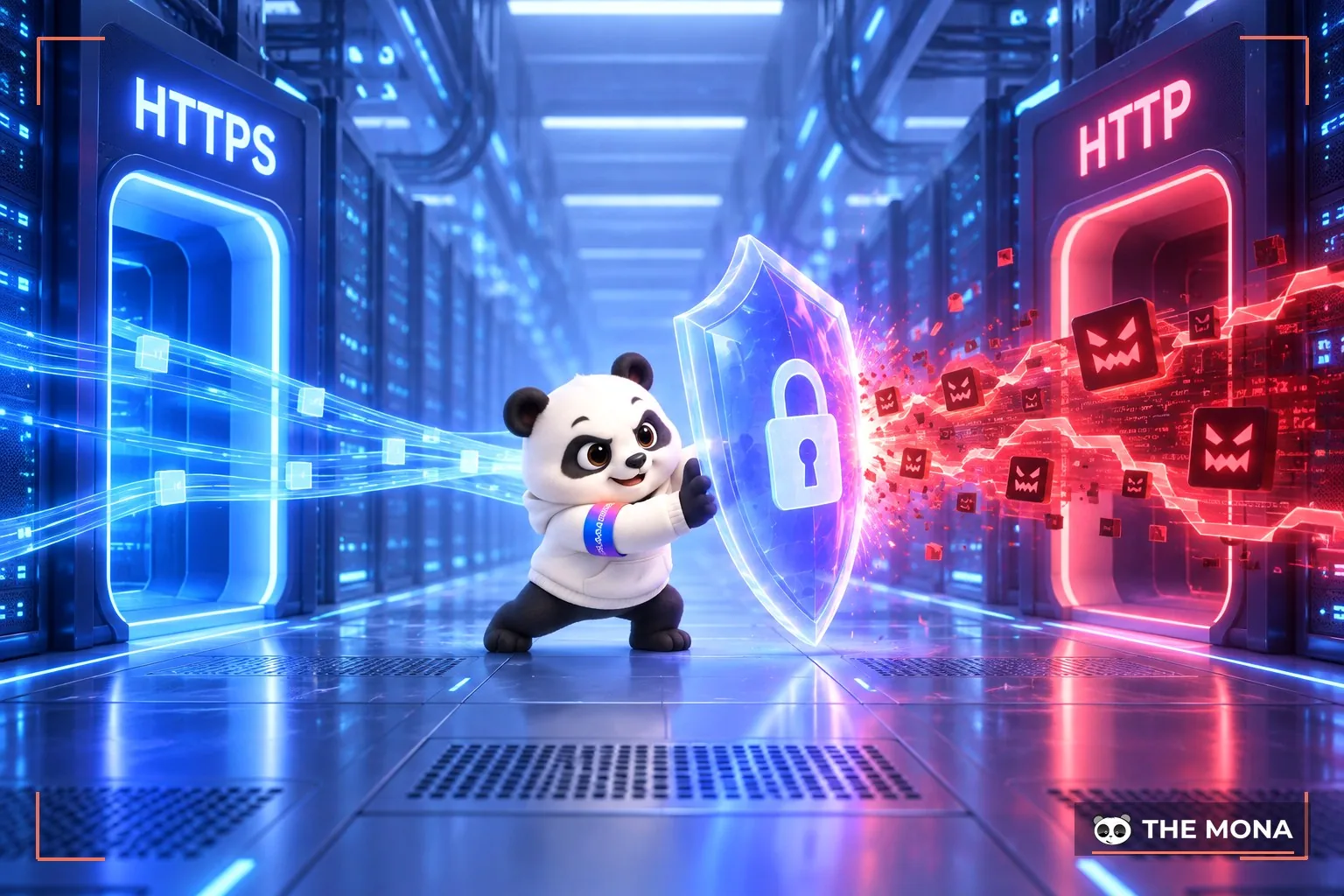
Security risks like these not only cause data loss but also destroy visitors' trust, leading search engines like Google to judge the website as untrustworthy.
When a website has a mixed content error, the browser may show a “not secure” warning, which makes users anxious about data theft, and 99% will leave the page immediately. This raises the bounce rate (bounce rate) and reduces time on page.
In addition, insecure content such as images, videos or fonts failing to load properly can cause display errors or slow down page loading. This makes customers feel the website is unprofessional, creating a negative experience without anyone intending it, and affecting the SEO website.

Since 2014, Google has officially treated HTTPS as a ranking factor and prioritizes websites using this secure connection in search results. If your website still has a Mixed Content error, Google may judge the page as less secure and lower your website's ranking. When rankings drop, users will easily skip your website for pages in higher positions, and traffic and engagement fall sharply as a result.
See also: A roundup of 8+ common Google SEO algorithms you should know
Fixing the mixed content error is one of the important steps when fixing errors on a Technical SEO Website. If your website already has security measures such as an SSLcertificate and redirects all HTTP to HTTPS across the site, but the browser still shows a Mixed Content warning, you can follow the 4 simple steps below to fix the mixed content warning:
The first step in fixing the Mixed Content error is to identify exactly which resources load over HTTP. To do this, open the page that shows the Mixed Content warning and open Chrome DevTools in one of these ways:
Next, open the Console tab. If your website has the mixed content warning, you will see red or yellow warning lines reading: “This request has been blocked, the content must be served over HTTPS.”

You can also check Mixed Content in the Security or Network tab to see which resources still use HTTP.

If you want to speed up checking for the mixed content error, use the Why No Padlocktool. Just enter the URL and click “Test Page”, and the tool immediately lists every insecure resource. Businesses can also use SEO tools Ahrefs Site Audit to find Mixed Content errors in bulk across the whole website.

After identifying the resources causing the Mixed Content error, check whether those URLs can be reached over HTTPS. This fix is simple: copy the problem URL, change the http:// prefix to https://, and paste it into the browser. If the resource still loads normally, you can safely replace the old link with the HTTPS one.
To fix the Mixed Content error for good, update all the old HTTP URLs to HTTPS in your website's database. If your website uses hosting like Kinsta, you can use the Search and Replace tool in MyKinsta to make this easier. Here are the steps for fixing the Mixed Content error with MyKinsta:

If you do not use Kinsta, you can install the free Better Search Replace plugin from the WordPress library. After installing and activating it, just enter the HTTP domain to find and replace it with the matching HTTPS version.
Besides the Mixed Content fixes above, you can also use scripts like Interconnect/It Search Replace DB PHP or the WP-CLI command-line tool if you are comfortable working with servers.
Finally, visit your whole website again in the browser to make sure every Mixed Content warning is gone. Click through a few random pages and check the display, loading speed and the padlock icon in the address bar. If no warning remains and the security icon shows steadily, you have fixed the Mixed Content error successfully.
An insecure website with piles of technical errors will quietly “kill” your online business results. If you want to increase website traffic, improve your search ranking and have a sustainable operating system, SEO services at MONA Media is the most effective solution for you,

We not only optimize your website to the latest technical standards but also build a content strategy, do link building and carry out many other SEO techniques in-depth services. All of it is meant to help your business grow for real, rank better for real and generate real conversions.
Call MONA to start your SEO strategy in-depth today!
The Mixed Content error may look small, but it can cost your website points in the eyes of both Google and users. We hope the guide above helped you identify and fix the mixed content error easily and quickly. If you need an overall, comprehensive SEO solution that includes technical website optimization, contact MONA Media for detailed SEO quote with full details.


CEO & Founder · The MONA
Founder of The MONA, who built a services company of 60+ staff with 14,000+ projects delivered. Khánh Hùng shares how he thinks about building systems that run themselves, automating a business, and the real lessons from delivering projects at MONA.
 1,5K




Professional website
design services
Own a website with a beautiful, 100% exclusive design and a lifetime warranty, with the ability
to expand features flexibly as your business grows, starting today!



NHẬN TƯ VẤN SEO MIỄN PHÍ !






 MONA will never sell your information or send you spam


 MONA will never sell your information or send you spam
