
 MONA OS 2.0
 Partner with MONA


 Tự động hoá doanh nghiệp
 Cẩm nang SEO
 Digital Marketing
 Kinh nghiệm thiết kế website
 Hạ Tầng Server
 Giáo dục


 VI
 EN













Message us on
Zalo Official


 ProductsNew

 ProductsProducts
 Mới ra mắtKHA AI 2027App tự edit video, tự đăng mọi mạng xã hội, 2 phút mỗi ngày










 Website designLooks good and wins customers over.
SEO servicesBrings in customers searching for exactly what you sell.
 Tư vấn digital marketingKéo khách từ nhiều kênh, đo bằng số thật.
Corporate video productionVideos introducing your company, factory and team.
 NewAI video productionCompany story films made with AI.
 Custom software developmentCRM, ERP and HRM built for your business.
 Viết AI Agent theo yêu cầuĐặt riêng một trợ lý AI cho đúng việc của mình.
 Tư vấn chuyển đổi AIĐưa AI vào vận hành của cả công ty.
NewMONA LMSManagement for centers and schools.
MONA SkillHubInternal training for company staff.
 NHTQ systemEnd-to-end China–Vietnam shipping operations.
MONA JMSManagement for gold, diamond and pawn shops.
 MONA E-LearningA website with every feature you need to sell courses.
 How to sell online courses (course)More than 30 free lessons on selling courses on autopilot.
 MONA Cloudmonacloud.vnServers to get your apps and websites running.
 MONA Basemonabase.vnPostgres database, sign-in and file storage.
 MONA Mailmonamail.vnSend OTP, order and invoice emails from your software.
 MONA Paymonapay.vnAccept bank transfers via VietQR and notify your software when the money arrives.
 MONA eInvoiceComing soonIssue e-invoices that meet tax standards.
Gấu CườiTrả lời khách 24/7 trên web, Fanpage, Zalo và thu lead cho sale.
 Gấu TeleSalesGọi điện tư vấn, chăm khách như tổng đài viên thật.
Dê CườiTư vấn và chốt đơn cho shop ngay trong khung chat.
Gấu WebmasterNhắn nhóm Zalo là website được sửa xong.
 Gấu Pháp ChếSoạn hợp đồng, rà điều khoản trong vài phút.
 Gấu Báo GiáLên báo giá đúng mẫu và gửi khách ngay.
 AI chăm sóc khách hàngTheo dõi và giữ chân khách hàng cũ.
 Gấu Tuyển DụngLọc hồ sơ, hẹn lịch, phỏng vấn ứng viên.
 Mới ra mắt
KHA AI 2027
Xây kênh chuyên gia 2 phút mỗi ngày
Quay bằng điện thoại, AI tự edit video, tự đăng lên 16 nền tảng và tự trả lời bình luận, tin nhắn.
885.419lượt xem trên kênh CEO MONA sau 36 ngày
 Anh Khánh HùngCEO MONA đang dùng mỗi ngày
Xem app làm được gì
 AI
Gấu Cười MONA ĐANG TỰ XÀITrả lời khách 24/7 trên website, Zalo OA, Messenger và thu lead về cho sale.
Dê CườiChốt đơn bán lẻ và sàn: Shopee, TikTok Shop, web. Chăm cả khách sỉ, đại lý.
Gấu WebmasterCập nhật nội dung, tối ưu SEO website mỗi ngày.
Gấu TeleSalesGọi điện tư vấn, chăm khách như tổng đài viên thật.
Gấu Tuyển DụngLọc hồ sơ, hẹn lịch, phỏng vấn ứng viên tự động.
AI chăm sóc khách hàngGiữ khách cũ, cứu lead đã rớt cho phòng kinh doanh.
Gấu Pháp ChếSoạn hợp đồng, rà điều khoản trong vài phút.
Gấu Báo GiáLên báo giá đúng mẫu, gửi khách ngay khi có yêu cầu.
 Chuyển đổi AI toàn phầnGiải pháp tổng cho doanh nghiệp, 3 lớp triển khai.
 Viết AI Agent theo yêu cầuĐặt riêng một con AI gánh đúng nghiệp vụ của bạn.
 Custom softwareCRM, ERP and HRM with built-in AI automation.
 SEO & AEO thời đại AIĐược Google lẫn AI trích dẫn, không chỉ xếp hạng.
 Kiến thức AI cho doanh nghiệpBài phân tích, hướng dẫn ứng dụng AI vào vận hành.
 Free AI courses
 AI tools at work
App mới · KHA AI 2027
Xây kênh 2 phút mỗi ngày
AI tự edit video, tự đăng mọi mạng xã hội
Free consultation, 8am–10pm every day

30 June, 2026

Business owners and marketing teams looking into what ChatGPT is surely want to turn this tool into a capable assistant. We at MONA understand that using AI does not stop at basic prompts. This article shares in-depth prompting tips to help you get the most out of ChatGPT in daily work, from content creation to process optimization. Together we will explore how to turn ChatGPT from a plain tool into a true “expert” that helps your team get work done faster and better.
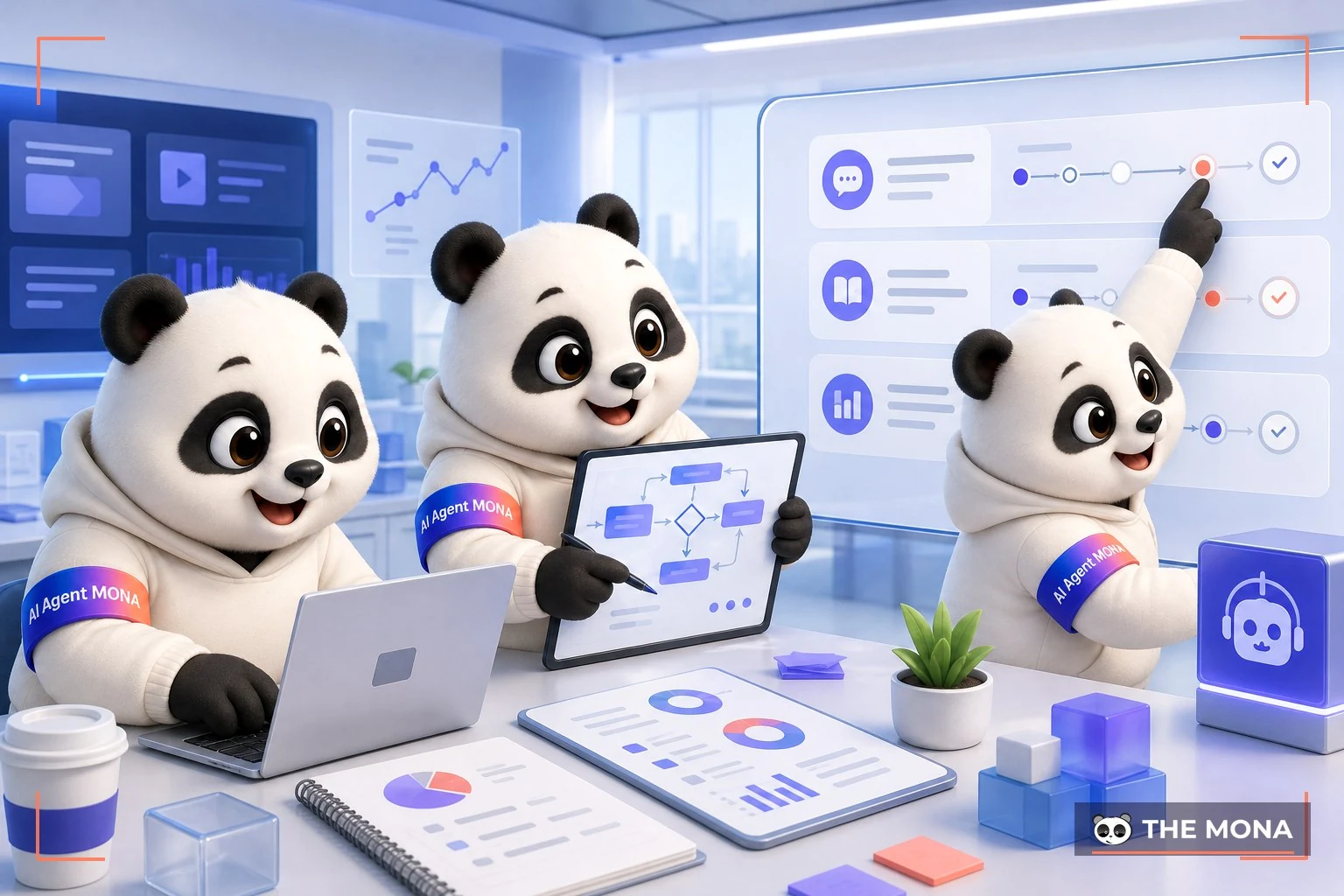
Many of you have heard about ChatGPT. You may even have tried it. But most of us stop at simple Q&A. Like a virtual assistant.
Its real power lies elsewhere. It only opens up when you understand the levels of interaction. We at MONA have organized them into 3 main levels so you can apply them right away.
This is the most common level. You give a command. It carries it out. Very fast. For example, writing an email, summarizing a text or translating a passage.
Results come back instantly. This level helps save time on repetitive tasks. Extremely effective. It helps your marketing team speed up content production for campaigns full-scope SEO.
At this level, ChatGPT does more than write. It starts to reason. You can give it a dataset. For example, customer feedback from an Excel file.
It will sort the opinions automatically. Find common ground. It may even spot hidden problems that human eyes can miss. We often use this level to analyze insights from hundreds of social media comments. This helps shape the content strategy for a client's new website design project. It is much faster than doing it by hand.
This is the highest level. Few people use it. At this point ChatGPT becomes a discussion partner. No longer just a tool.
You can lay out a business goal. For example: “Come up with 5 launch ideas for a new product aimed at young people”. It will offer different directions, along with a rough analysis of pros and cons. Of course, the result is only a draft. It only supports leadership's strategic thinking. But it is a very powerful idea starter. It saves you hours of brainstorming.
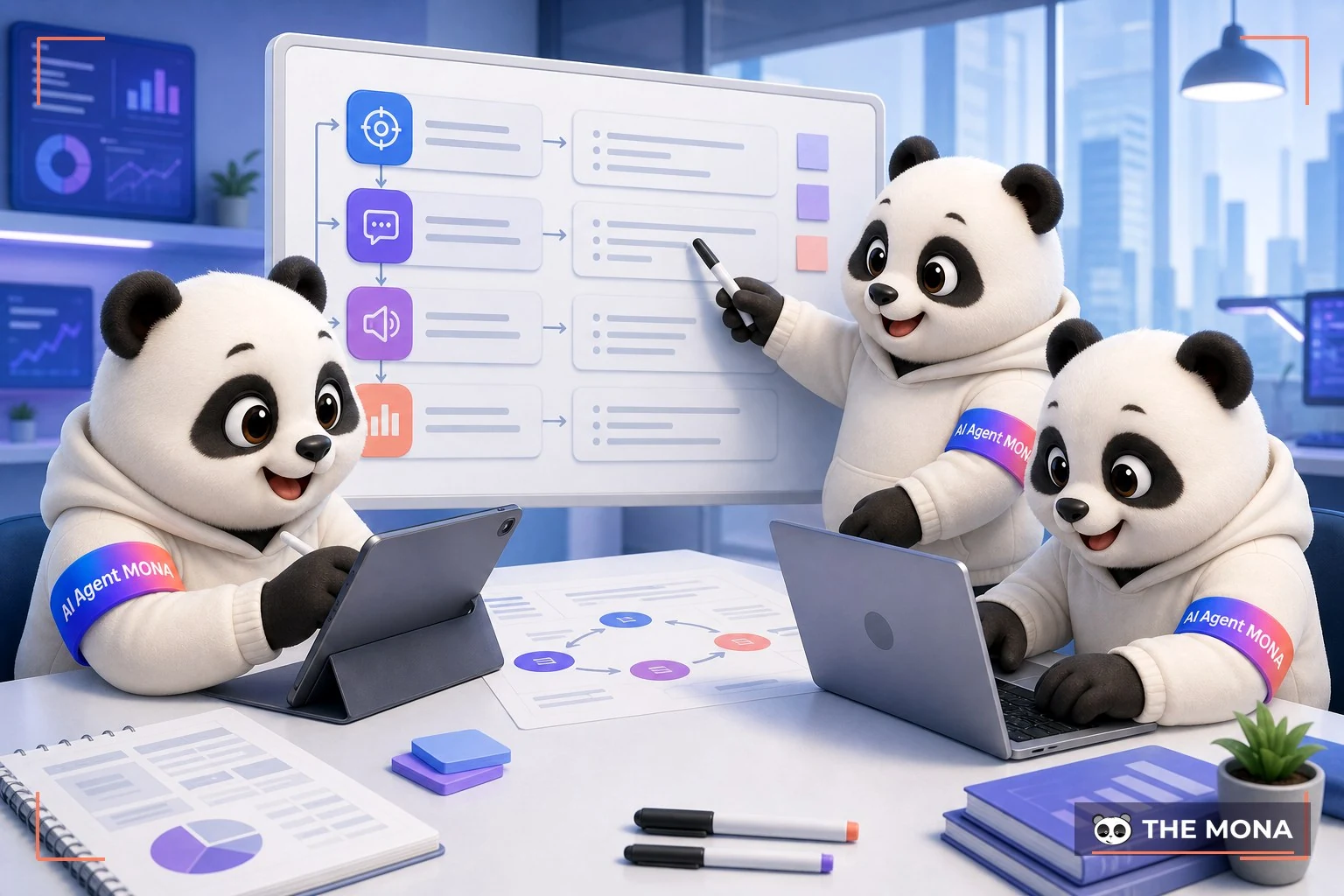
The biggest frustration with ChatGPT is that it returns lifeless content with no personality of your business. You can tell a machine wrote it the moment you read it. We all run into this when staff give curt, one-line commands.
At MONA, we never give AI vague requests. Every request to ChatGPT for SEO projects or content marketing follows a clear 4-layer structure. This structure forces AI to think like a senior member of your team, instead of an automatic answering machine.
This is the foundation. You have to tell the AI who it is, which company it works for, and what the goal of the task is. This gives the AI the context it needs to give the most fitting answer.
For example, instead of saying “write an article about sofas”, give this instruction:
Once the context is set, describe the task in detail. The more specific you are, the more likely the AI is to deliver what you mean. List the main points, the key messages, and what to avoid.
Continuing the example above:
This layer decides whether the content “sounds like” your brand. Describe your brand voice clearly: expert, humorous, luxurious, or friendly? You can even give the AI a sample paragraph to learn from.
Example:
Finally, specify the format you want the result in. This saves a lot of manual editing later, especially when you need content to publish on a design services that already has its structure in place.
Example:
Together, these four layers make a complete work brief. The result is AI content that is fast, accurate, carries your brand's stamp and is ready to use right away.


Many of you use ChatGPT and get very generic answers. It reads like a textbook, with little practical value.
The problem lies in the input prompt. We all want AI to work like a senior assistant, not a lifeless answering machine. The “role assignment” technique solves exactly that.
By telling ChatGPT to play a specific role, you hand it the full context. It then thinks and responds from the viewpoint of an expert in that field. The results are far deeper.
Instead of a generic request, put ChatGPT in the position of someone with real expertise. In this case, an experienced SEO expert.
For example, when you need keyword research for a an SEO campaign, you can use this prompt template:
“You are an SEO expert with 10 years of experience in the Vietnamese market, specializing in high-end wooden furniture. Analyze and propose a set of 20 keywords for the topic ‘oak dining table’. Group them into: informational keywords, transactional keywords, and brand keywords. Provide the estimated search volume and competition level for each keyword.”
The result will be detailed and well structured. Very different.
Likewise, when you need an outline for a marketing plan, assigning a role helps the AI come up with ideas that stay closer to reality. It is no longer empty theory.
You can use this prompt template:
“Act as a Marketing Director with 15 years of experience in the F&B industry in Vietnam. We are about to launch a new bubble tea line aimed at Gen Z. Draft a 3-month launch campaign outline covering the main channels, the core message and the 3 key activations to do right away.”
This draft is a good start. It saves your team a significant amount of time.
Even in a technical field like website design, this technique is still extremely effective. It helps you picture a logical website structure that is optimized for users.
See the example below.
“You are a UX/UI website design expert with experience building large e-commerce sites. Propose a detailed structure for the homepage of an organic cosmetics website. List the sections from top to bottom and briefly explain the purpose of each section.”
With this answer, you have a clear summary to discuss with your design team. Everything becomes more visual and easier to picture.

Many marketing teams are stuck. They post the same content on every social channel. The result is weak engagement, because each platform has its own character. At MONA, we have a different process. It works. In just one hour, you get 30 social posts, each a unique content version for its own channel.
Everything starts with quality source content. The more detailed the source, the easier it is for ChatGPT to vary it without going off topic. You need to give the AI a solid framework. That is the backbone. An effective prompt from our team usually has these elements:
With this prompt, ChatGPT will produce a detailed, coherent article. It becomes the foundation for every later version.
From the source article, we multiply the content. It is very simple. Just tell ChatGPT to adapt it to the traits of each channel. One style per channel. You can use these sample prompts:
Keep repeating this process with slightly different requirements. You will end up with dozens of different versions. Incredibly fast.
This is the decisive step. AI cannot fully replace people. The marketing team's job is to review and fine-tune the versions the AI creates. They need to add “soul” to the post. A small story. A personal point of view. Or a tweak to a word so it matches a brand voice that only insiders understand.
This takes only a few minutes per post. But it makes a big difference. It keeps your content from feeling mass-produced. It keeps its own character and a real connection with customers. That is the ultimate goal of building a brand on website or on social media.
This is a technique our team uses regularly to refine AI-generated content. Instead of reading and fixing every sentence yourself, you make ChatGPT review its own work. A really handy trick. This approach forces the AI to “think” twice, so the final result is much tighter and deeper.
After you get the first draft from ChatGPT, do not copy and use it right away. Continue the conversation with a new instruction that asks it to play a different role. A critic's role. For example, you can say: “Now act as a tough marketing editor. Point out 5 weaknesses in the article you just wrote above.”

A generic critique will not work. AI cannot read our minds. It needs a set of rules. Give it specific criteria to judge against. This makes sure the AI's feedback is truly valuable and matches your goals.
At MONA, when we run SEO services and content, we usually ask the AI to review against these criteria:
This is the final and decisive step. Once the AI has listed the weaknesses based on your criteria, tell it to write a more polished version. Simple. A sample prompt: “Very good. Based on all the weaknesses you just pointed out, rewrite the whole article to fix them.”
This process turns the AI from a plain answering machine into a partner that can reflect on its own work. You get a much better product without much manual editing. It is a smart way to get the most out of the tool.

Many of you in marketing and SEO see that part of your work is very repetitive. Repeated every day. We feel the same. You can use ChatGPT to quickly handle these 5 basic tasks, freeing up time to focus on strategy.
These are the most basic techniques. Anyone can do them. You just need to give the right instructions.
Instead of fumbling around in tools, you can use ChatGPT to find keyword phrases and initial ideas. Very fast. We often use it to brainstorm for campaigns SEO services at MONA. You only need to provide the main topic and the target customers.
For example, you could say:
“Act as an SEO expert with 10 years of experience. I run a ‘Khanh Hoa bird's nest’ business. List 15 main keywords and 20 niche keywords that potential customers will search for. My audience is women aged 30-45, high income, who care about family health.”
ChatGPT will return a fairly detailed list. It does well at finding long, specific keywords that other tools may miss. This is a very good starting point.
This work eats a lot of staff time. Especially when you have a e-commerce websites with hundreds of products. ChatGPT can create batches of versions in just minutes.
Just provide the product information and clear requirements. Try this prompt:
“Write 3 title versions (under 60 characters) and 3 meta description versions (under 155 characters) for an article whose main keyword is ‘how to steam bird's nest for babies’. Friendly, expert tone.”
The results are solid. You just review them and pick the version that best fits your brand voice.
A detailed outline is the foundation of a quality article. ChatGPT does this very well. It helps your staff avoid missing the key points users search for. We at MONA use this technique too, to speed up content production for clients.
You can give commands like these:
“Create a detailed outline for an SEO-ready blog post on the topic ‘Benefits of bird's nest for older adults’. The article needs main sections, sub-sections, and related frequently asked questions (FAQ).”
The AI will return a logical structure. This makes sure the article has depth and covers the whole topic.
ChatGPT cannot access a competitor's website data in real time. But it can analyze their public content. You can paste a piece of text or the URL of a competitor's article and ask it to analyze it.
An effective prompt:
“Analyze the structure, tone and main arguments of the article at this URL [paste competitor's URL here]. What are its strengths and weaknesses? Suggest 3 other angles so I can write a better article.”
This is a quick way to find the content “gaps” in a competitor's work. From there, you can create better content.
Many old articles on your website may no longer perform. We can refresh them. Give the old article to ChatGPT and ask it to optimize it again.
Try this:
“This is an old article of mine about [article topic]. Read it and suggest how to rewrite the title to be more attractive. Also suggest 3 new paragraphs to add so the article is up to date and more complete for 2026.”
This helps improve rankings for old articles. It saves effort. No need to rewrite from scratch.

The techniques we just went through help you get more out of ChatGPT. It is clearly a powerful assistant for individuals. But when you run an entire business, relying on separate tools is not enough. A time will come when you hit its limits.
ChatGPT and similar tools are very strong for single tasks. But they come with systemic barriers. Scattered data. Security is a big question mark. The process still has too many manual steps.
A marketing employee can create content faster. But that content does not publish itself to website, and does not send itself into the CRM. A salesperson can write better emails. But sensitive customer data has to be pasted into an outside tool. That is a risk. We cannot build a solid process on a patchwork foundation.
Instead of letting staff use outside tools, we can bring the power of AI straight into your internal system. We call that end-to-end automation. One unified flow. Everything seamless.
Picture a CRM built by MONA. When a new customer arrives, the AI analyzes their needs from the first email, drafts a reply and assigns it to the right staff member. Or on your website, the AI can personalize content for each user, raising conversion rates and supporting SEO services more effectively. Your data stays safe in your own house.
We at MONA use AI every day in our own processes. From optimizing marketing campaigns for clients to managing internal projects. We understand both its power and its limits.
MONA does not sell AI courses. We build custom software systems with AI deeply integrated into a business's core processes. That is a lasting solution. With over 10 years of experience, our team has delivered .000+ projects. An 85% client retention rate is the clearest proof of that trust.
Mastering the tools is the first step. End-to-end automation of the process is the destination for long-term growth.
You can use ChatGPT yourself for content, summaries and brainstorming as long as a person checks each output. When you want to turn the four-layer prompt formula into a tool for your whole team, one that pulls brand data on its own and produces the right format for each channel, we can build custom software; call 1900 636 648 to pick the first task.
Give clear instructions, and the output becomes usable.

CEO & Founder · The MONA
Founder of The MONA, who built a services company of 60+ staff with 14,000+ projects delivered. Khánh Hùng shares how he thinks about building systems that run themselves, automating a business, and the real lessons from delivering projects at MONA.
 451




Professional website
design services
Own a website with a beautiful, 100% exclusive design and a lifetime warranty, with the ability
to expand features flexibly as your business grows, starting today!






 MONA will never sell your information or send you spam


 MONA will never sell your information or send you spam
