
 MONA OS 2.0
 Partner with MONA


 Tự động hoá doanh nghiệp
 Cẩm nang SEO
 Digital Marketing
 Kinh nghiệm thiết kế website
 Hạ Tầng Server
 Giáo dục


 VI
 EN












Message us on
Zalo Official


 ProductsNew

 ProductsProducts
 Mới ra mắtKHA AI 2027App tự edit video, tự đăng mọi mạng xã hội, 2 phút mỗi ngày










 Website designLooks good and wins customers over.
SEO servicesBrings in customers searching for exactly what you sell.
 Tư vấn digital marketingKéo khách từ nhiều kênh, đo bằng số thật.
Corporate video productionVideos introducing your company, factory and team.
 NewAI video productionCompany story films made with AI.
 Custom software developmentCRM, ERP and HRM built for your business.
 Viết AI Agent theo yêu cầuĐặt riêng một trợ lý AI cho đúng việc của mình.
 Tư vấn chuyển đổi AIĐưa AI vào vận hành của cả công ty.
NewMONA LMSManagement for centers and schools.
MONA SkillHubInternal training for company staff.
 NHTQ systemEnd-to-end China–Vietnam shipping operations.
MONA JMSManagement for gold, diamond and pawn shops.
 MONA E-LearningA website with every feature you need to sell courses.
 How to sell online courses (course)More than 30 free lessons on selling courses on autopilot.
 MONA Cloudmonacloud.vnServers to get your apps and websites running.
 MONA Basemonabase.vnPostgres database, sign-in and file storage.
 MONA Mailmonamail.vnSend OTP, order and invoice emails from your software.
 MONA Paymonapay.vnAccept bank transfers via VietQR and notify your software when the money arrives.
 MONA eInvoiceComing soonIssue e-invoices that meet tax standards.
Gấu CườiTrả lời khách 24/7 trên web, Fanpage, Zalo và thu lead cho sale.
 Gấu TeleSalesGọi điện tư vấn, chăm khách như tổng đài viên thật.
Dê CườiTư vấn và chốt đơn cho shop ngay trong khung chat.
Gấu WebmasterNhắn nhóm Zalo là website được sửa xong.
 Gấu Pháp ChếSoạn hợp đồng, rà điều khoản trong vài phút.
 Gấu Báo GiáLên báo giá đúng mẫu và gửi khách ngay.
 AI chăm sóc khách hàngTheo dõi và giữ chân khách hàng cũ.
 Gấu Tuyển DụngLọc hồ sơ, hẹn lịch, phỏng vấn ứng viên.
 Mới ra mắt
KHA AI 2027
Xây kênh chuyên gia 2 phút mỗi ngày
Quay bằng điện thoại, AI tự edit video, tự đăng lên 16 nền tảng và tự trả lời bình luận, tin nhắn.
851.542lượt xem trên kênh CEO MONA sau 29 ngày
 Anh Khánh HùngCEO MONA đang dùng mỗi ngày
Xem app làm được gì
 AI
Gấu Cười MONA ĐANG TỰ XÀITrả lời khách 24/7 trên website, Zalo OA, Messenger và thu lead về cho sale.
Dê CườiChốt đơn bán lẻ và sàn: Shopee, TikTok Shop, web. Chăm cả khách sỉ, đại lý.
Gấu WebmasterCập nhật nội dung, tối ưu SEO website mỗi ngày.
Gấu TeleSalesGọi điện tư vấn, chăm khách như tổng đài viên thật.
Gấu Tuyển DụngLọc hồ sơ, hẹn lịch, phỏng vấn ứng viên tự động.
AI chăm sóc khách hàngGiữ khách cũ, cứu lead đã rớt cho phòng kinh doanh.
Gấu Pháp ChếSoạn hợp đồng, rà điều khoản trong vài phút.
Gấu Báo GiáLên báo giá đúng mẫu, gửi khách ngay khi có yêu cầu.
 Chuyển đổi AI toàn phầnGiải pháp tổng cho doanh nghiệp, 3 lớp triển khai.
 Viết AI Agent theo yêu cầuĐặt riêng một con AI gánh đúng nghiệp vụ của bạn.
 Custom softwareCRM, ERP and HRM with built-in AI automation.
 SEO & AEO thời đại AIĐược Google lẫn AI trích dẫn, không chỉ xếp hạng.
 Kiến thức AI cho doanh nghiệpBài phân tích, hướng dẫn ứng dụng AI vào vận hành.
 Free AI courses
 AI tools at work
App mới · KHA AI 2027
Xây kênh 2 phút mỗi ngày
AI tự edit video, tự đăng mọi mạng xã hội
Free consultation, 8am–10pm every day

26 September, 2026

Render is a technology term that shows up all the time in digital work. Most people hear it when talking to video editors. Developers understand it from the angle of software infrastructure. The term has two main meanings depending on the work context. The first describes a multimedia production process. The second is the name of a well-known cloud computing platform. Knowing the difference helps you talk about work more smoothly. Choosing the wrong system can slow down a project. This concept deserves a clear breakdown. You will get the technical core of each definition. We will also suggest a hosting solution that fits your application.
In graphics, render is the process of turning raw data into a finished product. Designers usually call this the final export step. The software calculates the stacked image layers. The system also processes motion effects and color filters automatically. Audio is synced to match the frames. We see many people in media mix this term up with web development. At MONA, we usually advise using a computer with a dedicated graphics card for this step. A computer without enough hardware power wastes a lot of waiting time. At MONA we have a whole video production team, so the editing team understands this word one way and the engineering team another, and this article separates the two meanings.
This process uses a huge amount of device resources. The processor and memory have to run at high intensity continuously. How fast it finishes depends on the resolution you want. A high-definition video needs more calculation than a standard one. 3D design needs complex lighting algorithms. Editors often leave the machine running overnight on film projects. A power cut halfway through wipes out all the waiting. Reducing the size of the source files before exporting is an important step. A computer with good cooling keeps stable performance over long periods.
Render.com is a cloud infrastructure service built for modern developers. It provides an environment where software applications run reliably on the internet. It belongs to the group of platform-as-a-service offerings. Developers do not need to rent expensive physical servers. You also do not need to learn dry Linux system administration commands. The system exists to automate the software publishing cycle. Users just upload source code to an online repository. The platform automatically detects the programming language in use.
At MONA, we often see new developers love this tool because it is friendly. We find this model saves a lot of labor for development teams. Instead of spending three days configuring a runtime environment, you spend a few minutes. The platform strongly supports popular toolkits such as Node.js or Python. Databases are also set up ready to use with just a few mouse clicks. The platform hides the complexity of the network underneath. Software engineers can put all their effort into writing business logic. The project gets to market faster as a result. We see it as a strong helper for tech startup teams.
Render hosting works through a constant connection to your source code repository. You give the platform permission to read data from your personal GitHub account. Each time new code is pushed, the system receives a notification signal. The software build runs fully automatically. An intermediate server pulls the source code into a temporary workspace. The next step installs the dependency libraries. After that it creates a data bundle ready to run. This bundle is called an environment container, or simply a container. The platform then looks for an idle server to place this application bundle on.
The app restarts smoothly. The old access URL automatically redirects to the new version that was just completed. The switch happens quickly and visitors never notice. We often advise developers to use this feature to reduce human error. Copying files one by one over FTP is very likely to bring the system down. The cloud platform also provides a default security certificate for your site's URL. You can read the Render technical documentation to see each step in detail. All activity logs are stored clearly and neatly. You can easily trace the cause if the system suddenly runs into a technical problem.
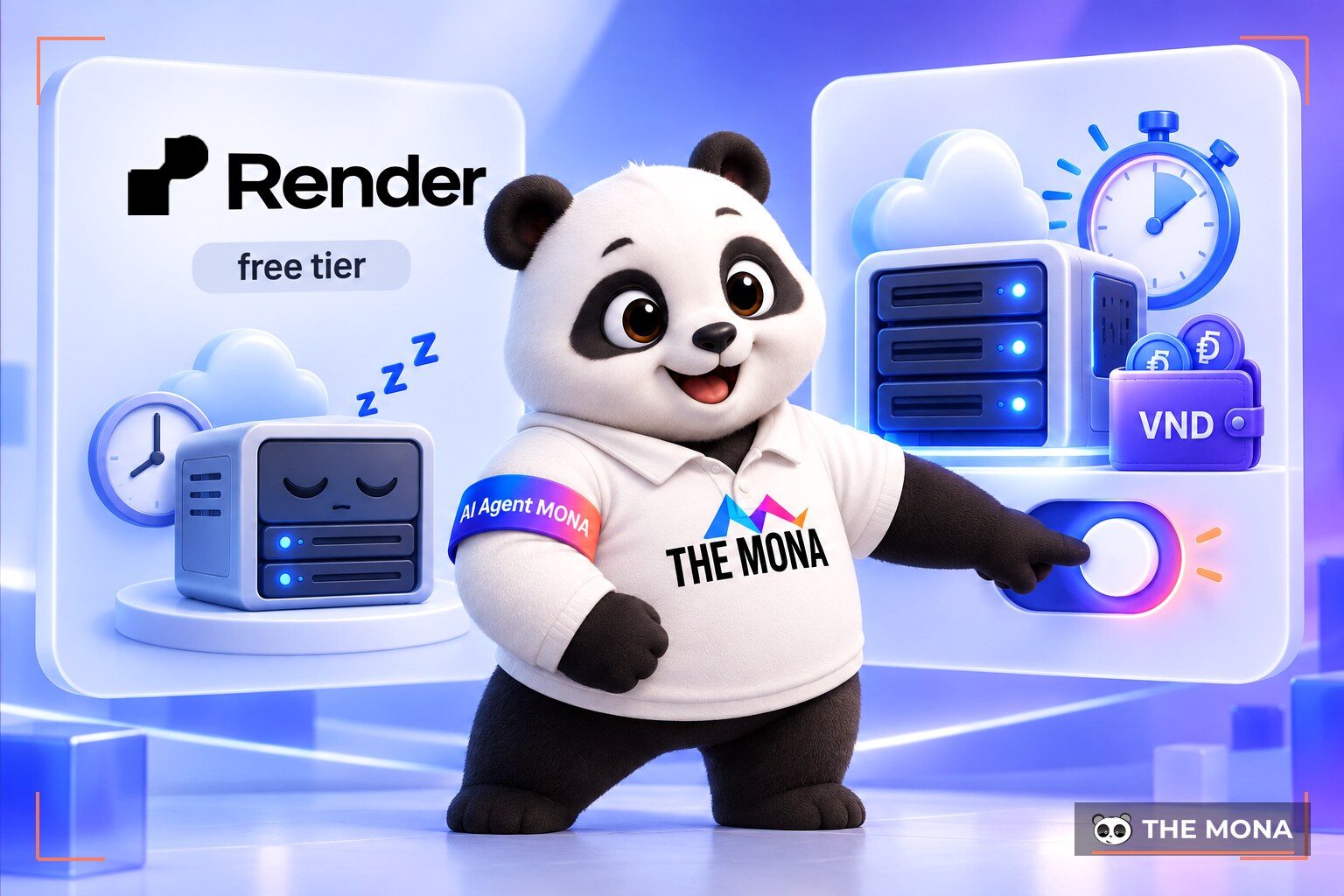
The Render free tier is a no-cost plan meant to attract new users. It provides just enough resources for a basic application to run. You sign up for an account and can try it right away without paying anything. The provider has set very strict technical rules to prevent abuse. Your web app is forced into sleep mode. This happens right away when no one has accessed it for fifteen minutes. When a new user clicks the link, the server needs time to restart the service. Visitors see the site frozen for the first ten to thirty seconds. We once saw a customer run a sales page on the free plan: the server went to sleep after a few minutes with no visitors, and a customer who opened the link waited more than half a minute and left.
We find this mechanism creates a poor experience for a serious business project. We often advise students to use this plan for their big assignments. This trial plan offers only a small amount of temporary memory. Monthly data transfer bandwidth is also tightly capped. The free database is permanently deleted after about ninety days. Once your app starts getting real customers, you are forced onto a paid plan. The monthly fee is then calculated by the system in foreign currency. Resource usage grows in proportion to the number of visitors. You need to check your bills carefully so you do not exceed the company budget.
Render and Vercel are two big platforms that follow different technical directions. Vercel focuses its strength on the frontend user interface ecosystem. It is a familiar choice for projects built with Next.js. We wrote a separate article, What is Vercel for you to read more. Vercel distributes static front ends across edge servers around the world. Loading pages is fast in every region. Render instead chooses to optimize for computing power in the backend. The platform was built to serve native languages such as Python or Ruby. You can run applications packaged with Docker, the way we describe in the article VPS cho AI agent. Render provides a powerful, synchronized relational database cluster out of the box. When customers ask us which to pick, we usually ask back: does the app have background jobs and a database? If yes, Render or a VPS; if it is just a static site, Vercel.
Vercel's trial plan is more generous for static content projects. Vercel does not force static web apps to sleep like its competitor does. Deploying code that connects to a database on Vercel runs into more obstacles. We find that the project's architecture directly decides which platform fits. If your site mainly displays articles, choose Vercel. If your project needs constant data queries, Render is a strong candidate. Combining both systems in one large project is also a common approach. A clear split optimizes monthly operating costs.
| Criterion | Render.com | Vercel |
|---|---|---|
| Technology focus | Backend processing, Docker, databases | Static front ends, Next.js, serverless |
| Main supported languages | Python, Node.js, Ruby, Go, Rust | JavaScript, TypeScript |
| Free plan limits | App sleeps after 15 idle minutes | Generous static data delivery |
| Pricing method | Based on server resource limits | Based on data downloaded and number of calls |
| Best-fit projects | Business systems, internal apps | Landing pages, news portals |
Putting source code on the internet requires a correct folder structure. You cannot simply copy the way you run software on a personal computer into the cloud. An online environment requires every connection password to be kept strictly secret. Database account details must never be typed straight into a source file. A cloud system always provides a separate interface for you to enter this information. Freeing up temporary memory is a must-do task for a programmer. Cloud servers have stricter hardware limits than personal devices. We see many apps freeze hard because of RAM leaks.
You need to write a command to restart the software yourself when an unexpected error happens. Images and large files should be pushed to a separate storage service. The server that processes data should not also carry the load of serving large images. Keeping the compute server and the file server separate is a basic principle. A plan to back up the database automatically must be put in place. A physical server can go down at any time for many reasons. Following architecture standards strictly will help your software survive.
Using a foreign platform is convenient, but domestic businesses often run into two problems. The first is invoices. The accounting team needs a valid VAT invoice to book expenses, and foreign services cannot issue one. The second is the network. International fiber connections from Vietnam to the US are sometimes not smooth. During cable cuts, domestic users complain that the software is slow. We understand these worries of a company's technical team very well. Moving to a domestic cloud system is therefore a reasonable step. We explain why this platform was created in the article MONA launched MONA Cloud. At The MONA Group, we provide a complete software hosting platform for developers. Business customers can move over with more transparent management costs. We have written out the migration steps on the page replacing Render with MONA Cloud. MONA Cloud is designed to remove invoice and payment obstacles for domestic businesses. You pay in local currency by scanning a familiar QR code. The platform automatically issues a VAT invoice every month for your accounting team. Project managers can see each hardware resource fee in detail. We meet many businesses that need a VAT invoice for bookkeeping and want to pay by VND bank transfer, which is why MONA Cloud charges in VND and issues VAT every month.
Using a domestic server gives a big plus in server response time. Visitors in Vietnam do not have to wait for signals to travel around ocean relay stations. The platform lets you place your data in Vietnam, Hong Kong, Singapore, Australia or the US. The infrastructure is built to be friendly to the AI trend. Engineers can easily issue configuration commands through the MCP protocol with Claude Code or the Codex tool. You type the command directly npx -y monacloud deploy in the terminal. The app goes live on the internet right away. The system sets up an HTTPS security certificate automatically in about 150 seconds. We find this process gives the technical team more time to rest.
Billing by the hours a machine is on protects your company's cash flow. A basic VPS costs only 550 VND per hour of operation. When you send the command to shut the machine down, the platform immediately stops charging for CPU and RAM. If your account runs out of money, the server is only locked temporarily instead of having its data wiped by mistake. Every balance change is shown openly in the admin interface. New users currently get 100,000 VND in their wallet to get used to the platform. You can start deploying your project on MONA Cloud servers right now. A Vietnamese-language control panel helps every technician work accurately. Your team no longer has to fumble through difficult English documentation.
Render.com is a service that provides server infrastructure for software engineers. The system builds and runs projects straight from a GitHub source repository. You do not need to configure a Linux system by hand. The tool shortens the time to get software out onto the internet.
Render hosting handles background software written in Node.js or Python extremely well. It also provides an ideal environment for Docker containers. You should use it for projects that need constant database queries.
Yes, the free version automatically puts your software to sleep. It triggers when no one has viewed the site for fifteen minutes straight. A returning visitor has to wait for the system to wake up and start the software service.
In graphics, the term describes exporting the final finished file. The computer gathers all image layers, audio tracks and effects into one complete video. This operation uses a huge amount of processor power.

CEO & Founder · The MONA
Founder of The MONA, who built a services company of 200+ staff with 14,000+ projects delivered. Khánh Hùng shares how he thinks about building systems that run themselves, automating a business, and the real lessons from delivering projects at MONA.
 204




Professional website
design services
Own a website with a beautiful, 100% exclusive design and a lifetime warranty, with the ability
to expand features flexibly as your business grows, starting today!






 MONA will never sell your information or send you spam


 MONA will never sell your information or send you spam
