
 MONA OS 2.0
 Hợp tác với MONA


 Tự động hoá doanh nghiệp
 Cẩm nang SEO
 Digital Marketing
 Kinh nghiệm thiết kế website
 Hạ Tầng Server
 Giáo dục


 VI
 EN











Message us on
Zalo Official


 ProductsNew

 ProductsProducts
 Mới ra mắtKHA AI 2027App tự edit video, tự đăng mọi mạng xã hội, 2 phút mỗi ngày










 Thiết kế websiteVừa đẹp vừa thuyết phục được khách.
Dịch vụ SEOKéo về khách đang tìm đúng thứ anh chị bán.
 Tư vấn digital marketingKéo khách từ nhiều kênh, đo bằng số thật.
Quay video doanh nghiệpVideo giới thiệu công ty, nhà xưởng, đội ngũ.
 MớiDựng video AIDựng phim câu chuyện công ty bằng AI.
 Custom software developmentCRM, ERP and HRM built for your business.
 Viết AI Agent theo yêu cầuĐặt riêng một trợ lý AI cho đúng việc của mình.
 Tư vấn chuyển đổi AIĐưa AI vào vận hành của cả công ty.
NewMONA LMSManagement for centers and schools.
MONA SkillHubInternal training for company staff.
 NHTQ systemEnd-to-end China–Vietnam shipping operations.
MONA JMSManagement for gold, diamond and pawn shops.
 MONA E-LearningA website with every feature you need to sell courses.
 How to sell online courses (course)More than 30 free lessons on selling courses on autopilot.
 MONA Cloudmonacloud.vnServers to get your apps and websites running.
 MONA Basemonabase.vnPostgres database, sign-in and file storage.
 MONA Mailmonamail.vnSend OTP, order and invoice emails from your software.
 MONA Paymonapay.vnAccept bank transfers via VietQR and notify your software when the money arrives.
 MONA eInvoiceComing soonIssue e-invoices that meet tax standards.
Gấu CườiTrả lời khách 24/7 trên web, Fanpage, Zalo và thu lead cho sale.
 Gấu TeleSalesGọi điện tư vấn, chăm khách như tổng đài viên thật.
Dê CườiTư vấn và chốt đơn cho shop ngay trong khung chat.
Gấu WebmasterNhắn nhóm Zalo là website được sửa xong.
 Gấu Pháp ChếSoạn hợp đồng, rà điều khoản trong vài phút.
 Gấu Báo GiáLên báo giá đúng mẫu và gửi khách ngay.
 AI chăm sóc khách hàngTheo dõi và giữ chân khách hàng cũ.
 Gấu Tuyển DụngLọc hồ sơ, hẹn lịch, phỏng vấn ứng viên.
 Mới ra mắt
KHA AI 2027
Xây kênh chuyên gia 2 phút mỗi ngày
Quay bằng điện thoại, AI tự edit video, tự đăng lên 16 nền tảng và tự trả lời bình luận, tin nhắn.
872.310lượt xem trên kênh CEO MONA sau 34 ngày
 Anh Khánh HùngCEO MONA đang dùng mỗi ngày
Xem app làm được gì
 AI
Gấu Cười MONA ĐANG TỰ XÀITrả lời khách 24/7 trên website, Zalo OA, Messenger và thu lead về cho sale.
Dê CườiChốt đơn bán lẻ và sàn: Shopee, TikTok Shop, web. Chăm cả khách sỉ, đại lý.
Gấu WebmasterCập nhật nội dung, tối ưu SEO website mỗi ngày.
Gấu TeleSalesGọi điện tư vấn, chăm khách như tổng đài viên thật.
Gấu Tuyển DụngLọc hồ sơ, hẹn lịch, phỏng vấn ứng viên tự động.
AI chăm sóc khách hàngGiữ khách cũ, cứu lead đã rớt cho phòng kinh doanh.
Gấu Pháp ChếSoạn hợp đồng, rà điều khoản trong vài phút.
Gấu Báo GiáLên báo giá đúng mẫu, gửi khách ngay khi có yêu cầu.
 Chuyển đổi AI toàn phầnGiải pháp tổng cho doanh nghiệp, 3 lớp triển khai.
 Viết AI Agent theo yêu cầuĐặt riêng một con AI gánh đúng nghiệp vụ của bạn.
 Custom softwareCRM, ERP and HRM with built-in AI automation.
 SEO & AEO thời đại AIĐược Google lẫn AI trích dẫn, không chỉ xếp hạng.
 Kiến thức AI cho doanh nghiệpBài phân tích, hướng dẫn ứng dụng AI vào vận hành.
 Free AI courses
 AI tools at work
App mới · KHA AI 2027
Xây kênh 2 phút mỗi ngày
AI tự edit video, tự đăng mọi mạng xã hội
Free consultation, 8am–10pm every day

26 September, 2026
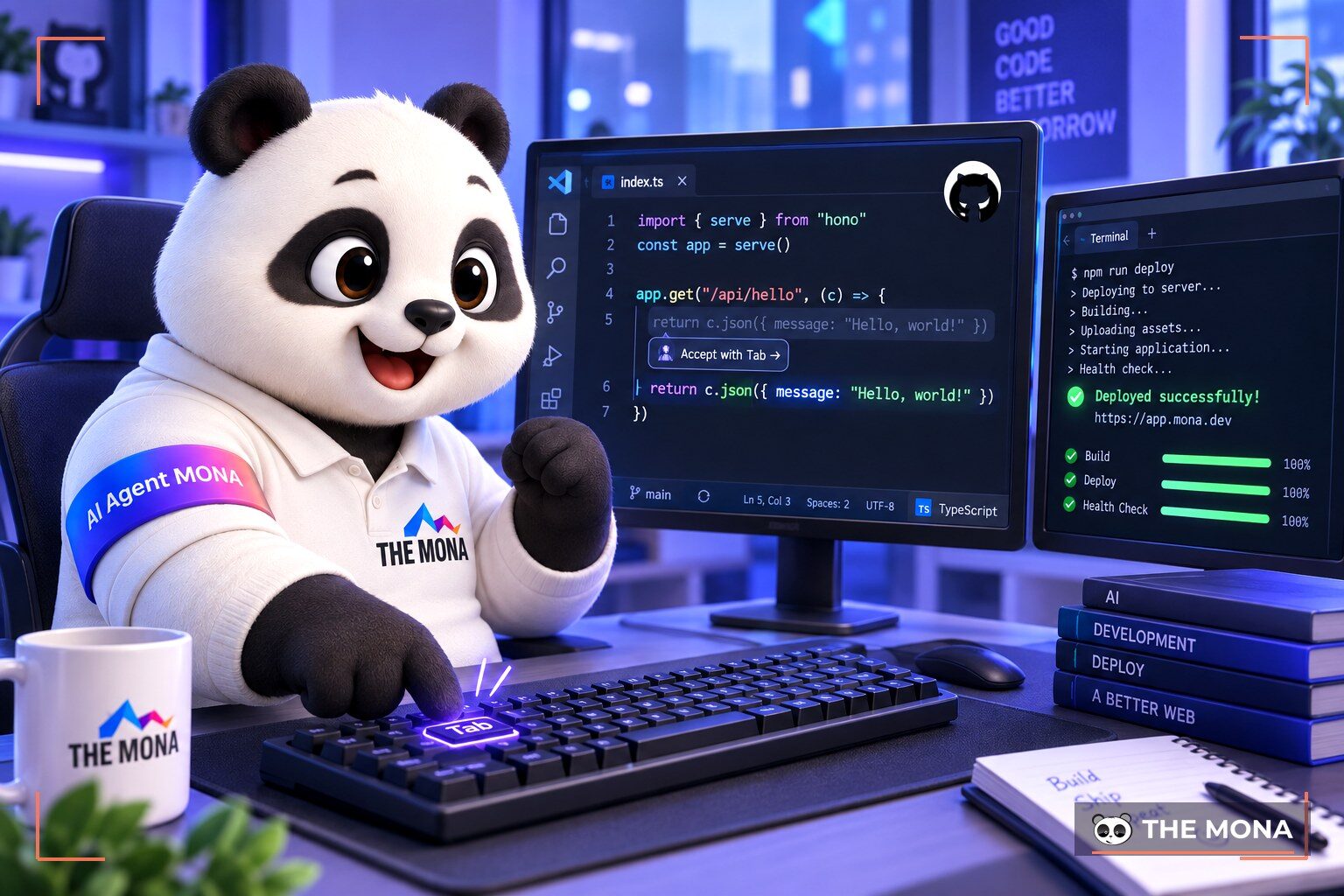
Devs pulling all-nighters to hit a deadline is something we see every day at The MONA Group. People often ask what GitHub Copilot is that it helps so many finish work so fast. It is an AI assistant that helps programmers write code automatically using artificial intelligence. The tool learns from billions of lines of code online to offer suggestions as you type.
GitHub Copilot is an AI assistant built right into your code editor. It acts like a pair programmer working alongside you. You just write a comment or start typing a function. The tool suggests the whole block of code that follows. It also helps you write detailed documentation for your functions. Type a comment and the system explains what the code below does. You can find more information in the official documentation for this tool. Its arrival has eased the pressure of reading long technical documents. Busy programmers can now pick up new syntax while they work. This completely changes how people interact with computers. At MONA, we have had devs use an AI assistant right in the editor since early 2026. Repetitive typing has dropped noticeably, but design and bug review are still human work.
We find that this tool cuts down on hunting for old snippets or constantly looking things up. At MONA, devs use it every day to handle repetitive code. That lets everyone focus on designing the software structure, instead of typing out tedious simple commands line by line. The AI learns from public repositories around the world. It analyzes context from the files you have open to suggest fitting solutions.
GitHub Copilot supports most popular programming languages today. It works very smoothly with Python, JavaScript, TypeScript, Ruby and Go. If you work in older languages like C++ or Java, you still get accurate suggestions. Scripting languages such as Bash are fully supported too. Its adaptability goes beyond ordinary programming languages. Configuration formats like JSON and YAML are also completed accurately. Using it in a company setting helps keep the whole team's coding style consistent. The system learns how you name variables and offers similar suggestions. This helps new staff get up to speed quickly on a running project.
We often advise new programmers to use it on basic web projects. The tool works well with many familiar editors. You can install it easily on Visual Studio Code, Neovim and the JetBrains suite. Setup takes only a few minutes through extensions. At MONA, we build it into the standard workflow for our staff. Writing tests becomes much lighter work. The AI can generate a wide range of test cases from the main source code. It helps a project reach high code coverage without much effort.
GitHub Copilot pricing is split into several tiers to suit individuals and businesses. For individuals, the fee is usually around 10 USD per month. If you pay yearly, it is 100 USD. Business plans cost more, around 19 USD or 39 USD per user per month. Business plans add several intellectual property protections. They stop your company's private source code from being shared outside. The price reflects the real value it brings to your work. You can also buy a yearly plan to save a good amount compared with paying monthly. The core features between individual and business plans do not differ much in intelligence. The main differences are in user administration and data retention policy. For businesses, the company's source code is not used to retrain the language model. This keeps sensitive business secrets completely safe. We often advise small teams to try the individual plan for a month, measure how many minutes they save each day, and only then move up to a business plan.
We think the price is well worth the time saved. At MONA, investing in accounts for the programming team pays off. Cutting just a few hours of work can cover the cost of a whole month. You can manage licenses easily through the platform's admin system. Assigning or revoking accounts for each team member is also transparent. Fees are charged automatically each month to the account you registered.
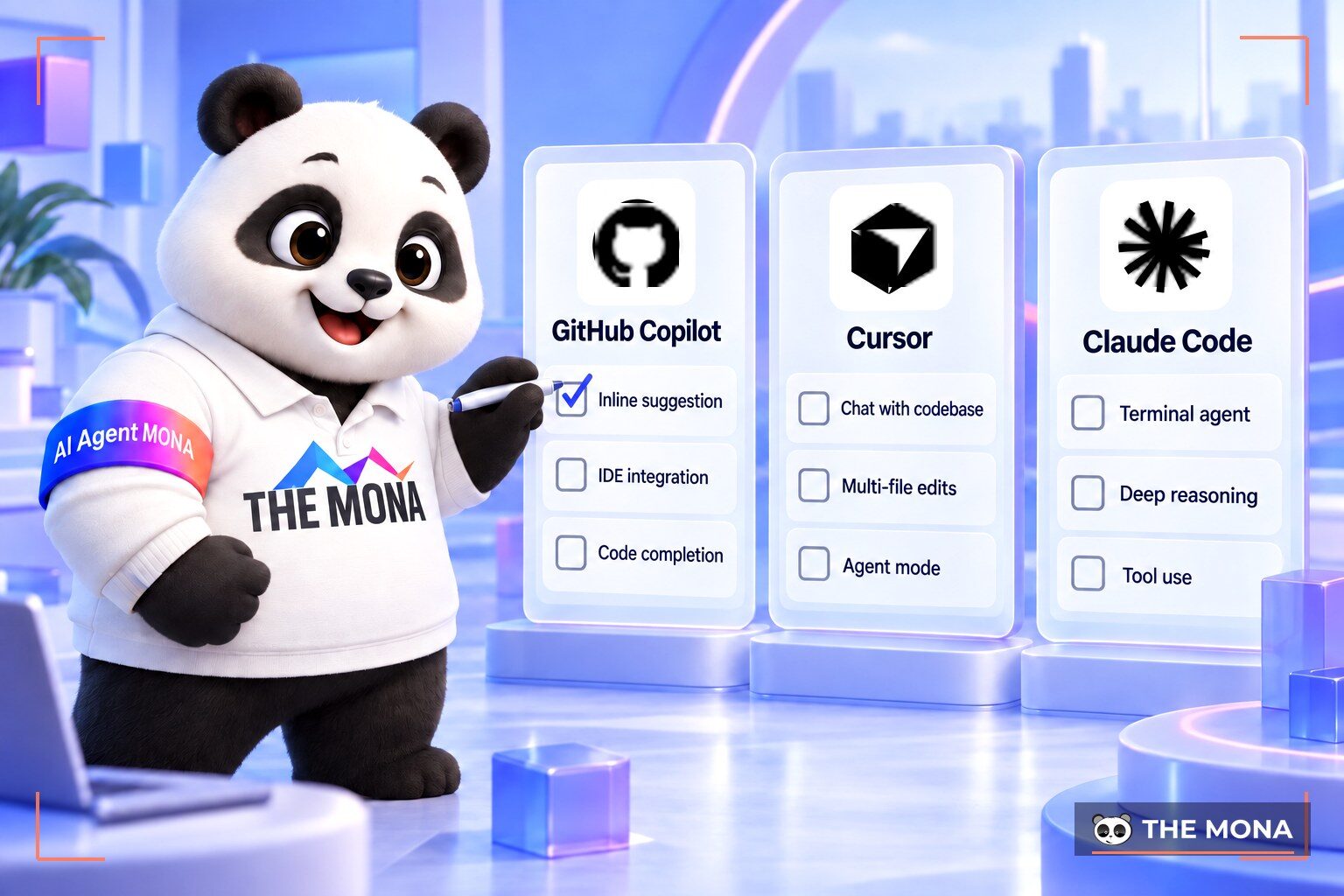
Comparing GitHub Copilot vs Cursor is a hot topic on tech forums. Both tools use artificial intelligence to serve programmers. Cursor is a standalone code editor designed for AI use from the ground up. Copilot, on the other hand, is an add-on that installs into existing editors. The competition between the two platforms benefits the whole user community. Cursor is built on the open source code of Visual Studio Code but changes it deeply inside. It lets you tag whole folders so the tool can read them and analyze logic errors. GitHub's extension focuses on suggestion speed right at the cursor. Each tool serves a different need and working style. The choice depends on how ready each person is to change their habits. On the MONA team, we find backend developers suit Copilot because they are comfortable in their editor, while people building quick prototypes prefer Cursor or Claude Code because they can edit many files at once.
We find Copilot strong at autocompleting short snippets as you type. Cursor is extremely strong at understanding an entire large project folder. It can fix errors broadly across many files at once. At MONA, programmers are free to choose the tool that suits their habits. If you prefer to keep your current environment, install the extension so you do not have to relearn anything. If you want to try a deeper, more automated experience, switch to Cursor. We always encourage hands-on trials to find the workflow you like.
| Criterion | GitHub Copilot | Cursor |
|---|---|---|
| Form factor | Add-on extension | Standalone editor |
| Main strength | Extremely fast code suggestions | Understands the whole project |
| Cost | Requires a paid plan | Has a free plan |
| Customization | Depends on the host editor | Deeply optimized for AI |
| Best for | Devs who want to keep their current environment | Devs who want to try something new |
The question "is Copilot free" always comes up when new devs approach this technology. The answer is yes, but with very strict verification conditions. The system offers free access to students confirmed by their school. Teachers at schools are also on the list of eligible users. Maintainers of major open source projects get priority access too. Open source projects must reach a certain number of stars on the platform to be approved. This prevents people from creating junk projects to game the rules.
We think this is a great policy for supporting the education community. At MONA, we often advise interns to use their school email account to sign up. Reviewing a student's application usually takes a few business days. If you are in neither group, you can still try it free for the first month. After that, the system asks you to choose a paid plan to keep using it. If you are on a trial, use the full 30 days to test every feature. Deciding to pay is easier once you see the productivity gain clearly. You can cancel the trial at any time before the official billing date. Keep an eye on the homepage for new policies. Sometimes the vendor widens who can trial it during special campaigns.
Programming does not stop at using a tool to type code. Once the code is done, you need somewhere to put the app online for people to see. Deploying software by hand used to take up a lot of development teams' time. You had to set up the operating system, install libraries and configure the domain step by step. Now, connecting the system is largely automated thanks to new protocols. You can use overseas platforms or pick a server in Vietnam such as MONA Cloud. We often recommend a local server for stable data transfer speed. Especially when your app serves customers in Vietnam and Southeast Asia.
At MONA, we usually deploy projects to MONA Cloud through simple command lines. MONA Cloud bills by the hour and you pay in VND, which keeps pricing transparent. You only need one MCP command right in the editor you already have open. For example, with the software Claude Code, you can connect very quickly using the syntax claude mcp add monacloud -- npx -y monacloud-mcp. The AI system works out how to connect to the server from the information you provide. You can check your wallet balance or look up prices right in the command window. Every action that costs money asks for your keypress confirmation before it runs. Having a server in Vietnam keeps the app very smooth when responding to user interactions. The bundled data storage is also optimized for modern software. After that, you can push a Docker-packaged app to the server in about 150 seconds. The app comes with an HTTPS security certificate automatically as soon as it runs. No more opening complicated interfaces to configure things by hand. Managing infrastructure becomes as simple as chatting with an assistant. We find this reduces the risk of misconfiguration compared with doing it manually.
Using artificial intelligence brings speed but also some hidden risks to watch. A common mistake is programmers accepting automatic suggestions without checking them carefully. A machine can write results fast, but sometimes it produces code with security holes. We have seen many cases where the system ran but processing performance was terrible. At MONA, the rule is mandatory: read through everything the tool generates. We once had to remove a block of AI-suggested code because it called a library that was no longer maintained, so every suggestion now goes through review like human-written code.
Some programmers tend to get lazy about thinking when a helper tool is at hand. This leads to not understanding the data flow in their own app. When the system hits a major incident, you will struggle to find where the bug is. Over-reliance on machines also erodes the basic skill of solving problems yourself. You should write the complex code that needs system architecture thinking yourself. The machine should only retype standard, well-known patterns. You also need to keep your security knowledge current so you can spot errors the assistant creates. The real safety net is human care during production.
You need to understand the logic of every line instead of leaving it entirely to the tool. Writing tests is an indispensable step to ensure operational quality. If you let a memory leak slip through, the app will slow down over time. Once on a real server, resource costs can climb well beyond what you expected. We often hold cross-reviews between programmers to check for errors rigorously. Building the environment VPS cho AI Agent takes absolute care from a human. The assistant only helps; you are the one ultimately responsible.
Knowing what GitHub Copilot is will help you streamline your workflow every day. This technology is completely changing how we build traditional software. Start by installing the trial version to feel the difference yourself. We find that people who make good use of new technology have more time for creative work. At MONA, keeping up with new tools is a required part of our work culture. You also need to get used to connecting your code to real deployment infrastructure.
You can refer to the MONA Cloud price list to estimate costs for your project. We offer flexible hourly server plans starting from just 550 VND per hour. New customers also get 100,000 VND of credit in their wallet after registering successfully. You can visit MONA Cloud to experience the speed of servers in Vietnam today. We believe that combining programming skills with a strong infrastructure platform will produce impressive results.
This tool is only an assistant that speeds up your typing. It cannot design software architecture or solve complex system logic problems on its own. Programmers are still the ones who analyze requirements and control code quality. You use it to cut down on repetitive work, not to replace algorithmic thinking.
Students with a valid school email address can use it completely free. You need to upload proof such as a student ID or transcript for the system to review. This check usually takes a few business days before you get official access. You must renew your student status after each school year.
GitHub's extension is easier to pick up because it sits right inside the editor you already use. Using Cursor means getting used to a new interface and set of keyboard shortcuts. Still, the time to become proficient in either tool is not long for someone who already codes. You should try both to make an objective choice.
Yes, maintainers of popular open source projects get free accounts. The system has its own criteria for measuring each account's contributions. You can check your eligibility under billing in your profile. The policy aims to encourage the global open source community.

CEO & Founder · The MONA
Founder of The MONA, who built a services company of 60+ staff with 14,000+ projects delivered. Khánh Hùng shares how he thinks about building systems that run themselves, automating a business, and the real lessons from delivering projects at MONA.
 300




Professional website
design services
Own a website with a beautiful, 100% exclusive design and a lifetime warranty, with the ability
to expand features flexibly as your business grows, starting today!






 MONA will never sell your information or send you spam


 MONA will never sell your information or send you spam
