
 MONA OS 2.0
 Partner with MONA


 Tự động hoá doanh nghiệp
 Cẩm nang SEO
 Digital Marketing
 Kinh nghiệm thiết kế website
 Hạ Tầng Server
 Giáo dục


 VI
 EN













Message us on
Zalo Official


 ProductsNew

 ProductsProducts
 Mới ra mắtKHA AI 2027App tự edit video, tự đăng mọi mạng xã hội, 2 phút mỗi ngày










 Website designLooks good and wins customers over.
SEO servicesBrings in customers searching for exactly what you sell.
 Tư vấn digital marketingKéo khách từ nhiều kênh, đo bằng số thật.
Corporate video productionVideos introducing your company, factory and team.
 NewAI video productionCompany story films made with AI.
 Custom software developmentCRM, ERP and HRM built for your business.
 Viết AI Agent theo yêu cầuĐặt riêng một trợ lý AI cho đúng việc của mình.
 Tư vấn chuyển đổi AIĐưa AI vào vận hành của cả công ty.
NewMONA LMSManagement for centers and schools.
MONA SkillHubInternal training for company staff.
 NHTQ systemEnd-to-end China–Vietnam shipping operations.
MONA JMSManagement for gold, diamond and pawn shops.
 MONA E-LearningA website with every feature you need to sell courses.
 How to sell online courses (course)More than 30 free lessons on selling courses on autopilot.
 MONA Cloudmonacloud.vnServers to get your apps and websites running.
 MONA Basemonabase.vnPostgres database, sign-in and file storage.
 MONA Mailmonamail.vnSend OTP, order and invoice emails from your software.
 MONA Paymonapay.vnAccept bank transfers via VietQR and notify your software when the money arrives.
 MONA eInvoiceComing soonIssue e-invoices that meet tax standards.
Gấu CườiTrả lời khách 24/7 trên web, Fanpage, Zalo và thu lead cho sale.
 Gấu TeleSalesGọi điện tư vấn, chăm khách như tổng đài viên thật.
Dê CườiTư vấn và chốt đơn cho shop ngay trong khung chat.
Gấu WebmasterNhắn nhóm Zalo là website được sửa xong.
 Gấu Pháp ChếSoạn hợp đồng, rà điều khoản trong vài phút.
 Gấu Báo GiáLên báo giá đúng mẫu và gửi khách ngay.
 AI chăm sóc khách hàngTheo dõi và giữ chân khách hàng cũ.
 Gấu Tuyển DụngLọc hồ sơ, hẹn lịch, phỏng vấn ứng viên.
 Mới ra mắt
KHA AI 2027
Xây kênh chuyên gia 2 phút mỗi ngày
Quay bằng điện thoại, AI tự edit video, tự đăng lên 16 nền tảng và tự trả lời bình luận, tin nhắn.
851.542lượt xem trên kênh CEO MONA sau 29 ngày
 Anh Khánh HùngCEO MONA đang dùng mỗi ngày
Xem app làm được gì
 AI
Gấu Cười MONA ĐANG TỰ XÀITrả lời khách 24/7 trên website, Zalo OA, Messenger và thu lead về cho sale.
Dê CườiChốt đơn bán lẻ và sàn: Shopee, TikTok Shop, web. Chăm cả khách sỉ, đại lý.
Gấu WebmasterCập nhật nội dung, tối ưu SEO website mỗi ngày.
Gấu TeleSalesGọi điện tư vấn, chăm khách như tổng đài viên thật.
Gấu Tuyển DụngLọc hồ sơ, hẹn lịch, phỏng vấn ứng viên tự động.
AI chăm sóc khách hàngGiữ khách cũ, cứu lead đã rớt cho phòng kinh doanh.
Gấu Pháp ChếSoạn hợp đồng, rà điều khoản trong vài phút.
Gấu Báo GiáLên báo giá đúng mẫu, gửi khách ngay khi có yêu cầu.
 Chuyển đổi AI toàn phầnGiải pháp tổng cho doanh nghiệp, 3 lớp triển khai.
 Viết AI Agent theo yêu cầuĐặt riêng một con AI gánh đúng nghiệp vụ của bạn.
 Custom softwareCRM, ERP and HRM with built-in AI automation.
 SEO & AEO thời đại AIĐược Google lẫn AI trích dẫn, không chỉ xếp hạng.
 Kiến thức AI cho doanh nghiệpBài phân tích, hướng dẫn ứng dụng AI vào vận hành.
 Free AI courses
 AI tools at work
App mới · KHA AI 2027
Xây kênh 2 phút mỗi ngày
AI tự edit video, tự đăng mọi mạng xã hội
Free consultation, 8am–10pm every day

26 September, 2026

What is AWS? AWS (Amazon Web Services) is a cloud computing platform from Amazon. It lets you rent servers and storage space over the internet. We often meet customers who hesitate over whether to move their system to AWS. The main reason is that paying in USD is complicated. Foreign invoices make tax filing hard for the accounting team. The configuration interface can also confuse newcomers. The information below explains how the platform works. You will see when an international network makes sense. You will also see when a domestic server gives better results. Thousands of tech companies around the world rely on this platform to run their products. Once you understand what AWS is, you can plan the technology for your future projects with confidence.
To understand what AWS is, think of it as a power company. Every day you use electricity from the national grid. At the end of the month you pay only for the kilowatt-hours you used. You do not need to build a power plant at home. The cloud platform works the same way. You only pay for the server resources you actually use. This removes the cost of buying expensive hardware. Put simply, AWS moves your infrastructure online.
Across more than 14,000 projects, we at MONA often see cloud infrastructure cut the time to set up an environment from weeks to minutes. Customers spend a few minutes clicking to create a complete virtual machine. Engineers can set up a development environment right away. The system has many data centers spread around the globe. This distribution lets businesses scale up to serve international customers easily. Network speed is also optimized for each geographic region. Renting virtual servers gives businesses more flexible control of cash flow. The cost of keeping a cooled server room is cut sharply as well.
The system is built on resource virtualization. Engineers split very powerful computers into many small virtual servers. These virtual servers run independently and stay highly secure. You are free to install any operating system you want on them. Customer data is continuously backed up across multiple servers. This keeps the system running even if one region suffers a power outage. You no longer worry about upgrading hardware every few years. Your IT staff also carry less of the burden of maintaining network cables.
When you look into Amazon Web Services, you will find a list of hundreds of tools. They cover every need, from basic to complex. Knowing the core AWS services helps you keep costs down. The foundation group is built around compute through Amazon EC2. It provides virtual servers that run independently on the network. For startup projects, we usually advise starting with EC2 so you can adjust the configuration to real visitor numbers. It lets users freely adjust processor and memory settings as they like. The service offers ready-made operating system templates such as Linux or Windows Server. Engineers just pick a template and press launch.
The next important group is data storage. The best-known example is Amazon S3, which can hold huge volumes of image files. Many mobile apps use it to store users’ videos. Then there are solutions for structured data through Amazon RDS. This tool helps you build safe stores for customer information. For e-commerce sites, backing up order data is a must. The system backs up data automatically every day. Built-in fault tolerance keeps data safe. Security patches are applied continuously to fend off hackers.
The platform also offers powerful networking tools. Amazon Route 53 manages domain names for websites. It routes traffic to the right servers to keep page load speed steady. The built-in firewall blocks dangerous attacks from outside. Recently the company has also added many AI utilities. These let engineers analyze huge volumes of data quickly. Together, these services form a network that runs smoothly. If you want to dig deeper, read our article on cloud hosting.
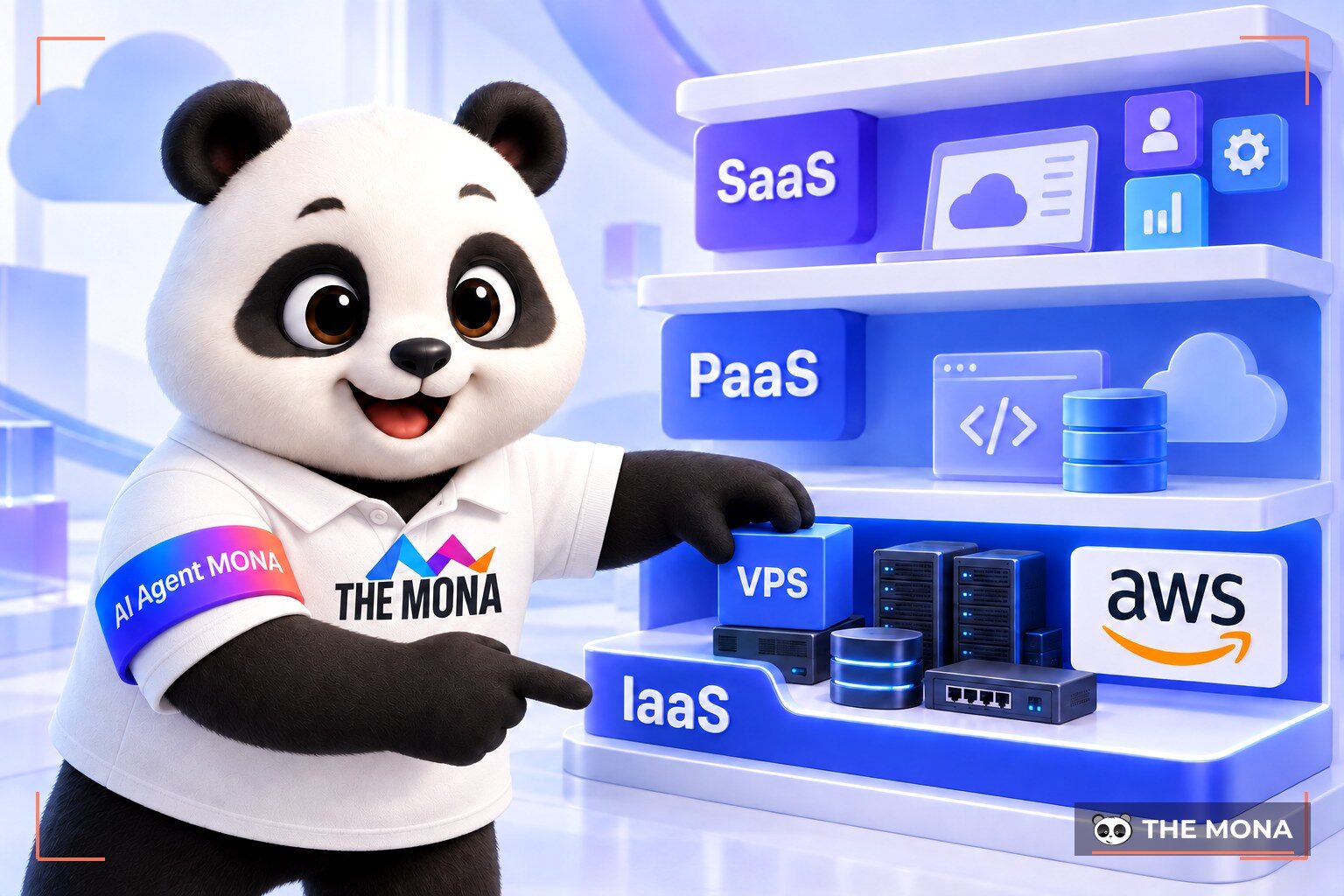
The AWS Console acts as a central control panel for every operation. It is a website where you manage all of your company’s cloud resources. Buying a new server is done entirely through this interface. IP addresses are configured here too. After years of supporting customers, we have noticed that the AWS Console is huge and often hard for IT teams who are new to it. Getting used to it usually takes quite a while. Understanding how the console is laid out matters if you want to avoid mistakes. Hundreds of service categories are stacked in many layers, which can overwhelm developers. Read the documentation carefully before changing any important network settings.
The console shows clear performance reports. You can follow CPU usage charts for each server. It shows how much RAM has been used during the day. Every settings change is carefully recorded in a log. This lets administrators trace network configuration errors easily. Access permissions through the IAM service are also managed in the main console. One wrong move can expose all of your data to the internet. Large companies usually limit the number of accounts with high admin privileges.
The interface is organized sensibly by function. Frequent users gradually remember where the familiar tools are. Our customers often use the search bar to jump straight to the service they want. You can pin your most-used tools to the toolbar to save time. The company also publishes a mobile console app. It helps engineers monitor the system from anywhere. Email alerts for server incidents are also set up from here. Permissions for each IT staff member need to be checked carefully. Granting too many permissions can accidentally create a serious security hole.
Many technology managers ask what an AWS certification is. It is an official credential issued by Amazon to people who pass the exam. It shows the holder has mastered cloud architecture. The credentials come in several levels, from basic to specialist. The foundation level is for people new to information technology. The professional level suits engineers with many years of experience. Certifications also help with promotion inside a company. Knowing what the AWS exam really covers helps candidates study the right topics.
At MONA we value engineers who hold a solutions architect certification. It is clear proof that they know how to design a secure network. They know how to combine separate services into one complete model. They also have the skills to control running costs for customers. Engineers with this credential usually earn above average. The company updates the exam structure every year to follow trends. Holders must retake the exam after a set period to keep it valid. This keeps engineers’ knowledge up to date with the pace of technology.
Taking the certification exam brings real benefits to a career. A technical team with certificates earns more trust from partners on large projects. Tech companies often prefer candidates who hold this kind of certificate. Studying for the exam is also a great chance to organize what you know. That said, the exam content can still be quite theoretical. You need continuous hands-on practice on real servers to understand the essentials. Applying these principles to real failures is the true test. A solid foundation helps you handle a network outage effectively.
The question of whether AWS is free is common among young developers. The platform runs a program called AWS Free Tier to support the community. It lets you try some services at no charge for twelve months. The plan gives just enough resources to test your code. We often advise developers to sign up for this account to build their skills. Knowing how to use AWS’s free offers can save you a lot of money. It is a great environment for learning how computer networks work. The community shares many sample configuration guides on forums.
Even though it is free to try, you still have to enter credit card details when creating an account. This is to verify personal identity. It also helps the company stop mass creation of spam accounts. The system sets a specific usage limit for each tool every month. You only get a few hundred hours of basic server time. If you go over this limit, your credit card is charged automatically. Set up billing alerts so you are notified in time. Use a credit card with a low limit to sign up for this trial account.
Many users get hit with large bills because they forgot to shut down servers after testing. Forgetting to delete data usually happens when people create too many draft projects. Sometimes a faulty piece of code causes a loop that drains resources fast. Delete services you no longer use to protect your wallet. The company’s cost alert feature sometimes responds rather slowly. So users must check their expected balance every day. Businesses need a budget plan even while on the free plan. To better understand server platform basics, you can read our article on what a VPS is.
To make the right decision, use the detailed comparison table below. It sets the international cloud model against the traditional virtual server. It also clarifies how AWS infrastructure differs from a local server. In consulting sessions we often use this table to show how cash flow differs as you scale.
| Criterion | AWS cloud computing | Traditional VPS |
|---|---|---|
| Payment model | Billed by the actual hours the server is used | Fixed fee paid monthly or yearly |
| Ability to adjust power | Upgrade the processor configuration instantly | Must restart the machine for the new configuration to apply |
| Payment method | Requires an international credit or debit card | Easy bank transfer from a domestic account |
| Tax documents | Foreign invoices are hard to process for tax records | Valid 10% VAT invoices issued quickly in Vietnam |
| Target customers | Systems with traffic from many countries | Small and medium domestic business websites |
The international cloud model shines for very large projects. If your customers are spread across several continents, this system will serve you well. The company’s infrastructure can handle millions of visits at once. The provider commits to a very high level of uptime. A company in the US and a user in Australia can both open your website smoothly. Backup systems automatically reroute connections when something fails. Engineers no longer have to stay up all night fixing physical hardware. Every component is fully virtualized in the network. Data sync across continents works very well. If you need a server located in Vietnam, billed by the hour, with a VAT invoice, look at MONA Cloud cloud servers before you decide.
On the other hand, an international platform makes things harder for businesses that only operate in the domestic market. Paying in USD means exposure to exchange rate swings. Those swings throw off budget planning. Foreign invoices slow down tax filing for the accounting team. A management interface with many buttons makes network setup error-prone. Businesses often have to pay extra for experts to maintain it regularly. This is where a Vietnamese server, as a simplified version of AWS, comes in handy.
Domestic cloud solutions were created to solve these problems. After years of building infrastructure, we have found that MONA Cloud is an excellent alternative when a business wants to keep operations simple. It lets you rent servers by the hour and pay entirely in VND. Pricing is split finely at 250 VND per CPU core and 150 VND per GB of RAM per hour. If you run a server with 1 core and 1 GB of RAM, the price is only about 550 VND per hour. Customers top up flexibly by scanning a VietQR code from a banking app. The platform automatically backs up website data regularly to guard against risk. Advisors are ready to help in Vietnamese through the hotline.
When the wallet balance runs out, the system automatically pauses the server to avoid unpaid charges. As soon as the customer tops up again, the website starts running normally. The platform issues a 10% VAT invoice every month, which handles the paperwork smoothly. Customers also get an HTTPS security certificate generated automatically in about 150 seconds. The server infrastructure is spread across 5 regions: Vietnam, Hong Kong, Singapore, Australia and the US. See the page cloud server to learn how to automate your servers. Every new account currently receives 100,000 VND in trial credit. For more details, read the announcement MONA launches MONA Cloud.
Want to try an hourly server paid in VND? Open MONA Cloud and use the 100,000 VND credit you get when you sign up.
Want to try an hourly server paid in VND? Open MONA Cloud and use the 100,000 VND credit you get when you sign up.
Want to try an hourly server paid in VND? Open MONA Cloud and use the 100,000 VND credit you get when you sign up.
It is a collection of services that rent out computing power over the internet. It includes independent virtual servers. It also offers data storage solutions and smart AI training platforms.
Open the home page in a web browser and sign in with your account password. The main console appears so you can search for tool names. From this console, you start setting up network resources for your business.
The certification requires candidates to pass a demanding multiple-choice test. The exam focuses on software system design thinking. Passing it shows the candidate can run cloud servers.
The platform offers a free trial plan for the first twelve months. You must link an international payment card when creating a profile. The system charges automatically if your usage goes beyond the allowed quota.

CEO & Founder · The MONA
Founder of The MONA, who built a services company of 200+ staff with 14,000+ projects delivered. Khánh Hùng shares how he thinks about building systems that run themselves, automating a business, and the real lessons from delivering projects at MONA.
 148




Professional website
design services
Own a website with a beautiful, 100% exclusive design and a lifetime warranty, with the ability
to expand features flexibly as your business grows, starting today!






 MONA will never sell your information or send you spam


 MONA will never sell your information or send you spam
