
 MONA OS 2.0
 Partner with MONA


 Tự động hoá doanh nghiệp
 Cẩm nang SEO
 Digital Marketing
 Kinh nghiệm thiết kế website
 Hạ Tầng Server
 Giáo dục


 VI
 EN










Message us on
Zalo Official


 ProductsNew

 ProductsProducts
 Mới ra mắtKHA AI 2027App tự edit video, tự đăng mọi mạng xã hội, 2 phút mỗi ngày










 Website designLooks good and wins customers over.
SEO servicesBrings in customers searching for exactly what you sell.
 Tư vấn digital marketingKéo khách từ nhiều kênh, đo bằng số thật.
Corporate video productionVideos introducing your company, factory and team.
 NewAI video productionCompany story films made with AI.
 Custom software developmentCRM, ERP and HRM built for your business.
 Viết AI Agent theo yêu cầuĐặt riêng một trợ lý AI cho đúng việc của mình.
 Tư vấn chuyển đổi AIĐưa AI vào vận hành của cả công ty.
NewMONA LMSManagement for centers and schools.
MONA SkillHubInternal training for company staff.
 NHTQ systemEnd-to-end China–Vietnam shipping operations.
MONA JMSManagement for gold, diamond and pawn shops.
 MONA E-LearningA website with every feature you need to sell courses.
 How to sell online courses (course)More than 30 free lessons on selling courses on autopilot.
 MONA Cloudmonacloud.vnServers to get your apps and websites running.
 MONA Basemonabase.vnPostgres database, sign-in and file storage.
 MONA Mailmonamail.vnSend OTP, order and invoice emails from your software.
 MONA Paymonapay.vnAccept bank transfers via VietQR and notify your software when the money arrives.
 MONA eInvoiceComing soonIssue e-invoices that meet tax standards.
Gấu CườiTrả lời khách 24/7 trên web, Fanpage, Zalo và thu lead cho sale.
 Gấu TeleSalesGọi điện tư vấn, chăm khách như tổng đài viên thật.
Dê CườiTư vấn và chốt đơn cho shop ngay trong khung chat.
Gấu WebmasterNhắn nhóm Zalo là website được sửa xong.
 Gấu Pháp ChếSoạn hợp đồng, rà điều khoản trong vài phút.
 Gấu Báo GiáLên báo giá đúng mẫu và gửi khách ngay.
 AI chăm sóc khách hàngTheo dõi và giữ chân khách hàng cũ.
 Gấu Tuyển DụngLọc hồ sơ, hẹn lịch, phỏng vấn ứng viên.
 Mới ra mắt
KHA AI 2027
Xây kênh chuyên gia 2 phút mỗi ngày
Quay bằng điện thoại, AI tự edit video, tự đăng lên 16 nền tảng và tự trả lời bình luận, tin nhắn.
851.542lượt xem trên kênh CEO MONA sau 29 ngày
 Anh Khánh HùngCEO MONA đang dùng mỗi ngày
Xem app làm được gì
 AI
Gấu Cười MONA ĐANG TỰ XÀITrả lời khách 24/7 trên website, Zalo OA, Messenger và thu lead về cho sale.
Dê CườiChốt đơn bán lẻ và sàn: Shopee, TikTok Shop, web. Chăm cả khách sỉ, đại lý.
Gấu WebmasterCập nhật nội dung, tối ưu SEO website mỗi ngày.
Gấu TeleSalesGọi điện tư vấn, chăm khách như tổng đài viên thật.
Gấu Tuyển DụngLọc hồ sơ, hẹn lịch, phỏng vấn ứng viên tự động.
AI chăm sóc khách hàngGiữ khách cũ, cứu lead đã rớt cho phòng kinh doanh.
Gấu Pháp ChếSoạn hợp đồng, rà điều khoản trong vài phút.
Gấu Báo GiáLên báo giá đúng mẫu, gửi khách ngay khi có yêu cầu.
 Chuyển đổi AI toàn phầnGiải pháp tổng cho doanh nghiệp, 3 lớp triển khai.
 Viết AI Agent theo yêu cầuĐặt riêng một con AI gánh đúng nghiệp vụ của bạn.
 Custom softwareCRM, ERP and HRM with built-in AI automation.
 SEO & AEO thời đại AIĐược Google lẫn AI trích dẫn, không chỉ xếp hạng.
 Kiến thức AI cho doanh nghiệpBài phân tích, hướng dẫn ứng dụng AI vào vận hành.
 Free AI courses
 AI tools at work
App mới · KHA AI 2027
Xây kênh 2 phút mỗi ngày
AI tự edit video, tự đăng mọi mạng xã hội
Free consultation, 8am–10pm every day

26 September, 2026
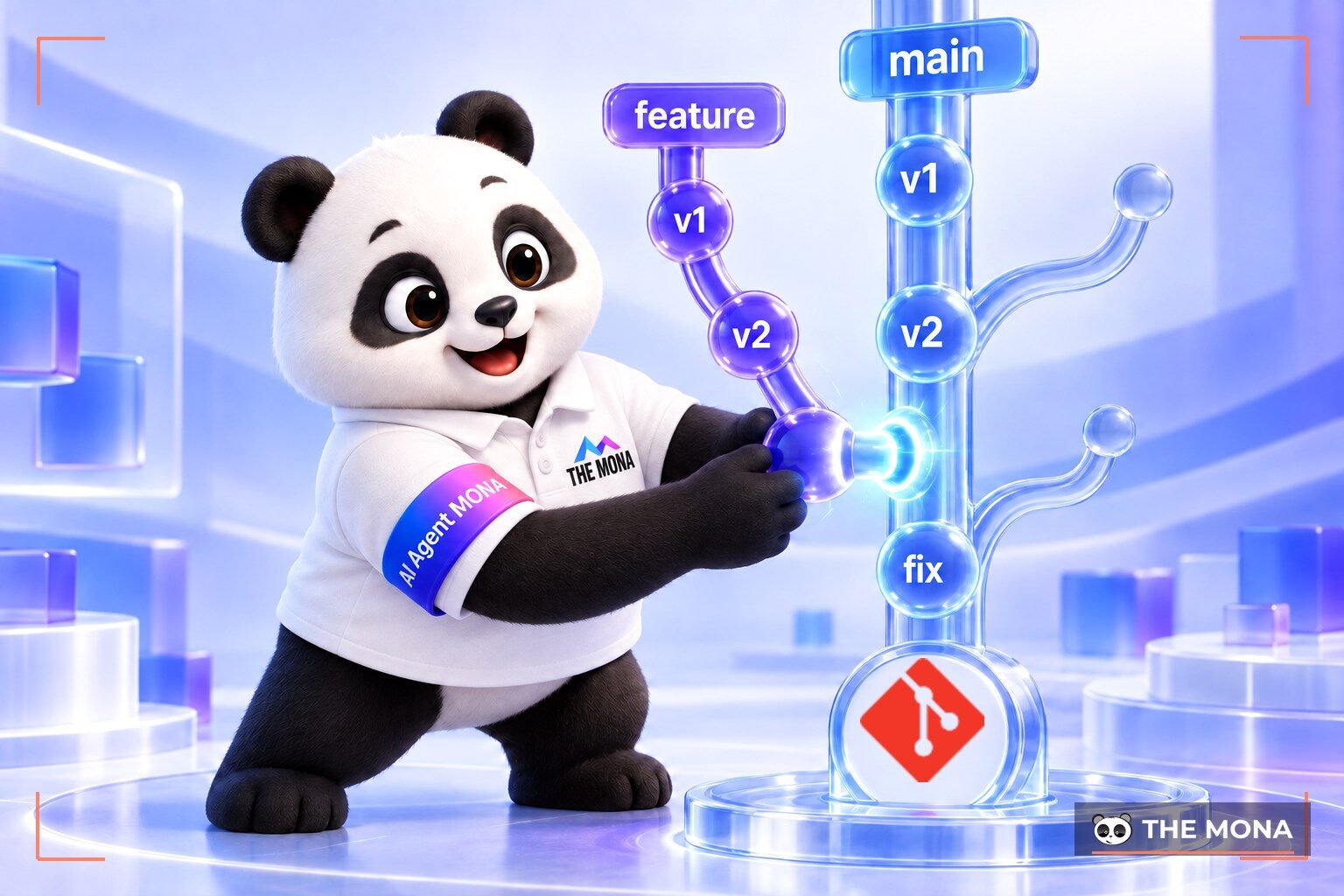
What is a container? A container is a standardized software package that holds the source code and the whole configuration environment needed to run an application. Packaging software this way makes code run reliably on any computer. Let’s go deeper into this technology together below.
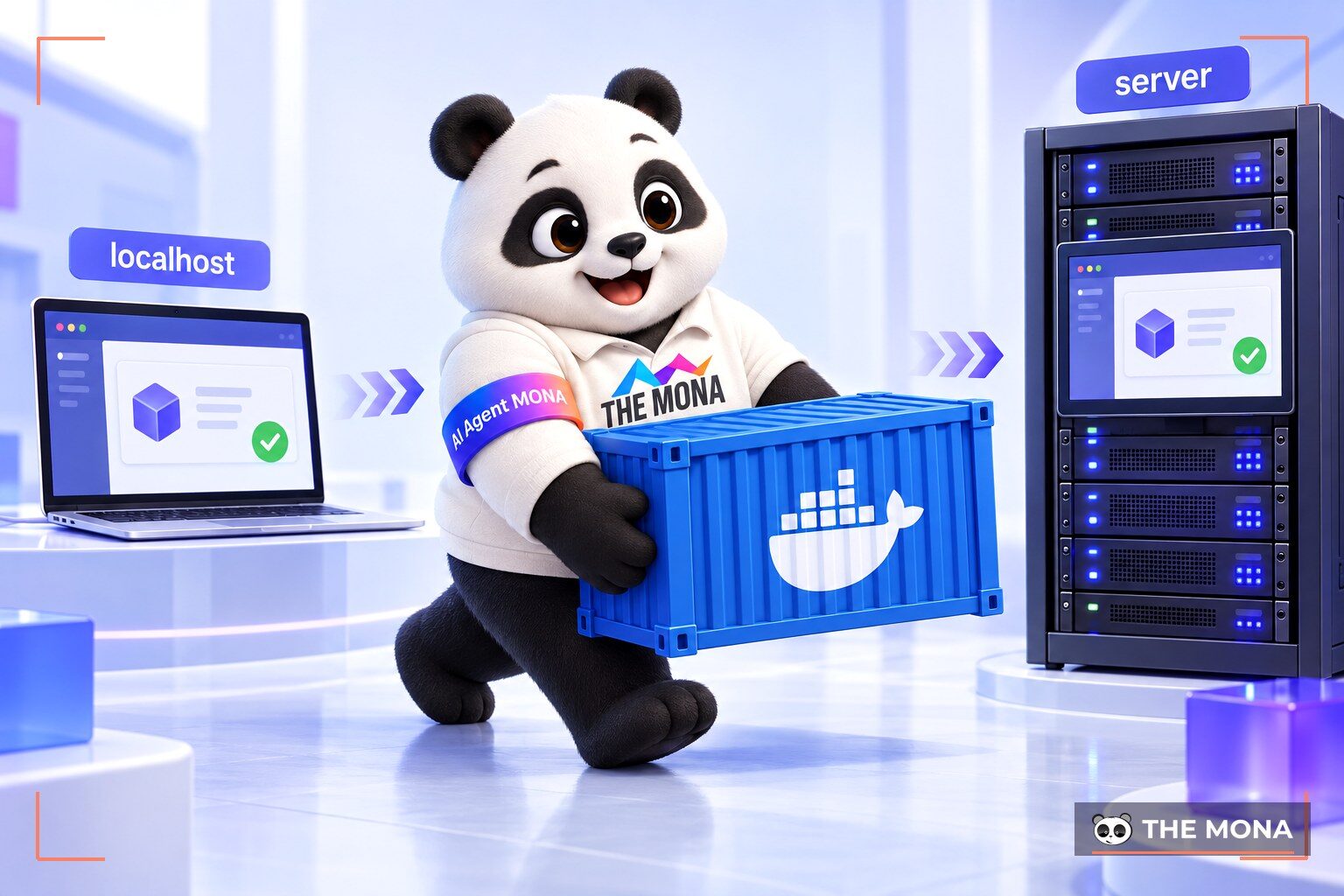
If you build software, you have surely been in this awkward spot. A developer finishes a new feature on a personal computer. The code runs perfectly. Everything looks right on that developer’s screen. Then the code goes to the real server. The application suddenly throws errors nonstop. The web page is blank and shows nothing.
Customers complain that the app does not work. The project manager asks why. The developer can only scratch their head and say the classic line: “It works on my machine.” At MONA we see this error all the time in the early days of the job. The root cause is a mismatch between environments. The developer’s computer runs Windows. The server runs Linux. The programming language versions on the two machines differ. The accompanying libraries do not match either.
A concrete example is the programming language version. The developer’s machine has PHP 8.0 installed. The code uses new functions from this version. Meanwhile, the real server has the older PHP 7.4. When the app runs on the server, the system reports that the function cannot be found. The developer has to struggle to connect to the server and upgrade the version. That upgrade then accidentally breaks another old website running on the same server. The vicious circle goes on and on. The lack of consistency slows the project down a lot. The question is how to keep the environment configuration correct every time. Software packaging technology was created to solve this pain once and for all.
Picture the shipping industry decades ago. Goods were packed haphazardly in wooden crates of every size. Loading cargo onto ships was very slow. Fragile items were often damaged by bad stacking. Each type of ship needed its own way of arranging cargo. Then the large standard metal shipping container arrived. All goods went into boxes of standardized size. Cranes could load and unload them easily. Ships and trucks were designed to fit this standard size.
The software world is similar. A container is that standard shipping box. Instead of physical goods, it holds software code. It also holds a slimmed-down version of an operating system. All dependent libraries are packed into the same box. At MONA we often tell new developers to think of it as a universal box. You pack that box just once. It will run the same way on a personal computer. It also runs identically on a test server.
When it goes onto the live network, nothing inside the box changes. The code no longer cares what operating system runs outside the box. It only talks to the standard environment inside. This independence gives software teams great power. Developers release code with confidence. The catchphrase “it works on my machine” slowly disappears. Everyone works to a single standard.
This universal box is a big help for teamwork. A tester does not need to download the code and struggle to set up an environment. They just receive the box from the developer and start it. The bug can be reproduced clearly. Testing becomes very precise. The business cuts many unnecessary steps in internal communication.
Many people who are new to this ask about Docker. You may use that word in place of the idea of a software container. In fact, the two terms are not exactly the same. Container is a general technology concept. Docker is the name of a company and a well-known tool. Docker makes creating and managing software containers easy. Before this tool existed, creating a container was very complicated. Engineers had to type dozens of long commands. The setup required deep knowledge of the system.
Docker arrived and completely changed the game. The tool offers very simple syntax. A configuration file of a few lines is enough to define a container. The Docker container became the standard of the whole industry. We see that software projects today use Docker as the default standard. When someone asks “what is a docker container”, just think of it as a container made with the Docker tool.
A big plus of this tool is its open ecosystem of ready-made images. This hub holds millions of pre-built templates. Say you need a MySQL database system. Instead of downloading an installer and going through a tedious setup, you just pull the MySQL template to your machine. The app runs after one click. You save many days of tiring work. This convenience makes developers love it. Guides for the tool are everywhere online. When you hit an error, a dev can find the answer after a single search.
You can read the official English definition on the home page at: What is a container.
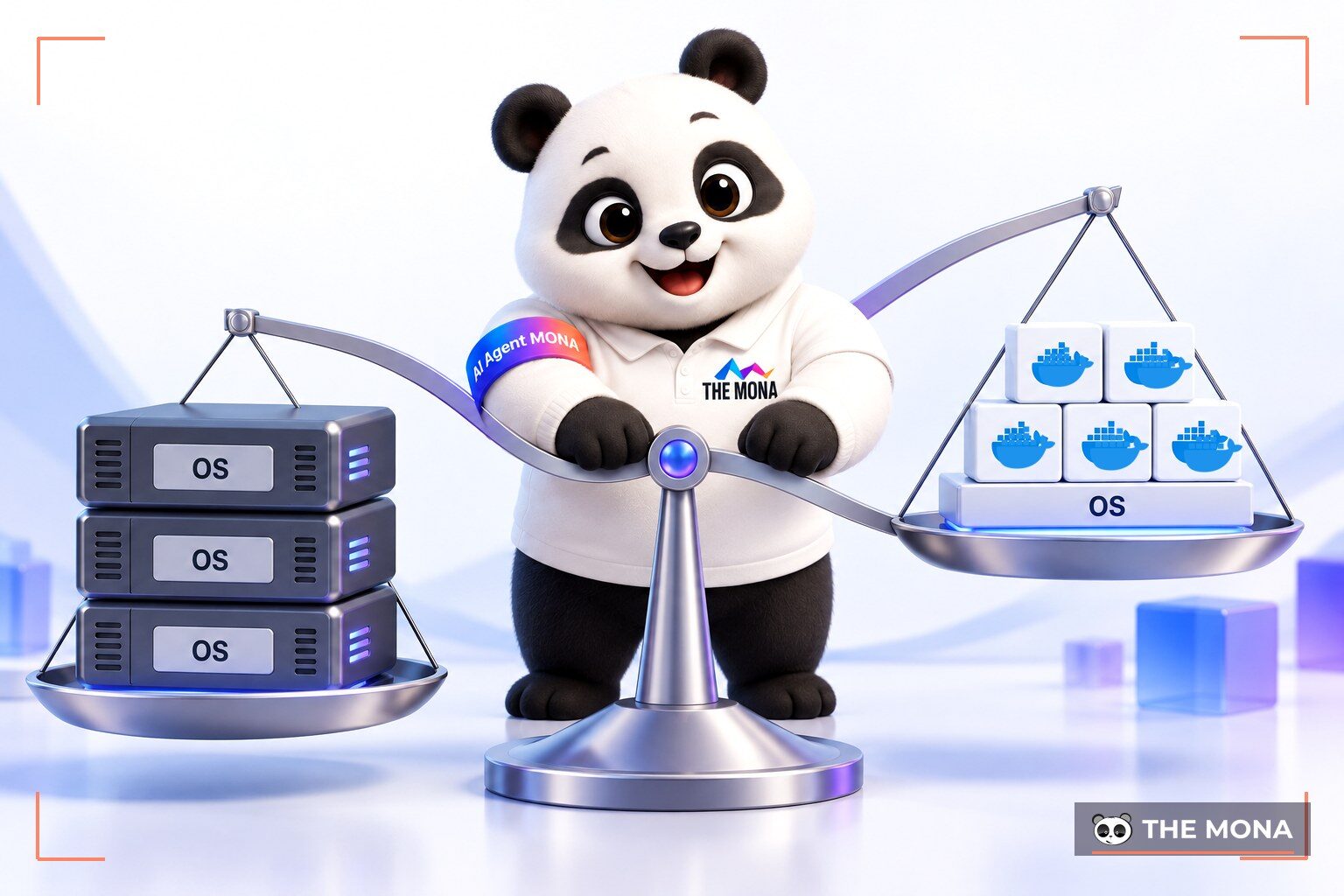
Before packaging technology became popular, the virtual machine was the central solution. A virtual machine simulates a whole computer system in software. Each virtual machine needs a full operating system installed. This takes up a lot of disk space. It also eats a lot of memory even when the app is idle. Starting a virtual machine usually takes a few minutes. Maintaining dozens of virtual machines side by side is an admin’s nightmare.
Containers solve this by sharing the operating system kernel of the host server. There is no need to install a separate operating system each time. A container is usually very small. At MONA we usually advise customers to choose container technology when they need high flexibility. You can start hundreds of containers in seconds. Hardware resources are used to the fullest.
Here is a specific comparison of the two technologies:
| Criterion | Container | Virtual machine (VM) |
|---|---|---|
| Core concept | Virtualization at the operating system level | Virtualization at the hardware level |
| Size | Very small (usually measured in MB) | Quite heavy (usually measured in GB) |
| Startup time | Very fast (just a few seconds) | Fairly slow (takes a few minutes) |
| Operating system | Shares the kernel with the host machine | Full, separate operating system installed |
| Memory use | Very low, makes good use of resources | Very high, wastes memory just staying idle |
Though light and flexible, containers do not fully replace virtual machines. Virtual machines offer stronger security isolation. A security hole in one virtual machine rarely spreads to another on the same device. Containers share the same operating system kernel. Which technology to choose depends on the business’s specific problem. To understand virtual servers better, read our article on what a VPS is.
When working with packaging technology, you will hear the term “image”. It is a core concept you cannot skip. Think of an image as the blueprint of a house. The blueprint states how many rooms there are. It sets the floor material and the wall paint. The blueprint just sits on paper and nobody can live in it. When builders follow the blueprint to put up a real house, that real house is a running application.
One blueprint can produce hundreds of identical houses. In the same way, one image can start any number of running applications. We find this separation makes things highly reusable. Developers package all configuration into a single template. They push this blueprint to a central repository. Any server can download the blueprint. The server then creates smoothly running apps with a single command.
Sharing these blueprints is very convenient. A new developer joining the company just downloads the blueprint to their work computer. They set up the same working environment as the existing staff in a short time. They do not have to read setup guides dozens of pages long. The barrier to joining a project drops to a minimum. Once a template is created, you cannot edit what is inside it directly. To update the application, you create a new version. This rule keeps software perfectly consistent. The whole upgrade takes only a few seconds.
At first, a project usually has only a few software containers. Devs manage them by hand with basic tools. As the project grows, the number of components can reach thousands. A sales application has to be split into many branches. Payment management sits in one place. The user interface sits in another. Starting or stopping each component by hand becomes too much for people.
This is where Kubernetes comes in as a central orchestration tool. Kubernetes is a system that automates running software. It is like a conductor leading thousands of musicians. The conductor knows which app is overloaded and starts more containers to help. When traffic drops, the system automatically shuts some down to save cost. If an app fails, Kubernetes restarts a fresh copy right away.
At MONA we find Kubernetes very powerful but extremely complicated to configure. A technical team needs months to master it. The server cost of running Kubernetes is also not small. So we only use this technology for very large systems. Small and medium applications can simply run on a single machine. Read our article on what Docker is to compare the complexity further. Choosing the right tool saves a business from wasting budget.
Once you have a complete packaged application, the next step is to put it on the live network. In the past this process took many tedious manual steps. Devs had to rent a server and work on it remotely with hard-to-remember commands. Then they installed the environment and set up supporting software to handle incoming access. If you are not familiar with network forwarding concepts, read our article on what Nginx is for the basics. The old process was slow and prone to mistakes.
Seeing this difficulty, we designed MONA Cloud to serve developers directly. The system can push a packaged application straight to a server automatically. The app gets an HTTPS security certificate in about 150 seconds on the first launch. Customers can visit right away without a red warning screen. This feature saves you the tedious work of setting up certificates.
You do not have to worry about fixed running costs. MONA Cloud bills by the hour in VND, with easy payment and VAT invoices. A basic VPS configuration costs only 550 VND per hour of running. When you turn the machine off, the system stops charging for CPU and RAM. Servers are spread across 5 regions: Vietnam, Hong Kong, Singapore, Australia and the US. Connections in Vietnam respond very quickly.
The system also supports adding an MCP package to tools such as Claude Code or Codex. You just send one sentence in Vietnamese and the AI creates the server and puts your code online. MONA Cloud is currently giving 100,000 VND in credit to the wallet of every new account. See how to run applications automatically on the page monacloud.vn/deploy-docker.
Container packaging technology has changed how we think about running software. It removes environment limits between different devices. Deploying a project becomes more stable and much less risky. The idea of virtual machines and operating systems is slowly being replaced by newer, lighter standards. Mastering this technology gives a development team an edge.
Have a packaged application and want to run it for real? Try hourly servers at MONA Cloud. Our platform makes it very simple for your code to reach users worldwide.
Container technology shares the operating system kernel with the physical host server. A virtual machine has to install a heavy operating system of its own. Because of this, a container is lighter and starts many times faster than a virtual machine.
There is no single best choice for every situation. Containers suit flexible web projects that need to scale quickly. Virtual machines suit cases where you need system-level isolation for legacy software.
An image is a blueprint or template used to stamp out running applications. You create it by writing the configuration into a text file. A build tool then turns that text file into a complete image.
It is not necessary at all if you only run a moderate number of applications. This tool shows its strength only when the system has dozens of interlinked services. Configuring it takes very solid operations knowledge.

CEO & Founder · The MONA
Founder of The MONA, who built a services company of 200+ staff with 14,000+ projects delivered. Khánh Hùng shares how he thinks about building systems that run themselves, automating a business, and the real lessons from delivering projects at MONA.
 370




Professional website
design services
Own a website with a beautiful, 100% exclusive design and a lifetime warranty, with the ability
to expand features flexibly as your business grows, starting today!






 MONA will never sell your information or send you spam


 MONA will never sell your information or send you spam
