
 MONA OS 2.0
 Partner with MONA


 Tự động hoá doanh nghiệp
 Cẩm nang SEO
 Digital Marketing
 Kinh nghiệm thiết kế website
 Hạ Tầng Server
 Giáo dục


 VI
 EN







Message us on
Zalo Official


 ProductsNew

 ProductsProducts
 Mới ra mắtKHA AI 2027App tự edit video, tự đăng mọi mạng xã hội, 2 phút mỗi ngày





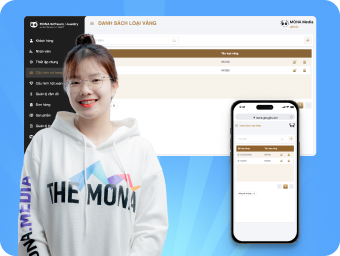




 Website designLooks good and wins customers over.
SEO servicesBrings in customers searching for exactly what you sell.
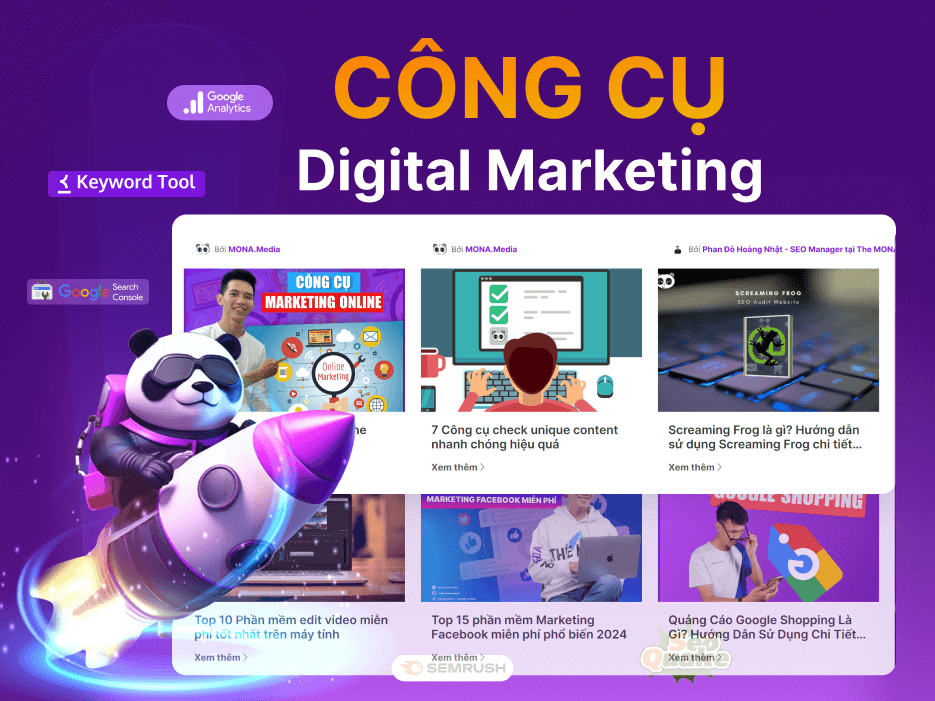 Tư vấn digital marketingKéo khách từ nhiều kênh, đo bằng số thật.
Corporate video productionVideos introducing your company, factory and team.
 NewAI video productionCompany story films made with AI.
 Custom software developmentCRM, ERP and HRM built for your business.
 Viết AI Agent theo yêu cầuĐặt riêng một trợ lý AI cho đúng việc của mình.
 Tư vấn chuyển đổi AIĐưa AI vào vận hành của cả công ty.
NewMONA LMSManagement for centers and schools.
MONA SkillHubInternal training for company staff.
 NHTQ systemEnd-to-end China–Vietnam shipping operations.
MONA JMSManagement for gold, diamond and pawn shops.
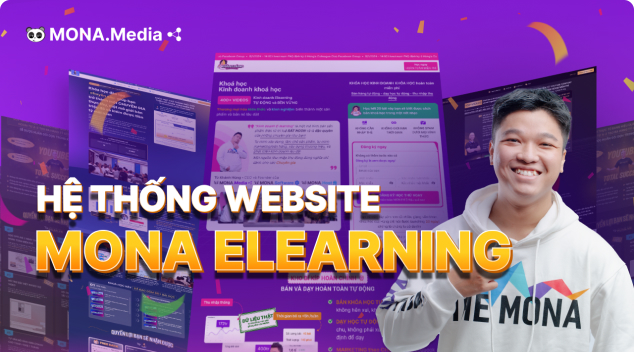 MONA E-LearningA website with every feature you need to sell courses.
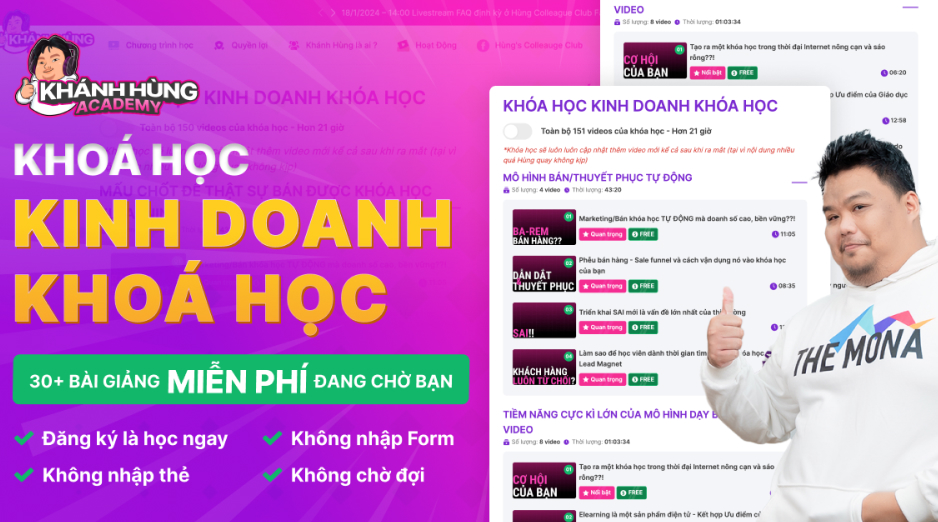 How to sell online courses (course)More than 30 free lessons on selling courses on autopilot.
 MONA Cloudmonacloud.vnServers to get your apps and websites running.
 MONA Basemonabase.vnPostgres database, sign-in and file storage.
 MONA Mailmonamail.vnSend OTP, order and invoice emails from your software.
 MONA Paymonapay.vnAccept bank transfers via VietQR and notify your software when the money arrives.
 MONA eInvoiceComing soonIssue e-invoices that meet tax standards.
Gấu CườiTrả lời khách 24/7 trên web, Fanpage, Zalo và thu lead cho sale.
 Gấu TeleSalesGọi điện tư vấn, chăm khách như tổng đài viên thật.
Dê CườiTư vấn và chốt đơn cho shop ngay trong khung chat.
Gấu WebmasterNhắn nhóm Zalo là website được sửa xong.
 Gấu Pháp ChếSoạn hợp đồng, rà điều khoản trong vài phút.
 Gấu Báo GiáLên báo giá đúng mẫu và gửi khách ngay.
 AI chăm sóc khách hàngTheo dõi và giữ chân khách hàng cũ.
 Gấu Tuyển DụngLọc hồ sơ, hẹn lịch, phỏng vấn ứng viên.
 Mới ra mắt
KHA AI 2027
Xây kênh chuyên gia 2 phút mỗi ngày
Quay bằng điện thoại, AI tự edit video, tự đăng lên 16 nền tảng và tự trả lời bình luận, tin nhắn.
954.414lượt xem trên kênh CEO MONA sau 51 ngày
 Anh Khánh HùngCEO MONA đang dùng mỗi ngày
Xem app làm được gì
 AI
Gấu Cười MONA ĐANG TỰ XÀITrả lời khách 24/7 trên website, Zalo OA, Messenger và thu lead về cho sale.
Dê CườiChốt đơn bán lẻ và sàn: Shopee, TikTok Shop, web. Chăm cả khách sỉ, đại lý.
Gấu WebmasterCập nhật nội dung, tối ưu SEO website mỗi ngày.
Gấu TeleSalesGọi điện tư vấn, chăm khách như tổng đài viên thật.
Gấu Tuyển DụngLọc hồ sơ, hẹn lịch, phỏng vấn ứng viên tự động.
AI chăm sóc khách hàngGiữ khách cũ, cứu lead đã rớt cho phòng kinh doanh.
Gấu Pháp ChếSoạn hợp đồng, rà điều khoản trong vài phút.
Gấu Báo GiáLên báo giá đúng mẫu, gửi khách ngay khi có yêu cầu.
 Chuyển đổi AI toàn phầnGiải pháp tổng cho doanh nghiệp, 3 lớp triển khai.
 Viết AI Agent theo yêu cầuĐặt riêng một con AI gánh đúng nghiệp vụ của bạn.
 Custom softwareCRM, ERP and HRM with built-in AI automation.
 SEO & AEO thời đại AIĐược Google lẫn AI trích dẫn, không chỉ xếp hạng.
 Kiến thức AI cho doanh nghiệpBài phân tích, hướng dẫn ứng dụng AI vào vận hành.
 Free AI courses
 AI tools at work
App mới · KHA AI 2027
Xây kênh 2 phút mỗi ngày
AI tự edit video, tự đăng mọi mạng xã hội
Free consultation, 8am–10pm every day

15 June, 2026

The NotebookLM prompt library helps you turn scattered documents into summaries, comparison tables, content outlines and analytical angles you can use right away. Many marketing, sales and operations teams already use NotebookLM but stop at one-off Q&A, so the results lack structure and are hard to reuse. MONA uses NotebookLM alongside other AI tools internally and trains clients with a process, prompt templates and output standards. This article goes straight into the practical prompt groups for research and analysis.
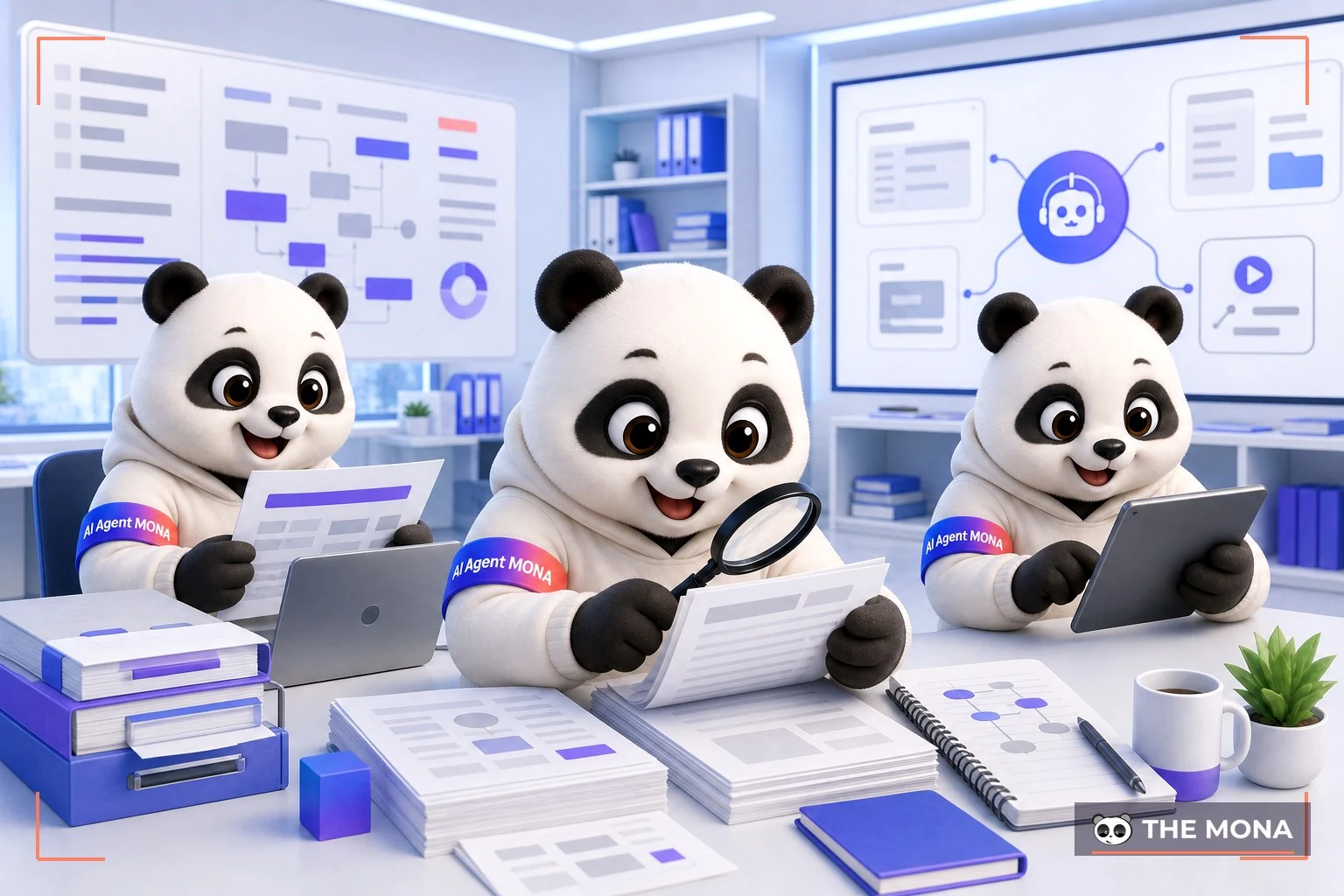
NotebookLM only answers in depth when its input sources are clean, correct and traceable. Treat it as a research desk with sources, not a place for generic Q&A.
MONA usually prepares the sources first, then writes the prompt. That cuts down on AI answers that ramble, lack grounding or mix several contexts together.
Start with 3 source groups that carry real value for your work. Each group answers a different kind of question, so don't load them all mixed together from the start.
For SEO and marketing, loading sources this way helps NotebookLM clearly tell apart your internal voice, market data and how competitors are persuading customers. You'll ask deeper questions from the very first turn.
Good sources with messy names still cost your marketing team time on verification. When NotebookLM cites something, you need to know immediately which document it's drawing from.
MONA likes a short syntax with date, department and purpose. The clearer the source name, the faster the information check.
Avoid names like “new document”, “final version”, “revised version”, because after a few weeks almost nobody remembers what's inside. The source name is your first layer of control.
A common mistake is dumping every document into one NotebookLM space. Answers then get noisy across SEO, sales, training and operations.
We usually split sources by purpose. Each source set has its own documents, its own prompts and its own answer style.
This split suits businesses using NotebookLM for websites, SEO and marketing. Each department gets its own research desk and doesn't have to ask from scratch. Online course sellers also use this source split when preparing curricula, as with Khánh Hùng Academy teaches using AI to sell courses.
Before asking for deep analysis, make NotebookLM restate the scope of its sources. This step reveals missing documents, wrong context or sources loaded by mistake.
When MONA trains clients to use NotebookLM, we always put the scope check before the analysis step. It's how you keep answers sourced and easy to verify.
Once your sources are clean, the 30 NotebookLM prompt templates deliver their real value. The tool helps with fast lookup, while a business that wants seamless data still needs custom software for CRM, ERP and automation.


NotebookLM answers well when you give it a tight enough brief. A vague command makes the tool ramble, skip sources and produce output you can't use right away.
The formula we use inside MONA has 4 layers: role, goal, verification criteria and next output. With exactly these 4 layers, you turn NotebookLM from a document reader into a disciplined analysis assistant.
The structure is very compact.
NotebookLM doesn't know on its own whether you need the CEO's, SEO's, HR's or sales' point of view. Given the same document, each role reads out different issues.
Don't just write “summarize this document”. Assign a clearer role.
This layer helps NotebookLM pick the right lens. The wrong role means the wrong direction.
At MONA, we usually split roles very specifically when using NotebookLM for web documents, SEO and client training. One document can be read through several roles to avoid one-sided conclusions.
If you only ask for analysis, NotebookLM tends to answer at length but in a way that's hard to use. Lock the output before the tool starts reading.
The clearer the output, the tighter the answer.
A good command doesn't just tell NotebookLM what to read. A good command says what the result will be used for.
An example for marketing.
NotebookLM's strength is that it sticks to the loaded sources. But you still need to make it point to the basis for each conclusion.
This is the anti-vagueness layer.
The phrase “insufficient data” matters a lot. It tells you which parts need follow-up questions, extra documents or manual verification.
MONA often uses this layer when reviewing SEO documents, training content and software business descriptions. With clear sources, the team argues less on gut feeling.
A conclusion only has value if it pulls the next task along. After the analysis, NotebookLM should immediately propose the next step.
Don't let the answer stop at “should improve”. Assign clearer work.
Layer 4 turns NotebookLM into a tool that supports action, not just document reading.
You can combine all 4 layers into one sample prompt like this.
This 4-layer formula works for almost any deep-research situation. The thicker the documents, the tighter the prompt structure needs to be.
NotebookLM is excellent for reading, filtering and cross-checking documents. But a standalone tool still has a ceiling when data is scattered across several departments.
When a business needs seamless data, self-running processes and clear access rights, MONA usually advises building custom software. AI then becomes one part of the system, not a manual task for each employee.

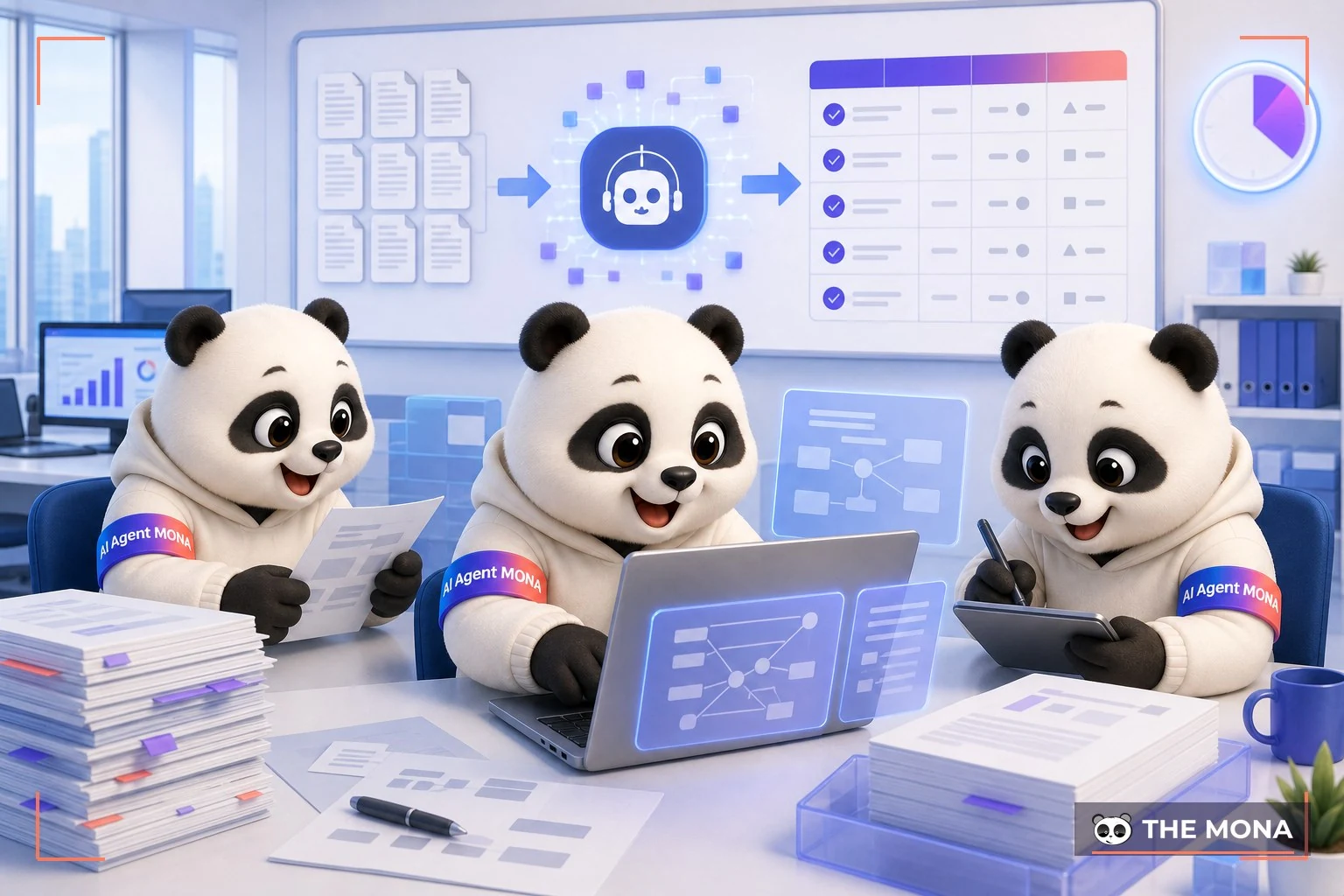
20 pages of documents easily leave you reading slowly, taking scattered notes, and still without a decision. The danger is reading a lot without gathering any criteria.
This is a very common mistake. It's easy to miss points.
We use NotebookLM on one simple principle: make the tool answer by source, by criteria and by level of certainty. MONA doesn't let AI stay vague when documents need to serve marketing, sales or operations.
This prompt lets you read fast while keeping a trail back to the source. It suits cases with many SEO documents, web briefs, campaign reports or product documents.
This way you avoid mixing ideas across sources. Every row has a basis.
When MONA prepares documents for SEO or website design, we always separate arguments from gut-feel opinions. A source table helps the implementation team cut down on circular debate.
Many documents look reasonable on their own but clash when placed side by side. This is where NotebookLM is very useful if you force it to compare contradictions pair by pair.
This part is well worth using before you lock a content plan, website structure or ad messaging. One small contradiction can send the whole team in the wrong direction.
Don't skip this step. It saves many meetings.
Reading documents without criteria turns into reading for show. Make NotebookLM compare against criteria before you make a decision.
This table suits business owners, marketing heads and operations staff. It turns a long document into a clear decision frame.
MONA often uses this kind of table when weighing a landing page against SEO improvements, content funnel optimization or adjusting the consulting flow. Decisions rely less on feelings.
Long documents usually contain things worth doing, things to verify and noise. If you lump them into one list, the team gets busy but doesn't move forward.
This prompt is especially good when you've just received reports from several parties. It filters out noise before you assign work.
Do less, but do it right. The team will feel lighter.
CEOs and department heads don't need to reread all 20 pages. They need a picture solid enough to decide, assign work and follow up.
With this structure, 20 pages of documents can shrink to one working page. The goal is to grasp the point in 10 minutes, not skim just to be done.
NotebookLM is very handy for deep research, but it still has a ceiling. When data is scattered, people use it on their own, and processes aren't connected to a CRM or ERP, the business still handles things by hand.
That's why MONA uses NotebookLM and other AI tools for training, document analysis and standardizing internal knowledge. When seamless and more secure data is needed, we build custom software to connect web, SEO, marketing, sales and operations into one system.

NotebookLM's first answer usually reads very tidily, but it isn't necessarily solid enough to write an article, make a plan or lock a decision.
Don't trust it right away. Make the tool re-examine itself with 3 rounds of reverse questions.
In the first round, you don't ask for more conclusions. You ask NotebookLM to point out where it lacks the data to conclude firmly.
This helps us avoid a very common mistake: a summary that sounds reasonable but skips the gaps in the documents.
Sample prompt:
Well worth doing. Especially for SEO.
In round two, you force NotebookLM to expose the assumptions sitting beneath its answer. Readers easily overlook this when a summary is too smooth.
For example, when the tool says a customer group “has high demand”, it may be silently assuming the survey data is representative enough.
Sample prompt:
MONA uses this kind of questioning when reading input documents for websites, SEO and content plans. It keeps us from turning a vague claim into a sales message.
Round three is the step that blocks hasty decisions. You ask NotebookLM to say which sources need to be added before it concludes.
This turns NotebookLM from a summarizing tool into an assistant that checks how solid your documents are.
Sample prompt:
Don't skip this round. It saves many decisions.
You can save the template below and use it after every time NotebookLM summarizes an important document.
This template suits work that needs high certainty, such as customer research, content planning, competitor analysis and preparing sales documents.
We usually advise MONA's internal teams to save check-style prompts as a safety layer before turning content into an implementation plan.
After running all 3 rounds of reverse questions, save the answer that passes the standard. Don't just save the first summary.
Save the conclusion, the data gaps, the weak assumptions and the sources to add. Next time, the team will understand why that conclusion is trustworthy.
NotebookLM is very handy for deep research, but it still has a ceiling when everyone uses it on their own in their own way. Data scatters easily, questioning is uneven, and results are hard to control.
For businesses that need seamless data and real automation, MONA usually builds custom software, CRM, ERP or automation chains tailored to the process. AI is just one part inside the system.

SEO content in 2026 no longer wins by writing more. It wins with the right documents, a clear search intent and solid enough evidence.
Don't let AI guess. When NotebookLM is loaded with decent source documents, you can turn it into a content research desk for your website, SEO and marketing.
At MONA, we use this approach to cut down gut-feel writing before work goes into SEO services, website design and content plans for clients. Doing it this way is more solid.
NotebookLM is only useful when its sources are clean. Load real documents before asking it to build an SEO plan.
The closer the sources are to the business, the less generic the answer. Many marketing teams skip this step because they want articles fast.
Suggested prompt:
This line is very important. Don't add anything on your own.
Many SEO articles get diluted by mixing people who are researching, people who are comparing and people who already want to buy. NotebookLM helps separate these groups more clearly.
Don't start with a list of scattered keywords. Start with topic clusters and search intent.
This helps the content team see the structure before writing. A blog post no longer stands alone.
For service websites, we usually separate support articles from money pages. A money page can be website design or SEO services.
A weak outline makes a weak draft. An outline with only headings makes the writer pad words instead of building arguments.
Make NotebookLM build the outline in 3 layers: argument, evidence and points to verify. This rhythm is well worth keeping.
Don't drop the verification column. It keeps the SEO team from inventing features, commitments and figures.
MONA applies this principle when building content for the Websitegroup, the AI group and tool guides. Sources come before words.
NotebookLM can turn notes into a draft quickly. But the draft is only usable when there are clear voice rules.
Include writing rules, the target reader, banned words and how to cite evidence. Writing this way drifts less.
This is where NotebookLM supports writers well. It doesn't replace the editor.
We still need a skilled person to review the logic, the message and the conversion goal. The tool only speeds up the structured parts.
Internal links are usually done last. Rushed, a new article can't draw strength from older pages.
NotebookLM can help build a link list if you load the website map or a list of key URLs. This suits hands-on SEO.
For example, an article about NotebookLM can point to the AI content group, then lead to a core service such as SEO or website. The reading flow needs to be deliberate.
MONA started in 2016 and now has , 14,000+ projects and 85% retention. These numbers help us see NotebookLM in its proper role: speeding up research, not replacing a system.
The ceiling of standalone tools is still very clear. When a business needs seamless, secure data and real automation, you need custom software such as a CRM, ERP or automation chain that MONA builds around your actual operations.

NotebookLM is very handy when you need quick lookup, to relearn documents, or to standardize knowledge for a team. But a standalone tool hits its ceiling when data has to pass through several departments.
This is an important boundary. Prompts help people work faster, while a custom system helps a business run more steadily.
A standalone tool starts to overload when each employee stores documents in a different place, asks in a different way, and interprets by personal experience. With the same file, the sales team understands one thing and the marketing team another.
Data starts to scatter. Processes start to fall out of rhythm.
We run into this fairly often when building websites, SEO and operations systems for businesses. The problem is that data hasn't been organized into a workflow.
NotebookLM fits when you want to turn long documents into a controlled Q&A source. It is very useful for internal training, market research and reviewing marketing documents.
Used in the right place, it saves a lot of rereading time. New team members also get up to speed faster.
For guide-style content, NotebookLM helps you go from raw documents to usable knowledge. But it still needs a person to load documents, ask questions, check results and carry them into where real work happens.
When data has to flow through sales, customer care, accounting, inventory, operations and marketing, NotebookLM is no longer the right hub. The business now needs custom software so data goes to the right permissions, the right steps and the right people.
This part has to be kept separate. A Q&A tool can't replace an operating system.
At this level, a prompt is only one small link. Custom software is where data is standardized, secured and measured for its impact on cash flow.
MONA uses NotebookLM and other AI tools as assistants for lookup, summarizing and training. We don't treat them as systems that replace people or replace core software.
MONA's approach is quite clear. AI tools support the people doing the work, while custom software holds the data and the processes.
MONA started in 2016 and now has .000+ projects. The client retention rate is 85% according to MONA's internal data.
You can start with a NotebookLM prompt library to standardize how you ask, learn and look things up. After that, the parts that repeat often should move into processes in software.
Don't waste the knowledge you've gathered. Turn it into a system.
If you're at the foundation-building stage, NotebookLM is a tool well worth using. If you need a website, SEO, CRM, ERP and automation that run as cash flow, MONA can design a better-fitting custom system with you.
You can also look at our website design, SEO services service and MONA's automation software solutions. The focus stays on seamless data, leaner operations, and marketing that measures business results.

You can keep your own NotebookLM prompt library as long as each question still has one person choosing sources, checking citations and handling the next step. When the whole team needs a shared question form, a history of results and a flow that pushes conclusions into work software, we'll build an integrated tool of your own; call 1900 636 648 to pick the prompt groups you use most.
A good prompt has to lead to action.

CEO & Founder · The MONA
Founder of The MONA, who built a services company of 60+ staff with 14,000+ projects delivered. Khánh Hùng shares how he thinks about building systems that run themselves, automating a business, and the real lessons from delivering projects at MONA.
 633




Professional website
design services
Own a website with a beautiful, 100% exclusive design and a lifetime warranty, with the ability
to expand features flexibly as your business grows, starting today!






 MONA will never sell your information or send you spam


 MONA will never sell your information or send you spam
