
 MONA OS 2.0
 Partner with MONA


 Tự động hoá doanh nghiệp
 Cẩm nang SEO
 Digital Marketing
 Kinh nghiệm thiết kế website
 Hạ Tầng Server
 Giáo dục


 VI
 EN














Message us on
Zalo Official


 ProductsNew

 ProductsProducts
 Mới ra mắtKHA AI 2027App tự edit video, tự đăng mọi mạng xã hội, 2 phút mỗi ngày










 Website designLooks good and wins customers over.
SEO servicesBrings in customers searching for exactly what you sell.
 Tư vấn digital marketingKéo khách từ nhiều kênh, đo bằng số thật.
Corporate video productionVideos introducing your company, factory and team.
 NewAI video productionCompany story films made with AI.
 Custom software developmentCRM, ERP and HRM built for your business.
 Viết AI Agent theo yêu cầuĐặt riêng một trợ lý AI cho đúng việc của mình.
 Tư vấn chuyển đổi AIĐưa AI vào vận hành của cả công ty.
NewMONA LMSManagement for centers and schools.
MONA SkillHubInternal training for company staff.
 NHTQ systemEnd-to-end China–Vietnam shipping operations.
MONA JMSManagement for gold, diamond and pawn shops.
 MONA E-LearningA website with every feature you need to sell courses.
 How to sell online courses (course)More than 30 free lessons on selling courses on autopilot.
 MONA Cloudmonacloud.vnServers to get your apps and websites running.
 MONA Basemonabase.vnPostgres database, sign-in and file storage.
 MONA Mailmonamail.vnSend OTP, order and invoice emails from your software.
 MONA Paymonapay.vnAccept bank transfers via VietQR and notify your software when the money arrives.
 MONA eInvoiceComing soonIssue e-invoices that meet tax standards.
Gấu CườiTrả lời khách 24/7 trên web, Fanpage, Zalo và thu lead cho sale.
 Gấu TeleSalesGọi điện tư vấn, chăm khách như tổng đài viên thật.
Dê CườiTư vấn và chốt đơn cho shop ngay trong khung chat.
Gấu WebmasterNhắn nhóm Zalo là website được sửa xong.
 Gấu Pháp ChếSoạn hợp đồng, rà điều khoản trong vài phút.
 Gấu Báo GiáLên báo giá đúng mẫu và gửi khách ngay.
 AI chăm sóc khách hàngTheo dõi và giữ chân khách hàng cũ.
 Gấu Tuyển DụngLọc hồ sơ, hẹn lịch, phỏng vấn ứng viên.
 Mới ra mắt
KHA AI 2027
Xây kênh chuyên gia 2 phút mỗi ngày
Quay bằng điện thoại, AI tự edit video, tự đăng lên 16 nền tảng và tự trả lời bình luận, tin nhắn.
919.508lượt xem trên kênh CEO MONA sau 40 ngày
 Anh Khánh HùngCEO MONA đang dùng mỗi ngày
Xem app làm được gì
 AI
Gấu Cười MONA ĐANG TỰ XÀITrả lời khách 24/7 trên website, Zalo OA, Messenger và thu lead về cho sale.
Dê CườiChốt đơn bán lẻ và sàn: Shopee, TikTok Shop, web. Chăm cả khách sỉ, đại lý.
Gấu WebmasterCập nhật nội dung, tối ưu SEO website mỗi ngày.
Gấu TeleSalesGọi điện tư vấn, chăm khách như tổng đài viên thật.
Gấu Tuyển DụngLọc hồ sơ, hẹn lịch, phỏng vấn ứng viên tự động.
AI chăm sóc khách hàngGiữ khách cũ, cứu lead đã rớt cho phòng kinh doanh.
Gấu Pháp ChếSoạn hợp đồng, rà điều khoản trong vài phút.
Gấu Báo GiáLên báo giá đúng mẫu, gửi khách ngay khi có yêu cầu.
 Chuyển đổi AI toàn phầnGiải pháp tổng cho doanh nghiệp, 3 lớp triển khai.
 Viết AI Agent theo yêu cầuĐặt riêng một con AI gánh đúng nghiệp vụ của bạn.
 Custom softwareCRM, ERP and HRM with built-in AI automation.
 SEO & AEO thời đại AIĐược Google lẫn AI trích dẫn, không chỉ xếp hạng.
 Kiến thức AI cho doanh nghiệpBài phân tích, hướng dẫn ứng dụng AI vào vận hành.
 Free AI courses
 AI tools at work
App mới · KHA AI 2027
Xây kênh 2 phút mỗi ngày
AI tự edit video, tự đăng mọi mạng xã hội
Free consultation, 8am–10pm every day

12 June, 2026

Microsoft Copilot has become a familiar assistant in the digital workplace of many Vietnamese businesses. Still, getting the most out of Copilot, especially in Vietnamese, remains a big challenge for many of you. Knowing this, we at MONA have gathered practical experience and distilled 3 golden secrets to help you optimize Microsoft Copilot in Vietnamese. Together we will explore how to turn this AI assistant into a capable tool that lifts your daily productivity and builds lasting cash flow for your business.
Many managers and directors face mountains of documents every day. Market reports. Business contracts. Long meeting minutes. Reading eats up a lot of time.
Copilot in Vietnamese brings instant summarization. It lets us grasp the core of the information in just a few dozen seconds, freeing you from the burden of reading everything by hand. You can focus more on strategic decisions.
For Copilot to work well, the quality of the input document matters a lot. Make sure the file is in a suitable format. PDF, Word or PowerPoint all work. Yes, very convenient.
Documents should be clearly organized. Headings and titles need a sensible hierarchy. Copilot can then recognize the structure easily and produce a more coherent summary. MONA also regularly guides clients in preparing suitable internal data to feed into automation system.
Copilot’s summaries depend on the prompt you give. It is an art. A specific prompt gives a better result. You can ask for a summary of the whole document, or focus on one particular part.
Examples of general prompts:
Examples of detailed prompts:
Use clear language and avoid vague wording. Copilot will understand our intent exactly, and the results will hit the point.
After Copilot returns a summary, do not rush to use it. Take a few minutes to review it. This is necessary: we need to make sure the information is accurate, and that it matches the original goal.
If it is not quite right, ask Copilot to revise it. Editing is easy. Ask for more detail on one item, or shorten a paragraph. This is an important step that makes the summary more polished. We always stress the importance of rechecking, even with the most advanced automated AI solutions.
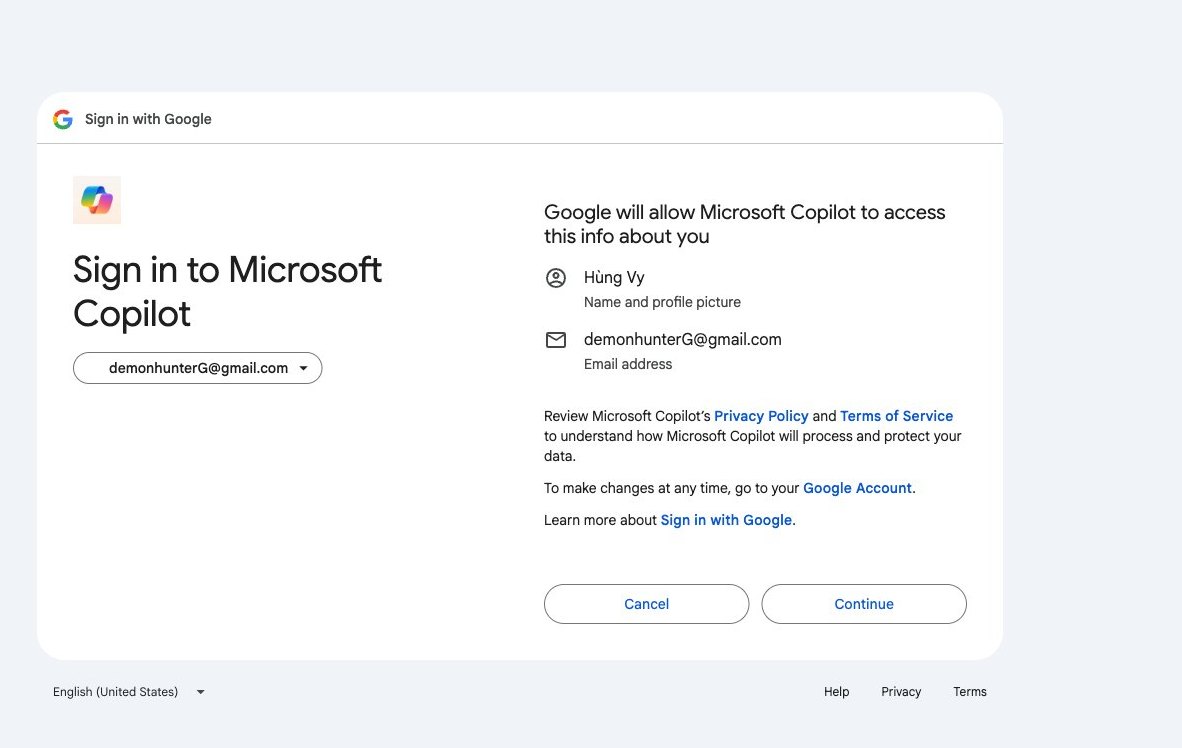
For Copilot to become a truly capable assistant, you need to train it. It is not hard. We need to write detailed prompts. The ‘5W+1H’ method is the key. It helps Copilot understand every requirement, so it produces SEO-ready content that stays close to the brand tone. The results are no longer generic or off target.
We need to shape a specific role for Copilot. Treat it like a new hire who needs to know who it is and what it does. For example, ask: “You are a seasoned SEO expert at MONA Media.” Or: “You are an experienced marketing content writer.”
Then state the article’s main goal. Every article has its own purpose. The goal might be to increase organic traffic. It might also be to generate potential leads. Write it out: “The goal is to attract customers searching for ‘business website design’ and convert them into consultation requests.” A clear goal is very important.
For quality content, Copilot needs to understand the context. Provide the background information: specific data, nothing vague. For example, for the topic, be detailed: “The topic is ‘The benefits of custom inventory management software for manufacturers’.”
Add the target readers. We need to know who they are. For example: “The audience is owners of small and medium businesses and operations directors interested in cost-optimization solutions.” The more detailed the context, the more accurate the result. You should also state where the piece will be published, such as the company blog or a specific product page. This helps Copilot adjust tone and style.
This part focuses on how the article will be presented. Format matters. Ask for a specific structure. For example: “The article has 1 H1 and 3 H2s, each H2 with 2-3 H3s. Length is about 1,200 words.” This helps Copilot organize the information better.
We also need to provide SEO keywords. This is a core element. List the main and secondary keywords clearly. For example: “Main keyword: ‘business automation software’. Secondary keywords: ‘optimize business processes’, ‘reduce operating costs‘.”
Do not forget the brand voice. MONA always pays attention to this. Describe the tone you want: “Professional, approachable, inspiring voice, avoiding overly academic wording.” Finally, review the whole prompt before sending. Clarity always pays off.
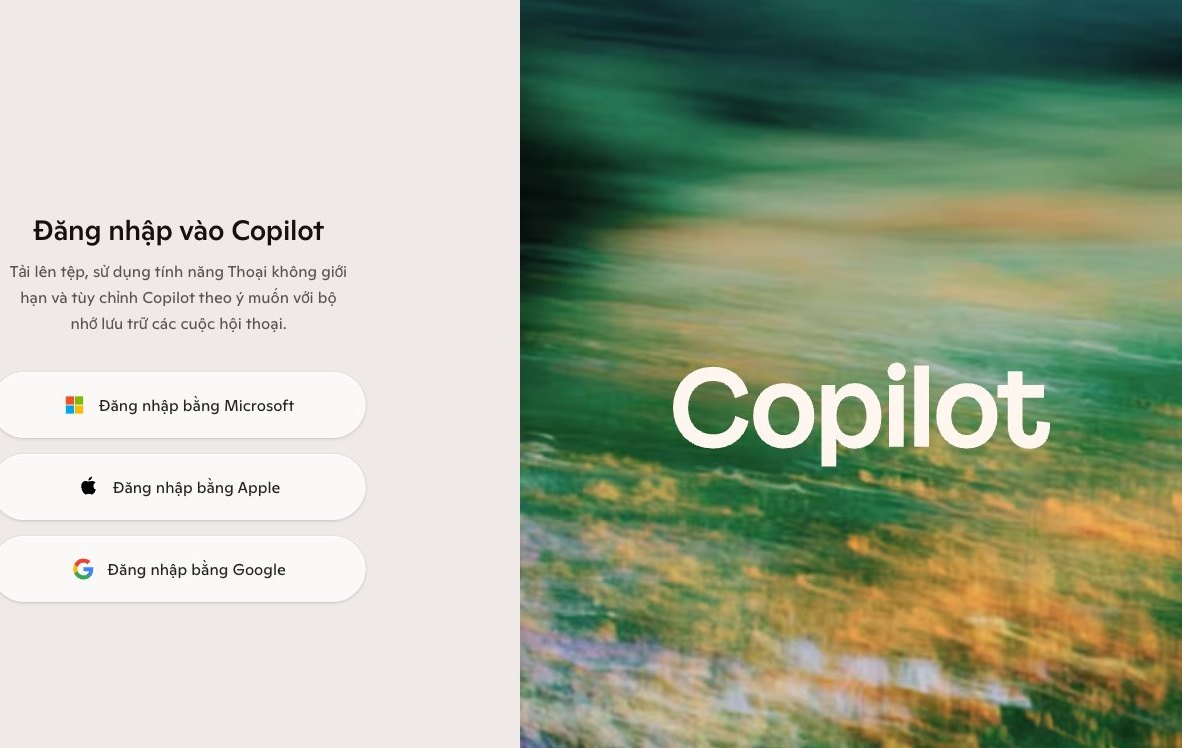
Copilot is not just a standalone tool. Its real strength lies in deep integration with Microsoft 365. You will see it change the way you work every day. We have experienced this in our projects, and processes become leaner.
Drafting documents often takes a lot of time, and a blank page can be hard to start. Copilot in Word eases that worry and speeds up getting a document started. We often use it to save time.
To start, just open Word. Click the Copilot icon on the toolbar. Enter a clear prompt. For example: “Draft an expense approval process for the Marketing department.” Or “Write a summary of this morning’s leadership meeting.” Copilot creates the content, and you can edit and finalize it afterward. It takes only a few minutes.
An inbox flooded with long emails costs you a lot of reading time, and finding important information gets hard. Copilot in Outlook changes that. It helps you grasp the core content quickly. We use this feature every day.
When you open an email thread, click the Copilot icon. Choose “Summarize” to quickly understand the main content. Then use “Draft a reply” with its suggestions. You can give specific instructions. For example: “Reply confirming receipt, and schedule a meeting next Tuesday at 10 a.m.” Or “Send an apology for the incident and propose a solution.” Work goes faster, and information is handled neatly.
You often have to handle spreadsheets with large amounts of data. Finding trends or building visual reports takes a lot of effort. Copilot in Excel is a capable helper. It gives you an overview of the data and helps you decide faster.
To use it, open an Excel spreadsheet. Select the data range to analyze. Activate Copilot. Then ask specific questions. For example: “Find the revenue trend for Q2 this year.” Or “Compare sales performance across regions.” Copilot gives a preliminary analysis and suggests suitable chart types. This saves a lot of time.
Preparing a professional presentation takes a lot of time and effort. You have to organize ideas and design attractive slides. Copilot in PowerPoint eases that pressure by creating outlines and slides automatically. We often use it to speed things up.
In PowerPoint, open Copilot and ask it to create an outline. For example: “Create an outline for a presentation on the 2024 digital marketing strategy.” You can also paste text directly, then ask Copilot to turn it into slides. For example: “Create slides from the attached document.” Or “Add illustrations to this slide.” Copilot arranges the content automatically, so you can focus on refining and presenting. This work is far more efficient.
Microsoft Copilot is a powerful tool. It produces drafts quickly. However, raw content still needs your hand. We must ensure quality. That is the difference between average content and professional content. The “Check, Fix, Optimize” process will help you do it.
We at MONA have applied this process thoroughly. We turn Copilot’s output into high-quality documents that fit the business goals of each project.
Content created by Copilot must be reviewed carefully. We have to verify the information and make sure all data is true, avoiding any deviation.
You need to cross-check against reliable sources. Your company’s internal data is very important. Every number and event must match. A small error can have big consequences and hurt the company’s reputation. MONA always stresses this step. It is the foundation of all quality content.
Every business has its own brand voice, and that voice needs to stay consistent. Copilot sometimes produces generic content that lacks the “soul” of your company. Fine-tuning is essential.
We adjust word choice so the writing shows personality. This helps customers recognize your brand. MONA helps you build a consistent brand identity, including the tone of your content.
Think about your target audience. The content has to resonate with them, and the wording should fit your company culture. This is the step that leaves your mark.
The content has been checked and refined. The last step is optimization. We prepare the content for the place where it will appear. Uses vary widely: a blog post, a marketing email, or a social media post.
Optimization covers several things. The structure should be clear. Subheadings and bullet lists make it easier to read. With SEO content, keywords need to be woven in naturally. The call to action (CTA) should be specific, guiding readers to the next step.
MONA always keeps the end goal in mind. We make sure the content is not just good but effective, and that it delivers clear business results for you.
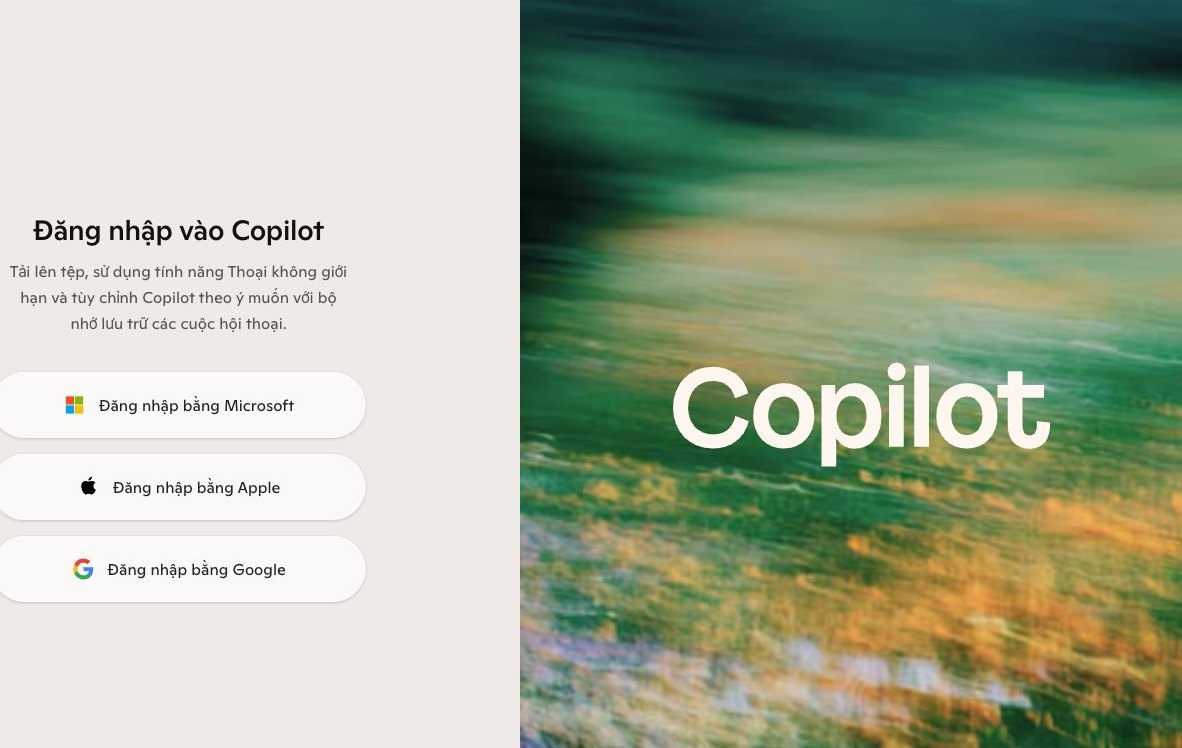
Microsoft Copilot gives individuals a lot of power. It helps you handle many separate tasks quickly. But there is a clear paradox to acknowledge: Copilot was not built to replace a business's core systems.
Free AI tools such as Copilot mainly address individual needs. They help draft text, write emails, summarize documents, or analyze local data. Everything happens at the level of isolated tasks. They were not designed to connect the whole operating process. That is a major weakness.
Picture a single assistant. They are excellent at your personal tasks, but they cannot manage the whole supply chain or run the sales department. In the same way, Copilot helps employees work more efficiently, but it cannot automate complex processes or integrate data from different departments.
Business data is usually scattered: CRM, ERP, warehouse management, accounting software. They run independently. Copilot cannot connect these sources seamlessly or sync information between systems. That creates major bottlenecks, and manual work stays.
Fragmented data is a major barrier. Tools like Copilot cannot reach it, analyze it, or sync all of it. The result is partial automation and weaker overall performance. We need a different solution.
Data security is also a concern, especially for sensitive information. Using personal AI tools can carry risk. Data may leak or may not be tightly controlled. Businesses need stronger protection mechanisms.
To get real automation, a business needs a custom solution: software designed specifically for it and deeply integrated with your existing systems. MONA has over 10 years of experience in this field. We build end-to-end systems.
MONA's software solutions are fully customized. We integrate AI/LLMs directly into your processes, which keeps data seamless and puts information security first. 14,000+ projects have trusted MONA, and we always aim for the best performance.
MONA develops separate modules. For example, spa management software with built-in AI, or smart restaurant software. They are designed to process data in one place, so every business activity can be automated, from marketing and sales to operations. We also provide professional SEO service and website design with the latest technology.

CEO & Founder · The MONA
Founder of The MONA, who built a services company of 60+ staff with 14,000+ projects delivered. Khánh Hùng shares how he thinks about building systems that run themselves, automating a business, and the real lessons from delivering projects at MONA.
 424




Professional website
design services
Own a website with a beautiful, 100% exclusive design and a lifetime warranty, with the ability
to expand features flexibly as your business grows, starting today!






 MONA will never sell your information or send you spam


 MONA will never sell your information or send you spam
