
 MONA OS 2.0
 Partner with MONA


 Tự động hoá doanh nghiệp
 Cẩm nang SEO
 Digital Marketing
 Kinh nghiệm thiết kế website
 Hạ Tầng Server
 Giáo dục


 VI
 EN














Message us on
Zalo Official


 ProductsNew

 ProductsProducts
 Mới ra mắtKHA AI 2027App tự edit video, tự đăng mọi mạng xã hội, 2 phút mỗi ngày










 Website designLooks good and wins customers over.
SEO servicesBrings in customers searching for exactly what you sell.
 Tư vấn digital marketingKéo khách từ nhiều kênh, đo bằng số thật.
Corporate video productionVideos introducing your company, factory and team.
 NewAI video productionCompany story films made with AI.
 Custom software developmentCRM, ERP and HRM built for your business.
 Viết AI Agent theo yêu cầuĐặt riêng một trợ lý AI cho đúng việc của mình.
 Tư vấn chuyển đổi AIĐưa AI vào vận hành của cả công ty.
NewMONA LMSManagement for centers and schools.
MONA SkillHubInternal training for company staff.
 NHTQ systemEnd-to-end China–Vietnam shipping operations.
MONA JMSManagement for gold, diamond and pawn shops.
 MONA E-LearningA website with every feature you need to sell courses.
 How to sell online courses (course)More than 30 free lessons on selling courses on autopilot.
 MONA Cloudmonacloud.vnServers to get your apps and websites running.
 MONA Basemonabase.vnPostgres database, sign-in and file storage.
 MONA Mailmonamail.vnSend OTP, order and invoice emails from your software.
 MONA Paymonapay.vnAccept bank transfers via VietQR and notify your software when the money arrives.
 MONA eInvoiceComing soonIssue e-invoices that meet tax standards.
Gấu CườiTrả lời khách 24/7 trên web, Fanpage, Zalo và thu lead cho sale.
 Gấu TeleSalesGọi điện tư vấn, chăm khách như tổng đài viên thật.
Dê CườiTư vấn và chốt đơn cho shop ngay trong khung chat.
Gấu WebmasterNhắn nhóm Zalo là website được sửa xong.
 Gấu Pháp ChếSoạn hợp đồng, rà điều khoản trong vài phút.
 Gấu Báo GiáLên báo giá đúng mẫu và gửi khách ngay.
 AI chăm sóc khách hàngTheo dõi và giữ chân khách hàng cũ.
 Gấu Tuyển DụngLọc hồ sơ, hẹn lịch, phỏng vấn ứng viên.
 Mới ra mắt
KHA AI 2027
Xây kênh chuyên gia 2 phút mỗi ngày
Quay bằng điện thoại, AI tự edit video, tự đăng lên 16 nền tảng và tự trả lời bình luận, tin nhắn.
883.362lượt xem trên kênh CEO MONA sau 36 ngày
 Anh Khánh HùngCEO MONA đang dùng mỗi ngày
Xem app làm được gì
 AI
Gấu Cười MONA ĐANG TỰ XÀITrả lời khách 24/7 trên website, Zalo OA, Messenger và thu lead về cho sale.
Dê CườiChốt đơn bán lẻ và sàn: Shopee, TikTok Shop, web. Chăm cả khách sỉ, đại lý.
Gấu WebmasterCập nhật nội dung, tối ưu SEO website mỗi ngày.
Gấu TeleSalesGọi điện tư vấn, chăm khách như tổng đài viên thật.
Gấu Tuyển DụngLọc hồ sơ, hẹn lịch, phỏng vấn ứng viên tự động.
AI chăm sóc khách hàngGiữ khách cũ, cứu lead đã rớt cho phòng kinh doanh.
Gấu Pháp ChếSoạn hợp đồng, rà điều khoản trong vài phút.
Gấu Báo GiáLên báo giá đúng mẫu, gửi khách ngay khi có yêu cầu.
 Chuyển đổi AI toàn phầnGiải pháp tổng cho doanh nghiệp, 3 lớp triển khai.
 Viết AI Agent theo yêu cầuĐặt riêng một con AI gánh đúng nghiệp vụ của bạn.
 Custom softwareCRM, ERP and HRM with built-in AI automation.
 SEO & AEO thời đại AIĐược Google lẫn AI trích dẫn, không chỉ xếp hạng.
 Kiến thức AI cho doanh nghiệpBài phân tích, hướng dẫn ứng dụng AI vào vận hành.
 Free AI courses
 AI tools at work
App mới · KHA AI 2027
Xây kênh 2 phút mỗi ngày
AI tự edit video, tự đăng mọi mạng xã hội
Free consultation, 8am–10pm every day

15 January, 2025
Among AI tools for business, the one most worth investing in is an AI customer care assistant , which answers on its own, scores leads and drafts quotes.
Interested in A community group for sharing experience and turning ideas into electronic products that actually earn money with AI
AI & Vibe Coding?

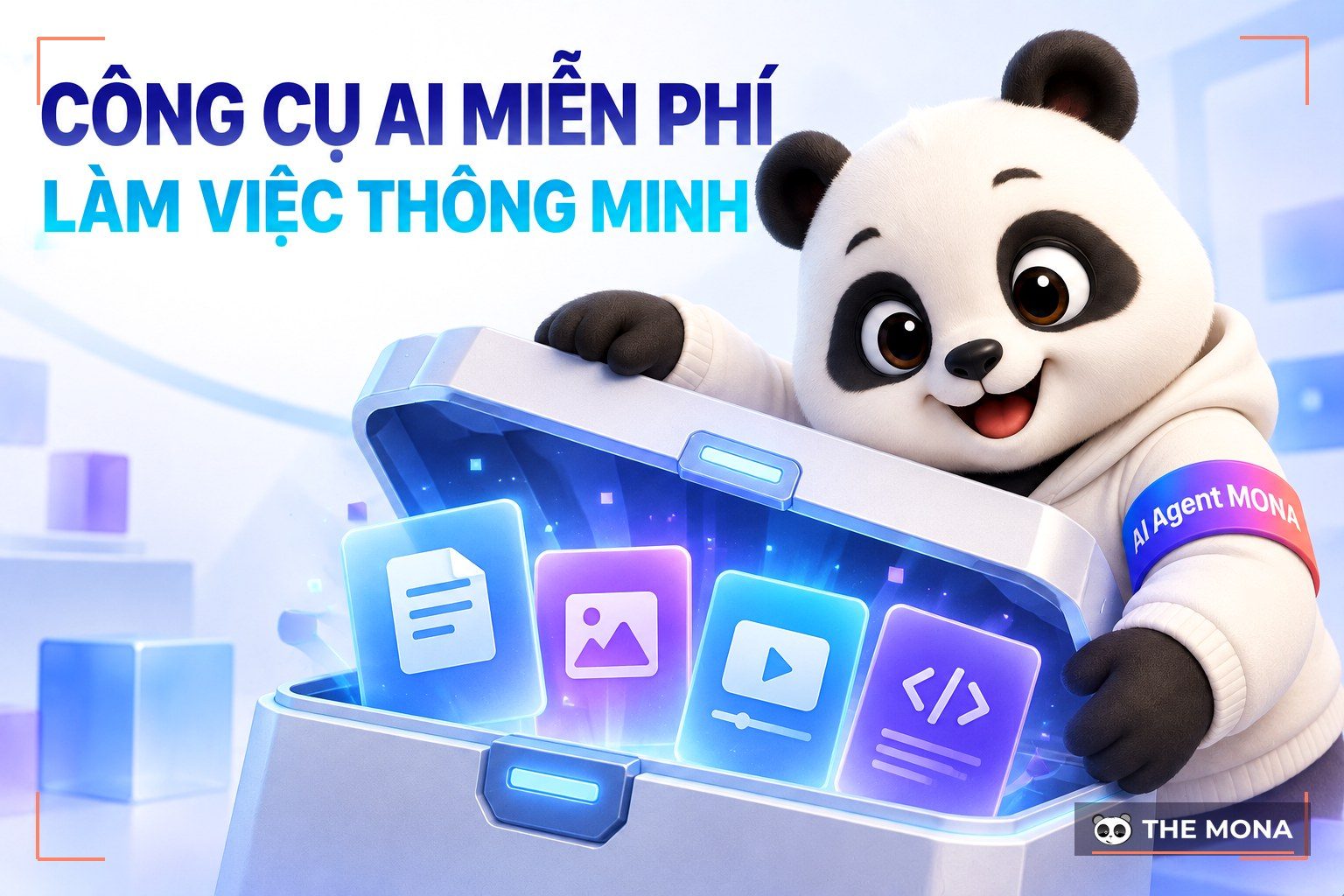
AI tools for writing content and virtual assistants are getting more popular, with standout names such as ChatGPT, Google Gemini and Microsoft Bing AI,… These AI SEO tools not only save you time but also make content creation more effective, with smarter, faster and more accurate interaction than ever.
ChatGPT is an AI tool developed by OpenAI that uses the modern GPT-4.0 language technology. With a natural, human-like ability to understand and respond, ChatGPT offers an all-round solution from communication and information processing to content creation.
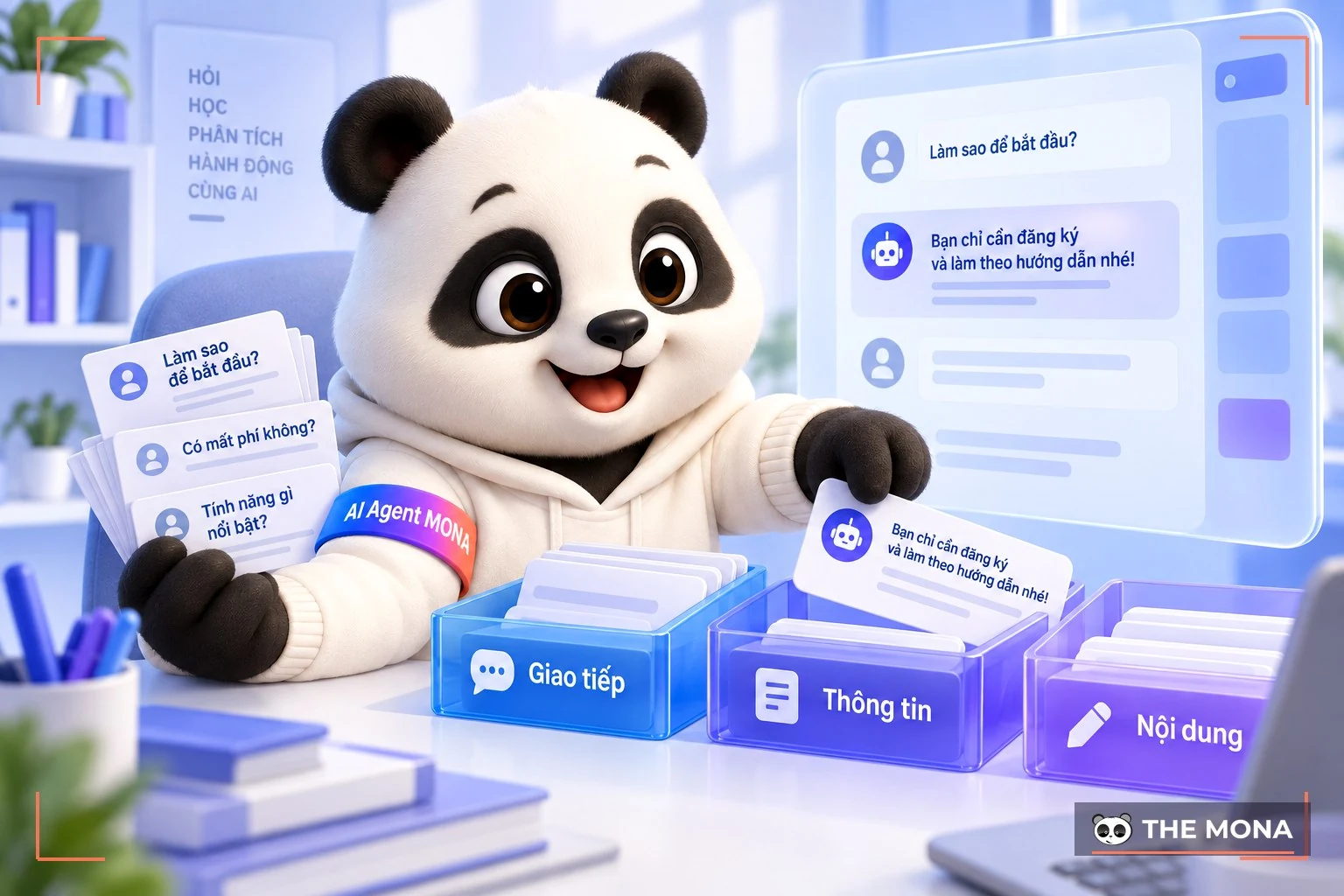
This AI app is widely used thanks to its versatility, and it fits many fields:
→ Visit here: chatgpt.com
Google Gemini is a free AI tool with a paid version, developed by Google on advanced deep learning models. The technology stands out for its strong image processing, from recognition and classification to object detection and accurate prediction. Gemini focuses not only on handling large data but is also optimized for tasks that demand high accuracy and expertise. Here are some notable uses of this AI tool:
→ Visit here: gemini.google.com
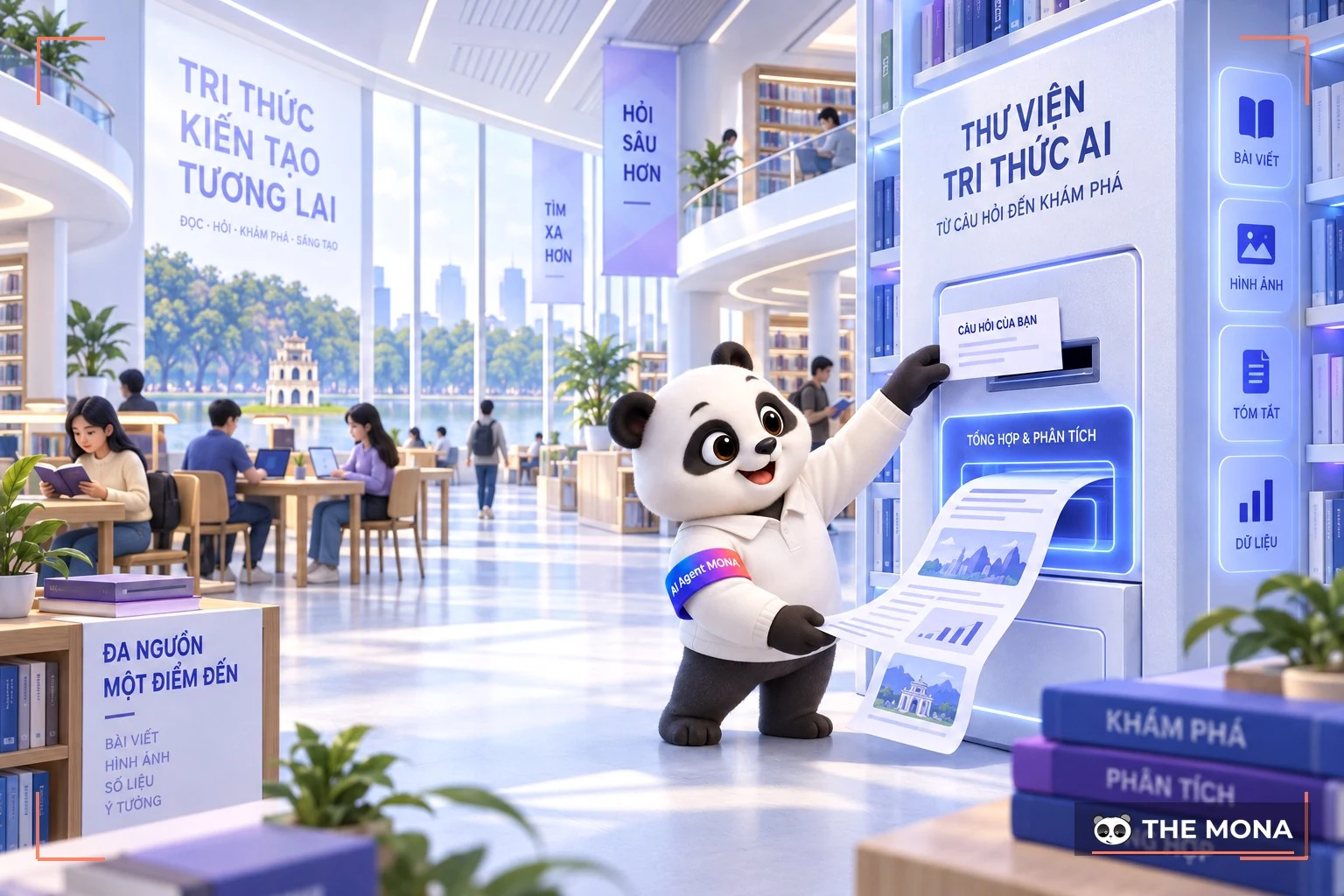
Microsoft's Bing AI is a set of artificial intelligence tools built deep into the Bing search platform. Powered by advanced machine learning algorithms, Bing AI delivers accurate, personalized search and boosts your efficiency with many standout features.
→ Visit here: bing.com
Claude AI is an artificial intelligence app developed by Anthropic. Claude AI stands out for its strong information processing and for interacting like a real conversation. With the strengths below, Claude AI does more than support your work. It opens up many breakthrough opportunities in technology and everyday life.
→ Visit here: claude.ai
In learning and research, AI tools are becoming a powerful helper thanks to how fast they search and summarize information. Instead of spending time digging on your own or worrying about cost, learners can use free AI tools to study and research more effectively. These tools help correct work, look things up and improve content quality, and they make studying much simpler.
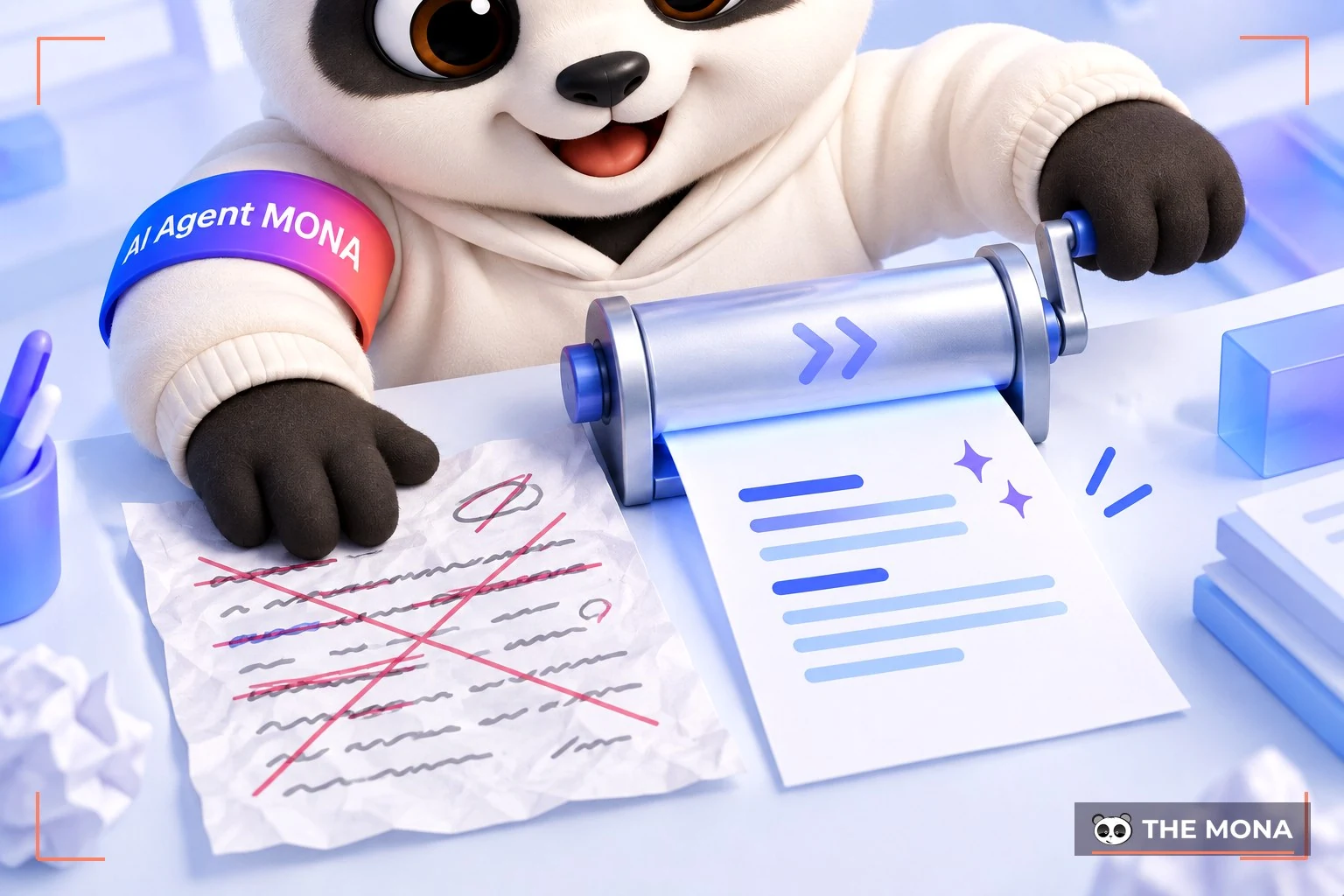
Sometimes you hit a phrase that is hard to understand, or you have a great idea but can't work out how to write it smoothly. In this case, QuillBot is a solution worth considering. QuillBot uses modern AI to understand and analyze context, then rephrases the content in a logical, easy-to-understand way while keeping it original and true to the message you want to convey. The QuillBot AI tool stands out for these strengths:
→ Visit here: quillbot.com
TensorFlow is considered a powerful open-source library developed by Google, built for creating and deploying machine learning models, especially deep learning. With its ability to handle large data and its many built-in optimization tools, TensorFlow has become a top choice for AI developers and researchers. Notable strengths of TensorFlow include:
→ Visit here: tensorflow.org
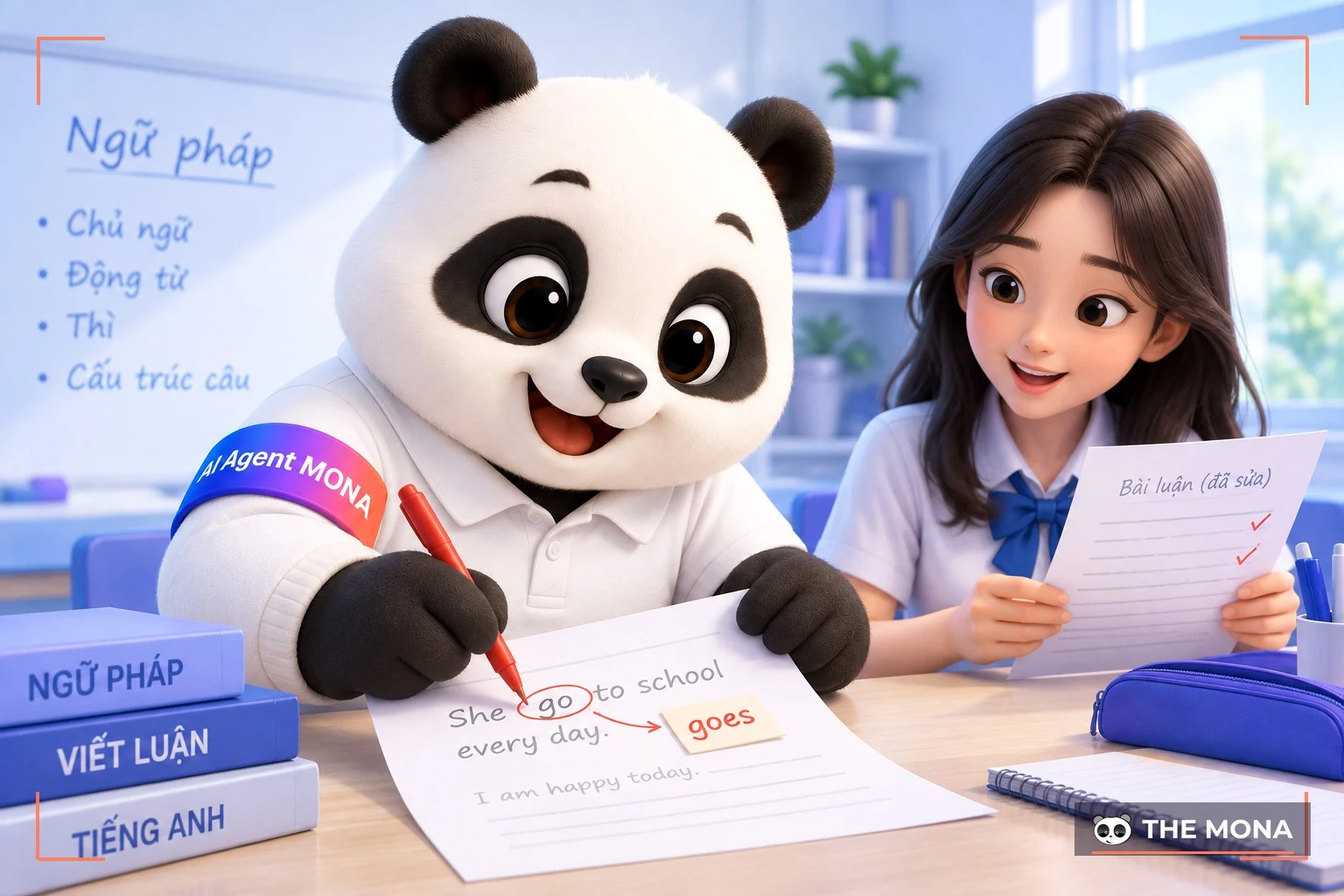
Grammarly is among the most popular AI tools for supporting study, and a leading checker for English grammar and spelling. With advanced language algorithms built in, Grammarly easily detects grammar mistakes and also gives smart, easy-to-understand suggestions. Specifically, it offers these strengths:
→ Visit here: grammarly.com
If you still think editing images and videos takes a high level of expertise, artificial intelligence has made everything much easier. Here are 3 of the best AI tools for editing photos and videos that you can consider.

Lumen5 is a popular AI tool for creating online videos, helping you turn simple content such as text or images into professional videos in just a few minutes. It's an ideal way to repurpose content creatively, thanks to these strengths:
→ Visit here: lumen5.com
Synthesia is an AI tool that offers an optimal way to create videos from text automatically and professionally. Using machine learning and modern voice synthesis, Synthesia AI helps users easily produce high-quality videos for many purposes, from ads and training to product guides, with these features:
→ Visit here: synthesia.io

Canva is one of the most popular graphic design platforms today. When you use Canva, you'll notice it suggests design templates and styles that match your personal taste. Its AI features for background removal, image resizing and smart editing save as much time as possible while keeping design quality. Some highlights of Canva include:
→ Visit here: canva.com
When people think about graphic design, they often imagine complex work that needs high skills and a long time to finish. But AI tools for design now let users easily create high-quality, creative products.

Midjourney is a tool built to support artists, designers and anyone passionate about creating digital images. Powered by machine learning algorithms, Midjourney can turn initial ideas into vivid, striking works of art in a short time.
If you are looking for a way to boost your creativity and bring artistic ideas to life, Midjourney is certainly one of the best AI tools for design, for these reasons:
→ Visit here: midjourney.com
Adobe Firefly is also a modern AI tool from Adobe that helps designers and creative artists make professional graphic products. With strong built-in AI, Firefly not only simplifies design workflows but also inspires users.
With Adobe Firefly, every creative idea can come to life thanks to these strengths:
→ Visit here: firefly.adobe.com
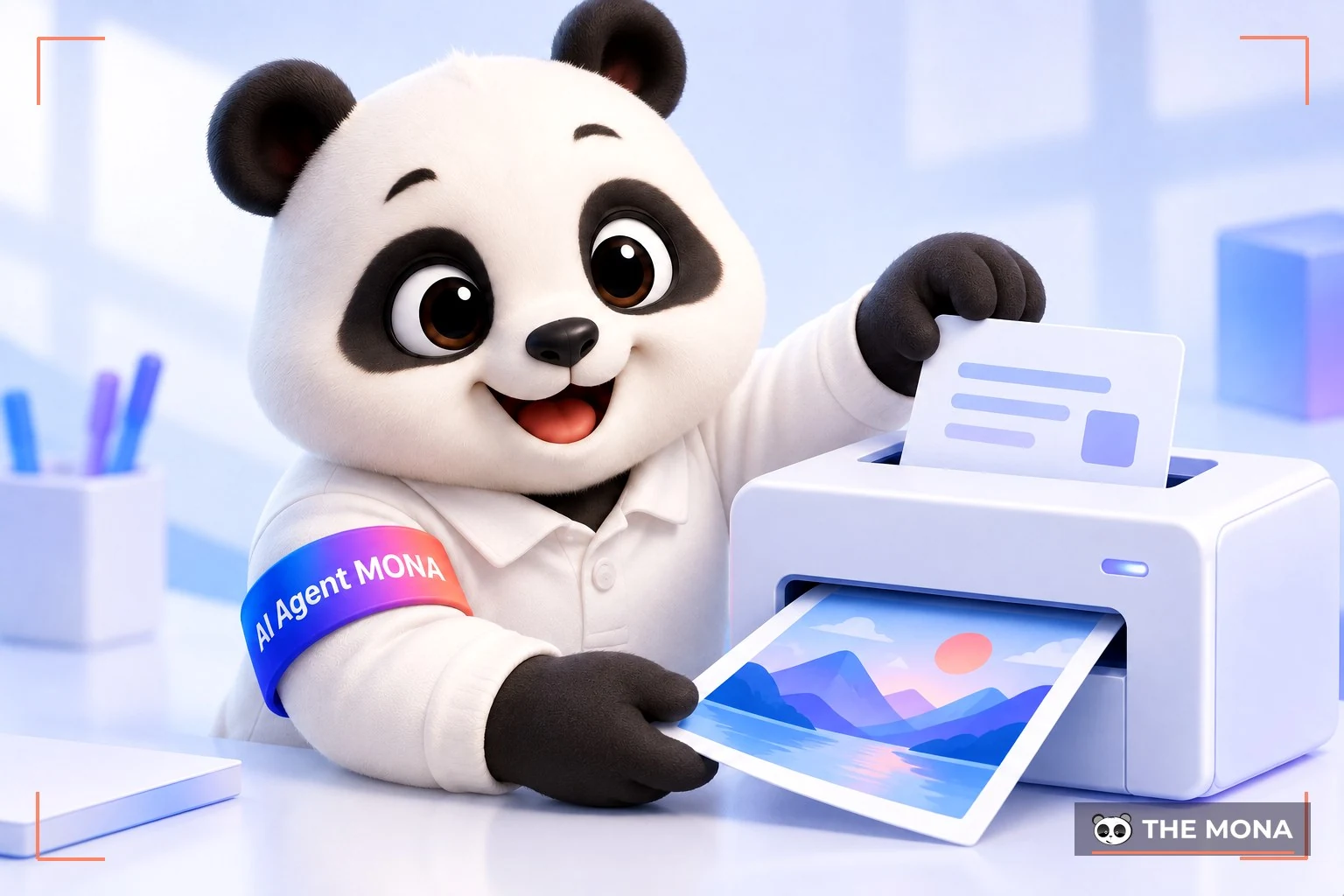
Dall-E is an artificial intelligence model developed by OpenAI, known for turning text descriptions into images in an instant. This AI tool works like a creative bridge between language and images, turning lines of text into pictures that match the description closely.
In addition, the Dall-E AI tool has these notable benefits:
→ Visit here: openai.com/index/dall-e-3
AI tools are also becoming a strong helper in programming, helping developers build applications faster and more efficiently. These tools reduce the workload that can be automated, and they help develop algorithms and machine learning models smoothly, saving developers time.
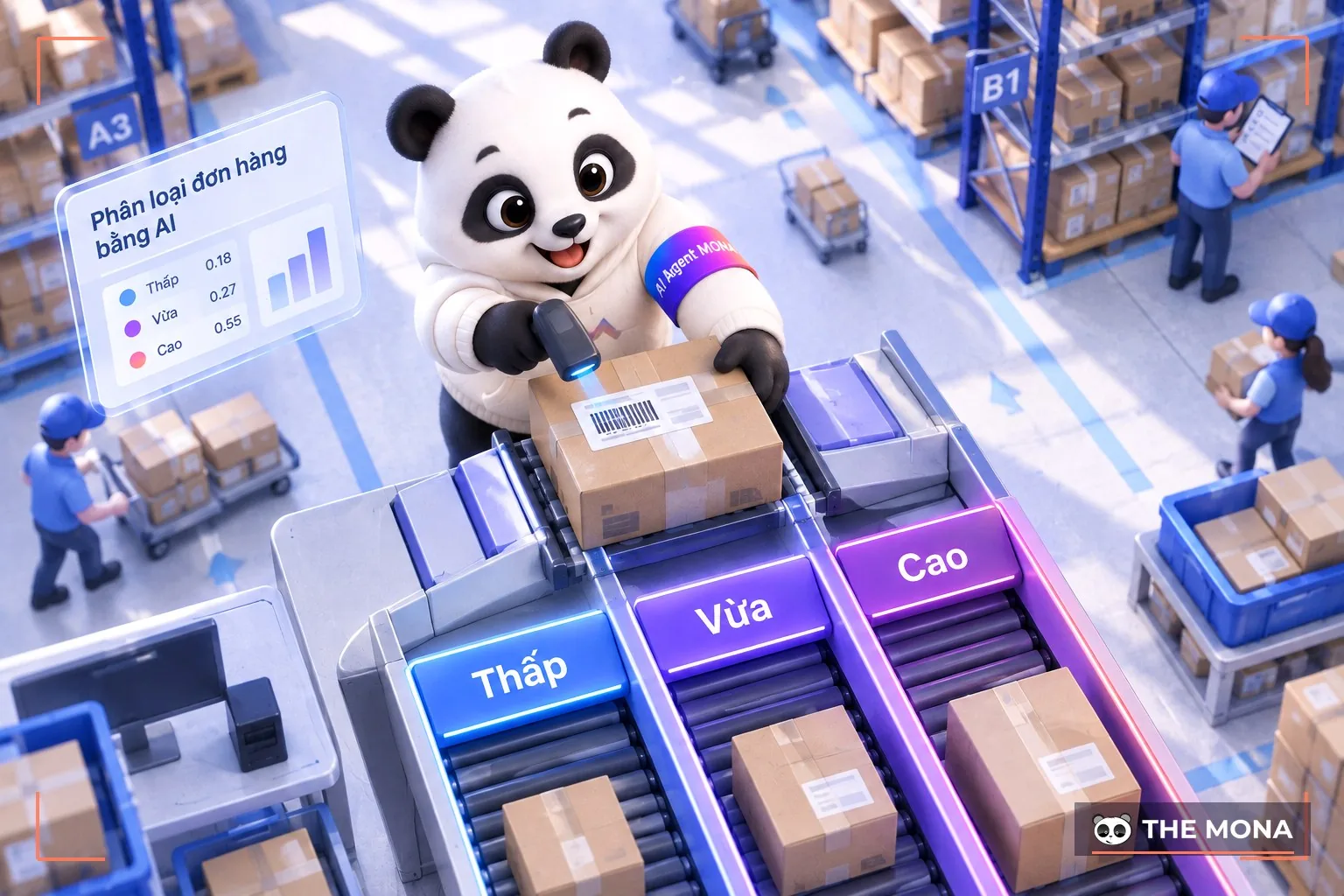
Amazon Machine Learning (Amazon ML) is a service of Amazon Web Services (AWS) that helps users build, train and deploy machine learning models without deep AI expertise or complex programming. It is a free AI tool and an ideal choice for anyone who wants to apply machine learning to real problems, from data analysis to optimizing business processes.
→ Visit here: aws.amazon.com/vi/ai/machine-learning
IBM Watson Studio is a modern platform designed to help data scientists, developers and analysts get the most from their data. This AI tool lets you create, train and manage AI and machine learning models, and it tackles complex data challenges. IBM Watson Studio's standout strengths include:
→ Visit here: www.ibm.com/products/watson-studio

Codex is also a free AI tool developed by OpenAI, built on natural language processing technology. Codex's special ability is to understand and write code from descriptions in natural language. That means you just describe what you need, and Codex quickly turns the description into accurate code. This AI tool also brings users these benefits:
→ Visit here: openai.com/index/openai-codex
As you can see, there are many AI tools above, and the number grows every day. That's why many people fall into the “FOMO trap” and rush into using everything until they lose direction. But Hữu Hùng, Product Director at The MONA, says you only need to know how to choose the right tools and fit them into your own workflow. In the video below, Hùng shares 5 tips for choosing the right AI tools among the flood of new tools that keep appearing!
The technology revolution is changing every aspect of life and work today. With the top free AI tools suggested by MONA, we hope you have found worthwhile “companions” on your journey to work better and grow yourself. Be bold, try them out and find the AI tools that fit your needs best. Small changes today might lead you to big steps in the near future.
≫ Read more:

CEO & Founder · The MONA
Founder of The MONA, who built a services company of 60+ staff with 14,000+ projects delivered. Khánh Hùng shares how he thinks about building systems that run themselves, automating a business, and the real lessons from delivering projects at MONA.
 1,6K


Professional website
design services
Own a website with a beautiful, 100% exclusive design and a lifetime warranty, with the ability
to expand features flexibly as your business grows, starting today!












 MONA will never sell your information or send you spam


 MONA will never sell your information or send you spam
