
 MONA OS 2.0
 Partner with MONA


 Tự động hoá doanh nghiệp
 Cẩm nang SEO
 Digital Marketing
 Kinh nghiệm thiết kế website
 Hạ Tầng Server
 Giáo dục


 VI
 EN











Message us on
Zalo Official


 ProductsNew

 ProductsProducts
 Mới ra mắtKHA AI 2027App tự edit video, tự đăng mọi mạng xã hội, 2 phút mỗi ngày










 Website designLooks good and wins customers over.
SEO servicesBrings in customers searching for exactly what you sell.
 Tư vấn digital marketingKéo khách từ nhiều kênh, đo bằng số thật.
Corporate video productionVideos introducing your company, factory and team.
 NewAI video productionCompany story films made with AI.
 Custom software developmentCRM, ERP and HRM built for your business.
 Viết AI Agent theo yêu cầuĐặt riêng một trợ lý AI cho đúng việc của mình.
 Tư vấn chuyển đổi AIĐưa AI vào vận hành của cả công ty.
NewMONA LMSManagement for centers and schools.
MONA SkillHubInternal training for company staff.
 NHTQ systemEnd-to-end China–Vietnam shipping operations.
MONA JMSManagement for gold, diamond and pawn shops.
 MONA E-LearningA website with every feature you need to sell courses.
 How to sell online courses (course)More than 30 free lessons on selling courses on autopilot.
 MONA Cloudmonacloud.vnServers to get your apps and websites running.
 MONA Basemonabase.vnPostgres database, sign-in and file storage.
 MONA Mailmonamail.vnSend OTP, order and invoice emails from your software.
 MONA Paymonapay.vnAccept bank transfers via VietQR and notify your software when the money arrives.
 MONA eInvoiceComing soonIssue e-invoices that meet tax standards.
Gấu CườiTrả lời khách 24/7 trên web, Fanpage, Zalo và thu lead cho sale.
 Gấu TeleSalesGọi điện tư vấn, chăm khách như tổng đài viên thật.
Dê CườiTư vấn và chốt đơn cho shop ngay trong khung chat.
Gấu WebmasterNhắn nhóm Zalo là website được sửa xong.
 Gấu Pháp ChếSoạn hợp đồng, rà điều khoản trong vài phút.
 Gấu Báo GiáLên báo giá đúng mẫu và gửi khách ngay.
 AI chăm sóc khách hàngTheo dõi và giữ chân khách hàng cũ.
 Gấu Tuyển DụngLọc hồ sơ, hẹn lịch, phỏng vấn ứng viên.
 Mới ra mắt
KHA AI 2027
Xây kênh chuyên gia 2 phút mỗi ngày
Quay bằng điện thoại, AI tự edit video, tự đăng lên 16 nền tảng và tự trả lời bình luận, tin nhắn.
935.406lượt xem trên kênh CEO MONA sau 42 ngày
 Anh Khánh HùngCEO MONA đang dùng mỗi ngày
Xem app làm được gì
 AI
Gấu Cười MONA ĐANG TỰ XÀITrả lời khách 24/7 trên website, Zalo OA, Messenger và thu lead về cho sale.
Dê CườiChốt đơn bán lẻ và sàn: Shopee, TikTok Shop, web. Chăm cả khách sỉ, đại lý.
Gấu WebmasterCập nhật nội dung, tối ưu SEO website mỗi ngày.
Gấu TeleSalesGọi điện tư vấn, chăm khách như tổng đài viên thật.
Gấu Tuyển DụngLọc hồ sơ, hẹn lịch, phỏng vấn ứng viên tự động.
AI chăm sóc khách hàngGiữ khách cũ, cứu lead đã rớt cho phòng kinh doanh.
Gấu Pháp ChếSoạn hợp đồng, rà điều khoản trong vài phút.
Gấu Báo GiáLên báo giá đúng mẫu, gửi khách ngay khi có yêu cầu.
 Chuyển đổi AI toàn phầnGiải pháp tổng cho doanh nghiệp, 3 lớp triển khai.
 Viết AI Agent theo yêu cầuĐặt riêng một con AI gánh đúng nghiệp vụ của bạn.
 Custom softwareCRM, ERP and HRM with built-in AI automation.
 SEO & AEO thời đại AIĐược Google lẫn AI trích dẫn, không chỉ xếp hạng.
 Kiến thức AI cho doanh nghiệpBài phân tích, hướng dẫn ứng dụng AI vào vận hành.
 Free AI courses
 AI tools at work
App mới · KHA AI 2027
Xây kênh 2 phút mỗi ngày
AI tự edit video, tự đăng mọi mạng xã hội
Free consultation, 8am–10pm every day

26 August, 2026

At MONA, we review dozens of websites every month for clients who use our SEO and web services. Over the past six months we've kept running into a new kind of problem across every industry: the site still ranks on Google and customers still pour in, but AI assistants like ChatGPT and Gemini can't read a single word on it. The site owner has no idea. The cause is usually a few lines of old settings left behind by a previous web team, not anything anyone did on purpose.
This is becoming a real money problem. Every month, thousands of people stop typing into Google and ask ChatGPT, Gemini or Perplexity directly, with very buying-minded questions: "which water purifier brand should I buy" or "who is a reputable web design company in Ho Chi Minh City." AI reads back through the websites it has collected and suggests a few names to the person asking. Your website has to be readable by AI to have a chance of being named. If it's blocked, you're invisible to a whole new layer of customers. This article shows you how to check in 5 minutes, and how to fix it if you're affected.
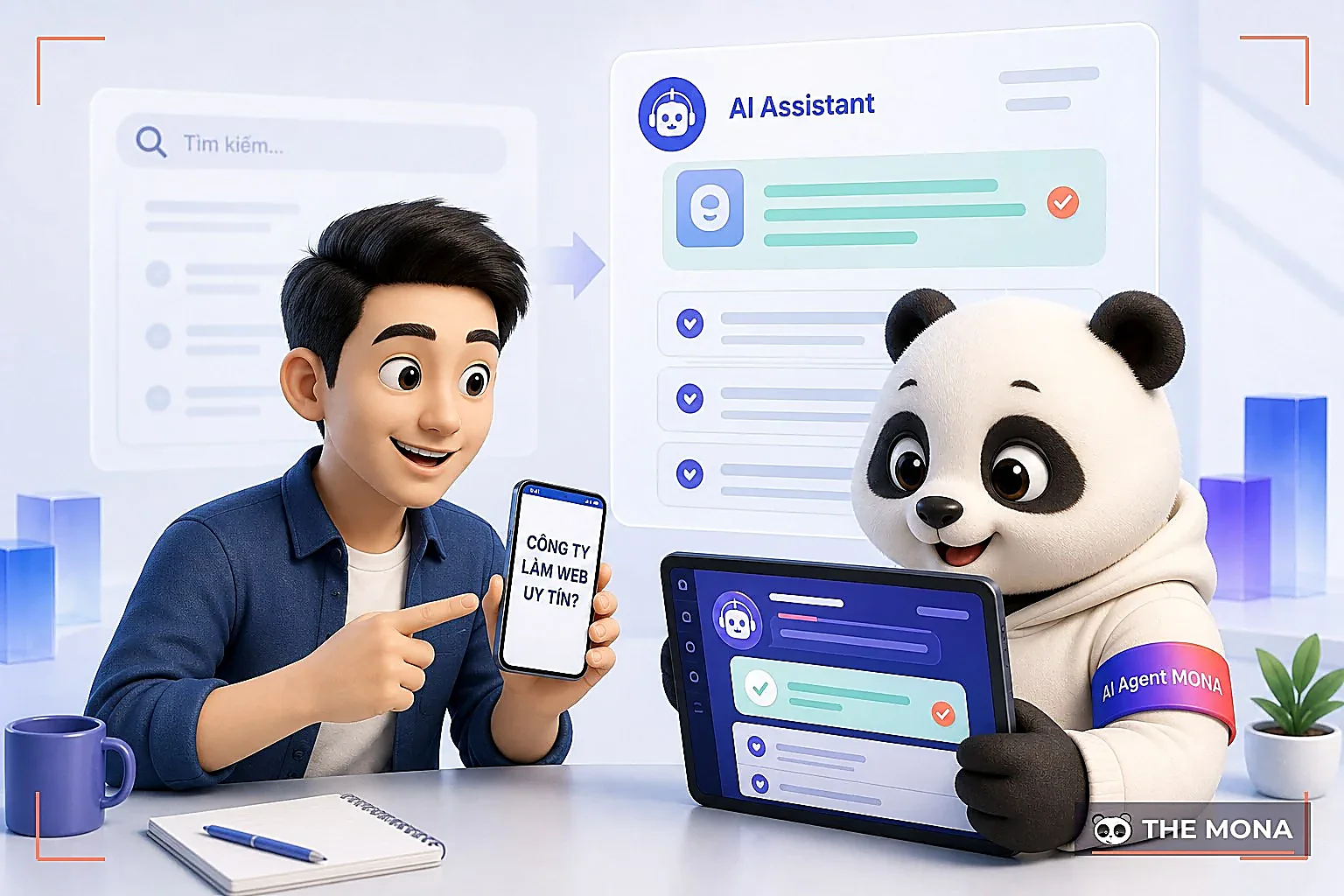
Before ChatGPT or Gemini names a website in an answer to a customer, that AI company's systems must have already read the site's content, just as Google has to crawl a page before it can rank it. It sounds technical, but the idea is simple. This reading is done by automated programs called bot (or crawlers). Each AI company has its own bot: OpenAI has GPTBot, Anthropic has ClaudeBot, Perplexity has PerplexityBot, and Google has a switch called Google-Extended for Gemini. The bot visits your website, downloads the content, and the AI company uses that content to answer users.
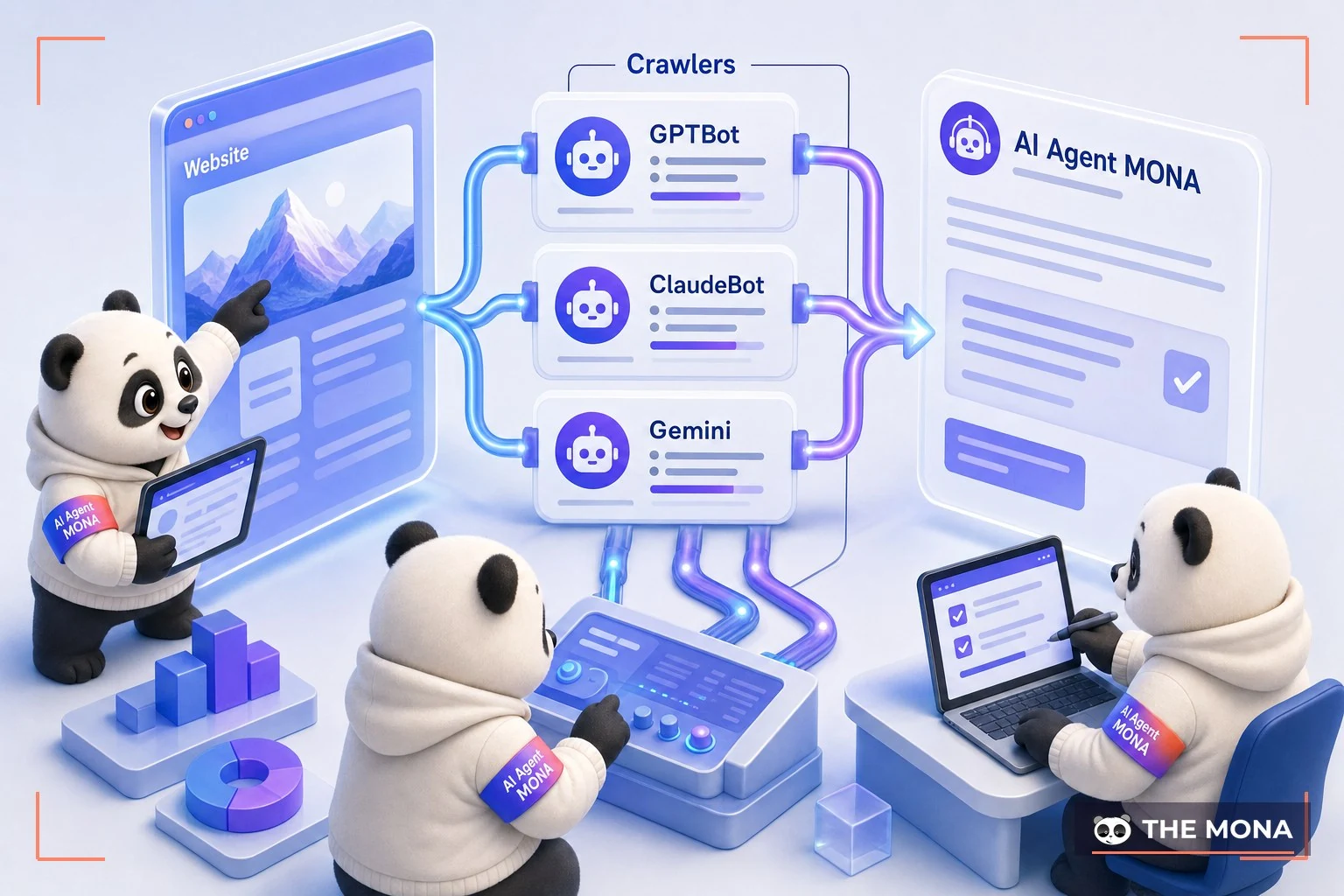
This works exactly the way Googlebot has read the web to rank search results for over 20 years. The only difference is that there's now a whole new set of bots from AI companies. The key point we want you to remember: your website decides which bots to let in and which to block. That permission is written in a file called robots.txt placed at the root of your website. Every technical team knows this file. To see your own, type tenmien.com/robots.txt into your browser and it appears right away. It's very easy to try. But most websites set that file up before AI existed, so they accidentally leave out or wrongly block the new AI bots. More than half of the sites we've checked recently had exactly this problem.
Because we review websites for clients all the time, we've collected the three most common situations:
One, blocking everything in the name of "safety." Many web teams worry that unfamiliar bots will slow down the server, so they block everything that isn't Google. A single Disallow line written too broadly can cut off GPTBot, ClaudeBot and PerplexityBot all at once. The site still ranks on Google as normal and the owner sees nothing unusual, but AI can't read a word. This is the case we see most often.
Two, reusing an old configuration. A website moves from one platform to another and the new team carries the old robots.txt over unchanged. A file written 4 to 5 years ago has no GPTBot or Google-Extended in it, because those bots didn't exist yet.
Three, setting the wrong blocking tag. Besides robots.txt there is also the noindex tag and the X-Robots-Tagheader. A page that gets this tag by mistake tells every bot "don't store me," AI bots included.

What do all three have in common? The website owner doesn't know they are blocking. Like the sample result in MONA's tool: a website scoring 68 points, with 8 of the 12 key AI bots blocked, all because of 2 badly written lines. The only way to know whether you're affected is to check directly. You can't guess. For all three cases, just paste your site into the tool and you'll see everything.
You don't need to read code. We built a free tool so anyone can check for themselves: paste your website address into the box, click one button, and see the result. Quick and simple.
👉 Check your website here with no sign-up, no storage of the address you enter, and results in a few seconds.
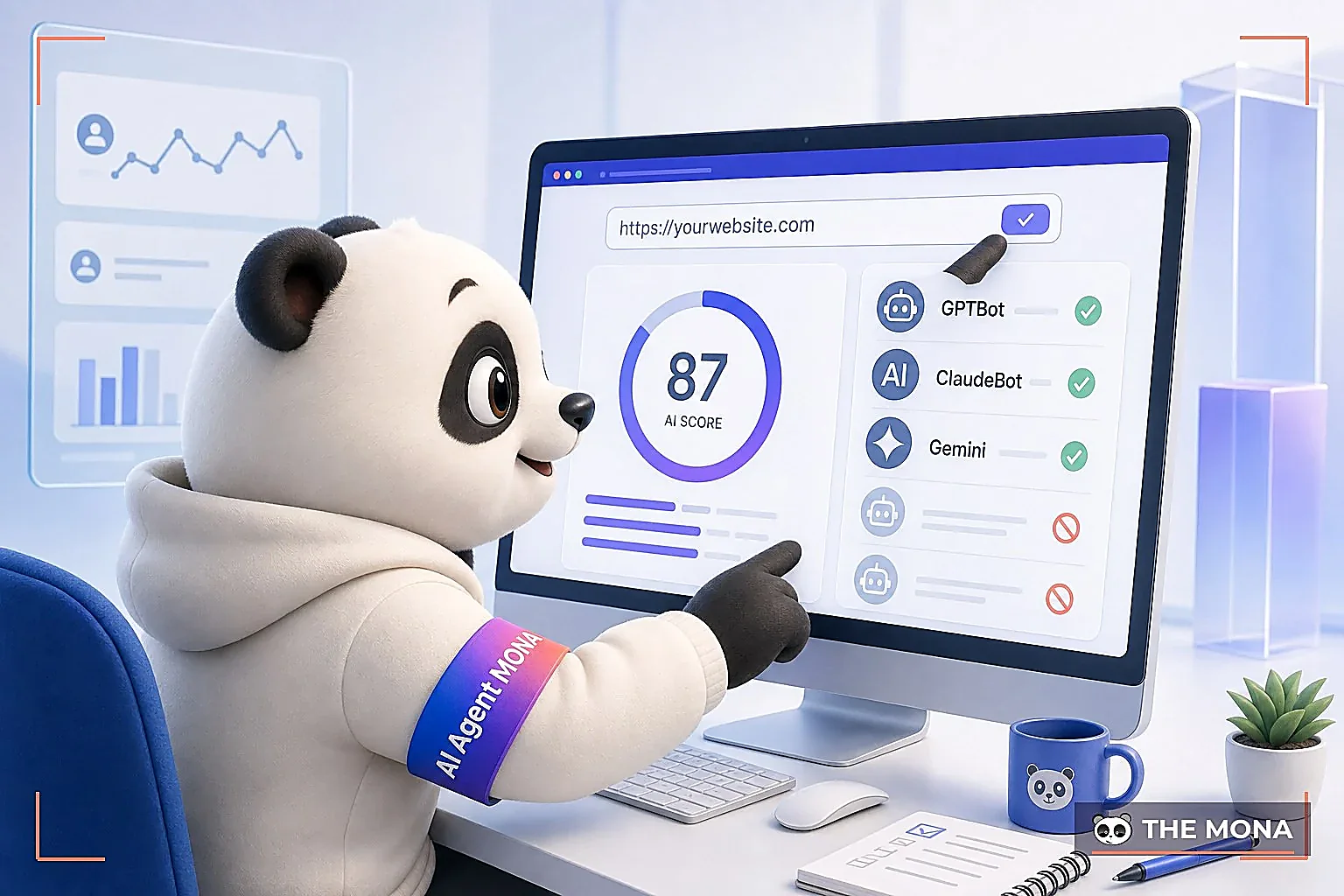
The tool returns three easy-to-read things. First, a score from 0 to 100: the higher the score, the more open your website is to AI, and a low score means important bots are being blocked. Second, a list of each bot with its status, allowed or blocked (GPTBot, ClaudeBot, PerplexityBot, Google-Extended and more), grouped so you can see at a glance who can read you and who can't. Third, a to-do list ranked by importance, with a snippet of settings you can copy and hand straight to your technical team.
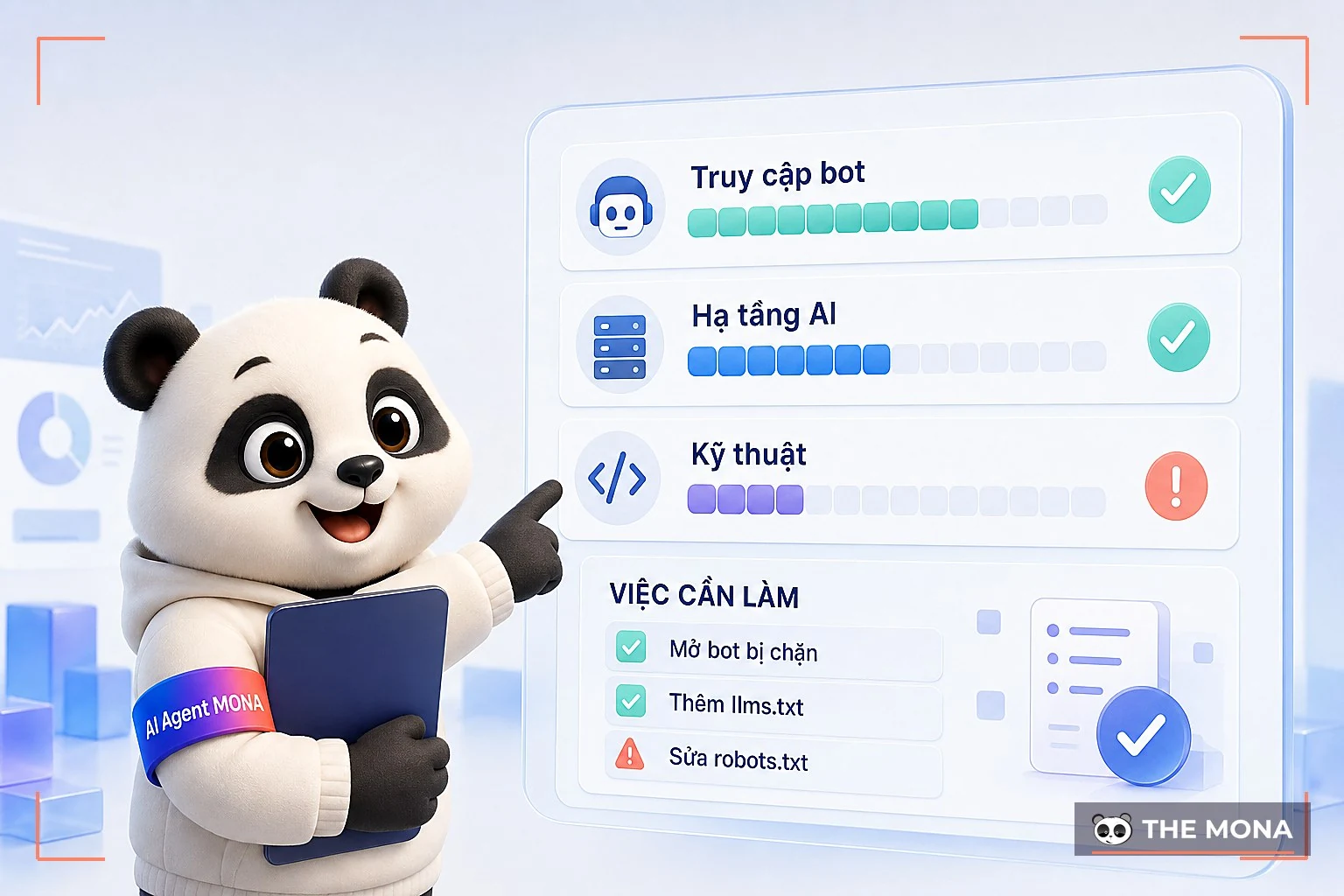
If your website scores high and no bots are blocked, good news. The foundation for getting named by AI is in place. If some bots are blocked, the section below shows how to open them up.
Not every bot deserves your attention. This is the group MONA advises clients to open first, because these are the assistants actually answering Vietnamese users and citing sources:
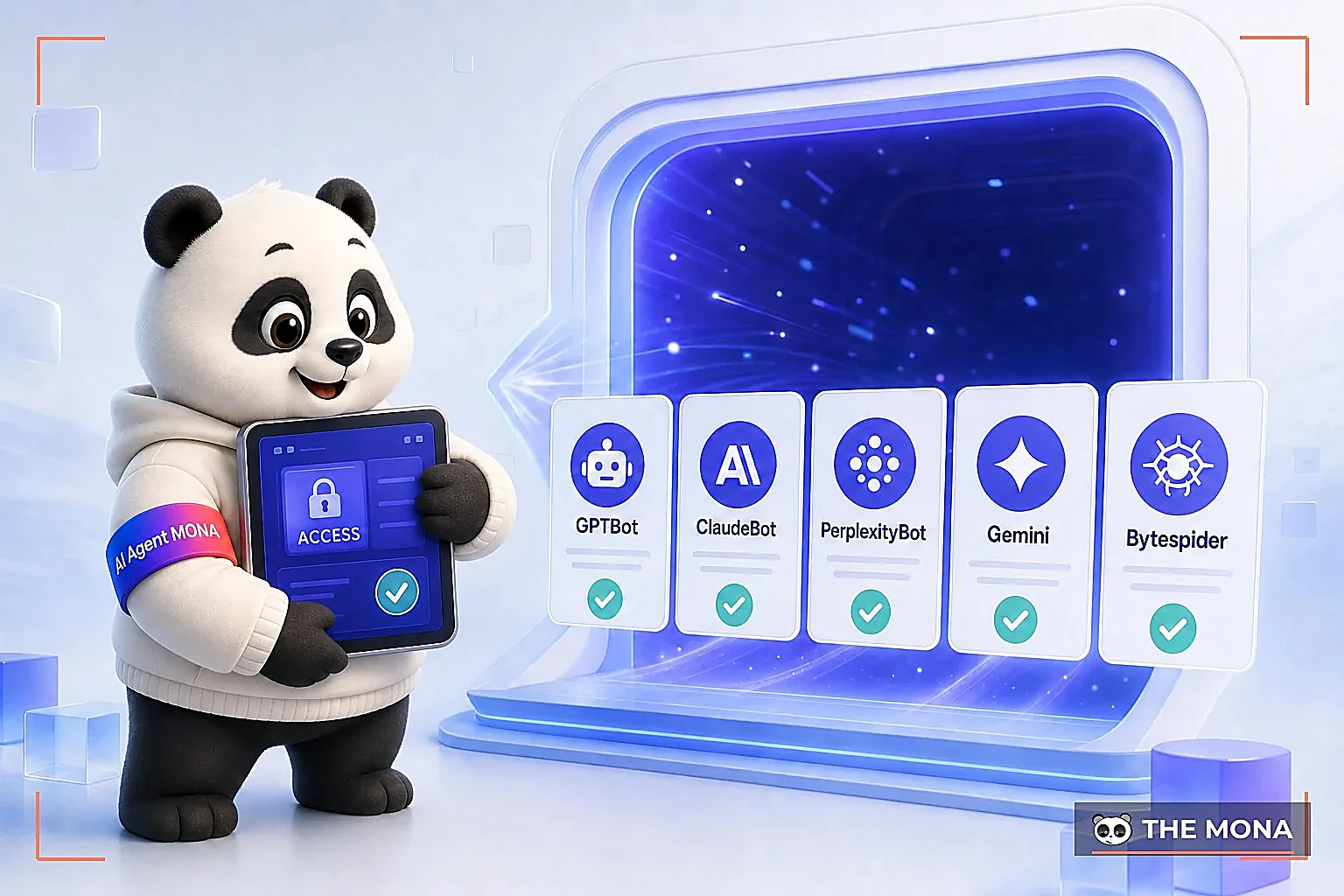
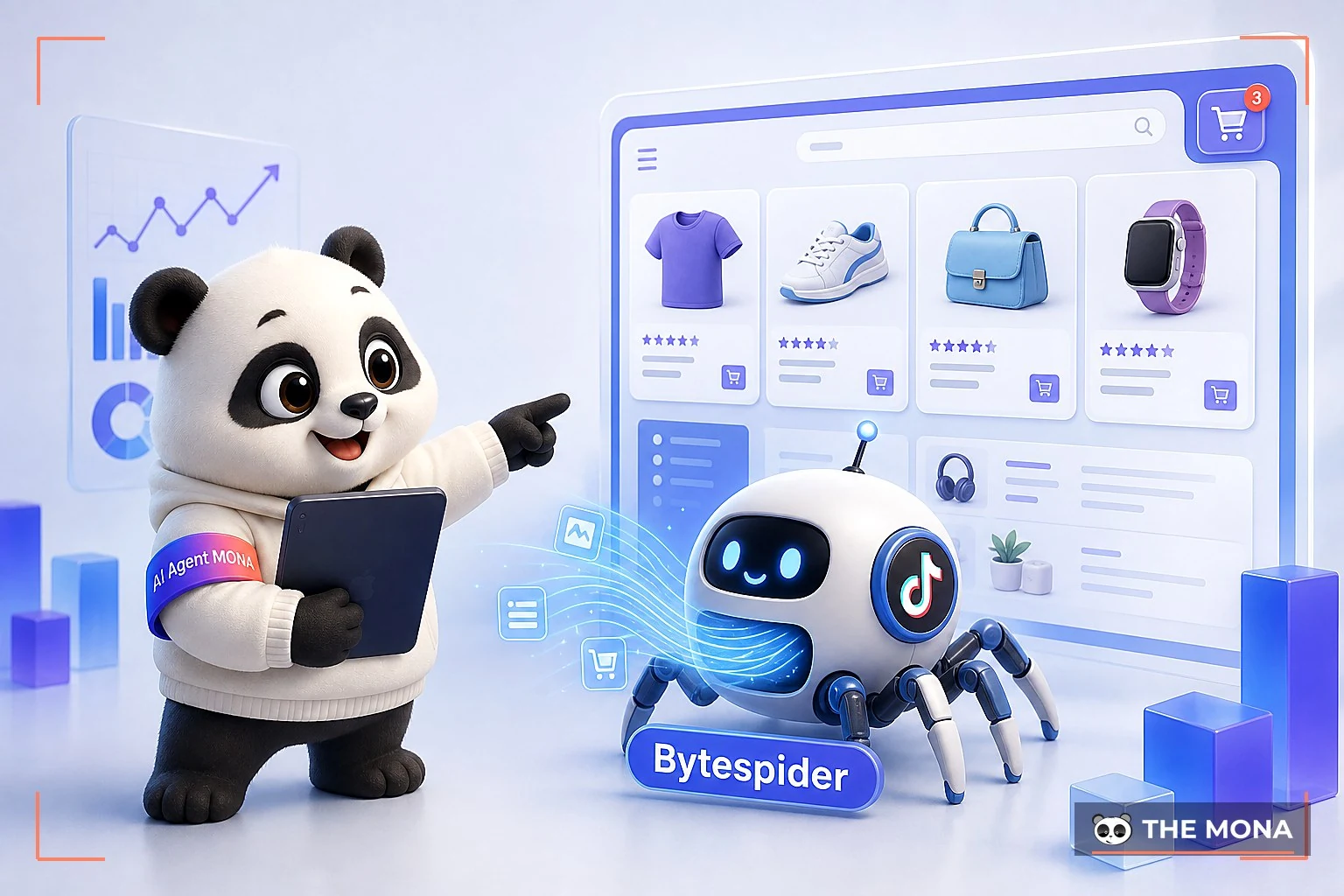
To understand what each bot does, who runs it, and whether to allow or block it, see the Bot library : we've written a Vietnamese profile for each one.
If the tool reports blocked bots, opening them up is fairly simple and takes under 2 minutes. Add a few lines to the robots.txt file at the root of your website. We've prepared the snippet below. Hand it to your technical person to paste in and you're done:
# Allow AI assistants to read the website User-agent: GPTBot Allow: / User-agent: OAI-SearchBot Allow: / User-agent: ClaudeBot Allow: / User-agent: PerplexityBot Allow: / User-agent: Google-Extended Allow: / Sitemap: https://ten-mien-cua-ban.com/sitemap.xml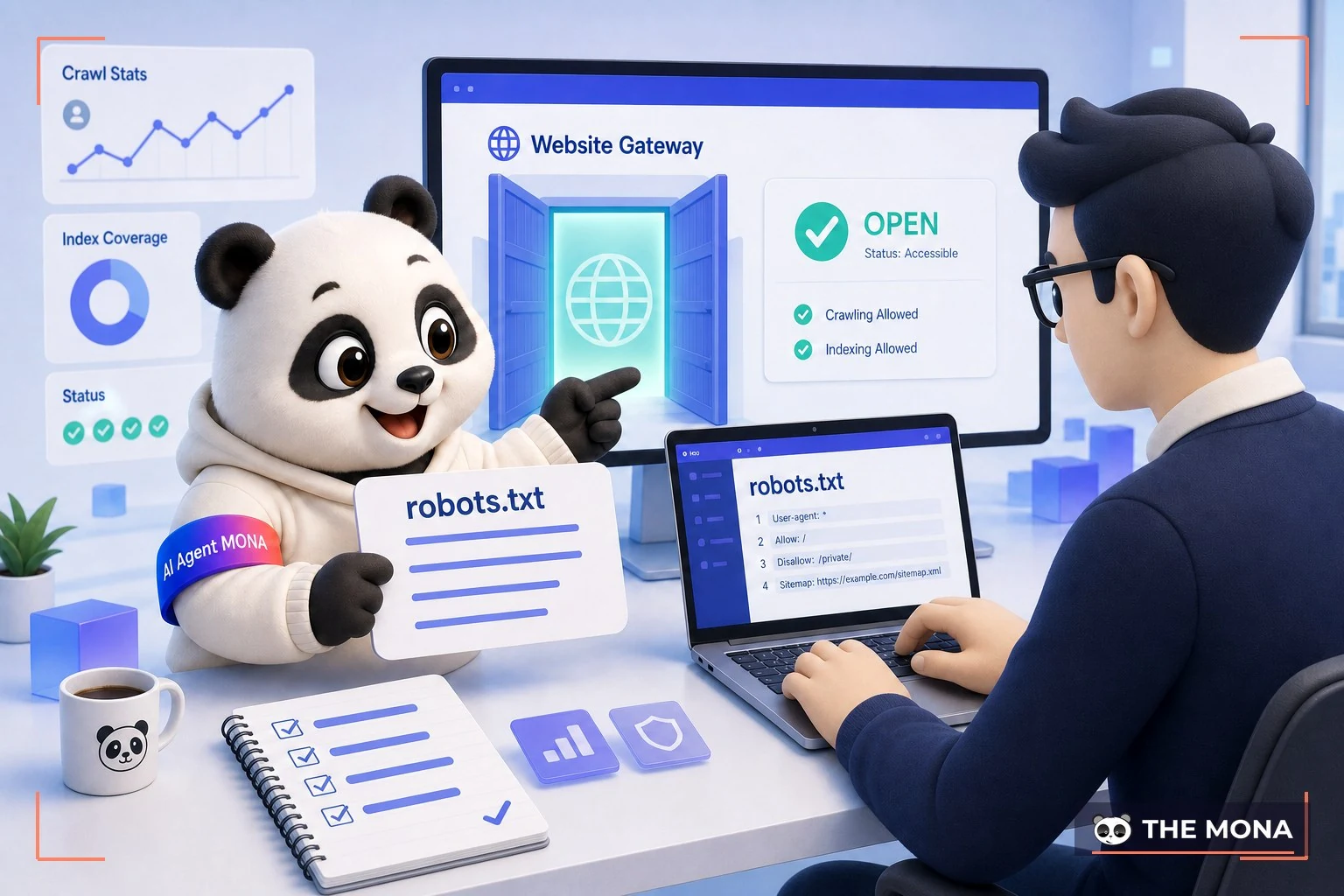
One thing we have to say plainly so you don't expect the wrong thing. Opening the door to AI is only the first step. It lets AI see your content, but it doesn't guarantee AI will name you when customers ask. Whether you get named depends on how your content is written and whether other sources mention your website. That's the story of the final section.
This is where many people misunderstand. After opening robots.txt, customers still ask ChatGPT for a "reputable web company" and don't see your name. Opening the door is only the necessary condition. The sufficient condition is that your website content answers exactly what customers ask, and that enough outside sources (press, forums, business profiles) mention your brand for AI to trust and cite it.
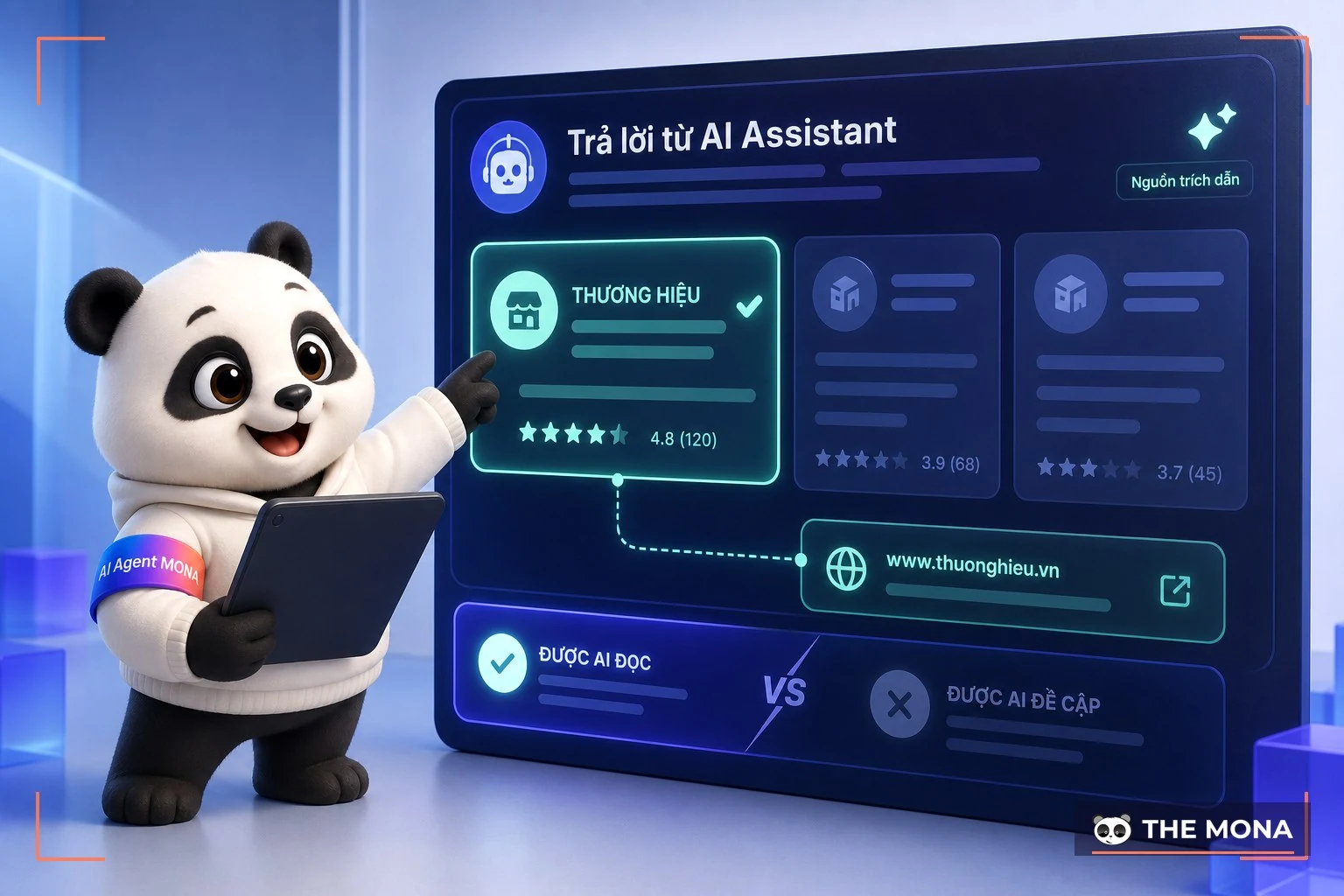
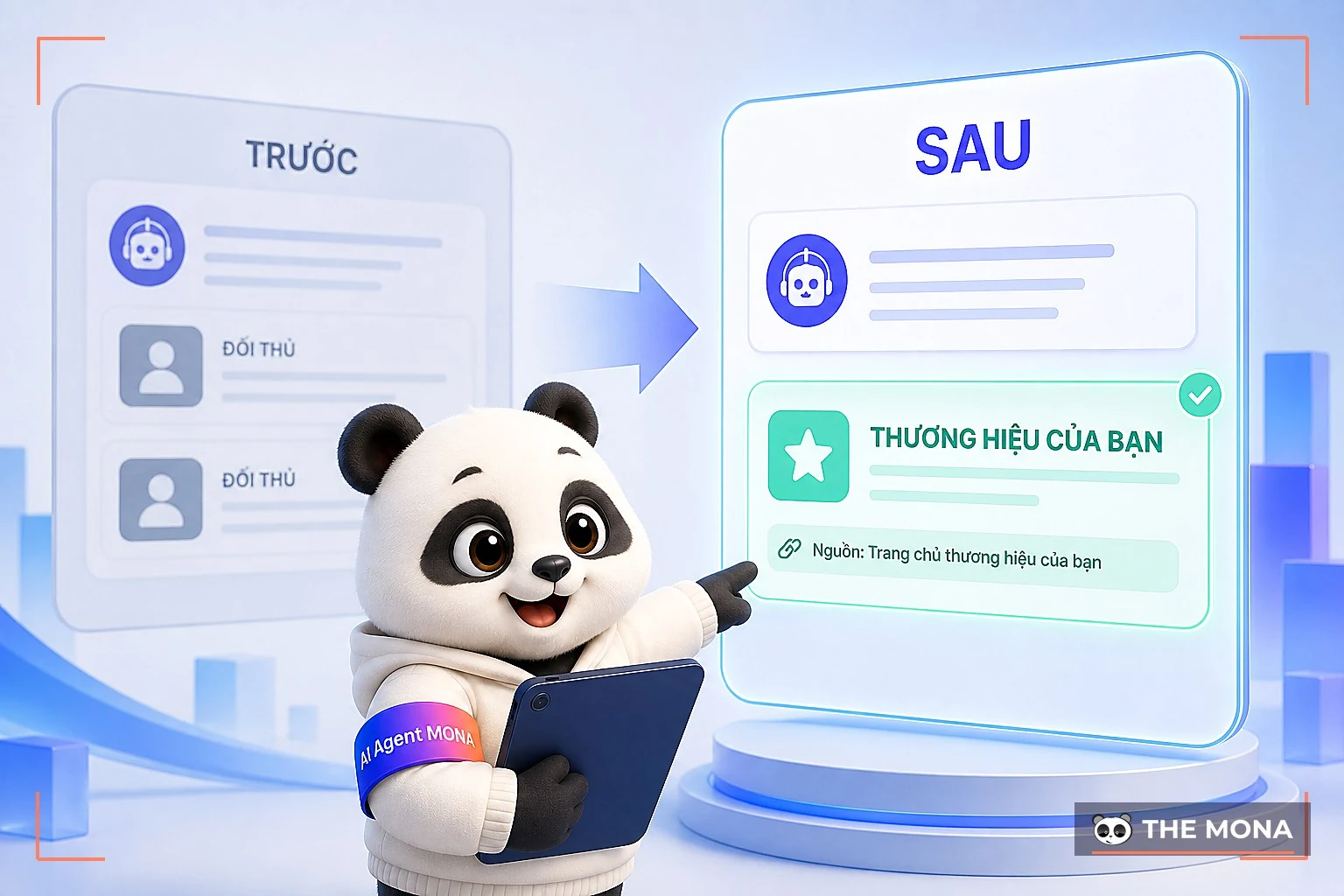
At MONA we call this area GEO, meaning optimizing to be read and cited by AI tools, rather than only optimizing to rank on Google. To get there, you have two more things to do. One, review your content so it answers customers' questions directly. See what checklist GEO we've published. Two, measure how often AI currently mentions your brand compared with your competitors, which we do for you in MONA's GEO service . Paste your site into the tool to measure your current visibility, or leave your number and MONA's GEO team will call you back within 1 business day.
Not at all. AI bots (GPTBot, Google-Extended and others) are separate from the Googlebot that ranks search results. You can block AI bots without changing your Google ranking, and likewise, allowing AI bots doesn't affect it. Because they're separate, site owners can easily block them by mistake and not notice for months.
We store nothing. The tool only reads your website's public configuration files (robots.txt and a few tags) and returns the result right away. You don't need to sign up or leave an email.
For most businesses that want customers to find them through AI, it makes sense to allow the assistants that answer users (ChatGPT, Claude, Perplexity, Gemini). Most sites can simply allow them all. Only consider blocking if you have a specific reason around content copyright.
It's a file that describes your website for AI to read, placed at the root of your site. No major AI company has confirmed it must read this file. But it takes 5 minutes to add and does no harm, so treat it as an early preparation step. MONA's tool also checks whether your website already has this file.
Yes, if you have a technical person managing your website. Just paste the snippet above into your robots.txt file. If another company manages your site or you're not comfortable with it, MONA can review and fix it for you.
Many business owners have opened robots.txt themselves, added llms.txt and read a few articles on GEO, yet AI still stays silent and doesn't name them. That's because letting AI read you and getting AI to cite you are two different things, and the second needs the right content and strong enough outside sources. That's the work MONA does every day: we examine your website, measure whether AI is naming you or your competitors, then map out the path for your name to appear in ChatGPT and Gemini answers.

CEO & Founder · The MONA
Founder of The MONA, who built a services company of 60+ staff with 14,000+ projects delivered. Khánh Hùng shares how he thinks about building systems that run themselves, automating a business, and the real lessons from delivering projects at MONA.
 353




Professional website
design services
Own a website with a beautiful, 100% exclusive design and a lifetime warranty, with the ability
to expand features flexibly as your business grows, starting today!






 MONA will never sell your information or send you spam


 MONA will never sell your information or send you spam
