
 MONA OS 2.0
 Partner with MONA


 Tự động hoá doanh nghiệp
 Cẩm nang SEO
 Digital Marketing
 Kinh nghiệm thiết kế website
 Hạ Tầng Server
 Giáo dục


 VI
 EN













Message us on
Zalo Official


 ProductsNew

 ProductsProducts
 Mới ra mắtKHA AI 2027App tự edit video, tự đăng mọi mạng xã hội, 2 phút mỗi ngày










 Website designLooks good and wins customers over.
SEO servicesBrings in customers searching for exactly what you sell.
 Tư vấn digital marketingKéo khách từ nhiều kênh, đo bằng số thật.
Corporate video productionVideos introducing your company, factory and team.
 NewAI video productionCompany story films made with AI.
 Custom software developmentCRM, ERP and HRM built for your business.
 Viết AI Agent theo yêu cầuĐặt riêng một trợ lý AI cho đúng việc của mình.
 Tư vấn chuyển đổi AIĐưa AI vào vận hành của cả công ty.
NewMONA LMSManagement for centers and schools.
MONA SkillHubInternal training for company staff.
 NHTQ systemEnd-to-end China–Vietnam shipping operations.
MONA JMSManagement for gold, diamond and pawn shops.
 MONA E-LearningA website with every feature you need to sell courses.
 How to sell online courses (course)More than 30 free lessons on selling courses on autopilot.
 MONA Cloudmonacloud.vnServers to get your apps and websites running.
 MONA Basemonabase.vnPostgres database, sign-in and file storage.
 MONA Mailmonamail.vnSend OTP, order and invoice emails from your software.
 MONA Paymonapay.vnAccept bank transfers via VietQR and notify your software when the money arrives.
 MONA eInvoiceComing soonIssue e-invoices that meet tax standards.
Gấu CườiTrả lời khách 24/7 trên web, Fanpage, Zalo và thu lead cho sale.
 Gấu TeleSalesGọi điện tư vấn, chăm khách như tổng đài viên thật.
Dê CườiTư vấn và chốt đơn cho shop ngay trong khung chat.
Gấu WebmasterNhắn nhóm Zalo là website được sửa xong.
 Gấu Pháp ChếSoạn hợp đồng, rà điều khoản trong vài phút.
 Gấu Báo GiáLên báo giá đúng mẫu và gửi khách ngay.
 AI chăm sóc khách hàngTheo dõi và giữ chân khách hàng cũ.
 Gấu Tuyển DụngLọc hồ sơ, hẹn lịch, phỏng vấn ứng viên.
 Mới ra mắt
KHA AI 2027
Xây kênh chuyên gia 2 phút mỗi ngày
Quay bằng điện thoại, AI tự edit video, tự đăng lên 16 nền tảng và tự trả lời bình luận, tin nhắn.
907.731lượt xem trên kênh CEO MONA sau 38 ngày
 Anh Khánh HùngCEO MONA đang dùng mỗi ngày
Xem app làm được gì
 AI
Gấu Cười MONA ĐANG TỰ XÀITrả lời khách 24/7 trên website, Zalo OA, Messenger và thu lead về cho sale.
Dê CườiChốt đơn bán lẻ và sàn: Shopee, TikTok Shop, web. Chăm cả khách sỉ, đại lý.
Gấu WebmasterCập nhật nội dung, tối ưu SEO website mỗi ngày.
Gấu TeleSalesGọi điện tư vấn, chăm khách như tổng đài viên thật.
Gấu Tuyển DụngLọc hồ sơ, hẹn lịch, phỏng vấn ứng viên tự động.
AI chăm sóc khách hàngGiữ khách cũ, cứu lead đã rớt cho phòng kinh doanh.
Gấu Pháp ChếSoạn hợp đồng, rà điều khoản trong vài phút.
Gấu Báo GiáLên báo giá đúng mẫu, gửi khách ngay khi có yêu cầu.
 Chuyển đổi AI toàn phầnGiải pháp tổng cho doanh nghiệp, 3 lớp triển khai.
 Viết AI Agent theo yêu cầuĐặt riêng một con AI gánh đúng nghiệp vụ của bạn.
 Custom softwareCRM, ERP and HRM with built-in AI automation.
 SEO & AEO thời đại AIĐược Google lẫn AI trích dẫn, không chỉ xếp hạng.
 Kiến thức AI cho doanh nghiệpBài phân tích, hướng dẫn ứng dụng AI vào vận hành.
 Free AI courses
 AI tools at work
App mới · KHA AI 2027
Xây kênh 2 phút mỗi ngày
AI tự edit video, tự đăng mọi mạng xã hội
Free consultation, 8am–10pm every day

15 June, 2026

ChatGPT has become a familiar tool for many business owners and marketing teams. But using it in scattered ways rarely gets the most out of it. We need to understand this tool's limits and when a better solution is needed. In this article we share hands-on experience so you can integrate ChatGPT into your company workflow effectively, and spot the moment to invest in custom software that truly automates repetitive tasks, frees up resources and raises operating capacity.

Many people try ChatGPT and find the results shallow. The problem is not the tool. It is that we did not set a clear goal from the start. Once you know where you are headed, content production speed changes completely.
This is the core principle. It holds for everything.
Before typing any command, we need to draw a clear line. What is this request for? Each purpose calls for a different way of prompting and different criteria for judging the result.
One prompt should serve one goal. Do not try to combine both.
Free and paid ChatGPT accounts produce very different results. Choosing the right model helps you optimize cost and time. It is like using the right tool for each job.
A simple rule. For jobs that need speed, use GPT-3.5. For jobs that need quality, use GPT-4o.

Many of you try ChatGPT and find the results very generic, with a lifeless voice you can't use. This problem can be fully solved with a clear prompting formula. It is exactly how the content and SEO team at MONA trains AI every day to produce content with depth that stays close to the brand voice on projects full-scope SEO.
The formula has just three simple steps.
First, give the AI a specific expert role. Do not just ask it to write. Tell it to *become* an expert in that field. The more detailed the role, the sharper and more on-target the output.
You can start your prompt with templates like these:
AI cannot know on its own what you need for which campaign. It needs full context to understand the task. It is just like handing work to a team member: the brief has to be very clear.
Context should include:
This last step makes sure the output is right the first time. Specify the format you want and your requirements for style and tone. This sharply cuts the manual editing time later.
A few effective refinement requests the MONA team often uses:
Put all three steps together and you have a complete prompt. It turns ChatGPT from a generic answering machine into a specialist assistant that produces consistent, quality content for your business.
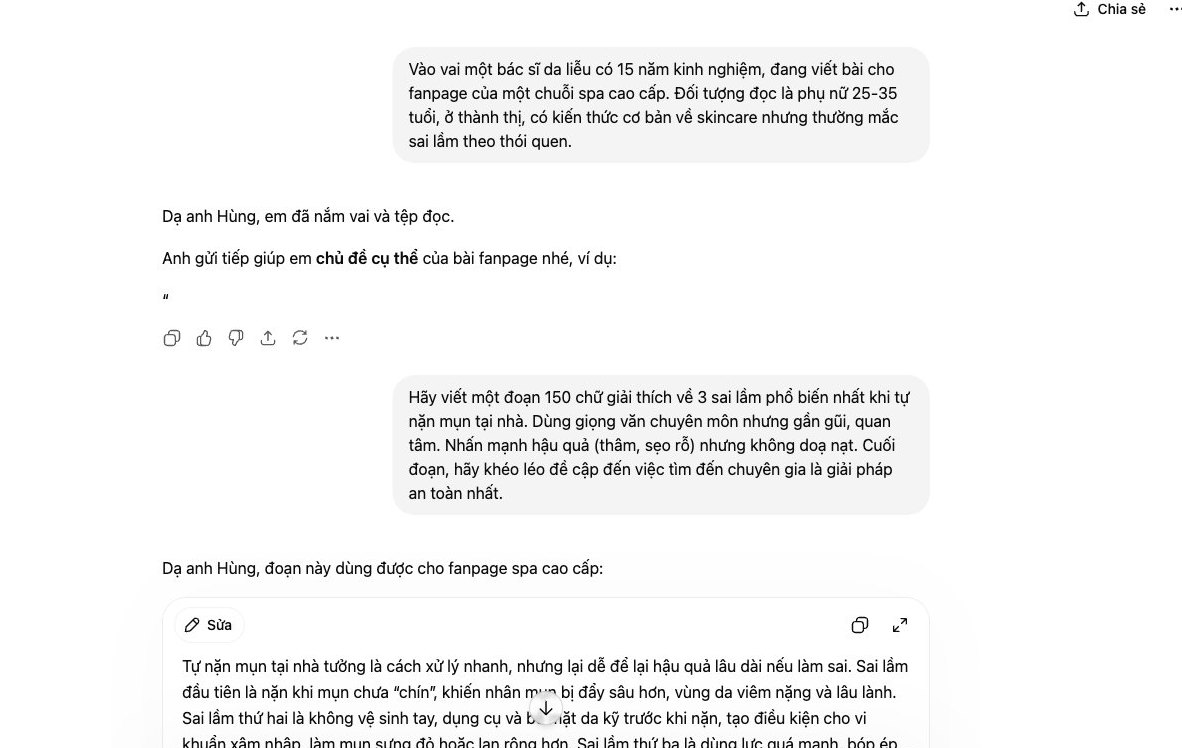

Every big campaign needs a huge content outline. From Facebook and Zalo to email and SEO articles on design services. The pressure to be creative is real, especially when time waits for no one.
At MONA, we use this very process to speed up our internal marketing projects and our clients' projects. It is simple but effective, giving the team a solid skeleton of ideas in a single focused hour.
The foundation of every good idea is a clear brief. Do not start with vague prompts. Instead, give ChatGPT full information about the campaign, product, target customers and key message.
An example of an effective prompt:
ChatGPT will return the core topic clusters. For example “Preventing customer data loss”, “Automating business reports”, “Streamlining workflows for sales staff”, and so on. This is the raw material for the next steps.
With the core topics in hand, we ask ChatGPT to play an expert for each specific channel. This technique keeps the output close to the style and format of the platform.
Just repeat this process for each topic cluster and you will have dozens of ideas within minutes.
Once you have a long list of ideas, the last step is selection. Do not do it by hand. We can ask ChatGPT itself to do it.
Paste all the generated ideas into a new conversation and give this command:
The result is a rough content plan. It is clear, ranked by priority and ready for your marketing team to start on right away. This process saves internal debate time and focuses resources on the content most likely to have the biggest impact.
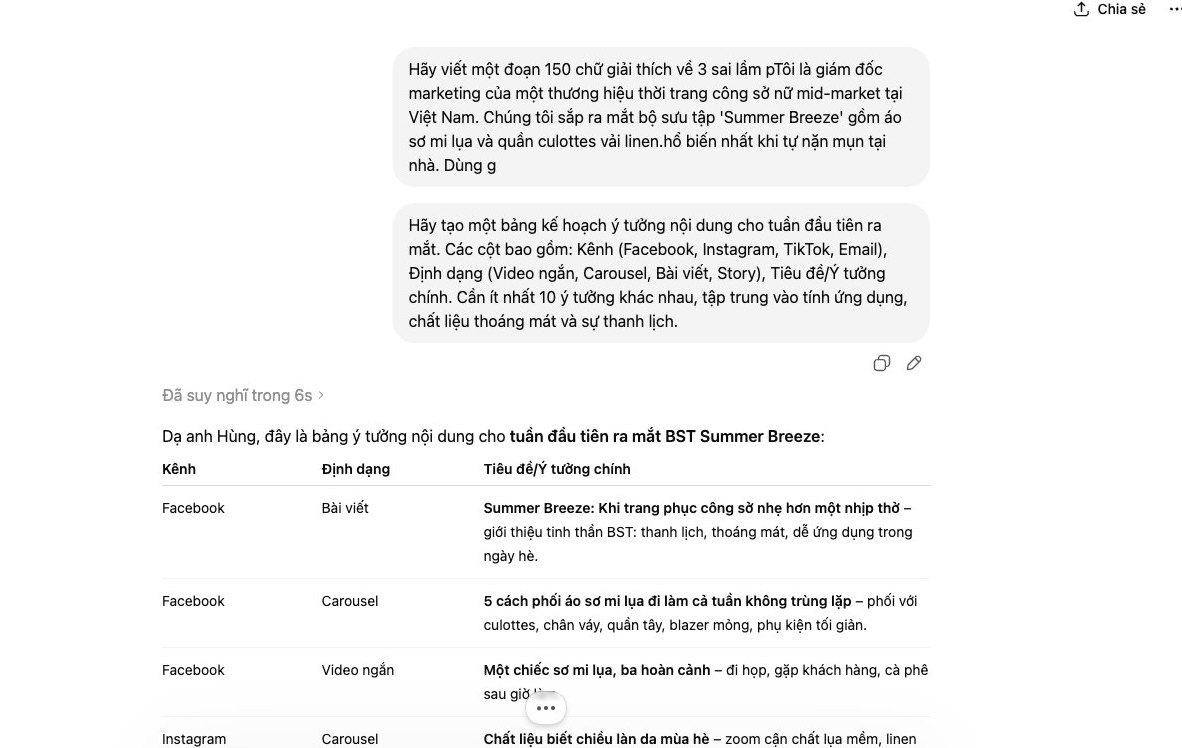
Every day, your marketing team faces the SEO and content puzzle. How do you get the website to the top, and how do you write articles that match what people search for? We face the same at MONA, and ChatGPT is a strong helper in the early research stage, saving the whole team a lot of time.
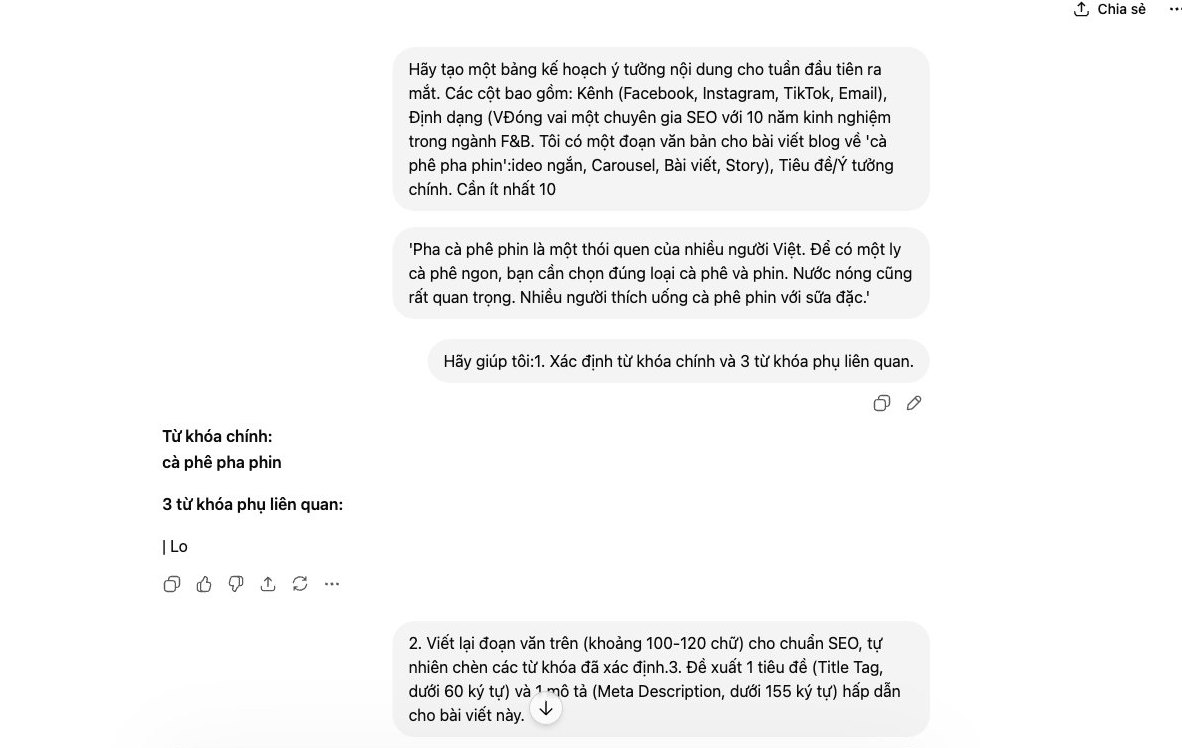
Instead of fumbling around in tools, you can command ChatGPT directly to find golden keywords. Try a role-based prompt. It helps the AI understand the context and give more accurate results.
For example, instead of asking in general terms, say: “Act as an SEO expert with 10 years of experience in the Vietnamese market. Suggest 15 niche keywords for the product ‘ergonomic chairs for office workers’, focusing on the group with high buying intent.” The results will be far more specific and realistic.
This is the first step in shaping your content strategy, so your website does not get lost among so many competitors.
Once you have the keyword set, a detailed outline is extremely important. An SEO-ready article structure helps Google understand the content faster and improves your chance of ranking. You can ask ChatGPT to create a full structure.
Suggested prompt: “Based on the main keyword ‘[your keyword]’, create a detailed outline for an SEO blog post. The structure needs an H1 tag, 3 H2 tags and matching H3 sub-tags. Also write 1 Meta Description under 155 characters that contains the main keyword and has a call to action.”
In a few seconds you have a logical skeleton, saving hours of manual work. From there, your SEO writers only need to focus on producing in-depth, original content.
AI-generated content can be duplicated or have a voice that does not suit your brand. You need a step to check and refine. Paste a passage into ChatGPT and ask it to rephrase it in a specific voice.
For example: “Rewrite the following passage in an expert, friendly and trustworthy tone for an audience of business owners.” Or you can ask it to check grammar and spelling so the article is as professional as possible before you publish it on business websites in the market.
Customers do not wait these days. They message at midnight and email at dawn. If you take just a few minutes to reply, they may already be looking at another supplier. This is the reality we face. Using ChatGPT as the first line of defense lets you handle common requests right away and keep customers while your real support team rests.
The first step is to “feed” the AI. Gather every question customers ask most often. Do not leave anything out. The more detailed, the better.
We recommend putting it into one clear text file covering:
The simpler the structure, the faster the AI learns. Just follow the “Question:” and “Answer:” format. This is the foundation.
Providing an FAQ is not enough. The AI also needs to learn your brand voice. An answer that is correct but curt can annoy customers. We don't want that.
Prepare 5-10 sample scripts for different situations. For example, when a customer asks about delivery time, instead of just answering “3-5 days”, the AI is trained to reply in a template like: “Hello from MONA! Your order will be delivered within about 3-5 business days. Is there anything else we can help you with?” It makes a big difference.
AI is not a human. Sometimes it will answer awkwardly or misread what the customer meant. That is why regular checks are a must. It cannot get better on its own.
Each week, you or the department manager should set aside about an hour. Review the conversation history the AI has handled. Look for weak answers and mishandled cases. Then add the correct scripts to the training data right away. Repeat this and your AI assistant will keep getting smarter and handle work more efficiently.
Using ChatGPT for personal tasks works very well. We all see that. But once your business passes a few dozen or a few hundred customers a day, relying on separate AI accounts starts to show serious problems.
Every time an employee copies customer information, from phone numbers and emails to purchase history, and pastes it into an outside tool, a security risk appears. Even though AI providers like OpenAI have privacy policies, your data still sits on a server you do not control. The risk is real.
With the automation software MONA develops, we integrate AI through a secure API. Sensitive customer data is processed inside your CRM or internal ERP. Only the processing request is sent out, not the whole customer record.
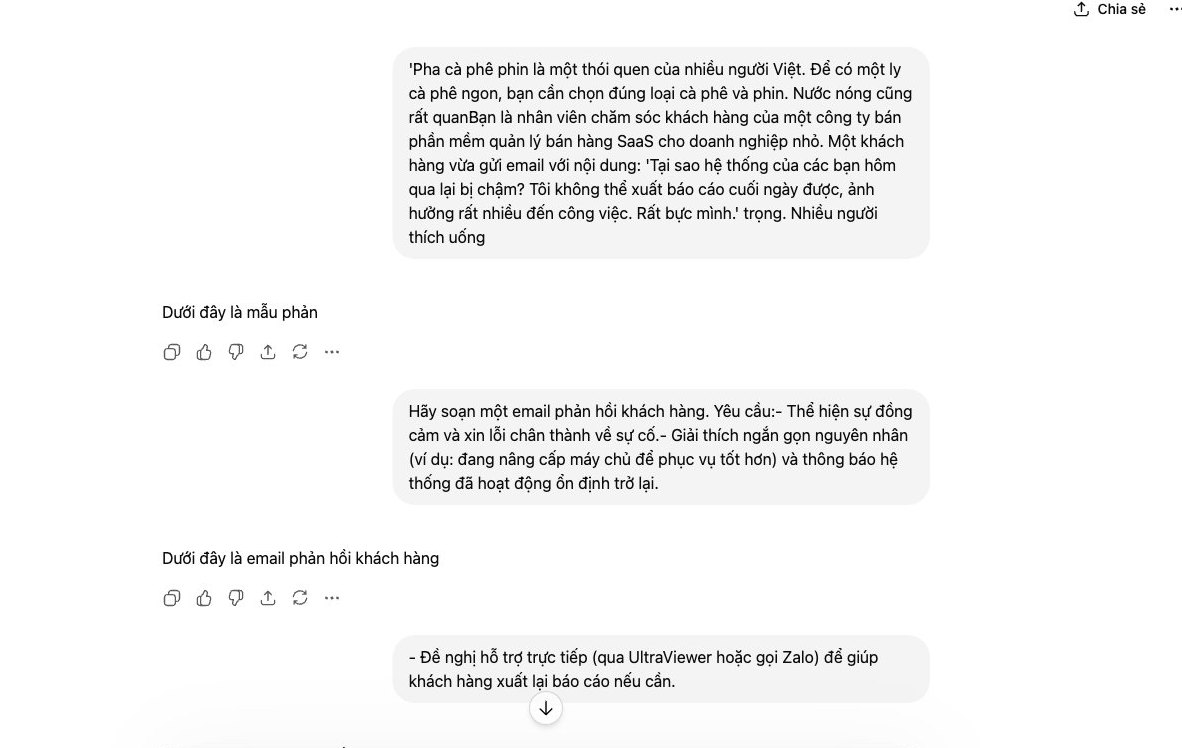
The manual process looks like this: staff open CRM, copy the data, switch to the ChatGPT tab to draft, then copy the result back to Zalo or email to send. Every step costs time and invites mistakes. It is not automated.
A deeply integrated system removes these steps entirely. For example, a e-commerce websites built by MONA can use AI to write product descriptions right inside the admin interface. Or a customer support system can suggest replies right in the chat box with the customer, based on the order history already there.
When 30 employees all use ChatGPT, you face a mess. Everyone prompts in their own way and the output quality varies. The brand voice is inconsistent. When a strong employee leaves, they take their own set of prompt “secrets” with them. Everything is fragmented.
Custom software solves this by standardizing the process. We create shared prompt templates for the whole team, so everything from email marketing to social media posts follows one standard. That keeps SEO activity and brand building consistent, and easy to hand over and expand when needed.
You can use ChatGPT yourself for individual drafts, summaries or idea lists while the workload is small. When data has to move from a form, CRM or internal store into ChatGPT and the result has to return to the right person, we build the software and the custom integration flow; call 1900 636 648 so we can decide together which step to automate first.
Connect the right flow first, then scale.

CEO & Founder · The MONA
Founder of The MONA, who built a services company of 60+ staff with 14,000+ projects delivered. Khánh Hùng shares how he thinks about building systems that run themselves, automating a business, and the real lessons from delivering projects at MONA.
 389




Professional website
design services
Own a website with a beautiful, 100% exclusive design and a lifetime warranty, with the ability
to expand features flexibly as your business grows, starting today!






 MONA will never sell your information or send you spam


 MONA will never sell your information or send you spam
