
 MONA OS 2.0
 Partner with MONA


 Tự động hoá doanh nghiệp
 Cẩm nang SEO
 Digital Marketing
 Kinh nghiệm thiết kế website
 Hạ Tầng Server
 Giáo dục


 VI
 EN











Message us on
Zalo Official


 ProductsNew

 ProductsProducts
 Mới ra mắtKHA AI 2027App tự edit video, tự đăng mọi mạng xã hội, 2 phút mỗi ngày









 Website designLooks good and wins customers over.
SEO servicesBrings in customers searching for exactly what you sell.
 Tư vấn digital marketingKéo khách từ nhiều kênh, đo bằng số thật.
Corporate video productionVideos introducing your company, factory and team.
 NewAI video productionCompany story films made with AI.
 Custom software developmentCRM, ERP and HRM built for your business.
 Viết AI Agent theo yêu cầuĐặt riêng một trợ lý AI cho đúng việc của mình.
 Tư vấn chuyển đổi AIĐưa AI vào vận hành của cả công ty.
NewMONA LMSManagement for centers and schools.
MONA SkillHubInternal training for company staff.
 NHTQ systemEnd-to-end China–Vietnam shipping operations.
MONA JMSManagement for gold, diamond and pawn shops.
 MONA E-LearningA website with every feature you need to sell courses.
 How to sell online courses (course)More than 30 free lessons on selling courses on autopilot.
 MONA Cloudmonacloud.vnServers to get your apps and websites running.
 MONA Basemonabase.vnPostgres database, sign-in and file storage.
 MONA Mailmonamail.vnSend OTP, order and invoice emails from your software.
 MONA Paymonapay.vnAccept bank transfers via VietQR and notify your software when the money arrives.
 MONA eInvoiceComing soonIssue e-invoices that meet tax standards.
Gấu CườiTrả lời khách 24/7 trên web, Fanpage, Zalo và thu lead cho sale.
 Gấu TeleSalesGọi điện tư vấn, chăm khách như tổng đài viên thật.
Dê CườiTư vấn và chốt đơn cho shop ngay trong khung chat.
Gấu WebmasterNhắn nhóm Zalo là website được sửa xong.
 Gấu Pháp ChếSoạn hợp đồng, rà điều khoản trong vài phút.
 Gấu Báo GiáLên báo giá đúng mẫu và gửi khách ngay.
 AI chăm sóc khách hàngTheo dõi và giữ chân khách hàng cũ.
 Gấu Tuyển DụngLọc hồ sơ, hẹn lịch, phỏng vấn ứng viên.
 Mới ra mắt
KHA AI 2027
Xây kênh chuyên gia 2 phút mỗi ngày
Quay bằng điện thoại, AI tự edit video, tự đăng lên 16 nền tảng và tự trả lời bình luận, tin nhắn.
956.140lượt xem trên kênh CEO MONA sau 52 ngày
 Anh Khánh HùngCEO MONA đang dùng mỗi ngày
Xem app làm được gì
 AI
Gấu Cười MONA ĐANG TỰ XÀITrả lời khách 24/7 trên website, Zalo OA, Messenger và thu lead về cho sale.
Dê CườiChốt đơn bán lẻ và sàn: Shopee, TikTok Shop, web. Chăm cả khách sỉ, đại lý.
Gấu WebmasterCập nhật nội dung, tối ưu SEO website mỗi ngày.
Gấu TeleSalesGọi điện tư vấn, chăm khách như tổng đài viên thật.
Gấu Tuyển DụngLọc hồ sơ, hẹn lịch, phỏng vấn ứng viên tự động.
AI chăm sóc khách hàngGiữ khách cũ, cứu lead đã rớt cho phòng kinh doanh.
Gấu Pháp ChếSoạn hợp đồng, rà điều khoản trong vài phút.
Gấu Báo GiáLên báo giá đúng mẫu, gửi khách ngay khi có yêu cầu.
 Chuyển đổi AI toàn phầnGiải pháp tổng cho doanh nghiệp, 3 lớp triển khai.
 Viết AI Agent theo yêu cầuĐặt riêng một con AI gánh đúng nghiệp vụ của bạn.
 Custom softwareCRM, ERP and HRM with built-in AI automation.
 SEO & AEO thời đại AIĐược Google lẫn AI trích dẫn, không chỉ xếp hạng.
 Kiến thức AI cho doanh nghiệpBài phân tích, hướng dẫn ứng dụng AI vào vận hành.
 Free AI courses
 AI tools at work
App mới · KHA AI 2027
Xây kênh 2 phút mỗi ngày
AI tự edit video, tự đăng mọi mạng xã hội
Free consultation, 8am–10pm every day

13 June, 2026

As work demands more and more speed, using artificial intelligence on mobile devices has become a key factor. Gemini on your phone is not just a support tool but a capable assistant that helps you and your team streamline every task. We know that mastering how to install and use Gemini effectively opens up many new opportunities. This article walks you through downloading the app step by step and applying 5 hands-on strategies to get the most out of Gemini AI, raising your productivity every day.
Many business owners and marketing directors are looking for ways to harness artificial intelligence. Gemini is a powerful tool. It's right in your hands. But getting the most out of Gemini on your phone isn't simple.
We know you need hands-on methods. We need tips to turn Gemini into a capable assistant. Downloading the app is only the first step. What matters more is the strategy for using it.
MONA will guide you through installing Gemini on your mobile device. Then, we share 5 core strategies. The MONA team has applied these strategies effectively. They help speed up your workflow. They also raise the quality of marketing content. You'll see that AI isn't hard to use at all. You'll master it right away. This is the secret to helping you get ahead of competitors.
Many of you are busy managers. You often have to squeeze in every free minute to get work done. Gemini on your phone is a powerful tool. It helps turn “dead time” into a chance to speed up your marketing content pipeline to your business.
With just a few taps, you can create first drafts right away. From idea to content. We've used Gemini to quickly sketch batches of headlines, product descriptions and social post ideas. This gives the marketing team a starting point. The content production process becomes far more efficient.
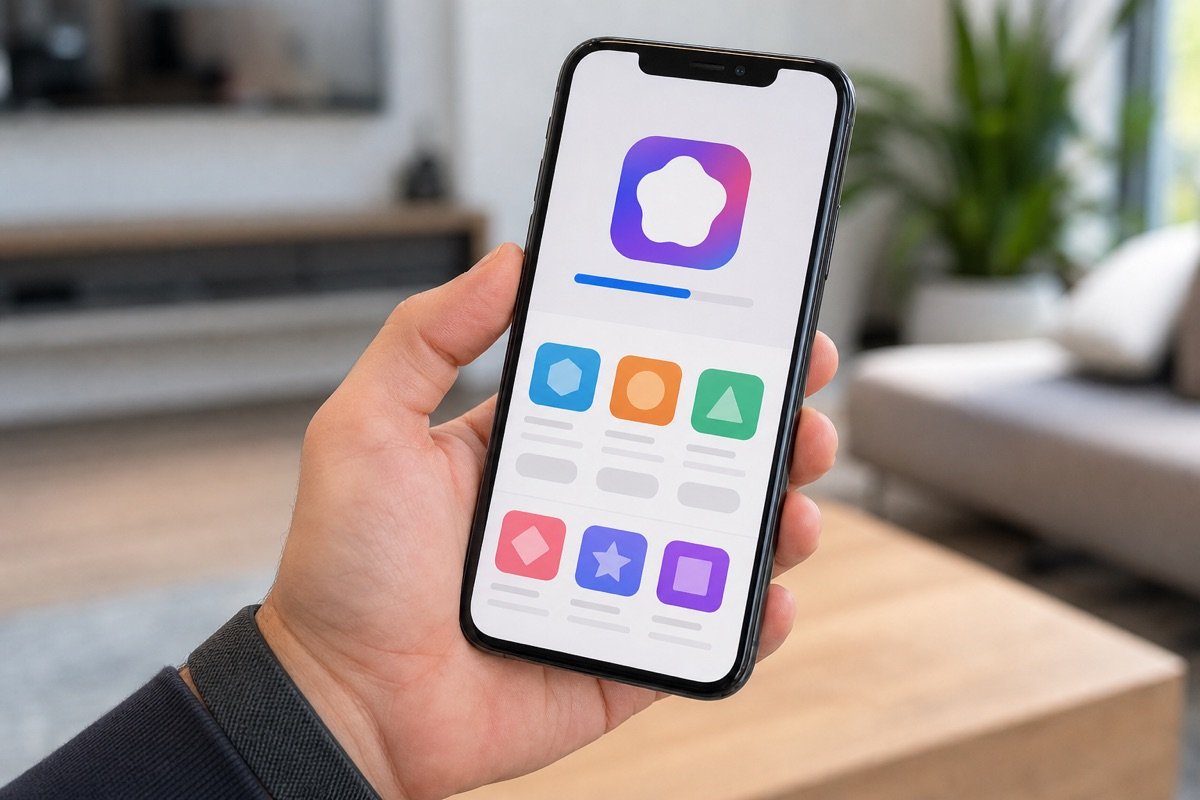
First, you need to install the Gemini app. Go to the official app store on your phone.
Choose the “Gemini” app from Google LLC. Tap “Install” or “Get”. Wait a few seconds for the app to download and finish installing. This process is very quick.
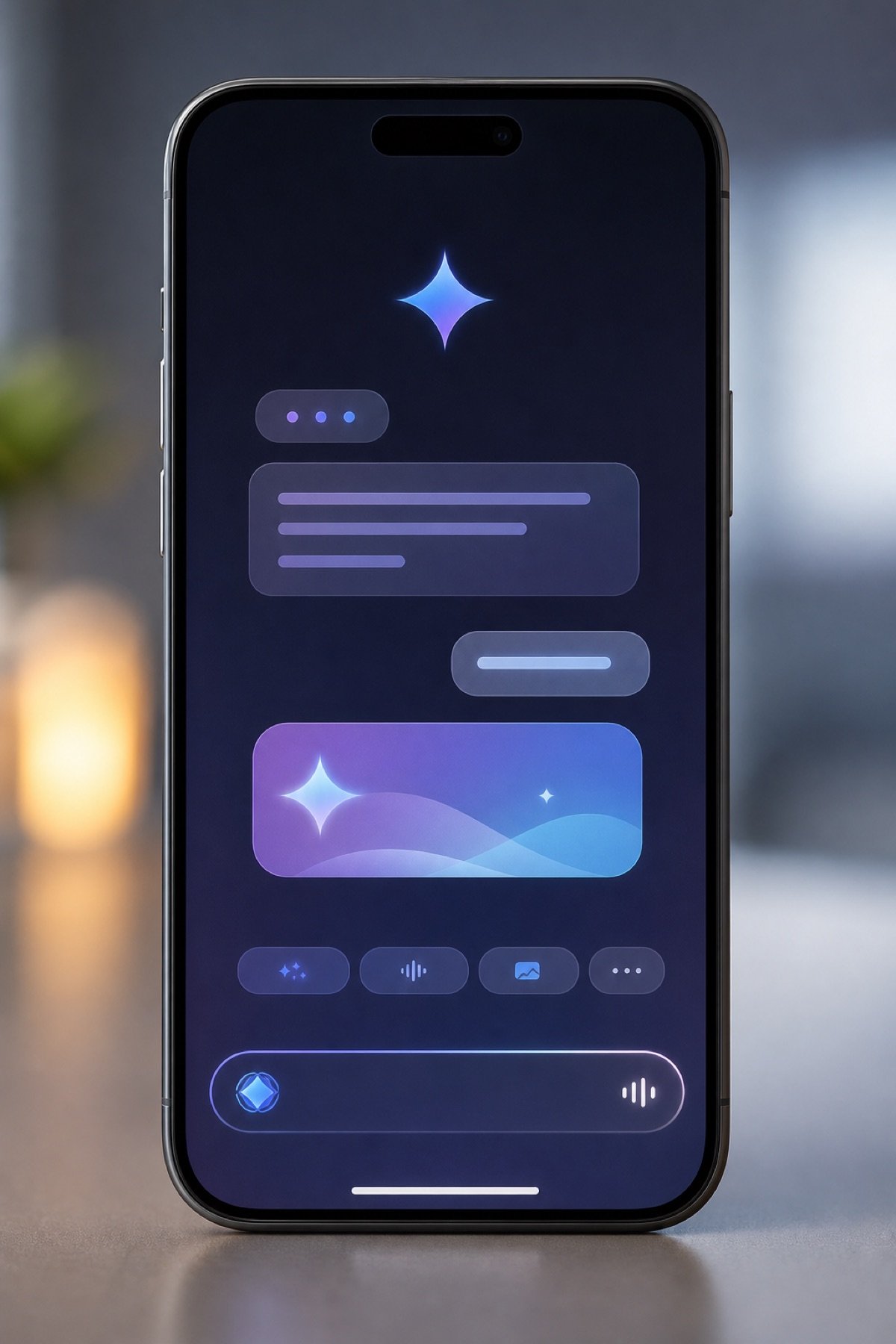
After installing, open the Gemini app. It will ask you to sign in with a Google account. This is an important step to personalize the experience. If you don't have one, you need to create a new Google account.
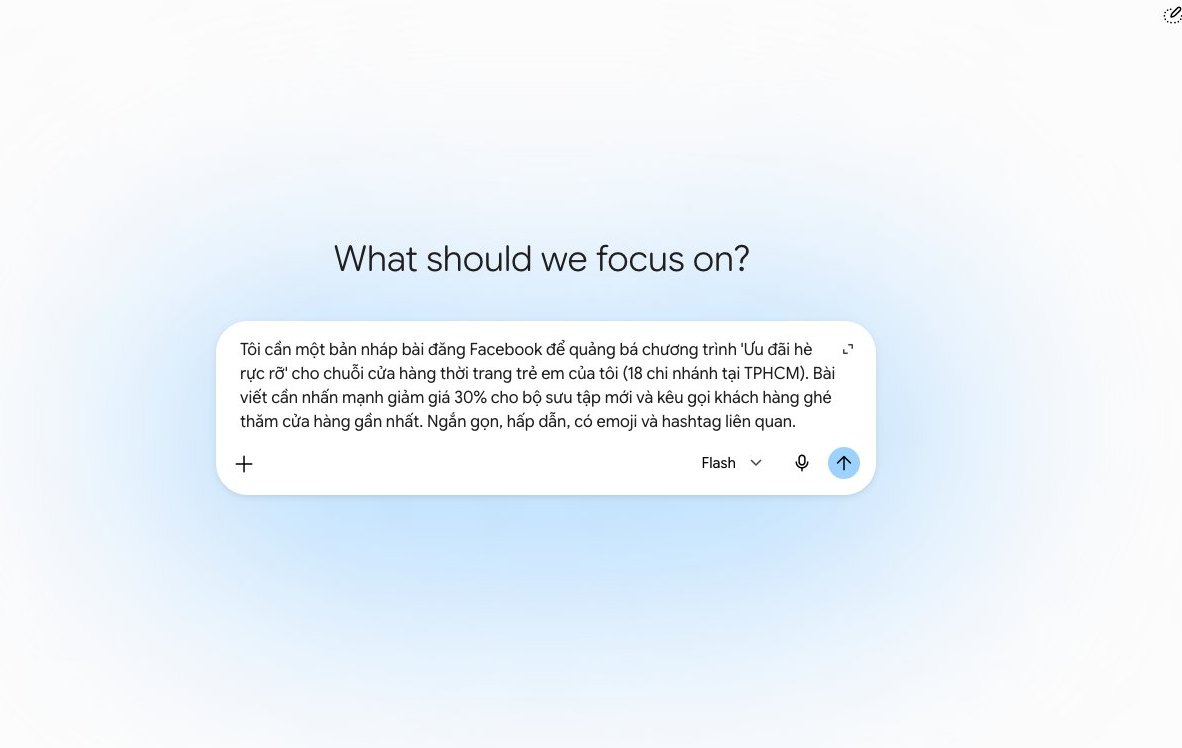
The Gemini mobile interface is quite intuitive. You'll see a large input box at the bottom of the screen. This is where you enter requests, also called “prompts”. At the top, ready-made prompt suggestions help you get started faster. You can also easily review your conversation history. Everything is neatly arranged. Learning to optimize prompts is very important.
Mastering how to use Gemini will streamline many steps. Especially in the SEO content production and website designpipeline. We believe this is a capable helper. It streamlines your daily working time.
 SEO specialists mobile giving website optimization suggestions”>
Usually, you just type a plain command into Gemini. The result is sometimes not deep. To get the AI to respond like an experienced person, we need to define a role for it. This turns Gemini into your own “expert”. You'll get strategic advice.

Assigning a role helps Gemini focus its knowledge. Its answers will be more detailed. Apply this simple three-step formula. It's very easy to do.

Let's apply the formula above to a real situation. Say you want to improve SEO for a retail website. In particular, we focus on the mobile version. This is an effective example.
You can use this prompt to start:
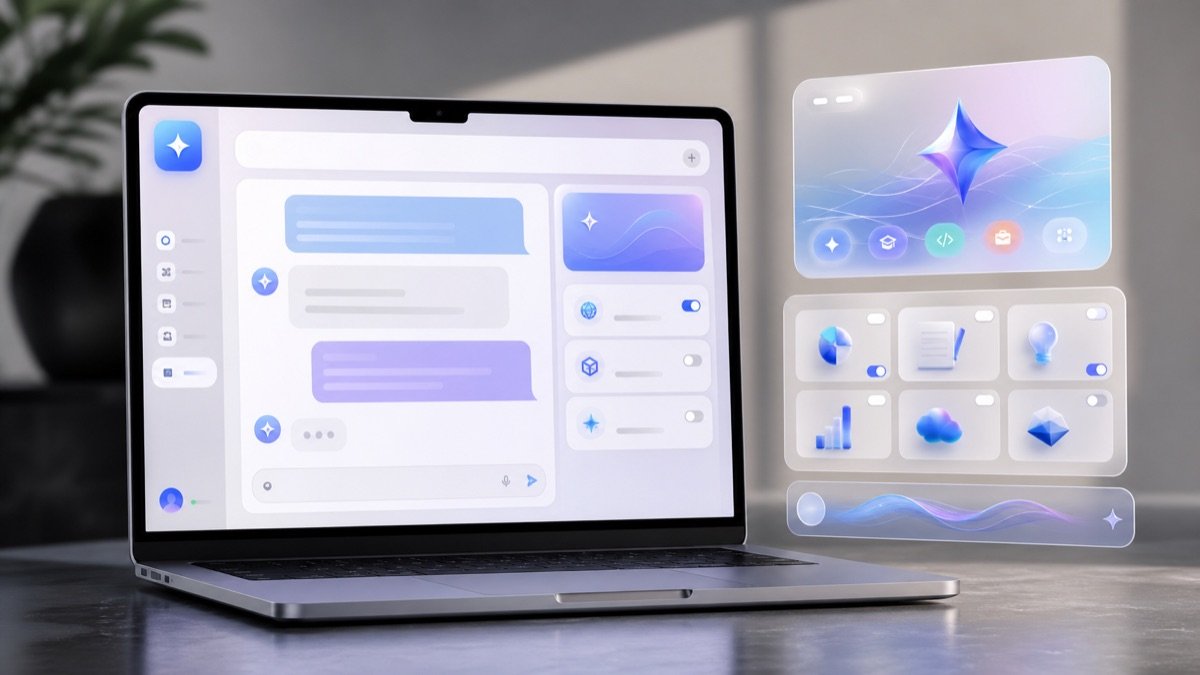
“You are a mobile SEO expert. You have experience optimizing websites for large retail stores. Your task is to review the homepage of your website on a mobile device. Then list 5 points to improve right away. Each point comes with a short explanation. You also need to suggest a specific action for each point.”
With this prompt, Gemini will give very in-depth suggestions. It won't just say “optimize images”. Instead, the AI might suggest “reduce product image size on mobile to under 100KB, use the WebP format to speed up page load by another 0.5 seconds.” The answer will be very valuable. Or the AI will point out “optimizing Core Web Vitals for mobile”. This is extremely specific.
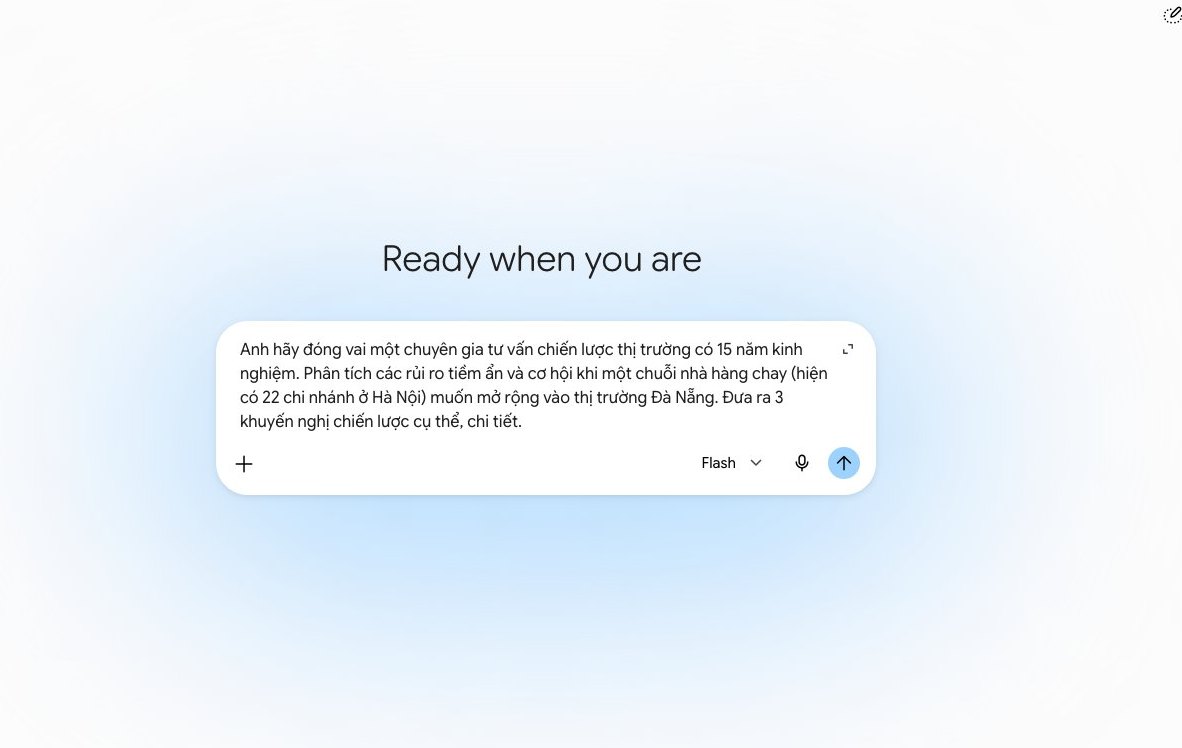
Content is always the key to keeping customers. We usually have an in-depth blog post. But how do you get the most value out of it? Repurposing content is an effective strategy. It saves you time and keeps your presence on every channel.
Gemini on your phone is a capable tool. You can turn one blog post into many different formats. In just 15 minutes, one original piece can become 5 social posts. The message stays consistent. This is a big competitive advantage.
A long blog post holds a lot of valuable information, but a short video is easier to watch. We can use Gemini to convert one into the other. All you need to do is copy the full text of the blog post.
Paste it into the Gemini chat box, then give Gemini a specific instruction. Ask it to write a short video script that sums up the key points. It needs a hook at the start. Don't forget a clear call to action.
Gemini will produce a draft. You just review it and adjust it to your own style. The process is quick and saves a lot of effort.
Every social platform has its own quirks, and one call to action can't fit them all. Want to get more engagement? Let Gemini help. Once you have your 5 social posts, we keep going.
Ask Gemini to create variations. Gemini will adjust the CTA. For example, on Facebook, Gemini might suggest “Learn more here”. For Zalo, it could be “Message us to get the offer”. For LinkedIn, it would be “Register for the webinar now”.
This makes your posts work better and improves how you interact with customers. We use this method too. It helps the marketing team at MONA optimize campaigns for SEO services and website design.
Gemini is a powerful tool. It can generate a huge number of ad ideas. But to get original ideas, you need some advanced techniques. We'll share 3 useful tips. These tips help Gemini get out of its rut and deliver clearly distinctive suggestions.
We'll go through each technique in detail. Every tip comes with a concrete example prompt that you can use right away. This helps your marketing team build campaigns that stand apart instead of blending in.
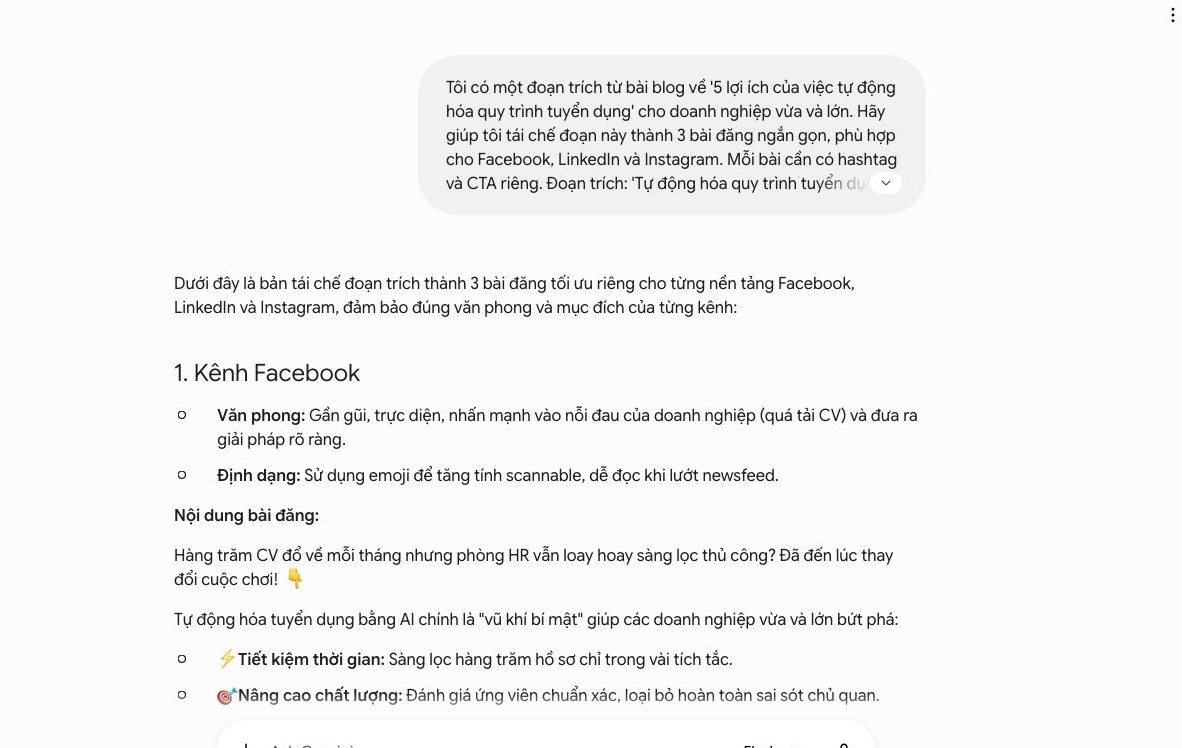
To get different ideas, sometimes we need to look at things from the opposite angle. “Reverse thinking” helps Gemini break out of familiar patterns. Instead of asking for good ideas, ask it to list bad ideas.
Then we flip the problem around. That's the trick. Gemini is forced to think differently, and it comes up with fresh directions.
Step 1: Ask for bad or boring ideas.
Put Gemini in the role of an expert, then ask it to list the things to avoid. For example:
"You are a marketing expert for a premium vegetarian restaurant chain. List the 10 worst, most boring or most misleading ad ideas for this brand."Step 2: Flip the bad ideas into standout ones.
Based on the list you just created, ask Gemini to turn them into strengths. It will create surprises. For example:
"Based on the 10 bad ad ideas listed, flip each one. Create 5 truly original, bold and engaging ad campaign ideas for that premium vegetarian restaurant chain."The results will surprise you. Gemini brings fresh angles that make our ad campaign stand out clearly from competitors.
Knowing your competitors well is key. Gemini can quickly gather and analyze market information. From there, it identifies the “gaps” your competitors haven't covered. We turn those gaps into opportunities. It's a smart strategy.
We need a clear process. It guides Gemini in the right direction and helps find what makes you different. Mona Media has done something similar. We helped a logistics company see its strengths clearly, and it then created a message all its own.
Step 1: Ask Gemini to analyze your competitors.
Give Gemini the names of your main competitors. Ask it to dig into their strategies. Be specific. For example:
"Analyze the advertising strategy, messaging and target audience of the following competitors in the smart tech devices industry: [Competitor A], [Competitor B], [Competitor C]. Summarize it in a table."Step 2: Identify market gaps.
Once you have the data, ask Gemini to point out your competitors' weak points, or the areas they overlook. For example:
"Based on the analysis of the competitors above, which customer segments are underserved? Which messages or values have competitors not fully used?"Step 3: Propose original ad ideas from the gaps.
With the gaps found, Gemini can create new ideas and reposition the brand. For example:
"From the gaps identified, propose 3 creative slogans or ad campaign ideas aimed at the untapped segment. Make sure the ideas are original and likely to attract attention."This method helps you stand out. It makes sure your message doesn't overlap with anyone else's. Every campaign gets its own signature. That's a big competitive advantage.
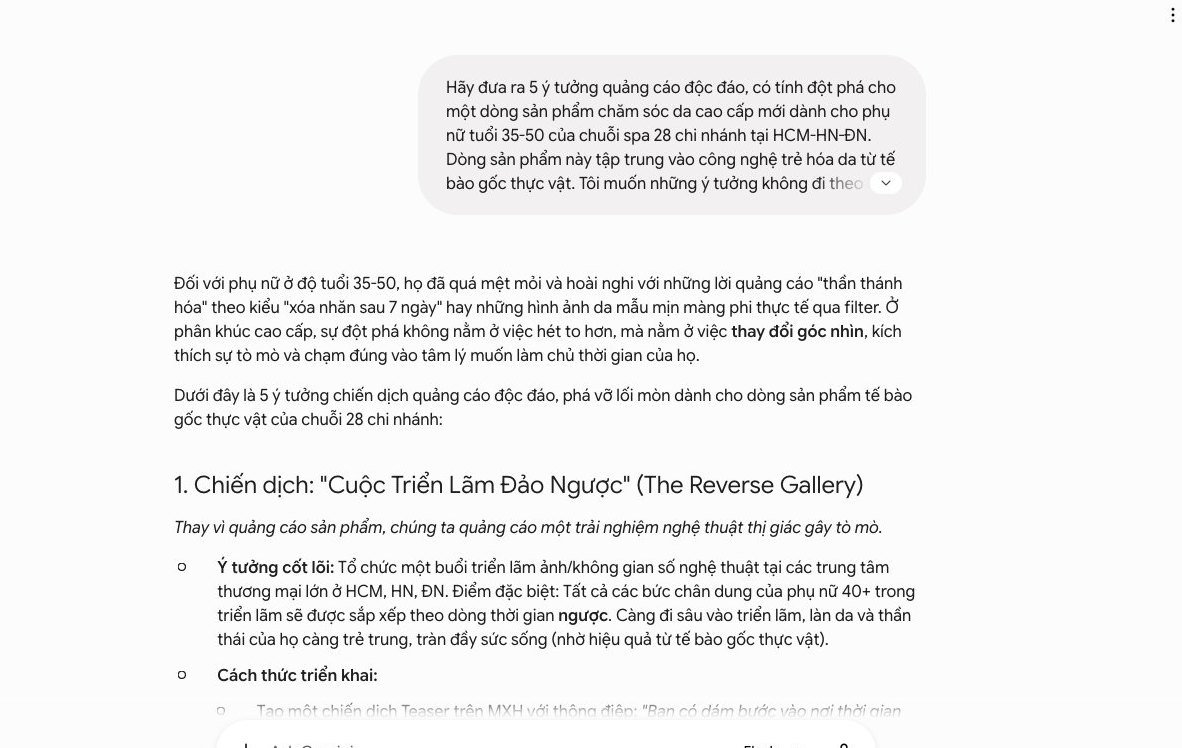
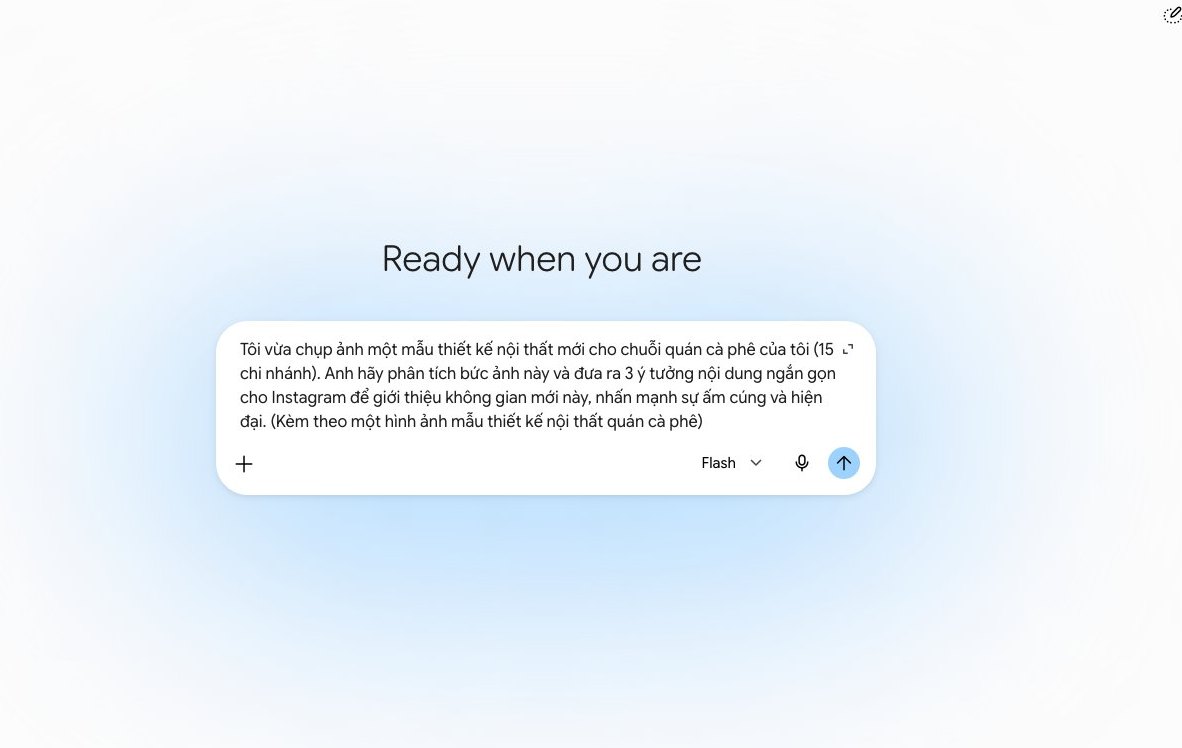
To get the best results from Gemini, we need more than ordinary prompts. A little-known tip is to ask Gemini to evaluate and edit its own responses. This raises the quality of the output. You'll save time on manual review, and the final content will match your original request more closely. We've found this works very well.
This first step is very important. You need to give Gemini specific criteria so it can score itself. Think about the factors that decide quality. For example, how many words should the article have? Is the tone friendly? Is the information accurate? The language has to be clear. Avoid inappropriate wording. The more detailed the criteria, the better Gemini understands. This helps the AI control itself more tightly and adjust sensibly.

Once you have the criteria, we run a two-step process. This is the most effective way to get Gemini working well, and it polishes the content. Let's look at the steps.
This process saves you a lot of time. You don't need to reread every sentence, because Gemini has already reviewed it. At MONA, we use this method too. It gets us a fitting result with quality guaranteed from the start.

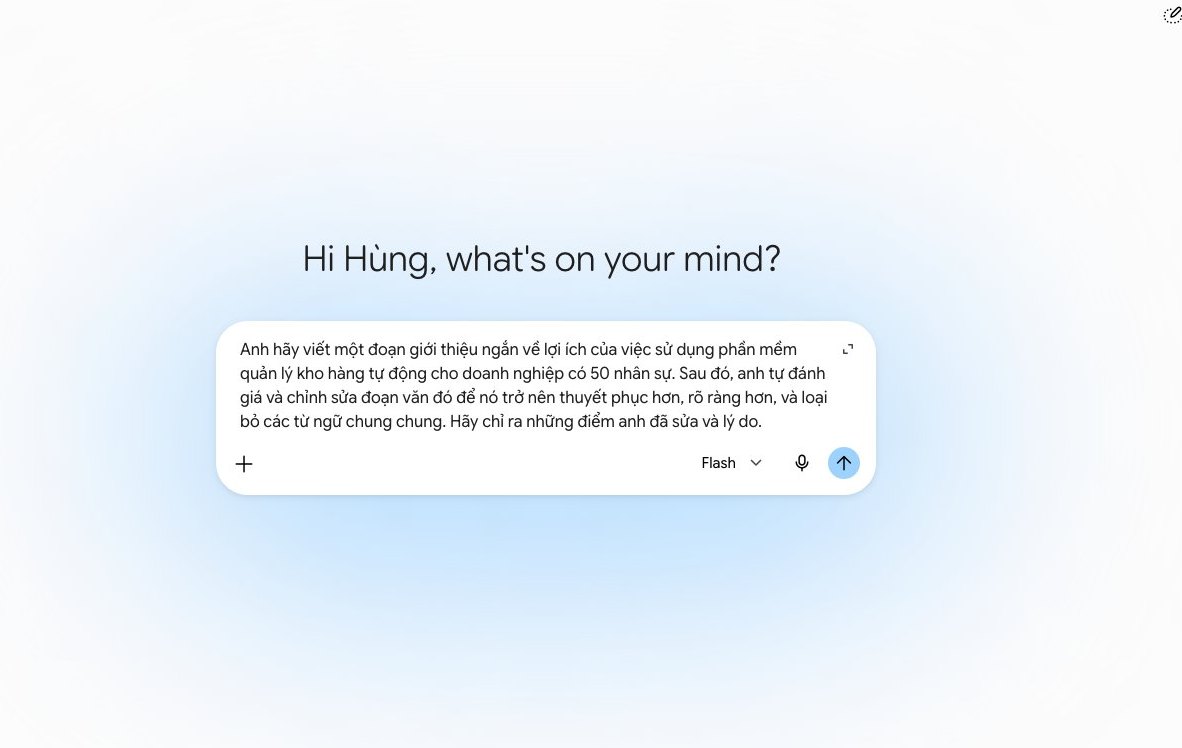
To streamline your workflow, Gemini on your phone does more than text. The tool can analyze images and recognize speech. That lets us collect information faster and create richer content from varied sources.
This saves you a lot of time. It also widens how you can use AI in daily work. We've seen many business owners apply it successfully.
Do you run an e-commerce site or a retail chain? Writing product descriptions usually takes a lot of effort. Gemini helps you get past that challenge.
Imagine you just take a photo of a new product, upload it to Gemini, and then give a specific request.
For example, you could enter this prompt: “Describe this product for a premium fashion store. Focus on the material, the design and how it feels to wear. Write about 100 words.”
Gemini will analyze the image. It picks out details about the cut, color and fabric (if clear enough). From there, Gemini creates a professional, engaging draft product description. It's an extremely effective step.
This draft speeds up how fast you can publish new products. It also keeps descriptions consistent and appealing to customers. You can read more about how to optimize your website here to increase sales.
In a busy workday, ideas that pop up are hard to catch. You might be on the road or tied up in meetings. Gemini turns your phone into a very powerful idea notebook.
Instead of typing, just open Gemini and use the voice recording feature. Speak your ideas out loud. You can talk about a new blog post, social media content or a video script.
For example, you could record: “I want to write a post about 5 effective SEO tips for small businesses. Focus on keywords, backlinks and quality content.”
Gemini will turn your speech into text and arrange the ideas into a coherent draft. The draft may need more editing, but it already has a clear structure. It's an extremely convenient way to work.
This feature means you won't miss a single valuable thought. It also saves the time of manual typing, so you can develop content faster. You can learn more about our professional SEO services here.

You've just explored with us ways to use Gemini on your phone to raise personal productivity. These are handy tools that take over many repetitive daily tasks.
However, individual AI tools like Gemini still have a clear limit when we want to automate whole processes for a large business.
A personal tool usually works on its own. That makes it hard to link data between departments, from marketing to sales to operations.
When each person uses their own tool, you end up with isolated “data islands”. This breaks the flow of information and makes central management hard.
Information security is also a concern. Sensitive business data may not be well protected on public platforms.
To solve those limits, you need a complete automation solution designed for your business. It isn't just a tool but a closed system.
MONA focuses on building production automation software. We develop custom modules that are tightly linked to each other.
Our software helps you automate the entire chain of processes. From customer management qua CRM, warehouse management with a WMS system, to internal project management.
AI, LLM and Computer Vision technologies are only the means for MONA to unlock the tasks that machines can do better than people. This keeps your data seamless and safe.
With over 10 years of experience since 2016, MONA has helped thousands of Vietnamese businesses through the challenges of going digital. We have a team .
Over 14,000+ projects have trusted MONA. An 85% customer retention rate shows the support and service quality we deliver.
MONA doesn't just provide software. We also train you in how to apply AI to real operations, so you can use your resources well and grow sustainably.
If you're looking for a complete automation solution, “tailor-made” for your business, get in touch with MONA today.
We can discuss a design services, a a sustainable SEO strategy, or a custom software system to help your business break through.

CEO & Founder · The MONA
Founder of The MONA, who built a services company of 60+ staff with 14,000+ projects delivered. Khánh Hùng shares how he thinks about building systems that run themselves, automating a business, and the real lessons from delivering projects at MONA.
 505




Professional website
design services
Own a website with a beautiful, 100% exclusive design and a lifetime warranty, with the ability
to expand features flexibly as your business grows, starting today!






 MONA will never sell your information or send you spam


 MONA will never sell your information or send you spam
