
 MONA OS 2.0


 Tự động hoá doanh nghiệp
 Cẩm nang SEO
 Digital Marketing
 Kinh nghiệm thiết kế website
 Hạ Tầng Server
 Giáo dục


 VI
VI
 EN
EN









Message us on
Zalo Official


 Products

 ProductsProducts









 Website designLooks good and convinces your customers.
SEO servicesBrings in customers searching for exactly what you sell.
Website designLooks good and convinces your customers.
SEO servicesBrings in customers searching for exactly what you sell.
 Tư vấn digital marketingKéo khách từ nhiều kênh, đo bằng số thật.
Corporate video productionVideos introducing your company, factory and team.
Tư vấn digital marketingKéo khách từ nhiều kênh, đo bằng số thật.
Corporate video productionVideos introducing your company, factory and team.
 NewAI video productionCompany story films made with AI.
 Custom software developmentCRM, ERP and HRM built for your business.
 Viết AI Agent theo yêu cầuĐặt riêng một trợ lý AI cho đúng việc của mình.
 Tư vấn chuyển đổi AIĐưa AI vào vận hành của cả công ty.
NewMONA LMSManagement for centers and schools.
MONA SkillHubInternal training for company staff.
Tư vấn chuyển đổi AIĐưa AI vào vận hành của cả công ty.
NewMONA LMSManagement for centers and schools.
MONA SkillHubInternal training for company staff.
 NHTQ systemEnd-to-end China–Vietnam shipping operations.
MONA JMSManagement for gold, diamond and pawn shops.
NHTQ systemEnd-to-end China–Vietnam shipping operations.
MONA JMSManagement for gold, diamond and pawn shops.
 MONA E-LearningA website with every feature you need to sell courses.
 Course on selling online coursesMore than 30 free lessons on selling courses automatically.
 MONA Cloudmonacloud.vnServers to get your apps and websites running.
 MONA Basemonabase.vnPostgres database, sign-in and file storage.
 MONA Mailmonamail.vnSend OTP, order and invoice emails from your software.
 MONA Paymonapay.vnReceive bank transfers via VietQR, with payment alerts sent to your software.
 MONA eInvoiceComing soonIssue e-invoices that meet tax standards.
Gấu CườiTrả lời khách 24/7 trên web, Fanpage, Zalo và thu lead cho sale.
MONA eInvoiceComing soonIssue e-invoices that meet tax standards.
Gấu CườiTrả lời khách 24/7 trên web, Fanpage, Zalo và thu lead cho sale.
 Gấu TeleSalesGọi điện tư vấn, chăm khách như tổng đài viên thật.
Dê CườiTư vấn và chốt đơn cho shop ngay trong khung chat.
Gấu WebmasterNhắn nhóm Zalo là website được sửa xong.
Gấu TeleSalesGọi điện tư vấn, chăm khách như tổng đài viên thật.
Dê CườiTư vấn và chốt đơn cho shop ngay trong khung chat.
Gấu WebmasterNhắn nhóm Zalo là website được sửa xong.
 Gấu Pháp ChếSoạn hợp đồng, rà điều khoản trong vài phút.
 Gấu Báo GiáLên báo giá đúng mẫu và gửi khách ngay.
 AI chăm sóc khách hàngTheo dõi và giữ chân khách hàng cũ.
 Gấu Tuyển DụngLọc hồ sơ, hẹn lịch, phỏng vấn ứng viên.
 AI
Gấu Cười MONA ĐANG TỰ XÀITrả lời khách 24/7 trên website, Zalo OA, Messenger và thu lead về cho sale.
Dê CườiChốt đơn bán lẻ và sàn: Shopee, TikTok Shop, web. Chăm cả khách sỉ, đại lý.
Gấu WebmasterCập nhật nội dung, tối ưu SEO website mỗi ngày.
Gấu TeleSalesGọi điện tư vấn, chăm khách như tổng đài viên thật.
Gấu Tuyển DụngLọc hồ sơ, hẹn lịch, phỏng vấn ứng viên tự động.
AI chăm sóc khách hàngGiữ khách cũ, cứu lead đã rớt cho phòng kinh doanh.
Gấu Pháp ChếSoạn hợp đồng, rà điều khoản trong vài phút.
Gấu Báo GiáLên báo giá đúng mẫu, gửi khách ngay khi có yêu cầu.
AI
Gấu Cười MONA ĐANG TỰ XÀITrả lời khách 24/7 trên website, Zalo OA, Messenger và thu lead về cho sale.
Dê CườiChốt đơn bán lẻ và sàn: Shopee, TikTok Shop, web. Chăm cả khách sỉ, đại lý.
Gấu WebmasterCập nhật nội dung, tối ưu SEO website mỗi ngày.
Gấu TeleSalesGọi điện tư vấn, chăm khách như tổng đài viên thật.
Gấu Tuyển DụngLọc hồ sơ, hẹn lịch, phỏng vấn ứng viên tự động.
AI chăm sóc khách hàngGiữ khách cũ, cứu lead đã rớt cho phòng kinh doanh.
Gấu Pháp ChếSoạn hợp đồng, rà điều khoản trong vài phút.
Gấu Báo GiáLên báo giá đúng mẫu, gửi khách ngay khi có yêu cầu.
 Chuyển đổi AI toàn phầnGiải pháp tổng cho doanh nghiệp, 3 lớp triển khai.
 Viết AI Agent theo yêu cầuĐặt riêng một con AI gánh đúng nghiệp vụ của bạn.
 Custom softwareCRM, ERP and HRM with built-in AI automation.
 SEO & AEO thời đại AIĐược Google lẫn AI trích dẫn, không chỉ xếp hạng.
 Kiến thức AI cho doanh nghiệpBài phân tích, hướng dẫn ứng dụng AI vào vận hành.
 Free AI courses
 AI tools at work
18 March, 2023
What aspect ratio should standard website images have? This article shows you the numbers you need to pay special attention to when designing a website and choosing images to upload to it. If you are new to building websites and want your site to look good, engaging and with attractive images, you should not skip the content below. Let MONA Media walk you through the details!
Image size affects not only the layout but also page load speed directly. Images that are too heavy slow the site down, and the wrong aspect ratio looks unprofessional. That is why optimising image size is an important step when optimising for full-scope website SEO services.
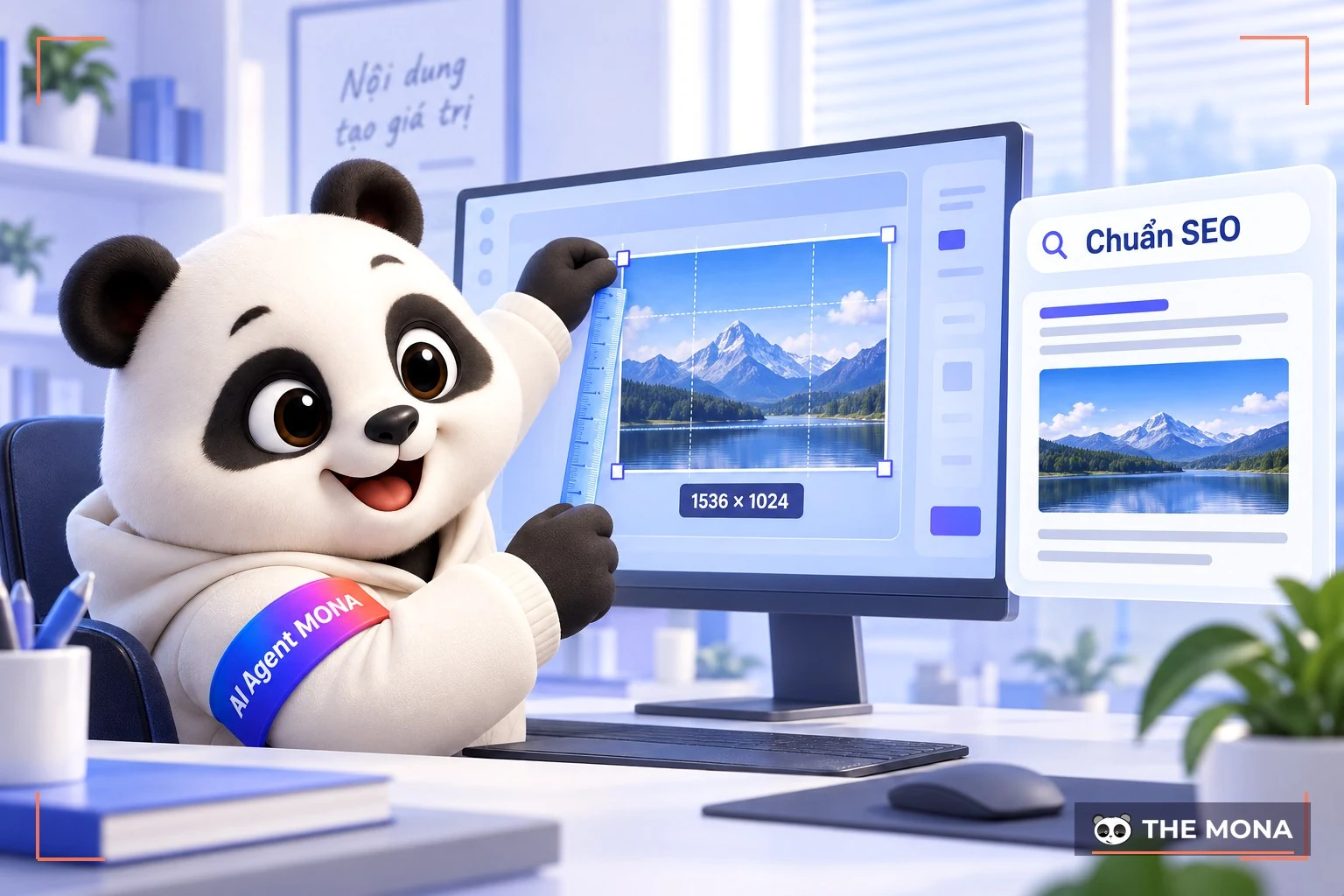
Today, most websites use SEO tactics to raise their rankings, reach more users and grow traffic significantly. To achieve that goal, images uploaded when web design also need to meet the basic criteria Google sets out. Only when the images meet the standard is the website optimised as well.
At present, Google's tools still cannot fully “understand” the meaning of an image. Evaluation relies heavily on size, aspect ratio, image alt text and file name.
Standard image sizes are recommended based on aspect ratios that match the common screen ratios of devices and partly on how users browse and look at images. When you use images of the right size, users can take in the content more fully, which gives them a better experience on your website.
In addition, size specifications help you pick suitable images to upload without using files that are too large or too heavy.

A consistent set of images in standard sizes makes your website look more professional and attractive. Your uploaded images will not be stretched or squashed, so the design stays clean.
E-commerce website design that meets SEO standards is a key requirement and a top goal for a professional website. To reach this goal, your website needs to meet the criteria Google sets out. One of the requirements you need to get right is image size.
In detail, some SEO-standard image sizes to keep in mind are:
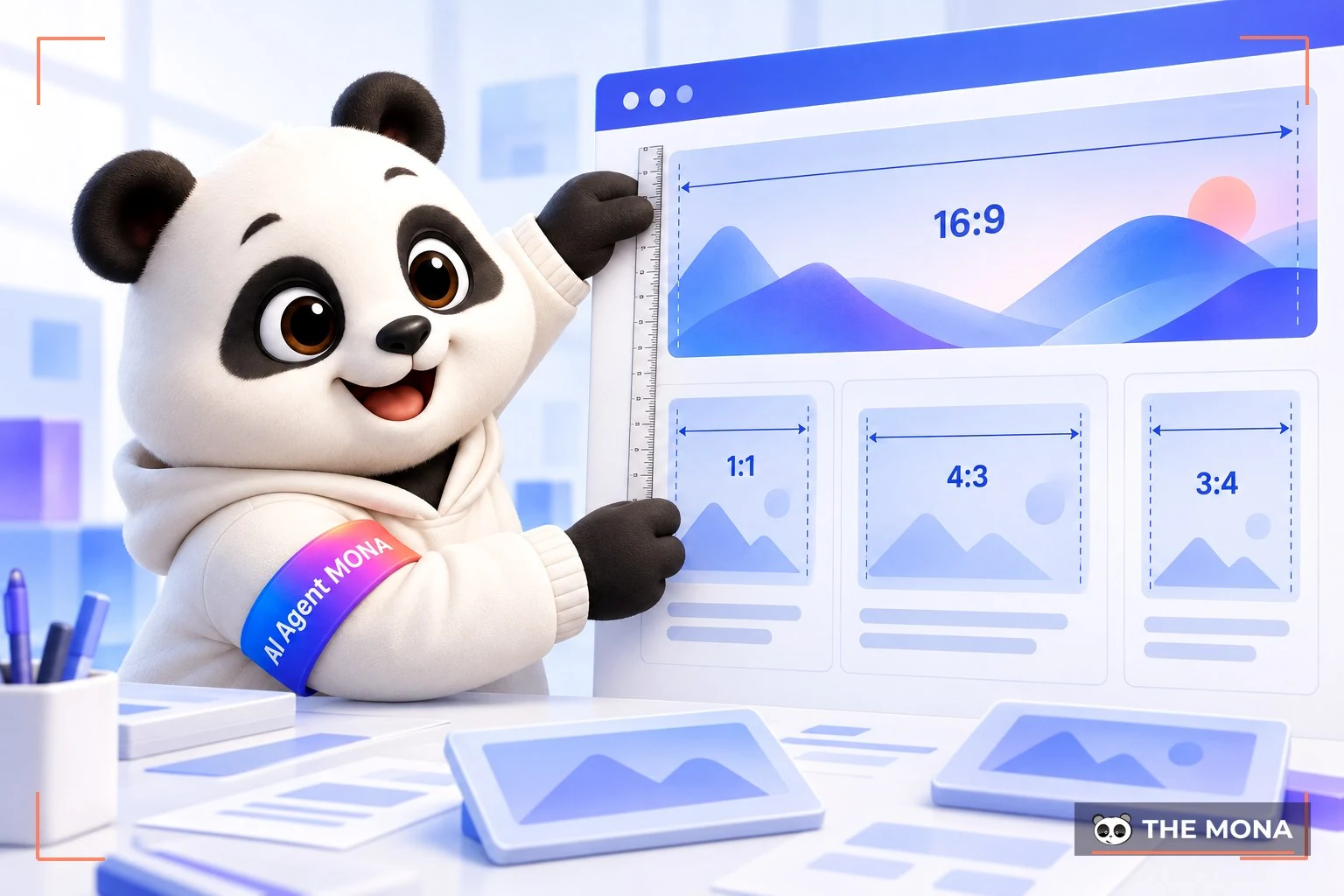
Homepage images matter a great deal because they are the first thing customers see when they visit your website.
Usually, the standard size for homepage slider images you should follow is 1260×540 pixels.
You also need to size images properly for the other elements on your homepage. Pay special attention to the design and size of the logo. Specifically, the optimal size for a website logo is usually 250×100 pixels (width x height). However, depending on the type of website, you will need to adjust the logo size accordingly. For example, the 2 most common website logo sizes are:
Favicon size is another element to watch. A favicon is a small logo shown next to the website address, usually designed from the brand's main logo. This small logo (favicon) is usually at least 16×16 pixels, or 48×48 pixels. The purpose of this minimal size is to speed up image loading on the website and help Google crawl data faster.
≫ Find out more: Google Ads management service increase sales
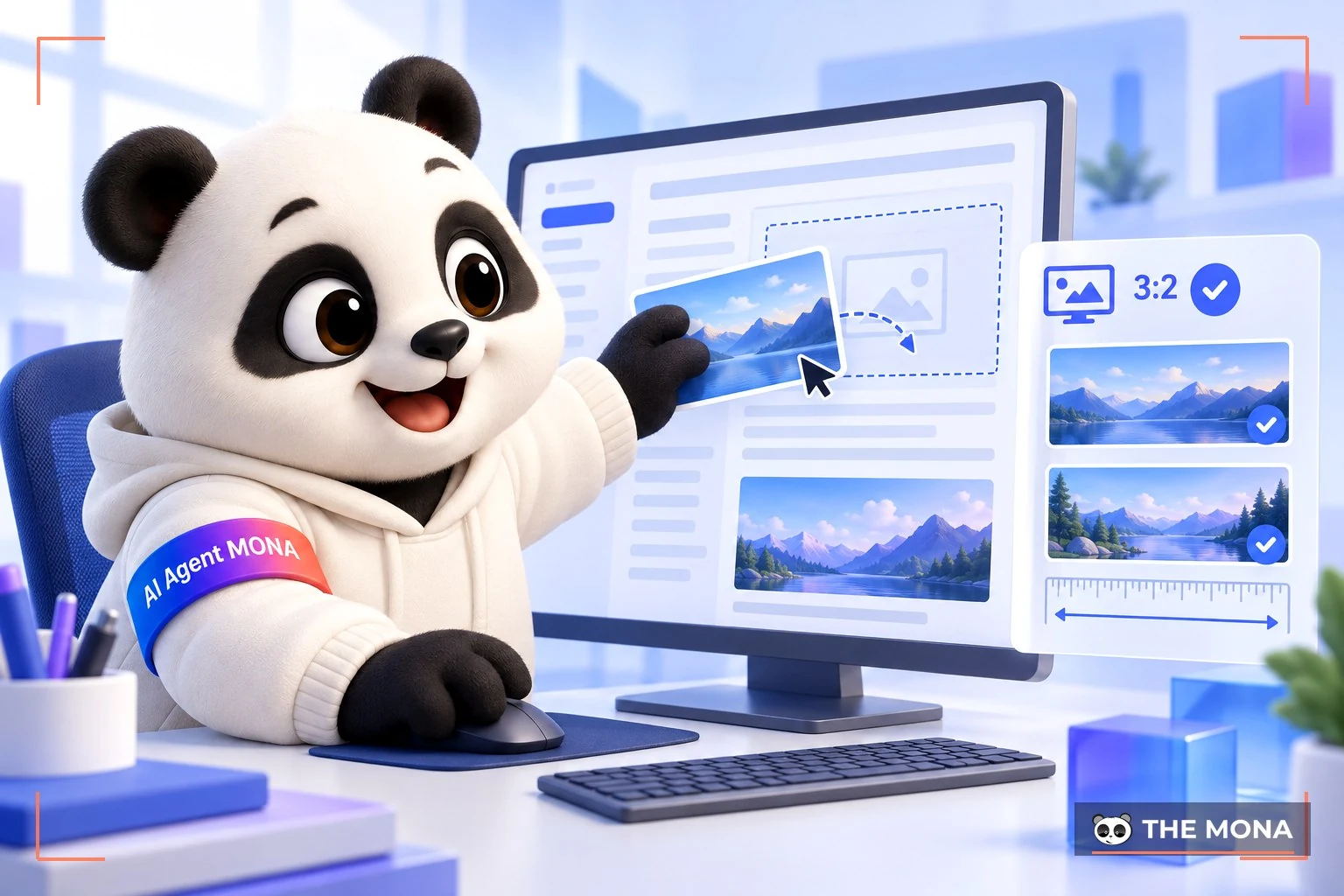
Besides homepage image sizes, you also need to watch image sizes in articles. MONA has put together the standard website image sizes you should refer to and follow below:
What is a thumbnail?
Thumbnail (a reduced-size image) is a term designers and photographers use for a small version of a larger image, so readers or viewers can browse many images at once.
Why optimise thumbnails on your website?
By letting users preview images without downloading them, thumbnails make your website feel convenient and professional to users.
On top of that, for a website with many images, lightweight thumbnails improve page load speed and give a better user experience.
What is the standard thumbnail size for a website?
The standard thumbnail size differs from platform to platform:
1. Website thumbnail size
The standard thumbnail size for a website when sharing an article is 1200×630 pixel.
2. YouTube thumbnail size
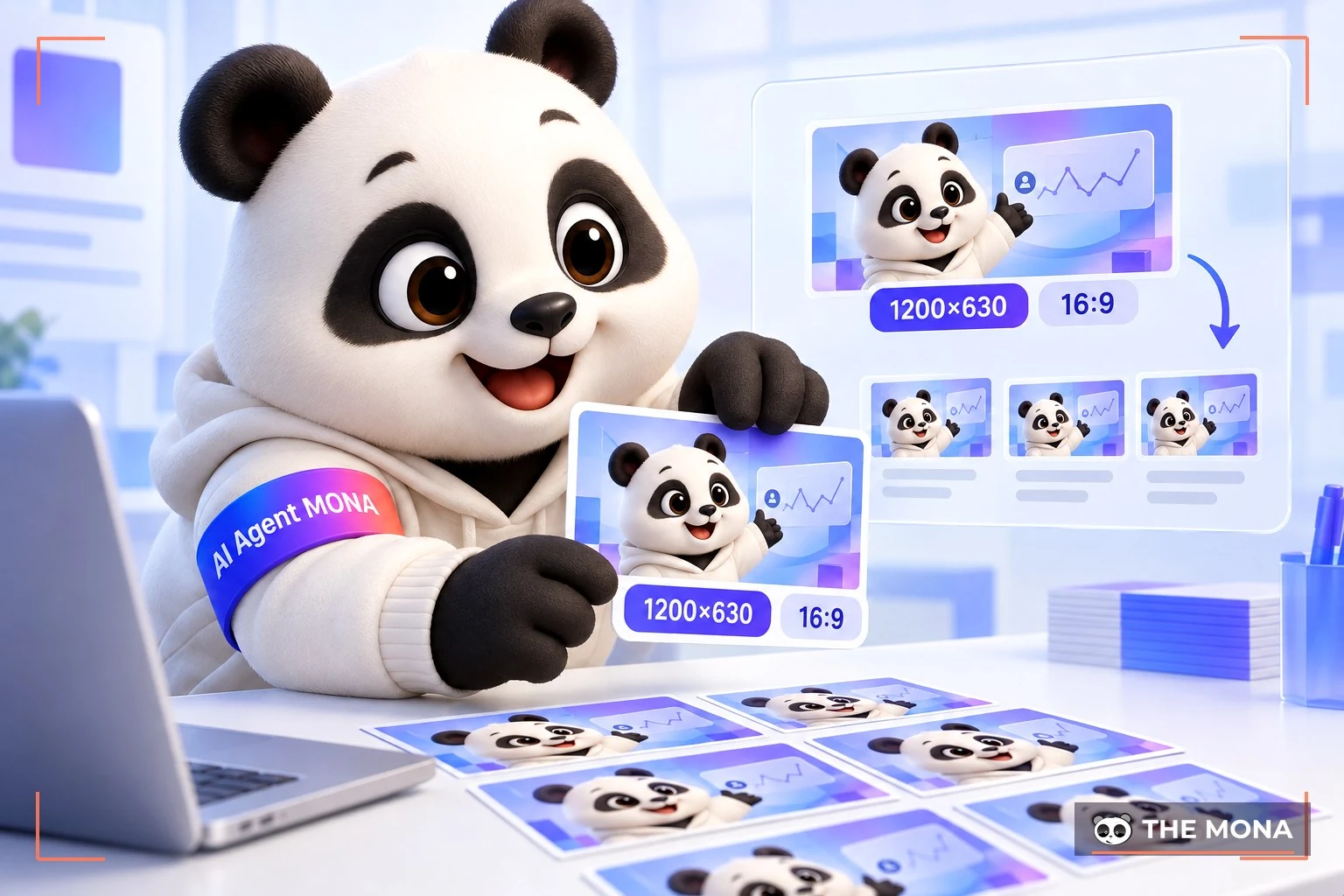
For suggested clips shown to the right of the video, the standard thumbnail size is 168×94 pixels. At this size, the YouTube thumbnail keeps the best quality after upload.
Tips for an attractive thumbnail
To get an attractive thumbnail, keep the following criteria in mind:
Whether you are optimising thumbnails, banners or featured images, the right size is the first “key”. The banner design service of MONA Media turns every pixel into a convincing experience, delivering the right message, reaching the right audience and meeting your communication goals.
With hands-on experience across banner design projects and advertising poster design in many industries, MONA offers you complete solutions:
CONTACT US MONA Media qua HOTLINE 1900 636 648 to get professional, correctly sized, attractive banners and images with the strongest promotional impact!

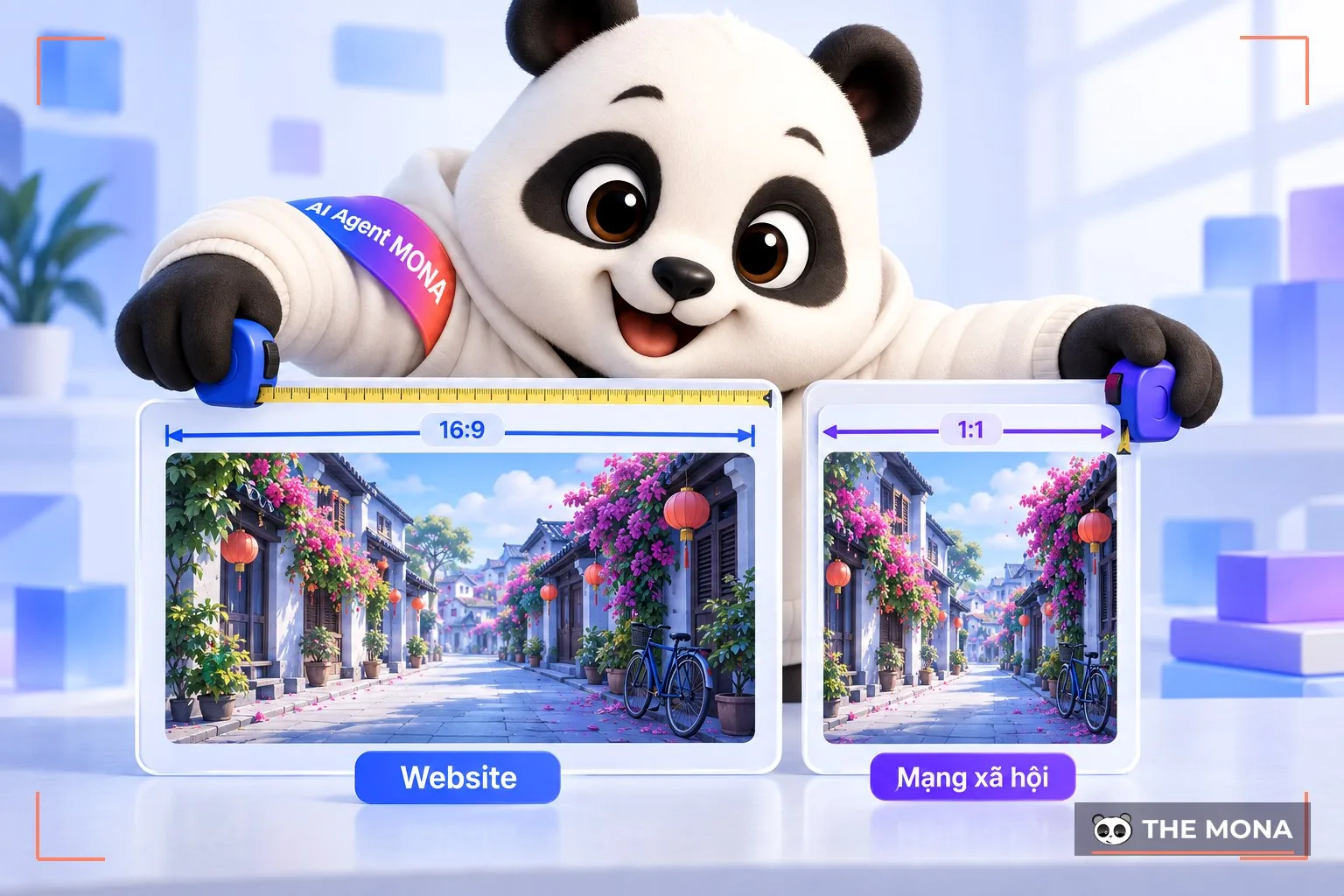
Many companies and businesses use both a website and social media pages for business goals and brand building. So many people ask whether images designed for Facebook can be used on a website, and vice versa.
The answer is that you can cross-post images across channels, but it is better not to. Facebook's standard image ratios and sizes are not the same as a website's. As a result, the images will not display optimally on each platform or deliver the results you want.
When uploading images to Facebook, you should resize them to the following specifications:
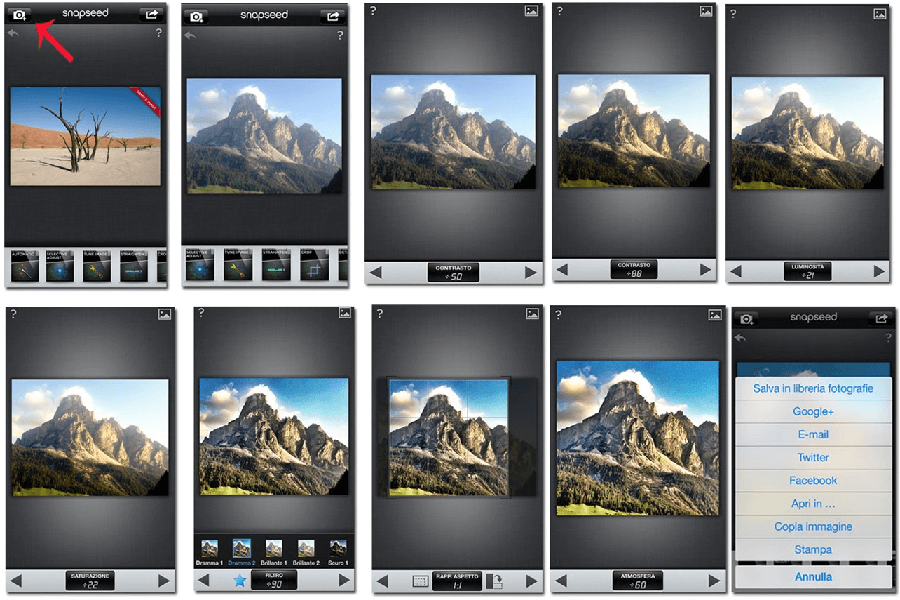
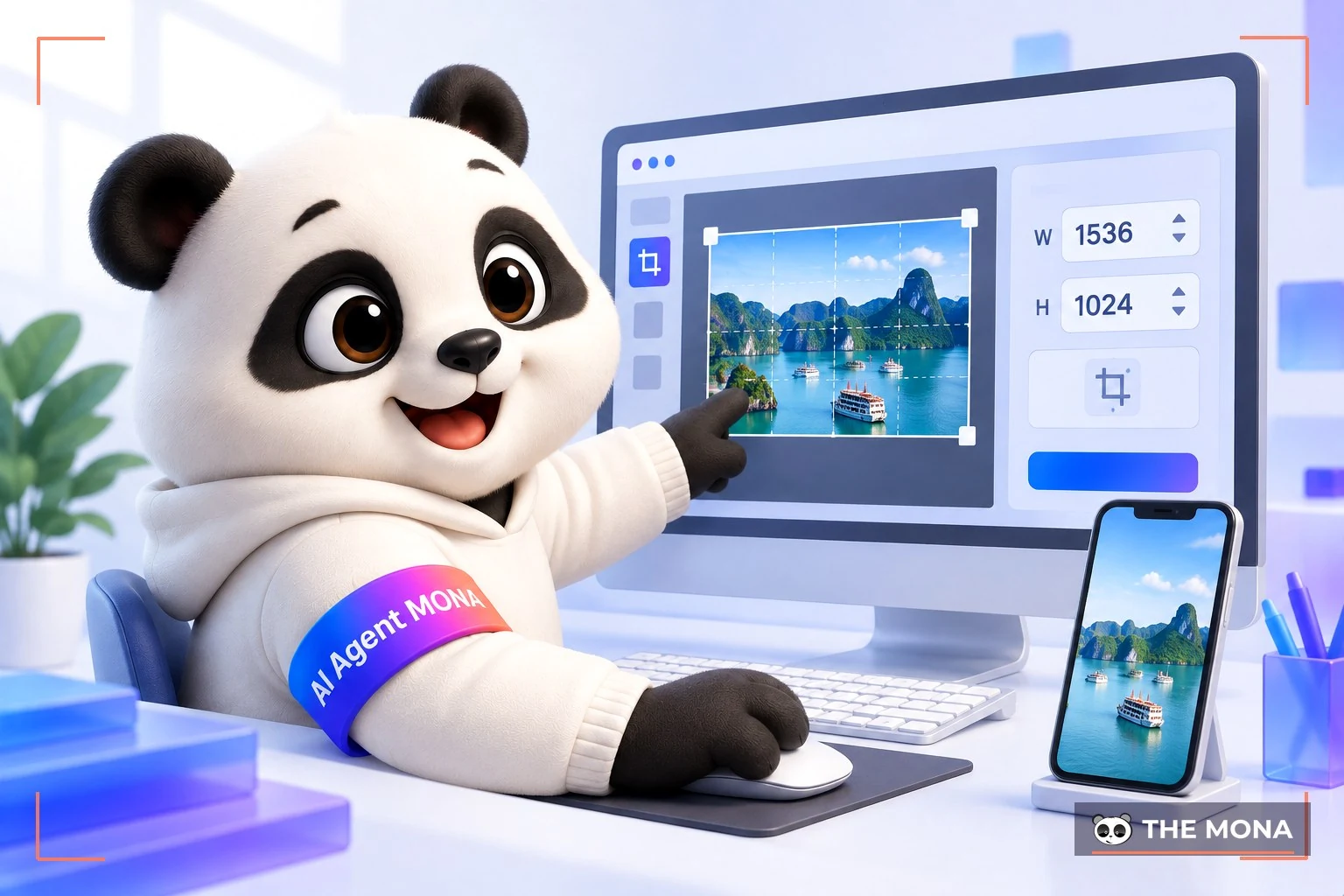
In most cases, your images will not have the standard ratio and size. When that happens, the tools in the list below will help you adjust and resize images before uploading them to your website.
If you do not use ready-made images on your website often, you only need a simple built-in tool on your computer or a website that offers image editing tools online. If it is regular work, the best option is to install professional software and learn how to use it.
Paint – a tool pre-installed on computers running Windows
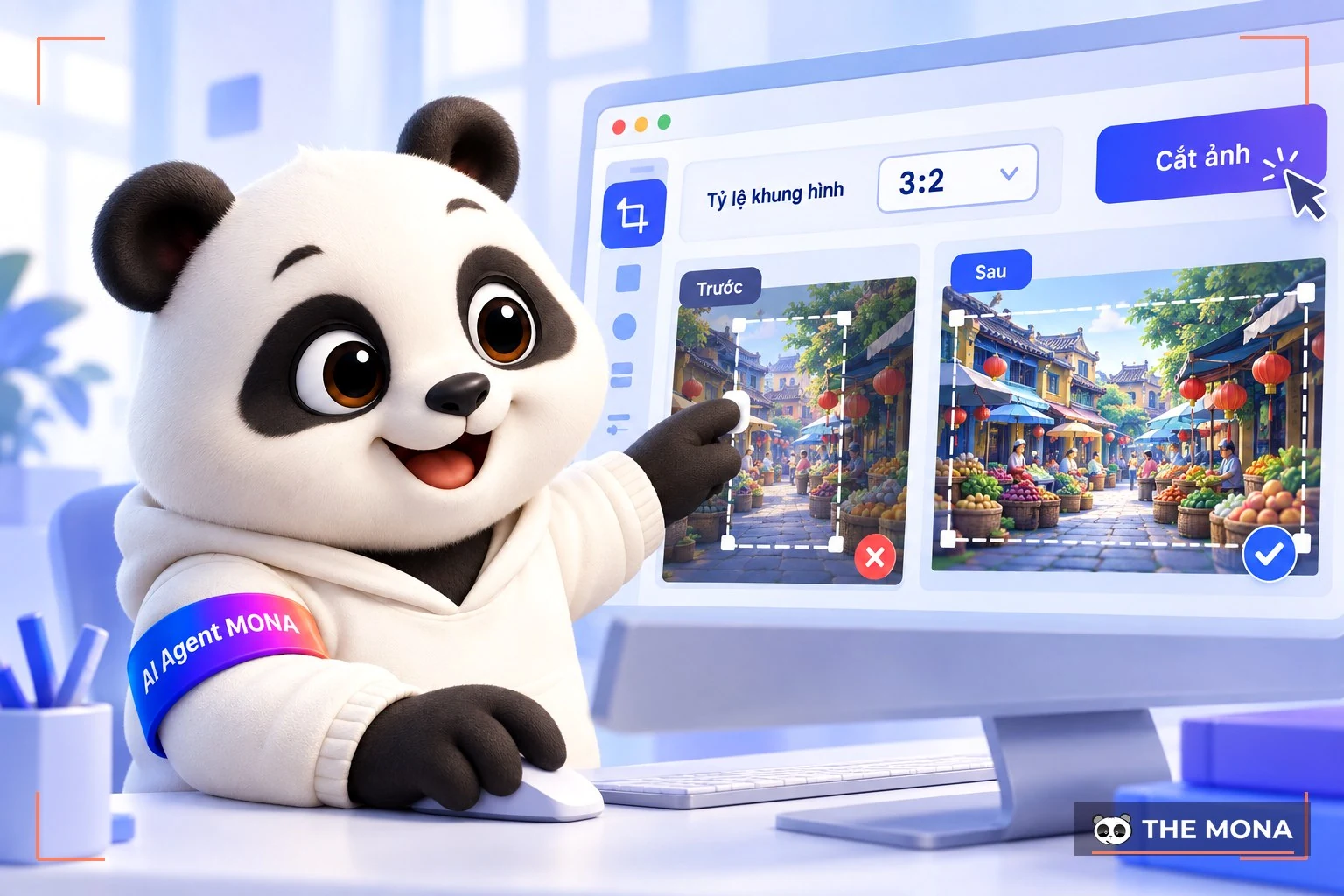
We hope that through the content above, you now have a good grasp of standard website image sizes, as well as some effective tools for resizing images. Also, if you are looking for a service that handles everything about image standards shoot a corporate profile or all the images posted to your website with engaging, SEO-standard content that is always kept up to date, then the complete website management service of MONA is a strong choice for you. Let our team take your website to the top and grow it sustainably!

CEO & Founder · The MONA
Founder of The MONA, who built a services company of 200+ staff with 14,000+ projects delivered. Khánh Hùng shares how he thinks about building systems that run themselves, automating a business, and the real lessons from delivering projects at MONA.
 2,8K
2,8K



Professional website
design services
Own a website with a beautiful, 100% exclusive design and a lifetime warranty, with the ability
to expand features flexibly as your business grows, starting today!



NHẬN TƯ VẤN SEO MIỄN PHÍ !








 MONA promises never to use your information for sale or SPAM
MONA promises never to use your information for sale or SPAM
MONA promises never to use your information for sale or SPAM


 MONA promises never to use your information for sale or SPAM