
 MONA OS 2.0
 Partner with MONA


 Tự động hoá doanh nghiệp
 Cẩm nang SEO
 Digital Marketing
 Kinh nghiệm thiết kế website
 Hạ Tầng Server
 Giáo dục


 VI
 EN












Message us on
Zalo Official


 ProductsNew

 ProductsProducts
 Mới ra mắtKHA AI 2027App tự edit video, tự đăng mọi mạng xã hội, 2 phút mỗi ngày










 Website designLooks good and wins customers over.
SEO servicesBrings in customers searching for exactly what you sell.
 Tư vấn digital marketingKéo khách từ nhiều kênh, đo bằng số thật.
Corporate video productionVideos introducing your company, factory and team.
 NewAI video productionCompany story films made with AI.
 Custom software developmentCRM, ERP and HRM built for your business.
 Viết AI Agent theo yêu cầuĐặt riêng một trợ lý AI cho đúng việc của mình.
 Tư vấn chuyển đổi AIĐưa AI vào vận hành của cả công ty.
NewMONA LMSManagement for centers and schools.
MONA SkillHubInternal training for company staff.
 NHTQ systemEnd-to-end China–Vietnam shipping operations.
MONA JMSManagement for gold, diamond and pawn shops.
 MONA E-LearningA website with every feature you need to sell courses.
 How to sell online courses (course)More than 30 free lessons on selling courses on autopilot.
 MONA Cloudmonacloud.vnServers to get your apps and websites running.
 MONA Basemonabase.vnPostgres database, sign-in and file storage.
 MONA Mailmonamail.vnSend OTP, order and invoice emails from your software.
 MONA Paymonapay.vnAccept bank transfers via VietQR and notify your software when the money arrives.
 MONA eInvoiceComing soonIssue e-invoices that meet tax standards.
Gấu CườiTrả lời khách 24/7 trên web, Fanpage, Zalo và thu lead cho sale.
 Gấu TeleSalesGọi điện tư vấn, chăm khách như tổng đài viên thật.
Dê CườiTư vấn và chốt đơn cho shop ngay trong khung chat.
Gấu WebmasterNhắn nhóm Zalo là website được sửa xong.
 Gấu Pháp ChếSoạn hợp đồng, rà điều khoản trong vài phút.
 Gấu Báo GiáLên báo giá đúng mẫu và gửi khách ngay.
 AI chăm sóc khách hàngTheo dõi và giữ chân khách hàng cũ.
 Gấu Tuyển DụngLọc hồ sơ, hẹn lịch, phỏng vấn ứng viên.
 Mới ra mắt
KHA AI 2027
Xây kênh chuyên gia 2 phút mỗi ngày
Quay bằng điện thoại, AI tự edit video, tự đăng lên 16 nền tảng và tự trả lời bình luận, tin nhắn.
959.331lượt xem trên kênh CEO MONA sau 54 ngày
 Anh Khánh HùngCEO MONA đang dùng mỗi ngày
Xem app làm được gì
 AI
Gấu Cười MONA ĐANG TỰ XÀITrả lời khách 24/7 trên website, Zalo OA, Messenger và thu lead về cho sale.
Dê CườiChốt đơn bán lẻ và sàn: Shopee, TikTok Shop, web. Chăm cả khách sỉ, đại lý.
Gấu WebmasterCập nhật nội dung, tối ưu SEO website mỗi ngày.
Gấu TeleSalesGọi điện tư vấn, chăm khách như tổng đài viên thật.
Gấu Tuyển DụngLọc hồ sơ, hẹn lịch, phỏng vấn ứng viên tự động.
AI chăm sóc khách hàngGiữ khách cũ, cứu lead đã rớt cho phòng kinh doanh.
Gấu Pháp ChếSoạn hợp đồng, rà điều khoản trong vài phút.
Gấu Báo GiáLên báo giá đúng mẫu, gửi khách ngay khi có yêu cầu.
 Chuyển đổi AI toàn phầnGiải pháp tổng cho doanh nghiệp, 3 lớp triển khai.
 Viết AI Agent theo yêu cầuĐặt riêng một con AI gánh đúng nghiệp vụ của bạn.
 Custom softwareCRM, ERP and HRM with built-in AI automation.
 SEO & AEO thời đại AIĐược Google lẫn AI trích dẫn, không chỉ xếp hạng.
 Kiến thức AI cho doanh nghiệpBài phân tích, hướng dẫn ứng dụng AI vào vận hành.
 Free AI courses
 AI tools at work
App mới · KHA AI 2027
Xây kênh 2 phút mỗi ngày
AI tự edit video, tự đăng mọi mạng xã hội
Free consultation, 8am–10pm every day

26 July, 2026
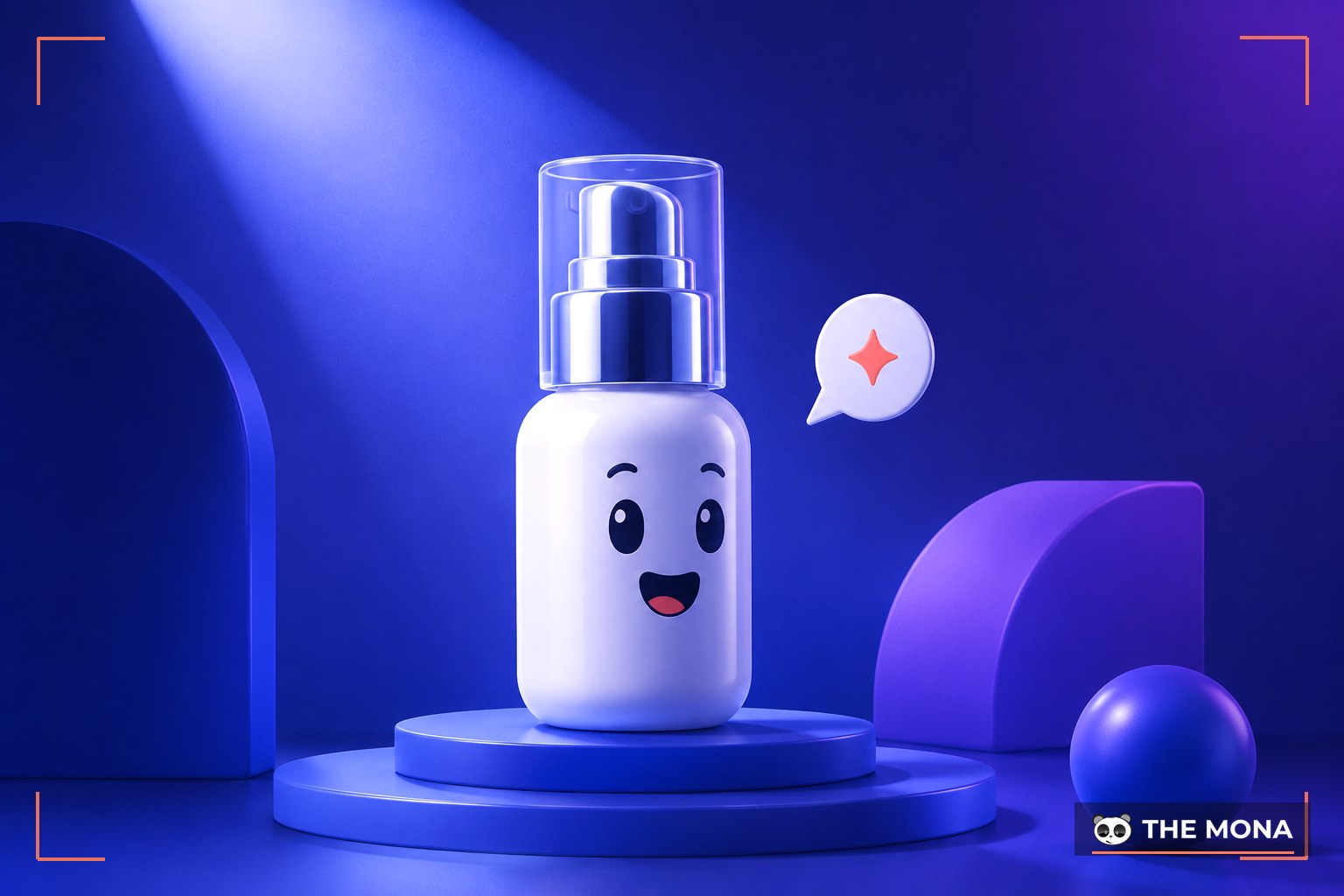
A talking-object video is a video in which an object, usually your product, gets eyes and a mouth and speaks for itself. A perfume bottle, a bubble tea cup or a pair of shoes introduces itself in a playful voice. This kind of video is spreading fast online because it is eye-catching, cute and makes people watch to the end and share. In this article we show you how to make talking-object videos with AI, from the idea to posting, and how to turn this fun trend into a real sales tool.

You have probably scrolled past clips of an object chatting away in a bubbly voice with an expressive face. You end up laughing and sending it to friends. That's not luck. The human brain is drawn to things that are both familiar and strange. The object is familiar, but the fact that it talks is strange. That cute paradox holds the viewer's eyes.
For sellers, this is a gift. The eternal problem is how to make people stop scrolling long enough to hear about your product. A talking-object video solves exactly that. Viewers stop out of curiosity, laugh because it's cute, and then remember the product. It's an ad people choose to watch to the end and share, instead of tapping skip.
According to a forecast from Gartner, by 2025 about 30% of large organizations' marketing content will be machine-generated. Fun AI-made formats like this are part of that wave, and now even a small shop can do it.

Put simply, making a talking-object video has three parts. First, create an image of the object with a face, with the eyes and mouth placed neatly on your product. Second, make that face move and sync its mouth as if speaking. Third, lay a voice over it to match. AI handles all three parts, so you don't need to know how to draw or edit film.
The nice thing is that you use your real product as the character. No need to hire an actor or invent a new mascot. Your best-selling serum bottle becomes the star on its own. If you're already used to making images with AI, for example creating images with Canva AI, this is just the next step. If not, read AI video tools for beginners first to get the basics.
Before touching any tool, write a few lines for the object to say. Keep it short, ten to twenty seconds. The lines should be charming, true to the product, and land one idea the viewer needs to remember. You can ask an AI assistant like ChatGPT to write a few options and pick the one you like. Writing this description is similar to writing an image-generation prompt, so see more in the prompt Canva AI to get the hang of it.
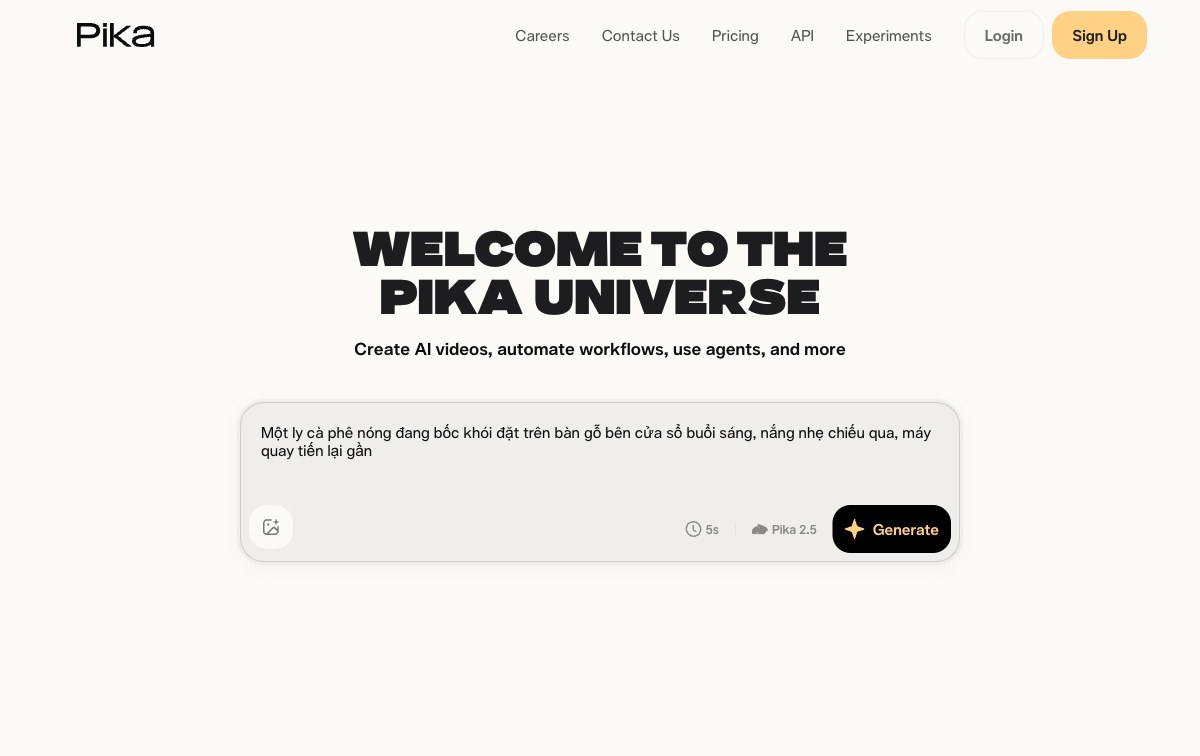
Take a nice photo of your product, then use an AI image tool to add expressive eyes and a mouth to it. Keep the face fitting the shape of the object, and don't let it look off. If your product photo isn't great yet, you can compositing product photos with Canva AI tidy it up first.
With the image of the object with a face ready, feed it into an image-to-video tool so it moves its mouth and shows expressions as if speaking. This is the step that turns a still image into a living character. Keep clips short so the movement looks natural and avoids distortion.
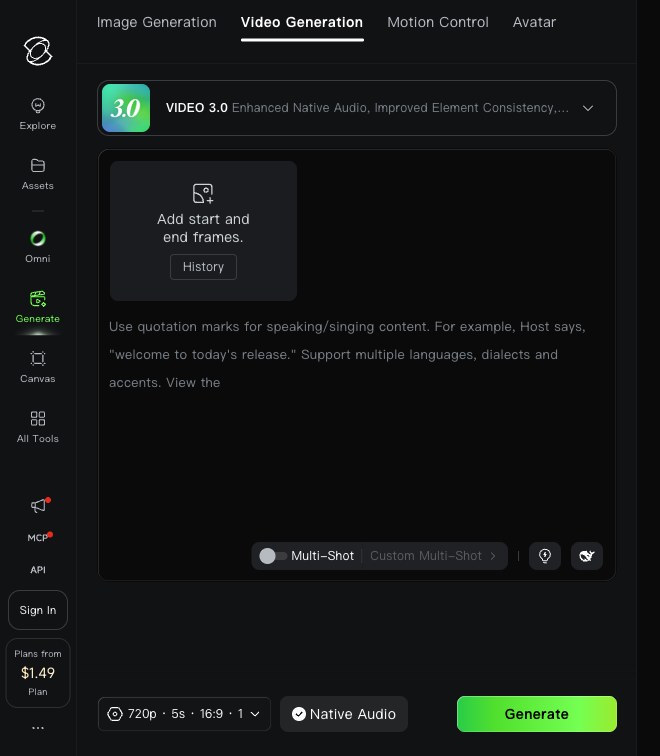
Now add the voice. You can read the lines yourself and attach the recording, or use a Vietnamese AI voice for speed. The voice should be fun and suit the personality you want the object to have. Syncing the mouth to the voice decides whether the video feels charming or fake. If it's out of sync, viewers feel the awkwardness right away.
Finally, stitch the clips together, add fun background music, add text if needed, then export and post. An editing tool like CapCut handles this quickly. Post where your customers tend to scroll, and remember to leave a closing line or a buy-now button under the video to turn amused viewers into buyers.
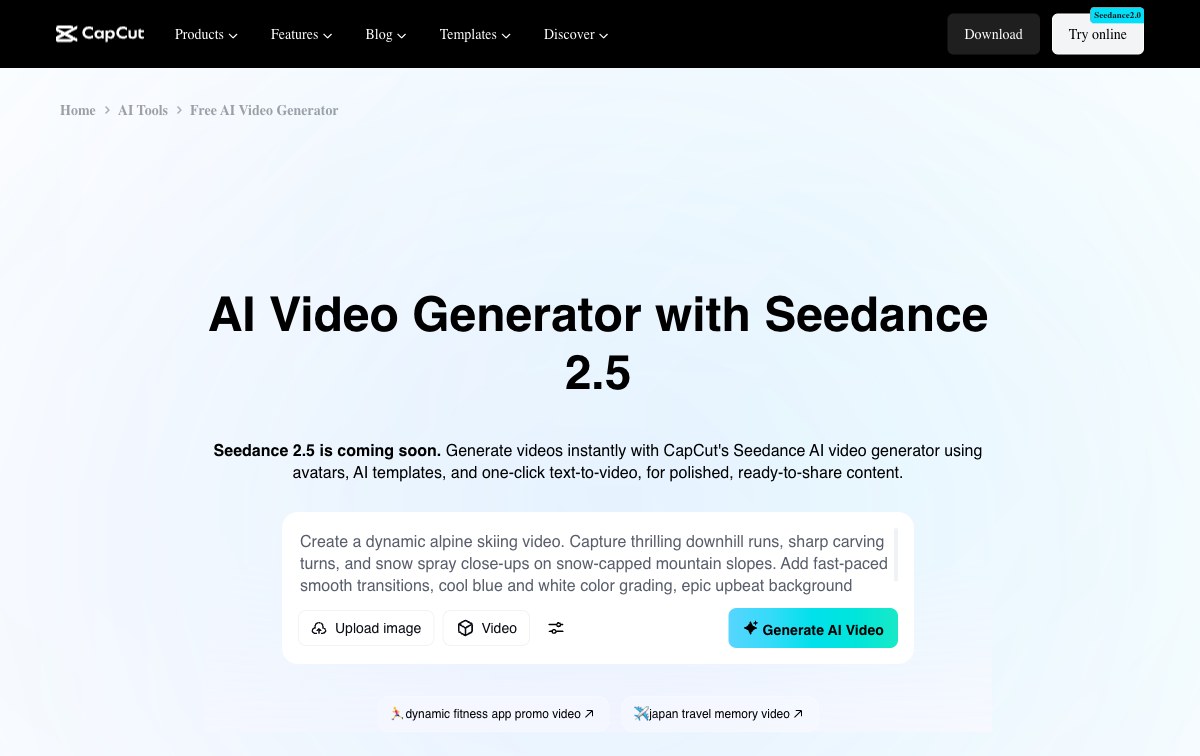
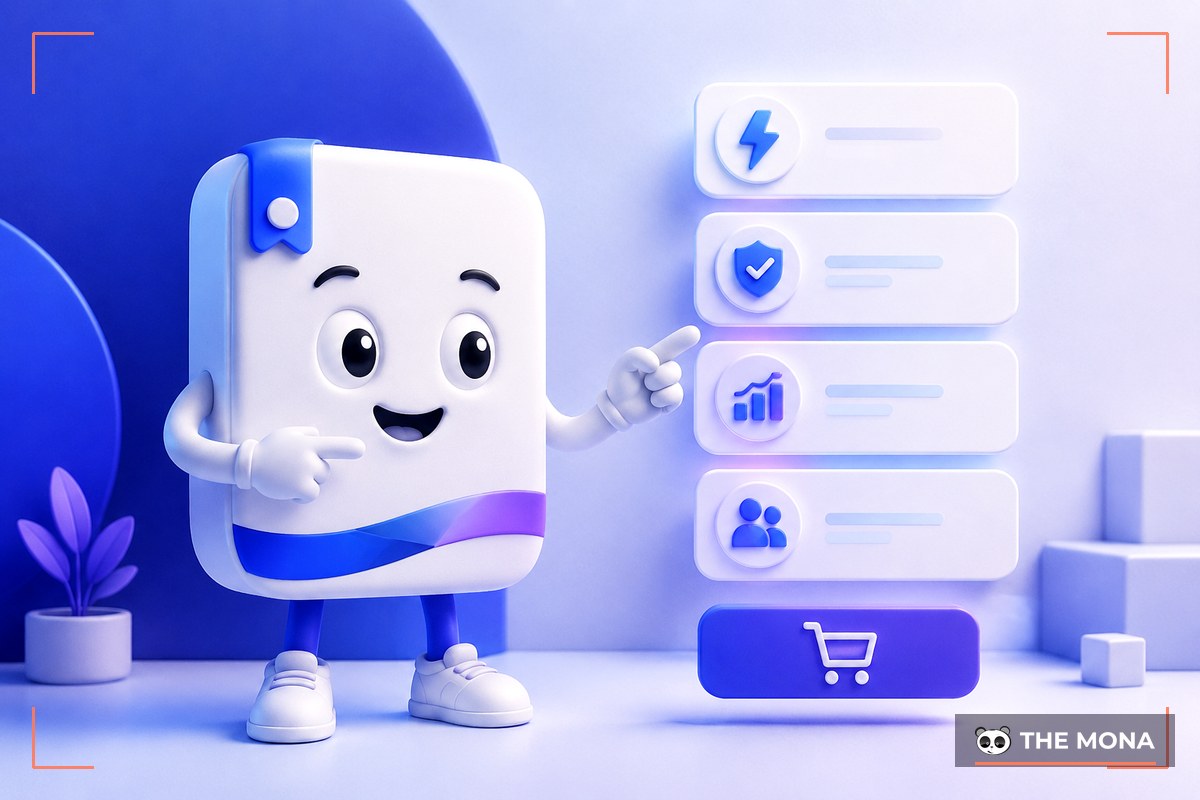
Making it fun is easy, but you should push it to become a sales tool. Let the object talk about its own strengths, answer questions customers often ask, and remind people of promotions. Viewers take information in more gently through a cute character than from an ad thrown straight at them.
This isn't limited to any one industry. A bubble tea shop has a cup announce its new flavor. A shoe shop has a pair of sneakers brag about durability. A spa has an essential oil bottle explain what it does. Same method, swap the object and you get a different industry. See more about how we apply AI to each industry, for example AI marketing cho spa hay AI to optimize interior design marketing. Theo Statista, the market for AI video tools is growing fast. And McKinsey shows that generative AI helps businesses cut content marketing costs and time significantly.

This kind of video is fun, but done poorly it turns silly. Here are the three mistakes we see most often.
The first mistake: the mouth doesn't match the voice. When the mouth moves one way and the sound goes another, viewers feel it's fake right away. Avoid it by syncing carefully in step four, and keep sentences short so they're easier to sync.
The next mistake: a bland script. If the object can talk but only recites stale ad lines, the charm is gone. Avoid it by writing lines with personality, a bit of humor, true to your customers.
The last mistake: fun, but forgetting to sell. A video with a million views where nobody knows where to buy is a waste. Avoid it by always ending with a call to action and leaving a buy link below.
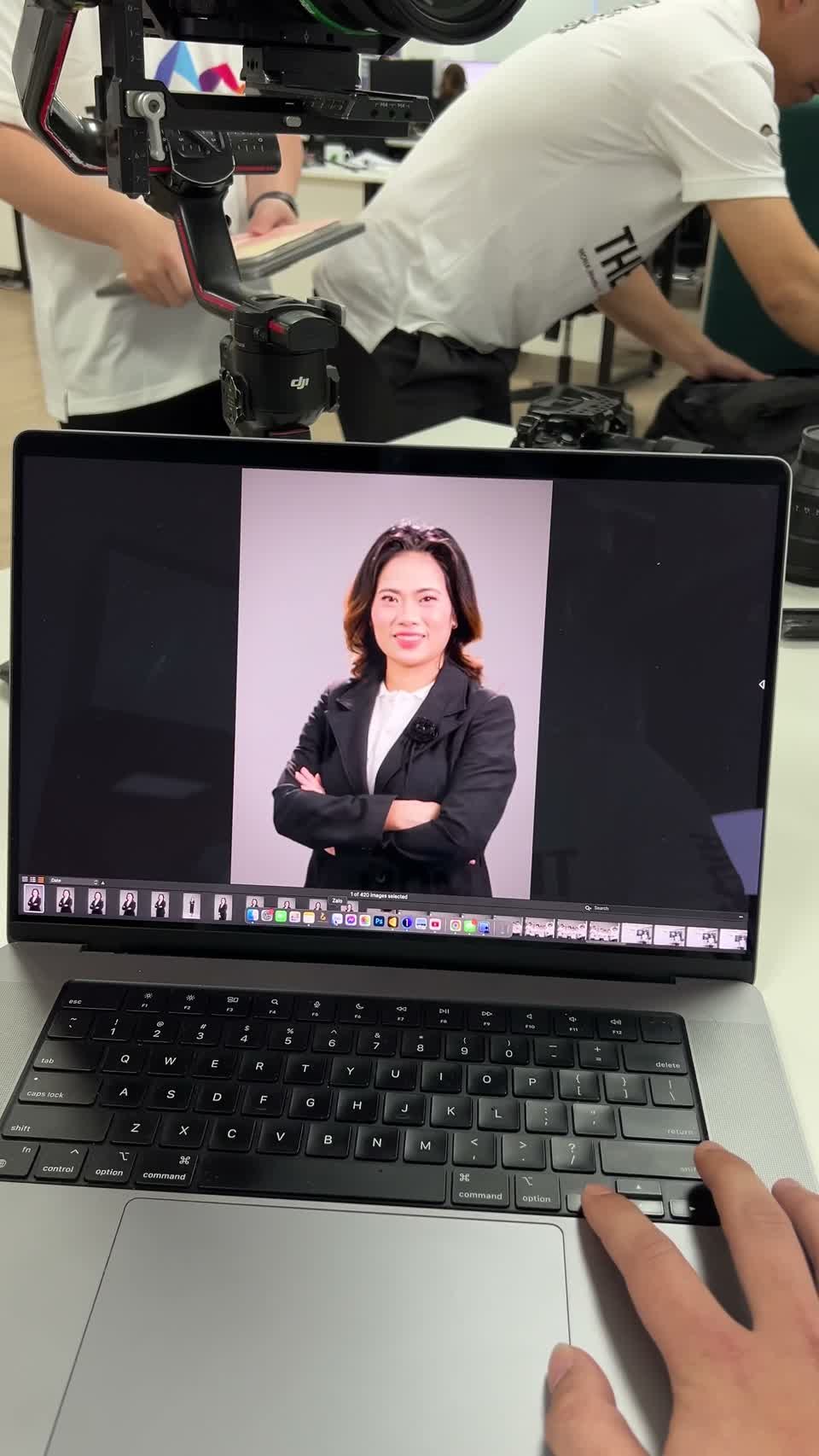
We're not talking about this from the outside. MONA has made content and ads for clients for over 10 years, with 14,000+ projects since 2016, and since early 2026 we have brought AI into the production process itself. So we know where to let AI play a fun character, and where we need to shoot the real product so customers trust it.
A well-made talking-object video blends real footage and AI. Real product photos for accuracy, and AI to breathe life into the talking character. Together they make a clip that is both fun and true to the client's product. If you want to build your own skills, there are AI courses at Khánh Hùng Academy and the set of AI tools for work. And if you need a video that goes straight onto your sales website, see website design service from us.
It's a video of an object, usually a product, with eyes and a mouth that talks. It's made with AI, with no need to hire an actor or draw a new mascot.
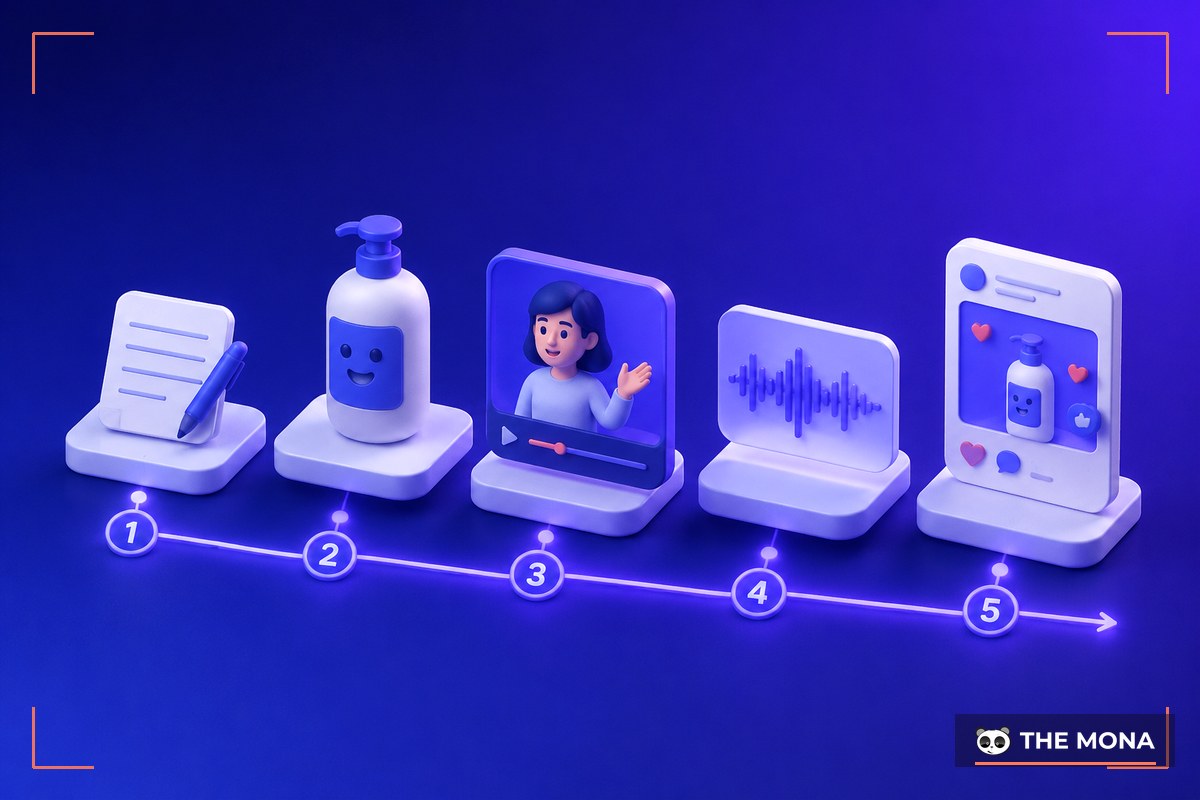
Not hard. Follow five steps: write the script, create the object image with a face, make it talk, add the voice, then edit and post. Keep clips short to make it easier.
An image tool to add a face to the object, an image-to-video tool to make it talk, and an editing tool like CapCut to edit and post.
Yes, and it suits it well. Let the object tell its strengths and remind people of promotions, and viewers take it in gently. Remember to end with a call to action and leave a buy link below.
You can read the lines yourself and attach the recording, or use a Vietnamese AI voice. What matters is syncing the mouth to the voice so the video doesn't feel awkward.

Talking-object videos are a gentle way to get your product noticed in a sea of content. With the five steps in this article, writing the script, creating the image with a face, making it talk, adding the voice, then editing and posting, you have enough to make your first clip on your own. This is one article in the Making videos with AIseries, follow along so you don't miss the deep dives into each step, and pair it with cinematic AI ads to build a varied content library.
And if you want a consistent, polished series of talking-object videos for your whole product line but don't have time to make them, MONA is happy to take it on. Leave your details through the AI for business category see MONA's AI video service from us, or call 1900 636 648, and say you need talking-object videos. We'll advise what fits your industry and budget. Whether you do it yourself or let us do it, just don't let your product sit quietly in the crowd any longer.
Need a whole brand story film, not just a few scenes? See MONA's AI video service package from MONA?

CEO & Founder · The MONA
The founder of The MONA built a service company of 60+ staff with 14,000+ projects delivered. Khánh Hùng shares his thinking on building self-running systems, automating a business, and the real lessons behind MONA's projects.
 214




Professional website
design services
Own a website with a beautiful, 100% exclusive design and a lifetime warranty, with the ability
to expand features flexibly as your business grows, starting today!






 MONA will never sell your information or send you spam


 MONA will never sell your information or send you spam
