
 MONA OS 2.0
 Partner with MONA


 Tự động hoá doanh nghiệp
 Cẩm nang SEO
 Digital Marketing
 Kinh nghiệm thiết kế website
 Hạ Tầng Server
 Giáo dục


 VI
 EN













Message us on
Zalo Official


 ProductsNew

 ProductsProducts
 Mới ra mắtKHA AI 2027App tự edit video, tự đăng mọi mạng xã hội, 2 phút mỗi ngày










 Website designLooks good and wins customers over.
SEO servicesBrings in customers searching for exactly what you sell.
 Tư vấn digital marketingKéo khách từ nhiều kênh, đo bằng số thật.
Corporate video productionVideos introducing your company, factory and team.
 NewAI video productionCompany story films made with AI.
 Custom software developmentCRM, ERP and HRM built for your business.
 Viết AI Agent theo yêu cầuĐặt riêng một trợ lý AI cho đúng việc của mình.
 Tư vấn chuyển đổi AIĐưa AI vào vận hành của cả công ty.
NewMONA LMSManagement for centers and schools.
MONA SkillHubInternal training for company staff.
 NHTQ systemEnd-to-end China–Vietnam shipping operations.
MONA JMSManagement for gold, diamond and pawn shops.
 MONA E-LearningA website with every feature you need to sell courses.
 How to sell online courses (course)More than 30 free lessons on selling courses on autopilot.
 MONA Cloudmonacloud.vnServers to get your apps and websites running.
 MONA Basemonabase.vnPostgres database, sign-in and file storage.
 MONA Mailmonamail.vnSend OTP, order and invoice emails from your software.
 MONA Paymonapay.vnAccept bank transfers via VietQR and notify your software when the money arrives.
 MONA eInvoiceComing soonIssue e-invoices that meet tax standards.
Gấu CườiTrả lời khách 24/7 trên web, Fanpage, Zalo và thu lead cho sale.
 Gấu TeleSalesGọi điện tư vấn, chăm khách như tổng đài viên thật.
Dê CườiTư vấn và chốt đơn cho shop ngay trong khung chat.
Gấu WebmasterNhắn nhóm Zalo là website được sửa xong.
 Gấu Pháp ChếSoạn hợp đồng, rà điều khoản trong vài phút.
 Gấu Báo GiáLên báo giá đúng mẫu và gửi khách ngay.
 AI chăm sóc khách hàngTheo dõi và giữ chân khách hàng cũ.
 Gấu Tuyển DụngLọc hồ sơ, hẹn lịch, phỏng vấn ứng viên.
 Mới ra mắt
KHA AI 2027
Xây kênh chuyên gia 2 phút mỗi ngày
Quay bằng điện thoại, AI tự edit video, tự đăng lên 16 nền tảng và tự trả lời bình luận, tin nhắn.
924.584lượt xem trên kênh CEO MONA sau 41 ngày
 Anh Khánh HùngCEO MONA đang dùng mỗi ngày
Xem app làm được gì
 AI
Gấu Cười MONA ĐANG TỰ XÀITrả lời khách 24/7 trên website, Zalo OA, Messenger và thu lead về cho sale.
Dê CườiChốt đơn bán lẻ và sàn: Shopee, TikTok Shop, web. Chăm cả khách sỉ, đại lý.
Gấu WebmasterCập nhật nội dung, tối ưu SEO website mỗi ngày.
Gấu TeleSalesGọi điện tư vấn, chăm khách như tổng đài viên thật.
Gấu Tuyển DụngLọc hồ sơ, hẹn lịch, phỏng vấn ứng viên tự động.
AI chăm sóc khách hàngGiữ khách cũ, cứu lead đã rớt cho phòng kinh doanh.
Gấu Pháp ChếSoạn hợp đồng, rà điều khoản trong vài phút.
Gấu Báo GiáLên báo giá đúng mẫu, gửi khách ngay khi có yêu cầu.
 Chuyển đổi AI toàn phầnGiải pháp tổng cho doanh nghiệp, 3 lớp triển khai.
 Viết AI Agent theo yêu cầuĐặt riêng một con AI gánh đúng nghiệp vụ của bạn.
 Custom softwareCRM, ERP and HRM with built-in AI automation.
 SEO & AEO thời đại AIĐược Google lẫn AI trích dẫn, không chỉ xếp hạng.
 Kiến thức AI cho doanh nghiệpBài phân tích, hướng dẫn ứng dụng AI vào vận hành.
 Free AI courses
 AI tools at work
App mới · KHA AI 2027
Xây kênh 2 phút mỗi ngày
AI tự edit video, tự đăng mọi mạng xã hội
Free consultation, 8am–10pm every day

11 June, 2026

Every business owner and marketing team knows that market research, SEO optimization and content development are the foundation of growth. Yet this process usually eats a lot of time and resources. Perplexity has emerged as a powerful AI tool, but few people know all of its advanced features well enough to make it a real helper. At MONA Media we have built Perplexity into our internal workflow, and from that we have distilled tips and tricks to help you get the most out of this AI. This article shares 7 exclusive tips to help you optimize your research and content creation work and lift your marketing results to a new level.

Market and competitor research demands high accuracy. We cannot afford to waste time filtering through hundreds of irrelevant search results. Perplexity's Focus mode lets you narrow your information sources. That improves the quality of the output. You get sharper judgments and save a lot of time.
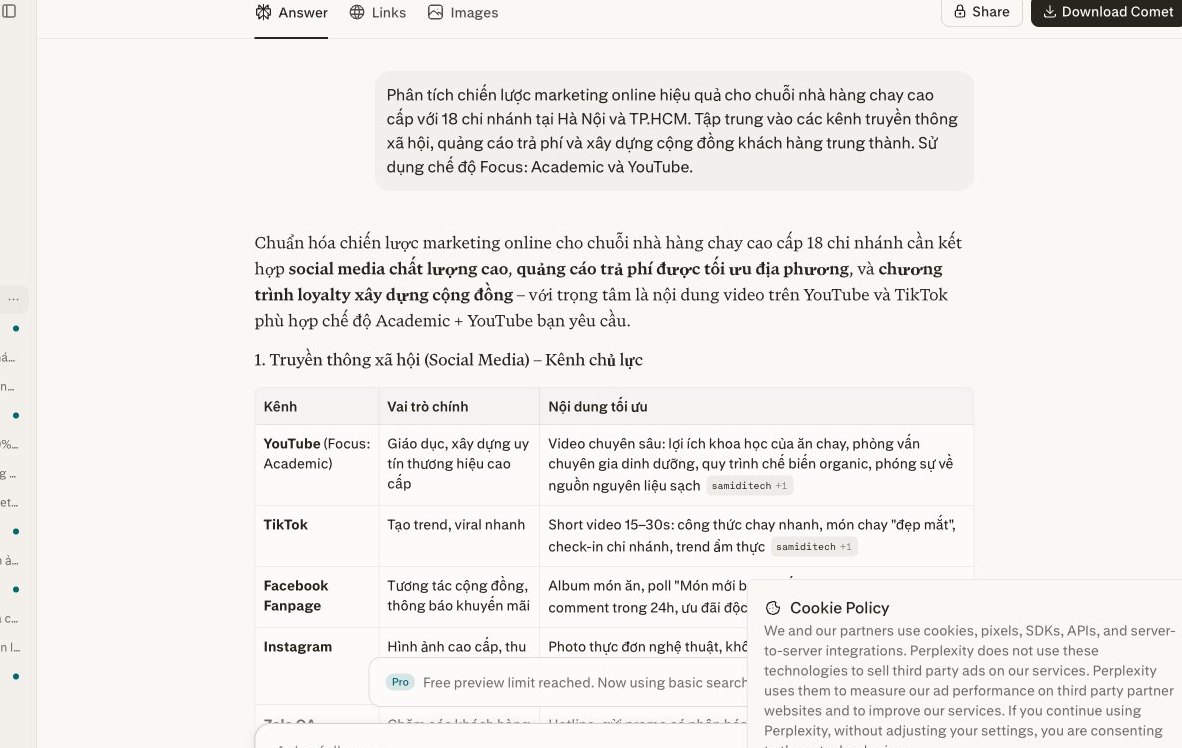
Perplexity comes with several Focus modes, each designed for its own search purpose. You can choose “Academic” for scientific research. Use “Writing” to find content ideas.
“YouTube” mode helps you discover video trends. “Reddit” captures community opinion. “Wolfram|Alpha” provides precise figures. We often use “Academic” when digging into in-depth industry reports. The data there is very reliable. Or use “Writing” to suggest new blog titles for a project SEO of your customers.
This is a strong way to boost efficiency. You can create your own custom Focus. This feature lets you add specific domains. You tell Perplexity to search only within the sources you choose. For example, the owner of a restaurant chain can add the websites of major competitors, or reputable food blogs. That removes noise, and you quickly get valuable information. We usually create a separate Focus for each project website design. We add competitor websites and industry blogs. That gives us a deep view of the market.
After Perplexity returns results, the next step is analysis. Focus on what the sources have in common and where they differ. Look for gaps in the market. Pay attention to competitors' strategies. This data is very important. We use it to adjust marketing strategy. You can improve your website content, or develop new ad campaigns, or even launch a distinctive product or service. For example, if you Focus on beauty forums and see demand for “natural therapy spas” rising, that is a chance for MONA to advise you on developing the right service and communications.

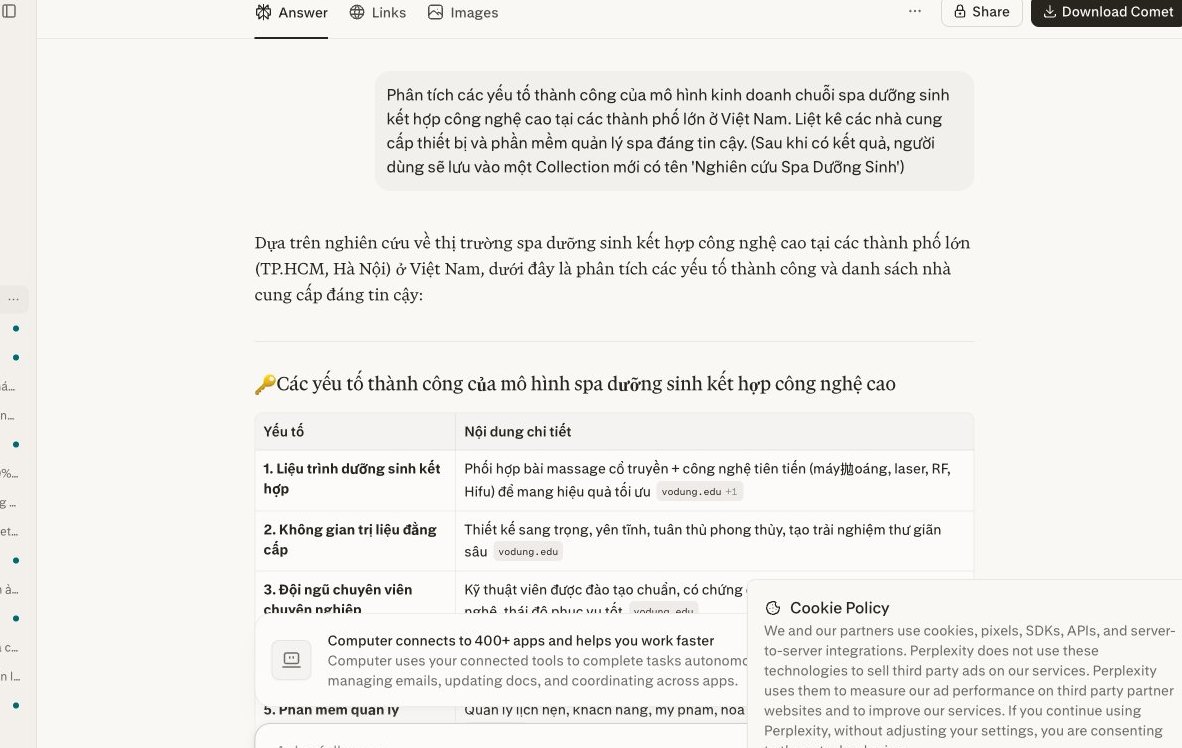
Market research and SEO require us to gather a lot of data. Managing scattered sources often wastes time. Perplexity offers a “Collections” feature that helps you organize everything systematically. It is a personalized resource store.
You can pull up information easily. All research material is neatly arranged. We find this a small tip that is extremely effective.
To start, create a new Collection. Click the “Collections” icon in the left sidebar, then choose “New Collection”.
Give the Collection a clear name. For example: “F&B keyword research” or “Q3 content strategy”. Add a short description of its purpose. This helps your team recognize it, and everyone knows what it is at a glance.
You can create many Collections. Each Collection is a separate space that serves a specific project. That keeps things from getting messy.
When you search on Perplexity and find useful results, save them to the Collection you created. Just click the “Save to Collection” icon next to each result.
The system groups them automatically. You can also add personal notes. That helps you remember the context, and makes it easy to review later.
Arrange items by priority, or by document type. Drag and drop is very convenient. Everything stays tidy.
Perplexity is not just a personal tool. You can easily share Collections with team members. Click the “Share” icon in the Collection you want to share.
Choose “Public” or “Private”. You can invite collaborators by email, or share a link. Everyone accesses it and contributes together.
This encourages teamwork. Everyone on the team shares one source of material. Information stays up to date. We work more efficiently.
Content needs consistency. Perplexity's Rewrite feature lets you adjust writing style easily. It makes sure every message stays close to your brand voice.
This matters for your business identity. You can fine-tune the length and focus of an article. The process takes three simple steps.
Before you start, be clear on your purpose. Do we want to shorten a long paragraph?
Or expand an idea from one short sentence? Maybe you want to change the tone entirely.
For example, from a formal style to a friendlier one, or from an objective voice to an inspiring one.
This helps Perplexity understand the request, and the tool gives more accurate results. Be clear about it.
Once the goal is set, start using the Rewrite feature.
In just a few clicks, the content is transformed. Results appear quickly.
When Perplexity produces the Rewrite versions, review them carefully. Don't rush to pick one.
Read each version. Compare it with your original goal. Which one fits best?
In particular, check which version expresses your brand voice correctly. Does it match your business's overall message?
You can also adjust further by hand, or ask Perplexity to Rewrite again with a different prompt. This process helps us reach a suitable result.
This feature is genuinely useful. It saves a lot of time. MONA often uses similar tools too. We optimize content for our partners.
Our partners have seen clear results. The content is more consistent and the brand is stronger. This is a stepping stone for content to generate sustainable revenue for you.
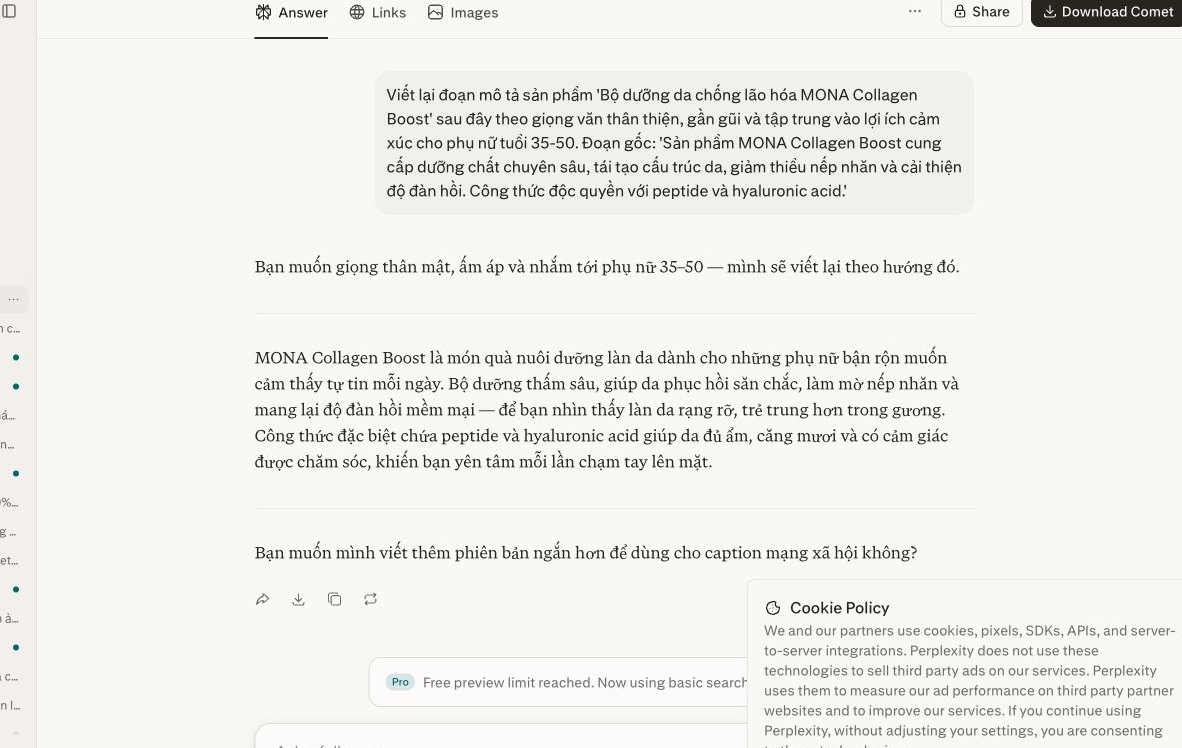

Many of you using AI tools still run into generic information. Perplexity can deliver sharp perspectives. We just need to know how to ask the right questions. The ‘4W1H’ formula is the key. You will get in-depth analysis, promising niche keywords will surface, and content ideas that fit your target market come more easily. This formula refines your query and pushes the AI to dig deeper.
The first step is to clarify ‘What’ and ‘Who’. ‘What’ is the topic you want to search. For example, “SEO strategy for the F&B industry”. ‘Who’ is the target audience for that insight. It could be “newly opened restaurant owners in Vietnam”. This keeps Perplexity focused on relevant data. The results won't ramble, and we avoid wasting time filtering information. Professional SEO services always needs this specificity.
A concrete example: “Analyze SEO keyword trends for the natural cosmetics industry. The audience is women aged 25-40 who care about health.” Perplexity understands the request clearly. The tool finds exactly the right focus. This is how you get high-value information. The data helps you make decisions quickly, and it also makes your marketing campaigns more effective.
For an insight to be truly useful, add ‘Where’ and ‘When’. ‘Where’ is the geographic area. For example, “the Ho Chi Minh City market” or “the Southeast Asia region”. ‘When’ is a specific period. It could be “2024” or “the last 6 months”. These elements narrow the search scope, so we get more precise data.
When searching for keywords, location matters a lot. Timing strongly affects trends. The prompt becomes more powerful. Try: “Keyword search trends for premium spa services in Hanoi, Q1 2024.” This data helps website design and content that fit. It is the basis for planning marketing.
The ‘How’ part shapes the result. In what form do you want Perplexity to answer? A list, a comparison, a SWOT analysis, or action recommendations? This is how you make a specific request. For example: “List 10 potential keywords. Include the competition level and a content idea for each.” Perplexity will follow the format you give.
The ‘How’ part can also ask for a perspective. “Analyze the main competitors. Compare their SEO strategies.” Or “Suggest engaging blog topics. Focus on the young customer group.” This gives you insight you can act on, not just plain information. At MONA we always encourage using ‘How’. It optimizes the performance of every query. This formula is very flexible, and you can adjust it to your purpose.
A full example: “Analyze potential SEO keyword trends (What) for Vietnamese restaurant chains (Who) in Ho Chi Minh City (Where) during the second half of 2023 and early 2024 (When). List 15 main keywords, with the average monthly search volume for each, and suggest 3 unique content ideas per keyword (How).”
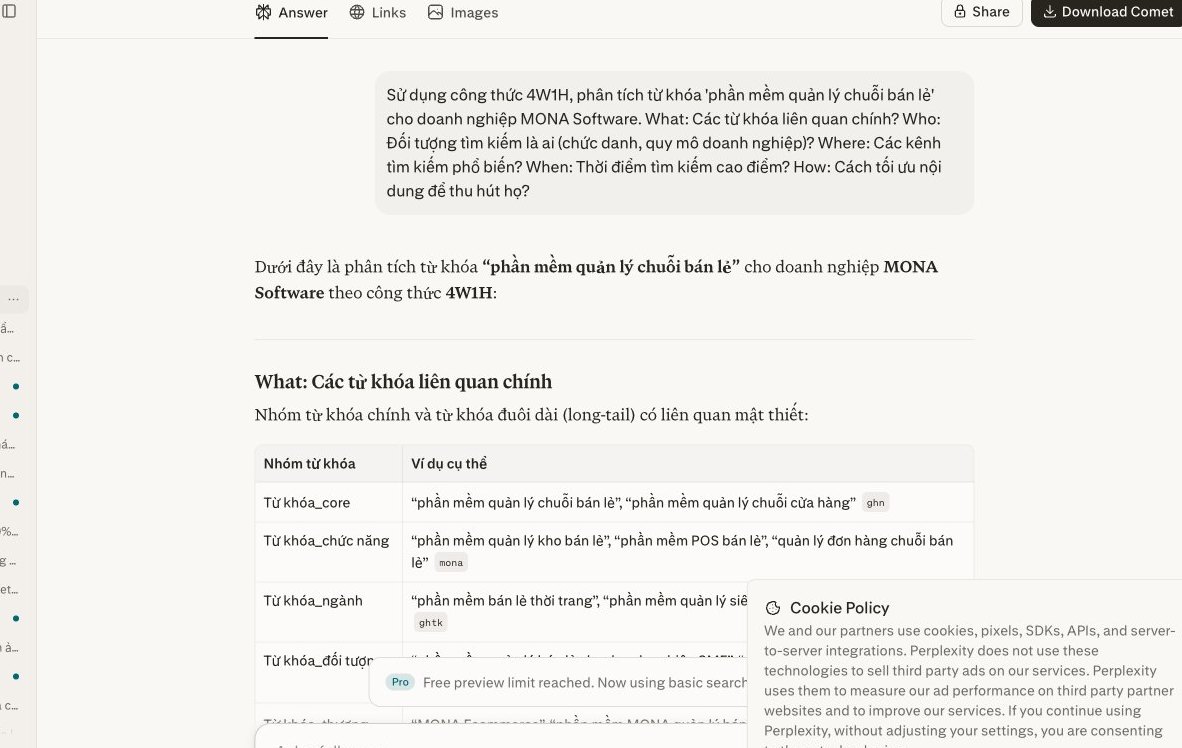
In a fast-changing business environment, keeping up with market trends is extremely important. You need to react quickly. Perplexity Discover helps you do that. It is a powerful feature that gives deep insight into emerging topics. From there, you can build timely content that attracts the right potential customers.
We at MONA use Discover regularly. We use it to understand the industry better. Catching hot topics is essential. It helps your SEO and marketing campaigns reach their best results.
To make Perplexity Discover truly useful, set up the topics you care about. Choose carefully. Focus on your core business area, then add related industries. For example, if you run a restaurant chain, follow food news, consumer trends and F&B technology.
Perplexity will gather information automatically. Reputable sources are prioritized. You can customize the sources and remove channels that don't fit. This cuts information noise and keeps everything lean. You get an accurate overview, and only valuable information shows up.
The Discover section doesn't just display news. It also suggests related questions. This is a “gold mine” for content ideas. Look at the topics many people care about, especially questions without a clear answer yet. That is a golden opportunity.
Analyze what competitors are doing. Find the information gaps. Then create distinctive content that solves your customers' real needs. We often combine Perplexity with keyword research tools to pin down search phrases. This is an important step. It helps your articles reach the top faster.
Once you have content ideas, the next step is to fold them into your strategy. Don't hesitate. Build blog posts, videos or social media posts. This content must stay close to the trend. New trends attract attention and generate significant traffic.
We always encourage you to react quickly. Trends have short lifespans, so seize the golden moment. You can plan campaigns email marketing. Run targeted ads. Make sure the message fits. Adjust content based on what Discover provides. It delivers better performance and a sharper strategy.
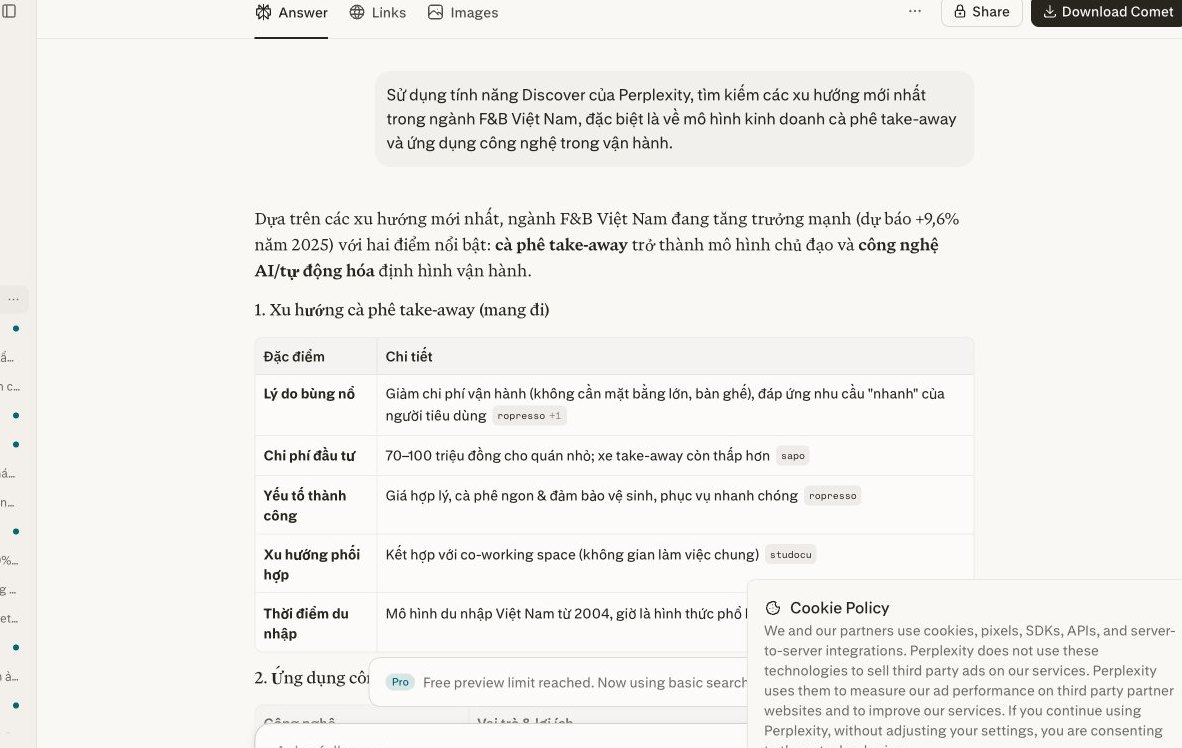
Perplexity is a powerful tool that helps you research quickly. Still, it is only one small piece of the puzzle.
To optimize marketing, SEO or operations end to end, a business needs a closed-loop system. Standalone tools cannot replace an overall solution.
Standalone AI tools like Perplexity deliver instant efficiency. They speed up individual work and help each person work better.
However, these tools usually operate independently. Their data is not linked, and they are not deeply integrated into internal systems.
The workflow breaks. Staff lose time consolidating information. Data security is also a big issue, since sensitive business information can leak easily.
Managing many accounts takes effort. Training staff to use them consistently is also hard, and consistent results are not guaranteed.
A custom automation software system solves these challenges. It is designed to your specific requirements, and each module meets exactly the need.
Data is integrated seamlessly. Every department shares information. Operating processes are standardized, from market research to customer care. Work capacity rises significantly.
Custom software gives you the highest security. Internal information is tightly controlled. You fully own your system, and the return on investment is much clearer.
This is a sustainable solution for growth. It helps a business scale. A custom system is a core asset.
At MONA we understand that every business is unique. Your needs are different. We cannot apply one generic template.
MONA does not just provide tools. We build custom software solutions: closed-loop automation systems designed specifically for you.
MONA has over 10 years of experience in this field. We have successfully delivered 14,000+ projects. Our team of 60+ staff. Our client return rate is 85%.
We analyze your current processes. Then MONA proposes the best solution. AI features, including research techniques from Perplexity, are deeply integrated and become part of the system. This is a complete automated process that helps your business run smoothly.
Contact MONA to talk it through. Together we will build your own system, one that drives sustainable growth for your business. We are glad to work with you.
You can use Focus on your own to narrow sources, Collections to group projects and Rewrite to process research drafts. When you need Perplexity results to flow into an SEO dashboard, an internal repository or a reviewed competitor analysis process, we will build a dedicated integrated system; call 1900 636 648 to pick one report that you are still doing by hand.
Once found, the data has to be usable.

CEO & Founder · The MONA
Founder of The MONA, who built a services company of 60+ staff with 14,000+ projects delivered. Khánh Hùng shares how he thinks about building systems that run themselves, automating a business, and the real lessons from delivering projects at MONA.
 382




Professional website
design services
Own a website with a beautiful, 100% exclusive design and a lifetime warranty, with the ability
to expand features flexibly as your business grows, starting today!






 MONA will never sell your information or send you spam


 MONA will never sell your information or send you spam
