
 MONA OS 2.0
 Partner with MONA


 Tự động hoá doanh nghiệp
 Cẩm nang SEO
 Digital Marketing
 Kinh nghiệm thiết kế website
 Hạ Tầng Server
 Giáo dục


 VI
 EN















Message us on
Zalo Official


 ProductsNew

 ProductsProducts
 Mới ra mắtKHA AI 2027App tự edit video, tự đăng mọi mạng xã hội, 2 phút mỗi ngày










 Website designLooks good and wins customers over.
SEO servicesBrings in customers searching for exactly what you sell.
 Tư vấn digital marketingKéo khách từ nhiều kênh, đo bằng số thật.
Corporate video productionVideos introducing your company, factory and team.
 NewAI video productionCompany story films made with AI.
 Custom software developmentCRM, ERP and HRM built for your business.
 Viết AI Agent theo yêu cầuĐặt riêng một trợ lý AI cho đúng việc của mình.
 Tư vấn chuyển đổi AIĐưa AI vào vận hành của cả công ty.
NewMONA LMSManagement for centers and schools.
MONA SkillHubInternal training for company staff.
 NHTQ systemEnd-to-end China–Vietnam shipping operations.
MONA JMSManagement for gold, diamond and pawn shops.
 MONA E-LearningA website with every feature you need to sell courses.
 How to sell online courses (course)More than 30 free lessons on selling courses on autopilot.
 MONA Cloudmonacloud.vnServers to get your apps and websites running.
 MONA Basemonabase.vnPostgres database, sign-in and file storage.
 MONA Mailmonamail.vnSend OTP, order and invoice emails from your software.
 MONA Paymonapay.vnAccept bank transfers via VietQR and notify your software when the money arrives.
 MONA eInvoiceComing soonIssue e-invoices that meet tax standards.
Gấu CườiTrả lời khách 24/7 trên web, Fanpage, Zalo và thu lead cho sale.
 Gấu TeleSalesGọi điện tư vấn, chăm khách như tổng đài viên thật.
Dê CườiTư vấn và chốt đơn cho shop ngay trong khung chat.
Gấu WebmasterNhắn nhóm Zalo là website được sửa xong.
 Gấu Pháp ChếSoạn hợp đồng, rà điều khoản trong vài phút.
 Gấu Báo GiáLên báo giá đúng mẫu và gửi khách ngay.
 AI chăm sóc khách hàngTheo dõi và giữ chân khách hàng cũ.
 Gấu Tuyển DụngLọc hồ sơ, hẹn lịch, phỏng vấn ứng viên.
 Mới ra mắt
KHA AI 2027
Xây kênh chuyên gia 2 phút mỗi ngày
Quay bằng điện thoại, AI tự edit video, tự đăng lên 16 nền tảng và tự trả lời bình luận, tin nhắn.
883.362lượt xem trên kênh CEO MONA sau 36 ngày
 Anh Khánh HùngCEO MONA đang dùng mỗi ngày
Xem app làm được gì
 AI
Gấu Cười MONA ĐANG TỰ XÀITrả lời khách 24/7 trên website, Zalo OA, Messenger và thu lead về cho sale.
Dê CườiChốt đơn bán lẻ và sàn: Shopee, TikTok Shop, web. Chăm cả khách sỉ, đại lý.
Gấu WebmasterCập nhật nội dung, tối ưu SEO website mỗi ngày.
Gấu TeleSalesGọi điện tư vấn, chăm khách như tổng đài viên thật.
Gấu Tuyển DụngLọc hồ sơ, hẹn lịch, phỏng vấn ứng viên tự động.
AI chăm sóc khách hàngGiữ khách cũ, cứu lead đã rớt cho phòng kinh doanh.
Gấu Pháp ChếSoạn hợp đồng, rà điều khoản trong vài phút.
Gấu Báo GiáLên báo giá đúng mẫu, gửi khách ngay khi có yêu cầu.
 Chuyển đổi AI toàn phầnGiải pháp tổng cho doanh nghiệp, 3 lớp triển khai.
 Viết AI Agent theo yêu cầuĐặt riêng một con AI gánh đúng nghiệp vụ của bạn.
 Custom softwareCRM, ERP and HRM with built-in AI automation.
 SEO & AEO thời đại AIĐược Google lẫn AI trích dẫn, không chỉ xếp hạng.
 Kiến thức AI cho doanh nghiệpBài phân tích, hướng dẫn ứng dụng AI vào vận hành.
 Free AI courses
 AI tools at work
App mới · KHA AI 2027
Xây kênh 2 phút mỗi ngày
AI tự edit video, tự đăng mọi mạng xã hội
Free consultation, 8am–10pm every day

15 June, 2026

Microsoft Copilot has been making waves among Vietnamese businesses, carrying the hope of a smart AI assistant that speeds up daily work. But its real-world results and how to get the most out of it still worry many business owners and department managers. In this article, we go deep into Microsoft Copilot from a hands-on angle, clarifying the standout advantages, the limits to watch for, and above all the strategy that lets this tool deliver a worthwhile return on investment for our business.

Microsoft Copilot lets you work more efficiently. This tool is deeply integrated into the familiar Office 365 suite. You will see apps like Word, Excel, and PowerPoint become smarter. We show you how to activate Copilot. It helps our team get the most out of the power of AI. Raise overall productivity.
Activating Copilot is fairly simple. It opens up many new features. Let's go through it step by step. This makes sure the process goes smoothly.
Before activating, we need to make sure the system meets the requirements. Microsoft Copilot works on Microsoft 365 Business Standard plans and above. You also need an Azure Active Directory account. Make sure your computer runs the latest Windows 10/11. Minimum RAM is 8GB, and 16GB is recommended. This helps Copilot run smoothly. A stable system is key.
A stable internet connection is also needed. This is a prerequisite. You can check your current plan in the Microsoft 365 admin center. If you need to upgrade, contact Microsoft support or a partner. Careful preparation makes the rollout go faster.
After confirming the requirements, you can go ahead and activate Copilot. First, open the Microsoft 365 admin center. The address is admin.microsoft.com. Choose Settings, then Add-in services. Find Copilot and turn the feature on. Next, assign Copilot permissions to each staff member. Or assign by department group. The process is fairly simple. It makes sure everyone has access.
You can name a Copilot manager. They are responsible for overseeing usage. Make sure it complies with internal policies. Tell your team about the new feature. An initial how-to guide is essential. It helps staff get familiar quickly.
Privacy and data security are real concerns. Microsoft built Copilot with strict layers of protection. Your data is not used to train general AI models. Every interaction in Copilot stays inside your company's secure environment. You still need to set up proper access policies. Limit access by role. This matters a lot. It protects your company's sensitive information.
MONA also regularly advises clients on security. We should use the security features in Microsoft 365, such as Azure Information Protection, or data compliance policies. This builds trust. It also protects the company's information assets. A safe system gives you peace of mind.


Microsoft Copilot opens the door to a big speed-up in content creation. The tool is a powerful helper. We use Copilot to quickly draft emails and business documents. Marketing content also gets better quality.
This saves the team a lot of time. You will see productivity go up. We can focus more on strategy.
Using Copilot in Outlook to write marketing emails is a valuable tip. You only need to give a few bullet points with the main ideas. Copilot automatically sketches a complete draft.
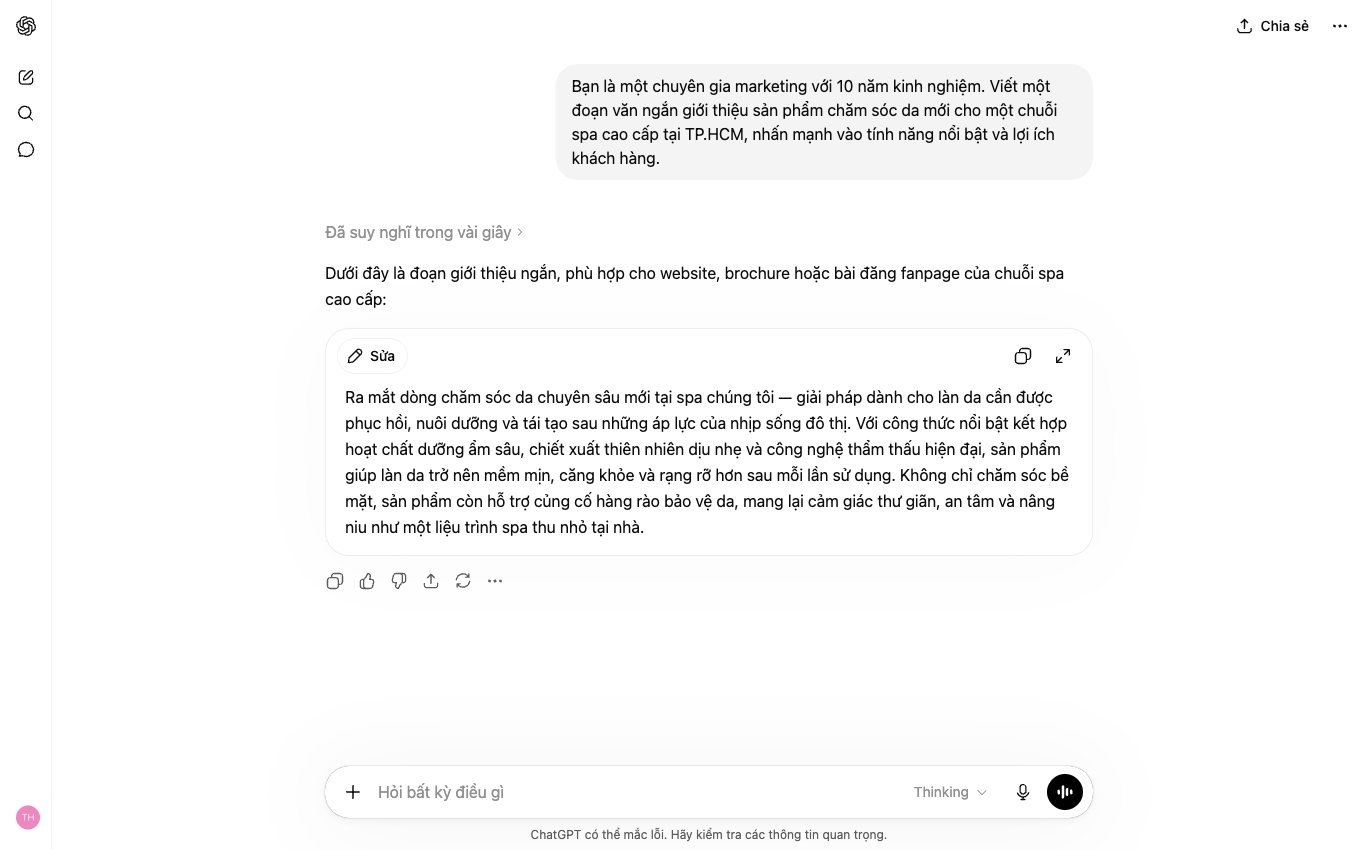
Try prompts like: “Write an email introducing new product X, aimed at customers who bought product Y, stressing the cost savings and inviting them to sign up for a free trial.” Copilot quickly produces a draft with a clear structure and persuasive content.
We see that Copilot helps the marketing team keep a consistent brand voiceevery email professional. Prep time drops noticeably.
In Word, Copilot can turn ideas into a client proposal in moments. You provide the core information, for example the client name, project scope, goals and expected results.
The tool arranges the information logically and produces a first draft. You can refine it afterward. This speeds up the work, and we don't spend much time on the basic outline.
This is a big advantage. It helps the sales team reply faster, so clients get proposals sooner.
Another strong Copilot feature is reusing content. You can use it to adjust existing documents for many different marketing campaigns.
For example, a long blog post can be summarized into a short social media caption. A detailed report can become an executive summary. Copilot can also change the tone of a text to fit each type of reader.
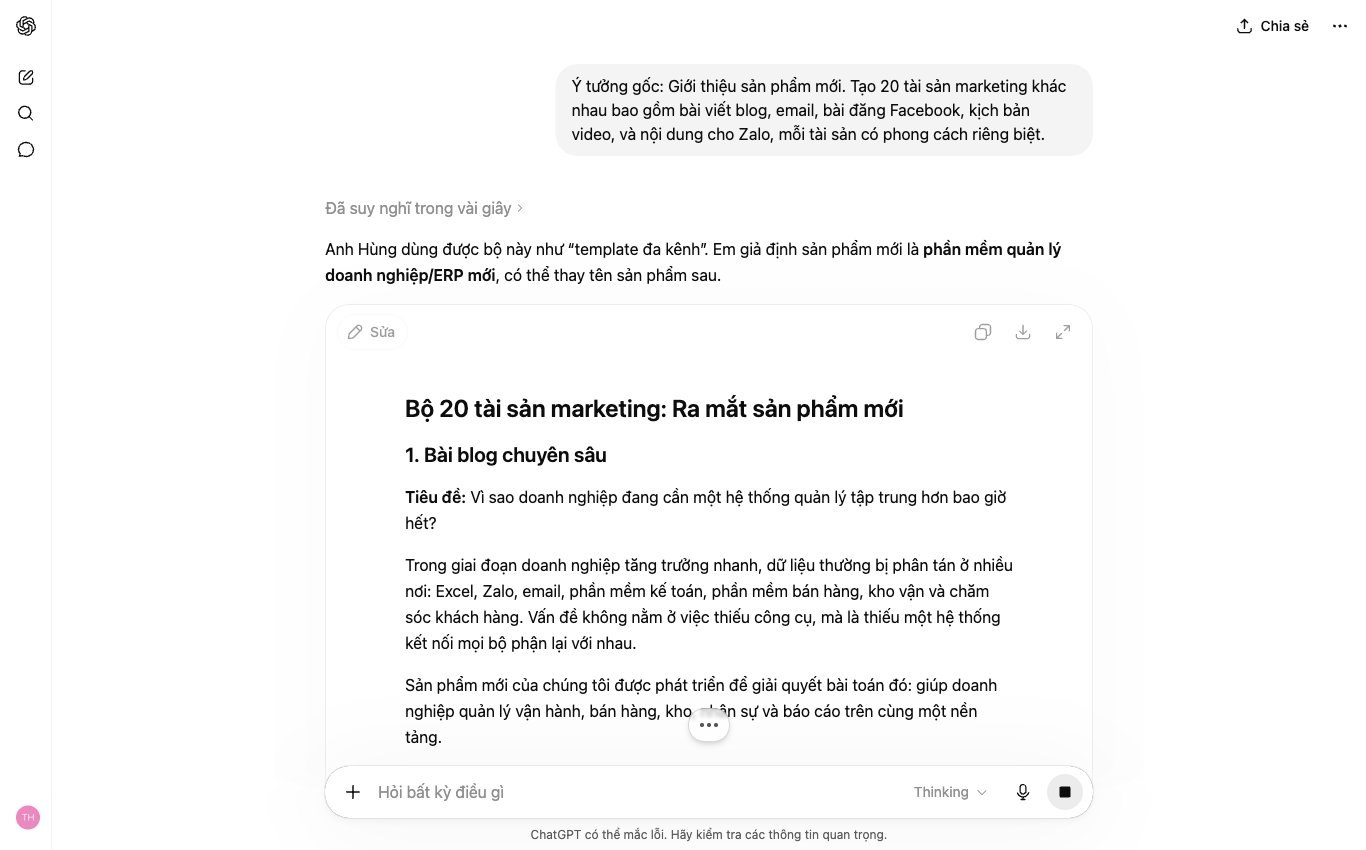
We can ask Copilot to “Rewrite this paragraph in a friendly tone for a Facebook post” or “Summarize this article into 3 key points for a promotional email”. This keeps content consistent and gets the most value out of every document.


Many leaders and team managers sit through long meetings all the time. Taking notes by hand is slow. Missing important information is easy. Copilot in Microsoft Teams changes this completely.
We rolled out Copilot internally. It turns each meeting into a condensed document. Capturing information becomes simple, and anyone can follow progress easily.
Long meetings are a reality at many companies. Complete note-taking is always hard. Copilot automatically summarizes the content. It captures the main points.
You just open the meeting recording. Copilot analyzes all of it and produces a concise summary. This saves you time. We have seen this work clearly in our weekly meetings.
The core information is kept. There is no need to rewatch the whole video. You get a quick overview, and everyone stays up to date.
After every meeting, pinning down specific tasks matters a lot: who does what, and by when. Copilot does this automatically.
It scans through the conversation. Copilot identifies the action items and records the person assigned to each. This is an extremely valuable feature.
You get a clear task list with no ambiguity. Tracking progress becomes easy. The MONA team has used it to manage internal projects, with very positive results.
Beyond content, the mood of a meeting matters too. Overall sentiment affects decisions, and opposing views need to be heard.
Copilot can analyze sentiment. It picks out standout opinions and makes points of agreement and disagreement clear. You will understand your team better.
This information helps leadership make sound decisions. We use it to improve our work culture and to capture what people are saying. Everyone feels heard.
Data keeps growing every day. Compiling strategy reports from Excel and building professional PowerPoint presentations takes a great deal of time and effort. We often spend hours doing these repetitive tasks by hand. Copilot brings a big change. It helps you automate many parts of this process, so business decisions come faster and more accurately.
Finding patterns in large datasets is a challenge. You no longer need to write complicated formulas. Copilot lets us ask questions about the data in natural language. For example, you can type “Analyze sales by region over the last quarter”. Copilot automatically creates charts and summary tables, and helps surface the important trends. This saves a lot of analysis time.
A retail chain with 35 stores in Hanoi and Da Nang, earning over 40 billion VND a month, used to lose a whole day compiling sales reports. Now their team needs just a few prompts. Copilot processes the information instantly, and new views on business performance appear. You can ask Copilot to “Find the top 5 best-selling products in April at the District 1 branch”. The results show up instantly. This is a major competitive advantage.
Building an impressive presentation always takes effort. From organizing content to designing visuals, it all takes time. Copilot turns a rough draft into good-looking slides. You only need to provide an outline or text. The tool suggests suitable layouts and images and produces a coherent presentation, so we can focus on the main message.
MONA has also used Copilot in internal training sessions. When we need to present a new topic, our team just writes a few bullet points. Copilot automatically builds the slide structure and suggests visual elements. This saves a lot of prep time. Lessons at MONA EduCenter use this tool too, and lesson quality has improved noticeably. We get information across more effectively.
Charts and images need to be clear and easy to understand. Otherwise a report loses its persuasive power. Copilot helps you refine charts and suggests the chart types that best fit the data. The tool also improves the quality of illustrations. You can ask “Make this chart easier to read” or “Add images related to the target market”. Copilot handles it right away.
This keeps every slide professional without needing deep design skills. You can easily stay consistent. Reports will really make an impression, information is conveyed more effectively, and viewers grasp the main point easily.
Microsoft Copilot makes each individual more productive. The tool helps staff get work done faster. But looking at the big picture of a business, Copilot has clear limits.
It is a powerful assistant. It is not a system. A single tool cannot replace a custom solution. We see many business owners and marketing managers struggling with this.
Copilot works well on data it has access to. That is usually personal documents, emails and files in the Microsoft 365 ecosystem. But business data is highly fragmented.
We keep customer data in CRM. Sales data sits in the ERP. Website data lives in Google Analytics. Operations, accounting and HR processes are also scattered across many different programs.
An employee can use Copilot to write an email quickly. But Copilot can't automatically pull information from CRM to personalize that email for hundreds of customers. It can't carry out that chain of actions. It also doesn't update the customer's status after sending.
Every time, staff still have to do it by hand: copy, paste, double-check. This slows down the marketing and sales process. We understand how inconvenient this is. Data that doesn't flow is a major barrier.

When every employee uses Copilot in their own way, standardizing content gets hard. The brand voice can get diluted. Messages become inconsistent. That hurts the customer experience.
Security control is also an issue. Copilot handles sensitive information. Without tight management, the risk of a data leak goes up. Who is responsible when something goes wrong?
We need a central solution: one place to manage access and one place to control data flow. Scattered tools can't do that. A business now needs clear processes. We need to protect internal information. This is critical.
The return on investment (ROI) of separate tools usually stops at better individual productivity. That is good. But it doesn't transform the whole business. To truly optimize, we need a system.
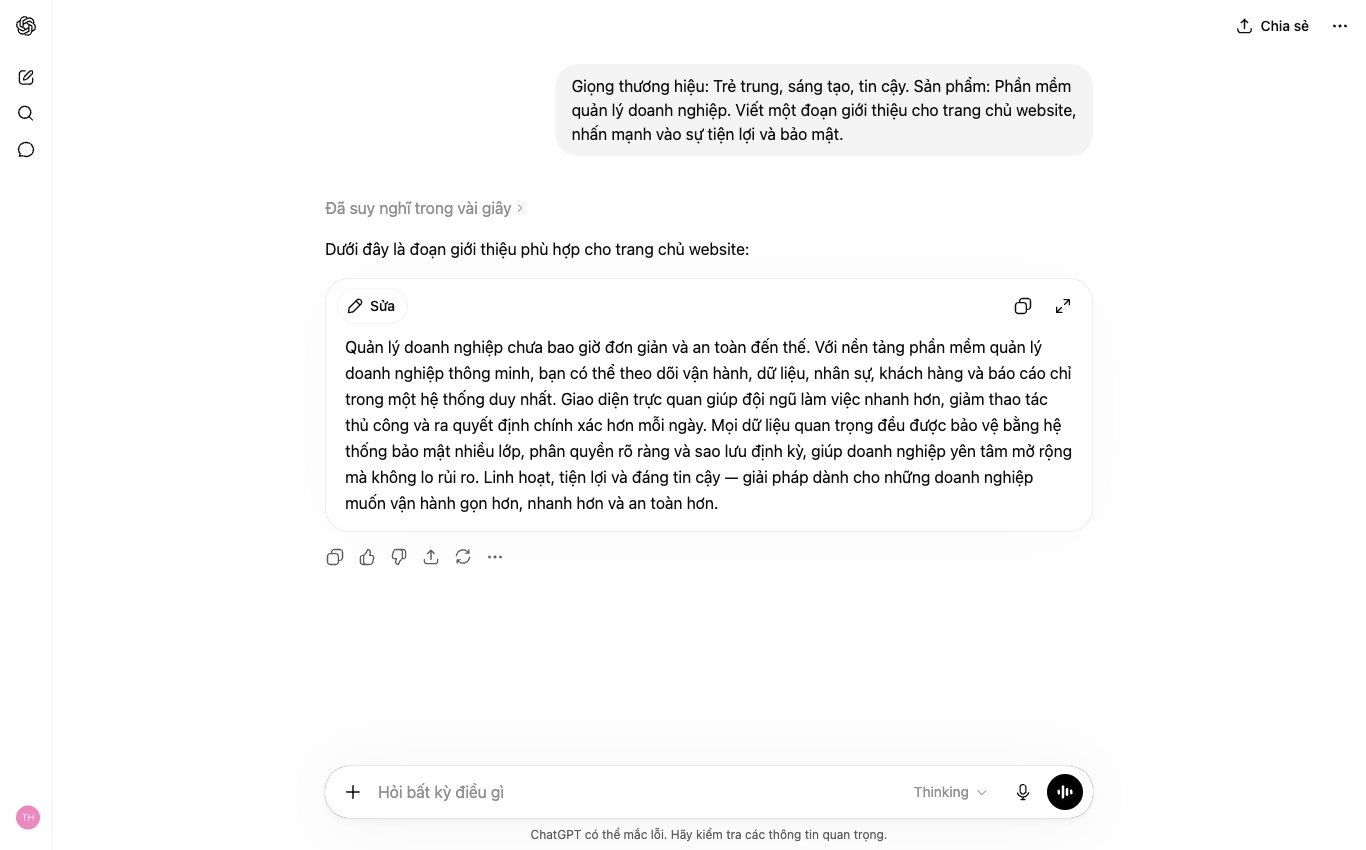
A custom automation software system, designed by MONA specifically for you. It integrates all your data and automates the entire process. It could be marketing campaign management software, CRM purpose-built, or a performance tracking system SEO.
MONA has applied advanced AI technology, including large language models like Claude and Copilot-style capabilities, in our own internal solutions. This helps MONA's teams, with , optimize their daily work. We also train clients on how to use these technologies in their own software.
A custom system gives you full control: from data integration to security, from standardized processes to performance reporting. This is how you create lasting value. This is the future of running a business.
MONA Media has over 10 years of experience, since 2016. We have worked on 14,000+ projects. Our client retention rate is 85%. Let's build a real system together, one that fits your business.
Learn more about Microsoft Copilot
You can use Microsoft Copilot on your own once documents, emails, meetings and spreadsheets already live inside Microsoft 365. When work also passes through a CRM, order software or an internal system, we can build a custom integration layer so Copilot gets the right data and returns results to the right place. Call 1900 636 648 to review your return on investment.
Pick one department to measure first.

CEO & Founder · The MONA
Founder of The MONA, who built a services company of 60+ staff with 14,000+ projects delivered. Khánh Hùng shares how he thinks about building systems that run themselves, automating a business, and the real lessons from delivering projects at MONA.
 547




Professional website
design services
Own a website with a beautiful, 100% exclusive design and a lifetime warranty, with the ability
to expand features flexibly as your business grows, starting today!






 MONA will never sell your information or send you spam


 MONA will never sell your information or send you spam
