
 MONA OS 2.0
 Partner with MONA


 Tự động hoá doanh nghiệp
 Cẩm nang SEO
 Digital Marketing
 Kinh nghiệm thiết kế website
 Hạ Tầng Server
 Giáo dục


 VI
 EN












Message us on
Zalo Official


 ProductsNew

 ProductsProducts
 Mới ra mắtKHA AI 2027App tự edit video, tự đăng mọi mạng xã hội, 2 phút mỗi ngày










 Website designLooks good and wins customers over.
SEO servicesBrings in customers searching for exactly what you sell.
 Tư vấn digital marketingKéo khách từ nhiều kênh, đo bằng số thật.
Corporate video productionVideos introducing your company, factory and team.
 NewAI video productionCompany story films made with AI.
 Custom software developmentCRM, ERP and HRM built for your business.
 Viết AI Agent theo yêu cầuĐặt riêng một trợ lý AI cho đúng việc của mình.
 Tư vấn chuyển đổi AIĐưa AI vào vận hành của cả công ty.
NewMONA LMSManagement for centers and schools.
MONA SkillHubInternal training for company staff.
 NHTQ systemEnd-to-end China–Vietnam shipping operations.
MONA JMSManagement for gold, diamond and pawn shops.
 MONA E-LearningA website with every feature you need to sell courses.
 How to sell online courses (course)More than 30 free lessons on selling courses on autopilot.
 MONA Cloudmonacloud.vnServers to get your apps and websites running.
 MONA Basemonabase.vnPostgres database, sign-in and file storage.
 MONA Mailmonamail.vnSend OTP, order and invoice emails from your software.
 MONA Paymonapay.vnAccept bank transfers via VietQR and notify your software when the money arrives.
 MONA eInvoiceComing soonIssue e-invoices that meet tax standards.
Gấu CườiTrả lời khách 24/7 trên web, Fanpage, Zalo và thu lead cho sale.
 Gấu TeleSalesGọi điện tư vấn, chăm khách như tổng đài viên thật.
Dê CườiTư vấn và chốt đơn cho shop ngay trong khung chat.
Gấu WebmasterNhắn nhóm Zalo là website được sửa xong.
 Gấu Pháp ChếSoạn hợp đồng, rà điều khoản trong vài phút.
 Gấu Báo GiáLên báo giá đúng mẫu và gửi khách ngay.
 AI chăm sóc khách hàngTheo dõi và giữ chân khách hàng cũ.
 Gấu Tuyển DụngLọc hồ sơ, hẹn lịch, phỏng vấn ứng viên.
 Mới ra mắt
KHA AI 2027
Xây kênh chuyên gia 2 phút mỗi ngày
Quay bằng điện thoại, AI tự edit video, tự đăng lên 16 nền tảng và tự trả lời bình luận, tin nhắn.
892.555lượt xem trên kênh CEO MONA sau 37 ngày
 Anh Khánh HùngCEO MONA đang dùng mỗi ngày
Xem app làm được gì
 AI
Gấu Cười MONA ĐANG TỰ XÀITrả lời khách 24/7 trên website, Zalo OA, Messenger và thu lead về cho sale.
Dê CườiChốt đơn bán lẻ và sàn: Shopee, TikTok Shop, web. Chăm cả khách sỉ, đại lý.
Gấu WebmasterCập nhật nội dung, tối ưu SEO website mỗi ngày.
Gấu TeleSalesGọi điện tư vấn, chăm khách như tổng đài viên thật.
Gấu Tuyển DụngLọc hồ sơ, hẹn lịch, phỏng vấn ứng viên tự động.
AI chăm sóc khách hàngGiữ khách cũ, cứu lead đã rớt cho phòng kinh doanh.
Gấu Pháp ChếSoạn hợp đồng, rà điều khoản trong vài phút.
Gấu Báo GiáLên báo giá đúng mẫu, gửi khách ngay khi có yêu cầu.
 Chuyển đổi AI toàn phầnGiải pháp tổng cho doanh nghiệp, 3 lớp triển khai.
 Viết AI Agent theo yêu cầuĐặt riêng một con AI gánh đúng nghiệp vụ của bạn.
 Custom softwareCRM, ERP and HRM with built-in AI automation.
 SEO & AEO thời đại AIĐược Google lẫn AI trích dẫn, không chỉ xếp hạng.
 Kiến thức AI cho doanh nghiệpBài phân tích, hướng dẫn ứng dụng AI vào vận hành.
 Free AI courses
 AI tools at work
App mới · KHA AI 2027
Xây kênh 2 phút mỗi ngày
AI tự edit video, tự đăng mọi mạng xã hội
Free consultation, 8am–10pm every day

16 June, 2026
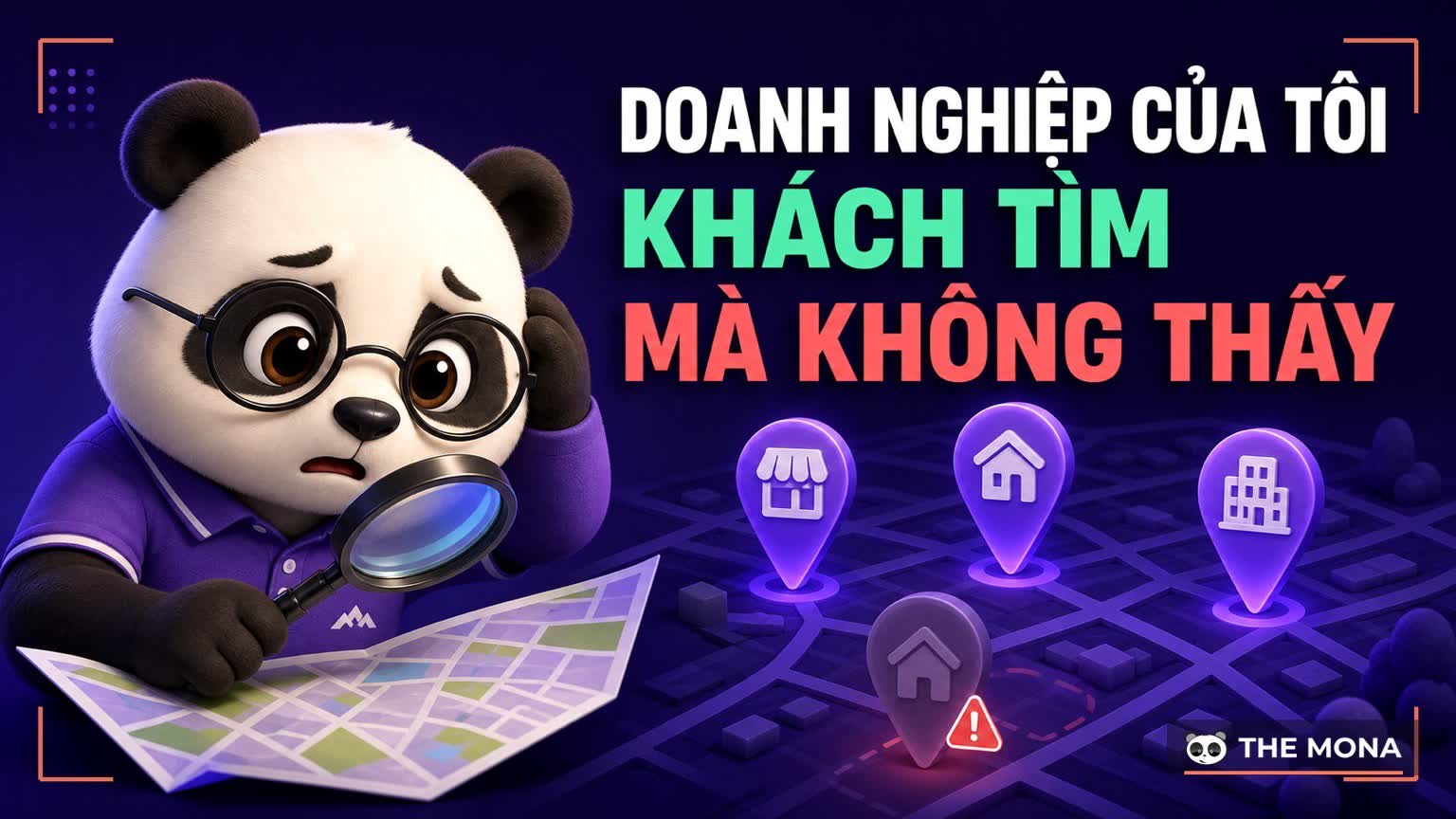
A customer is about a 5-minute walk from your shop, types exactly what you sell plus "near me", and Google sends them somewhere else. Frustrating, right? And not because the other place is better, but because their profile gives Google enough information to feel confident sending customers there. Doanh nghiệp của tôi is the familiar Vietnamese name for Google My Business, the tool for managing how a business appears on Google Search and Google Maps. It has been renamed Google Business Profile and moved to a new place to manage it. The name changed but its role got heavier: for customers within a few kilometers, this profile is your number one storefront, ahead of your website. This article walks through all 9 steps to manage it properly, about a 10-minute read, along with the mistakes that send customers astray that we run into all the time when verifying and optimizing profiles for clients. If your location has few reviews so far, you can use Google Maps review services The contact page should be clear, easy to use and display well on every device. That raises your chance of closing customers and shows professionalism.
Doanh nghiệp của tôi, originally Google My Business, is a free profile where a business lists its name, address, opening hours, phone number and photos, and receives reviews on Google. Since late 2021 Google has renamed it Google Business Profile, and it has since dropped the standalone management app altogether: you edit your profile right in search results or on Google Maps. Sign in with the right admin account, type your business name, and you see the dashboard in under a minute.

Something worth noticing: years after the rename, keyword tools still record over 10 thousand searches a month for "doanh nghiệp của tôi" under the old name, and quite a few of you assumed the tool had been shut down and abandoned your profile. When nobody looks after a profile, Google takes information from other sources and from strangers who suggest edits. In other words, your storefront is being painted by passersby. That sounds wrong already.
Look back at your own behavior and you will see it right away: when you need a restaurant, a clinic, a repair shop, you type the service plus an area, and the biggest thing that appears is the map pack with 3 profiles and their star ratings. Most clicks stop right there: tap to call, tap for directions, no need to visit the website. For this "need it now, nearby" group of customers, the Google profile is the first homepage.

On that profile, customers see everything that drives their behavior within about 10 seconds: average star rating, number of reviews, real photos, opening hours, price level, and even the owner's replies to complaints. We often tell our clients: the website is where you tell the full story, the Google profile is the first handshake. Miss the handshake and that is it.
The three causes we see most when clients bring us a profile to examine:


All three problems are fixable, but problem number one is the biggest headache because it involves Google's verification process. This is also the part we handle end to end as a service: Google Maps verification and putting your business address on Maps correctly from the start, so you avoid untangling it later.
Google states publicly in its official documentation: local results are ranked by relevance, distance and prominence. In business terms:

These three factors explain why a tiny shop can outrank a 20-branch chain within its radius: the first two can be tuned right in the profile, and after tuning you usually see movement within 2 to 4 weeks, while prominence is built gradually through real reviews. The local game is far fairer than the national one. Keep at it and you rise.
This is the backbone of the article, as promised in the title. Nine steps, done in order, each one finished before moving to the next:

All 9 steps cost Google nothing; what they eat is the consistency of one person with clear responsibility, spending about 30 minutes a week to keep the profile alive. A profile abandoned for 6 months is obvious at a glance. Customers can tell too.
People in the trade call name, address and phone number the NAP set, and the rule is a single word: match. If the profile says "Đường Nguyễn Văn A" but the website says "Ng. Văn A" and the fanpage lists a different hotline, Google has to guess, and when machines guess, sometimes they guess wrong. Go through every place the business appears, including auto-generated directory pages, and match each character to the main profile. It takes about 2 hours and saves a lot of machine guessing.

Reviews are the heaviest part of prominence, and the easiest to get wrong. From our experience advising service clients: ask for real ones, reply for real within 2 days, and answer even 1-star reviews properly, because that reply is written for the hundreds of people who will read it later, not just the person who complained. As for photos, favor real photos with context. Google can tell stock photos from real ones, and customers tell faster than machines. Fake photos lose real customers.
Google has discontinued direct messaging on profiles since mid-2024, so stop counting on that for your contact button. The three remaining routes must work smoothly: a call button that gets answered within about 30 seconds during working hours, a website link pointing to the exact service page being searched rather than a generic homepage, and a private messaging channel such as WhatsApp or Zalo added as a link in the profile information.

A small tip that makes a big difference: attach a tracking code to the website link on the profile, so you know how many people the Google profile sends to your site each month. Without measurement, every debate over whether Maps brings customers is just arguing by feeling. Data ends the argument.
The performance section of the profile gives 4 numbers worth checking once a month: impressions by the keywords customers type, calls, direction requests and website clicks. Read them in pairs to make sense of them: lots of impressions but few calls means the profile is seen but not convincing enough, usually because of old photos or a low star rating; a sharp drop in impressions versus last month means you should check whether someone has suggested a bad edit to your information.

Each industry has its own dial: restaurants live on dish photos and exact hours for every holiday, clinics live on reviews and the Q&A section, on-site services such as plumbing and electrical should declare a service area instead of a fixed address, and retailers should post products with prices directly on the profile. If you run a multi-location chain, give each location its own profile with the same declaration standard, and do not merge them into one master profile for management convenience and lose all the customers searching by area. One profile per location.
To be fair, so you do not put all your eggs in one basket: the Google profile sits on Google's land. Display rules change whenever Google decides, as with the chat shutdown above, and you do not own any of the customer data on the profile. What you truly own is the website with your own domain, where customers book, leave their phone number and read your full story. The most durable structure for local customers is a Google profile that catches the "need it now" customer, a website SEO-ready that keeps the "researching carefully" customer, the two linking to each other, with one NAP set.

MONA has been doing this whole package for over 10 years: SEO Google Maps, putting profiles into the map pack, full-scope SEO and website design for over 14,000 projects since 2016. If you want to know where your profile has gaps, call 1900 636 648 or to book a free profile review: we go through exactly the 9 steps in this article, point out which step you are failing, give you the order to fix things in, and tell you in advance which ones you can do yourself without hiring anyone. After the review, you are welcome to take the list and do it yourself, that is fine by us. A storefront should have its lights on.

CEO & Founder · The MONA
Founder of The MONA, who built a services company of 60+ staff with 14,000+ projects delivered. Khánh Hùng shares how he thinks about building systems that run themselves, automating a business, and the real lessons from delivering projects at MONA.
 225




Professional website
design services
Own a website with a beautiful, 100% exclusive design and a lifetime warranty, with the ability
to expand features flexibly as your business grows, starting today!






 MONA will never sell your information or send you spam


 MONA will never sell your information or send you spam
