
 MONA OS 2.0
 Partner with MONA


 Tự động hoá doanh nghiệp
 Cẩm nang SEO
 Digital Marketing
 Kinh nghiệm thiết kế website
 Hạ Tầng Server
 Giáo dục


 VI
 EN















Message us on
Zalo Official


 ProductsNew

 ProductsProducts
 Mới ra mắtKHA AI 2027App tự edit video, tự đăng mọi mạng xã hội, 2 phút mỗi ngày










 Website designLooks good and wins customers over.
SEO servicesBrings in customers searching for exactly what you sell.
 Tư vấn digital marketingKéo khách từ nhiều kênh, đo bằng số thật.
Corporate video productionVideos introducing your company, factory and team.
 NewAI video productionCompany story films made with AI.
 Custom software developmentCRM, ERP and HRM built for your business.
 Viết AI Agent theo yêu cầuĐặt riêng một trợ lý AI cho đúng việc của mình.
 Tư vấn chuyển đổi AIĐưa AI vào vận hành của cả công ty.
NewMONA LMSManagement for centers and schools.
MONA SkillHubInternal training for company staff.
 NHTQ systemEnd-to-end China–Vietnam shipping operations.
MONA JMSManagement for gold, diamond and pawn shops.
 MONA E-LearningA website with every feature you need to sell courses.
 How to sell online courses (course)More than 30 free lessons on selling courses on autopilot.
 MONA Cloudmonacloud.vnServers to get your apps and websites running.
 MONA Basemonabase.vnPostgres database, sign-in and file storage.
 MONA Mailmonamail.vnSend OTP, order and invoice emails from your software.
 MONA Paymonapay.vnAccept bank transfers via VietQR and notify your software when the money arrives.
 MONA eInvoiceComing soonIssue e-invoices that meet tax standards.
Gấu CườiTrả lời khách 24/7 trên web, Fanpage, Zalo và thu lead cho sale.
 Gấu TeleSalesGọi điện tư vấn, chăm khách như tổng đài viên thật.
Dê CườiTư vấn và chốt đơn cho shop ngay trong khung chat.
Gấu WebmasterNhắn nhóm Zalo là website được sửa xong.
 Gấu Pháp ChếSoạn hợp đồng, rà điều khoản trong vài phút.
 Gấu Báo GiáLên báo giá đúng mẫu và gửi khách ngay.
 AI chăm sóc khách hàngTheo dõi và giữ chân khách hàng cũ.
 Gấu Tuyển DụngLọc hồ sơ, hẹn lịch, phỏng vấn ứng viên.
 Mới ra mắt
KHA AI 2027
Xây kênh chuyên gia 2 phút mỗi ngày
Quay bằng điện thoại, AI tự edit video, tự đăng lên 16 nền tảng và tự trả lời bình luận, tin nhắn.
895.025lượt xem trên kênh CEO MONA sau 37 ngày
 Anh Khánh HùngCEO MONA đang dùng mỗi ngày
Xem app làm được gì
 AI
Gấu Cười MONA ĐANG TỰ XÀITrả lời khách 24/7 trên website, Zalo OA, Messenger và thu lead về cho sale.
Dê CườiChốt đơn bán lẻ và sàn: Shopee, TikTok Shop, web. Chăm cả khách sỉ, đại lý.
Gấu WebmasterCập nhật nội dung, tối ưu SEO website mỗi ngày.
Gấu TeleSalesGọi điện tư vấn, chăm khách như tổng đài viên thật.
Gấu Tuyển DụngLọc hồ sơ, hẹn lịch, phỏng vấn ứng viên tự động.
AI chăm sóc khách hàngGiữ khách cũ, cứu lead đã rớt cho phòng kinh doanh.
Gấu Pháp ChếSoạn hợp đồng, rà điều khoản trong vài phút.
Gấu Báo GiáLên báo giá đúng mẫu, gửi khách ngay khi có yêu cầu.
 Chuyển đổi AI toàn phầnGiải pháp tổng cho doanh nghiệp, 3 lớp triển khai.
 Viết AI Agent theo yêu cầuĐặt riêng một con AI gánh đúng nghiệp vụ của bạn.
 Custom softwareCRM, ERP and HRM with built-in AI automation.
 SEO & AEO thời đại AIĐược Google lẫn AI trích dẫn, không chỉ xếp hạng.
 Kiến thức AI cho doanh nghiệpBài phân tích, hướng dẫn ứng dụng AI vào vận hành.
 Free AI courses
 AI tools at work
App mới · KHA AI 2027
Xây kênh 2 phút mỗi ngày
AI tự edit video, tự đăng mọi mạng xã hội
Free consultation, 8am–10pm every day

14 June, 2026
| Criterion | Leonardo AI | Canva AI |
|---|---|---|
| Tool type | AI image generation | AI design |
| Strengths | design and game imagery | easy drag-and-drop, plenty of templates |
| Best for | product images, concepts | posters and quick social posts |
| Free version | Yes (limited) | Yes (limited) |
Comparing Leonardo AI and Canva helps you pick the right tool for the real job, instead of chasing the noise around AI image generation. Leonardo AI is strong when you need to create new images, develop product ideas, characters, scenes, or your own visual style. Canva fits when you need to design posts, banners, sales materials, slides, and everyday marketing content quickly. MONA uses both groups of tools internally and when training clients, but we always separate which jobs suit standalone tools and which need custom software to keep data seamless.
To give you an overview and help you choose the right tool, we've put together a comparison table of Leonardo AI and Canva. It focuses on the 5 tasks businesses run into most often. The goal is to help you decide quickly.
This matters. You won't need to spend time digging deep. Just match your needs against what each tool can do.
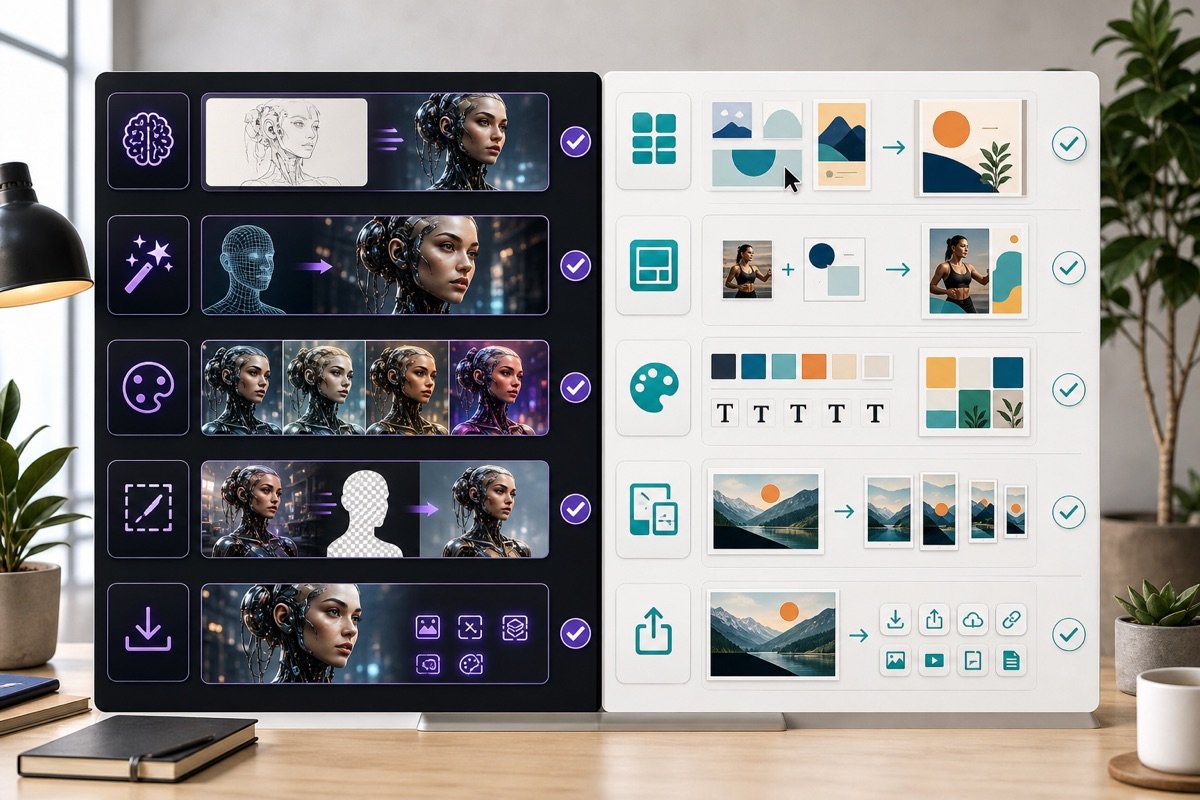
Leonardo AI is the better choice when you need original images, unique product concepts and a visual style of your own. It opens up unlimited creative space. It is not limited by ready-made templates.
You can train your own AI model. That lets you create images with a strong brand identity. This is a big advantage for marketing campaign that need clear distinction. It is especially useful when you need fresh product images.
Leonardo AI's deep customization lets you control every detail. You can easily reach high artistic quality. This is a strength when building a distinctive brand identity.
Canva delivers instant results for quick layouts, ready-made marketing templates and publishing content to many channels at once. It is a convenient solution. It simplifies the everyday design process.
With its huge template library, Canva helps you create social media posts, posters or presentation slides in minutes. No deep design skills needed. This saves your marketing team a lot of time. Output is fast. Capacity is high.
Connecting and sharing directly to social media platforms is another plus. Canva makes managing digital content smoother. Fast rollout is guaranteed.
You will get the most out of this comparison table when you are clear about your role in the company. Each position has its own priorities. Business owners care about the overall strategy. You need to look at creative potential and how far the brand can grow.
For marketers, template speed and variety are the key factors. Their work demands a lot of content. Salespeople need a tool for making images quickly. It serves quotes and on-the-spot presentations.
Designers care more about detailed customization. They need the flexibility to express original ideas. Knowing your role helps you pick the right tool and get the most out of it. That brings real value.
MONA currently uses Leonardo AI and AI tools other tools to create visual content for internal marketing campaigns. We also train our clients' staff to use these tools well. However, standalone tools like these are only a starting point. A business that wants full automation, seamless data and strong security needs custom software. MONA specializes in building custom, production-grade software systems that fit every proprietary process you have.

Many managers wonder how to choose effective AI tools. The core principle is to match the nature of the work. You need to know when to create original images with Leonardo AI and when to simply finish a publication with Canva.
Each tool has its own strengths. Using the right one for the right purpose saves time and raises output. Let's look at this more closely.
When you need an image that has never existed, imagination is the key. Leonardo AI is the ideal tool for these jobs. It turns ideas into visuals.
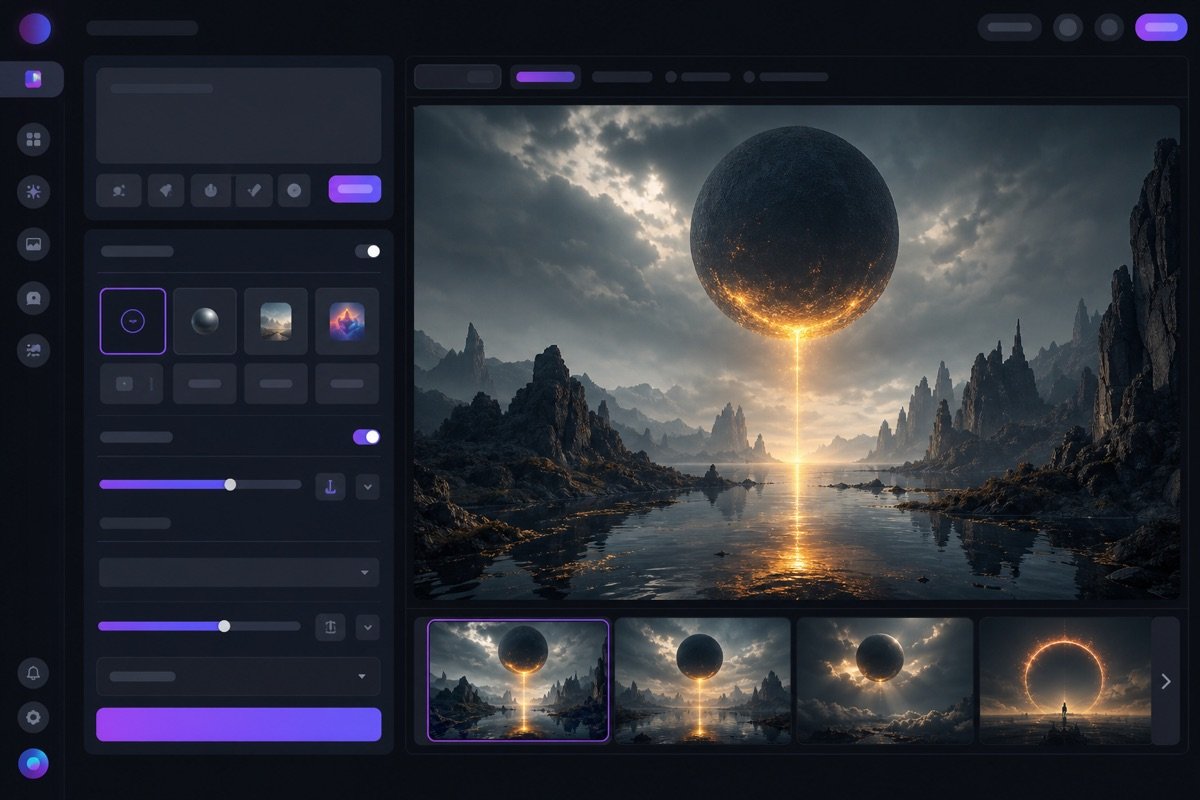
This tool shows its full strength at the idea stage. It helps you picture everything clearly. Leonardo AI opens up unlimited creative space.
Canva is the choice when you need to finish marketing materials. This tool focuses on packaging content. It helps get products to market quickly.
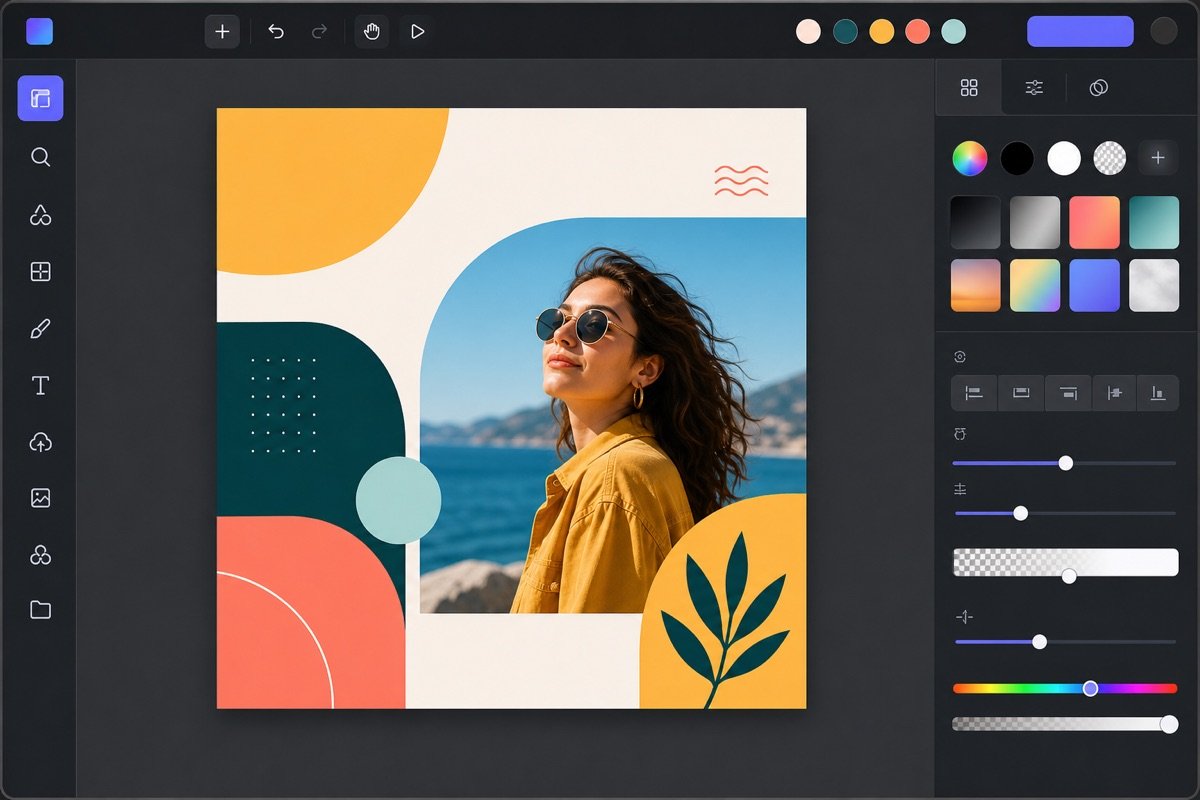
Canva helps you keep your brand consistent. All materials look professional and attractive.
To streamline the process, you can combine both tools. This is an effective formula for marketing teams. We take advantage of each platform's strengths.
This process gives you unlimited creativity. At the same time, it keeps delivery efficient and fast. It is a smart way to work.
We applied this formula successfully for one client, a new fashion brand. They needed to advertise a summer collection on a tight budget.
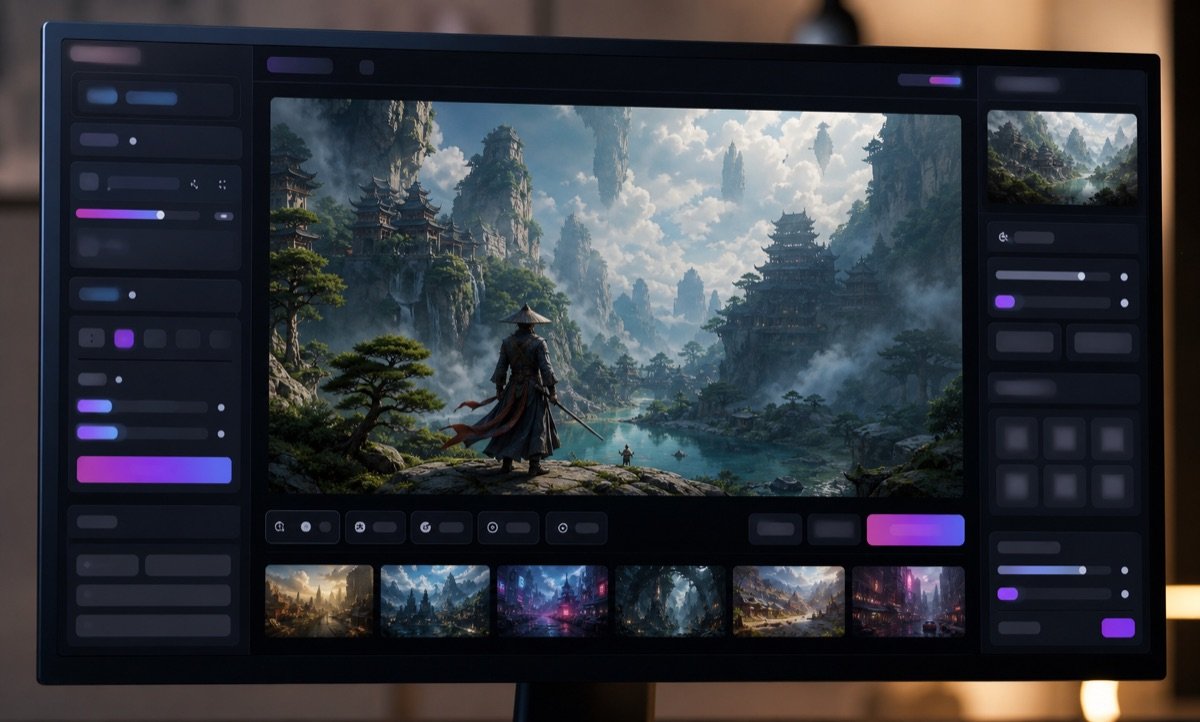
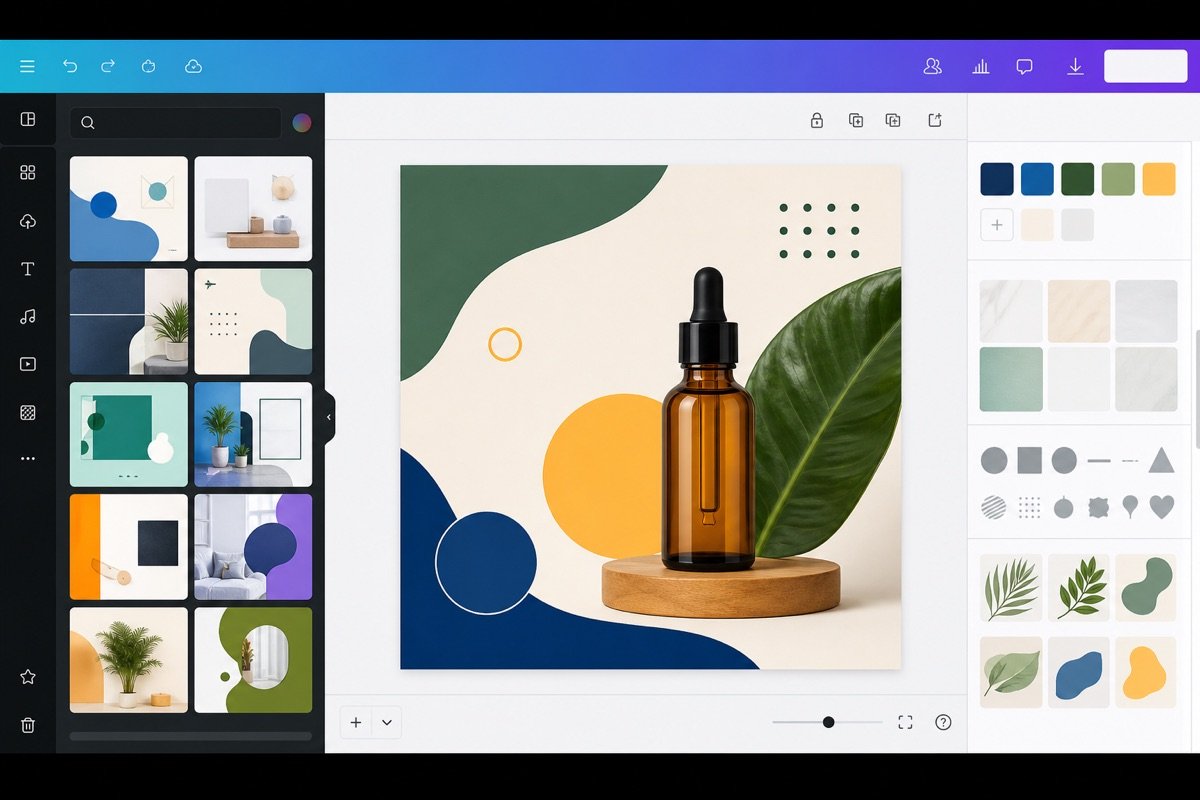
The campaign performed strongly. Engagement rose 25% compared with earlier campaigns. Design costs dropped noticeably. This is an example of AI and design tools working well together.
For Leonardo AI to produce the image you want, we need a clear prompt formula. A good set of instructions helps the AI understand the request in depth. We distilled this 4-layer formula. It works especially well for marketing and sales people. We cut down on trial and error. The output matches the campaign direction.
This formula ensures the necessary detail. It keeps the AI from “wandering off”. You get quality images. They suit communication campaigns very well.
We need to define the main subject clearly. At the same time, describe the specific context. This is the foundation of every image. It helps the AI picture it correctly. For example, where the product is being used, and by whom.
Example in Vietnamese: “A young woman with a radiant face enjoying a take-away coffee in a modern, bustling café in the morning.”
Example in English: “A radiant young woman enjoying a take-away coffee at a modern, bustling coffee shop in the morning.”
This layer adds the artistic elements. They shape the mood of the photo. Specify the style. Choose the lighting and the camera angle. The photo texture matters too. This makes the difference.
Example in Vietnamese: “Realistic photography style, natural light from a window, close-up angle focused on the product, shallow depth of field, DSLR camera photo quality.”
Example in English: “Realistic photography style, natural window light, close-up shot focusing on the product, shallow depth of field, DSLR camera quality.”
To make the image fit the brand, add these constraints: color, overall feeling and the target customer group. This keeps things consistent. The image will carry the right message. It ties in with the brand identity.
Example in Vietnamese: “Warm dominant color tones, a relaxed and luxurious feeling, aimed at young, energetic office-worker customers.”
Example in English: “Warm color palette, relaxed and luxurious feel, targeting young, dynamic office workers.”
The negative prompt is very important. It removes unwanted details. Always use this layer to block errors. Avoid extra details. Make sure the image is clean and professional. Common errors such as deformed hands, wrong text and warped logos are kept to a minimum.
Example in Vietnamese: “Unclear text, deformed hands, warped logo, irrelevant extra details, overly harsh colors, blurry image.”
Example in English: “Unclear text, deformed hands, distorted logo, irrelevant extra details, overly bright colors, blurry images.”
Below is an example. You can see how well the 4-layer formula works. The Vietnamese and English prompts are entered into Leonardo AI. Then the system generates the matching images. Look closely at the results. We will see a clear difference.
Combined prompt (Vietnamese): “A young woman with a radiant face enjoying a take-away coffee in a modern, bustling café in the morning. Realistic photography style, natural light from a window, close-up angle focused on the product, shallow depth of field, DSLR camera photo quality. Warm dominant color tones, a relaxed and luxurious feeling, aimed at young, energetic office-worker customers. NO: unclear text, deformed hands, warped logo, irrelevant extra details, overly harsh colors, blurry image.”
Combined prompt (English): “A radiant young woman enjoying a take-away coffee at a modern, bustling coffee shop in the morning. Realistic photography style, natural window light, close-up shot focusing on the product, shallow depth of field, DSLR camera quality. Warm color palette, relaxed and luxurious feel, targeting young, dynamic office workers. NEGATIVE PROMPT: Unclear text, deformed hands, distorted logo, irrelevant extra details, overly bright colors, blurry images.”
Once you have quality images from Leonardo AI, we need to bring them into Canva to create professional marketing materials. Canva acts as the final editing desk, helping you turn raw visual ideas into content ready to publish or print.
Combining these two tools lets your marketing team streamline the creative process. You get a final product that matches your brand identity and suits each channel.
The quality of the original image largely decides the final result. Make sure you download images from Leonardo AI at the highest resolution possible.
When downloading, choose an aspect ratio that suits how you will use it in Canva. Use 1:1 for Facebook/Instagram posts, 9:16 for Stories/Reels, and 16:9 for cover images or YouTube thumbnails.
This keeps images from pixelating, blurring or distorting when placed in larger designs. You keep the sharpness and detail that Leonardo AI created.
Canva offers thousands of professional design templates for every purpose. Use these templates to save time and keep the look polished.
Pick a template that fits the specific goal: an ad banner, a social media post, an image for landing page or a sales presentation slide. Dragging the image from Leonardo AI straight into the image frame in the template is the basic, effective move.
This lets you focus on the message and layout instead of designing from scratch. We have seen many marketing teams save a lot of working hours every week.
A consistent brand identity is essential in all marketing. Canva has a Brand Kit feature that helps you manage colors, fonts and logos.
Set up the Brand Kit with your company's official identity elements. Then require the design team to follow these rules strictly. Locking colors, fonts and logos in templates prevents avoidable mistakes.
Even less experienced staff can produce consistent materials. This makes your brand look more professional to customers.
Each channel has different file format and size requirements. Canva offers many export options to fit each platform.
Choosing the right format makes your materials look neat on every platform. That also lifts communication results.
Creating one original image and rolling it out into many formats helps you make the most of your resources. We produce consistent content without redesigning from scratch. This method keeps your brand highly recognizable.
This is especially useful for product launches, recruitment or promotion campaigns.
The first step is to create an original image with a distinct, consistent style. Define the visual style you want clearly. Use suitable models and parameters in Leonardo AI.
For example, pick the “Dynamic” or “Illustrative” style to create product images. Then save the sample prompts and settings you used. This makes it easy to recreate similar images later. MONA often shows clients how to build their own prompt library. It is a digital asset of the business.
Once you have the original image from Leonardo AI, upload it to Canva. Next, use Canva's “Magic Resize” feature to duplicate it. We can convert this image into many formats.
This saves a lot of time. It makes sure every channel has suitable visual content. You will see a clear jump in productivity.
To stay consistent, hold on to three core elements: the main color, the font set and the brand identity layout.
Colors must match website design and the identity kit. Fonts need to be consistent across all formats. The placement of the logo, headline and image must follow the brand guidelines. This makes your brand easy to recognize. Wherever the content appears, the message stays clear.
The original image is already consistent. You only need to change the text message to fit each channel. A Facebook post can use friendly language. A website banner needs to be short and focused on benefits.
An Instagram story message needs to be condensed and catch attention fast. Email marketing needs more detailed content. This strategy makes communication more effective. It also keeps the brand image in customers' minds. MONA often applies this principle when delivering an SEO campaign and marketing for clients.
You can clearly see the benefit of duplicating a design. One starting image is used for many purposes. Below is a visual example. One design is created and then resized. It adapts neatly to different platforms.
This process does more than save time. It also keeps things professional. Your marketing content will be consistent and make a strong impression. This is the secret to keeping brands consistent across every channel.
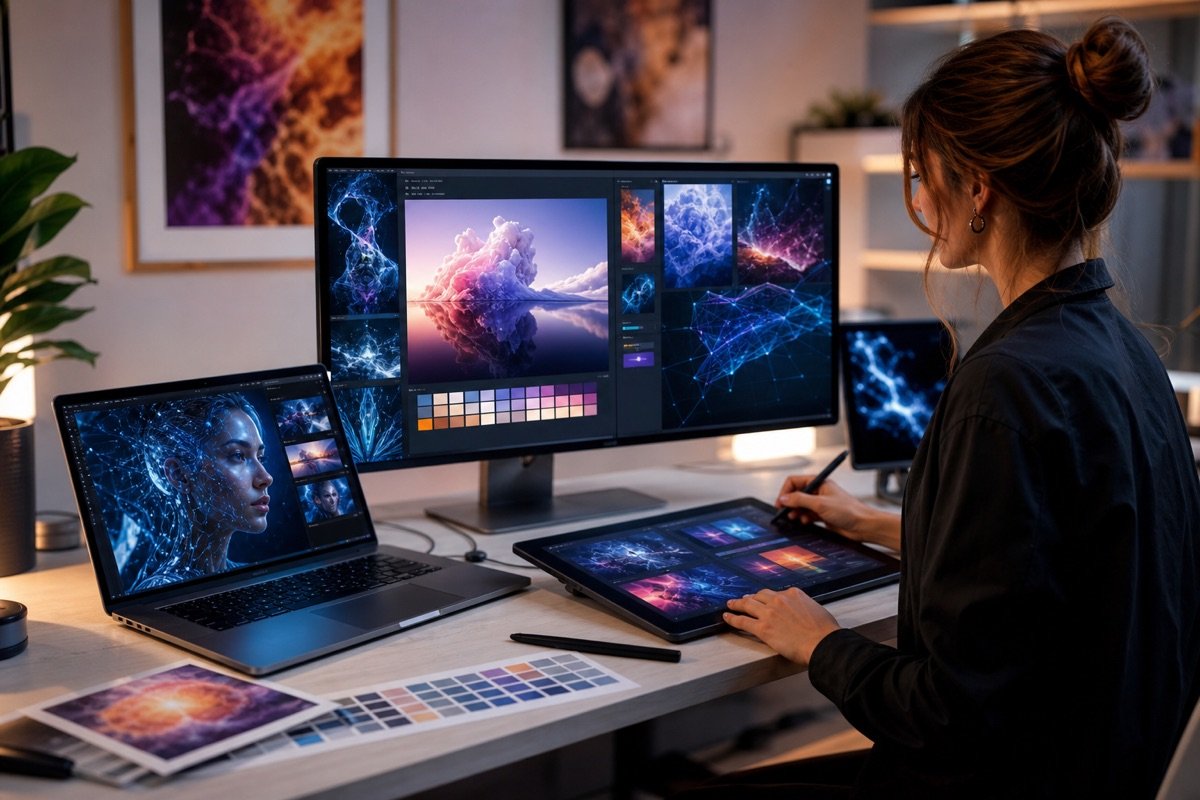
So that you and your marketing team make the right investment decision, we recommend running a hands-on test. It should focus on your business's real tasks, not on gut feeling or surface-level advertised features. This evaluates Leonardo AI and Canva objectively.
In just 15 minutes, you will get a clear view of what the two tools can really do. It helps your team agree on the most suitable tool and avoid wasted spending.
An effective test starts from a brief close to your real business. This is the most important step. Define the product, target customer, posting channel and message clearly.
The more detailed the brief, the more reliable the test results. We suggest you prepare these elements:
With a clear brief, the marketing team can easily compare performance. This keeps the test fair.
With the brief ready, start creating images in Leonardo AI. It is a powerful tool. To get a fitting result, we recommend layered prompts.
A layered prompt covers subject, style, details and emotion. For example:
Try many different prompts. Fine-tune each layer so Leonardo AI understands what you want. Keep a record of the prompts you used. This helps your team learn from experience.

Once you have the original image from Leonardo AI, bring it into Canva. The goal is to turn the image into a complete marketing material.
Use the same basic template. This keeps things consistent. Add text, a logo and other graphic elements. Make sure the material follows your company's brand identity.
Canva stands out with its intuitive drag-and-drop interface. It helps the marketing team work fast. We often use Canva to create ad templates. Daily Digital Marketing posts are also made in Canva.
Watch the speed and flexibility of editing. Judge whether the material can be easily changed to fit different channels. This is an important criterion.
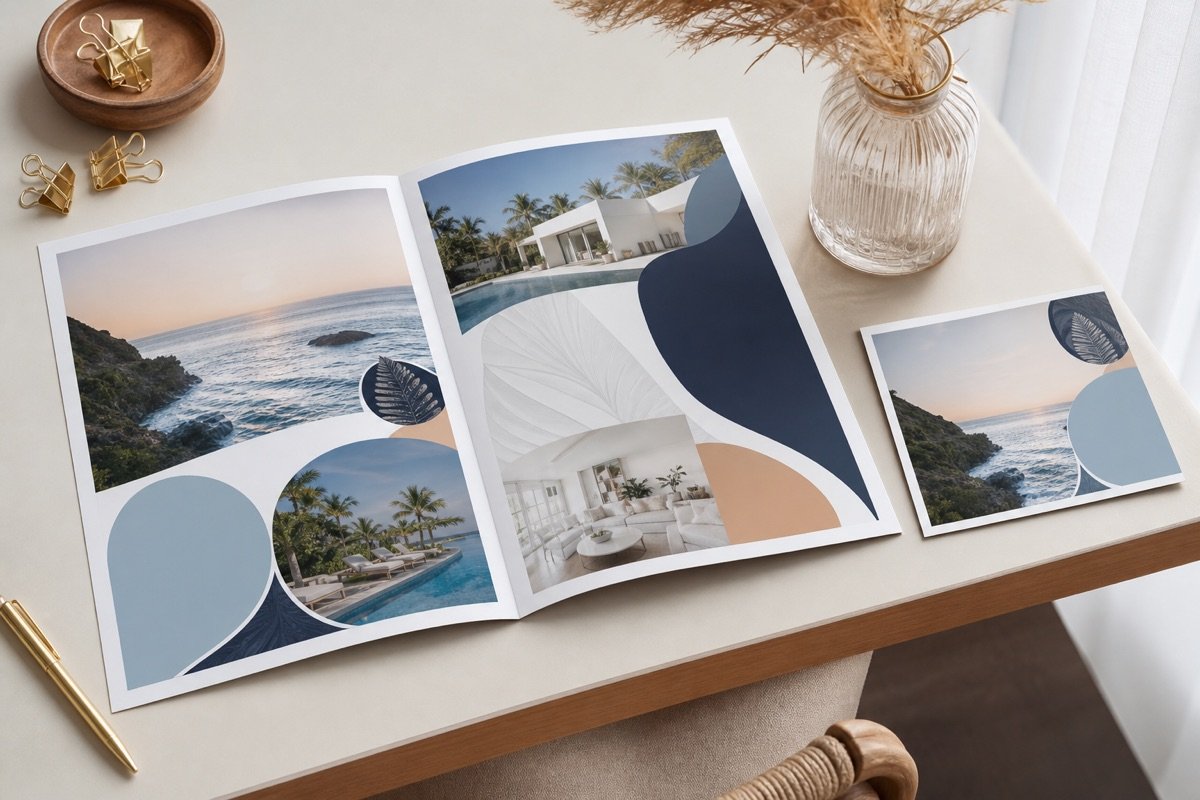
Once you have finished materials from both processes, you and your team need to score them. We suggest these 5 qualitative criteria:
Score each criterion. For example, use a 1 to 5 scale or a “Pass/Fail” rating. This quantifies things reasonably well. On that basis, the marketing team has a solid foundation.
To keep things transparent and easy to compare, record the results in a table. Google Sheets or Notion are effective tools for this.
The comparison sheet should have these columns: “Brief”, “Leonardo AI prompt”, “Leonardo AI result”, “Canva template”, “Canva result”, and “Rating on the 5 criteria”. You can also add a “Notes” column.
Take screenshots of the results from both Leonardo AI and Canva. Then insert them straight into the comparison sheet. This gives visual evidence. It also helps team members picture and discuss the results.
We often use scoring sheets like this. They help us compare effectiveness. From there, MONA can decide which tool to buy a paid plan for. Or decide whether to invest in our own automation software.
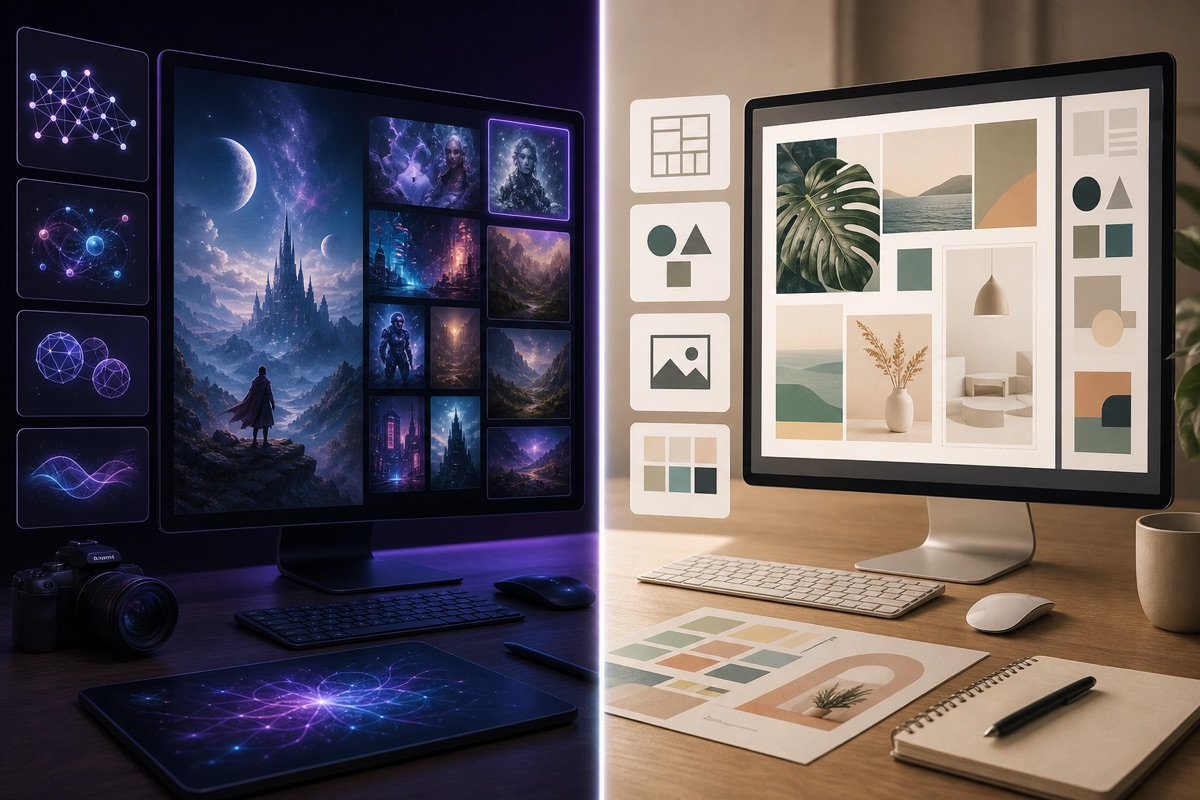
Whether Leonardo AI or Canva gives better creativity depends on the individual. You can easily create images and designs fast. They are truly capable assistants.
However, these tools have limits. We need to see the boundary between personal use and a business system.
A tool can be useful for an individual but not enough for a business. We can all see this clearly. Using standalone tools usually means manual work. Data gets fragmented.
Each staff member works on their own machine. Information is scattered. This creates many big gaps. Version control becomes hard. Access permissions are almost nonexistent.
This causes major obstacles. It is hard for a business to keep things in sync. Security is a problem too. The team's overall productivity suffers. The work cannot scale.
At MONA we use AI tools too. They support the team in creative tasks. For example, we use AI to sketch ideas quickly. This speeds things up.
But it is always part of a larger process. These tools are built tightly into the workflow. Since 2016, MONA has built and refined many processes. With , we understand how important a system is.
MONA also trains clients. You learn how to use AI effectively. We put the tool in its proper place. It is a small piece of the bigger picture of automation.
A standalone tool solves only part of the job. At this point, a business needs more than that. You need a unified customer relationship management (CRM) system. Enterprise resource planning (ERP) software is essential.
Marketing automation needs a chain of connections. Data must be collected and processed seamlessly. Everything needs to be tightly connected. Only then does the business truly grow in a lasting way.
Fragmentation wastes resources. It makes you lose control. A complete system brings more value. That is when custom software becomes necessary.
When standalone tools no longer meet your needs, you need a different solution. MONA specializes in building custom automation software. We develop self-contained modules.
We can design a proprietary CRM. Customize an ERP to your industry. The goal is to create a seamless system. All to streamline operations and cut costs.
With experience since 2016 and 14,000+ projects, MONA stands behind its quality. Our client retention rate reaches 85%. Let's create value together.
Custom software gives you control of all your data. It creates a standard way of working. From professional website design to effective SEO campaigns. Every marketing solution aims at one goal: creating lasting cash flow for your business.

CEO & Founder · The MONA
Founder of The MONA, who built a services company of 60+ staff with 14,000+ projects delivered. Khánh Hùng shares how he thinks about building systems that run themselves, automating a business, and the real lessons from delivering projects at MONA.
 326




Professional website
design services
Own a website with a beautiful, 100% exclusive design and a lifetime warranty, with the ability
to expand features flexibly as your business grows, starting today!






 MONA will never sell your information or send you spam


 MONA will never sell your information or send you spam
