
 MONA OS 2.0
 Partner with MONA


 Tự động hoá doanh nghiệp
 Cẩm nang SEO
 Digital Marketing
 Kinh nghiệm thiết kế website
 Hạ Tầng Server
 Giáo dục


 VI
 EN












Message us on
Zalo Official


 ProductsNew

 ProductsProducts
 Mới ra mắtKHA AI 2027App tự edit video, tự đăng mọi mạng xã hội, 2 phút mỗi ngày










 Website designLooks good and wins customers over.
SEO servicesBrings in customers searching for exactly what you sell.
 Tư vấn digital marketingKéo khách từ nhiều kênh, đo bằng số thật.
Corporate video productionVideos introducing your company, factory and team.
 NewAI video productionCompany story films made with AI.
 Custom software developmentCRM, ERP and HRM built for your business.
 Viết AI Agent theo yêu cầuĐặt riêng một trợ lý AI cho đúng việc của mình.
 Tư vấn chuyển đổi AIĐưa AI vào vận hành của cả công ty.
NewMONA LMSManagement for centers and schools.
MONA SkillHubInternal training for company staff.
 NHTQ systemEnd-to-end China–Vietnam shipping operations.
MONA JMSManagement for gold, diamond and pawn shops.
 MONA E-LearningA website with every feature you need to sell courses.
 How to sell online courses (course)More than 30 free lessons on selling courses on autopilot.
 MONA Cloudmonacloud.vnServers to get your apps and websites running.
 MONA Basemonabase.vnPostgres database, sign-in and file storage.
 MONA Mailmonamail.vnSend OTP, order and invoice emails from your software.
 MONA Paymonapay.vnAccept bank transfers via VietQR and notify your software when the money arrives.
 MONA eInvoiceComing soonIssue e-invoices that meet tax standards.
Gấu CườiTrả lời khách 24/7 trên web, Fanpage, Zalo và thu lead cho sale.
 Gấu TeleSalesGọi điện tư vấn, chăm khách như tổng đài viên thật.
Dê CườiTư vấn và chốt đơn cho shop ngay trong khung chat.
Gấu WebmasterNhắn nhóm Zalo là website được sửa xong.
 Gấu Pháp ChếSoạn hợp đồng, rà điều khoản trong vài phút.
 Gấu Báo GiáLên báo giá đúng mẫu và gửi khách ngay.
 AI chăm sóc khách hàngTheo dõi và giữ chân khách hàng cũ.
 Gấu Tuyển DụngLọc hồ sơ, hẹn lịch, phỏng vấn ứng viên.
 Mới ra mắt
KHA AI 2027
Xây kênh chuyên gia 2 phút mỗi ngày
Quay bằng điện thoại, AI tự edit video, tự đăng lên 16 nền tảng và tự trả lời bình luận, tin nhắn.
853.713lượt xem trên kênh CEO MONA sau 29 ngày
 Anh Khánh HùngCEO MONA đang dùng mỗi ngày
Xem app làm được gì
 AI
Gấu Cười MONA ĐANG TỰ XÀITrả lời khách 24/7 trên website, Zalo OA, Messenger và thu lead về cho sale.
Dê CườiChốt đơn bán lẻ và sàn: Shopee, TikTok Shop, web. Chăm cả khách sỉ, đại lý.
Gấu WebmasterCập nhật nội dung, tối ưu SEO website mỗi ngày.
Gấu TeleSalesGọi điện tư vấn, chăm khách như tổng đài viên thật.
Gấu Tuyển DụngLọc hồ sơ, hẹn lịch, phỏng vấn ứng viên tự động.
AI chăm sóc khách hàngGiữ khách cũ, cứu lead đã rớt cho phòng kinh doanh.
Gấu Pháp ChếSoạn hợp đồng, rà điều khoản trong vài phút.
Gấu Báo GiáLên báo giá đúng mẫu, gửi khách ngay khi có yêu cầu.
 Chuyển đổi AI toàn phầnGiải pháp tổng cho doanh nghiệp, 3 lớp triển khai.
 Viết AI Agent theo yêu cầuĐặt riêng một con AI gánh đúng nghiệp vụ của bạn.
 Custom softwareCRM, ERP and HRM with built-in AI automation.
 SEO & AEO thời đại AIĐược Google lẫn AI trích dẫn, không chỉ xếp hạng.
 Kiến thức AI cho doanh nghiệpBài phân tích, hướng dẫn ứng dụng AI vào vận hành.
 Free AI courses
 AI tools at work
App mới · KHA AI 2027
Xây kênh 2 phút mỗi ngày
AI tự edit video, tự đăng mọi mạng xã hội
Free consultation, 8am–10pm every day

06 June, 2024
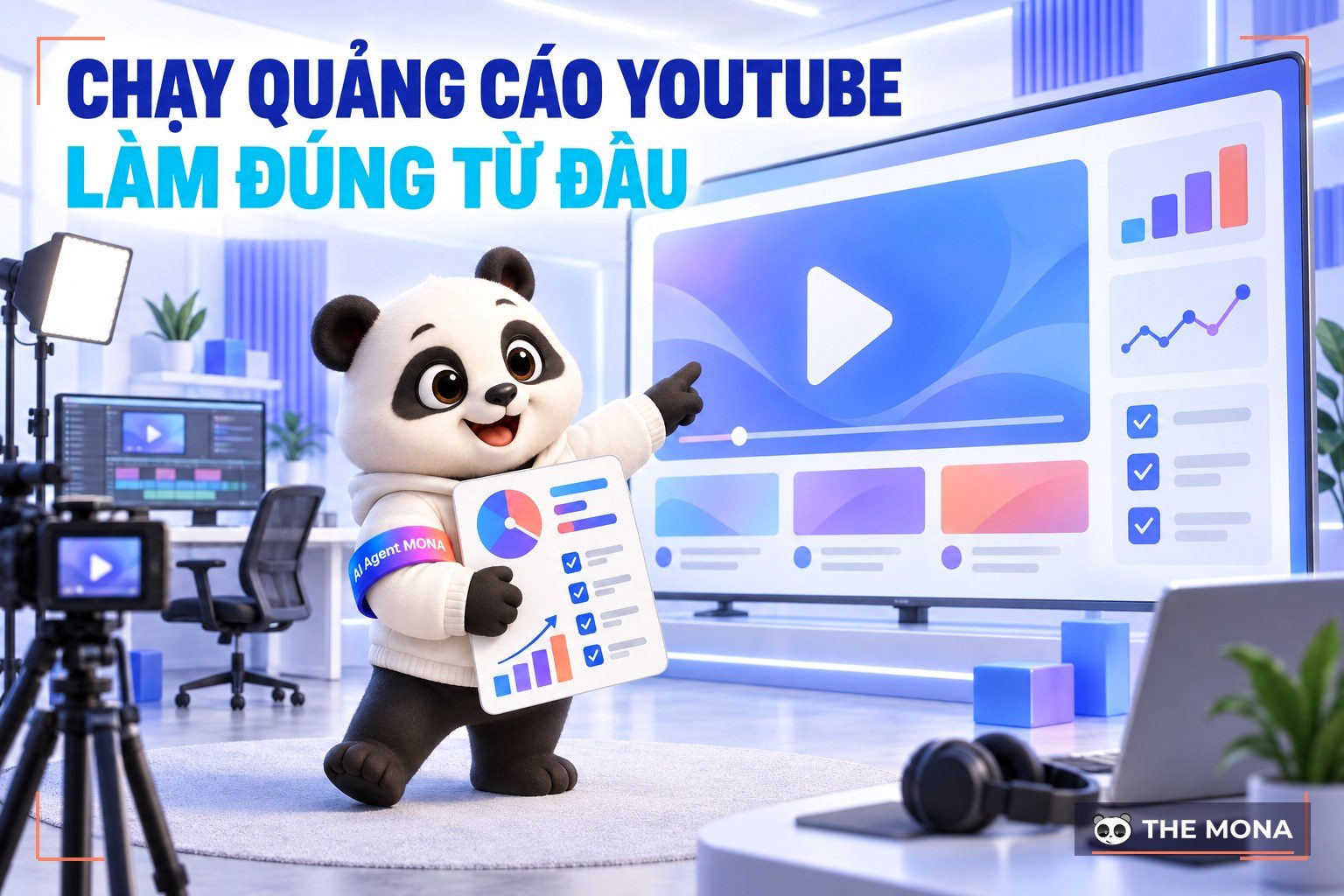
YouTube ads is one of the world's biggest video platforms and a great chance for businesses to show products and services to the right target audience. But for an ad campaign to work well, you need to understand and apply the right techniques for running YouTube ads Knowing that, MONA Media will share how to run YouTube ads effectively in the article below.
Running YouTube Ads is a powerful marketing method that helps businesses reach millions of users worldwide. Understanding YouTube ads and how they work helps you make the most of the platform to build brand awareness and drive revenue. So what exactly are YouTube ads?
YouTube ads is a form of advertising within Google's ad system that lets businesses promote products and services through videos, banners or popups on the YouTube platform.
With its huge user base, running ads on YouTube is a powerful marketing strategy that helps businesses reach and engage potential customers effectively. YouTube Ads comes in many formats, the most common being:


>> Learn more about: Multi-channel advertising service, conversion optimization
Cost of running ads on YouTube is the first question marketers ask when learning how to run YouTube Ads. YouTube Ads charges based on specific video views: you pay from 80 to 150 VND per view for standard video ads (TrueView), or pay a bid cost per CPM (1,000 impressions) of about 20,000 to 30,000 VND for the Bumper Ads format. In practice, the cost of running YouTube ads varies with factors such as target audience, ad format and the budget you are willing to spend.

One big benefit of running YouTube ads is that you only pay when viewers actually interact with your ad. That means you do not pay if a viewer skips your ad after the first 5 seconds. This helps optimize your ad budget and improve ad performance.
Advertising on YouTube brings significant benefits: it raises brand awareness, connects you with the right customers and boosts sales. There is a reason running ads for a YouTube channel keeps getting more popular. Here are the benefits of running YouTube adsto answer that question.

One of the biggest strengths of running YouTube ads is the ability to "target" potential customers. You can customize your audience by age, gender, interests and user behavior, similar to Google Ads advertising.
This makes sure your message reaches the right people at the right time, which optimizes conversion rate and cuts unnecessary ad spend. With this tool, businesses can focus on the most promising customers and noticeably improve campaign results.

With billions of users worldwide, running ads on YouTube is an effective way to reach users thanks to the channel's wide coverage. By using YouTube's different ad formats, businesses can catch customers' attention, push them to buy on the platform, or send them to your website to complete the purchase.
You can control your daily budget and adjust the cost per view (CPV) or per thousand impressions (CPM). This makes it easy to track and manage your budget, so the campaign stays within plan while still getting the best results. You can also test different budget levels to find the best ad strategy.
With these benefits, YouTube ads help businesses make the most of the platform and reach the marketing results they want.
Before you start running ads on YouTube, prepare well so the campaign performs as well as possible. There are 3 essentials you need to start an ad campaign:
If you are not sure what to prepare for YouTube Ads, read on below.
This is required to run ads for a YouTube channel. Go to the link https://accounts.google.com/signup > fill in all the information > Click Next > Continue entering your personal information > Next > Select I agree to finish creating the account.

Next, add a payment method to your account with the steps below:

The last step is linking your YouTube channel after you have set up your Google Ads account successfully.
Depending on your campaign goal, you can apply different YouTube Ads strategies to get the best result. Here are 5 popular strategies that many people use, compiled by MONA:

Using ad formats such as TrueView In-Stream or Discovery, you can reach people who have never heard of your channel. The key is whether your content is good enough to hold viewers from the first seconds. To improve results, optimize the title, description and thumbnail of your ad video. Running YouTube ads by topic and shared-interest audiences helps you reach the right potential customers from the start.
If your goal is more followers, it is important to reach people who have already engaged with your channel. You can use the remarketing option in Google Ads to target viewers who have not subscribed but have interacted with your videos.
Create YouTube ad videos with a strong, attractive call to action to encourage viewers to subscribe. This not only increases subscribers but also builds a loyal community of viewers.
By targeting ads at people who shop or show interest in your products, you can turn views into revenue. With goal-based campaigns such as TrueView for Action and a call-to-action button right in the video, you can send viewers to a landing page to buy or sign up for a service. This both optimizes your ad cost and brings better business results.
You can use YouTube Analytics data to find the location and language of your current audience, then target by geography and language in your ad campaign. By combining the Remarketing feature with custom geographic targeting, you can reach similar audiences in other countries, expand the channel's global presence and win more new viewers.

When you want to make noise for new content or a new brand, you can run YouTube ads in formats like bumper ads or TrueView in-stream ads to introduce a new product or service in a lively, attractive way.
You can also start the campaign with short bumper ads to get attention, then move to more detailed video ads that give full information about the product or service. This is an effective strategy for leaving viewers with a strong impression of your product.
Running YouTube ads is not just uploading a video online; it takes a detailed and precise process. You can follow the steps in the guide to running YouTube ads that MONA has put together below to launch a more effective ad campaign.
First go to Google Ads > choose "Campaigns" in the left sidebar > click the plus icon > click "New campaign".

The screen switches to a new window where you choose the campaign type > click "Create a campaign without guidance on goals".

Google will offer many options. Choose the campaign type “Video” to continue.

Next, set the campaign details (campaign name, budget, running time and so on). Google offers 2 strategies: maximum CPV (cost per ad view) and maximum CPM (cost per 1,000 impressions).

Next, in the Networkssection, tick the placements where you want ads to appear.

Choose the language and location of your target customers in Location and Language. You can choose one country or specific provinces and cities.

Inventory type lets you choose to advertise on content that suits you.

Next, to keep your YouTube ads clean, you can exclude sensitive categories such as politics and conflict.

You start by targeting customers through demographics. Google offers options by gender, age, marital status and income.

Then you can target your audience in more detail through the questions Google provides.

Choose where your ad appears based on Google's criteria, such as:


Upload the ad video for your YouTube channel, then enter keywords to find the video you want to run YouTube ads for.
In the last step, choose the ad format and remember to add the URL, CTA and title for the video. After checking carefully, click Save and continue > Continue to campaign and finish the setup.
≫Further reading:
After you finish running ads for your YouTube video, running YouTube ads effectively also means tracking performance metrics, which is the key to evaluating, fine-tuning and optimizing your campaign. Here are some important metrics you should care about:
Running ads for YouTube videos is an effective promotion strategy for businesses that want to reach their target audience quickly and directly. MONA has walked you through an overview of YouTube advertising in this article. Running YouTube ads is not just broadcasting a video; it is a process of tracking and optimizing continuously based on real data. By understanding how to run YouTube Ads and the related metrics, you hold the key to successful, effective ad campaigns.

CEO & Founder · The MONA
Founder of The MONA, who built a services company of 200+ staff with 14,000+ projects delivered. Khánh Hùng shares how he thinks about building systems that run themselves, automating a business, and the real lessons from delivering projects at MONA.
 1,6K




Professional website
design services
Own a website with a beautiful, 100% exclusive design and a lifetime warranty, with the ability
to expand features flexibly as your business grows, starting today!






 MONA will never sell your information or send you spam


 MONA will never sell your information or send you spam
