
 MONA OS 2.0
 Hợp tác với MONA


 Tự động hoá doanh nghiệp
 Cẩm nang SEO
 Digital Marketing
 Kinh nghiệm thiết kế website
 Hạ Tầng Server
 Giáo dục


 VI
 EN








Message us on
Zalo Official


 ProductsNew

 ProductsProducts
 Mới ra mắtKHA AI 2027App tự edit video, tự đăng mọi mạng xã hội, 2 phút mỗi ngày










 Thiết kế websiteVừa đẹp vừa thuyết phục được khách.
Dịch vụ SEOKéo về khách đang tìm đúng thứ anh chị bán.
 Tư vấn digital marketingKéo khách từ nhiều kênh, đo bằng số thật.
Quay video doanh nghiệpVideo giới thiệu công ty, nhà xưởng, đội ngũ.
 MớiDựng video AIDựng phim câu chuyện công ty bằng AI.
 Custom software developmentCRM, ERP and HRM built for your business.
 Viết AI Agent theo yêu cầuĐặt riêng một trợ lý AI cho đúng việc của mình.
 Tư vấn chuyển đổi AIĐưa AI vào vận hành của cả công ty.
NewMONA LMSManagement for centers and schools.
MONA SkillHubInternal training for company staff.
 NHTQ systemEnd-to-end China–Vietnam shipping operations.
MONA JMSManagement for gold, diamond and pawn shops.
 MONA E-LearningA website with every feature you need to sell courses.
 How to sell online courses (course)More than 30 free lessons on selling courses on autopilot.
 MONA Cloudmonacloud.vnServers to get your apps and websites running.
 MONA Basemonabase.vnPostgres database, sign-in and file storage.
 MONA Mailmonamail.vnSend OTP, order and invoice emails from your software.
 MONA Paymonapay.vnAccept bank transfers via VietQR and notify your software when the money arrives.
 MONA eInvoiceComing soonIssue e-invoices that meet tax standards.
Gấu CườiTrả lời khách 24/7 trên web, Fanpage, Zalo và thu lead cho sale.
 Gấu TeleSalesGọi điện tư vấn, chăm khách như tổng đài viên thật.
Dê CườiTư vấn và chốt đơn cho shop ngay trong khung chat.
Gấu WebmasterNhắn nhóm Zalo là website được sửa xong.
 Gấu Pháp ChếSoạn hợp đồng, rà điều khoản trong vài phút.
 Gấu Báo GiáLên báo giá đúng mẫu và gửi khách ngay.
 AI chăm sóc khách hàngTheo dõi và giữ chân khách hàng cũ.
 Gấu Tuyển DụngLọc hồ sơ, hẹn lịch, phỏng vấn ứng viên.
 Mới ra mắt
KHA AI 2027
Xây kênh chuyên gia 2 phút mỗi ngày
Quay bằng điện thoại, AI tự edit video, tự đăng lên 16 nền tảng và tự trả lời bình luận, tin nhắn.
865.228lượt xem trên kênh CEO MONA sau 32 ngày
 Anh Khánh HùngCEO MONA đang dùng mỗi ngày
Xem app làm được gì
 AI
Gấu Cười MONA ĐANG TỰ XÀITrả lời khách 24/7 trên website, Zalo OA, Messenger và thu lead về cho sale.
Dê CườiChốt đơn bán lẻ và sàn: Shopee, TikTok Shop, web. Chăm cả khách sỉ, đại lý.
Gấu WebmasterCập nhật nội dung, tối ưu SEO website mỗi ngày.
Gấu TeleSalesGọi điện tư vấn, chăm khách như tổng đài viên thật.
Gấu Tuyển DụngLọc hồ sơ, hẹn lịch, phỏng vấn ứng viên tự động.
AI chăm sóc khách hàngGiữ khách cũ, cứu lead đã rớt cho phòng kinh doanh.
Gấu Pháp ChếSoạn hợp đồng, rà điều khoản trong vài phút.
Gấu Báo GiáLên báo giá đúng mẫu, gửi khách ngay khi có yêu cầu.
 Chuyển đổi AI toàn phầnGiải pháp tổng cho doanh nghiệp, 3 lớp triển khai.
 Viết AI Agent theo yêu cầuĐặt riêng một con AI gánh đúng nghiệp vụ của bạn.
 Custom softwareCRM, ERP and HRM with built-in AI automation.
 SEO & AEO thời đại AIĐược Google lẫn AI trích dẫn, không chỉ xếp hạng.
 Kiến thức AI cho doanh nghiệpBài phân tích, hướng dẫn ứng dụng AI vào vận hành.
 Free AI courses
 AI tools at work
App mới · KHA AI 2027
Xây kênh 2 phút mỗi ngày
AI tự edit video, tự đăng mọi mạng xã hội
Free consultation, 8am–10pm every day

18 March, 2023
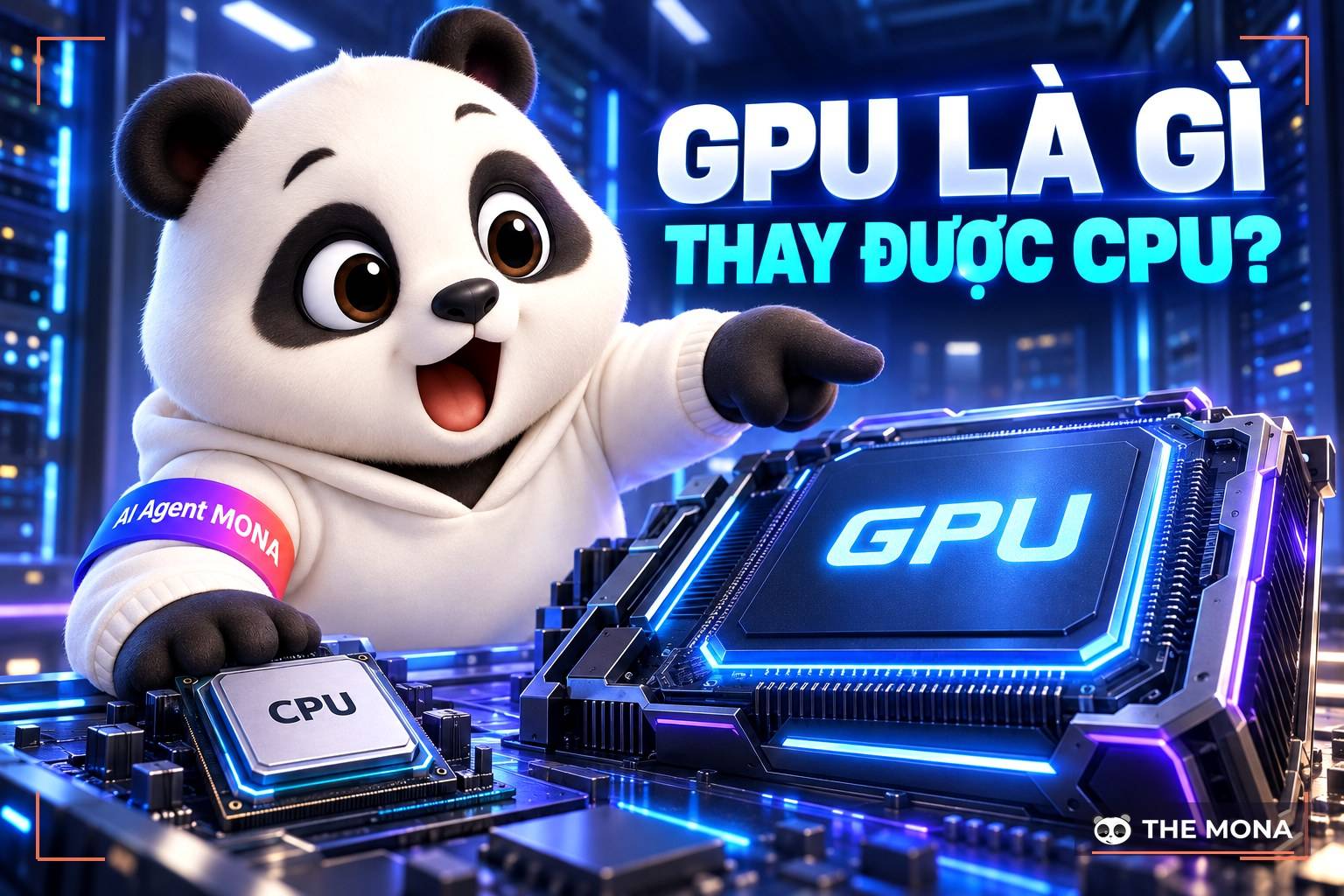
Anyone who works with computers regularly, especially on graphics-related work, has surely heard of the GPU. So what exactly is a GPU and how does it affect a computer's performance? Find out in this article by MONA Media on GPU processors below.
GPU (Graphics Processing Unit) is also called a graphics card. It handles graphics-related tasks and is a specialized processor for the computer when it needs to deal with the machine's geometry capabilities. The GPU handles shapes and images on the computer.
A graphics card is closely linked to the central processor (CPU) but works in a completely different way. A Graphics Processing Unit has many features to meet consumers' basic graphics display needs. Today, programming for graphics cards is becoming simpler, opening up more potential for speeding up computers. The two best-known manufacturers of Graphics Processing Units are Nvidia and AMD/ATI.
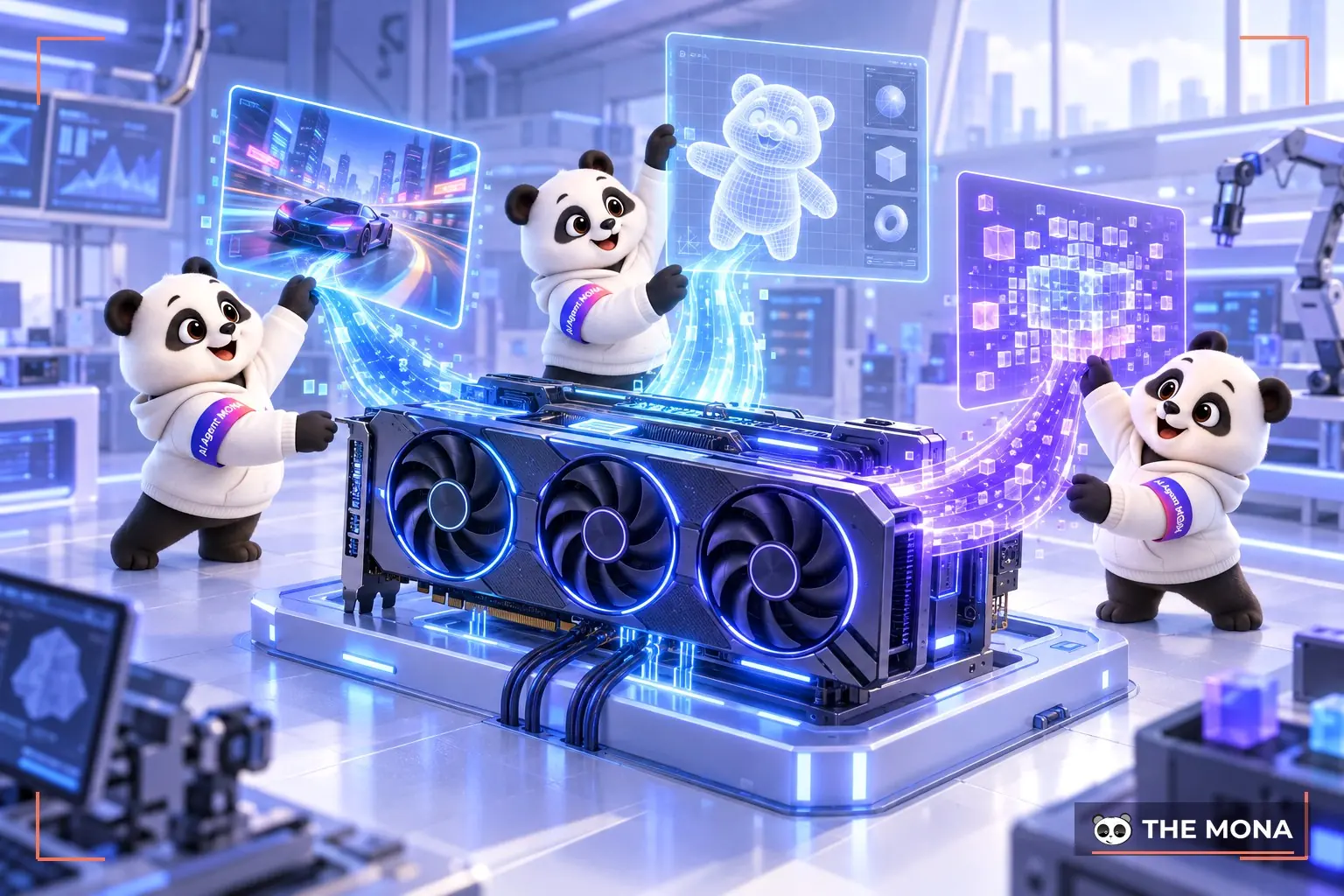
As one of the computer's key components, a graphics card has these main functions:
A GPU runs thousands of processing cores at once, tuned for many kinds of workload, especially operations that need complex calculation. Parallel processing lets the Graphics Processing Unit render realistic 3D as required. Demanding games run faster and more smoothly with sharper images. Graphics cards are what allow game and image creators to make high-quality premium products.
The graphics card was created to take workload off the CPU, so the central processor doesn't have to do too much. That saves time and eases the pressure of producing quality output. Graphics cards, applied to real-world problems, deliver very smooth, sharp images. Besides supporting 3D games and architecture software, the Graphics Processing Unit also supports professional image and video software.
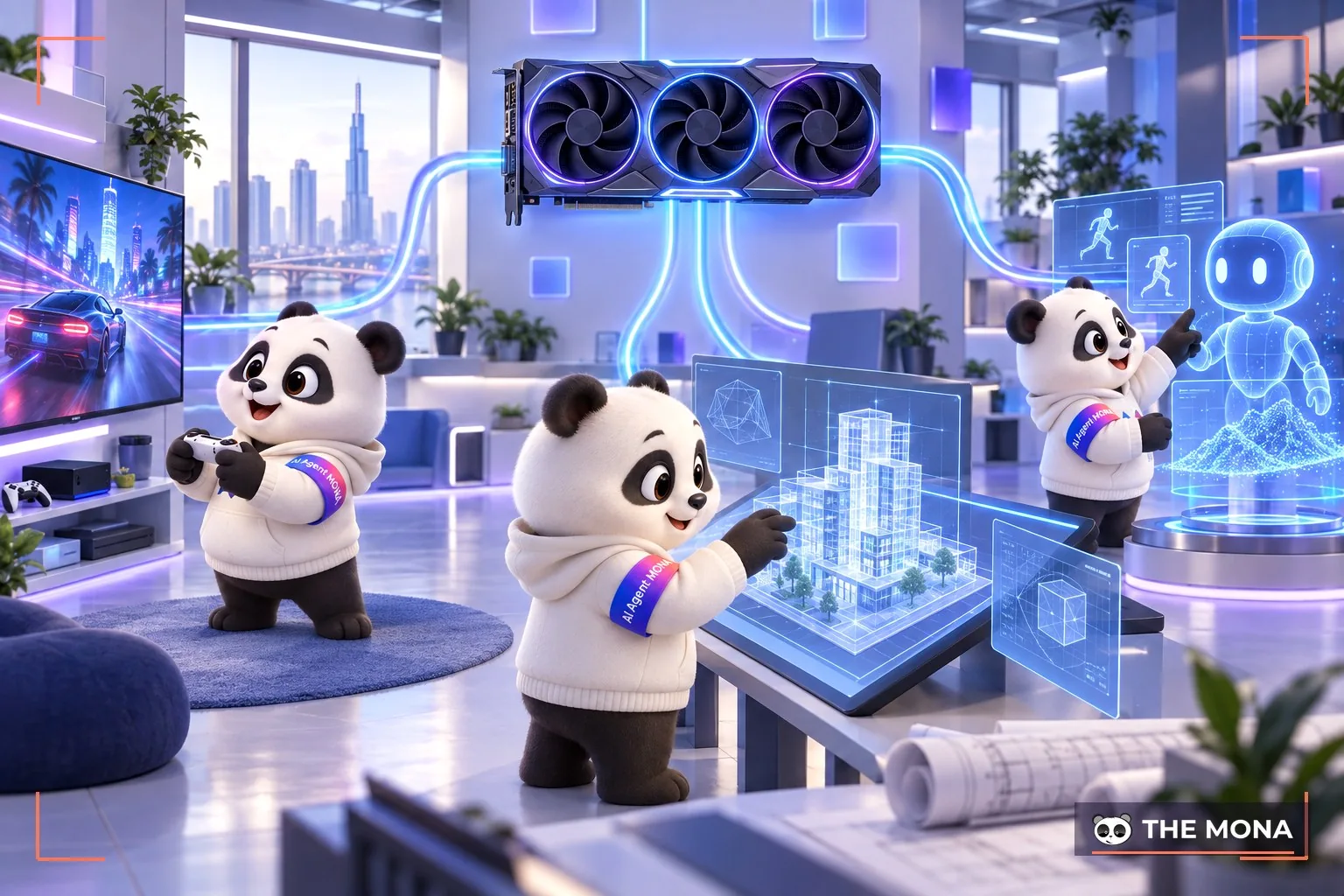
Here are some real-world applications of graphics cards.
Anyone who plays games often, especially high-quality graphics games, needs a Graphics Processing Unit. Every gaming computer has a graphics card. This processor makes game images appear as realistic as possible. Streamers of games like PUBG or Call of Duty must use a graphics card to process the image.
In design, the Graphics Processing Unit is also widely used. For designing structures, the graphics card's CUDA cores directly affect rendering and video work. The Graphics Processing Unit receives and processes large amounts of information from the user's commands. When you make video, the graphics card processes and calculates so that playback doesn't stutter.
A graphics card runs operations in parallel on many data files at once. It is increasingly used in science and artificial intelligence because of the need for repeated calculation. In 2010, China successfully built a supercomputer using more than 7,000 Graphics Processing Units alongside CPUs to reach a record operating speed.
Many researchers predict that the uses of the Graphics Processing Unit will go even further. Artificial intelligence will support graphics cards in fields such as electronics, medicine, scientific research, financial modeling and geological exploration. Improvements in graphics cards bring high expectations for users, pointing toward robots that help people do more work.
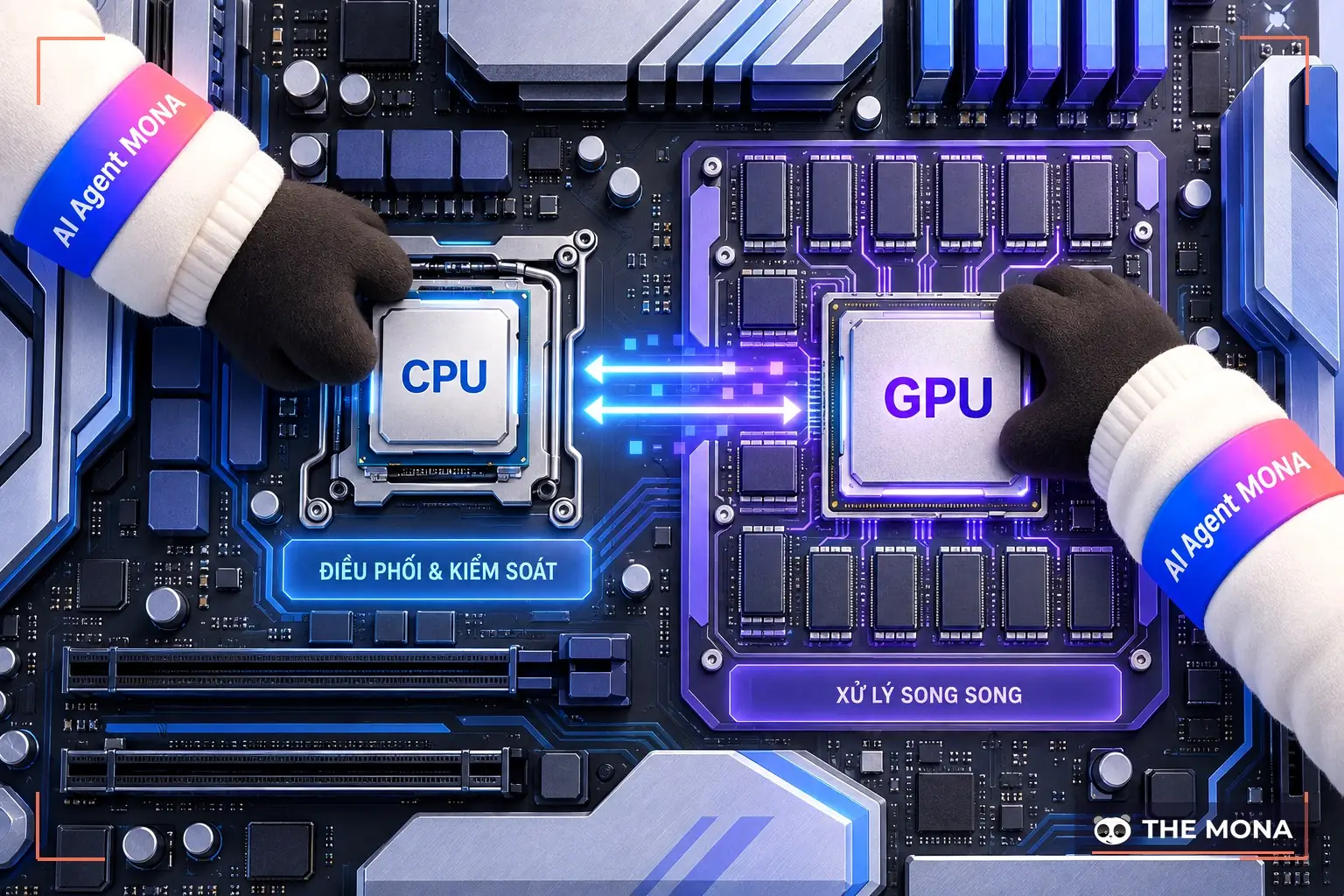
A GPU is Graphics Processing Unit while a CPU is Central Processing Unit. Many people still confuse these two components, but in construction, purpose and operating efficiency a graphics card and a CPU are completely different.
The central processor (CPU) is the brain that analyzes and processes data sent to the computer as command files. A graphics card, by contrast, is designed to process image, graphics and video data. In addition, the Graphics Processing Unit also has high-speed memory that supports multithreaded, parallel processing.
The main function of the Graphics Processing Unit is to handle graphics, image and video computation, but that is not enough for a computer. A graphics card is used to compute data, not to receive and control information like a CPU. So the Graphics Processing Unit sits at a lower classification level and is a supporting component of the CPU.
Fundamentally, the Graphics Processing Unit cannot yet replace the CPU. In the past, the CPU also took on the graphics card's role through the IGPU. But that could not meet heavy workloads, so the dedicated Graphics Processing Unit was developed. Today the graphics card supports the CPU and runs in parallel with it.
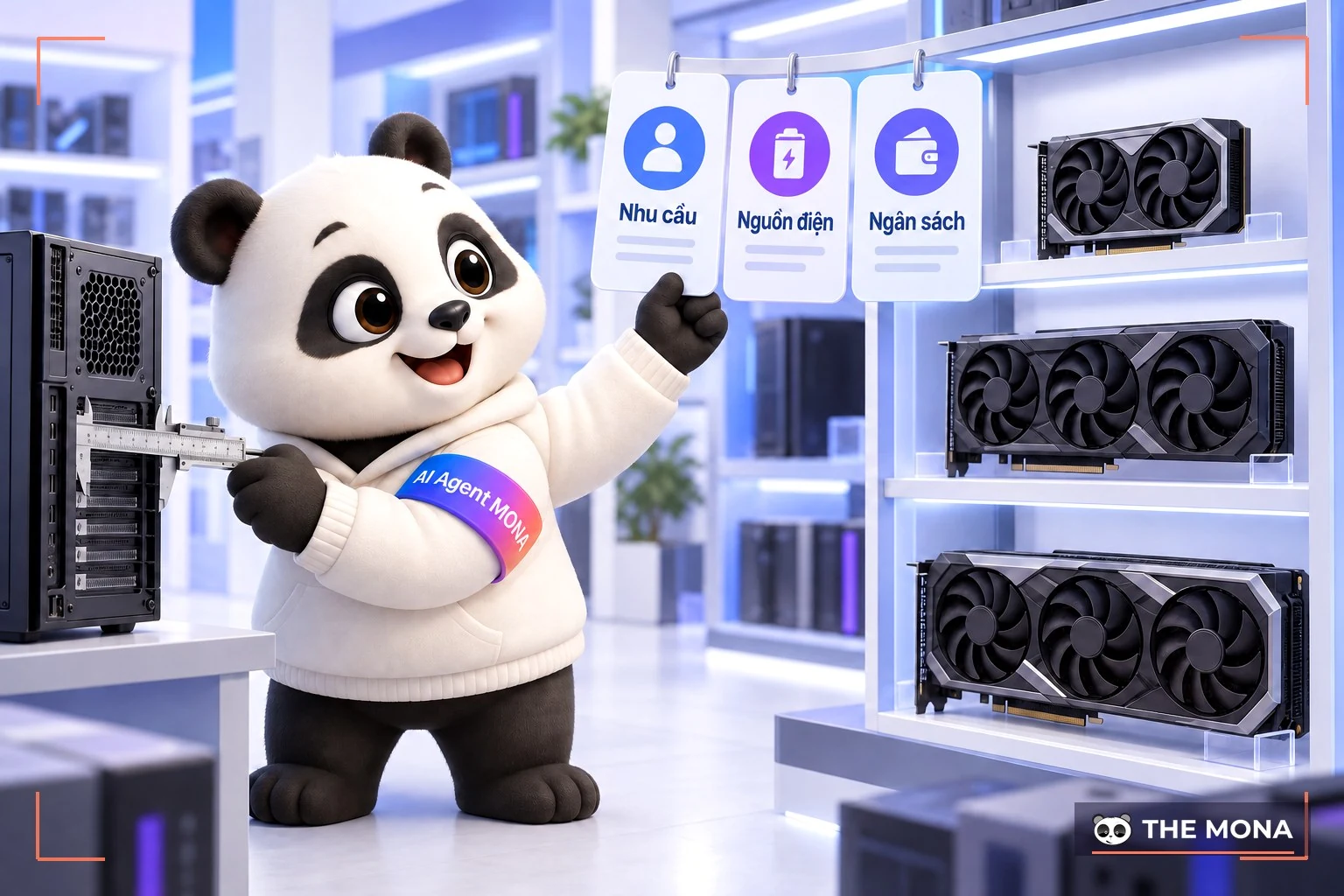
Although not as important as the CPU, a graphics card is still necessary for a computer to run. You can use the following criteria to choose the best Graphics Processing Unit for your computer.
Choose a graphics card by price: Graphics cards cost much more on average than other computer components. In return, they last longer and are more durable. A card that is too cheap will need frequent upgrades. So choose mid-range or above, ideally from brands such as Nvidia or AMD/ATI.
For a Graphics Processing Unit, price goes with quality. The higher the price, the better the graphics card performs. If you want to save money, choose a newly released Graphics Processing Unit from a major brand.
Buy a graphics card by intended use: Choosing a graphics card by use lets you get the most out of it. There are cards for gamers and for designers at various prices. If you are buying a Graphics Processing Unit to play games, consider the AMD Radeon RX 56 or Nvidia GeForce GTX 1050. For design and programming, the GTX 1060 and RX 580 are suitable. For even higher requirements there are the GTX 1070 or GTX 1070 Ti.
That covers some information about the GPU and whether it can replace the CPU. The graphics card is one of the factors users care about most today. We hope this article helps you learn about this processor and how to choose a GPU that fits your needs.
See also: Disk space: what is storage capacity?

CEO & Founder · The MONA
Founder of The MONA, who built a services company of 200+ staff with 14,000+ projects delivered. Khánh Hùng shares how he thinks about building systems that run themselves, automating a business, and the real lessons from delivering projects at MONA.
 1,5K




Professional website
design services
Own a website with a beautiful, 100% exclusive design and a lifetime warranty, with the ability
to expand features flexibly as your business grows, starting today!






 MONA will never sell your information or send you spam


 MONA will never sell your information or send you spam
