
 MONA OS 2.0
 Partner with MONA


 Tự động hoá doanh nghiệp
 Cẩm nang SEO
 Digital Marketing
 Kinh nghiệm thiết kế website
 Hạ Tầng Server
 Giáo dục


 VI
 EN





Message us on
Zalo Official


 ProductsNew

 ProductsProducts
 Mới ra mắtKHA AI 2027App tự edit video, tự đăng mọi mạng xã hội, 2 phút mỗi ngày






 Website designLooks good and wins customers over.
SEO servicesBrings in customers searching for exactly what you sell.
 Tư vấn digital marketingKéo khách từ nhiều kênh, đo bằng số thật.
Corporate video productionVideos introducing your company, factory and team.
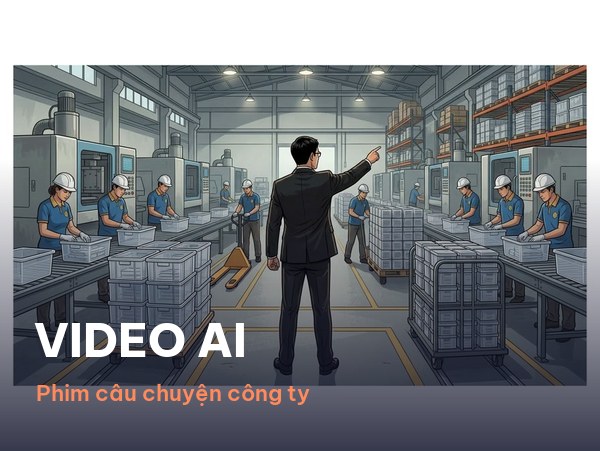 NewAI video productionCompany story films made with AI.
 Custom software developmentCRM, ERP and HRM built for your business.
 Viết AI Agent theo yêu cầuĐặt riêng một trợ lý AI cho đúng việc của mình.
 Tư vấn chuyển đổi AIĐưa AI vào vận hành của cả công ty.
NewMONA LMSManagement for centers and schools.
MONA SkillHubInternal training for company staff.
 NHTQ systemEnd-to-end China–Vietnam shipping operations.
MONA JMSManagement for gold, diamond and pawn shops.
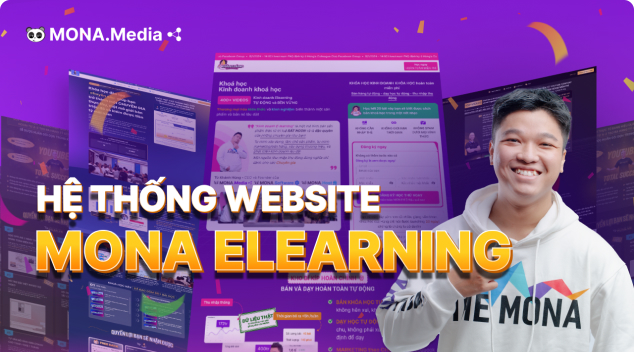 MONA E-LearningA website with every feature you need to sell courses.
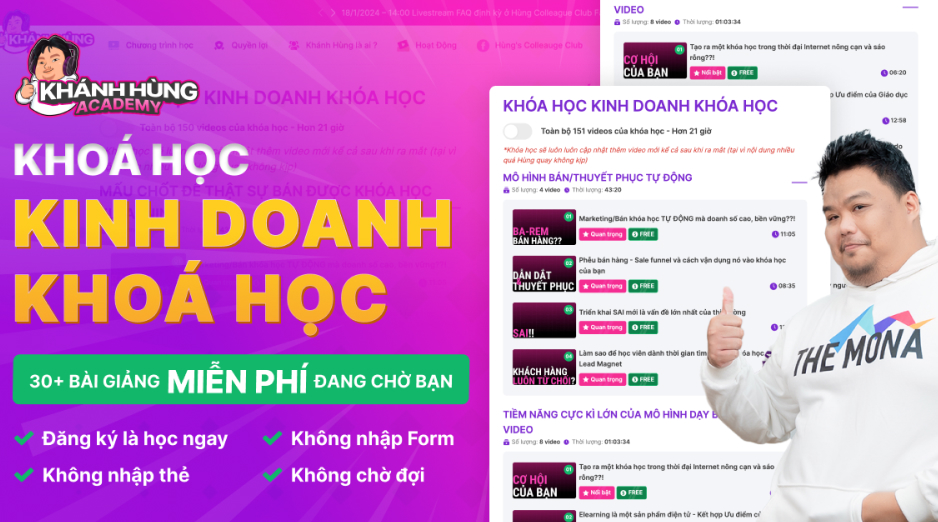 How to sell online courses (course)More than 30 free lessons on selling courses on autopilot.
 MONA Cloudmonacloud.vnServers to get your apps and websites running.
 MONA Basemonabase.vnPostgres database, sign-in and file storage.
 MONA Mailmonamail.vnSend OTP, order and invoice emails from your software.
 MONA Paymonapay.vnAccept bank transfers via VietQR and notify your software when the money arrives.
 MONA eInvoiceComing soonIssue e-invoices that meet tax standards.
Gấu CườiTrả lời khách 24/7 trên web, Fanpage, Zalo và thu lead cho sale.
 Gấu TeleSalesGọi điện tư vấn, chăm khách như tổng đài viên thật.
Dê CườiTư vấn và chốt đơn cho shop ngay trong khung chat.
Gấu WebmasterNhắn nhóm Zalo là website được sửa xong.
 Gấu Pháp ChếSoạn hợp đồng, rà điều khoản trong vài phút.
 Gấu Báo GiáLên báo giá đúng mẫu và gửi khách ngay.
 AI chăm sóc khách hàngTheo dõi và giữ chân khách hàng cũ.
 Gấu Tuyển DụngLọc hồ sơ, hẹn lịch, phỏng vấn ứng viên.
 Mới ra mắt
KHA AI 2027
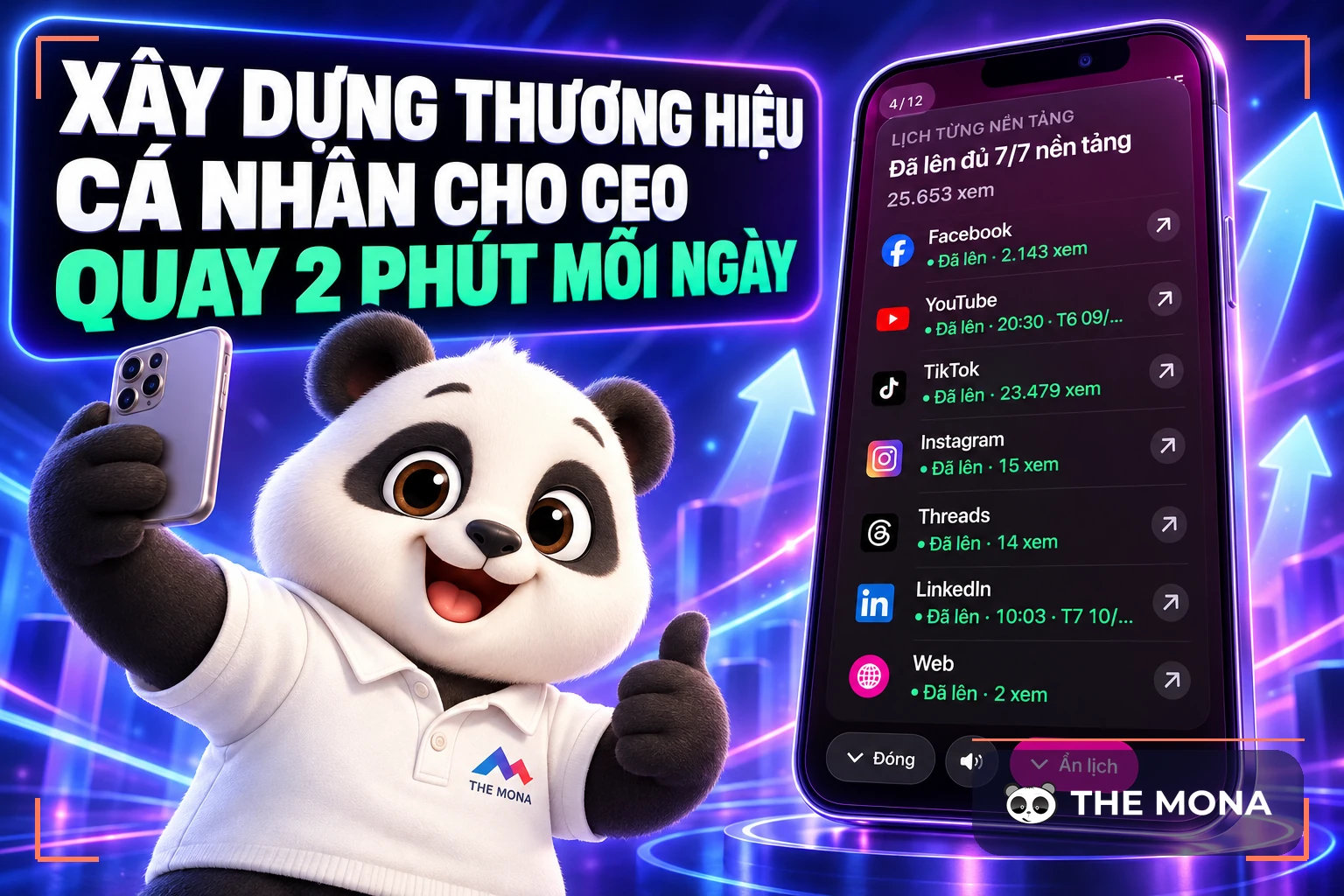
Xây kênh chuyên gia 2 phút mỗi ngày
Quay bằng điện thoại, AI tự edit video, tự đăng lên 16 nền tảng và tự trả lời bình luận, tin nhắn.
950.240lượt xem trên kênh CEO MONA sau 49 ngày
 Anh Khánh HùngCEO MONA đang dùng mỗi ngày
Xem app làm được gì
 AI
Gấu Cười MONA ĐANG TỰ XÀITrả lời khách 24/7 trên website, Zalo OA, Messenger và thu lead về cho sale.
Dê CườiChốt đơn bán lẻ và sàn: Shopee, TikTok Shop, web. Chăm cả khách sỉ, đại lý.
Gấu WebmasterCập nhật nội dung, tối ưu SEO website mỗi ngày.
Gấu TeleSalesGọi điện tư vấn, chăm khách như tổng đài viên thật.
Gấu Tuyển DụngLọc hồ sơ, hẹn lịch, phỏng vấn ứng viên tự động.
AI chăm sóc khách hàngGiữ khách cũ, cứu lead đã rớt cho phòng kinh doanh.
Gấu Pháp ChếSoạn hợp đồng, rà điều khoản trong vài phút.
Gấu Báo GiáLên báo giá đúng mẫu, gửi khách ngay khi có yêu cầu.
 Chuyển đổi AI toàn phầnGiải pháp tổng cho doanh nghiệp, 3 lớp triển khai.
 Viết AI Agent theo yêu cầuĐặt riêng một con AI gánh đúng nghiệp vụ của bạn.
 Custom softwareCRM, ERP and HRM with built-in AI automation.
 SEO & AEO thời đại AIĐược Google lẫn AI trích dẫn, không chỉ xếp hạng.
 Kiến thức AI cho doanh nghiệpBài phân tích, hướng dẫn ứng dụng AI vào vận hành.
 Free AI courses
 AI tools at work
App mới · KHA AI 2027
Xây kênh 2 phút mỗi ngày
AI tự edit video, tự đăng mọi mạng xã hội
Free consultation, 8am–10pm every day

14 June, 2026
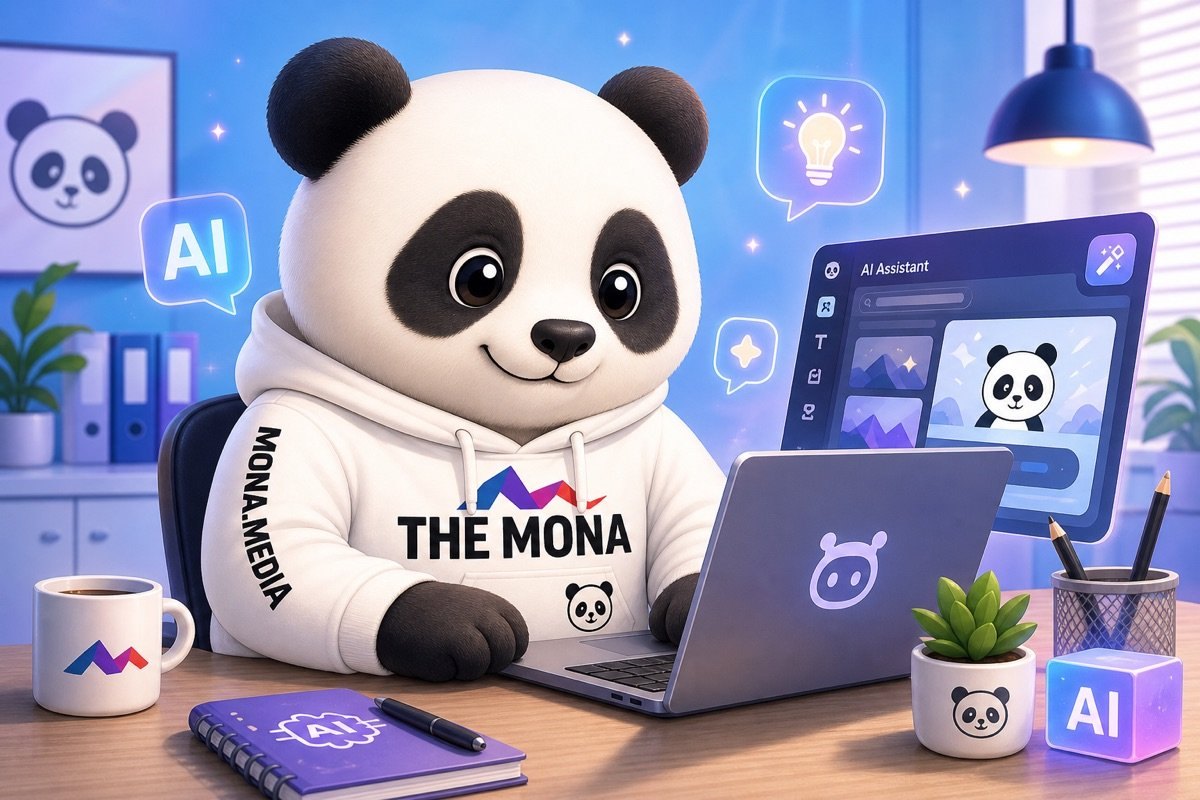
Freepik AI has become a familiar tool that helps our design and marketing teams speed up creative output. But using Freepik AI effectively, while optimizing cost and time, is another story. We see many teams stop at using Freepik AI as a standalone tool, without truly integrating it into their workflow. In this article, MONA shares 3 practical steps so you and your team can get the most out of Freepik AI, and we also point out the signs that a business needs its own customized software to automate everything and stop depending on scattered tools. You can visit the Freepik AI homepage to get started.
Freepik AI is opening a new way for you to create visuals for marketing campaigns. We can clearly see how it turns an idea into a finished asset in about 30 seconds. That lets marketing teams respond faster to the market.
It is also a powerful tool for anyone who wants to save design resources. We see many Vietnamese businesses looking for this kind of solution. Using Freepik AI well will be a solid foundation for your digital communication strategy.
Freepik AI lets you create ad visuals just by entering a short text description. The process is genuinely simple. You type your idea, choose the style you want, and the system does the rest.
For example, if you are running a “Buy 1 Get 1” promotion for a new instant coffee, just enter “A delicious cup of coffee, coffee beans, 50% off, bright background” and choose “Photo style”. Within seconds, Freepik AI returns several image options. You do not have to wait for the design team, which shortens your time to market considerably.
For busy business owners, this tool takes real weight off the workload. Your marketing staff can quickly get images for Facebook posts, Instagram or email. We have seen many teams use it to keep a higher posting frequency.
A big challenge in marketing is adapting images to each platform. Sizes and display ratios on Facebook, Instagram, websites and email marketing are usually different. Freepik AI offers flexible adjustment.
After generating the original image, you can easily change its size or aspect ratio. The tool keeps the image displaying well on every channel while holding your brand quality and identity. Images will not be cropped or distorted.
For example, a fashion store chain with 18 branches in Hanoi and Da Nang needs visuals for a new collection. They want to use the same main image. Freepik AI lets them quickly produce a square version for Instagram, a wide version for the website banner and a vertical version for Stories, all based on one original image. That saves the marketing team hours of manual editing.
This automatic optimization helps a business stay professional. You no longer need to worry about images displaying incorrectly, and it keeps the user experience seamless at every touchpoint.
Sometimes marketing teams struggle to find new ideas. Nobody wants a creative block. Freepik AI can serve as a rich source of inspiration, helping you explore unique visual concepts.
You can try many different prompts, and Freepik AI will generate a variety of image options. That widens your creative horizon and gives you more choices for your campaign. It is a big advantage for producing standout content.
For instance, a travel company running Mekong Delta tours needs images for its flood-season tour. Instead of the traditional river photos, they can enter prompts such as “glowing floating market at dawn”, “lanterns on a boat”, “orchard cuisine experience in cartoon style”. Freepik AI returns fresh concepts, which helps them attract their target customers more effectively.
This kind of experimenting costs little time or money. You can quickly generate dozens of different visual ideas, then simply pick the most suitable concepts. It is an effective way to refresh your marketing content regularly, and it keeps things fresh in your customers' eyes.

Applying the 3-layer prompt formula gives you tight control over Freepik AI's output. This method cuts editing time considerably and makes sure ad visuals carry the message we want.
Many businesses struggle when using AI to generate images, and the results often miss the brief. This is where the 3-layer prompt formula works best. We have applied it in our website design projects and internal marketing campaigns.
The first step to getting good images from Freepik AI is to be clear about who will see them and what the ad is for. We need to know who this image is speaking to and what it will be used for. An ad for young people is very different from one for older people.
Ask yourself: Which customer group is this marketing campaign aimed at? What are their characteristics? What is the main goal of the image? For example, an online fashion business wants to promote its summer collection. The audience is women aged 20-30 who like an energetic, modern style. The goal is to attract clicks to the new products.
The prompt should then contain relevant keywords such as “young women”, “summer fashion”, “vibrant colors”. These are the foundation cues that give the AI its initial direction.
MONA uses the same principle. We create images for articles on blog marketing. Or in documents on internal training. A clear audience keeps the illustration on point.
For Freepik AI to understand you, describe the image in detail, from style to composition. This is the second layer, and it is extremely important. The AI needs to be “guided” with specific words. Use vivid language and describe the emotion you want to convey.
Think about style: do you want bright or warm? Modern or classic? Minimalist or detailed? Composition: where is the subject placed? Is there any empty space? What aspect ratio? Key elements: are there people? What are they doing? What is the setting? For example, a fast-food restaurant chain wants an ad image for a new burger. The style is energetic and cheerful. Composition: the burger sits in the center, and the person eating it is smiling brightly. Natural lighting. The background is a clean restaurant space.
A specific prompt could be: “A vibrant, close-up shot of a gourmet burger. Focus on juicy patty, fresh veggies, melted cheese. A young, smiling person holding it. Bright, natural lighting. Blurred modern cafe background.”
We used this approach when creating images for clients' eCommerce software projects. Detailed descriptions make product images look professional, and they also keep them consistent with the brand identity.
The real power of AI image generation lies in optimizing secondary keywords and advanced parameters. This is the final layer, but it delivers the best results. We fine-tune the output until it is polished.
Secondary keywords steer the AI more precisely, for example “cinematic”, “photorealistic”, “soft lighting”, “depth of field”. These words make an image look more realistic or more artistic. Advanced parameters include a “negative prompt” (what you do not want to see in the image). You can also adjust the aspect ratio to suit the ad platform.
Experimenting is the key. A real estate business wants an ad image for a luxury apartment. The first prompt gives a slightly “fake” looking image. Add “photorealistic”, “luxury interior design”, “panoramic city view”. Use the negative prompt “blurry, cartoon, low quality”. Set the ratio to 16:9. The result will be clearly different.
MONA regularly trains staff to use AI tools like Freepik. We focus on these fine-tuning techniques, which help your marketing team produce high-quality visual content. MONA also shares these tips in courses at MONA Academy.
Brand identity is a priceless asset for every business, and keeping visuals consistent across all channels matters. Freepik AI helps you build a coherent image set. We share an effective 5-step process that gives you tight control over this.
This process makes sure every AI-generated image reflects your business's identity. You avoid “off-topic” images in your marketing campaigns. Let's go through each step in detail.
Before generating any image, define your brand style clearly. That covers the color palette, fonts, image types and overall tone. A standard style library helps the AI understand what you need.
Have your hex color codes, font names and approved example images ready. For instance, an online training company may favor bright, energetic images, and a modern font with a green and orange palette creates an upbeat feel. We always advise clients to build a clear brand identity before designing a website, which gives a solid foundation for all later communication.
You can keep these elements in an internal document, or set them up directly in Freepik AI's settings if the tool supports it. This is the first and most important step to keep the AI on track.
Freepik AI offers a very useful “Reference Image” feature. You can upload an approved sample image so the AI “learns” the style, composition and colors you want. It then generates new images on that foundation.
For example, you need 10 social media posts for a new promotion. Instead of describing each post from scratch, you can use a sample from a previous post that performed very well. The AI automatically creates new variations that keep the same familiarity and brand consistency. This saves a lot of time and keeps the whole campaign in sync.
This is one of the practical tips that keeps the AI from going “off-topic”. It is especially effective when you need a lot of content on the same theme, and you will see a clear difference in image quality and fit.
Even though Freepik AI is powerful, the AI can still produce small deviations, usually in colors or fonts. Check the generated images carefully, and if you spot any difference, fix it right away.
Freepik AI usually includes basic editing tools, so you can adjust colors or font sizes directly. For more complex edits, export the image and use specialized software such as Photoshop or Illustrator. A large restaurant chain needs to keep visuals consistent across its menu and online ads. They will not accept any deviation in food color or in the logo. Consistency matters, and the business needs the final image to be absolutely polished.
Manual checking and fine-tuning is an essential step. It makes sure even the smallest details meet brand standards, and it is how you stay professional in your customers' eyes.
Once you have an approved original image, you can easily create many variations. This feature lets you refresh content while keeping your identity. You do not have to start from zero every time, which is very convenient.
Try small changes in layout, color or secondary elements. For example, an e-commerce platform needs many ad banners for different products. Instead of designing each banner from scratch, they can use one template banner, then ask the AI to create variations with a different product, color or tagline. The variations share the same style while staying appealing and fresh. This helps you optimize the process produce content.
You can also try different aspect ratios. For example, from one original image, create versions for Instagram Stories, the Facebook feed or a website banner. All keep the brand in sync. This ability delivers high efficiency.
After generating and fine-tuning images, the final step is to review and store them. Check each image carefully and make sure it meets every brand identity criterion you set. This is very important.
Build a separate library for approved images. Tag them or organize them by campaign and content type, so your marketing team can easily find and reuse them. It also becomes a rich visual resource for future campaigns. For example, a travel company often runs seasonal promotions. Having a standard image set ready lets them respond quickly without redesigning from scratch. Speed is a competitive advantage.
This does not just save time. It also keeps your brand consistent over many years, giving you a valuable resource for long-term marketing. We always encourage clients to build a digital asset library, which helps them operate more efficiently.
Building 20+ high-quality social media images in one hour is entirely feasible with Freepik AI. This method helps you optimize your capacity and speed up content production while keeping the visuals attractive.
We will go deep into the process step by step. The goal is to produce a large volume of images, and you will see clear results. MONA also uses similar AI tools internally, and we help clients shorten their design time.
Defining the theme and purpose clearly is the foundation for effective content. You need to know what you want to convey, and the content must be specific. Start by listing the main themes for your communication campaign. Each big theme can be split into several smaller purposes.
For example, a bubble tea chain with 18 branches in Hanoi wants to promote a new menu. Instead of thinking up each image one by one, build an idea list by theme. Main theme: “Summer Fruit Tea Menu”. Smaller purposes: introducing each tea, combo deals, customers enjoying their drinks. Each purpose may need 3-5 image variations.
MONA usually encourages businesses to use a simple spreadsheet that clearly lists the theme, key message and target audience. This shapes the content and makes sure every image serves a business goal.
The strength of Freepik AI lies in how well it understands prompts. Create groups of prompts with a similar structure. This speeds up image creation and keeps the style consistent.
A basic prompt can include: subject, action, style, colors. For example: “A young girl smiling happily, drinking fruit bubble tea, cute cartoon style, bright colors, modern cafe background”. From this base prompt, you only need to change a few details. Replace “young girl” with “group of young friends”, and “drinking bubble tea” with “interacting with a cup of bubble tea”. Keep the style and colors the same. That gives you many variations, all keeping a consistent “brand voice”.
We suggest you build a “library” of sample prompts. Save the prompts that worked well, and when needed, just copy and tweak them. A good prompt can be reused many times, saving a lot of retyping.
Freepik AI and other AI image tools often have a “Batch Generation” feature or let you generate continuously. Make use of it. Once you have your grouped prompt list, enter them into the tool.
If there is a “Batch Generation” feature, you can enter 5-10 prompts at once, and the tool will produce a series of images. If not, generate one prompt at a time, quickly. Tweak the prompt slightly between runs. That gives you more options and the variety you need. A restaurant with 25 branches may need dozens of new dish images every month, and continuous generation keeps their content flowing.
Time is gold. Generating many images in one sitting keeps you focused and removes interruptions. This is the secret to reaching 20+ images in 60 minutes.
The last step is quality checking and editing. Review the generated images and pick the ones that fit. Freepik AI gives fast results, but checking is still necessary.
After selecting, use the built-in editing tools. Freepik may allow small edits. Or use an outside tool like Canva to add a logo, text or adjust colors. This should be quick. Do not spend too much time on each image. The goal is efficiency and volume.
Finally, schedule the selected images for posting using social media management tools. This makes sure content is published regularly and keeps your online presence steady. Standardize the whole process so you can easily repeat it every week.

Modern website design demands creativity and speed. We need tools that help the team work more efficiently. Freepik AI brings concrete benefits that raise the quality of a website. It helps you and your team create impressive work that serves clear business goals.
MONA also regularly internal training and guide clients on how to use AI tools like Freepik AI. We apply them when developing specialized website projects. These are techniques MONA has used successfully, and you can use them as a reference for your own process.
Freepik AI cuts the time to create mock-ups and wireframes considerably. The tool helps the design team finish projects faster, and you will see the early phases of a project move quicker.
A team building a website for a fashion retail chain with 20 stores nationwide often needs to test new interfaces. They have to create mock-ups for many versions of a product page for A/B testing. Freepik AI lets designers quickly generate image variations, icons and UI (user interface) components from a description. That shortens the testing cycle from several days to just a few hours.
Designers can enter prompts like “t-shirt product interface, minimalist style, blue buy button”. Freepik AI suggests suitable components, so they do not have to hunt for every small resource. That lets them focus on structure and the overall user experience.
Freepik AI can create unique illustrations. The tool improves the look and brand identity of a website, and gives you visual resources that your competitors will not have.
Imagine a luxury travel company specializing in resort tours in Phu Quoc. They want a distinct set of illustrations for each service package page. The images must feel luxurious and relaxing. Ordinary stock photos are not enough to convey the brand's value. With Freepik AI, the marketing team can request illustrations in a style of their own. For example, “couple relaxing on a private beach, golden sunset, watercolor style”. The result is unique images that match the brand spirit.
High customizability makes Freepik AI better than ready-made photo libraries. You can easily control the colors, style and composition of the images, so every detail on the website matches your brand identity.
Choosing the right illustrations from Freepik AI noticeably improves the user experience on a website. Images that fit the context keep customers around longer.
An F&B restaurant chain with 15 branches needs illustrations for its online menu. They want food images that look appetizing and match the restaurant's cuisine style. Instead of costly photoshoots or poor-quality images, Freepik AI can generate illustrative food photos. They need to look realistic, appealing and right for each dish. For example, “beef pho, clear broth, fresh green herbs, close-up angle”. High-quality images that match the description make customers hungry.
Clear, appealing illustrations help users understand the content easily, and they enjoy exploring the website more. A visual website makes a positive first impression, which drives customer conversion. We need high-quality images to build trust.
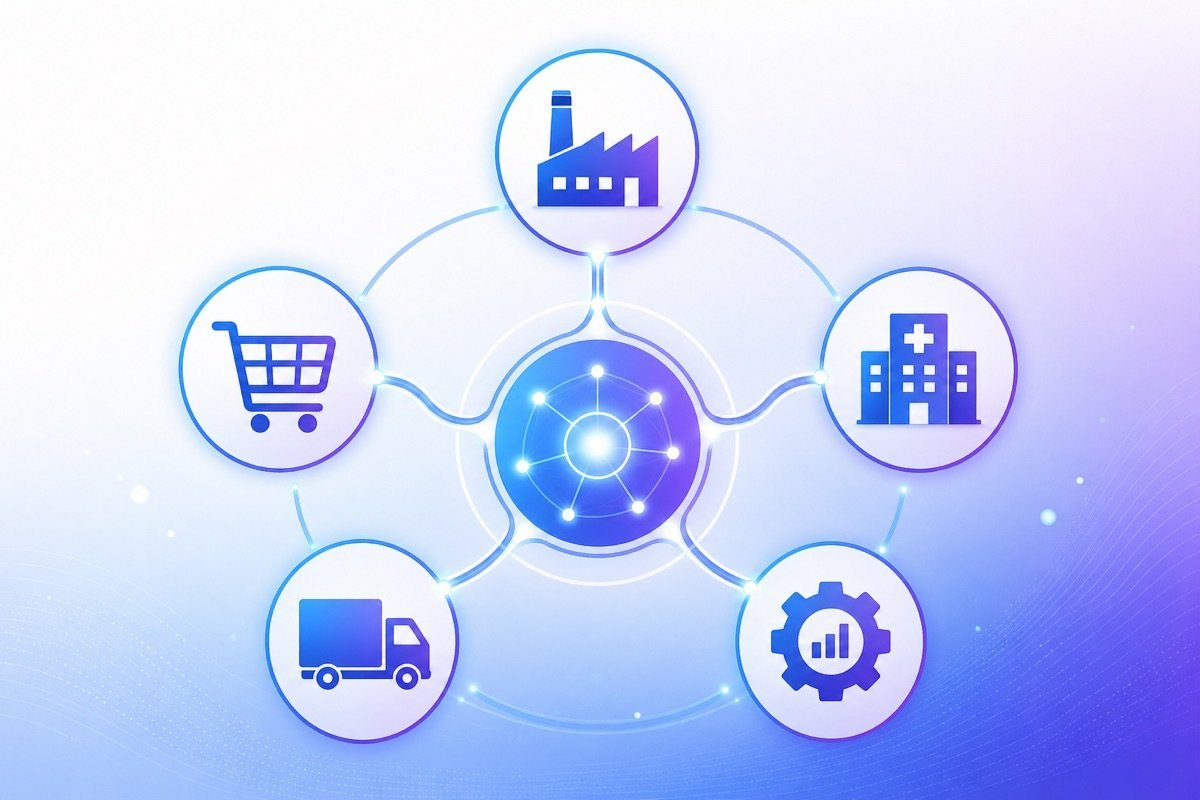
AI tools like Freepik AI deliver real efficiency for individual work. They help you create quality images quickly. But when you look at the bigger picture of a growing business, these standalone tools often show their limits. We need to recognize the signs that your business needs a more complete, seamless automation software system.
Standalone AI tools split your business data apart so it cannot form a complete picture. You will find data scattered in many places, which makes it hard to consolidate information.
For example, the marketing team uses Freepik AI to create images. They also use SEO tools for keyword research. Image performance data (click rate, conversion) sits in Google Analytics or the CRM. Customer data from ad campaigns does not flow automatically to the customer care team. You lose the overall view of marketing performance from design to sales.
MONA, founded in 2016, has supported 14,000+ projects solving this problem. We build custom CRM or ERP systems that integrate every data source into a single information hub. Every department works on one centralized system, and leadership can make decisions more easily.
Even with AI support, many repetitive tasks still require people to do them by hand. That raises operating costs significantly. Staff still spend a lot of time on repetitive work. This is a clear sign.
Freepik AI makes images quickly. But downloading, small adjustments and posting to different channels are still manual. Staff still have to copy content, schedule posts and send bulk emails by hand. The business lacks a system that automates the whole chain of steps. This is genuinely expensive.
A 15-person marketing team at a large retail chain needs to publish 50-70 posts a day across social media platforms and the website. Even with Freepik AI creating images fast, they still spend 4-5 hours a day just downloading images, writing captions, scheduling and posting by hand. MONA built an automation system. It lets the team just create content, then posts automatically on a set schedule. Manual time dropped to just 1 hour. We save a great deal of resources.
Standalone AI tools cannot automatically connect the steps in a workflow. This leads to delays and errors in handoffs. Every step is a stopping point, and the chain of work breaks.
A marketing campaign usually goes through many stages: ideation, visual design, copywriting, post scheduling and performance analysis. When each stage uses a separate tool, handoffs between departments get complicated. The design team has to send images by hand to the content team. The content team has to send copy to the social media team. Review and approval also take a lot of time, and mistakes happen easily.
MONA helps businesses streamline their workflow with their own automation software. We build modules that integrate seamlessly. All data is handed over automatically, review time drops considerably, and the error rate is better controlled. The system works more efficiently.
Ready-made AI tools usually offer general features. They lack deep customization for each business's specifics. Data security is also a major concern, and your data may not be optimally protected.
A web design company or SEO agency needs very specific features. They might need to automate link checking or analyze competitors with their own formula. Standalone AI tools do not allow deep integration into their internal processes. Clients' strategic data could be exposed if not strictly protected. This is a major risk.
Custom automation software from MONA solves this problem. We develop features to your specific requirements, and every line of code is written for a defined goal. MONA is committed to enterprise-grade data security. We have a firewall system and strong encryption, so your data is always safe. Our support hotline is 1900 636 648. We have a team of 60+ staff. MONA's client retention rate reaches 85%. That is proof of reliability.
Main topic: Freepik AI

CEO & Founder · The MONA
Founder of The MONA, who built a services company of 60+ staff with 14,000+ projects delivered. Khánh Hùng shares how he thinks about building systems that run themselves, automating a business, and the real lessons from delivering projects at MONA.
 375



Professional website
design services
Own a website with a beautiful, 100% exclusive design and a lifetime warranty, with the ability
to expand features flexibly as your business grows, starting today!






 MONA will never sell your information or send you spam


 MONA will never sell your information or send you spam
