
 MONA OS 2.0
 Partner with MONA


 Tự động hoá doanh nghiệp
 Cẩm nang SEO
 Digital Marketing
 Kinh nghiệm thiết kế website
 Hạ Tầng Server
 Giáo dục


 VI
 EN










Message us on
Zalo Official


 ProductsNew

 ProductsProducts
 Mới ra mắtKHA AI 2027App tự edit video, tự đăng mọi mạng xã hội, 2 phút mỗi ngày










 Website designLooks good and wins customers over.
SEO servicesBrings in customers searching for exactly what you sell.
 Tư vấn digital marketingKéo khách từ nhiều kênh, đo bằng số thật.
Corporate video productionVideos introducing your company, factory and team.
 NewAI video productionCompany story films made with AI.
 Custom software developmentCRM, ERP and HRM built for your business.
 Viết AI Agent theo yêu cầuĐặt riêng một trợ lý AI cho đúng việc của mình.
 Tư vấn chuyển đổi AIĐưa AI vào vận hành của cả công ty.
NewMONA LMSManagement for centers and schools.
MONA SkillHubInternal training for company staff.
 NHTQ systemEnd-to-end China–Vietnam shipping operations.
MONA JMSManagement for gold, diamond and pawn shops.
 MONA E-LearningA website with every feature you need to sell courses.
 How to sell online courses (course)More than 30 free lessons on selling courses on autopilot.
 MONA Cloudmonacloud.vnServers to get your apps and websites running.
 MONA Basemonabase.vnPostgres database, sign-in and file storage.
 MONA Mailmonamail.vnSend OTP, order and invoice emails from your software.
 MONA Paymonapay.vnAccept bank transfers via VietQR and notify your software when the money arrives.
 MONA eInvoiceComing soonIssue e-invoices that meet tax standards.
Gấu CườiTrả lời khách 24/7 trên web, Fanpage, Zalo và thu lead cho sale.
 Gấu TeleSalesGọi điện tư vấn, chăm khách như tổng đài viên thật.
Dê CườiTư vấn và chốt đơn cho shop ngay trong khung chat.
Gấu WebmasterNhắn nhóm Zalo là website được sửa xong.
 Gấu Pháp ChếSoạn hợp đồng, rà điều khoản trong vài phút.
 Gấu Báo GiáLên báo giá đúng mẫu và gửi khách ngay.
 AI chăm sóc khách hàngTheo dõi và giữ chân khách hàng cũ.
 Gấu Tuyển DụngLọc hồ sơ, hẹn lịch, phỏng vấn ứng viên.
 Mới ra mắt
KHA AI 2027
Xây kênh chuyên gia 2 phút mỗi ngày
Quay bằng điện thoại, AI tự edit video, tự đăng lên 16 nền tảng và tự trả lời bình luận, tin nhắn.
851.542lượt xem trên kênh CEO MONA sau 29 ngày
 Anh Khánh HùngCEO MONA đang dùng mỗi ngày
Xem app làm được gì
 AI
Gấu Cười MONA ĐANG TỰ XÀITrả lời khách 24/7 trên website, Zalo OA, Messenger và thu lead về cho sale.
Dê CườiChốt đơn bán lẻ và sàn: Shopee, TikTok Shop, web. Chăm cả khách sỉ, đại lý.
Gấu WebmasterCập nhật nội dung, tối ưu SEO website mỗi ngày.
Gấu TeleSalesGọi điện tư vấn, chăm khách như tổng đài viên thật.
Gấu Tuyển DụngLọc hồ sơ, hẹn lịch, phỏng vấn ứng viên tự động.
AI chăm sóc khách hàngGiữ khách cũ, cứu lead đã rớt cho phòng kinh doanh.
Gấu Pháp ChếSoạn hợp đồng, rà điều khoản trong vài phút.
Gấu Báo GiáLên báo giá đúng mẫu, gửi khách ngay khi có yêu cầu.
 Chuyển đổi AI toàn phầnGiải pháp tổng cho doanh nghiệp, 3 lớp triển khai.
 Viết AI Agent theo yêu cầuĐặt riêng một con AI gánh đúng nghiệp vụ của bạn.
 Custom softwareCRM, ERP and HRM with built-in AI automation.
 SEO & AEO thời đại AIĐược Google lẫn AI trích dẫn, không chỉ xếp hạng.
 Kiến thức AI cho doanh nghiệpBài phân tích, hướng dẫn ứng dụng AI vào vận hành.
 Free AI courses
 AI tools at work
App mới · KHA AI 2027
Xây kênh 2 phút mỗi ngày
AI tự edit video, tự đăng mọi mạng xã hội
Free consultation, 8am–10pm every day

01 August, 2026

WPML is a paid plugin that lets a WordPress website run in several languages on one system: translating posts, pages, menus, and interface strings, and declaring hreflang for search engines. According to statistics from W3Techs, more than half of websites worldwide use English, with the rest split across dozens of other languages. A business that wants to sell beyond the Vietnamese market will almost certainly face this problem.
In this article we explain WPML from a business owner's point of view: what it solves, where people trip when doing it themselves, and how MONA handles multilingual websites for clients. After reading, you will know whether to start from WPML or from the website structure.

We see this a lot: a business sells well at home, then customers from Japan, Korea and the US start asking to buy, and the first idea everyone has is to build a separate English website. A few months later a Chinese version follows. Each version lives in its own place, with its own owner and its own style of content.
A product is more than one landing page. It brings category pages, how-to articles, shipping policies and FAQs with it. Three languages means three times as many pages to keep in sync, while the content team is still just one team.
When the site versions sit apart from each other, nobody can answer a simple question: has the English version been updated with the new price? Managing everything in one WordPress system, with a translation plugin such as WPML, keeps every version on the same data source. If you are not familiar with the platform yet, read our article first: What is WordPress from us.

The real cost of the manual approach is not the translator's fee. It is the waiting time. A promotion starts on Monday but the English version is only finished on Thursday, which means three days of international customers seeing the old price.
Changing one line of the return policy looks like a five-minute job. On a three-language website without a translation system, it takes one staff member an afternoon: find the right page in each version, edit each spot, and recheck every link.
We once took over a website where prices in the Vietnamese and English versions differed by almost ten percent for two months, and nobody noticed. International customers ordered at the old price and the sales team had to explain it order by order. This kind of damage appears in no report, but it eats into revenue every day.
Before adding any language, run through this table quickly:
| What to settle first | The question you must be able to answer |
|---|---|
| Content source | Where the original lives and who gives final approval |
| Translation scope | Translate the whole site or only the sales pages |
| Update process | When the original changes, how are the translations notified |
| URLs and hreflang | Does each language live in a folder, a subdomain or its own domain |
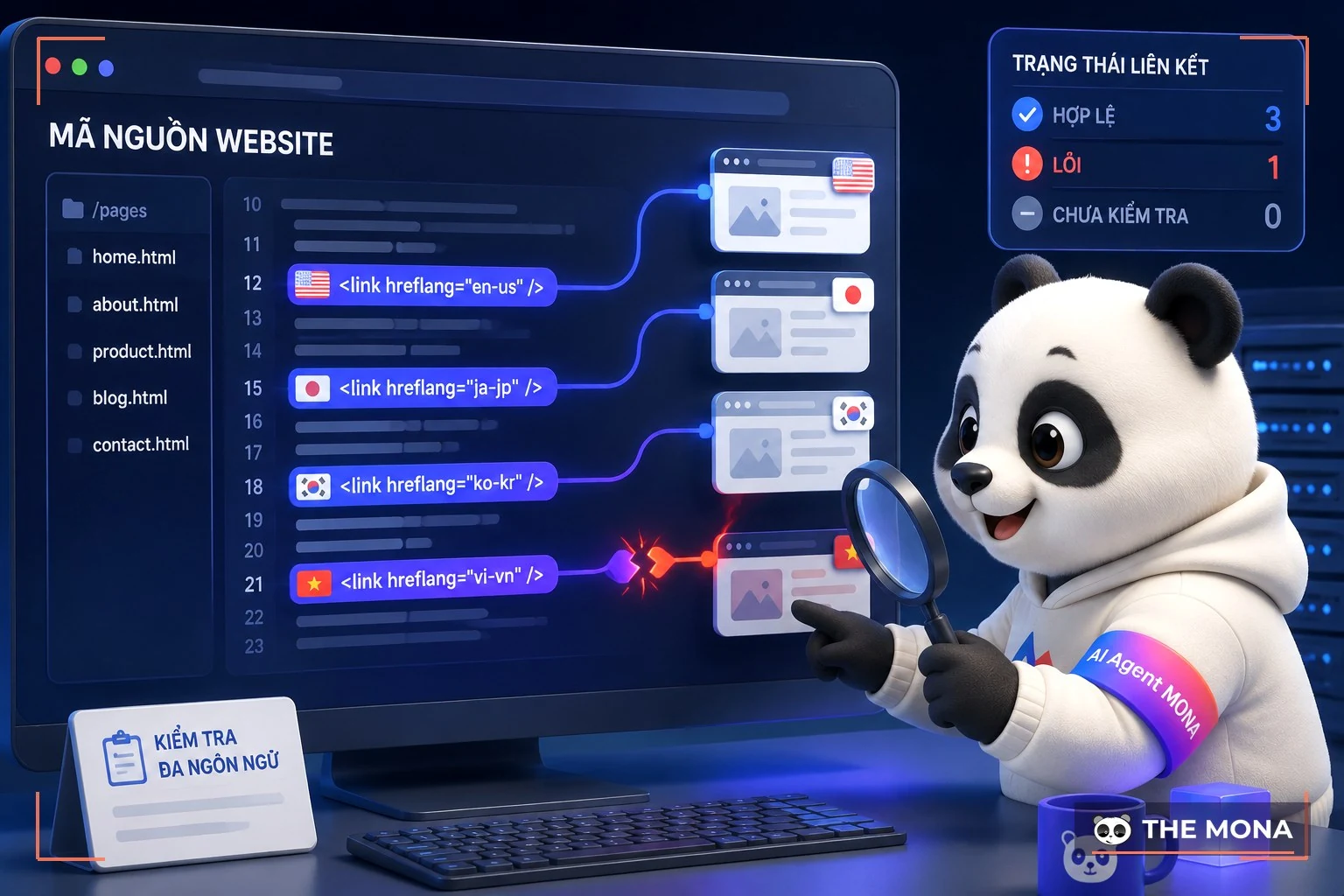
Translating the text is only the visible part of a multilingual website. The hidden part is much heavier: the technical structure underneath, including the URL for each language, the tags that tell search engines what is what, and the sync between versions.
Hreflang is a tag that tells Google which page is meant for readers of which language. Without it, a Japanese visitor finds the Vietnamese page and a Vietnamese visitor sees the English one. Worse, the translations can be treated as duplicate content and drop in rankings together. Read more in our WordPress SEO guide to understand the markup. WPML generates this tag automatically, and so do similar plugins, which is the main reason a business should not copy it by hand onto every page.
Adding a language is when a website is most likely to break, because a translation plugin touches almost every component. You can compare with our article the most common WordPress errors and for multilingual setups, these are the usual cases:
| Common error | Usual cause | How to fix it |
|---|---|---|
| Menu looks different in each language | The menu has no matching translation assigned | Build a menu for each language from the start, rather than patching translations in later |
| Interface strings still in the original language | The theme or plugins contain text outside the main content | Scan the interface strings with a WordPress translation plugin, then translate the rest |
| Translated page not found | Missing hreflang, or the sitemap does not list every language | Check hreflang and the sitemap after every language you add |
| Website slows down after installing a translation plugin | Translation data grows large and there is no cache | Turn on caching, and review how to speed up a WordPress website |

A multilingual website is usually touched by several teams at once: marketing edits the promotion page, sales updates prices, engineering installs plugins. WPML or any other translation plugin does not solve this on its own. Without clear permissions, the English version can be overwritten by someone who does not read English.
At this point the website is no longer the job of one admin. It needs a process like internal software, outside what WPML covers: who may edit what, who approves drafts, and who checks the other languages after a change. WordPress can do this if user permissions are set up correctly from the start.
The more people who log in, the wider the door for bad actors. A multilingual website should have a proper WordPress website security layer and an automatic backup schedule, because restoring a three-language website takes three times the work of a single-language site.
If you run a multilingual website and cannot yet say who holds the highest privileges and where the latest backup is stored, those are two things worth fixing this week. We are happy to review your current setup if you send the domain name through our hotline 1900 636 648, with no commitment.

MONA does not treat a translation plugin as an add-on. We see it as part of the website architecture, chosen after the data structure and the operating process are settled.
One 30-branch retail chain we worked with has wholesale customers in three markets. Before they had a WPML-style translation system, they ran two separate websites whose content drifted apart all the time. We merged them into one WordPress system, used a WPML-standard translation plugin to manage three languages, and the content team now writes the original once and hands the translations through an approval process. The time to publish a promotion in all three languages dropped from several days to a single working session.
What many people miss is the text outside the articles: buttons, cart notices, footer lines. On every project we rescan all interface strings, because a checkout button still in Vietnamese on the Japanese version is enough to make a customer stop ordering. This is also a standard item in the process of designing a website with WordPress package from MONA?

Choosing between WPML and a similar translation plugin is hard not because there are few options, but because the options look alike. DIY users often pick based on foreign reviews and then get stuck on what no review mentions: can your own operations team actually use it?
WPML is powerful and complete, but paid and fairly heavy. Polylang is free to start, lighter, and suits small websites. A Vietnamese business that needs an admin interface and support staff in Vietnamese has a third option from us, below, or can browse the full set of reviews in the category plugin WordPress.
| Criterion | WPML | Polylang | MONA Multilingual |
|---|---|---|---|
| Cost | Paid yearly, priced by number of websites | Free version, paid Pro version | License per domain, one license unlocks the full set of 7 MONA plugins. MONA customers use it completely free |
| AI translation | Yes, pay extra by word count | Needs an outside service | Built in: posts, interface strings, menus |
| Hreflang | Automatic | Automatic | Automatic, with standards checks included |
| Admin interface | English, partly translated | center | Fully in Vietnamese |
| Support when you're stuck | English-language tickets | Forum | MONA team, hotline 1900 636 648 |
| Switching | None | None | WPML-compatible, so you can migrate gradually without starting over |
A translation plugin like WPML touches URLs, data and the interface all at once. Installing it on a website that was already patched together is the fastest way to expose every old crack. That is why we always advise reviewing the website structure first and installing the plugin second.
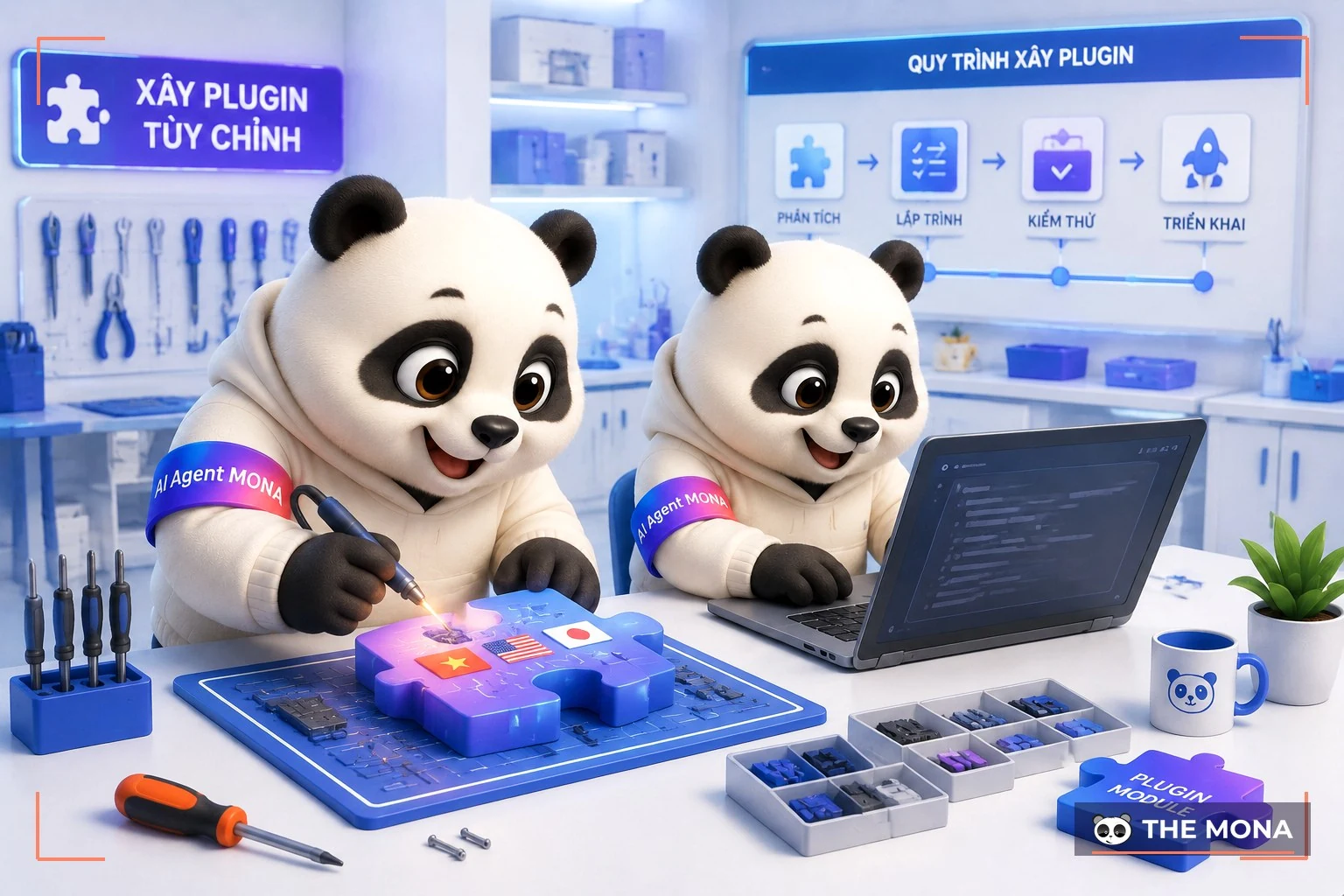
MONA Multilingual is the WPML replacement plugin for the Vietnamese market, part of the MONA licensed WordPress plugin suite, developed by our own team for the Vietnamese market. The first thing to know: customers who are building a website or using services at MONA can use this plugin completely free, which replaces the yearly WPML fee.
The plugin translates posts, pages, menus and interface strings with AI right inside the admin, and outputs standard hreflang. The admin interface is in Vietnamese, so content staff can use it right away without learning another English tool. Websites already running WPML can still migrate gradually because the plugin detects it and steps aside, with no need to tear anything down and start again. One license activates the full set of 7 MONA plugins on the same domain, and when the license expires the website keeps running normally. See the details at trang MONA Multilingual.
For a project that needs a complete rebuild, whether the base is WPML or MONA Multilingual, we build the multilingual part in from the design stage: URL structure, product data and the content approval process. This costs far less than building the website first and patching each language afterwards.
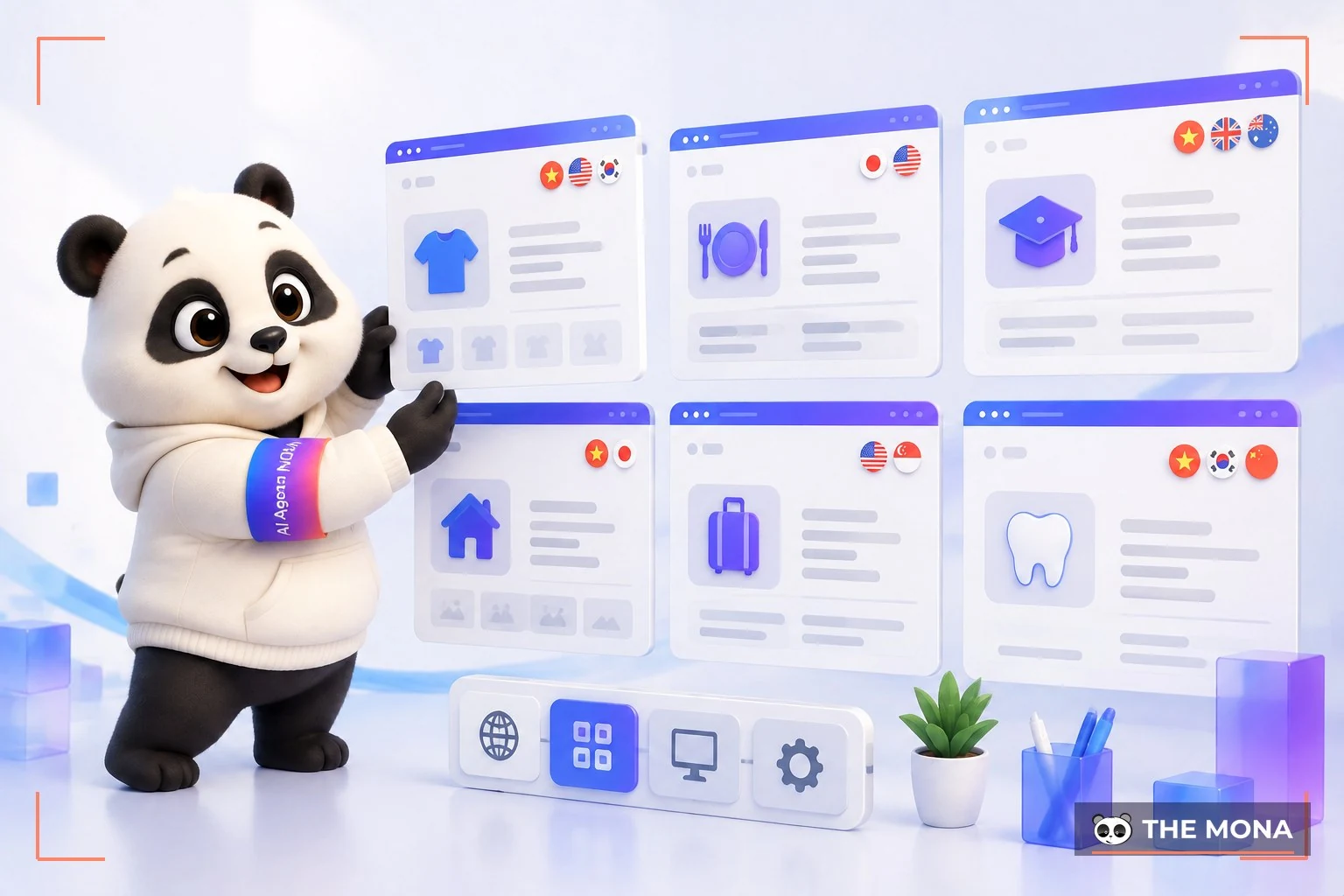
The WPML and multilingual problem is not unique to retail. Every industry has its own difficulty when stepping into foreign markets:
| The | Typical multilingual problem |
|---|---|
| E-commerce | Syncing prices, stock and product descriptions across markets |
| Education and training | Bilingual course pages for international students, trial lessons |
| Travel and hotels | Booking pages in the guest's language, clear cancellation policy in each version |
| Manufacturing and export | Company profile and product pages for foreign partners to evaluate |
| Professional services | Keeping a consistent brand voice when content is translated into several versions |
A multilingual store should use product data as the source, with translations as a display layer only. Change a price once and every language changes with it. This is how we build projects that use WooCommerce as well as custom-built sales systems.
In service industries, words are the face of the business. An unreviewed machine translation can make a brand look unprofessional in exactly the market it wants to win. So the translation review process matters as much as the translation tool.

Below are the questions we get most often about WPML, Polylang and translating websites.
WPML is a paid plugin with many features, suited to large websites that need deep translation down to interface strings. Polylang has a free version, is light, and suits small websites with few pages. Both are international plugins with English interfaces and support.
Yes, but in a controlled way: AI translates the draft and a person approves the final version, whether you use WPML or another tool. It is many times faster than translating by hand and still keeps the brand voice. This is exactly the process we have switched on in MONA Multilingual.
Yes. Without hreflang, language versions are easily seen as duplicate content and shown in the wrong market. This markup standard is described in the documentation of WordPress.org and WPML and other decent translation plugins generate it automatically.
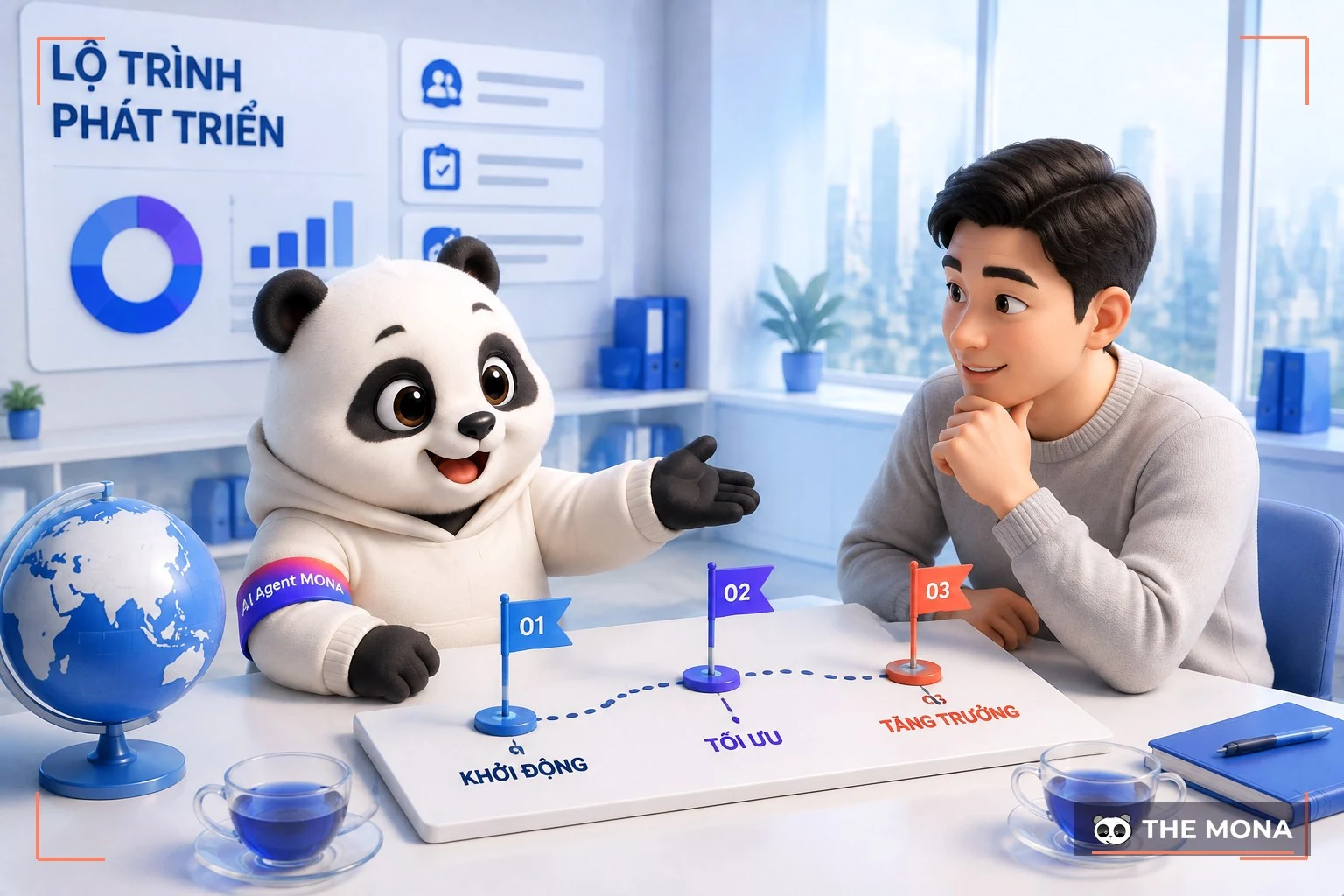
You have paid for translation and for people to manage each site version, yet international customers still complain about wrong prices and wrong wording. We understand that feeling, because most of the systems we take over went down exactly this road: a language was missing, so a WPML-style plugin was added, and every error was patched one spot at a time.
That approach breaks because a plugin can translate words but cannot build a process. A multilingual website runs well when three things fit together: the data structure, the translation tool and the people who approve. Miss one of the three and no amount of translation money will keep the versions aligned.
When the website is a real sales channel in more than one market, or when the number of pages to translate is beyond what one part-time staff member can handle. At that point, hiring a specialist team costs less than the sum of mistakes piling up every month, whether the site runs WPML or another platform.
Send us your domain name and the MONA technical team will quickly check three things: is hreflang correct, are the interface strings fully translated, and where is the update process leaking. We give a straight assessment, with no obligation. Call 1900 636 648, or start by seeing whether MONA Multilingual fits your website. If you are already a MONA customer, just let us know: this WPML replacement is handed over free, with no extra charge. Whether you run WPML or MONA Multilingual, a multilingual website should be a sales machine in each market, not a pile of translations you have to chase every day. Which side do you choose?

CEO & Founder · The MONA
The founder of The MONA built a service company of 60+ staff with 14,000+ projects delivered. Khánh Hùng shares his thinking on building self-running systems, automating a business, and the real lessons behind MONA's projects.
 468




Professional website
design services
Own a website with a beautiful, 100% exclusive design and a lifetime warranty, with the ability
to expand features flexibly as your business grows, starting today!






 MONA will never sell your information or send you spam


 MONA will never sell your information or send you spam
