
 MONA OS 2.0
 Partner with MONA


 Tự động hoá doanh nghiệp
 Cẩm nang SEO
 Digital Marketing
 Kinh nghiệm thiết kế website
 Hạ Tầng Server
 Giáo dục


 VI
 EN















Message us on
Zalo Official


 ProductsNew

 ProductsProducts
 Mới ra mắtKHA AI 2027App tự edit video, tự đăng mọi mạng xã hội, 2 phút mỗi ngày










 Website designLooks good and wins customers over.
SEO servicesBrings in customers searching for exactly what you sell.
 Tư vấn digital marketingKéo khách từ nhiều kênh, đo bằng số thật.
Corporate video productionVideos introducing your company, factory and team.
 NewAI video productionCompany story films made with AI.
 Custom software developmentCRM, ERP and HRM built for your business.
 Viết AI Agent theo yêu cầuĐặt riêng một trợ lý AI cho đúng việc của mình.
 Tư vấn chuyển đổi AIĐưa AI vào vận hành của cả công ty.
NewMONA LMSManagement for centers and schools.
MONA SkillHubInternal training for company staff.
 NHTQ systemEnd-to-end China–Vietnam shipping operations.
MONA JMSManagement for gold, diamond and pawn shops.
 MONA E-LearningA website with every feature you need to sell courses.
 How to sell online courses (course)More than 30 free lessons on selling courses on autopilot.
 MONA Cloudmonacloud.vnServers to get your apps and websites running.
 MONA Basemonabase.vnPostgres database, sign-in and file storage.
 MONA Mailmonamail.vnSend OTP, order and invoice emails from your software.
 MONA Paymonapay.vnAccept bank transfers via VietQR and notify your software when the money arrives.
 MONA eInvoiceComing soonIssue e-invoices that meet tax standards.
Gấu CườiTrả lời khách 24/7 trên web, Fanpage, Zalo và thu lead cho sale.
 Gấu TeleSalesGọi điện tư vấn, chăm khách như tổng đài viên thật.
Dê CườiTư vấn và chốt đơn cho shop ngay trong khung chat.
Gấu WebmasterNhắn nhóm Zalo là website được sửa xong.
 Gấu Pháp ChếSoạn hợp đồng, rà điều khoản trong vài phút.
 Gấu Báo GiáLên báo giá đúng mẫu và gửi khách ngay.
 AI chăm sóc khách hàngTheo dõi và giữ chân khách hàng cũ.
 Gấu Tuyển DụngLọc hồ sơ, hẹn lịch, phỏng vấn ứng viên.
 Mới ra mắt
KHA AI 2027
Xây kênh chuyên gia 2 phút mỗi ngày
Quay bằng điện thoại, AI tự edit video, tự đăng lên 16 nền tảng và tự trả lời bình luận, tin nhắn.
883.362lượt xem trên kênh CEO MONA sau 36 ngày
 Anh Khánh HùngCEO MONA đang dùng mỗi ngày
Xem app làm được gì
 AI
Gấu Cười MONA ĐANG TỰ XÀITrả lời khách 24/7 trên website, Zalo OA, Messenger và thu lead về cho sale.
Dê CườiChốt đơn bán lẻ và sàn: Shopee, TikTok Shop, web. Chăm cả khách sỉ, đại lý.
Gấu WebmasterCập nhật nội dung, tối ưu SEO website mỗi ngày.
Gấu TeleSalesGọi điện tư vấn, chăm khách như tổng đài viên thật.
Gấu Tuyển DụngLọc hồ sơ, hẹn lịch, phỏng vấn ứng viên tự động.
AI chăm sóc khách hàngGiữ khách cũ, cứu lead đã rớt cho phòng kinh doanh.
Gấu Pháp ChếSoạn hợp đồng, rà điều khoản trong vài phút.
Gấu Báo GiáLên báo giá đúng mẫu, gửi khách ngay khi có yêu cầu.
 Chuyển đổi AI toàn phầnGiải pháp tổng cho doanh nghiệp, 3 lớp triển khai.
 Viết AI Agent theo yêu cầuĐặt riêng một con AI gánh đúng nghiệp vụ của bạn.
 Custom softwareCRM, ERP and HRM with built-in AI automation.
 SEO & AEO thời đại AIĐược Google lẫn AI trích dẫn, không chỉ xếp hạng.
 Kiến thức AI cho doanh nghiệpBài phân tích, hướng dẫn ứng dụng AI vào vận hành.
 Free AI courses
 AI tools at work
App mới · KHA AI 2027
Xây kênh 2 phút mỗi ngày
AI tự edit video, tự đăng mọi mạng xã hội
Free consultation, 8am–10pm every day

16 April, 2025
📚 MONA just released a free Claude course for business owners and managers: 8 parts, from opening an account to rolling it out to the whole team, and you can learn everything with the free version.
Though it arrived later than some other chatbot AI such as ChatGPT or Gemini, Claude AI is steadily carving out its own place with a set of unique features and a somewhat different design approach. Its ability to handle complex requests coherently and logically is one of the strengths that earns Claude high ratings, especially in business and academic settings. So what is Claude AI? Why does this chatbot have such strong appeal in the tech community? In this article, MONA Media will explain it from A to Z.
Interested in
AI & Vibe Coding?
A community group for sharing experience and turning ideas into electronic products that actually earn money with AI

See more: AI chatbot demo: chat with a real MONA bot, free
Claude AI is a chatbot artificial intelligence do Anthropic developed to deliver natural, accurate, and safe interaction. Built on a huge dataset of text and source code, Claude AI not only supports in-depth content creation but also handles translation and language conversion smoothly and effectively.

The latest version is Claude 3, introduced by Anthropic with many strong improvements, including three models:
With a context window of up to. 200.000 tokens, Claude 3 delivers far better performance than earlier versions such as Claude 1, Claude Instant, Claude 2, and Claude 2.1. That is why Anthropic encourages users to choose Claude 3 to get the most from this advanced AI technology.
Every day a flood of AI tools new ones appear, and many people fall into FOMO and lose their direction. From his perspective as Product Director at The MONA, Hữu Hùng shares 5 practical lessons for choosing the AI tools that fit best for your work. Among them, Claude AI is one of the 5 tools Hùng rates highly and uses the most. If you are still lost in the “jungle of AI tools,” hit play on the video below!
Now that you have a rough idea of what Claude AI is, you may be curious what makes it special and different from other AI platforms. To help you picture its abilities, here are the standout features that people rate highly in real use:

If you want to create an account to try the free AI tool for SEO support Claude AI, the sign-up process is simple and takes only a few minutes. Here is a detailed guide to signing up for a Claude AI account:
Step 1: Go to the official Claude AI page at: https://claude.ai/login.
Step 2: Fill in your personal details and sign up with the email you use.

Step 3: Open your email and find the verification code Claude AI sent. Then go back to the sign-up page, enter the code in the verification box, and click “Verify Email Address”.
Step 4: In the next step, choose Vietnam as your country, enter your personal phone number, and confirm that you are over 18. Click “Send Verification Code” to continue.

Step 5: Enter the verification code you received by text message. When the system switches to the chat interface, your account registration is complete.
Although Claude is among the premium AI models, there are still ways to try this chatbot's standout features for free. Below, MONA shows you how to use Claude AI for free in the simplest and most effective way.
Claude AI can process and analyze images flexibly, from recognizing people, objects, and scenes to extracting text. It understands the overall content of an image, gives detailed descriptions, answers related questions, or reorganizes unstructured information into usable data.
When working with PDF documents that contain images, Claude still reads and understands the context well. Users only need to upload an image through the interface or API to start interacting. However, Claude cannot yet create or edit images, and it has some limits when handling spatially complex content or face recognition.
Here is an example of MONA using Claude AI for free to analyze an image with the prompt “Please analyze the following pie chart“

Claude AI shows outstanding coding ability, supporting many languages such as Python, JavaScript, Java, or C++. It not only writes new code based on your request but also handles debugging, analyzing, and explaining existing code well.
Claude can also help refactor code to improve both performance and readability. Notably, Claude 3 versions such as Sonnet and Opus show clear progress in logical thinking and in solving complex programming problems, going far beyond earlier versions.
Here is an example of MONA using a free Claude AI account to support coding with the prompt “You are a technical writer for a software development team. Instructions: Please provide detailed documentation for the following code snippet, explaining its purpose, functionality, and any important details. Content: ”’// Example code snippet function calculateArea(radius) { return Math.PI radius radius; } ”’

Claude AI translates documents across many languages flexibly. Just enter the text or upload the whole document, and Claude will process it and translate it into the language you need. This feature works well with many common formats such as plain text, Markdown, and PDF files (supported from Claude 2 onward, and especially strong in the Claude 3 line).
When translating, Claude tries to keep the context and nuance of the original, so the translation reads naturally. Even so, translation quality can vary a little depending on how specialized the document is or its specific field.
You can use a free Claude AI account to translate English documents and summarize the main content with the prompt “Please translate the following report into Vietnamese and summarize the main points”

After learning what Claude AI is, it would be incomplete not to put chatbot up against another very prominent AI platform, namely ChatGPT, developed by OpenAI. With multilingual support, especially for Vietnamese, ChatGPT is now chosen by many users in Vietnam to write content, look up information, or help with everyday work.
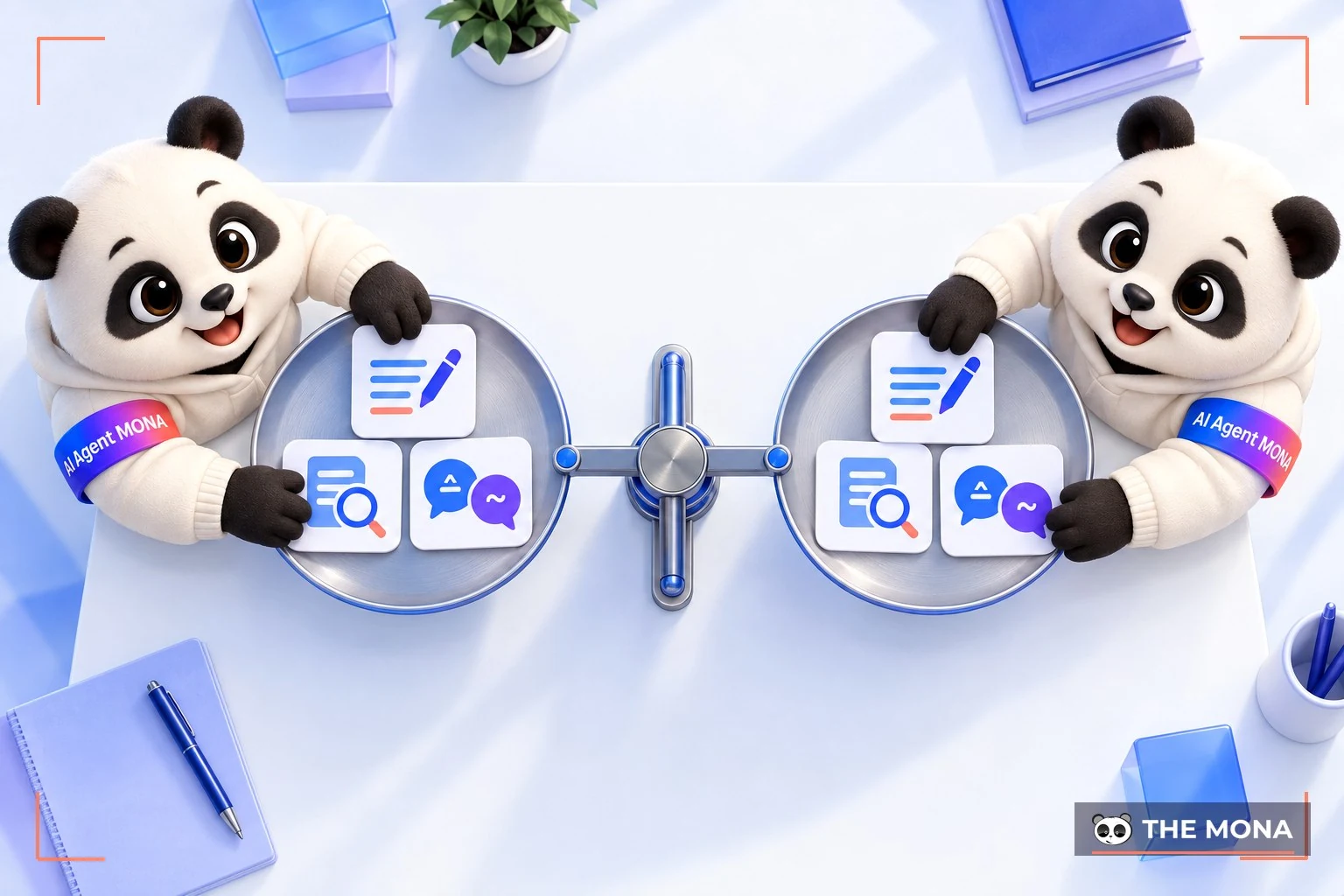
Below is a comparison table to give you an overview of two of the most widely used chatbots today:
|
Criterion |
Claude AI |
ChatGPT |
|
Language |
Communicates mainly in English, but recognizes and understands Vietnamese fairly well |
Multilingual, with very good and natural Vietnamese support |
|
Interface |
Minimal and friendly like a chat window, light and smooth to use |
Modern interface with many advanced features built in |
|
Response quality |
Coherent and logical answers, with a soft and approachable tone |
Creative and flexible, strong at natural language processing |
|
Content creation |
Fluent and easy to understand, good for explanations and reasoning |
Fast responses that suit many writing styles |
|
Document handling |
Can open and read PDF, Word, and TXT files |
Can upload documents and analyze their content |
|
Response speed |
Smooth and stable, especially with Claude 3 Sonnet |
GPT-4 can respond slowly on the free version |
|
Accessibility |
Works only in some countries; you need a VPN in Vietnam |
Freely accessible in Vietnam |
Its focus on safety, transparency, and natural language understanding makes Claude friendlier and more trustworthy to modern users. Understanding what Claude AI is not only helps you keep up with technology trends but also opens new options for working, learning, and creating content. You can sign up for a free Claude AI account right now and try it without worrying about cost. If you are looking for an AI that is both smart and approachable, Claude is definitely a name worth trying before you decide to stick with it long term.
You may also be interested in:

CEO & Founder · The MONA
Founder of The MONA, who built a services company of 60+ staff with 14,000+ projects delivered. Khánh Hùng shares how he thinks about building systems that run themselves, automating a business, and the real lessons from delivering projects at MONA.
 1,6K



Professional website
design services
Own a website with a beautiful, 100% exclusive design and a lifetime warranty, with the ability
to expand features flexibly as your business grows, starting today!












 MONA will never sell your information or send you spam


 MONA will never sell your information or send you spam
