
 MONA OS 2.0


 Tự động hoá doanh nghiệp
 Cẩm nang SEO
 Digital Marketing
 Kinh nghiệm thiết kế website
 Hạ Tầng Server
 Giáo dục


 VI
VI
 EN
EN




Message us on
Zalo Official


 Products

 ProductsProducts









 Website designLooks good and wins customers over.
SEO servicesBrings in customers searching for exactly what you sell.
Website designLooks good and wins customers over.
SEO servicesBrings in customers searching for exactly what you sell.
 Tư vấn digital marketingKéo khách từ nhiều kênh, đo bằng số thật.
Corporate video productionVideos introducing your company, factory and team.
Tư vấn digital marketingKéo khách từ nhiều kênh, đo bằng số thật.
Corporate video productionVideos introducing your company, factory and team.
 NewAI video productionCompany story films made with AI.
 Custom software developmentCRM, ERP and HRM built for your business.
 Viết AI Agent theo yêu cầuĐặt riêng một trợ lý AI cho đúng việc của mình.
 Tư vấn chuyển đổi AIĐưa AI vào vận hành của cả công ty.
NewMONA LMSManagement for centers and schools.
MONA SkillHubInternal training for company staff.
Tư vấn chuyển đổi AIĐưa AI vào vận hành của cả công ty.
NewMONA LMSManagement for centers and schools.
MONA SkillHubInternal training for company staff.
 NHTQ systemEnd-to-end China–Vietnam shipping operations.
MONA JMSManagement for gold, diamond and pawn shops.
NHTQ systemEnd-to-end China–Vietnam shipping operations.
MONA JMSManagement for gold, diamond and pawn shops.
 MONA E-LearningA website with every feature you need to sell courses.
 How to sell online courses (course)More than 30 free lessons on selling courses on autopilot.
 MONA Cloudmonacloud.vnServers to get your apps and websites running.
 MONA Basemonabase.vnPostgres database, sign-in and file storage.
 MONA Mailmonamail.vnSend OTP, order and invoice emails from your software.
 MONA Paymonapay.vnAccept bank transfers via VietQR and notify your software when the money arrives.
 MONA eInvoiceComing soonIssue e-invoices that meet tax standards.
Gấu CườiTrả lời khách 24/7 trên web, Fanpage, Zalo và thu lead cho sale.
MONA eInvoiceComing soonIssue e-invoices that meet tax standards.
Gấu CườiTrả lời khách 24/7 trên web, Fanpage, Zalo và thu lead cho sale.
 Gấu TeleSalesGọi điện tư vấn, chăm khách như tổng đài viên thật.
Dê CườiTư vấn và chốt đơn cho shop ngay trong khung chat.
Gấu WebmasterNhắn nhóm Zalo là website được sửa xong.
Gấu TeleSalesGọi điện tư vấn, chăm khách như tổng đài viên thật.
Dê CườiTư vấn và chốt đơn cho shop ngay trong khung chat.
Gấu WebmasterNhắn nhóm Zalo là website được sửa xong.
 Gấu Pháp ChếSoạn hợp đồng, rà điều khoản trong vài phút.
 Gấu Báo GiáLên báo giá đúng mẫu và gửi khách ngay.
 AI chăm sóc khách hàngTheo dõi và giữ chân khách hàng cũ.
 Gấu Tuyển DụngLọc hồ sơ, hẹn lịch, phỏng vấn ứng viên.
 KHA AI 2027
Xây kênh chuyên gia 2 phút mỗi ngày
Quay bằng điện thoại, AI tự edit video, tự đăng lên 16 nền tảng và tự trả lời bình luận, tin nhắn.
288.048lượt xem trên kênh CEO MONA sau 17 ngày
KHA AI 2027
Xây kênh chuyên gia 2 phút mỗi ngày
Quay bằng điện thoại, AI tự edit video, tự đăng lên 16 nền tảng và tự trả lời bình luận, tin nhắn.
288.048lượt xem trên kênh CEO MONA sau 17 ngày
 Anh Khánh HùngCEO MONA đang dùng mỗi ngày
Xem app làm được gì
Anh Khánh HùngCEO MONA đang dùng mỗi ngày
Xem app làm được gì
 AI
Gấu Cười MONA ĐANG TỰ XÀITrả lời khách 24/7 trên website, Zalo OA, Messenger và thu lead về cho sale.
Dê CườiChốt đơn bán lẻ và sàn: Shopee, TikTok Shop, web. Chăm cả khách sỉ, đại lý.
Gấu WebmasterCập nhật nội dung, tối ưu SEO website mỗi ngày.
Gấu TeleSalesGọi điện tư vấn, chăm khách như tổng đài viên thật.
Gấu Tuyển DụngLọc hồ sơ, hẹn lịch, phỏng vấn ứng viên tự động.
AI chăm sóc khách hàngGiữ khách cũ, cứu lead đã rớt cho phòng kinh doanh.
Gấu Pháp ChếSoạn hợp đồng, rà điều khoản trong vài phút.
Gấu Báo GiáLên báo giá đúng mẫu, gửi khách ngay khi có yêu cầu.
AI
Gấu Cười MONA ĐANG TỰ XÀITrả lời khách 24/7 trên website, Zalo OA, Messenger và thu lead về cho sale.
Dê CườiChốt đơn bán lẻ và sàn: Shopee, TikTok Shop, web. Chăm cả khách sỉ, đại lý.
Gấu WebmasterCập nhật nội dung, tối ưu SEO website mỗi ngày.
Gấu TeleSalesGọi điện tư vấn, chăm khách như tổng đài viên thật.
Gấu Tuyển DụngLọc hồ sơ, hẹn lịch, phỏng vấn ứng viên tự động.
AI chăm sóc khách hàngGiữ khách cũ, cứu lead đã rớt cho phòng kinh doanh.
Gấu Pháp ChếSoạn hợp đồng, rà điều khoản trong vài phút.
Gấu Báo GiáLên báo giá đúng mẫu, gửi khách ngay khi có yêu cầu.
 Chuyển đổi AI toàn phầnGiải pháp tổng cho doanh nghiệp, 3 lớp triển khai.
 Viết AI Agent theo yêu cầuĐặt riêng một con AI gánh đúng nghiệp vụ của bạn.
 Custom softwareCRM, ERP and HRM with built-in AI automation.
 SEO & AEO thời đại AIĐược Google lẫn AI trích dẫn, không chỉ xếp hạng.
 Kiến thức AI cho doanh nghiệpBài phân tích, hướng dẫn ứng dụng AI vào vận hành.
 Free AI courses
 AI tools at work
 App mới · KHA AI 2027
Xây kênh 2 phút mỗi ngày
AI tự edit video, tự đăng mọi mạng xã hội
Free consultation, 8am–10pm every day
App mới · KHA AI 2027
Xây kênh 2 phút mỗi ngày
AI tự edit video, tự đăng mọi mạng xã hội
Free consultation, 8am–10pm every day

18 June, 2023
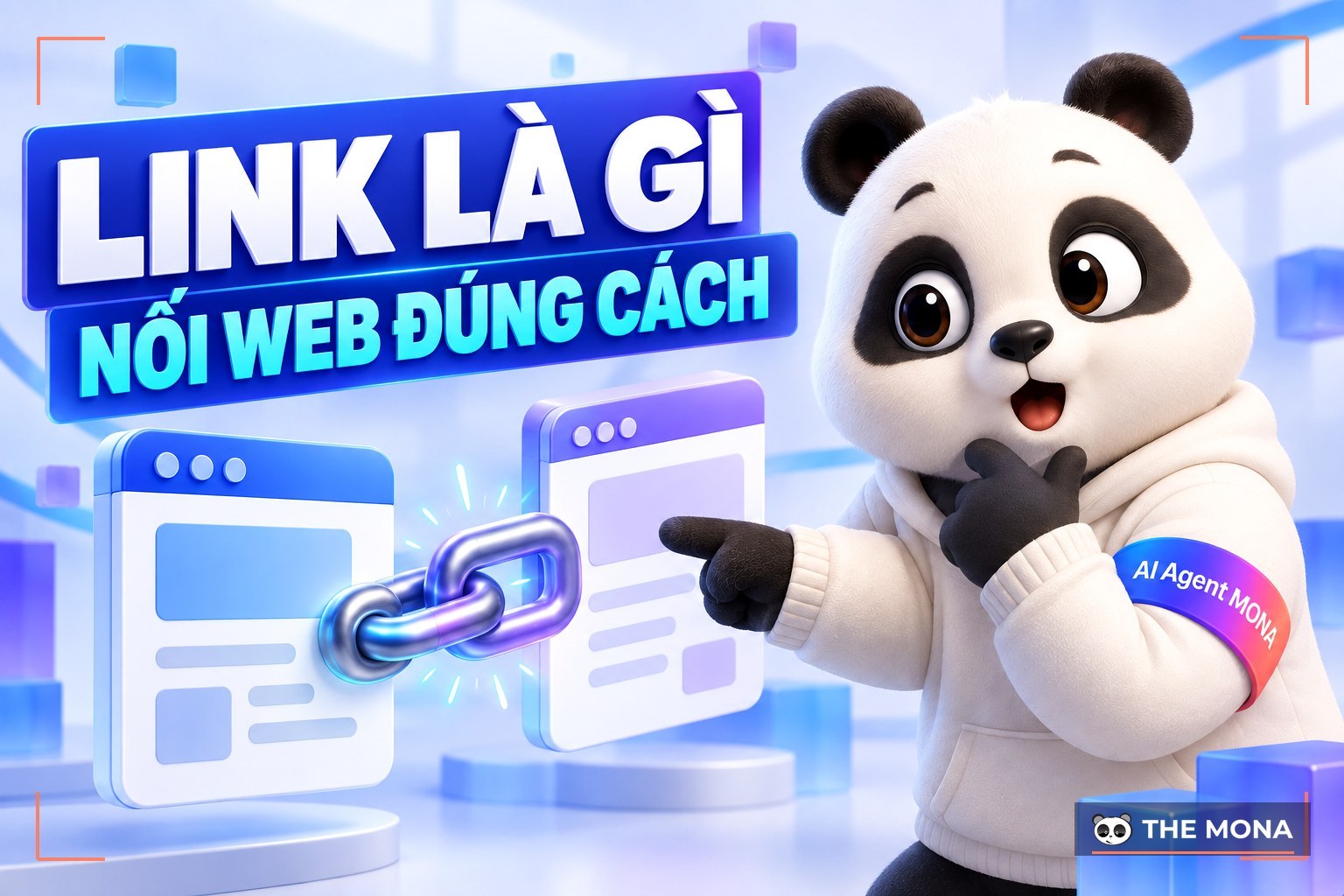
A link is a path that matters for SEO and for how a website is structured, and it also shapes the user experience. So how many types of links are there, what does each one do, and how do you use them well? This article MONA Media walks you through it.
A link is a bridge between one web page and another. Links connect pages within the same website (Internal link) or take users to a page on another website (External Link).
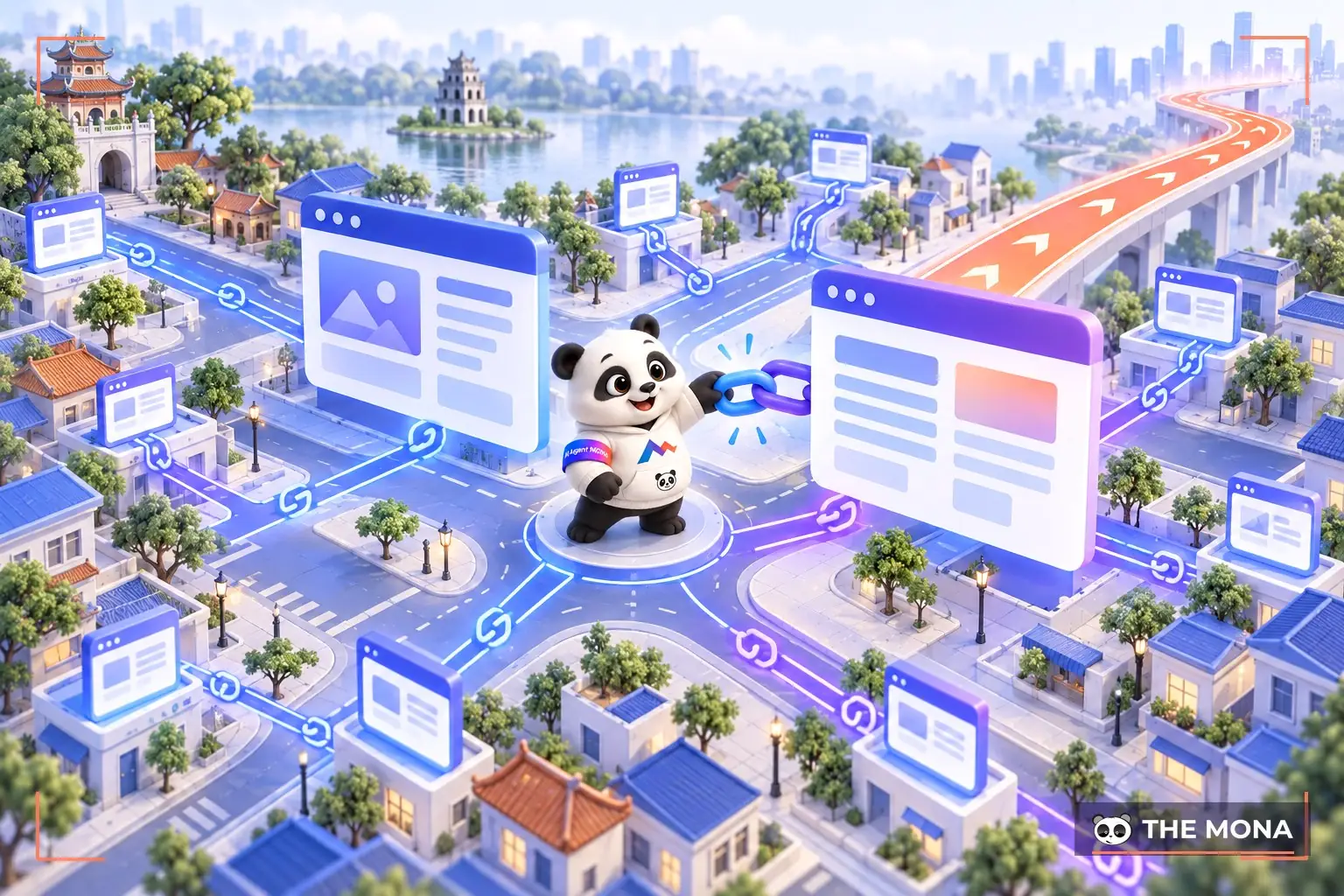
Links come in many formats, such as text, images or other elements, and they take users where they want to go. From a user's point of view, a link has 2 parts: The link itself and the text or element that carries it (the anchor text).
Example: if you click here you will be taken to the page "https://mona.media”. That is the link, and the words “here" are called the anchor text.
To a programmer there is only one kind of link, known as the <a> tag. The structure of a basic link looks like this: <a href=”link URL”>Anchor text</a>. That's it. To a programmer, the <a> tag simply takes users somewhere other than the page they are reading.
For SEO people, though, links are a whole world. Understand the concept and how to use links, and you have already done most of the 50% work in SEO.
So in SEO there are 2 types of links we need to cover: INTERNAL and EXTERNAL LINKS.
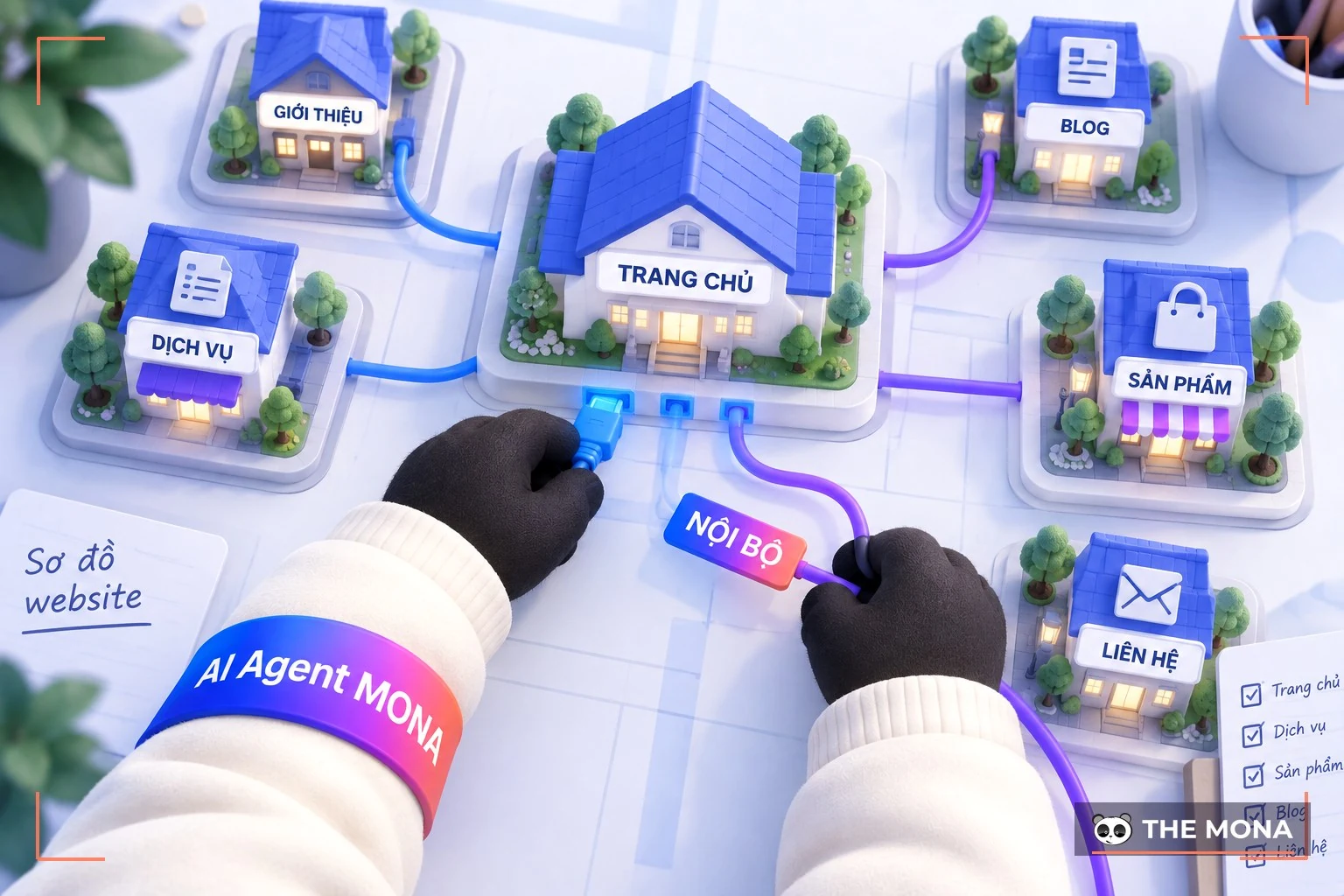
Internal link is a link that takes users to another page on the website they are already visiting. For example, you are reading this and I add a line:
See more: What is a backlink?
Here, MONA is sending you to an article about backlinks, but that article is still on MONA's website. So this is an internal link.
This is extremely important and useful, so read it carefully: it is a lesson I learned the hard way over 5 years of researching and testing internal linking .
Many people who are just learning SEO top Google search , and I was no different back then, start by building a website and writing articles. While writing, almost all of us have dropped links wherever we could, linking all over the place in the article, heading… so some articles are packed with links while others have none. This is simply wrong and gets you nothing.
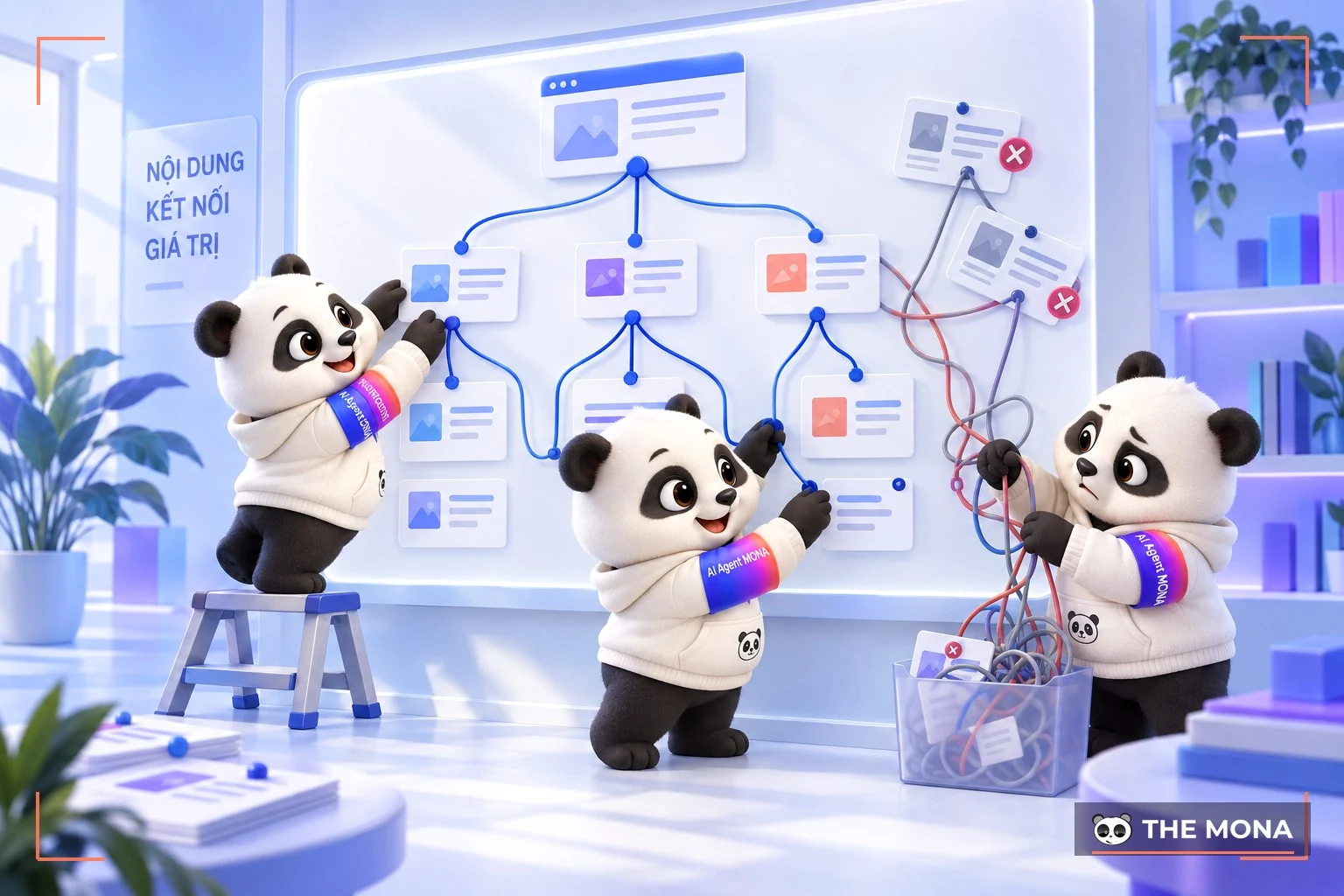
First, you need to plan your keywords in detail. Level 1, level 2, level 3 keywords… level N. For e-commerce or service websites, the keyword set also needs to expand into levels 1.1, 2.1, 3.1… n.N.
Next, write the level N articles first, working from the bottom up, and link the level N articles to each other. Once level N is done, move up one step and write the higher level. Then go back to level N and link up to its "parent level", and keep going like this until you have covered the whole keyword tree.
That way, the strength of the child keywords flows up to the parent keyword, and you end up with a solid internal link structure where every link has a clear direction.
In particular, note that the paragraph where you place a link must be related to the article the link points to. That is how you match the reader's search intent and keep them on your website longer.
I see a lot of people building internal links with "see more here" or "click here"… without realising they're weakening their own SEO. In this video I show you how to pick the right, most natural anchor text. Watch it and clean up your internal links.
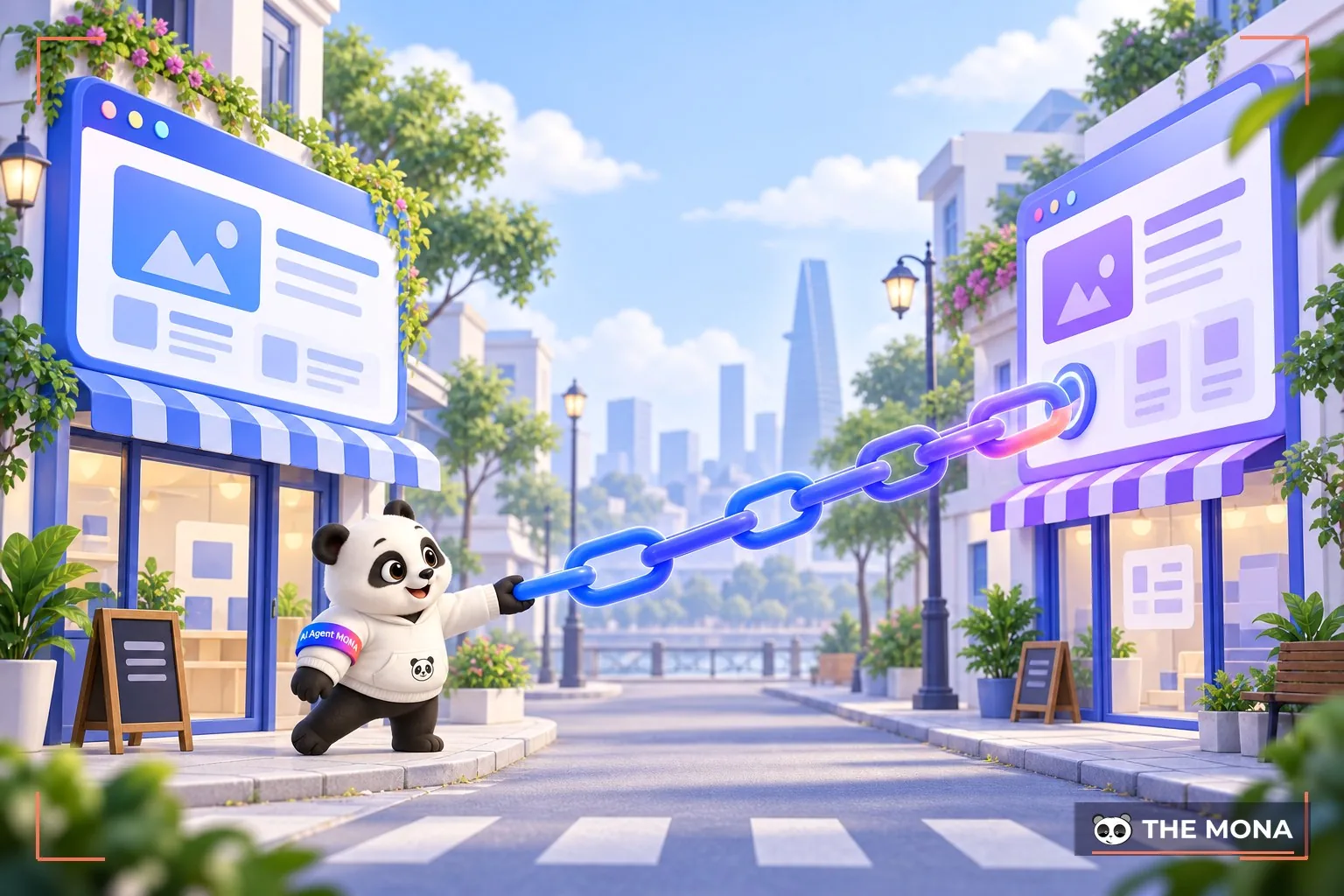
External link , also called an outbound link, is a link that sends users to a page that is not on your website. For example, you are reading this and I say:
See more: Link concepts
Here I am taking you off my website to wikipedia.org and its article on links. You really should read more of it to understand what I'm explaining in more depth. That is an external link.
A lot of people doing SEO are still afraid to place outbound links because they think it will "drain the website's strength". In reality, external links used correctly can actually help Google see your site as more trustworthy. So do outbound links weaken a website or not? Watch this video and I'll explain what really happens.
SEO is about getting your website and keywords to the top of Google, right? So you need to understand who you are dealing with and what they want.
You are dealing with Google, obviously, and what Google wants is to give users the most accurate, most useful and most satisfying answers. So if your article meets the user's need and solves their problem, your chances of reaching the top are quite high, right? So why am I pointing out something everyone already knows?
It's simple. Say your article is about “what is a link?” and you send users off to an external page about “beauty cosmetics”. That doesn't make sense, does it? When Google reads your article and sees random links that have nothing to do with each other, it judges the article as low quality and not meeting user needs, and your chances of ranking at the top drop.
At this point someone will ask: “I have done this before and still do, so why do my keywords still rank?” There are 2 outside factors that help you without you realising it:
But what happens once Google catches up in Vietnam? Think about the user. That is the only approach that keeps you on good terms with Google, and almost every website SEO services company today is moving in this direction.
|
Still, SEO has never been an easy road. Many businesses spend 1 or 2 years, even 6 or 7 years, looking for the right SEO agency for them. Some pick the wrong one and end up “paying dearly for it”, losing all their keywords and even a domain they had built up for years. But if you find a reputable SEO partner, it will take you only a few months to reach your reputation and revenue goals. 
MONA Media is proud to be a leader in SEO services with more than 10 years in operation. We help businesses grow revenue sharply, with up to 300% more revenue. Projects beat their KPIs within just 3 months, with keywords reaching TOP 1-3 of the search results across many industries for 12,000 clients in Vietnam and abroad. And you too can “leo top” your revenue and Google rankings the same way. Please CONTACT US us on the hotline 1900 636 648 for a detailed consultation on your SEO plan and a fast website SEO quote . |
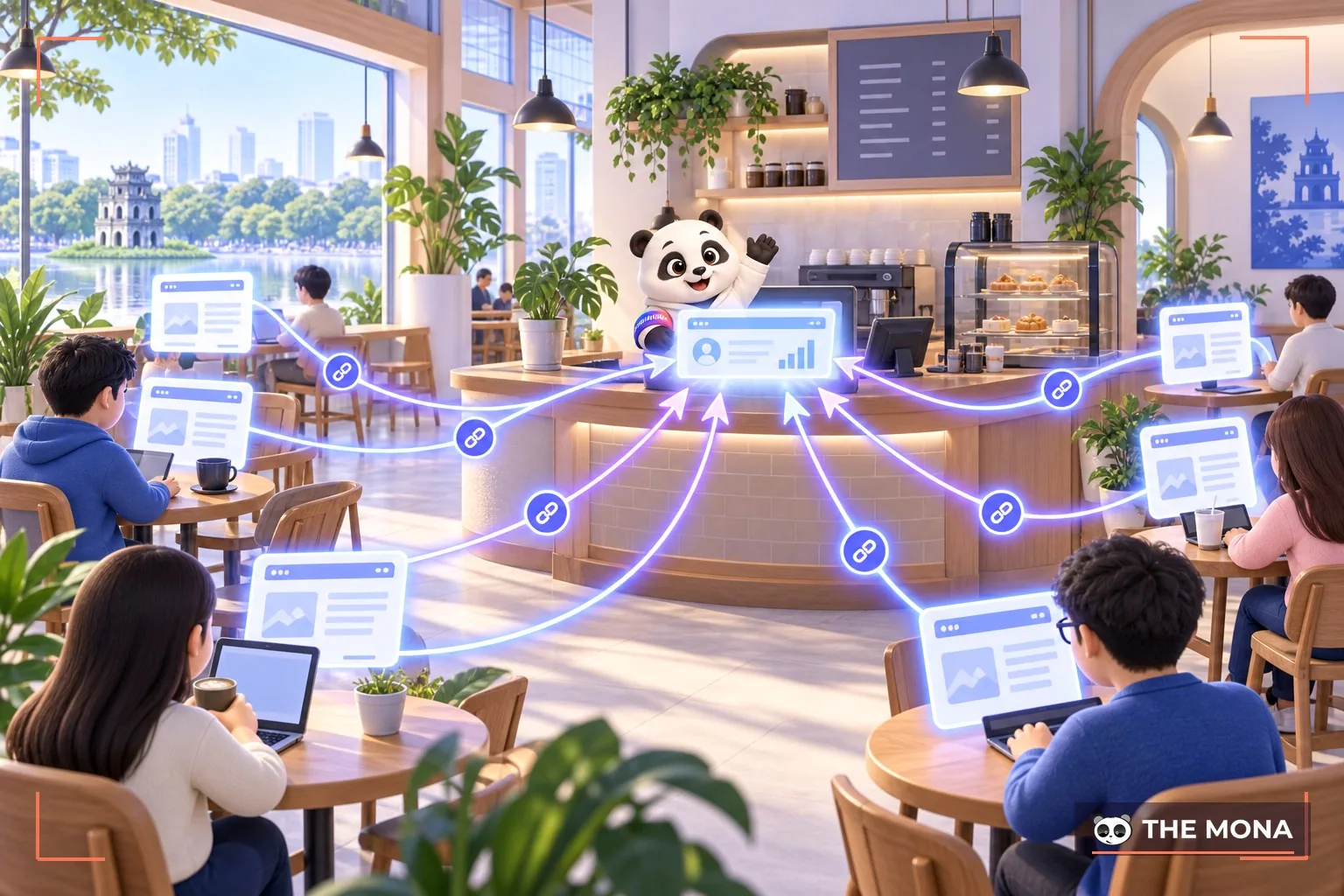
An inbound link, also called a backlink, is a link from another website pointing to yours. It is a very important factor for a website, because it directly affects brand recognition as well as rankings on search engines.
Sources of inbound links include websites with content related to the keyword that has been linked to your site, as well as review sites, comparison sites and articles PR on online news sites.
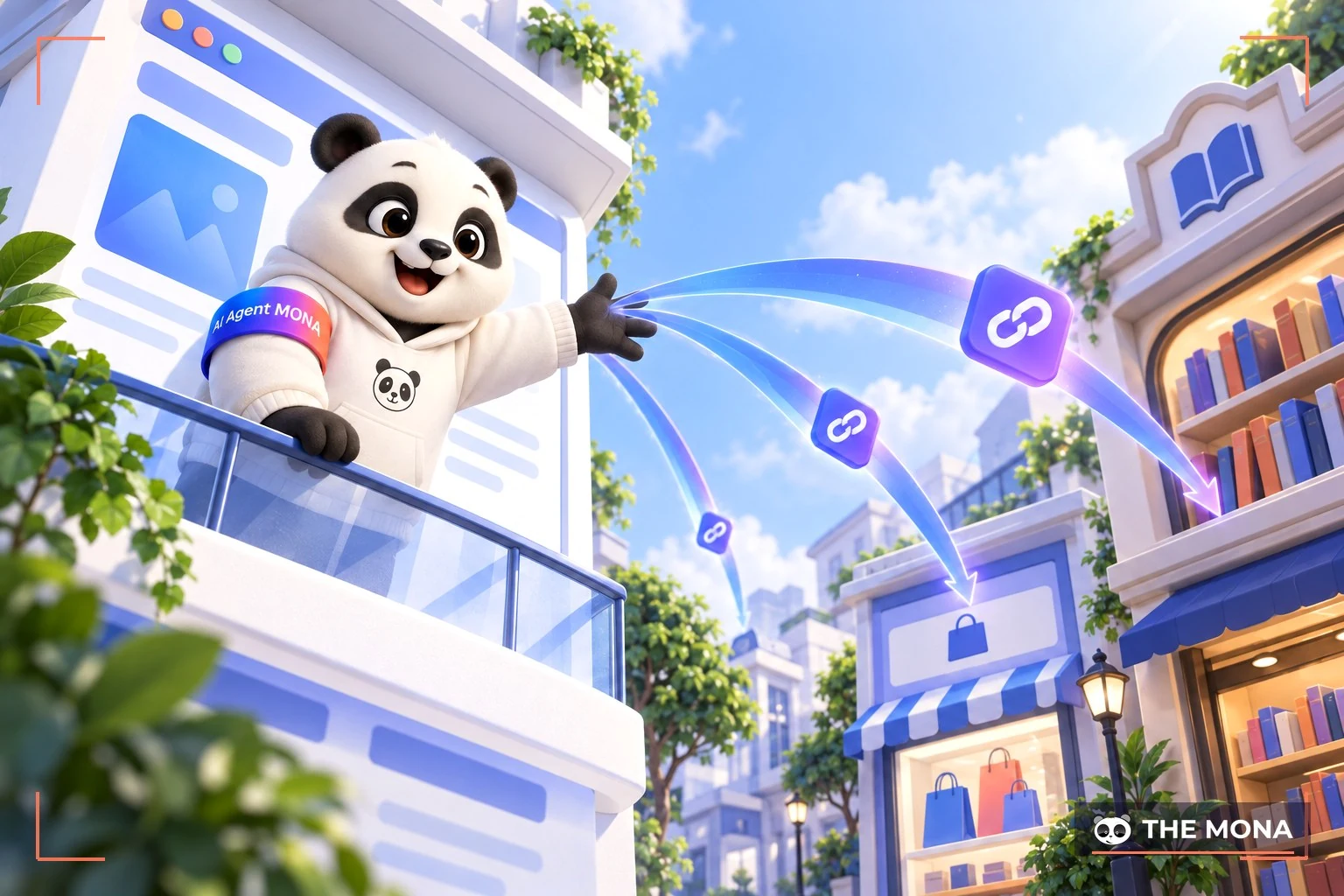
An outbound link is a link that takes users to other websites with related content, helping them navigate to relevant information. This type of link not only creates backlinks for the target website but also gives users useful content.
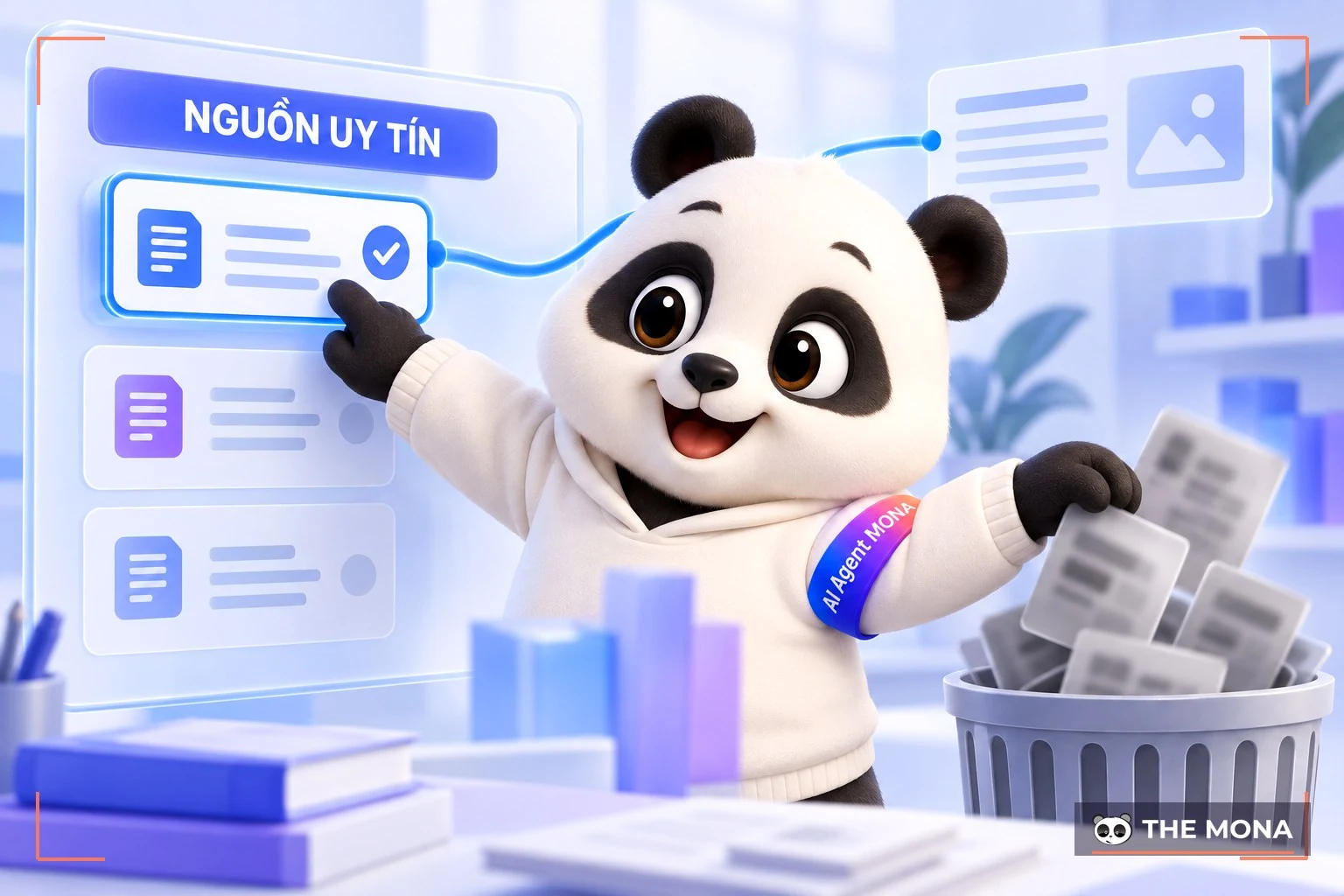
Linking to reputable, trustworthy websites that fit your article's content gets your website rated higher for quality, which builds trust and helps your SEO.
Anchor text is the element that represents a link inside an article. There are 2 basic types of anchor text mentioned in SEO: text anchors and image anchors.
For example, in <a href=”https://mona.media/thiet-ke-website”>thiết kế website</a> everything inside the <a></a> tag pair is the anchor, whether it is an image or text.
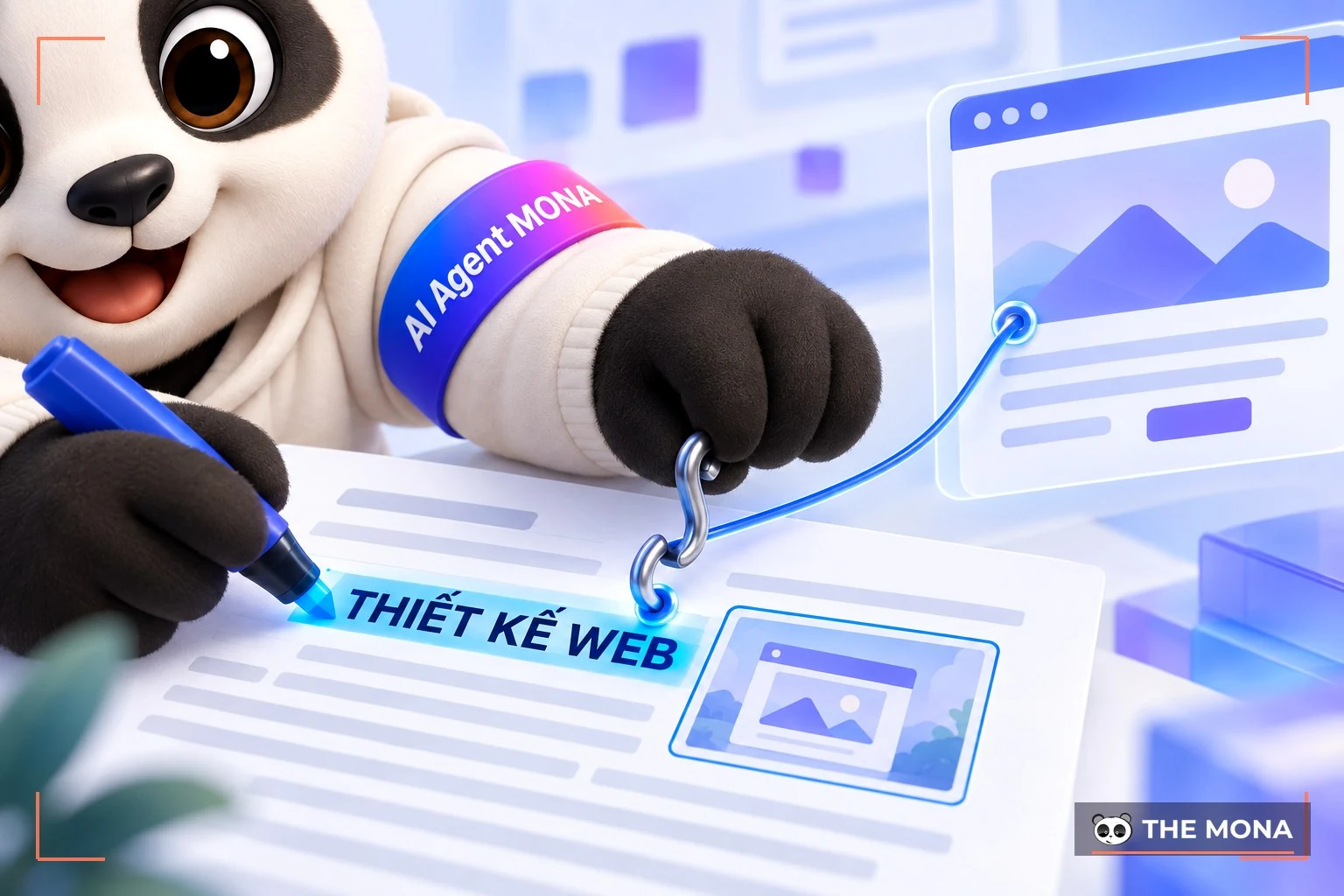
MONA sees anchor text as the most important part of SEO, whether it is SEO Onpage hay SEO Offpage. The meaning of the anchor must be chosen to match the content of the page the link points to.
So if you are doing SEO for a website that offers website design service , does that mean that wherever the phrase "thiết kế website" (website design) appears on other sites, you grab it and point it back to yours?
No. Anchors need variety. I've read articles telling me to stick to exact percentages for each anchor type. My advice: forget that. Get as many anchors pointing to your site as you can, and make sure each anchor's share of your total anchors stays under 20%.
Example: Say you work in website design service, and you own 100 referring domains. Many of you would be tempted to build all 100 backlinks with the anchor web design to your moneysite. BUT THAT IS COMPLETELY WRONG.
With 100 referring domains, you can build backlinks with a wide variety of anchor texts, such as: sales website design service, "thiết kế web giá rẻ" (cheap web design), "lập trình web app" (web app development), "thiết kế website tin tức" (news website design), "thiết kế website học trực tuyến" (e-learning website design), "thiết kế website khách sạn" (hotel website design), "thiết kế web bất động sản" (real estate web design),…If you spread each of those anchor texts across 10 of your 100 referring domains, each anchor text gets a 10% share. Nice and balanced, right?
Those of you who have SEO tools Ahrefs will understand this better. If you can't afford it, don't worry; just keep this in mind: “Don't fix on any single anchor or give it too much weight”. Spread them out evenly, and the more backlinks the better. Much like keyword density, you also need to watch the density of each specific anchor so your anchors are varied and the article works better.
I hope these basics of “What is a link” help you understand links better, and how to use them to get a website to the top of Google. Build and make full use of every type of link so your website has a tight, well-organized link structure that Google rates highly and that gives users useful information. Good luck.

CEO & Founder · The MONA
Founder of The MONA, who built a services company of 200+ staff with 14,000+ projects delivered. Khánh Hùng shares how he thinks about building systems that run themselves, automating a business, and the real lessons from delivering projects at MONA.
 1,8K
1,8K


Professional website
design services
Own a website with a beautiful, 100% exclusive design and a lifetime warranty, with the ability
to expand features flexibly as your business grows, starting today!


NHẬN TƯ VẤN SEO MIỄN PHÍ !








 MONA will never sell your information or send you spam
MONA will never sell your information or send you spam
MONA will never sell your information or send you spam


 MONA will never sell your information or send you spam