
 MONA OS 2.0


 Tự động hoá doanh nghiệp
 Cẩm nang SEO
 Digital Marketing
 Kinh nghiệm thiết kế website
 Hạ Tầng Server
 Giáo dục


 VI
VI
 EN
EN













Message us on
Zalo Official


 ProductsNew

 ProductsProducts
 Mới ra mắtKHA AI 2027App tự edit video, tự đăng mọi mạng xã hội, 2 phút mỗi ngày










 Website designLooks good and wins customers over.
SEO servicesBrings in customers searching for exactly what you sell.
Website designLooks good and wins customers over.
SEO servicesBrings in customers searching for exactly what you sell.
 Tư vấn digital marketingKéo khách từ nhiều kênh, đo bằng số thật.
Corporate video productionVideos introducing your company, factory and team.
Tư vấn digital marketingKéo khách từ nhiều kênh, đo bằng số thật.
Corporate video productionVideos introducing your company, factory and team.
 NewAI video productionCompany story films made with AI.
 Custom software developmentCRM, ERP and HRM built for your business.
 Viết AI Agent theo yêu cầuĐặt riêng một trợ lý AI cho đúng việc của mình.
 Tư vấn chuyển đổi AIĐưa AI vào vận hành của cả công ty.
NewMONA LMSManagement for centers and schools.
MONA SkillHubInternal training for company staff.
Tư vấn chuyển đổi AIĐưa AI vào vận hành của cả công ty.
NewMONA LMSManagement for centers and schools.
MONA SkillHubInternal training for company staff.
 NHTQ systemEnd-to-end China–Vietnam shipping operations.
MONA JMSManagement for gold, diamond and pawn shops.
NHTQ systemEnd-to-end China–Vietnam shipping operations.
MONA JMSManagement for gold, diamond and pawn shops.
 MONA E-LearningA website with every feature you need to sell courses.
 How to sell online courses (course)More than 30 free lessons on selling courses on autopilot.
 MONA Cloudmonacloud.vnServers to get your apps and websites running.
 MONA Basemonabase.vnPostgres database, sign-in and file storage.
 MONA Mailmonamail.vnSend OTP, order and invoice emails from your software.
 MONA Paymonapay.vnAccept bank transfers via VietQR and notify your software when the money arrives.
 MONA eInvoiceComing soonIssue e-invoices that meet tax standards.
Gấu CườiTrả lời khách 24/7 trên web, Fanpage, Zalo và thu lead cho sale.
MONA eInvoiceComing soonIssue e-invoices that meet tax standards.
Gấu CườiTrả lời khách 24/7 trên web, Fanpage, Zalo và thu lead cho sale.
 Gấu TeleSalesGọi điện tư vấn, chăm khách như tổng đài viên thật.
Dê CườiTư vấn và chốt đơn cho shop ngay trong khung chat.
Gấu WebmasterNhắn nhóm Zalo là website được sửa xong.
Gấu TeleSalesGọi điện tư vấn, chăm khách như tổng đài viên thật.
Dê CườiTư vấn và chốt đơn cho shop ngay trong khung chat.
Gấu WebmasterNhắn nhóm Zalo là website được sửa xong.
 Gấu Pháp ChếSoạn hợp đồng, rà điều khoản trong vài phút.
 Gấu Báo GiáLên báo giá đúng mẫu và gửi khách ngay.
 AI chăm sóc khách hàngTheo dõi và giữ chân khách hàng cũ.
 Gấu Tuyển DụngLọc hồ sơ, hẹn lịch, phỏng vấn ứng viên.
 Mới ra mắt
KHA AI 2027
Xây kênh chuyên gia 2 phút mỗi ngày
Quay bằng điện thoại, AI tự edit video, tự đăng lên 16 nền tảng và tự trả lời bình luận, tin nhắn.
310.136lượt xem trên kênh CEO MONA sau 17 ngày
Mới ra mắt
KHA AI 2027
Xây kênh chuyên gia 2 phút mỗi ngày
Quay bằng điện thoại, AI tự edit video, tự đăng lên 16 nền tảng và tự trả lời bình luận, tin nhắn.
310.136lượt xem trên kênh CEO MONA sau 17 ngày
 Anh Khánh HùngCEO MONA đang dùng mỗi ngày
Xem app làm được gì
Anh Khánh HùngCEO MONA đang dùng mỗi ngày
Xem app làm được gì
 AI
Gấu Cười MONA ĐANG TỰ XÀITrả lời khách 24/7 trên website, Zalo OA, Messenger và thu lead về cho sale.
Dê CườiChốt đơn bán lẻ và sàn: Shopee, TikTok Shop, web. Chăm cả khách sỉ, đại lý.
Gấu WebmasterCập nhật nội dung, tối ưu SEO website mỗi ngày.
Gấu TeleSalesGọi điện tư vấn, chăm khách như tổng đài viên thật.
Gấu Tuyển DụngLọc hồ sơ, hẹn lịch, phỏng vấn ứng viên tự động.
AI chăm sóc khách hàngGiữ khách cũ, cứu lead đã rớt cho phòng kinh doanh.
Gấu Pháp ChếSoạn hợp đồng, rà điều khoản trong vài phút.
Gấu Báo GiáLên báo giá đúng mẫu, gửi khách ngay khi có yêu cầu.
AI
Gấu Cười MONA ĐANG TỰ XÀITrả lời khách 24/7 trên website, Zalo OA, Messenger và thu lead về cho sale.
Dê CườiChốt đơn bán lẻ và sàn: Shopee, TikTok Shop, web. Chăm cả khách sỉ, đại lý.
Gấu WebmasterCập nhật nội dung, tối ưu SEO website mỗi ngày.
Gấu TeleSalesGọi điện tư vấn, chăm khách như tổng đài viên thật.
Gấu Tuyển DụngLọc hồ sơ, hẹn lịch, phỏng vấn ứng viên tự động.
AI chăm sóc khách hàngGiữ khách cũ, cứu lead đã rớt cho phòng kinh doanh.
Gấu Pháp ChếSoạn hợp đồng, rà điều khoản trong vài phút.
Gấu Báo GiáLên báo giá đúng mẫu, gửi khách ngay khi có yêu cầu.
 Chuyển đổi AI toàn phầnGiải pháp tổng cho doanh nghiệp, 3 lớp triển khai.
 Viết AI Agent theo yêu cầuĐặt riêng một con AI gánh đúng nghiệp vụ của bạn.
 Custom softwareCRM, ERP and HRM with built-in AI automation.
 SEO & AEO thời đại AIĐược Google lẫn AI trích dẫn, không chỉ xếp hạng.
 Kiến thức AI cho doanh nghiệpBài phân tích, hướng dẫn ứng dụng AI vào vận hành.
 Free AI courses
 AI tools at work
App mới · KHA AI 2027
Xây kênh 2 phút mỗi ngày
AI tự edit video, tự đăng mọi mạng xã hội
Free consultation, 8am–10pm every day
AI tools at work
App mới · KHA AI 2027
Xây kênh 2 phút mỗi ngày
AI tự edit video, tự đăng mọi mạng xã hội
Free consultation, 8am–10pm every day

18 March, 2023
What is a domain? What role does a domain play in building and growing a business brand? What makes a good domain name? These are a few of the countless questions users have about domains today. In the content below, MONA Media will answer all of these questions quickly and accurately.
A domain name is a string of text made of letters (a-z), numbers (0-9) and hyphens (-) that replaces the IP which is a long string of numbers and letters that is hard to read. Put simply, a domain name is the address of a website: users type it into a search tool to reach the home page of a specific website website without having to remember a long string of digits.
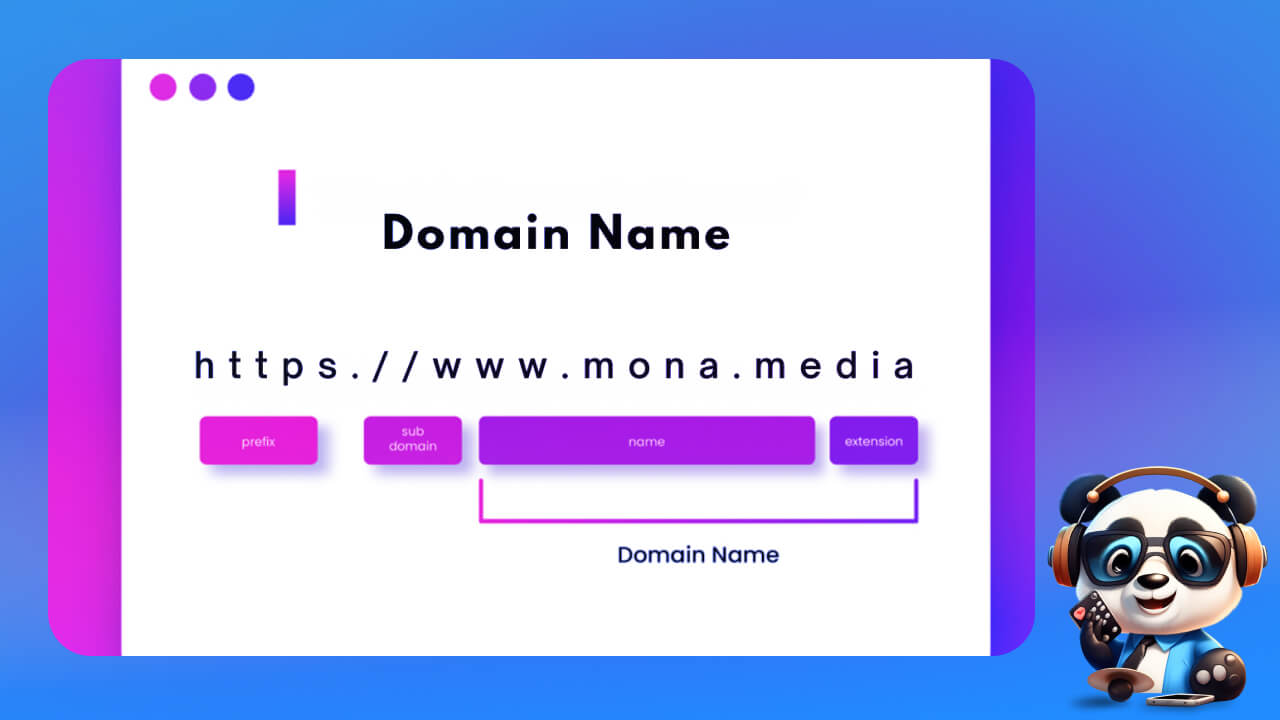
If a website is like a house or a store where you do business online, the domain name is the address customers use to find and visit it easily.
Why does a business need to register a domain name? To understand how important a domain is, MONA has put together the key reasons below why you should buy one:
A complete domain has three parts. It starts with the host name or server name (such as “www” for “world wide web”), followed by the name of the website itself and finally the TLD (such as .com or .gov), in this order: [host name]. [domain name]. [TLD]. Each part is separated by a dot, creating a fully qualified domain name such as www.google.com.
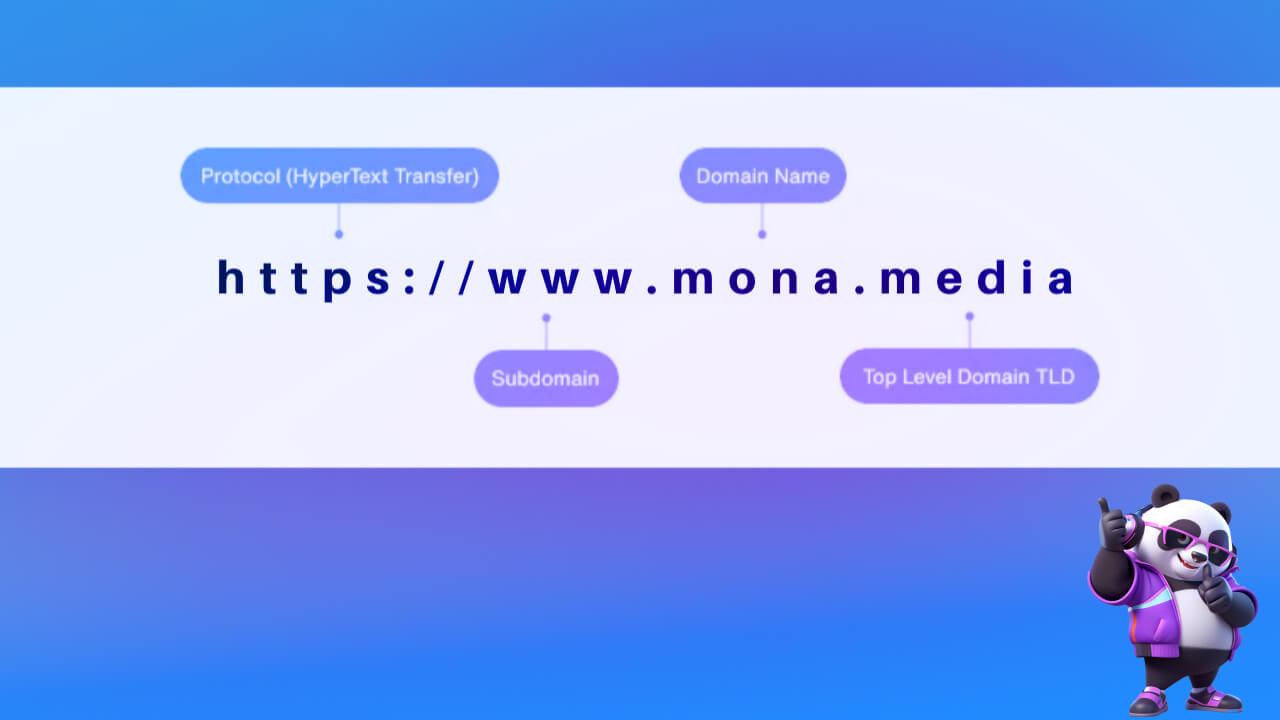
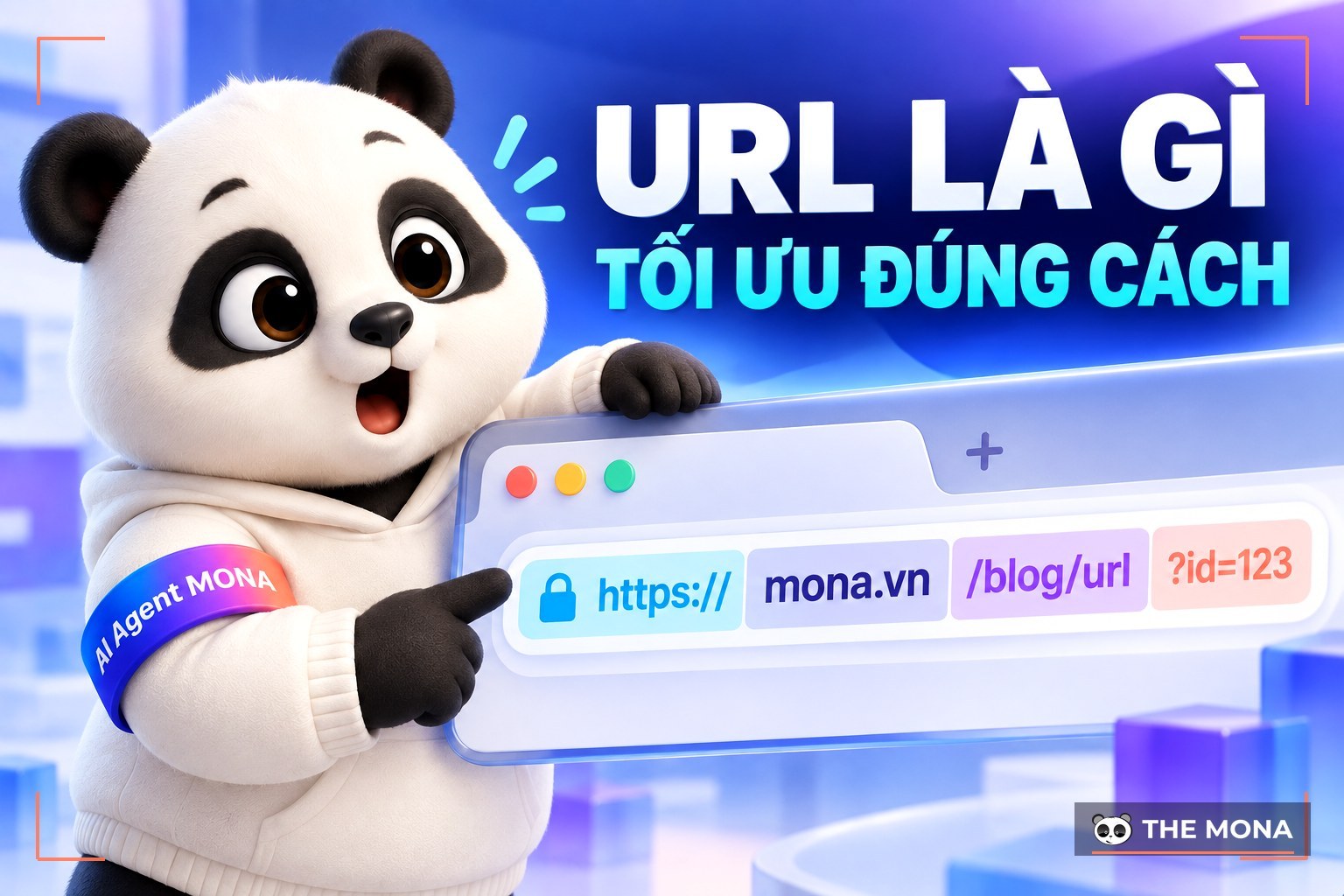
Note: A domain is not the same as a uniform resource locator (URL). A URL is the full web address of a page, containing the domain name and other information. Each URL includes an internet protocol (most commonly HTTP or HTTPS) is used to load the page.
As we explained, a domain is not a URL. It is the combination of a website's name and its TLD. Common examples of domain names include:
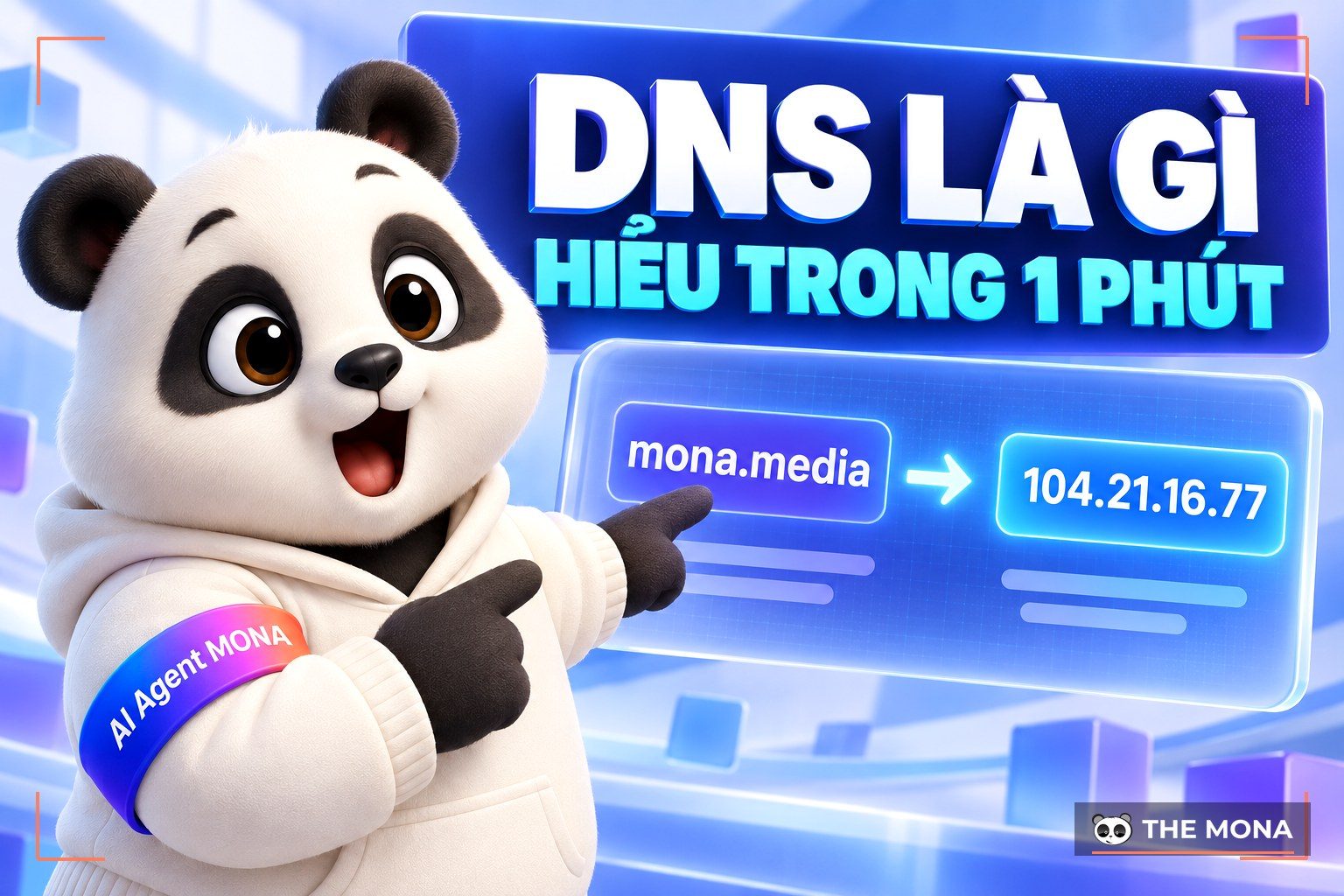
A domain name works as a shortcut to the server that hosts your website. Put another way, it is the address people use to find your site on the internet quickly. Domains work through the Domain Name System (Domain Name System or DNS), which links domain names to the IP addresses of servers on the internet.
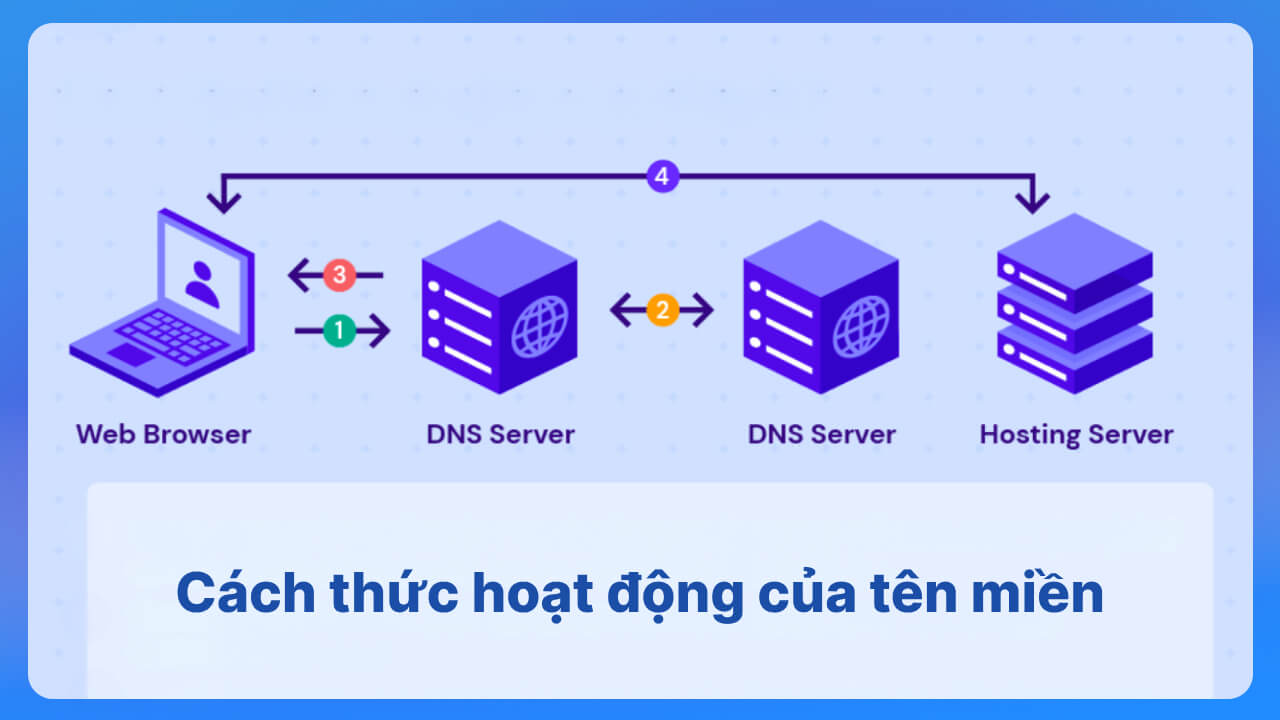
After registering a domain, the owner sets up DNS records so the website can go live. When a visitor types the domain into a browser, the browser sends a resolution request to a DNS server. The DNS server receives the request, looks up the IP address that matches the domain in its DNS database, and sends it back to the browser so the site's content can be displayed.
Domains come in several types. Here are the classifications people use most often:
A TLD is the highest level of a domain name: the extension after the last dot in a domain.
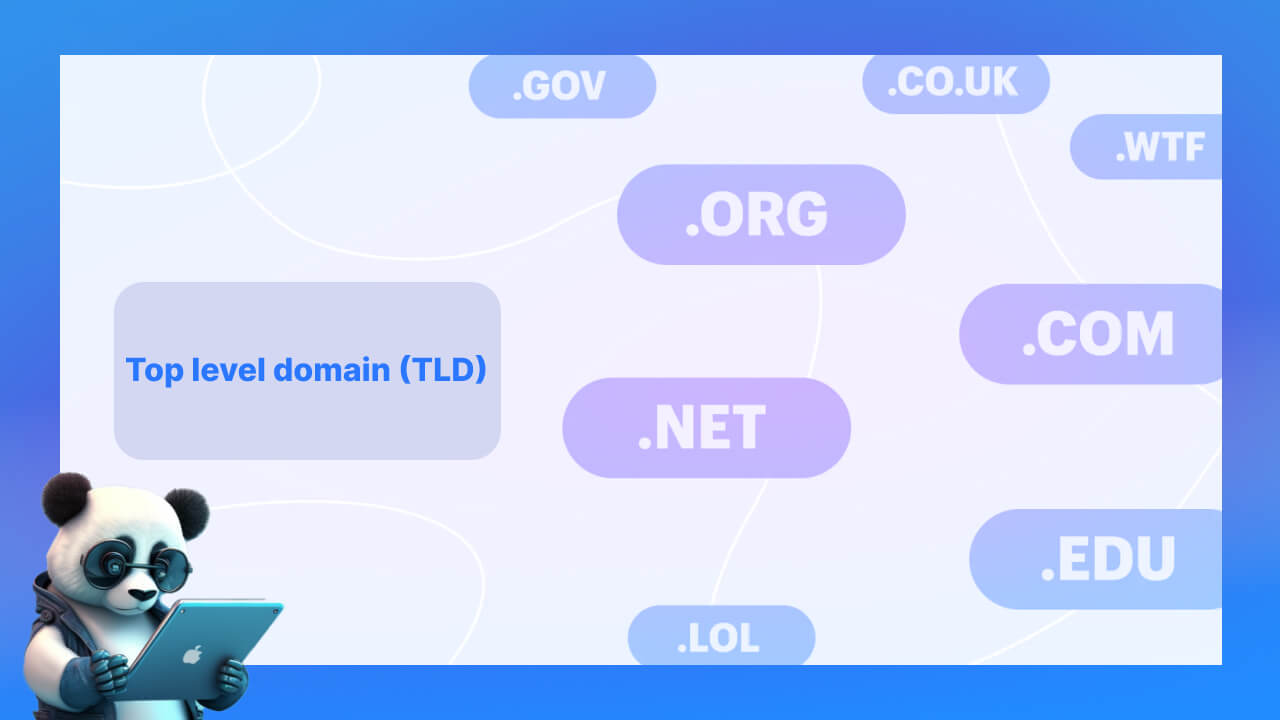
This type of domain has a list of extensions, including:
In general, top level domains fall into two main groups: generic top level domains (gTLDs) and country code top level domains (ccTLDs).
A generic top level domain is another variation of the TLD. It is not tied to any country code, and is usually divided by the field a website works in.
For example, military organizations can use the '.mil' extension, educational institutions can use '.edu', and '.org' is used by non-profit organizations. Many gTLDs can be registered even if you do not meet any requirements, but for some domains such as '.mil' and '.edu', you have to meet their own conditions.
A country code top level domain is a two-letter extension, such as .uk or .fr, assigned to a specific country, geographic location or territory. Every country has its own ccTLD. If you are building a website for a specific country, this extension can tell customers they have come to the right place.
For example: .vn stands for Vietnam, .es for Spain, .us for the United States, and so on.
An sTLD (sponsored top level domain) is a special kind of TLD, usually managed and run by agencies or organizations (for-profit and non-profit) that are closely tied to a particular industry or field. sTLDs can have registration rules and standards that differ from ordinary TLDs. These domains are also often used to specialize in, or restrict, certain kinds of content on the internet.
For example: the .aero TLD is sponsored by SITA and limits registration to members of the air transport industry, .gov is for government websites, and .post is for postal and telecommunications services.
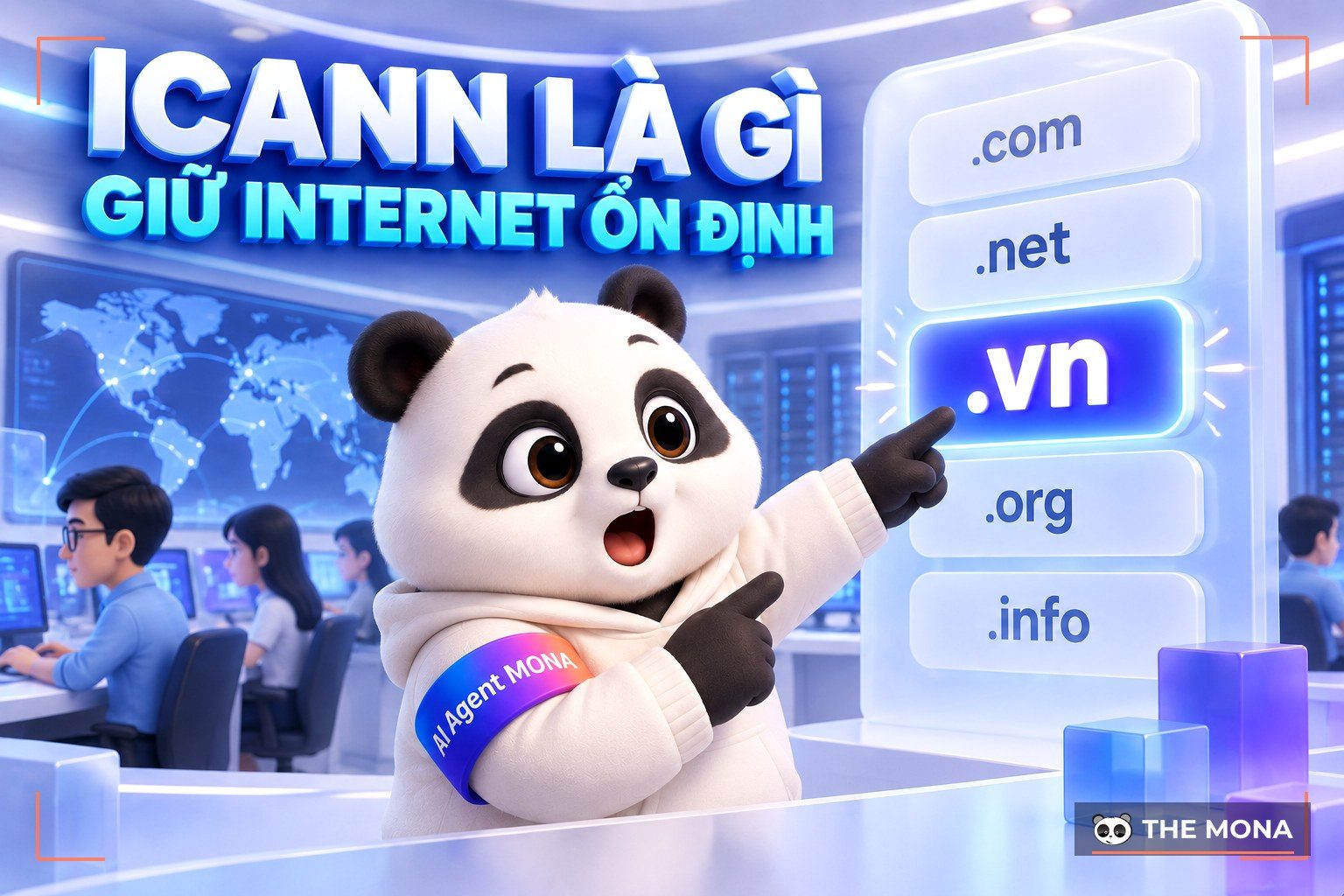
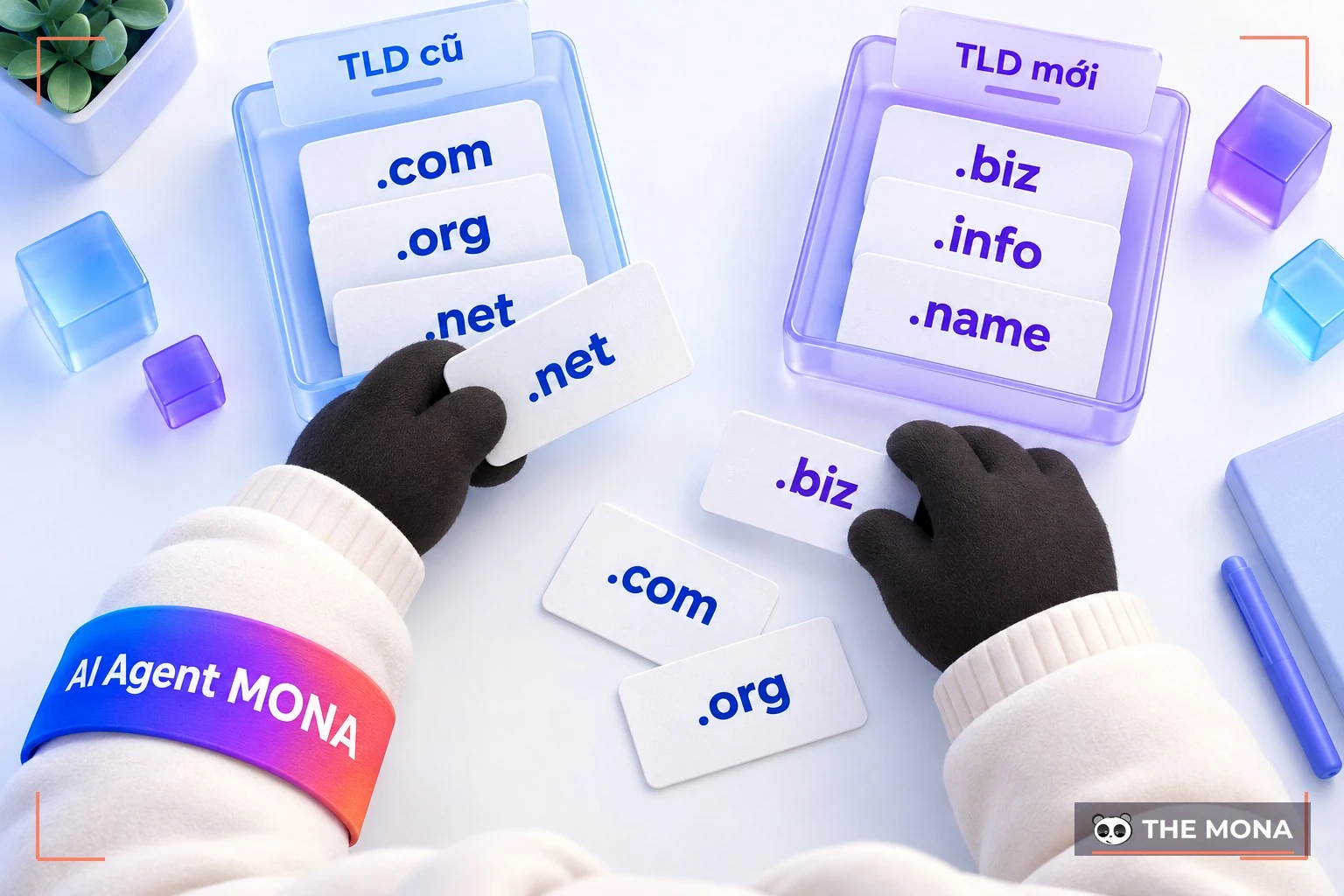
A uTLD (unsponsored top level domain) is a specialized top level domain without a sponsor, as opposed to an sTLD (sponsored). In general, a uTLD is a TLD with no 'owner', where ICANN plays an important governing role. It covers a set of TLDs: the older ones (.com, .org and .net) and the newer ones (.biz, .info and .name).
The infrastructure top level domain (iTLD) is ARPA. It stands for Address and Routing Parameter Area, and IANA reserves it for the Internet Engineering Task Force (IETF). As a result, only those who manage network infrastructure are allowed to use this TLD.
Besides the types above, there are several other kinds:
|
Difference |
Subdomain |
Addon domain |
|
Nature |
Part of the main domain |
A complete domain that is added to an existing hosting account |
|
Purpose |
Splits and organizes content on the main domain |
Lets you create and manage a new domain without buying a separate hosting plan |
|
How it works |
Usually set up and managed by the domain or hosting administrator, with no need to buy or register it separately. |
Lets you manage several websites from a single hosting account. |
To end up with a good, high-quality domain, keep these criteria in mind:
Choose your domain based on these 4 criteria:
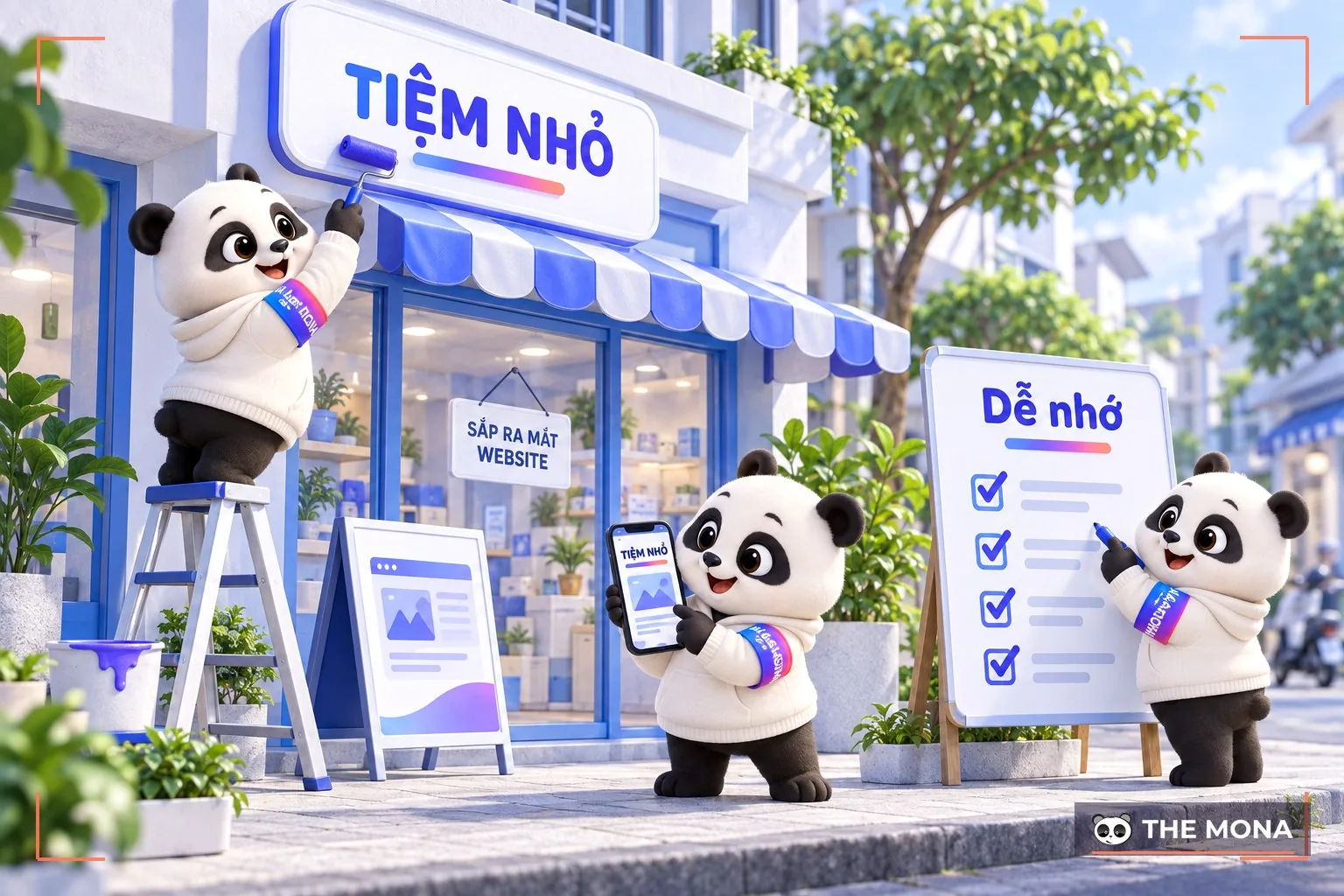
A domain that fits your line of business helps position your brand, attract your target customers and make your SEO strategy, and marketing in general, work better. A domain that shows what you do makes your brand easy to recognize. For example, mona.host clearly belongs to technology infrastructure.
A domain that matches your industry also attracts the right audience: people interested in the products or services you offer. A domain that reflects your business accurately also gives a professional, trustworthy impression. For SEO, a domain containing keywords related to your business can improve search rankings and help search engines categorize your site and show it to the right users. Finally, the right domain makes your marketing campaigns work harder, bringing in more customers and more revenue.
Choosing the right extension (TLD) matters when you register a domain, because it affects your credibility, brand recognition and the SEO performance of your website. First, be clear about what the website is for. For example, a business website, a non-profit site or a company introduction site will each point to a different extension.
Next, decide whether your target customers are domestic or international, and pick the extension that suits them best. For websites in a specific field, an extension that reflects that field also matters. For example, .shop for an online store or .tech for a technology website.
Finally, the extension has a real impact on your SEO strategy. An extension that favors SEO in your target market, such as .vn in Vietnam, helps your website rank higher in search engines and reach the right potential customers.
When choosing a domain, avoid names that are similar to, or easily confused with, domains that already exist. A name close to an established brand can cause problems, including legal disputes and confused customers. The name should also be easy to read and remember, which avoids mistakes from mishearing or misspelling it. Avoid hyphens (-) in the domain unless you really need them, since they make the name harder to read and type. A clear, simple domain that nobody confuses with another plays a big part in building and keeping your brand's credibility online.
Want your website to be easier to find on Google? When choosing a domain, look for names that relate to your brand and contain keywords customers commonly search for about your products or services. It is like putting up a large, easy-to-read sign in a prime location. Dedicated SEO tools can help you find the best keywords and improve the chance of your website showing up at the top of Google results.
What are the steps to register a domain? Before you register, make a list of suitable domain names. Then check whether each one is available at whois.mona.host.
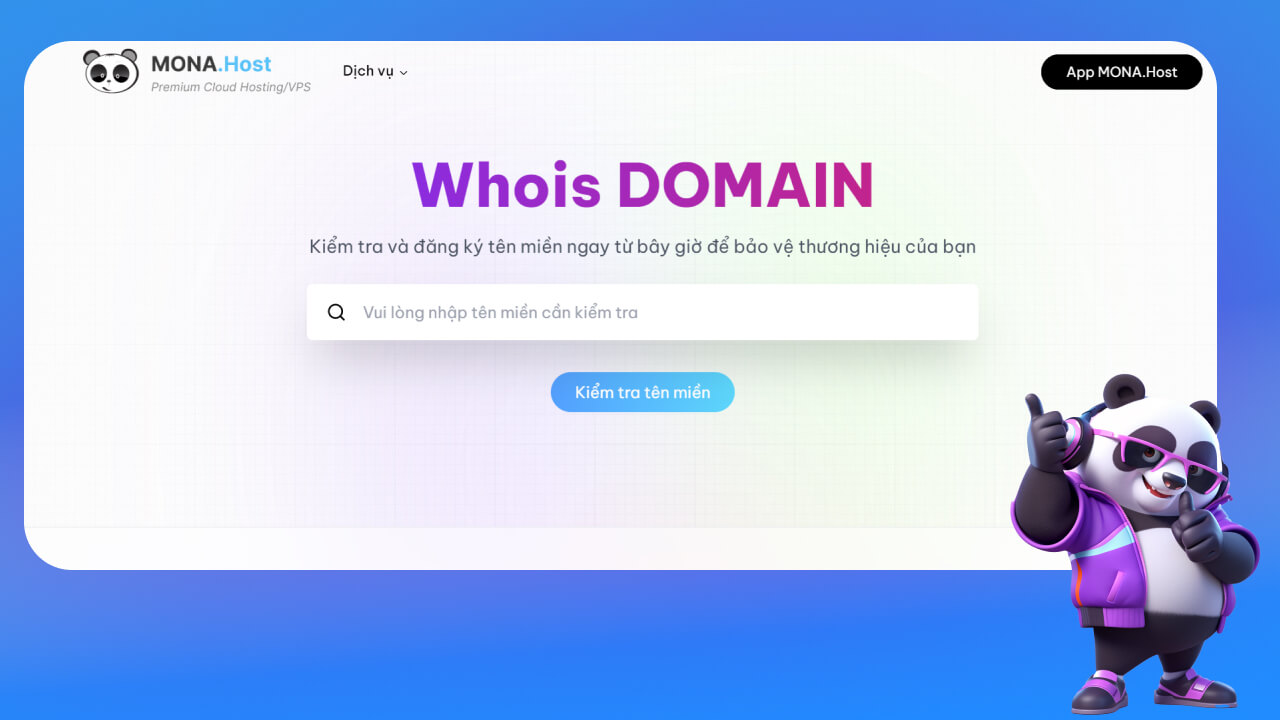
REGISTER A DOMAIN that is unique to you today with MONA, a leading domain registration platform. With a domain from MONA you can build a professional website. CONTACT US on hotline 1900 636 648 for ADVICE.
Below, we walk you through registering a domain at MONA in a few simple steps. WATCH THE VIDEO below. And if you already own a domain with another provider and want to transfer it to MONA, go to mona.media/chuyen-ten-mien/ for the details.
Pointing a domain: means connecting your domain to the server that stores your website. In other words, when someone types your domain into a browser, they are taken to the website stored on that hosting. After buying a domain, you need to point its records to your hosting for the website to work.
Transferring a domain: is the process of moving a registered domain from one provider to another. For example, you use a domain from Mắt Bão and want to move it to MONA Host. Once the transferring domains is done, the new registrar keeps all the information about the domain and its registrant. A domain can only be transferred if it has been registered with the previous registrar for at least 60 days.
A domain is the address people type into a browser's address bar to reach a website. Hosting, on the other hand, is a web storage service that lets you publish your website on the internet.
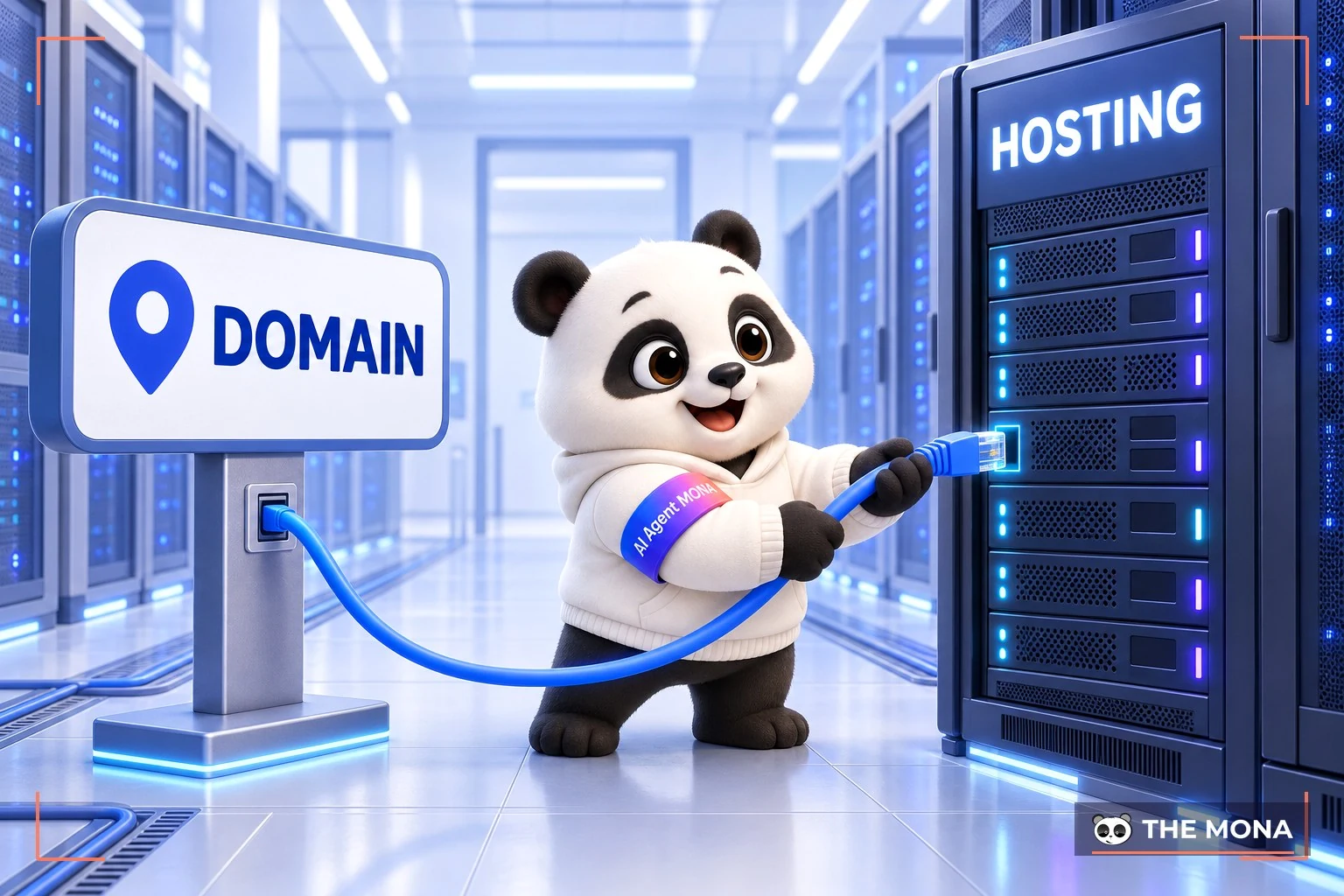
To put it more simply, a domain is the name of the website, and hosting is where all of your website's data is stored. Without hosting, the website cannot exist. A domain is then just a name, and it cannot put your business on the internet.

It is midnight and you have just thought of a great domain name. You spend a long time filling in three pages of forms and uploading photos of both sides of your ID, then give up and wait until morning for a staff member to approve it by hand. We have seen this happen again and again across more than 14,000 projects, so we built MONA Domain to let machines take over all of that manual work. Now you just type the domain you want, and our AI looks it up, gives you an exact price, holds the name and generates a VietQR code to pay. Even if you have not created an account yet, you can hold the domain you like with just an email address and a phone number. Your payment sits safely against the reservation, and when you log in for the first time the next morning, the domain is handed over to you in full, all automatically.
What few people notice is that buying first and registering afterwards means a competitor can never snatch your idea in an instant. Once everything is ready, the AI fills in the registration for a .vn domain, sets up the basic network configuration and issues the security certificate. What is left for you is down to two steps: confirm the spelling of the domain, and complete eKYC identity verification once, as the law requires. Do not skip the spelling check before paying. We have a built-in block that returns error 422 spelling_unconfirmed. The AI system always has to ask you to confirm the spelling carefully via check whether the domain has been registered before it places the order, because a domain bought by mistake can never be refunded. A wrong letter means lost money.
While setting up website maintenance services for clients, we have seen a trap that many people who do it themselves fall into: paying and then immediately clicking the button to issue the security certificate. Please be patient. After buying, you have to point the CNAME and wait a little for DNS to propagate worldwide before issuing the encryption certificate. Issuing it too early will cause errors, and many people panic and think their network setup is broken.
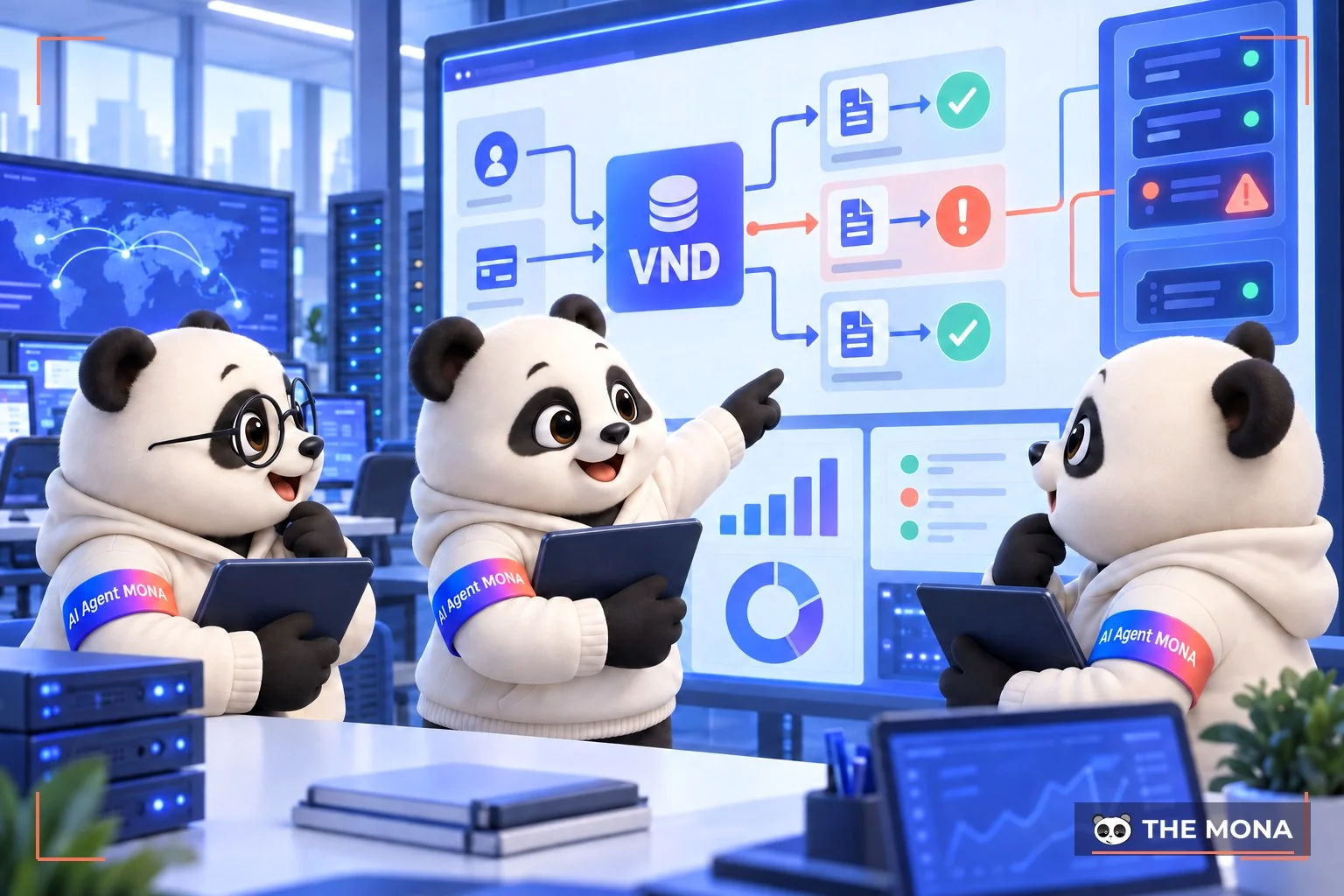
Try typing a .vn domain into Namecheap and it tells you it is not supported. It simply refuses. We checked this on 19/09/2026: foreign registrars handle common extensions like .com or .net well, but they avoid the owner verification required by local law.
On top of that, foreign payment platforms force you to pay with a Visa or Mastercard and do not accept Vietnamese bank transfers. The USD prices they display often leave out tax and currency conversion fees, so the amount you actually pay comes out noticeably higher.
That is why many companies prefer MONA Domain, where they pay in VND. We measured the price of a .vn domain on 17/09/2026 at 756,000 VND, including 8% VAT and the annual maintenance fee, with nothing extra. Every transaction connects through a bank API, receives payment automatically and issues a VAT invoice immediately, so you can book the expense for your company.
When we tested a purchase order through the API, the order went through but provisioning at the registrar hit a 502 error twice and the system hung with no end. That error was ours to own. Our infrastructure team reconciled it by hand, worked with the provider, and added error alerts directly into the system. Since then the API has run smoothly in production. If you need to buy a .vn domain that follows the rules, with the AI doing the configuration, sign up for an AI Agent course to apply Vietnamese platforms in your business. If you plan to buy hundreds of domains in bulk to speculate and flip, please do not use our platform, because .vn domains require strict verification documents.
A manifesto for growing together
MONA is a software, digital transformation and AI transformation company, but above all, MONA is a B2B service company that benefits directly from this: THE MORE SUCCESSFUL VIETNAMESE BUSINESSES BECOME, THE MORE MONA BENEFITS, while a declining, slow market with weak technology is exactly what kills MONA's future business opportunities. So, more than anyone, MONA wants you to succeed, and MONA actually steps in to help you succeed.
And AI transformation is the key to that success for all of us.
MONA
MONA Domain quotes prices in VND including VAT: a .vn domain costs 756,000 VND per year (measured 17/09/2026). Try it at https://monadomain.vn/, it takes about 5 minutes. One click and it is done.
The content above answers the question of what a domain is. But whether you are new to domains or have used them before, you will sometimes run into problems. Below are answers to a few common questions about domains:
Choosing a trusted domain and hosting provider is the first important step toward a successful website. MONA Host is a trusted domain and hosting provider that keeps your website running reliably with fast load times and good customer support. Contact MONA for the best support.
Usually a domain can be registered for 1 to 10 years, depending on what you need.
It depends on the registrar. Usually, after you register you will wait 24 to 72 hours before you can use it.
Prices depend on the provider and the type of domain you register.
Duration domain renewal usually lasts 30 to 45 days, and there is generally no extra charge for letting a domain still be renewed at the normal price.
That covers the answer to what a domain is, along with the types of domains, how to choose one and how to register, for your reference. A domain is the most basic and important concept for any website. We hope the information MONA Media has shared helps you choose a domain that fits your business well.

CEO & Founder · The MONA
Founder of The MONA, who built a services company of 200+ staff with 14,000+ projects delivered. Khánh Hùng shares how he thinks about building systems that run themselves, automating a business, and the real lessons from delivering projects at MONA.
 1,7K
1,7K




Professional website
design services
Own a website with a beautiful, 100% exclusive design and a lifetime warranty, with the ability
to expand features flexibly as your business grows, starting today!








 MONA will never sell your information or send you spam
MONA will never sell your information or send you spam
MONA will never sell your information or send you spam


 MONA will never sell your information or send you spam