
 MONA OS 2.0


 Tự động hoá doanh nghiệp
 Cẩm nang SEO
 Digital Marketing
 Kinh nghiệm thiết kế website
 Hạ Tầng Server
 Giáo dục


 VI
VI
 EN
EN














Message us on
Zalo Official


 ProductsNew

 ProductsProducts
 Mới ra mắtKHA AI 2027App tự edit video, tự đăng mọi mạng xã hội, 2 phút mỗi ngày










 Website designLooks good and wins customers over.
SEO servicesBrings in customers searching for exactly what you sell.
Website designLooks good and wins customers over.
SEO servicesBrings in customers searching for exactly what you sell.
 Tư vấn digital marketingKéo khách từ nhiều kênh, đo bằng số thật.
Corporate video productionVideos introducing your company, factory and team.
Tư vấn digital marketingKéo khách từ nhiều kênh, đo bằng số thật.
Corporate video productionVideos introducing your company, factory and team.
 NewAI video productionCompany story films made with AI.
 Custom software developmentCRM, ERP and HRM built for your business.
 Viết AI Agent theo yêu cầuĐặt riêng một trợ lý AI cho đúng việc của mình.
 Tư vấn chuyển đổi AIĐưa AI vào vận hành của cả công ty.
NewMONA LMSManagement for centers and schools.
MONA SkillHubInternal training for company staff.
Tư vấn chuyển đổi AIĐưa AI vào vận hành của cả công ty.
NewMONA LMSManagement for centers and schools.
MONA SkillHubInternal training for company staff.
 NHTQ systemEnd-to-end China–Vietnam shipping operations.
MONA JMSManagement for gold, diamond and pawn shops.
NHTQ systemEnd-to-end China–Vietnam shipping operations.
MONA JMSManagement for gold, diamond and pawn shops.
 MONA E-LearningA website with every feature you need to sell courses.
 How to sell online courses (course)More than 30 free lessons on selling courses on autopilot.
 MONA Cloudmonacloud.vnServers to get your apps and websites running.
 MONA Basemonabase.vnPostgres database, sign-in and file storage.
 MONA Mailmonamail.vnSend OTP, order and invoice emails from your software.
 MONA Paymonapay.vnAccept bank transfers via VietQR and notify your software when the money arrives.
 MONA eInvoiceComing soonIssue e-invoices that meet tax standards.
Gấu CườiTrả lời khách 24/7 trên web, Fanpage, Zalo và thu lead cho sale.
MONA eInvoiceComing soonIssue e-invoices that meet tax standards.
Gấu CườiTrả lời khách 24/7 trên web, Fanpage, Zalo và thu lead cho sale.
 Gấu TeleSalesGọi điện tư vấn, chăm khách như tổng đài viên thật.
Dê CườiTư vấn và chốt đơn cho shop ngay trong khung chat.
Gấu WebmasterNhắn nhóm Zalo là website được sửa xong.
Gấu TeleSalesGọi điện tư vấn, chăm khách như tổng đài viên thật.
Dê CườiTư vấn và chốt đơn cho shop ngay trong khung chat.
Gấu WebmasterNhắn nhóm Zalo là website được sửa xong.
 Gấu Pháp ChếSoạn hợp đồng, rà điều khoản trong vài phút.
 Gấu Báo GiáLên báo giá đúng mẫu và gửi khách ngay.
 AI chăm sóc khách hàngTheo dõi và giữ chân khách hàng cũ.
 Gấu Tuyển DụngLọc hồ sơ, hẹn lịch, phỏng vấn ứng viên.
 Mới ra mắt
KHA AI 2027
Xây kênh chuyên gia 2 phút mỗi ngày
Quay bằng điện thoại, AI tự edit video, tự đăng lên 16 nền tảng và tự trả lời bình luận, tin nhắn.
352.433lượt xem trên kênh CEO MONA sau 20 ngày
Mới ra mắt
KHA AI 2027
Xây kênh chuyên gia 2 phút mỗi ngày
Quay bằng điện thoại, AI tự edit video, tự đăng lên 16 nền tảng và tự trả lời bình luận, tin nhắn.
352.433lượt xem trên kênh CEO MONA sau 20 ngày
 Anh Khánh HùngCEO MONA đang dùng mỗi ngày
Xem app làm được gì
Anh Khánh HùngCEO MONA đang dùng mỗi ngày
Xem app làm được gì
 AI
Gấu Cười MONA ĐANG TỰ XÀITrả lời khách 24/7 trên website, Zalo OA, Messenger và thu lead về cho sale.
Dê CườiChốt đơn bán lẻ và sàn: Shopee, TikTok Shop, web. Chăm cả khách sỉ, đại lý.
Gấu WebmasterCập nhật nội dung, tối ưu SEO website mỗi ngày.
Gấu TeleSalesGọi điện tư vấn, chăm khách như tổng đài viên thật.
Gấu Tuyển DụngLọc hồ sơ, hẹn lịch, phỏng vấn ứng viên tự động.
AI chăm sóc khách hàngGiữ khách cũ, cứu lead đã rớt cho phòng kinh doanh.
Gấu Pháp ChếSoạn hợp đồng, rà điều khoản trong vài phút.
Gấu Báo GiáLên báo giá đúng mẫu, gửi khách ngay khi có yêu cầu.
AI
Gấu Cười MONA ĐANG TỰ XÀITrả lời khách 24/7 trên website, Zalo OA, Messenger và thu lead về cho sale.
Dê CườiChốt đơn bán lẻ và sàn: Shopee, TikTok Shop, web. Chăm cả khách sỉ, đại lý.
Gấu WebmasterCập nhật nội dung, tối ưu SEO website mỗi ngày.
Gấu TeleSalesGọi điện tư vấn, chăm khách như tổng đài viên thật.
Gấu Tuyển DụngLọc hồ sơ, hẹn lịch, phỏng vấn ứng viên tự động.
AI chăm sóc khách hàngGiữ khách cũ, cứu lead đã rớt cho phòng kinh doanh.
Gấu Pháp ChếSoạn hợp đồng, rà điều khoản trong vài phút.
Gấu Báo GiáLên báo giá đúng mẫu, gửi khách ngay khi có yêu cầu.
 Chuyển đổi AI toàn phầnGiải pháp tổng cho doanh nghiệp, 3 lớp triển khai.
 Viết AI Agent theo yêu cầuĐặt riêng một con AI gánh đúng nghiệp vụ của bạn.
 Custom softwareCRM, ERP and HRM with built-in AI automation.
 SEO & AEO thời đại AIĐược Google lẫn AI trích dẫn, không chỉ xếp hạng.
 Kiến thức AI cho doanh nghiệpBài phân tích, hướng dẫn ứng dụng AI vào vận hành.
 Free AI courses
 AI tools at work
App mới · KHA AI 2027
Xây kênh 2 phút mỗi ngày
AI tự edit video, tự đăng mọi mạng xã hội
Free consultation, 8am–10pm every day
AI tools at work
App mới · KHA AI 2027
Xây kênh 2 phút mỗi ngày
AI tự edit video, tự đăng mọi mạng xã hội
Free consultation, 8am–10pm every day

18 March, 2023
Today, data in the digital world is the lifeblood of every business. Customer information, transaction data and trade secrets all sit on your website, your most important point of contact with users. But if your website has a weak spot, hackers can break in, take control, insert bad ads or expose important data. The damage goes beyond reputation and hits revenue directly.
In this article, MONA Media will walk through the most common signs of a hacked website and how to handle them, so you can spot problems early and keep your site safe from every kind of threat. Let's get into it.
💡 A quick read of this section to see what you will get from the article:
In the digital age, a website is not just the face of a business but also where a lot of important data is stored. That is why spotting the signs of a website WordPress hacked website early is essential to protecting your reputation, your data and your business.
Stop the intrusion from going deeper: Spotting the signs of an attack early lets you patch the vulnerability in time and isolate infected files before the attacker digs further into your system.
Get the website back quickly: Finding the cause early shortens recovery time, avoids disrupting your business and keeps the user experience smooth.
Avoid Google penalties or blacklisting: A hacked website is often used to spread malware and spam. The result is lost rankings, less traffic, and even disappearing from search results.
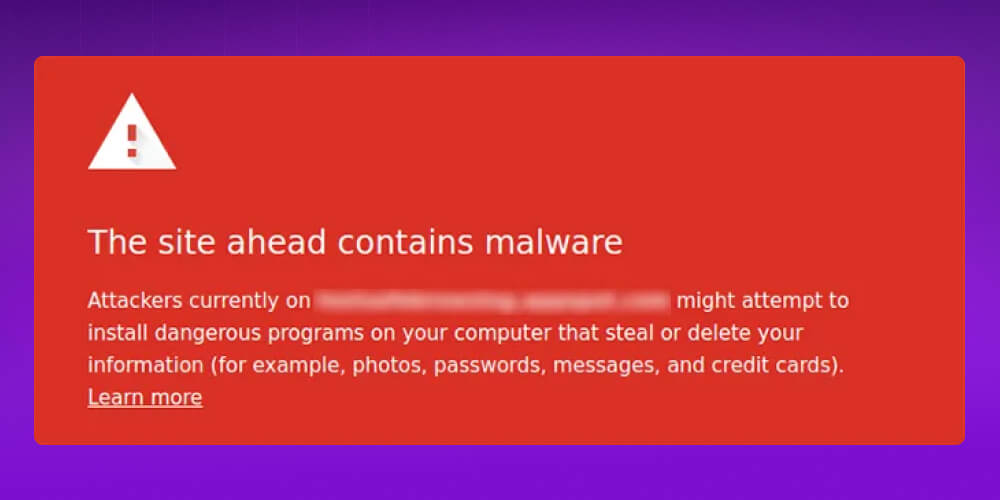
Spotting unusual signs early is the first step to keeping your website safe, stable and growing steadily.
The earlier you recognize a hack, the more thoroughly you can deal with it. Don't wait until the hacker is deeply rooted in your system, controlling the server, inserting linksand changing the site structure, because by then it is very hard to clean out completely.
An unexpected change to the look of your homepage or inner pages is one of the clearest and most noticeable signs that a hacker has attacked your site. Once in control, they can edit content freely, insert ads, add malicious links or even wipe all the data on the site.

A few specific things to watch for:
Behind these changes, the hacker's goal is usually to use your website to spread ads, run scams or steal user information.
A sudden traffic drop is one of the common signs that a site has been hacked or infected with malware.
There are several possible causes. The hacker may have inserted malicious code that redirects users to another site they control. Or Google or a security tool may have found malicious content on your site and shown a warning, making users hesitant to visit.
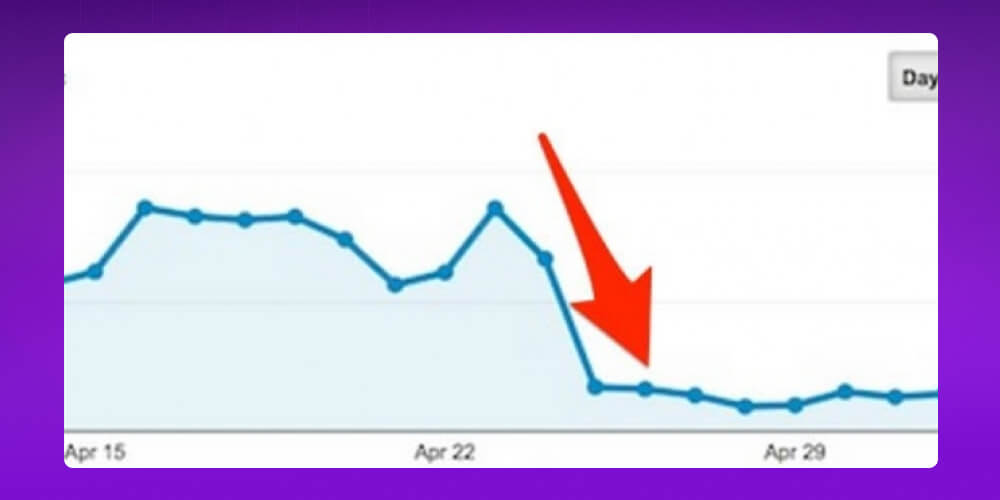
The site may also lose its index or drop sharply in search results because of spam links or spam content. Some attacks also slow down page loading, which hurts the user experience and so reduces organic traffic.
A traffic drop is not always caused by a hack, but if it comes with other unusual signs such as a changed appearance, strange ads, redirects or security warnings, the site has very likely been breached.
If you visit your website and get redirected to a strange or unwanted page, that is a clear sign the site has been hacked or infected with malware.
The hacker may have inserted malicious code or changed the system configuration to send users to pages they control. Those pages can contain malicious content, fraudulent ads or scams meant to steal personal information, accounts or money.
Besides the security risk, redirects damage the site's credibility, lose visitors and seriously hurt SEO rankings.
Files appearing on your website that you didn't upload or create are a clear warning that the site may have been hacked or infected with malware.
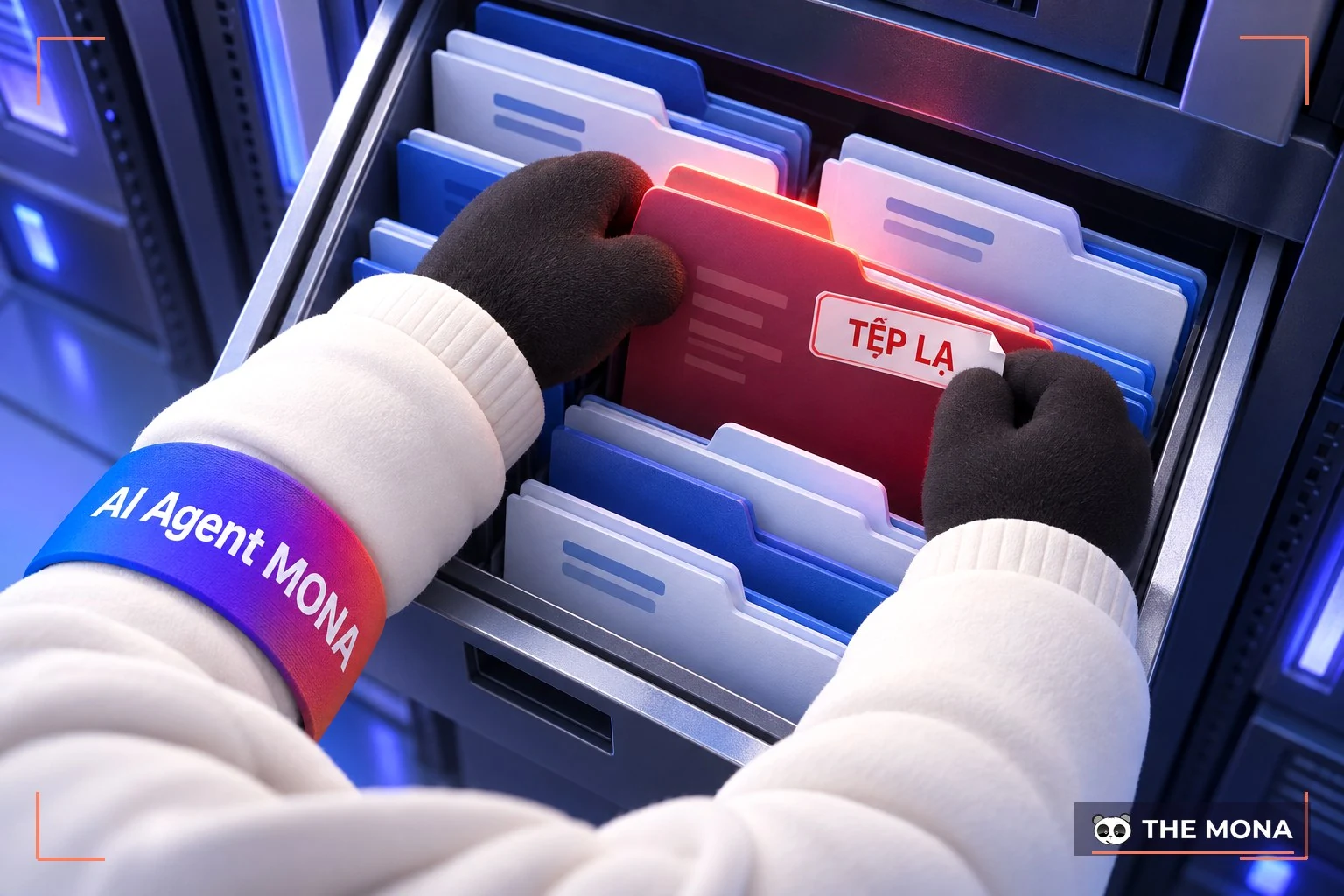
These files often end in .exe, .php or .js, or sit in hidden folders, and hackers use them for dangerous purposes such as:
Hackers create these files to exploit security holes, get deeper into the system and operate quietly without being noticed.
To check, you can connect to your website with FTP software such as FileZilla. The folder most often abused is /wp-content/ (on WordPress sites). Malicious files are often named exactly like system files to fool you, so check the folder structure and file contents carefully.
Being unable to log in to WordPress can be a clear sign that the site has been hacked, especially when your admin account has been deleted or disabled by the hacker. Since the account no longer exists, you can't use the "Forgot password" function to get back in.
You can recreate an admin account with tools such as phpMyAdmin or FTP, but that is only a temporary fix. The website is still not safe until you find and fix the vulnerability the hacker used to get in.
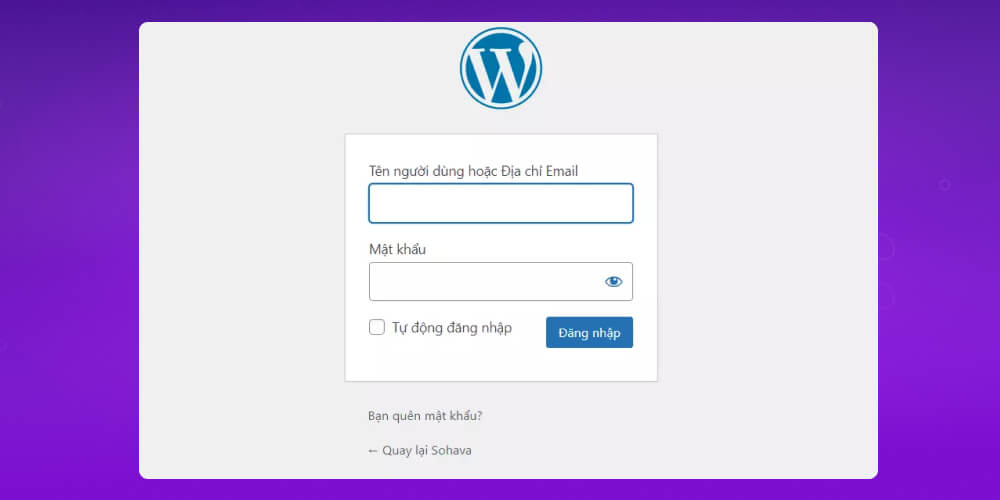
So besides restoring access, you need to go through the whole system to remove malware, update software and strengthen security so the site can't be attacked again.
A slow-responding website is one of the common signs of a hacked WordPress site that you shouldn't ignore. It usually happens when a hacker has inserted malicious code, added unknown files or launched a denial-of-service attack (DDoS) by sending a huge number of fake requests, overloading the server so it can't keep up.
Some specific causes include:
The result is frustrated users, a higher bounce rate and serious damage to the user experience and your overall SEO. In severe cases the site can go down completely. So if your site suddenly becomes unusually slow, check right away to rule out an intrusion and deal with it in time.
Unusual pop-up or pop-under ads are a common sign that a hacker has broken into the site. Attackers often insert spam ads to profit from your traffic, earning money illegally without the site owner knowing.
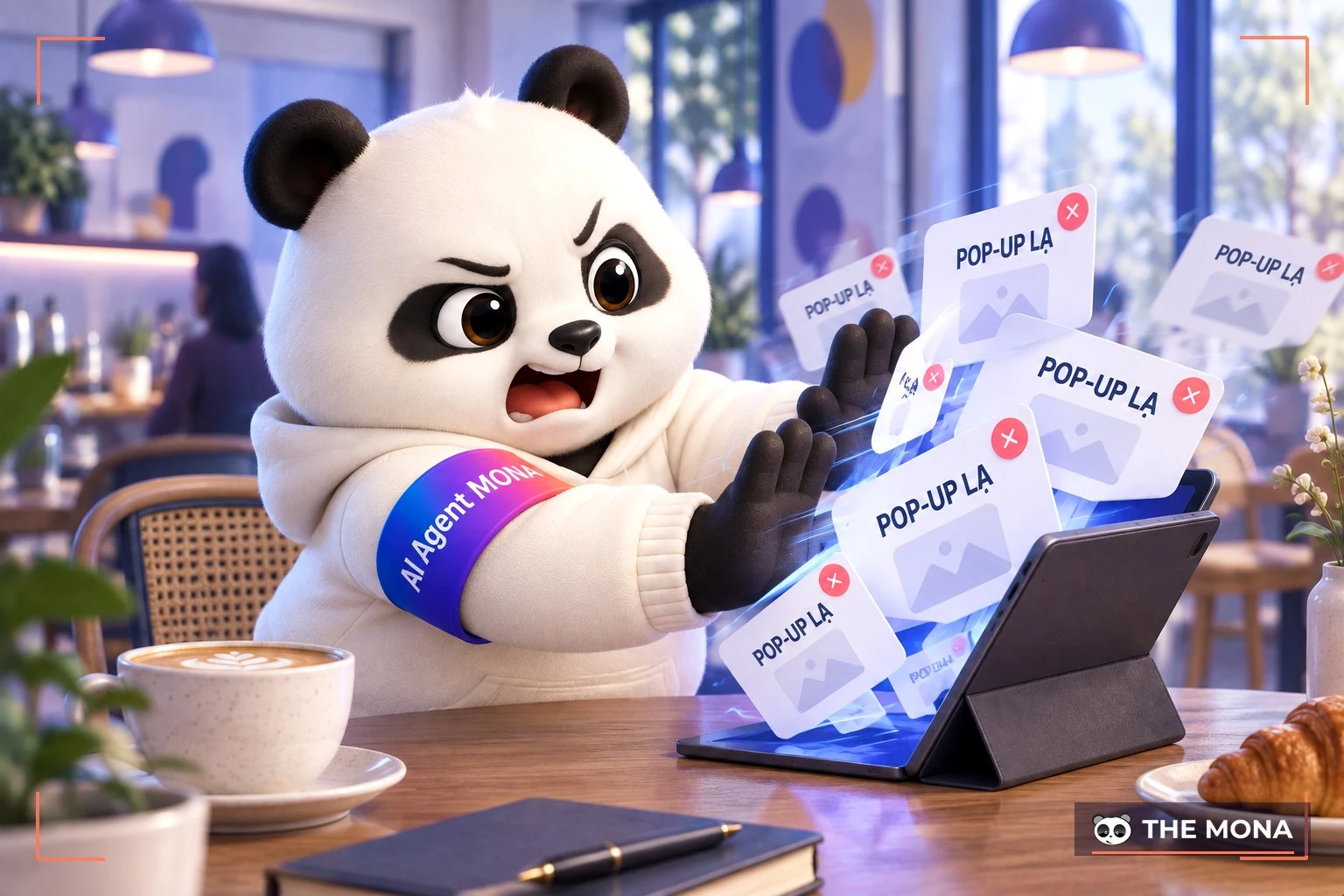
This usually has a few recognizable traits:
This is not just a technical problem. It seriously damages the user experience and lowers the site's trustworthiness and reputation.
Search results that change unexpectedly are a typical sign that your site may have been hacked. Hackers use security holes to insert malicious code or create backdoors, then quietly alter what shows in search engines, such as the title or meta description, without the admin knowing.
The search results may show unrelated content, spam keywords or scam descriptions that look nothing like what is really on your site. The hacker's aims are to:
What is worrying is that everything looks normal in your admin area (WordPress, for example), and you only find the altered content when you check on Google or another search engine.
Strange or suspicious user accounts on a WordPress site are a clear warning that the site has been attacked. Attackers often create new accounts, especially with admin rights, so they can access and control the site without your permission.
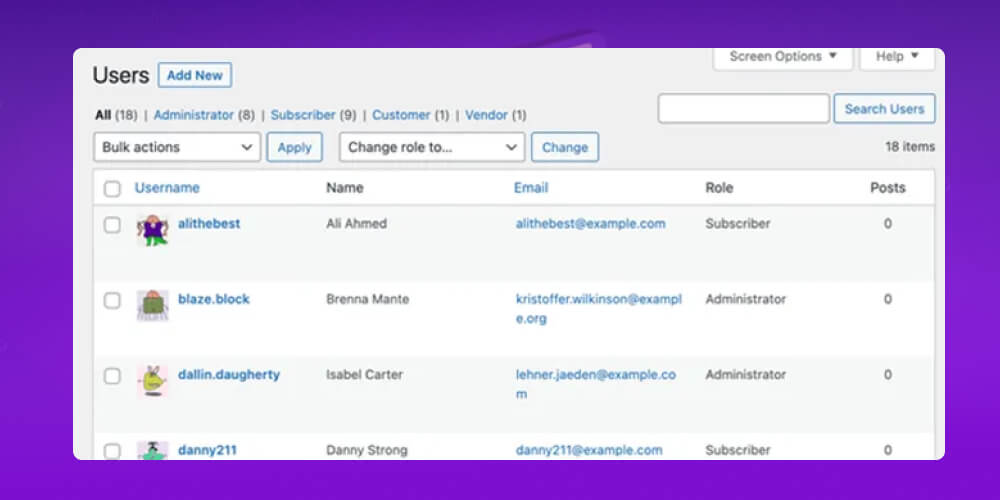
These accounts may have random names, names that look like system accounts, or be hidden in ways that are hard to notice. In many cases you can't even delete them from the admin area, because the hacker has set up protection or taken deep control of the system.
Suspicious scheduled tasks (cron jobs) are a warning sign that the site has been attacked. On a server, cron jobs run tasks automatically, such as publishing posts, sending email or cleaning up data. That is perfectly normal if you or your system set them up.
But hackers can exploit security holes to add or change cron jobs that run malicious code, send spam, mine cryptocurrency or keep long-term access to the system.
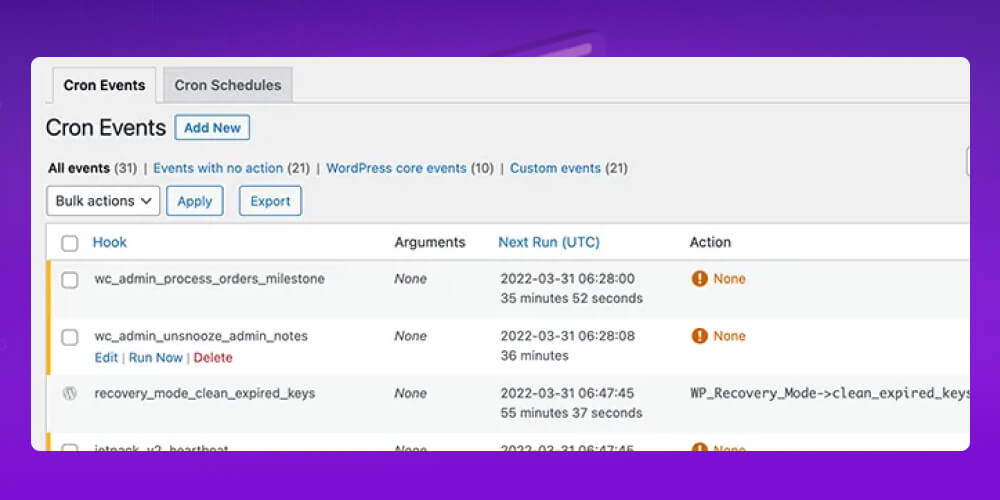
The problem is that these malicious cron jobs run quietly, don't show in the website interface and are very hard to find unless you check the server directly.
Changes to WordPress core files are an important sign that your site may have been breached. Instead of leaving the system alone, attackers often edit the WordPress core files directly, insert malicious code or create fake files with the same names as the originals to fool users and take control of the website.
This can lead to serious consequences such as:
The simplest way to catch this early is to install a WordPress security plugin, which automatically monitors system files and alerts you to unusual changes. You should also regularly check important folders such as /wp-includes/ and /wp-admin/ by hand for strange files or suspicious scripts.
Unusual activity in the server logs is a clear sign that your site may have been breached.
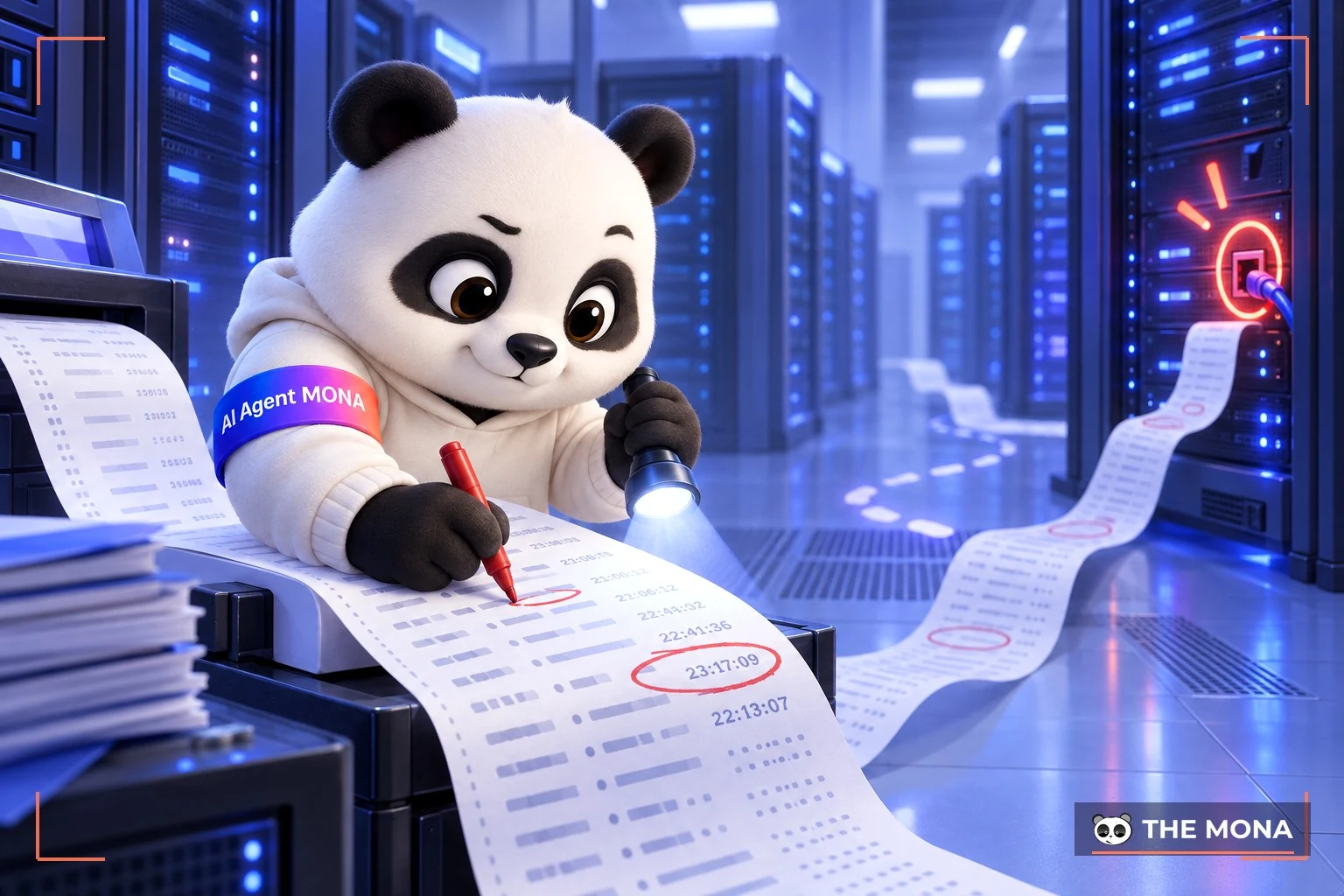
These signs include:
If these go undetected and unhandled, they can let a hacker take control of the whole system, steal user data, insert malware or seriously damage the reputation and operations of your website and business. That is why checking the server logs regularly is essential for catching and preventing security risks early.
Strange or unusual links on your website are a clear warning that the site may have been breached. These links are often cleverly hidden in posts, the footer, the sidebar or the source code, without the site owner knowing.
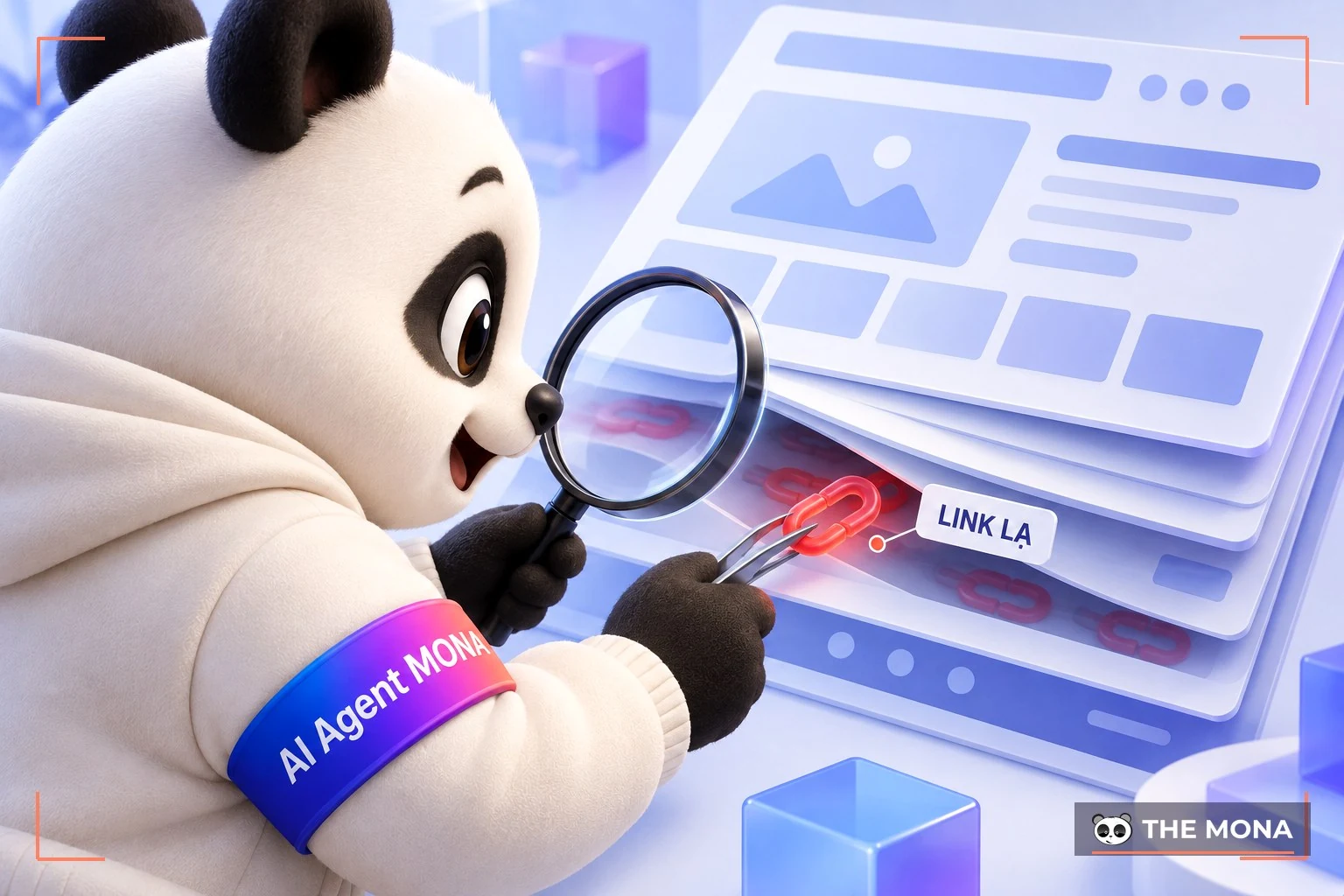
The hacker's goals are to:
When Google finds spam or malicious links, your site risks being flagged as unsafe, losing rankings or even being removed from search results.
Not being able to send or receive email from your WordPress site can be a clear sign of a hack. When a site is attacked, its server or email service is often abused to send large volumes of spam without you knowing.

The consequences are:
If your website is hacked, your business faces not only data loss and reputation damage but also a direct hit to the user experience and SEO strategy. Google may remove your site from search results, wiping out almost all your earlier SEO work. Worse, if you don't catch it early and only find out when Google Search Console warns you or customers complain, the consequences are heavier.
If you are looking for a trusted partner to run SEO services, the MONA team is ready to work with you. We handle the full SEO process, from technical audits and on-page and off-page optimization to applying AI SEO services to improve your rankings in Google AI Overview. MONA also runs regular audits to keep your website stable, secure and giving users the best experience.
Contact MONA now for a consultation and to get a SEO services quote detailed quote. We will help you put a complete SEO solution in place, raise your brand awareness and reach more potential customers online.
The most important thing when you find your website has been attacked is to deal with it. You need to act quickly and follow a clear process to remove the problems one by one. Here are 9 ways to handle a hacked website:
First, quickly assess the situation and work out how far the attack reached. Right after that, cut the website off from connected systems so the hacker can't go deeper or spread to other services.
Take the site offline by putting it into maintenance mode or hiding it from users. This limits the damage and protects visitors' information. At the same time, show an appropriate error message such as a 503 error or 404 so users understand the site is having a problem.
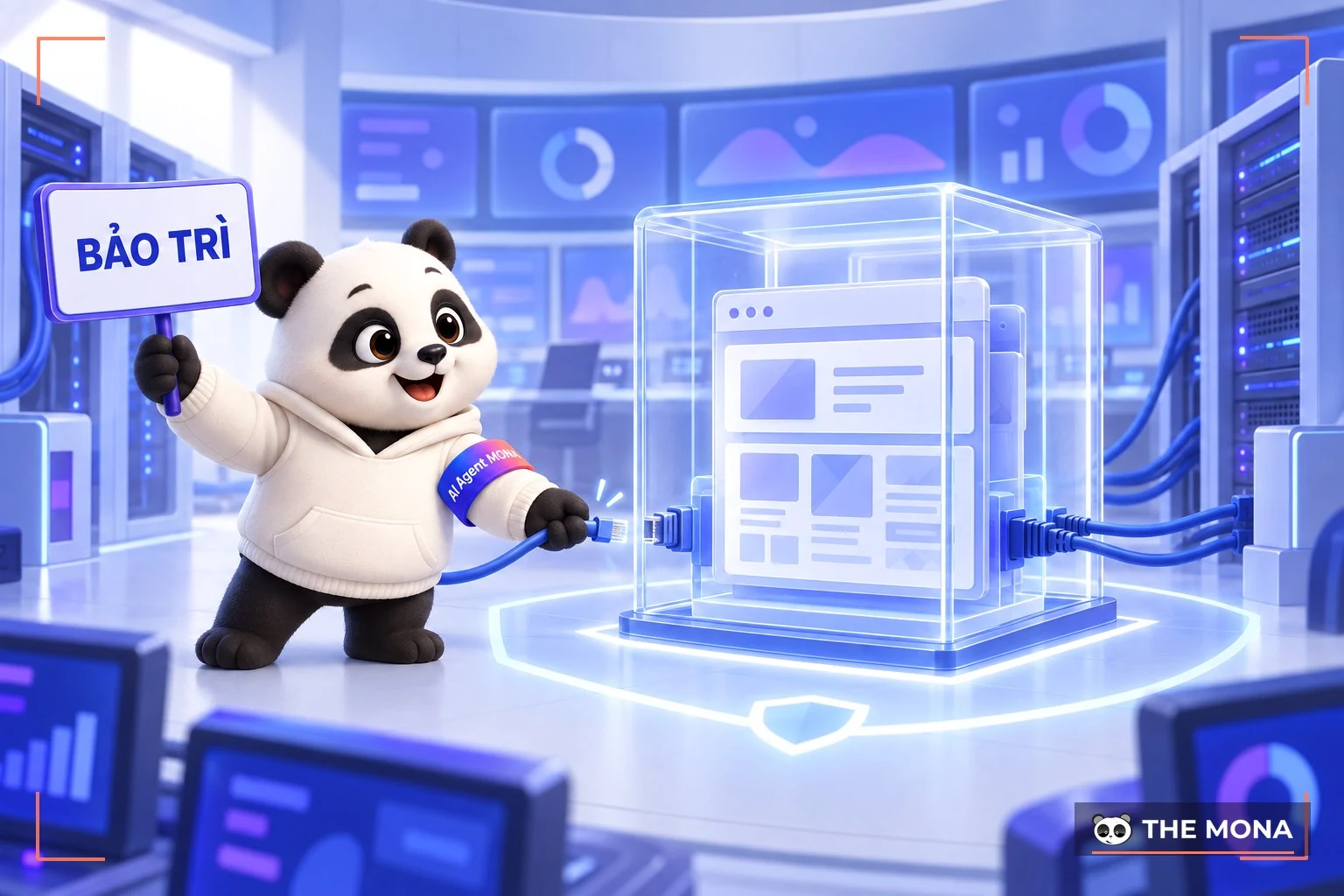
If personal data (such as emails or passwords) may have leaked, be open with your users: explain the situation clearly and tell them how to protect themselves, for example by changing their password immediately and turning on two-factor authentication (2FA) if possible.
Restore the website from the most recent backup made before the attack, so the system returns to a safe and stable state. This gets the site running again quickly and also removes any malware or dangerous files the hacker may have inserted.
After restoring the site, the next important step is to strengthen security across the board. Change all related passwords right away, including admin, database, FTP, email and hosting accounts. Use strong, complex passwords that are different for each account, so one breach can't spread.
At the same time, turn on two-factor authentication (2FA) for admin accounts and important users. It adds a layer of protection that greatly reduces the risk of a break-in even if a password leaks.
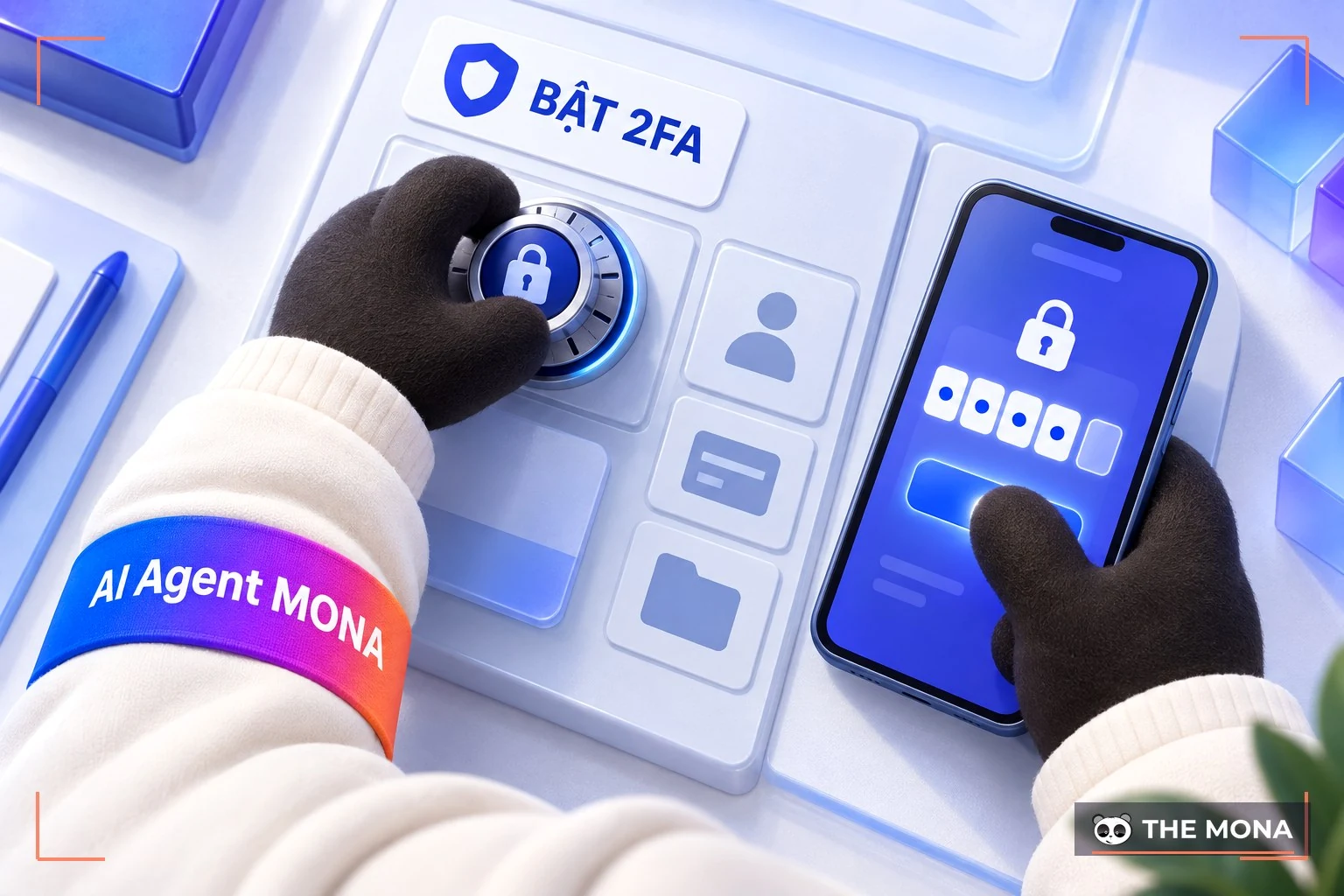
Also check and reset permissions on important files and folders such as public_html, wp-admin and wp-config.php. Only the components that need access should have it, so hackers can't use them to insert malicious code or change the system.
If Google detects suspicious or dangerous activity on your website, it may temporarily block the site from search results to protect users. That means organic traffic will drop sharply.
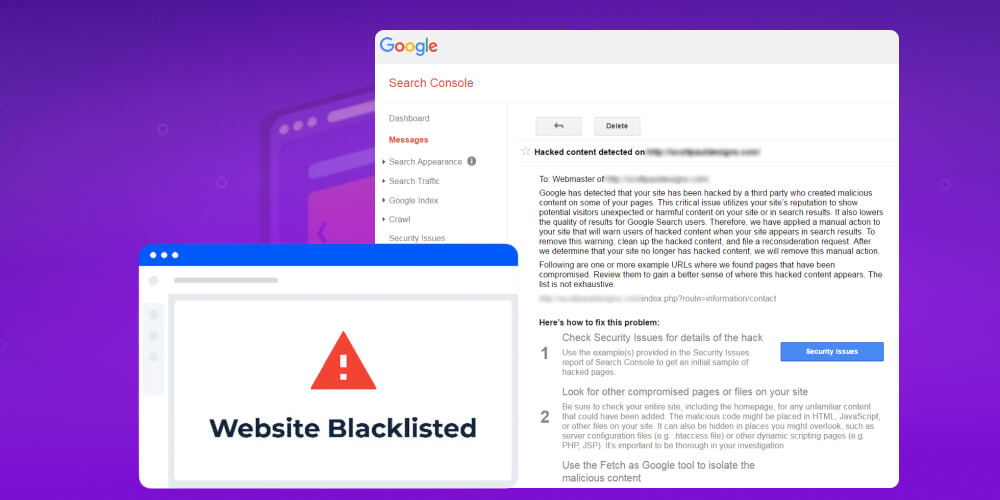
To check whether your website has a warning or is on a blacklist, log in to Google Search Console, go to the Security & Manual Actionssection, then choose Security Issues. There Google will tell you clearly if your site has been found to contain malware, malicious links or a past hack.
Go through the files that changed during the period you suspect the attack happened and compare them with the original version, then restore or delete them as needed. Focus especially on the website's whole file system, above all the /wp-content/ folder and its subfolders, where hackers often hide malware and plugins or themes of unknown origin.

This step is extremely important because if you miss a malicious file, the hacker can use the vulnerability to come back and attack again. A thorough cleanup makes the site safer and prevents another break-in.
Tools such as Sucuri SiteCheck, VirusTotal, Jetpack or BulletProof Security can scan for and detect malware effectively. Once you've identified the infected files, folders or parts of the database, remove them from the system immediately.

Don't forget to check the database carefully for backdoors, hidden pieces of code that let hackers return to your site at any time. If you skip this step, the risk of being attacked again stays high even after you clean the rest of the system. A careful, thorough review is the key to making the site truly safe.
To fix the problem for good, you need to know exactly how the hacker got in, for example through a backdoor, brute force or unusual logins from an unknown IP. Finding the entry point shows you the security hole that exists and lets you patch it in time, which is an important step in preventing future attacks.
Check the log files carefully and investigate any malicious shell files to see which module, plugin or other part of the system the hacker used to get in. If you can't handle it yourself, ask a reputable developer to review the source code and find the weak point that made the site easy to attack.
You can also use specialized tools such as Acunetix and Burp Suite to scan for and detect security vulnerabilities. Combining a technical review with a stronger security setup will make your website safer and sturdier against online threats.
To handle it thoroughly, you should find out where the malicious code the hacker loaded onto your site came from. This is an important step in removing the risk completely and raising your security level. However, investigating the source of an attack usually takes deep expertise and specialized tools, so you should ask a cybersecurity agency for help.

If your website operates legally and is registered with the Ministry of Industry and Trade, you can send a request for investigation support. The authorities will help trace the attack, analyze the entry point and recommend suitable security measures, making your site safer and more trustworthy going forward.
Once you've checked everything carefully and dealt with all the security problems, you can bring the website back to normal operation. Stay alert and watch activity on the site closely, though, because the risk of being attacked again is still high, especially for sites that have been breached before. Security is not a one-time job. It has to be maintained continuously to keep the site safe over the long term.
To strengthen security, update CMS, themes and plugins to the latest versions, since updates often patch known vulnerabilities. Also remove plugins and themes you don't use, because they can become weak points if nobody maintains them.
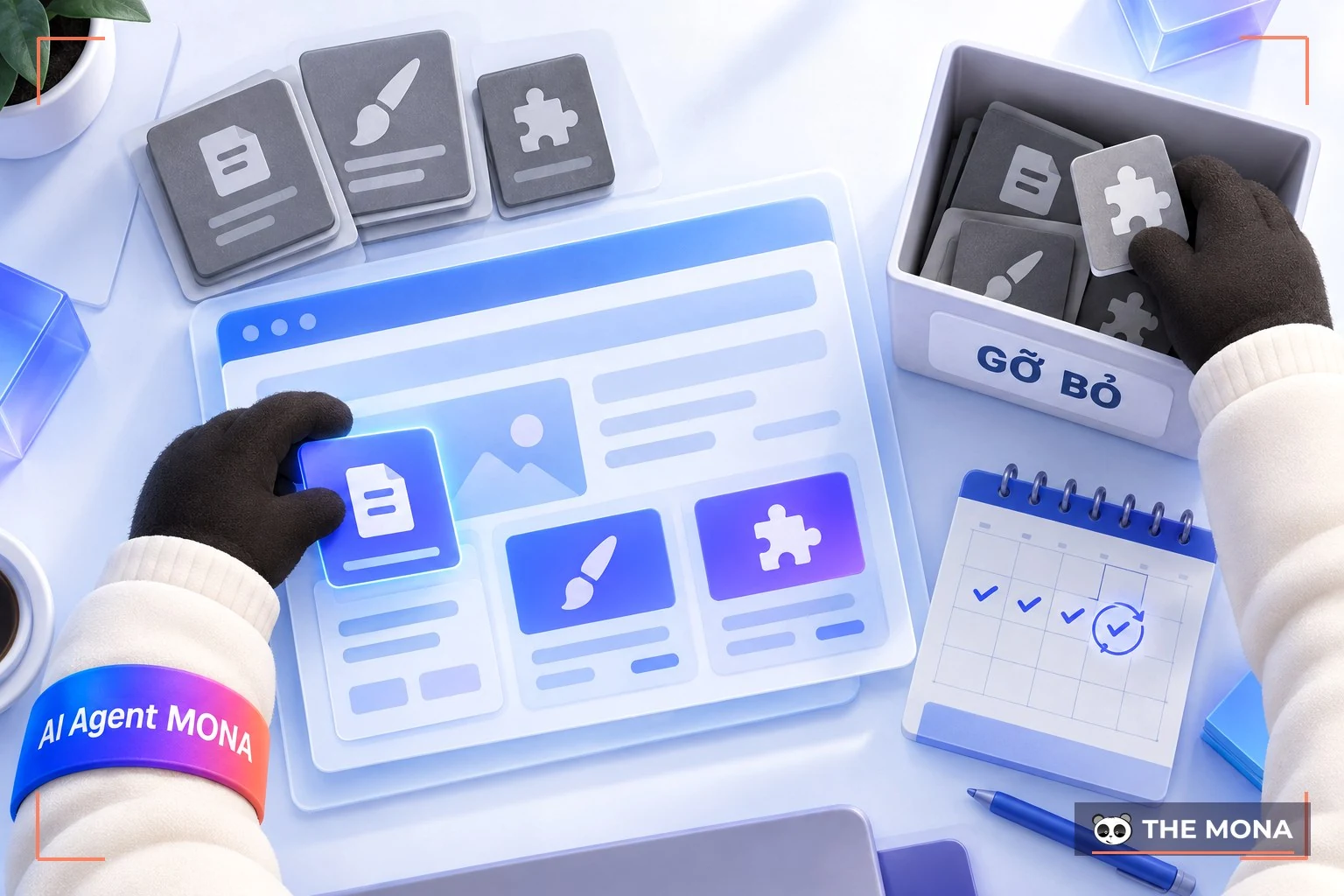
Regular security checks are also essential for catching and fixing hidden risks in time, so your site stays safe and avoids unwanted attacks.
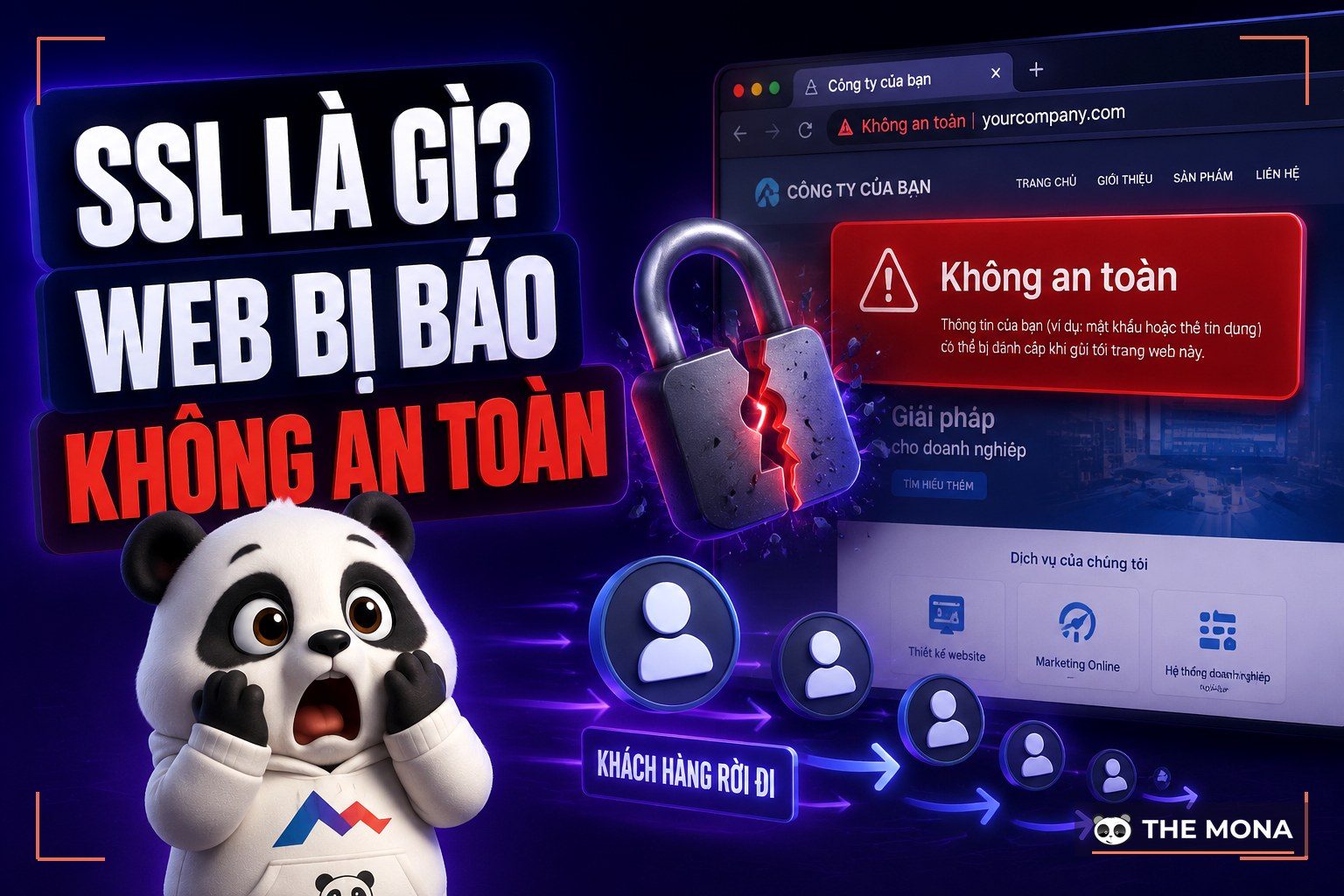
After you've cleaned up and fully fixed the signs of the hack, layered security is an important step in protecting the website for the long term. One of the most effective measures is to sign up for a professional SSL service , which protects your whole website.
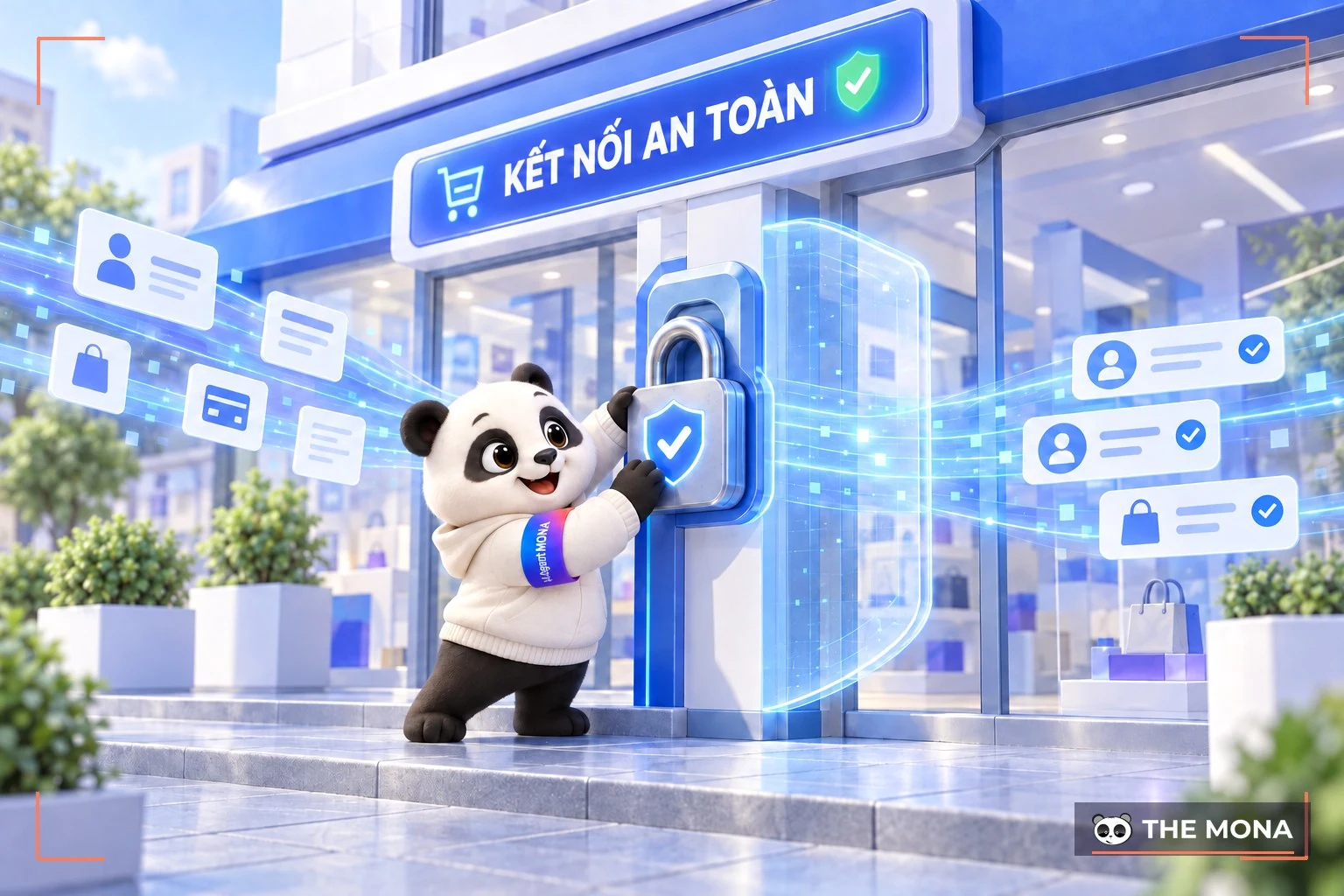
With SSL, your website will:
Also limit access to the system. Give admin rights only to people who really need them, and assign permissions by role. This reduces the risk from leaked or misused accounts.
This is also a lesson to stay vigilant for your website every hour of every day, so you can prevent a hacked website and keep it running at its best. We hope this information from MONA Media on the signs of a hacked website, and on how to get a site back to normal after an incident, has been useful to you.
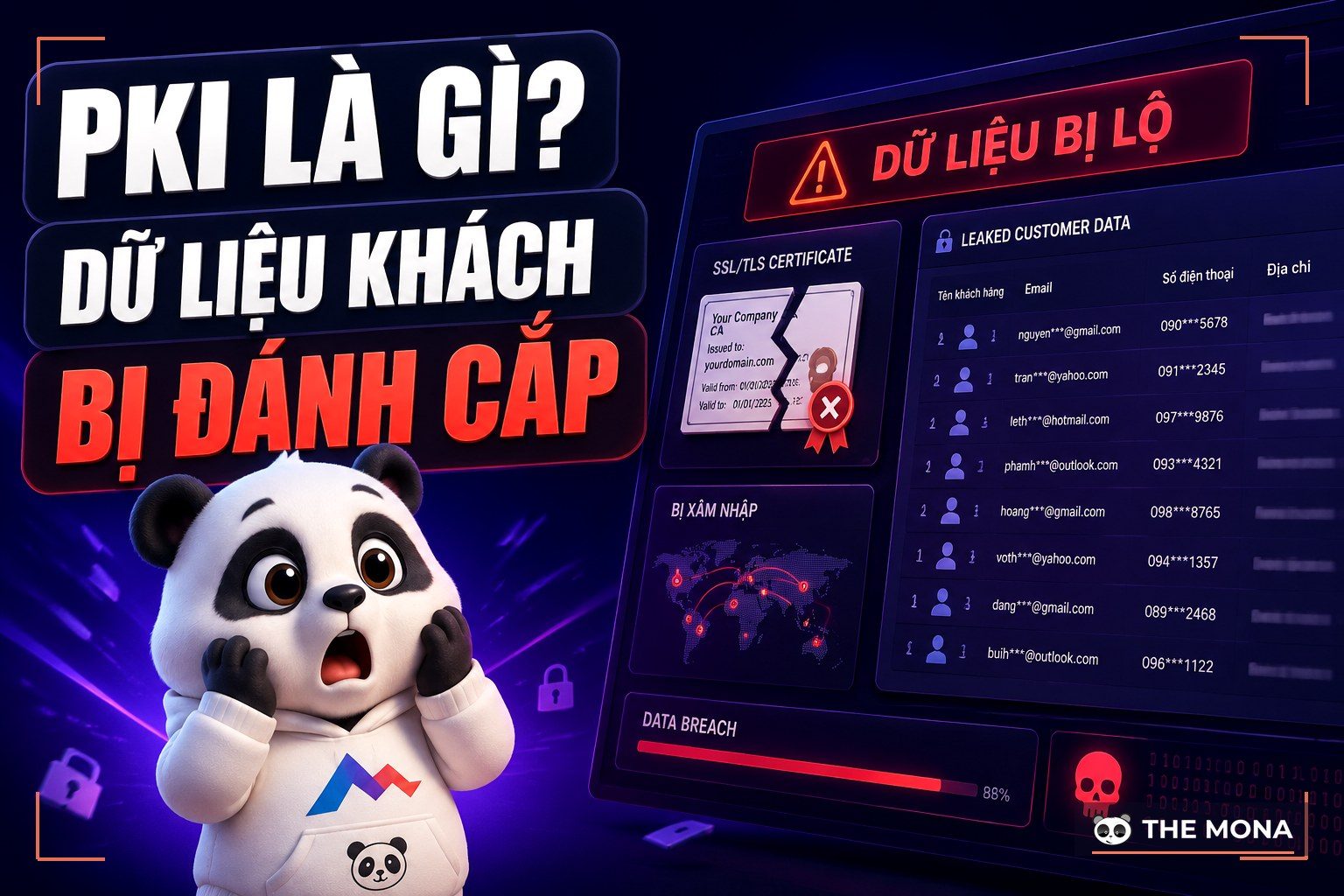
If you want to understand the groundwork behind this in more depth, the article What is PKI and how to protect customer data explains it in detail and describes how we do it for our clients.
If you want to understand the groundwork behind this in more depth, the article What is SSL and why an insecure website costs you money explains it in detail and describes how we do it for our clients.

CEO & Founder · The MONA
Founder of The MONA, who built a services company of 200+ staff with 14,000+ projects delivered. Khánh Hùng shares how he thinks about building systems that run themselves, automating a business, and the real lessons from delivering projects at MONA.
 1,6K
1,6K




Professional website
design services
Own a website with a beautiful, 100% exclusive design and a lifetime warranty, with the ability
to expand features flexibly as your business grows, starting today!








 MONA will never sell your information or send you spam
MONA will never sell your information or send you spam
MONA will never sell your information or send you spam


 MONA will never sell your information or send you spam