
 MONA OS 2.0
 Partner with MONA


 Tự động hoá doanh nghiệp
 Cẩm nang SEO
 Digital Marketing
 Kinh nghiệm thiết kế website
 Hạ Tầng Server
 Giáo dục


 VI
 EN














Message us on
Zalo Official


 ProductsNew

 ProductsProducts
 Mới ra mắtKHA AI 2027App tự edit video, tự đăng mọi mạng xã hội, 2 phút mỗi ngày










 Website designLooks good and wins customers over.
SEO servicesBrings in customers searching for exactly what you sell.
 Tư vấn digital marketingKéo khách từ nhiều kênh, đo bằng số thật.
Corporate video productionVideos introducing your company, factory and team.
 NewAI video productionCompany story films made with AI.
 Custom software developmentCRM, ERP and HRM built for your business.
 Viết AI Agent theo yêu cầuĐặt riêng một trợ lý AI cho đúng việc của mình.
 Tư vấn chuyển đổi AIĐưa AI vào vận hành của cả công ty.
NewMONA LMSManagement for centers and schools.
MONA SkillHubInternal training for company staff.
 NHTQ systemEnd-to-end China–Vietnam shipping operations.
MONA JMSManagement for gold, diamond and pawn shops.
 MONA E-LearningA website with every feature you need to sell courses.
 How to sell online courses (course)More than 30 free lessons on selling courses on autopilot.
 MONA Cloudmonacloud.vnServers to get your apps and websites running.
 MONA Basemonabase.vnPostgres database, sign-in and file storage.
 MONA Mailmonamail.vnSend OTP, order and invoice emails from your software.
 MONA Paymonapay.vnAccept bank transfers via VietQR and notify your software when the money arrives.
 MONA eInvoiceComing soonIssue e-invoices that meet tax standards.
Gấu CườiTrả lời khách 24/7 trên web, Fanpage, Zalo và thu lead cho sale.
 Gấu TeleSalesGọi điện tư vấn, chăm khách như tổng đài viên thật.
Dê CườiTư vấn và chốt đơn cho shop ngay trong khung chat.
Gấu WebmasterNhắn nhóm Zalo là website được sửa xong.
 Gấu Pháp ChếSoạn hợp đồng, rà điều khoản trong vài phút.
 Gấu Báo GiáLên báo giá đúng mẫu và gửi khách ngay.
 AI chăm sóc khách hàngTheo dõi và giữ chân khách hàng cũ.
 Gấu Tuyển DụngLọc hồ sơ, hẹn lịch, phỏng vấn ứng viên.
 Mới ra mắt
KHA AI 2027
Xây kênh chuyên gia 2 phút mỗi ngày
Quay bằng điện thoại, AI tự edit video, tự đăng lên 16 nền tảng và tự trả lời bình luận, tin nhắn.
835.858lượt xem trên kênh CEO MONA sau 27 ngày
 Anh Khánh HùngCEO MONA đang dùng mỗi ngày
Xem app làm được gì
 AI
Gấu Cười MONA ĐANG TỰ XÀITrả lời khách 24/7 trên website, Zalo OA, Messenger và thu lead về cho sale.
Dê CườiChốt đơn bán lẻ và sàn: Shopee, TikTok Shop, web. Chăm cả khách sỉ, đại lý.
Gấu WebmasterCập nhật nội dung, tối ưu SEO website mỗi ngày.
Gấu TeleSalesGọi điện tư vấn, chăm khách như tổng đài viên thật.
Gấu Tuyển DụngLọc hồ sơ, hẹn lịch, phỏng vấn ứng viên tự động.
AI chăm sóc khách hàngGiữ khách cũ, cứu lead đã rớt cho phòng kinh doanh.
Gấu Pháp ChếSoạn hợp đồng, rà điều khoản trong vài phút.
Gấu Báo GiáLên báo giá đúng mẫu, gửi khách ngay khi có yêu cầu.
 Chuyển đổi AI toàn phầnGiải pháp tổng cho doanh nghiệp, 3 lớp triển khai.
 Viết AI Agent theo yêu cầuĐặt riêng một con AI gánh đúng nghiệp vụ của bạn.
 Custom softwareCRM, ERP and HRM with built-in AI automation.
 SEO & AEO thời đại AIĐược Google lẫn AI trích dẫn, không chỉ xếp hạng.
 Kiến thức AI cho doanh nghiệpBài phân tích, hướng dẫn ứng dụng AI vào vận hành.
 Free AI courses
 AI tools at work
App mới · KHA AI 2027
Xây kênh 2 phút mỗi ngày
AI tự edit video, tự đăng mọi mạng xã hội
Free consultation, 8am–10pm every day

09 November, 2022
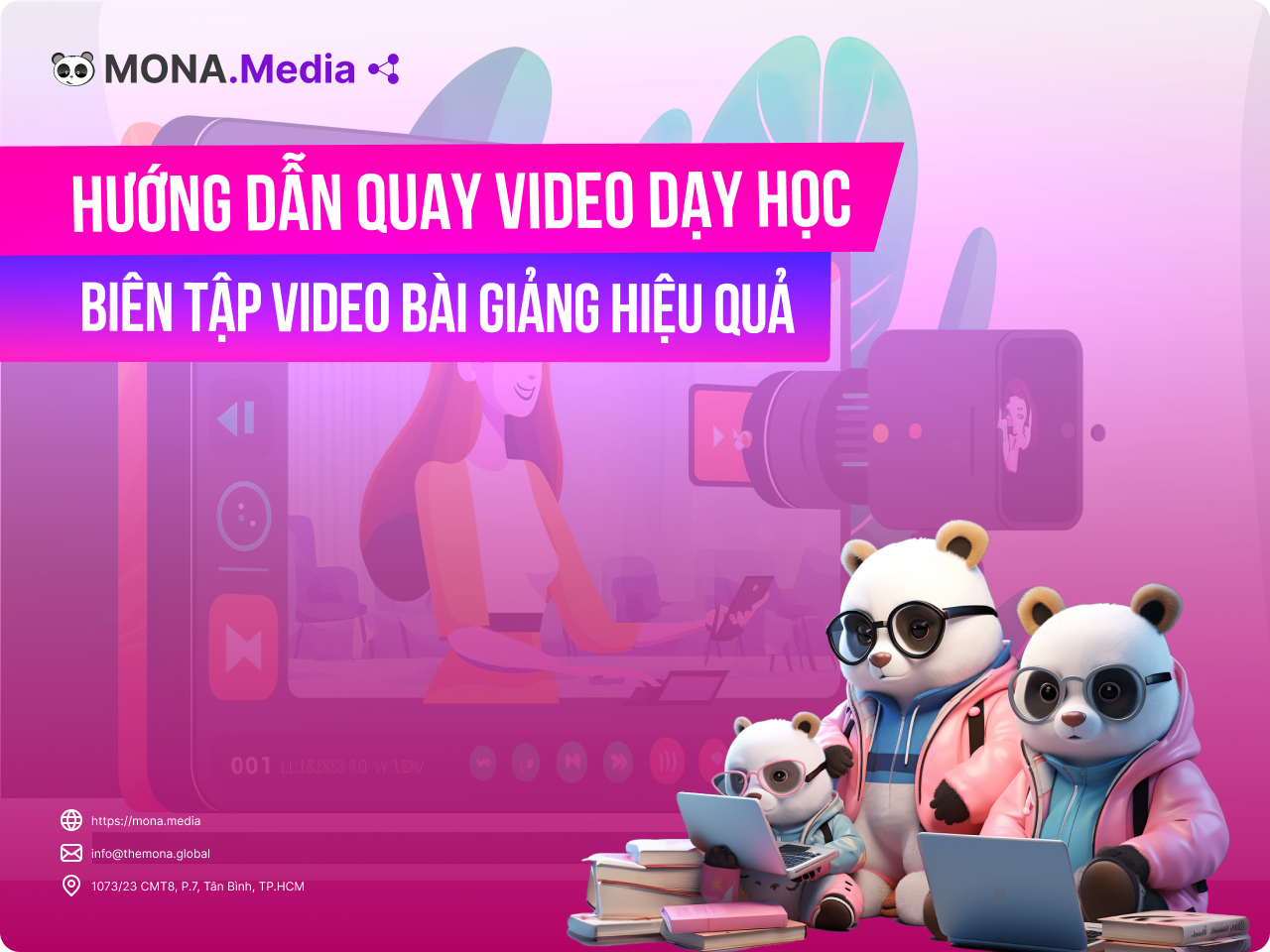
With technology where it is today, using video in teaching is extremely important. This article covers MONA Media will guide you through how to film teaching videos and edit them effectively. With a little time and care, you can do it easily.
WATCH THE VIDEO how to film an online teaching video that shows the instructor's face, simply
Before you practice filming teaching videos you need to understand the basic concepts. The first step in learning how to film and edit teaching videos effectively is to know the following basics:
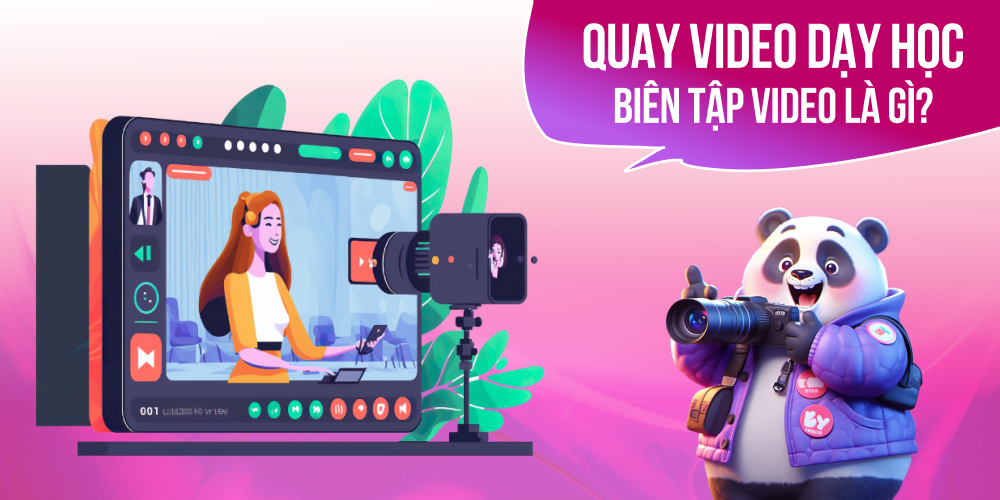
Quay video is recording footage of the teaching of any subject. When your lecture materials are ready, you start recording. Teaching videos serve to deliver information to students as effectively as possible. Many people find that learning from video improves memory.
Video editing means the work of editing the video you filmed so it is polished and complete. You can use professional software to make a video fresher. For example, you can adjust lighting and sound, insert text and effects, or add more content to the lesson.
To build quality lessons, learn about the online video formats used in Education 4.0. Here are 4 types of online teaching video today.
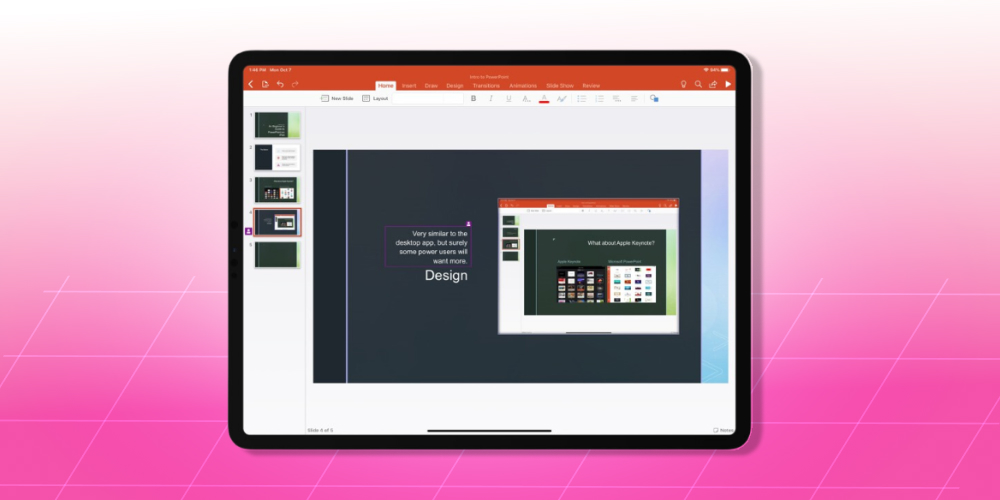
If you have already built a PowerPoint or Keynote lesson, filming a teaching video is simple with the Record Slideshow feature. It is a familiar tool used in many fields. To keep the lecture video engaging, remember to add images, maps and specific data.
This format needs the teacher on camera. It is commonly used for lessons that need to be shown through movement and body language, such as lecture videos with a teacher, scripted videos, and performances or demonstrations by the instructor.

This format is the best choice for subjects that need on-screen demonstrations or technical walkthroughs. You can use popular screen recording software such as OBS Studio, Bandicam, VLC Media Player, ShareX and Icecream Screen Recorder. Instructors can also edit flexibly, adding subtitles, trimming clips and adding effects.
Animated video is an interesting format to consider for your teaching videos. It suits children's courses and primary school lessons especially well. The teacher can also add their own knowledge on top of the ready-made cartoon characters, which makes the lesson livelier and more engaging for learners.
You need to understand the role and importance of teaching videos to make them work well. Here are some of the benefits of recording teaching videos:
Traditional teaching with a whiteboard, or PowerPoint slides full of text, bores learners quickly and they stop paying attention. As a result, they take in less of the material.
Video makes it easier for learners to absorb knowledge. Instead of sitting down to copy long notes and then forgetting where they put them, learners only need to listen to the teacher's explanation and analysis. That helps them understand and remember information more easily, and learn to pick out what is worth noting down.
When using video, the teacher writes a lesson script that contains only the essential content, and fits it into a set running time. The knowledge still has to be shared in detail. The teacher can stress and analyze the important points more. Learners can listen again and again to remember them better.

A lesson usually runs no more than 20 to 30 minutes, yet it still delivers the main content. Learning goes on without interruptions or outside distractions, so learners can focus better on the material.
A finished teaching video can be used again and again, especially if you sell courses or teach several classes. Combined with an online learning website, these videos are distributed in an organized way, saving the teacher time and effort to spend on other work.
A big advantage of having recorded and edited videos ready is avoiding the risk of losing your connection, since a weak connection interrupts live lessons. With video, learners just download the file and study anytime, anywhere, whichever way suits them. They can also replay a video whenever they need to review.
To attract students and grow your online learning website, your videos must hold learners' attention. That means investing carefully in both the content and how it is presented. Below, MONA walks you through how to record and edit teaching videos in full detail.
The lesson content should cover the core of each lesson. But how well learners take it in depends a lot on how you deliver it through video. You can make lesson videos in many ways, such as:
A common mistake when building content for teaching videos or presentations is watching too much "shallow content online". It feels like learning, but it can quietly cost you your natural way of expressing yourself and your own thinking. The video below shares the view of Hùng, CEO of The MONA, who has years of experience working with thousands of clients in e-commerce and education.
Click the video to watch.
To support recording and editing, you need some basic equipment for online teaching and course recording, as follows:
Space and lighting are extremely important for every frame. This is the next step to prepare so that you can record teaching videos effectively.
Decide on the setting and the frame you want students to see. You can use the rule of thirds: one third of the frame is the teacher and the other two thirds are the lesson content. The background behind you is usually left empty so students can focus on the lesson.

Once the steps above are set up, you can record a test video. Set up your camera's features such as sound, placement and recording orientation. If you use a phone, it is best to use third-party software so you can produce good lesson videos and edit them easily.
Raw recordings usually contain many unneeded parts. The sound, lighting and effects of the original footage are mostly not good enough. That is why you need to edit the video before it reaches students. For course videos made for business, editing is especially important to make your lessons engaging.
There is plenty of post-production software for computers and phones. We recommend Adobe Premiere for its advantages. People new to Adobe Premiere Pro often find it confusing at first, but once you get used to it, editing goes very fast.
After your lesson recording has been processed, you can share the link with students or upload the video to your language center management system. You can easily upload videos to an LMS platform at the best video quality. If the software that recorded your lesson includes video analytics, it can also assess how well the recording performs.

If you are looking for a provider of professional course video production services, MONA Media is the top choice. MONA has worked with many centers and education providers, and has delivered many successful courses with online teaching methods. So MONA is confident it can help you create high-quality "products" to start selling and to grow bán khóa học online (selling courses online) of your own.
What does MONA's course video and content recording service include?
Whether you are education business or in any other field, a professional, well-made video will always attract viewers. So why wait? Contact HOTLINE 1900 636 648 for advice and a detailed quote from the MONA team.
Now that you know the steps for recording and editing teaching videos, keep the following points in mind to make them work well.
In this article, MONA shared a guide to recording and editing teaching videos effectively, and you should now have a clear picture of the work involved. Keep the points above in mind to produce a quality video that keeps learners engaged.
If your budget doesn't stretch to a full shoot with staging, there is another route: making company videos with AI. Shoot the parts that must be real, and let AI handle the setting and staging; the cost is usually about a third.

CEO & Founder · The MONA
Founder of The MONA, who built a services company of 200+ staff with 14,000+ projects delivered. Khánh Hùng shares how he thinks about building systems that run themselves, automating a business, and the real lessons from delivering projects at MONA.
 1,8K




Professional website
design services
Own a website with a beautiful, 100% exclusive design and a lifetime warranty, with the ability
to expand features flexibly as your business grows, starting today!






 MONA will never sell your information or send you spam


 MONA will never sell your information or send you spam
