
 MONA OS 2.0
 Partner with MONA


 Tự động hoá doanh nghiệp
 Cẩm nang SEO
 Digital Marketing
 Kinh nghiệm thiết kế website
 Hạ Tầng Server
 Giáo dục


 VI
 EN








Message us on
Zalo Official


 ProductsNew

 ProductsProducts
 Mới ra mắtKHA AI 2027App tự edit video, tự đăng mọi mạng xã hội, 2 phút mỗi ngày







 Website designLooks good and wins customers over.
SEO servicesBrings in customers searching for exactly what you sell.
 Tư vấn digital marketingKéo khách từ nhiều kênh, đo bằng số thật.
Corporate video productionVideos introducing your company, factory and team.
 NewAI video productionCompany story films made with AI.
 Custom software developmentCRM, ERP and HRM built for your business.
 Viết AI Agent theo yêu cầuĐặt riêng một trợ lý AI cho đúng việc của mình.
 Tư vấn chuyển đổi AIĐưa AI vào vận hành của cả công ty.
NewMONA LMSManagement for centers and schools.
MONA SkillHubInternal training for company staff.
 NHTQ systemEnd-to-end China–Vietnam shipping operations.
MONA JMSManagement for gold, diamond and pawn shops.
 MONA E-LearningA website with every feature you need to sell courses.
 How to sell online courses (course)More than 30 free lessons on selling courses on autopilot.
 MONA Cloudmonacloud.vnServers to get your apps and websites running.
 MONA Basemonabase.vnPostgres database, sign-in and file storage.
 MONA Mailmonamail.vnSend OTP, order and invoice emails from your software.
 MONA Paymonapay.vnAccept bank transfers via VietQR and notify your software when the money arrives.
 MONA eInvoiceComing soonIssue e-invoices that meet tax standards.
Gấu CườiTrả lời khách 24/7 trên web, Fanpage, Zalo và thu lead cho sale.
 Gấu TeleSalesGọi điện tư vấn, chăm khách như tổng đài viên thật.
Dê CườiTư vấn và chốt đơn cho shop ngay trong khung chat.
Gấu WebmasterNhắn nhóm Zalo là website được sửa xong.
 Gấu Pháp ChếSoạn hợp đồng, rà điều khoản trong vài phút.
 Gấu Báo GiáLên báo giá đúng mẫu và gửi khách ngay.
 AI chăm sóc khách hàngTheo dõi và giữ chân khách hàng cũ.
 Gấu Tuyển DụngLọc hồ sơ, hẹn lịch, phỏng vấn ứng viên.
 Mới ra mắt
KHA AI 2027
Xây kênh chuyên gia 2 phút mỗi ngày
Quay bằng điện thoại, AI tự edit video, tự đăng lên 16 nền tảng và tự trả lời bình luận, tin nhắn.
938.415lượt xem trên kênh CEO MONA sau 43 ngày
 Anh Khánh HùngCEO MONA đang dùng mỗi ngày
Xem app làm được gì
 AI
Gấu Cười MONA ĐANG TỰ XÀITrả lời khách 24/7 trên website, Zalo OA, Messenger và thu lead về cho sale.
Dê CườiChốt đơn bán lẻ và sàn: Shopee, TikTok Shop, web. Chăm cả khách sỉ, đại lý.
Gấu WebmasterCập nhật nội dung, tối ưu SEO website mỗi ngày.
Gấu TeleSalesGọi điện tư vấn, chăm khách như tổng đài viên thật.
Gấu Tuyển DụngLọc hồ sơ, hẹn lịch, phỏng vấn ứng viên tự động.
AI chăm sóc khách hàngGiữ khách cũ, cứu lead đã rớt cho phòng kinh doanh.
Gấu Pháp ChếSoạn hợp đồng, rà điều khoản trong vài phút.
Gấu Báo GiáLên báo giá đúng mẫu, gửi khách ngay khi có yêu cầu.
 Chuyển đổi AI toàn phầnGiải pháp tổng cho doanh nghiệp, 3 lớp triển khai.
 Viết AI Agent theo yêu cầuĐặt riêng một con AI gánh đúng nghiệp vụ của bạn.
 Custom softwareCRM, ERP and HRM with built-in AI automation.
 SEO & AEO thời đại AIĐược Google lẫn AI trích dẫn, không chỉ xếp hạng.
 Kiến thức AI cho doanh nghiệpBài phân tích, hướng dẫn ứng dụng AI vào vận hành.
 Free AI courses
 AI tools at work
App mới · KHA AI 2027
Xây kênh 2 phút mỗi ngày
AI tự edit video, tự đăng mọi mạng xã hội
Free consultation, 8am–10pm every day

18 March, 2023
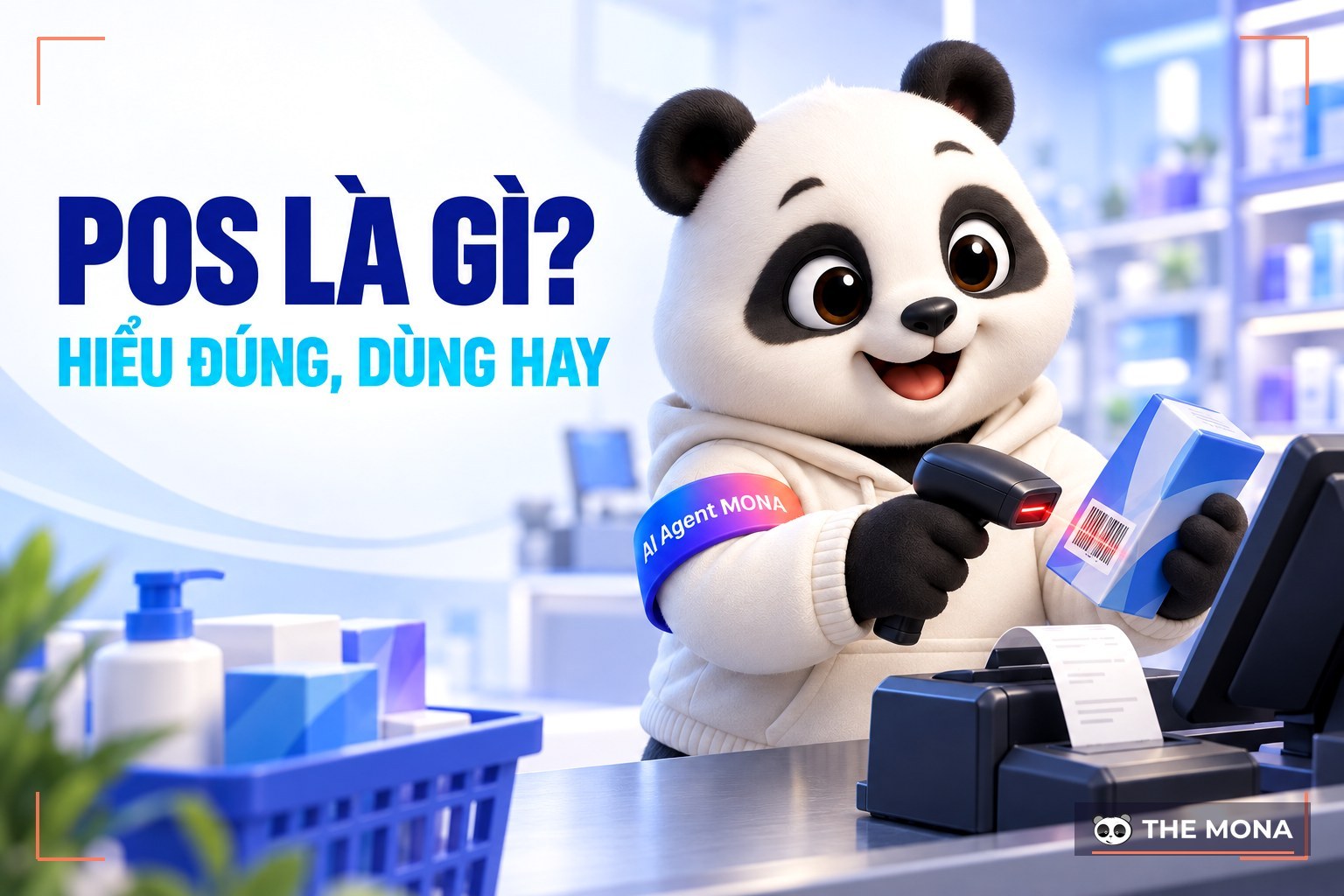
POS systems help modern store chains a great deal. Service providers can manage their sales system more easily, and consumers can pay and use services more easily. If you want to keep up with modern retail and keep control of every part of your business, you should invest in a POS (point of sale) system. Here is the full explanation of what a POS system is is Mona Media in today's article.
POS is short for Point of Sale. The term refers to the retail store chains of a business, organization or company. A POS system records every transaction, like an “electronic notebook”.
Managers of a POS store chain can track transactions and sales volume through this software. It covers buying needs, management, and support for the most professional modern payment methods.
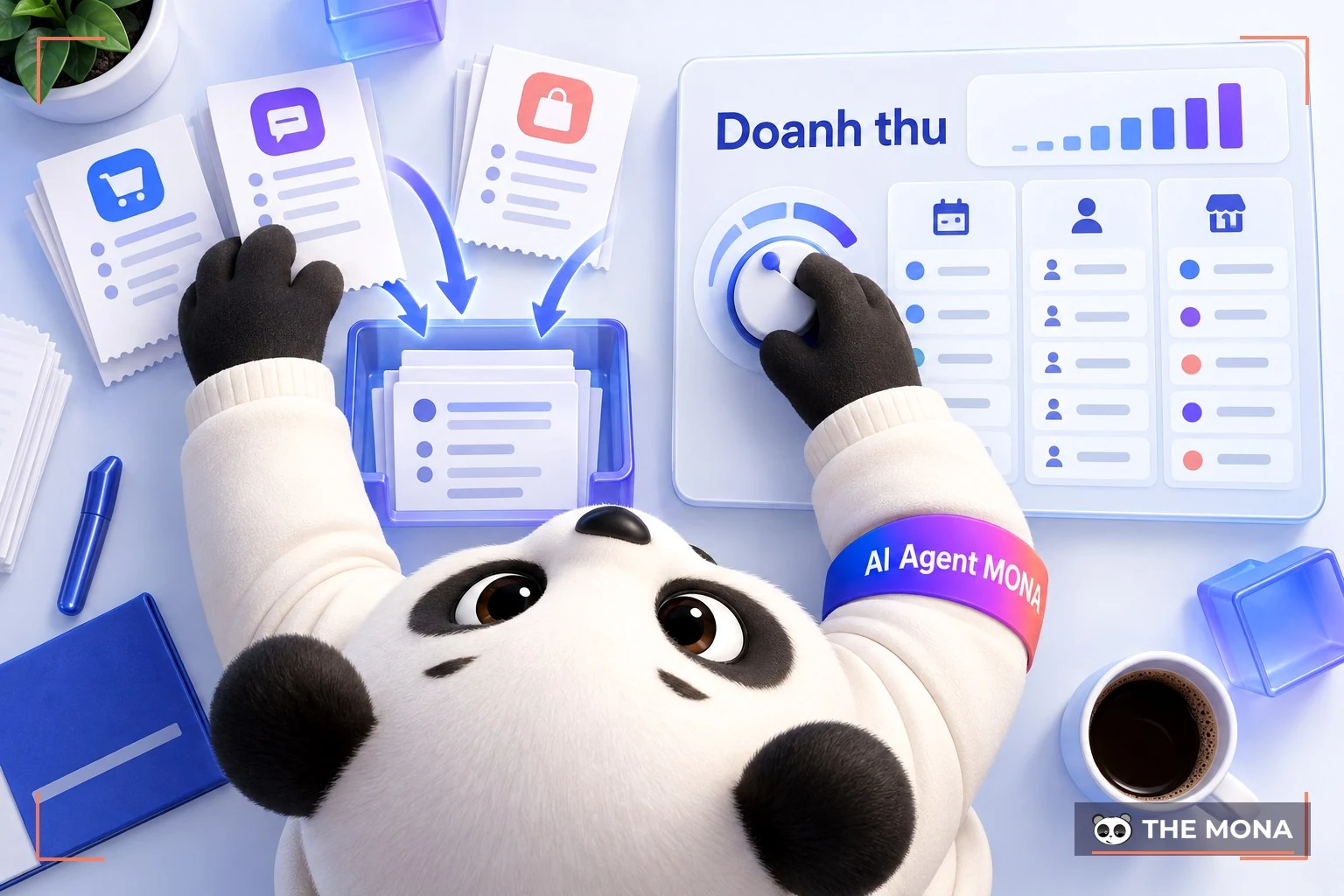
POS machines are gradually replacing notebooks and Excel files, with professional integration sales management software. Equipping a store with a POS machine is important. Individuals and businesses that manage store chains should not overlook it.
A modern POS system offers many useful features. With a point of sale system, your business keeps up with current practice, and this one system solves a lot of problems. For example:
A POS system does more than process simple transactions. It also produces sales figures from sales data, so the business can set a better strategy based on those figures.
The retail channels of a chain that uses POS machines let you see the whole picture more easily, and you can filter sales data quickly. A professional POS system gathers information from online and offline stores. Daily revenue, revenue per employee and revenue per sales channel are all listed.
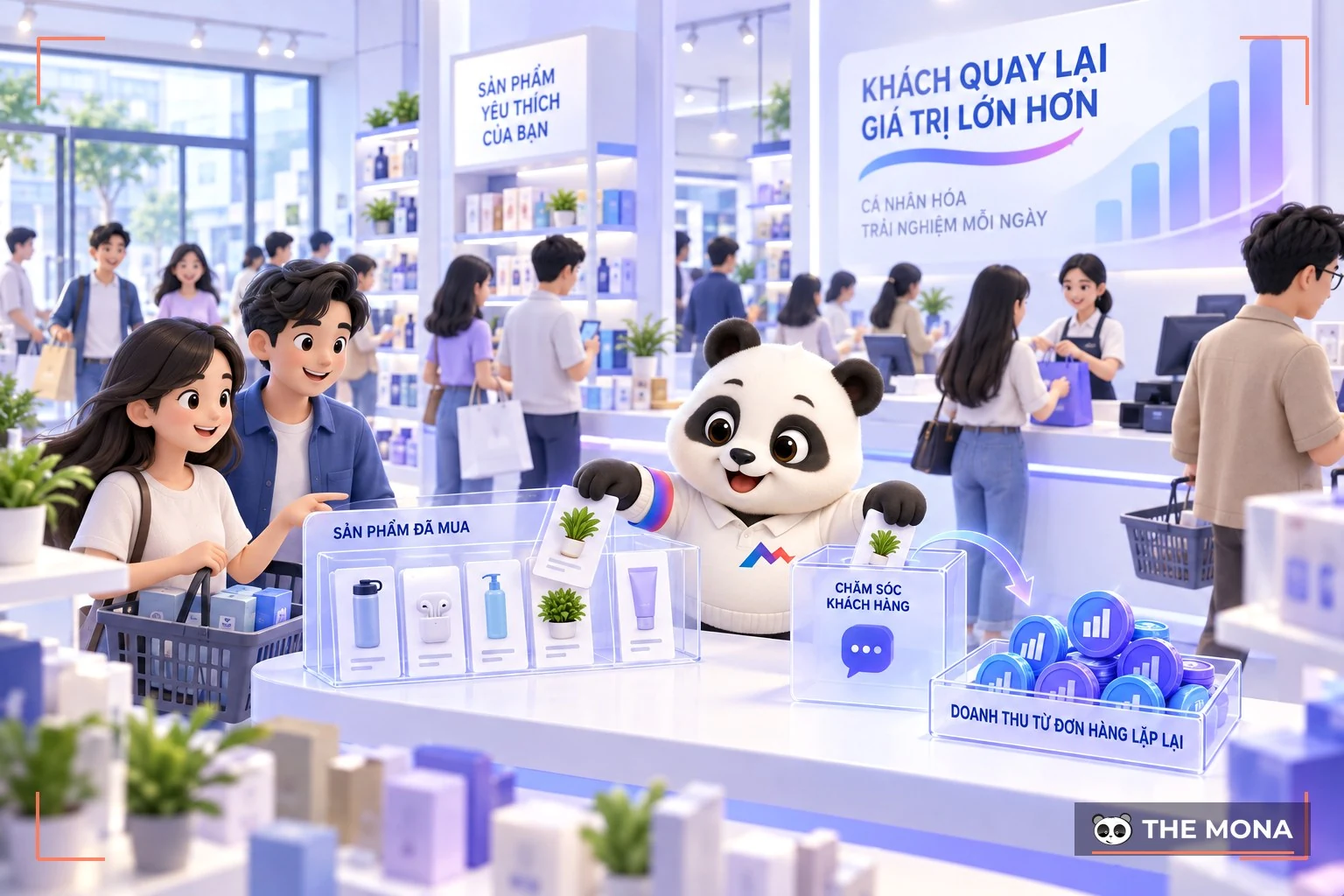
All customer information is stored and analyzed. Based on purchase frequency and order value, the system identifies potential customers and loyal customers.
With a POS system you can picture your customers more clearly. Promoting your SEO, sending messages and emails will also be more effective.
If you choose a professional POS system, you can easily view customer profiles and customer history. In particular, you will also know whether your advertising strategy is reaching customers.
You can use a POS system to advertise to individual customers. Through this, your brand stays in customers' minds, and when a need comes up they think of you first. Staff can proactively email their loyal customers. They will know which products a customer likes and which product issues they care about.

Customers' constantly changing shopping needs are better served with POS machines. POS software is the foundation for boosting revenue. Online purchases, returns and deliveries become faster. Customers will be very satisfied and think highly of your store chain.
POS hardware and POS software are built to be fully compatible with each other, which supports modern business needs better. A POS system can also support mobile devices. This is one of the advances making POS systems more and more popular.
Many individuals and businesses in Vietnam run their modern business systems on POS machines. Here are the popular POS systems:
POS machines for checkout are well regarded. This type of machine can read barcodes, print receipts, accept credit card payments…
The advantages: no virus worries, easy to use, and suitable for many kinds of stores, from supermarkets and small shops to hotels. Printing receipts and taking payment, in cash or by card, is fast. POS checkout machines come from many brands, so buyers can compare before purchasing.
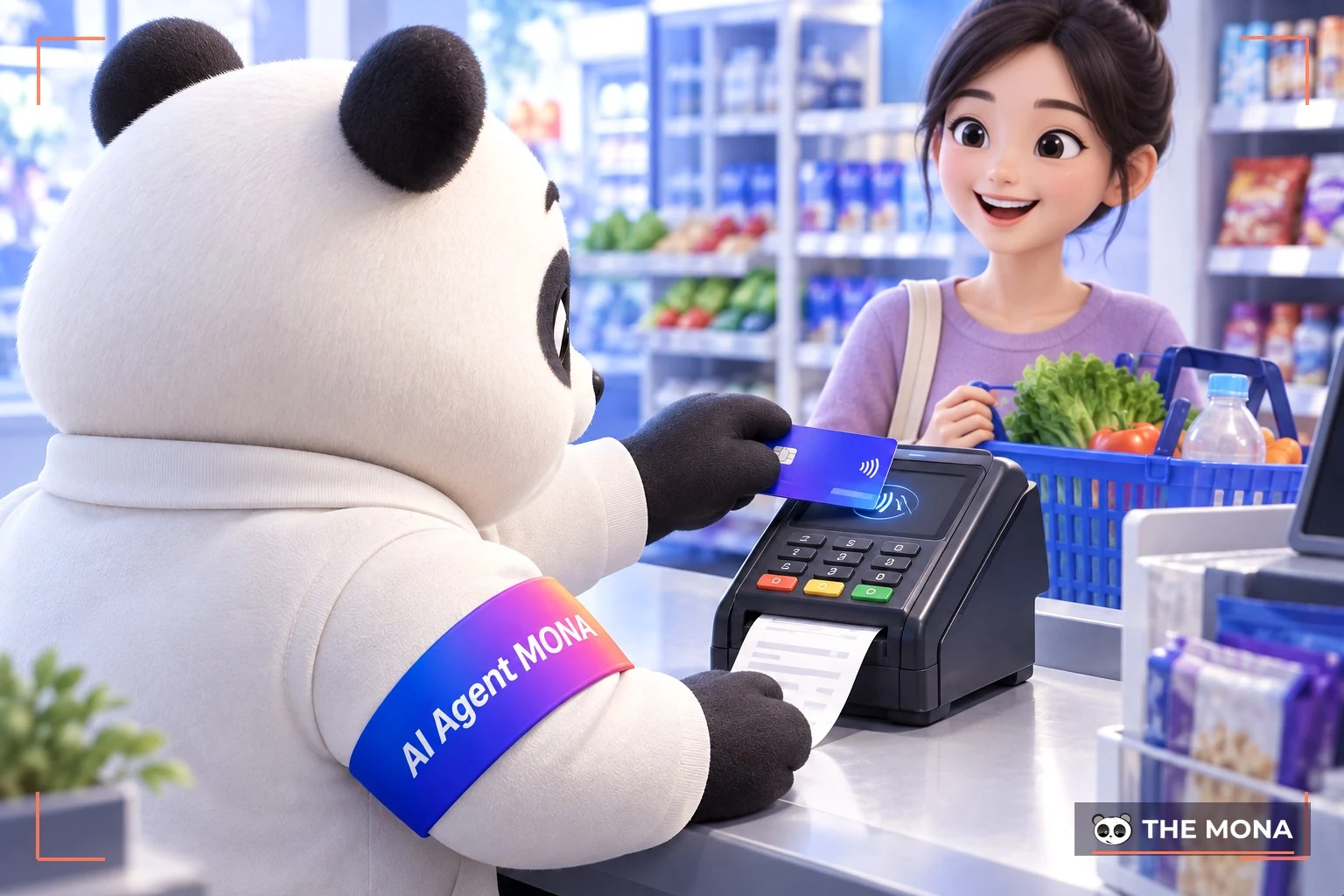
The drawbacks: it is fairly heavy and hard to move. This system only handles checkout. Sales reports and online business management are not available.
This type of machine costs a little over 10 million VND. Features such as barcode reading, receipt printing and others cost more. The software to install on the computer is also bought separately.
POS software installed on a computer is more flexible and has more features than a POS machine. It also makes it easier to track customers' buying behavior and revenue.
Matters related to advertising message strategy, customer care and product returns are all flexible. It is also easy to design for each industry, with different payment functions.
POS software can be combined with cloud computing applications, and can be integrated with website operations. It also comes in many price plans. Users can choose the POS software plan that fits their tasks and features.
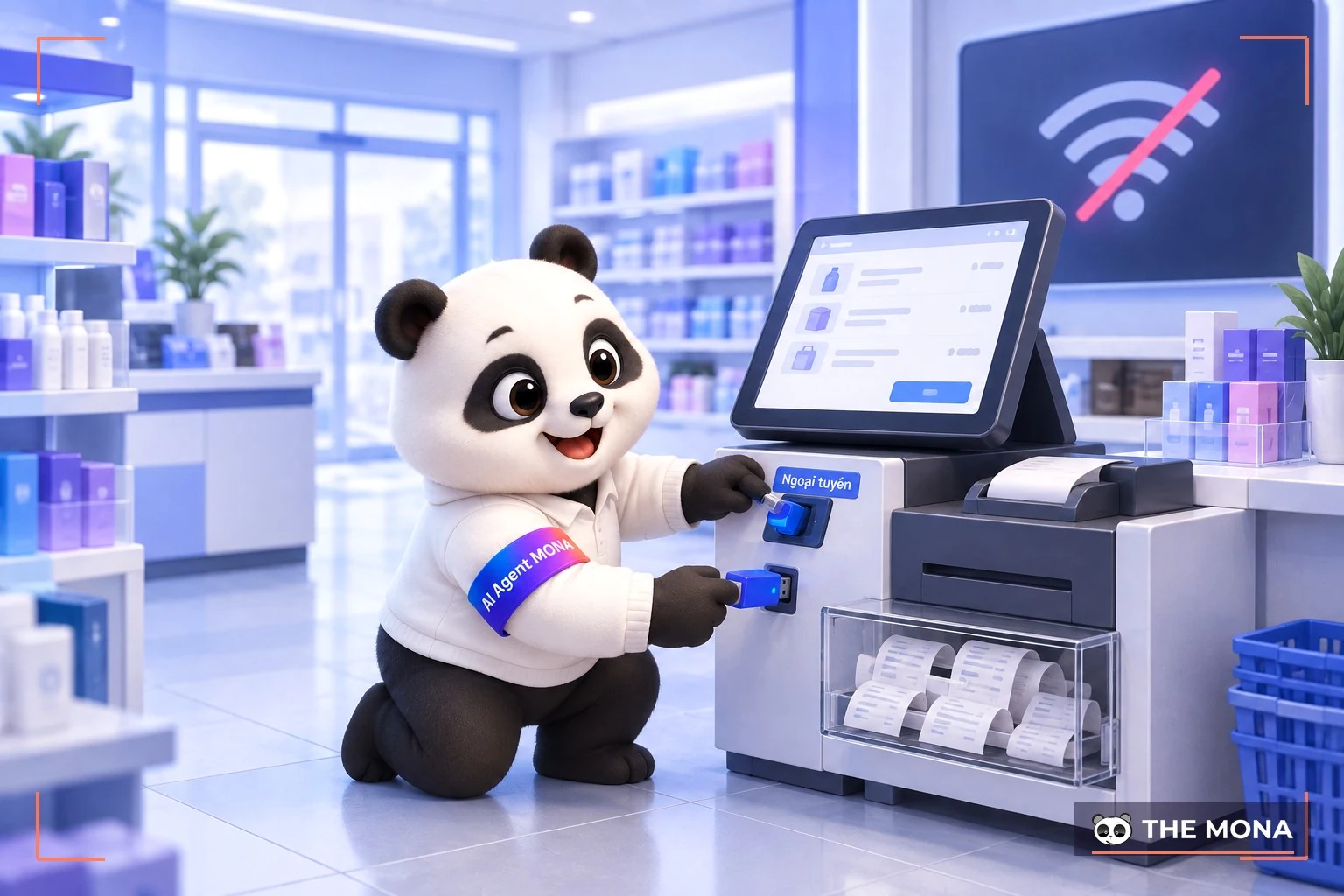
Reports from POS software are more varied, and you can handle many tasks besides checkout. However, POS software is prone to viruses. Running for a long time can slow the system down. Some features of the software are surplus to what the user needs.
While using POS software you need an internet connection. Some setups cost extra for a receipt printer and a barcode reader. Having these together makes selling online and offline easier.
Web-based POS is the newest kind of POS system. Electronic payments become easier. The application can be installed flexibly across many web browsers. It is quite simple to use, even for people who are not skilled with computers.
Users can access data and manage remotely. Data on online POS is also highly secure and encrypted to the latest standards. Installation is cheap, it is convenient and suits modern business, so online POS is widely used. It can also connect to cloud-based POS, so there is no risk of losing data.
POS ERP is integrated management software with more features and tasks. It is used less than the POS types introduced above. It is harder to use
Choose the POS type according to how you operate:
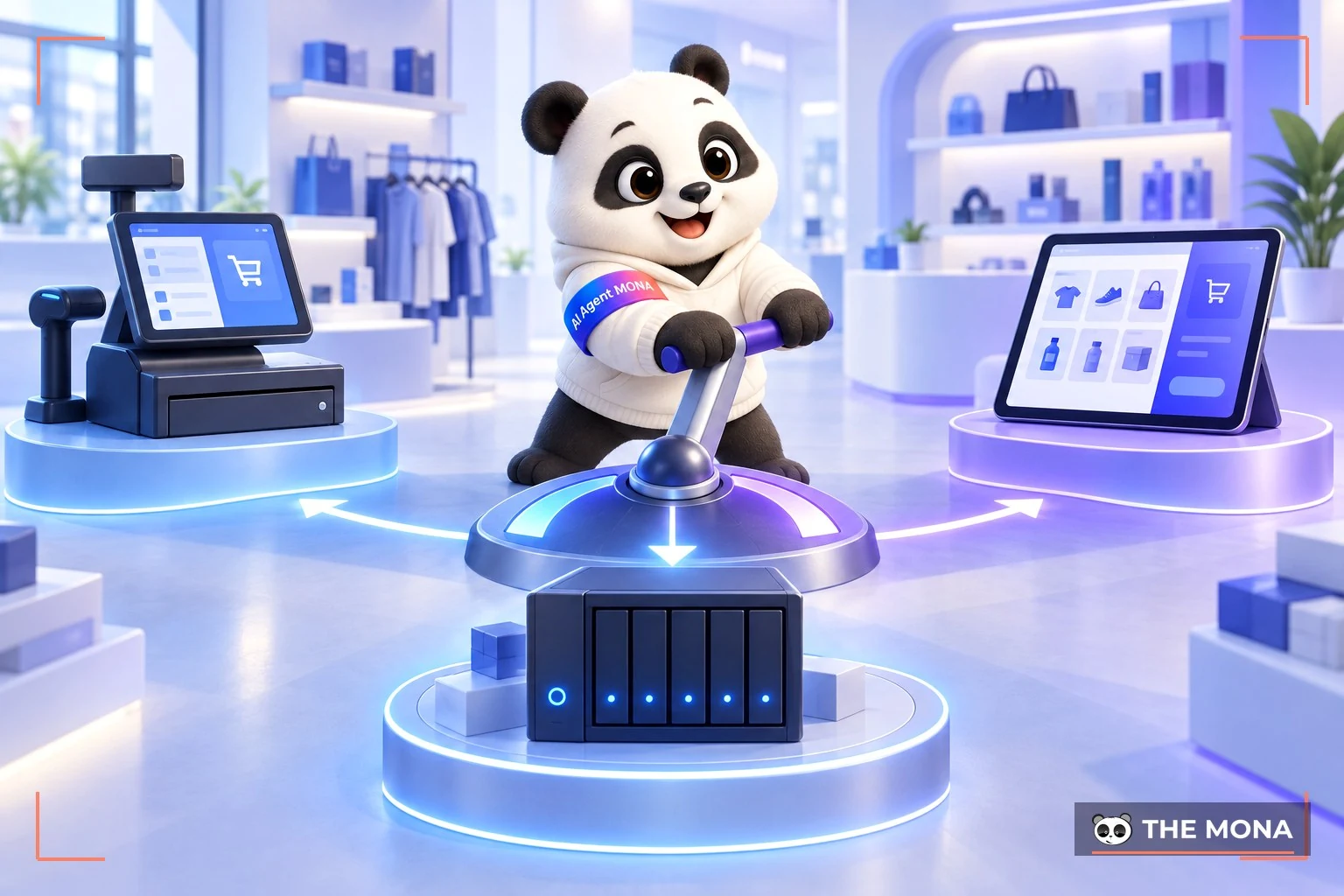
POS systems are also becoming more complete. So besides the POS machine, POS software is usually equipped with components such as:
Learn about what a POS system is We hope the article above has helped you. Individuals and businesses that are already trading should upgrade their checkout to one of the POS systems described above, which will make your business much more convenient. We wish you success and higher revenue once your POS system is installed.

CEO & Founder · The MONA
The founder of The MONA built a service company of 60+ staff with 14,000+ projects delivered. Khánh Hùng shares his thinking on building self-running systems, automating a business, and the real lessons behind MONA's projects.
 1,5K




Professional website
design services
Own a website with a beautiful, 100% exclusive design and a lifetime warranty, with the ability
to expand features flexibly as your business grows, starting today!






 MONA will never sell your information or send you spam


 MONA will never sell your information or send you spam
