
 MONA OS 2.0
 Partner with MONA


 Tự động hoá doanh nghiệp
 Cẩm nang SEO
 Digital Marketing
 Kinh nghiệm thiết kế website
 Hạ Tầng Server
 Giáo dục


 VI
 EN











Message us on
Zalo Official


 ProductsNew

 ProductsProducts
 Mới ra mắtKHA AI 2027App tự edit video, tự đăng mọi mạng xã hội, 2 phút mỗi ngày










 Website designLooks good and wins customers over.
SEO servicesBrings in customers searching for exactly what you sell.
 Tư vấn digital marketingKéo khách từ nhiều kênh, đo bằng số thật.
Corporate video productionVideos introducing your company, factory and team.
 NewAI video productionCompany story films made with AI.
 Custom software developmentCRM, ERP and HRM built for your business.
 Viết AI Agent theo yêu cầuĐặt riêng một trợ lý AI cho đúng việc của mình.
 Tư vấn chuyển đổi AIĐưa AI vào vận hành của cả công ty.
NewMONA LMSManagement for centers and schools.
MONA SkillHubInternal training for company staff.
 NHTQ systemEnd-to-end China–Vietnam shipping operations.
MONA JMSManagement for gold, diamond and pawn shops.
 MONA E-LearningA website with every feature you need to sell courses.
 How to sell online courses (course)More than 30 free lessons on selling courses on autopilot.
 MONA Cloudmonacloud.vnServers to get your apps and websites running.
 MONA Basemonabase.vnPostgres database, sign-in and file storage.
 MONA Mailmonamail.vnSend OTP, order and invoice emails from your software.
 MONA Paymonapay.vnAccept bank transfers via VietQR and notify your software when the money arrives.
 MONA eInvoiceComing soonIssue e-invoices that meet tax standards.
Gấu CườiTrả lời khách 24/7 trên web, Fanpage, Zalo và thu lead cho sale.
 Gấu TeleSalesGọi điện tư vấn, chăm khách như tổng đài viên thật.
Dê CườiTư vấn và chốt đơn cho shop ngay trong khung chat.
Gấu WebmasterNhắn nhóm Zalo là website được sửa xong.
 Gấu Pháp ChếSoạn hợp đồng, rà điều khoản trong vài phút.
 Gấu Báo GiáLên báo giá đúng mẫu và gửi khách ngay.
 AI chăm sóc khách hàngTheo dõi và giữ chân khách hàng cũ.
 Gấu Tuyển DụngLọc hồ sơ, hẹn lịch, phỏng vấn ứng viên.
 Mới ra mắt
KHA AI 2027
Xây kênh chuyên gia 2 phút mỗi ngày
Quay bằng điện thoại, AI tự edit video, tự đăng lên 16 nền tảng và tự trả lời bình luận, tin nhắn.
900.369lượt xem trên kênh CEO MONA sau 37 ngày
 Anh Khánh HùngCEO MONA đang dùng mỗi ngày
Xem app làm được gì
 AI
Gấu Cười MONA ĐANG TỰ XÀITrả lời khách 24/7 trên website, Zalo OA, Messenger và thu lead về cho sale.
Dê CườiChốt đơn bán lẻ và sàn: Shopee, TikTok Shop, web. Chăm cả khách sỉ, đại lý.
Gấu WebmasterCập nhật nội dung, tối ưu SEO website mỗi ngày.
Gấu TeleSalesGọi điện tư vấn, chăm khách như tổng đài viên thật.
Gấu Tuyển DụngLọc hồ sơ, hẹn lịch, phỏng vấn ứng viên tự động.
AI chăm sóc khách hàngGiữ khách cũ, cứu lead đã rớt cho phòng kinh doanh.
Gấu Pháp ChếSoạn hợp đồng, rà điều khoản trong vài phút.
Gấu Báo GiáLên báo giá đúng mẫu, gửi khách ngay khi có yêu cầu.
 Chuyển đổi AI toàn phầnGiải pháp tổng cho doanh nghiệp, 3 lớp triển khai.
 Viết AI Agent theo yêu cầuĐặt riêng một con AI gánh đúng nghiệp vụ của bạn.
 Custom softwareCRM, ERP and HRM with built-in AI automation.
 SEO & AEO thời đại AIĐược Google lẫn AI trích dẫn, không chỉ xếp hạng.
 Kiến thức AI cho doanh nghiệpBài phân tích, hướng dẫn ứng dụng AI vào vận hành.
 Free AI courses
 AI tools at work
App mới · KHA AI 2027
Xây kênh 2 phút mỗi ngày
AI tự edit video, tự đăng mọi mạng xã hội
Free consultation, 8am–10pm every day

24 June, 2025
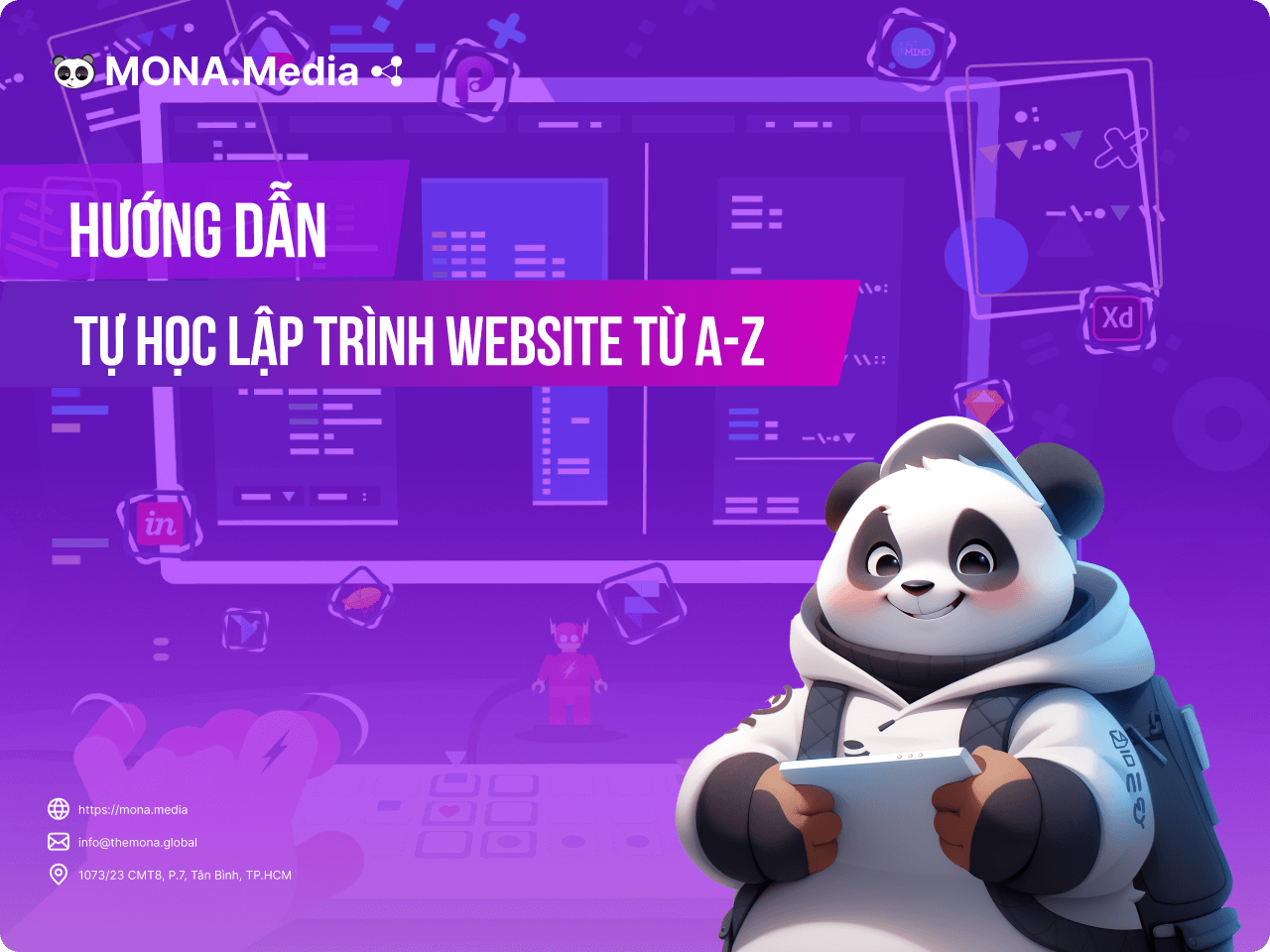
Do you want to learn website design on your own but do not know where to start? With hundreds of videos, courses and materials online, picking a clear self-study method for website design is not easy. For anyone facing this problem, the article below from MONA Media gives a step-by-step guide to learning web design, along with practical, easy-to-follow tips for beginners learning on their own.

If you are wondering whether learning website design on your own is really worth it, here are the practical benefits that explain why more and more people choose this path:
To create a website neat and complete with the core elements for business and for attracting customers later, you need to follow a proper self-study roadmap for website design. Below is a detailed A-Z guide to learning website design on your own for beginners:
There are many programming languages that you can learn, but that can sometimes leave you confused and unsure where to start. To avoid learning all over the place, set your learning goal first:

Once your self-study goal is clear, consider one of the two paths below:
For Front-end learners:
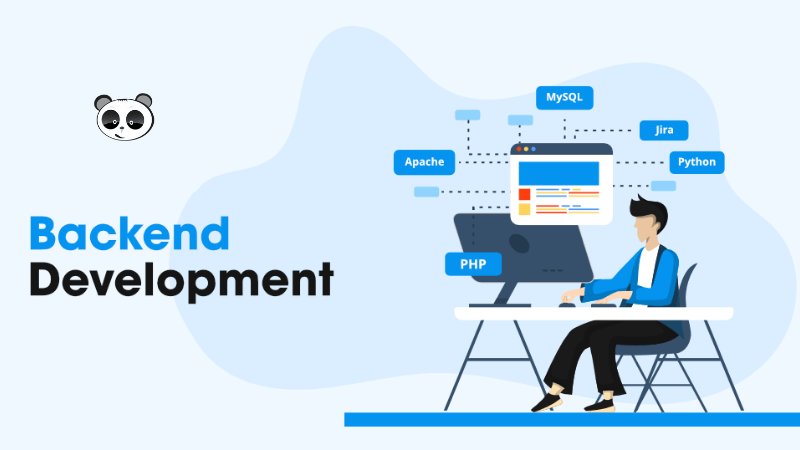
For Back-end learners:
You can also look into Python, Ruby and others, but only choose one main language and learn it well, do not take on too much at once.
Once you have chosen a programming language, the next step is to find quality learning sources to start your self-study journey in web design. You can learn through:
In addition, MONA finds that online learning platforms such as Udemy, Coursera or F8 (Vietnam), plus learning communities on Facebook and Reddit, are also valuable resources for self-study in web design and well worth your time.

A good way to learn website design and build skills quickly is to combine it with supporting design tools. Depending on the programming language you chose, you can use some website interface design software below:

Start with basic code snippets, such as building a contact form, a navigation menu or a simple layout. Then you can combine those snippets into a complete feature. Each programming language writes and combines code differently, so also look for guides on how to learn website design for beginners on websites or YouTube.
Another effective self-study method MONA suggests is to try rebuilding a simple online store page, since this type of page has an intro, products, CTA buttons, a cart and more, all very practical and common.
Once you have the basics, pick some existing templates (on Dribbble, Themeforest, MONA Media and others) and rebuild them from scratch. This helps you understand how to build layouts, handle images and colors, and how to responsive website design…
If you still have not found a website template you like, you can look at the professional 2,000+ website templates library from MONA Media. Click the icon below to browse and choose a website template to practice with.

Building a website is also quite simple. Here is how:
You may also be interested in: A guide to choosing and buying hosting that fits your website

After building the website, check overall factors such as page load speed, whether the layout works well on phones and whether there are any display errors. You can use SEO-standard website checker such as Google PageSpeed and Moz Pro to test faster, or check directly on several devices.
Learning website design on your own suits busy people who cannot attend a training center. But for the learning to really work and keep you from getting "lost", you need to know these important tips:
Learning website design on your own works not because you learn fast or slow, but because you keep a steady learning habit, pick the right resources and stay willing to learn from others. You do not need to be a tech person or have an IT background, just the right roadmap, patience and smart selection of materials. We hope what MONA has shared in this article adds useful knowledge and helps you soon create a professional web design.
See more articles on the same topic:
- How to teach yourself web programming from A to Z for beginners
- A guide to developing, website care effective for beginners
- Step-by-step guidance on how to website management professional, from A to Z

CEO & Founder · The MONA
Founder of The MONA, who built a services company of 60+ staff with 14,000+ projects delivered. Khánh Hùng shares how he thinks about building systems that run themselves, automating a business, and the real lessons from delivering projects at MONA.
 1,5K



Professional website
design services
Own a website with a beautiful, 100% exclusive design and a lifetime warranty, with the ability
to expand features flexibly as your business grows, starting today!






 MONA will never sell your information or send you spam


 MONA will never sell your information or send you spam
