
 MONA OS 2.0


 Tự động hoá doanh nghiệp
 Cẩm nang SEO
 Digital Marketing
 Kinh nghiệm thiết kế website
 Hạ Tầng Server
 Giáo dục


 VI
VI
 EN
EN










Message us on
Zalo Official


 ProductsNew

 ProductsProducts
 Mới ra mắtKHA AI 2027App tự edit video, tự đăng mọi mạng xã hội, 2 phút mỗi ngày










 Website designLooks good and wins customers over.
SEO servicesBrings in customers searching for exactly what you sell.
Website designLooks good and wins customers over.
SEO servicesBrings in customers searching for exactly what you sell.
 Tư vấn digital marketingKéo khách từ nhiều kênh, đo bằng số thật.
Corporate video productionVideos introducing your company, factory and team.
Tư vấn digital marketingKéo khách từ nhiều kênh, đo bằng số thật.
Corporate video productionVideos introducing your company, factory and team.
 NewAI video productionCompany story films made with AI.
 Custom software developmentCRM, ERP and HRM built for your business.
 Viết AI Agent theo yêu cầuĐặt riêng một trợ lý AI cho đúng việc của mình.
 Tư vấn chuyển đổi AIĐưa AI vào vận hành của cả công ty.
NewMONA LMSManagement for centers and schools.
MONA SkillHubInternal training for company staff.
Tư vấn chuyển đổi AIĐưa AI vào vận hành của cả công ty.
NewMONA LMSManagement for centers and schools.
MONA SkillHubInternal training for company staff.
 NHTQ systemEnd-to-end China–Vietnam shipping operations.
MONA JMSManagement for gold, diamond and pawn shops.
NHTQ systemEnd-to-end China–Vietnam shipping operations.
MONA JMSManagement for gold, diamond and pawn shops.
 MONA E-LearningA website with every feature you need to sell courses.
 How to sell online courses (course)More than 30 free lessons on selling courses on autopilot.
 MONA Cloudmonacloud.vnServers to get your apps and websites running.
 MONA Basemonabase.vnPostgres database, sign-in and file storage.
 MONA Mailmonamail.vnSend OTP, order and invoice emails from your software.
 MONA Paymonapay.vnAccept bank transfers via VietQR and notify your software when the money arrives.
 MONA eInvoiceComing soonIssue e-invoices that meet tax standards.
Gấu CườiTrả lời khách 24/7 trên web, Fanpage, Zalo và thu lead cho sale.
MONA eInvoiceComing soonIssue e-invoices that meet tax standards.
Gấu CườiTrả lời khách 24/7 trên web, Fanpage, Zalo và thu lead cho sale.
 Gấu TeleSalesGọi điện tư vấn, chăm khách như tổng đài viên thật.
Dê CườiTư vấn và chốt đơn cho shop ngay trong khung chat.
Gấu WebmasterNhắn nhóm Zalo là website được sửa xong.
Gấu TeleSalesGọi điện tư vấn, chăm khách như tổng đài viên thật.
Dê CườiTư vấn và chốt đơn cho shop ngay trong khung chat.
Gấu WebmasterNhắn nhóm Zalo là website được sửa xong.
 Gấu Pháp ChếSoạn hợp đồng, rà điều khoản trong vài phút.
 Gấu Báo GiáLên báo giá đúng mẫu và gửi khách ngay.
 AI chăm sóc khách hàngTheo dõi và giữ chân khách hàng cũ.
 Gấu Tuyển DụngLọc hồ sơ, hẹn lịch, phỏng vấn ứng viên.
 Mới ra mắt
KHA AI 2027
Xây kênh chuyên gia 2 phút mỗi ngày
Quay bằng điện thoại, AI tự edit video, tự đăng lên 16 nền tảng và tự trả lời bình luận, tin nhắn.
350.475lượt xem trên kênh CEO MONA sau 20 ngày
Mới ra mắt
KHA AI 2027
Xây kênh chuyên gia 2 phút mỗi ngày
Quay bằng điện thoại, AI tự edit video, tự đăng lên 16 nền tảng và tự trả lời bình luận, tin nhắn.
350.475lượt xem trên kênh CEO MONA sau 20 ngày
 Anh Khánh HùngCEO MONA đang dùng mỗi ngày
Xem app làm được gì
Anh Khánh HùngCEO MONA đang dùng mỗi ngày
Xem app làm được gì
 AI
Gấu Cười MONA ĐANG TỰ XÀITrả lời khách 24/7 trên website, Zalo OA, Messenger và thu lead về cho sale.
Dê CườiChốt đơn bán lẻ và sàn: Shopee, TikTok Shop, web. Chăm cả khách sỉ, đại lý.
Gấu WebmasterCập nhật nội dung, tối ưu SEO website mỗi ngày.
Gấu TeleSalesGọi điện tư vấn, chăm khách như tổng đài viên thật.
Gấu Tuyển DụngLọc hồ sơ, hẹn lịch, phỏng vấn ứng viên tự động.
AI chăm sóc khách hàngGiữ khách cũ, cứu lead đã rớt cho phòng kinh doanh.
Gấu Pháp ChếSoạn hợp đồng, rà điều khoản trong vài phút.
Gấu Báo GiáLên báo giá đúng mẫu, gửi khách ngay khi có yêu cầu.
AI
Gấu Cười MONA ĐANG TỰ XÀITrả lời khách 24/7 trên website, Zalo OA, Messenger và thu lead về cho sale.
Dê CườiChốt đơn bán lẻ và sàn: Shopee, TikTok Shop, web. Chăm cả khách sỉ, đại lý.
Gấu WebmasterCập nhật nội dung, tối ưu SEO website mỗi ngày.
Gấu TeleSalesGọi điện tư vấn, chăm khách như tổng đài viên thật.
Gấu Tuyển DụngLọc hồ sơ, hẹn lịch, phỏng vấn ứng viên tự động.
AI chăm sóc khách hàngGiữ khách cũ, cứu lead đã rớt cho phòng kinh doanh.
Gấu Pháp ChếSoạn hợp đồng, rà điều khoản trong vài phút.
Gấu Báo GiáLên báo giá đúng mẫu, gửi khách ngay khi có yêu cầu.
 Chuyển đổi AI toàn phầnGiải pháp tổng cho doanh nghiệp, 3 lớp triển khai.
 Viết AI Agent theo yêu cầuĐặt riêng một con AI gánh đúng nghiệp vụ của bạn.
 Custom softwareCRM, ERP and HRM with built-in AI automation.
 SEO & AEO thời đại AIĐược Google lẫn AI trích dẫn, không chỉ xếp hạng.
 Kiến thức AI cho doanh nghiệpBài phân tích, hướng dẫn ứng dụng AI vào vận hành.
 Free AI courses
 AI tools at work
App mới · KHA AI 2027
Xây kênh 2 phút mỗi ngày
AI tự edit video, tự đăng mọi mạng xã hội
Free consultation, 8am–10pm every day
AI tools at work
App mới · KHA AI 2027
Xây kênh 2 phút mỗi ngày
AI tự edit video, tự đăng mọi mạng xã hội
Free consultation, 8am–10pm every day

18 March, 2023
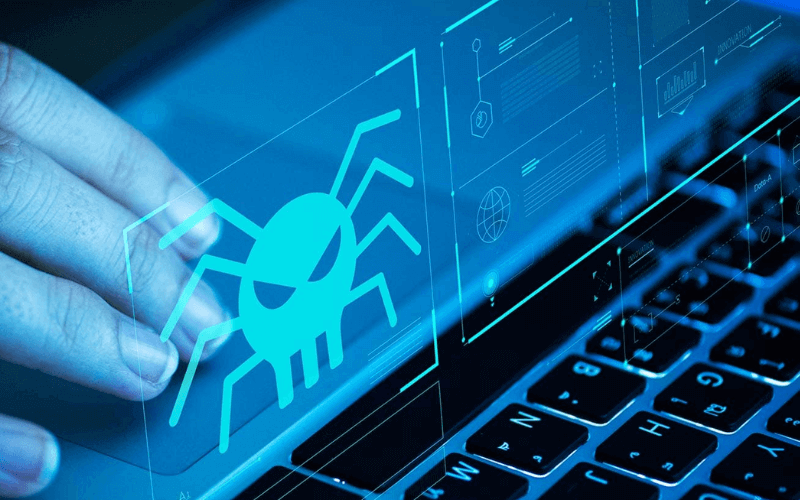
Fake websites are getting more common, so you can't help worrying whenever you see an unfamiliar page. The reason is that if you click on one, even if you don't enter any personal information, the site can still trace information about you through your IP address. In this article, MONA Media will share ways you can check a link for viruses and tell whether the link is safe, so you avoid getting infected.
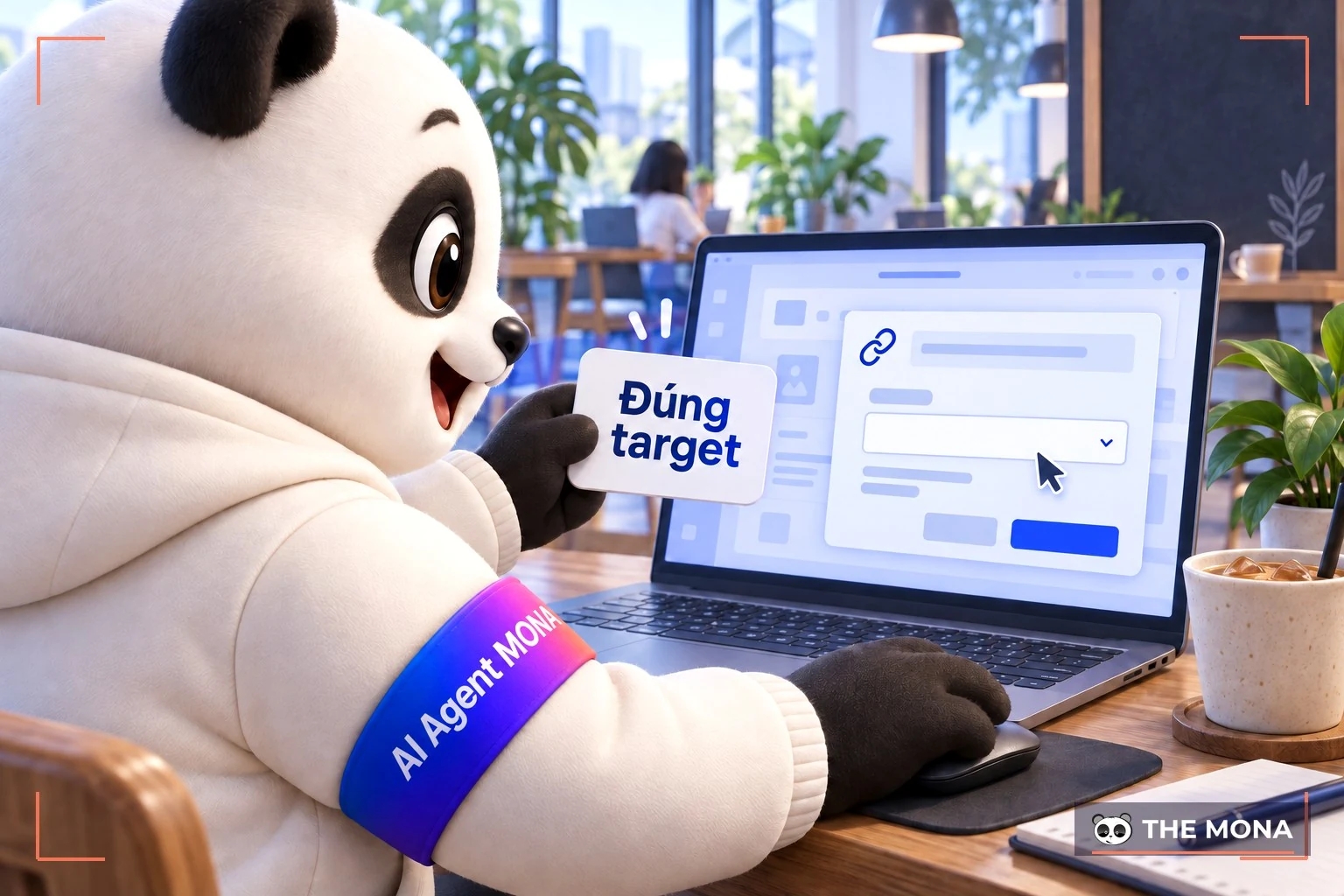
Before you check whether a link is safe you need to know how to copy the link's target attribute. This matters because it tells you the URL of the website you want to check. Follow this procedure:
Right-click the link you want to check >> Select Copy Link Address (in Google Chrome), or Copy shortcut (in Internet Explorer), or Copy link location (Firefox).
The link's target attribute is then copied to your computer's clipboard, and you can paste it anywhere.
Another way is to hover over the link and look at the bottom of your browser window (on Windows). The website shown loading there is where you will be taken if you click the link.
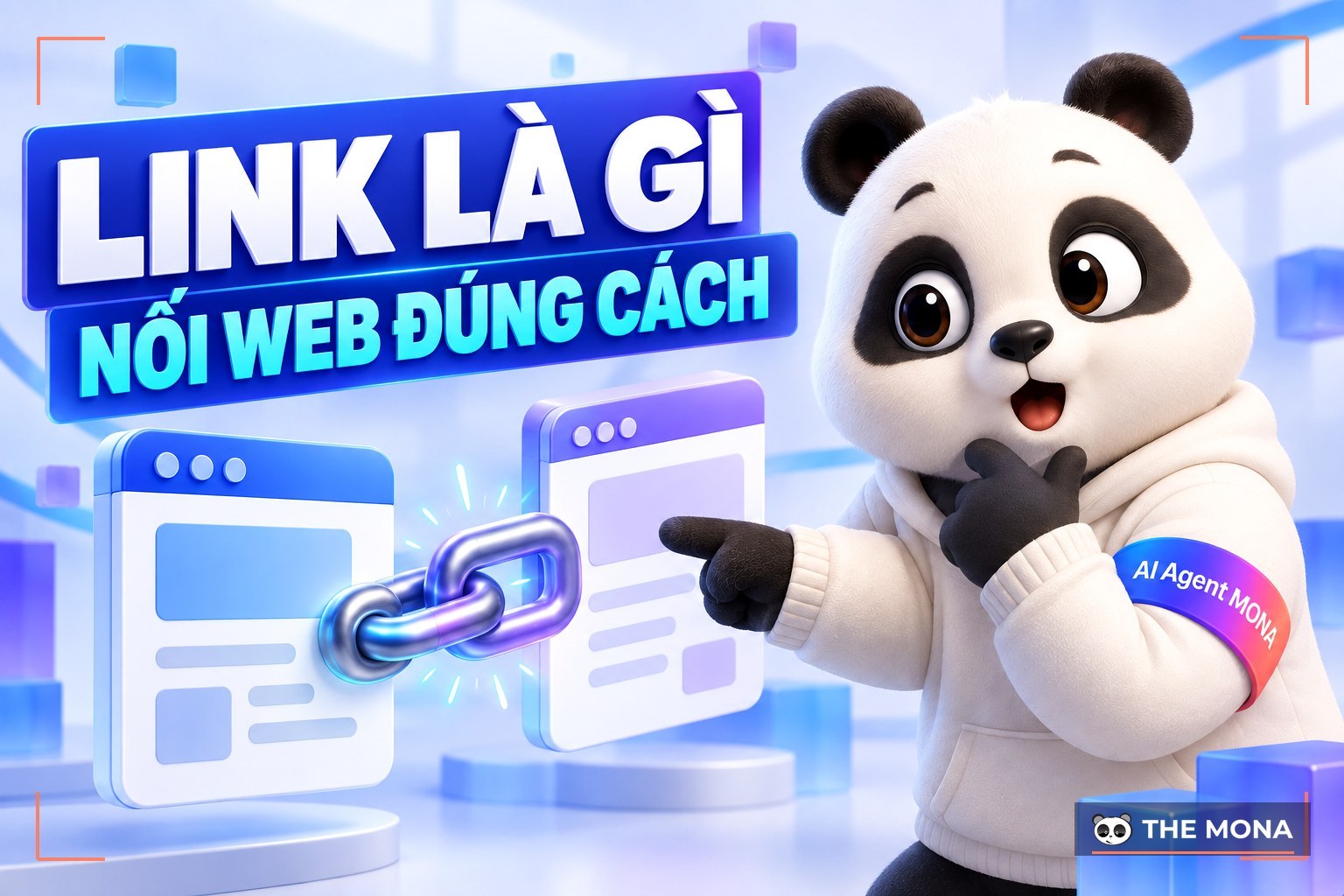
-> Read more: What is a link? Concepts and types of links on a website
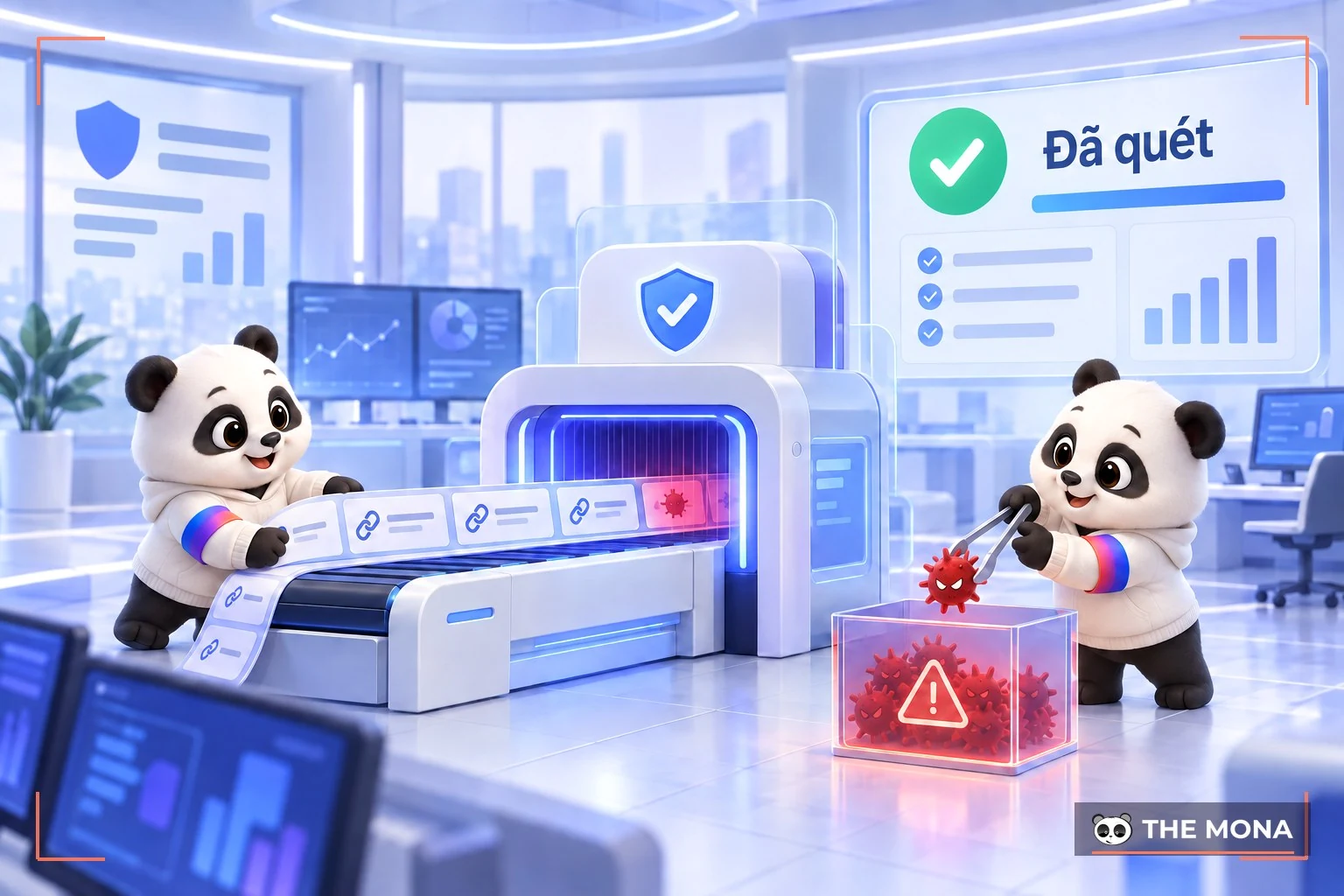
To make checking for malicious links simple and accurate, MONA has gathered the safe-link checking tools below:
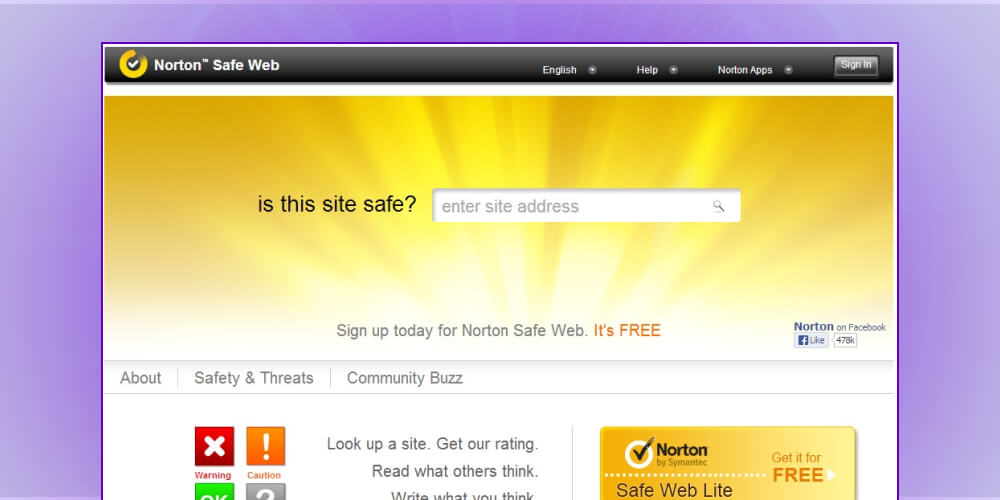
Norton Safe Web is an effective link checker that gives you an overview so you can tell whether the link you're about to click is really safe. Norton Safe Web also gives you a summary of the “threats” the program finds in your link, based on factors such as Computer Threats, Annoyances and Identity Threats.
Sucuri.net is also a safe-link checking tool. It gives a detailed report on the domain you provide. Sucuri also shows a “blacklist” of sites and software that have “expired” on the site, as well as the presence of spam and malware (malware) and other irregularities, and more.
-> Read more:
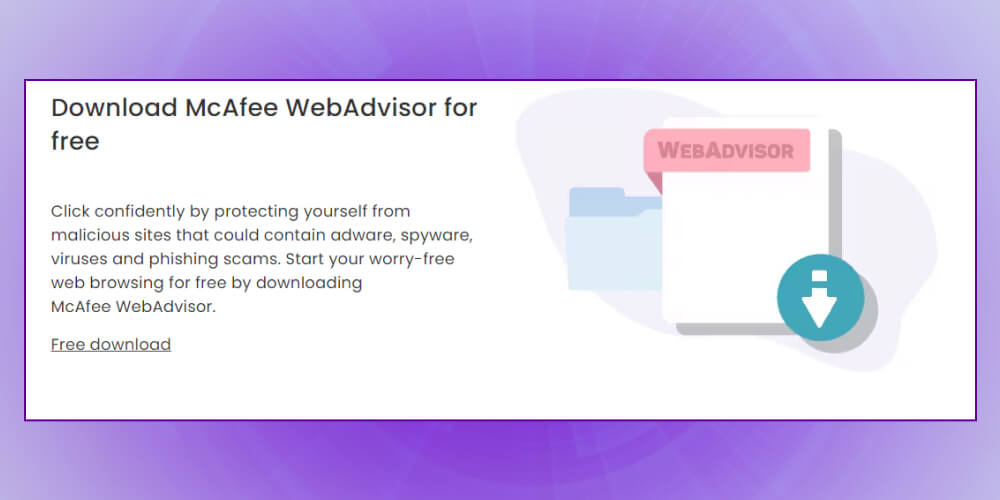
By clicking the Download anything on your computerbutton, this malicious link checker SiteAdvisor tells you whether your link is safe. This tool also lists the outbound links that contain links to your website, giving you data to judge that site and remove outbound links if necessary.
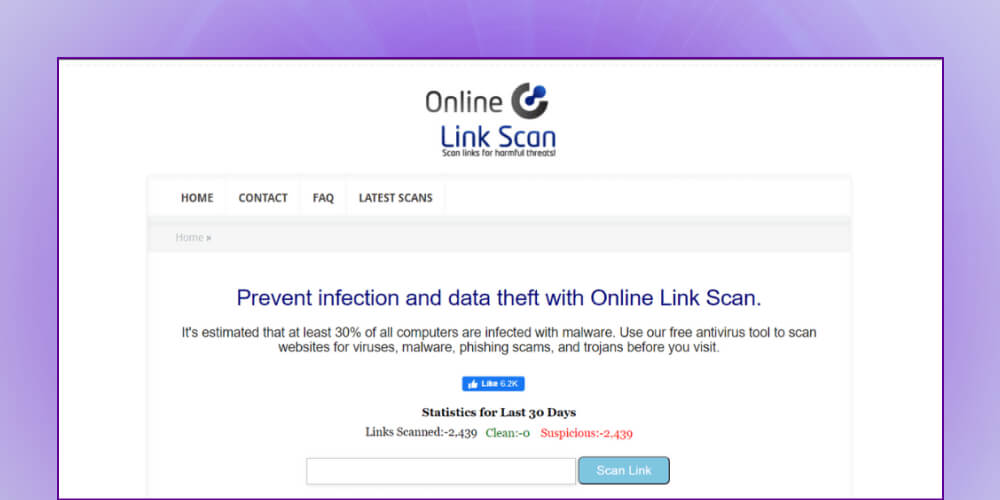
Online Link Scan brings together all the features of every link virus checker mentioned. Online Link Scan also scans and gives detailed reports, helping you tell whether the website link you're about to visit is really safe.
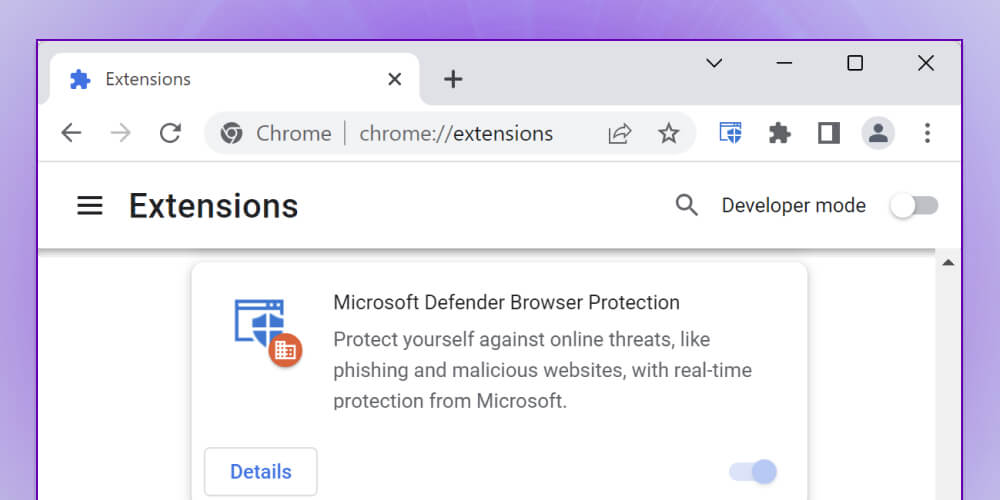
Browser Defender is a malicious link checker that quickly tells you whether your link is dangerous. If you suspect a “verdict” from Browser Defender is “saiwrong”, you can also report it to the site's domain.
Google Safe Browsing Diagnostic is a website link checker released a few years ago. It gives you detailed reports on a domain or web link. This safe link checking tool was developed by Google using the Safe Browsing API, part of the search engine infrastructure that users can fully trust.
To use it, add the URL of the website you want to check after the address http://www.google.com/safebrowsing/diagnostic?site=. Google will give you diagnostic information including:
Note: The information Google provides is based only on the site's status over the last 90 days.
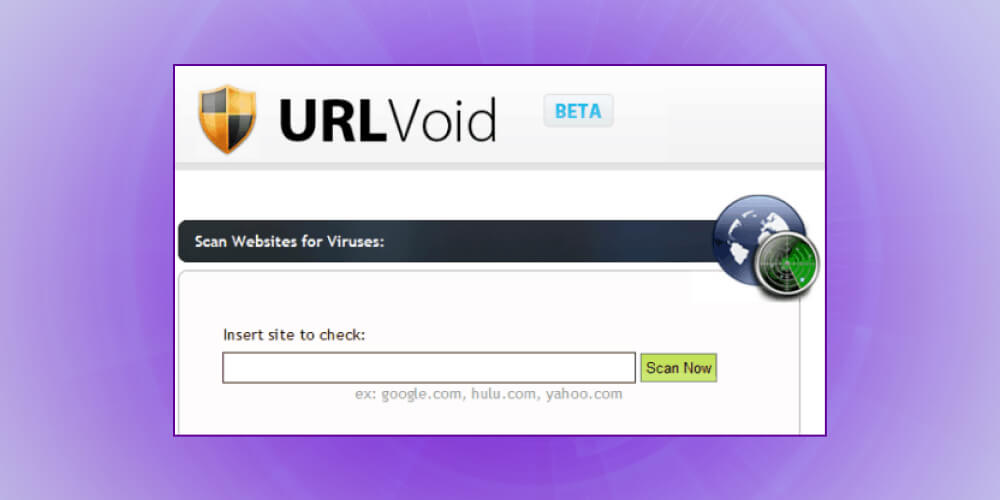
URLVoid.com is a website scanning and link virus checking tool you can trust. It analyzes a website address with multiple engines (about 30) and domain blacklists such as Google SafeBrowsing, MyWOT and Norton SafeWeb, to detect any potentially dangerous site.
Specifically, users paste in a link by hand, and URLVoid lists whether each engine's detection was negative or positive. You can also check threat log (threat list) for more detail.

Phishing is usually easy to spot when you look at the URL. Banks and other sensitive sites normally have to take measures against this kind of scam. You can use the index of phishing sites kept in PhishTank.com. You can also add phishing sites to this list. Keep in mind that PhishTank is not a security tool but a free service created by OpenDNS.
-> Read more:
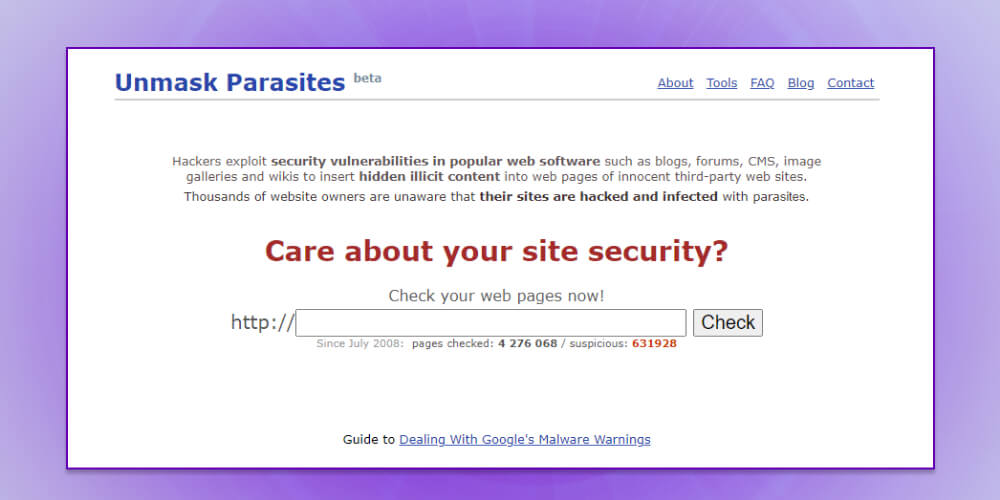
UnmaskParasites.com is a simple security tool check a link for viruses that scans a website and tells you whether the site carries spam links, malware or redirected links. It is a fast and easy way to check your links.
Typically, when a website is compromised and malicious code is inserted without the administrator noticing, UnmaskParasites downloads the link (page) you provide and analyzes the code HTML, especially external links, JavaScript and iFrames
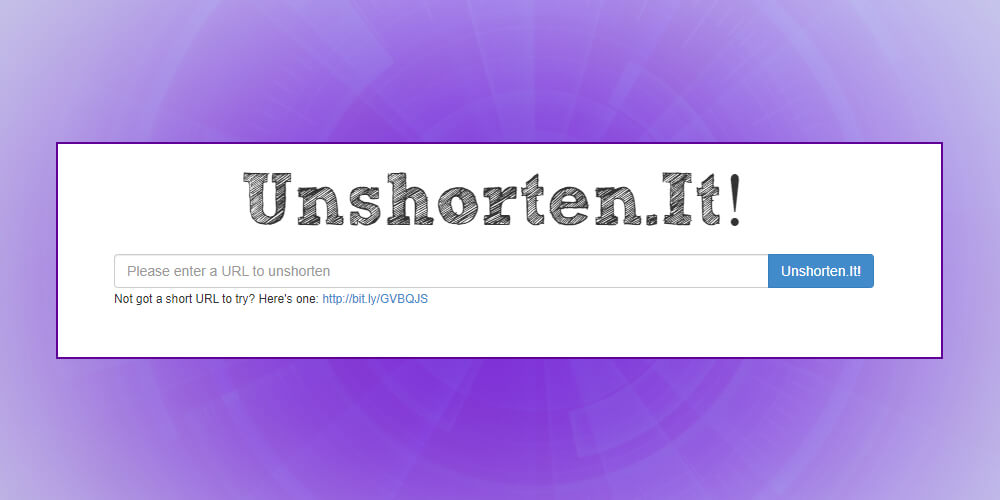
Short URLs are appearing on more and more websites, but users have no way of knowing what hides behind them. You can use a tool to expand the URL, but even then you still can't tell whether the expanded URL is really safe.
UnShorten.it combines two functions: expanding shortened URLs and scanning the URL with WOT (Web of Trust) tools to give users a trust rating. All you do is paste the short URL in, and the service returns the direct URL of the destination site, then a description of the site and its WOT rating, along with a thumbnail of the destination site. The UnShorten.it link checker also offers extensions for Firefox and Chrome.
VirusTotal gives users two tools: one for uploading suspicious files to scan, and a link scanner that checks a site before you click it. It also uses a series of website scanning engines, antivirus engines, and file and URL analysis tools to return detailed reports. For example, some engines will clearly show whether a URL is part of a botnet. The tools update every 15 minutes.
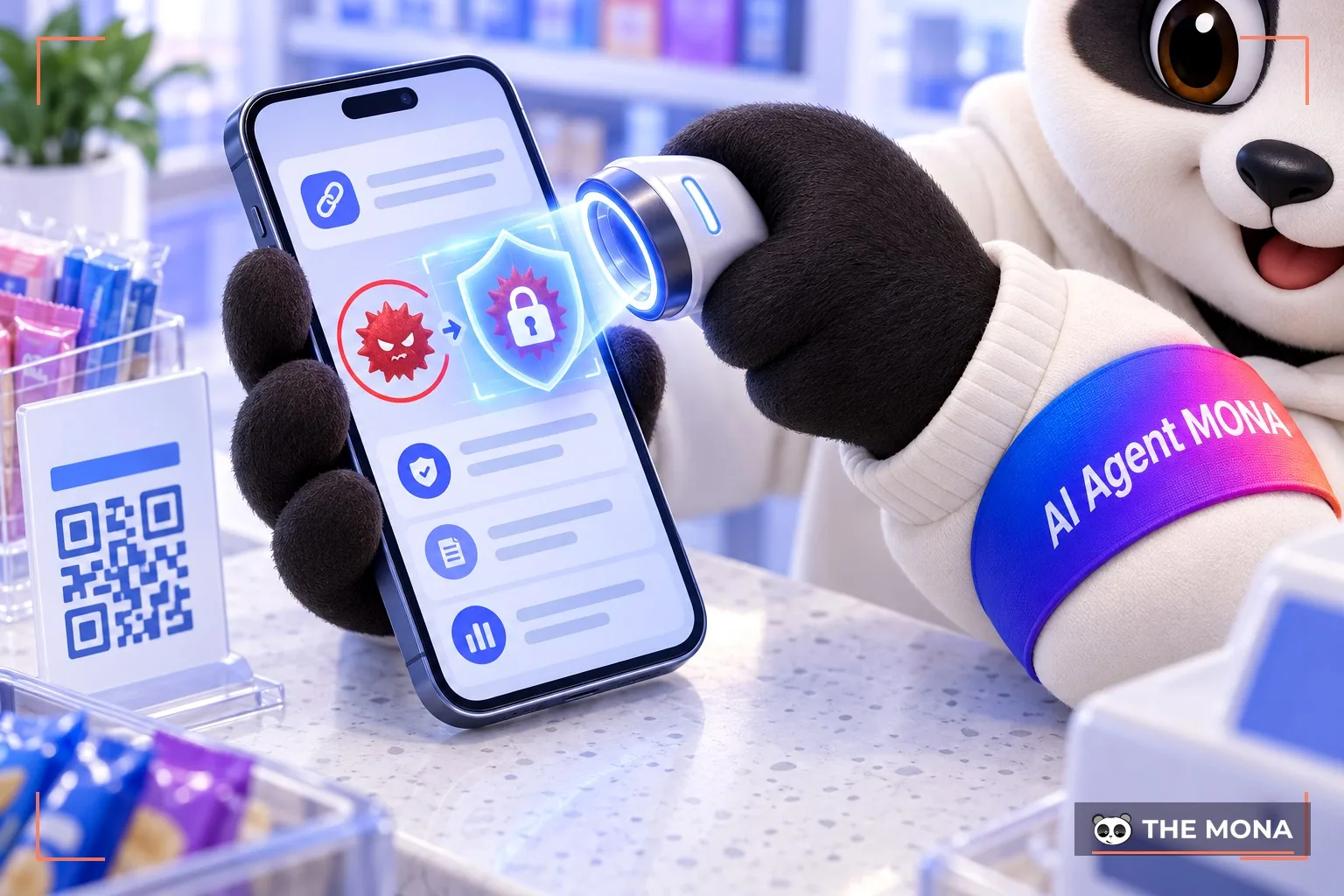
Dr.Web is a safe link checker that scans online links, checks links for viruses and finds malicious content on e-commerce websites. This tool displays everything it finds after checking a link, such as malicious links on a website, and checks links from social media Facebook, Google+ and more, helping you quickly and conveniently tell which links are safe.
Besides learning to spot malicious links with the link checkers above, you also need to know how to keep your own website safe!
If you're worried about keeping your website safe, let the malware intrusion protection service from MONA Media help you!
With a team of highly qualified experts and modern security technology, MONA has fully resolved countless website security problems and fixed technical website errors for more than 10,000 clients in Vietnam and abroad over more than 10 years.
Please CONTACT US with MONA via hotline 1900 636 648 to get detailed advice on our malware protection service and bring your website back to a stable, secure and smoothly running state.
After this article, MONA we hope you can pick ways to check a link for viruses quickly and accurately before deciding to open an unfamiliar link. Always stay alert to strange and suspicious links to avoid having your information stolen. We hope these ways to check the safety of links above are useful to you.
-> More articles to read:

CEO & Founder · The MONA
Founder of The MONA, who built a services company of 200+ staff with 14,000+ projects delivered. Khánh Hùng shares how he thinks about building systems that run themselves, automating a business, and the real lessons from delivering projects at MONA.
 2,2K
2,2K




Professional website
design services
Own a website with a beautiful, 100% exclusive design and a lifetime warranty, with the ability
to expand features flexibly as your business grows, starting today!



NHẬN TƯ VẤN SEO MIỄN PHÍ !








 MONA will never sell your information or send you spam
MONA will never sell your information or send you spam
MONA will never sell your information or send you spam


 MONA will never sell your information or send you spam