
 MONA OS 2.0
 Partner with MONA


 Tự động hoá doanh nghiệp
 Cẩm nang SEO
 Digital Marketing
 Kinh nghiệm thiết kế website
 Hạ Tầng Server
 Giáo dục


 VI
 EN















Message us on
Zalo Official


 ProductsNew

 ProductsProducts
 Mới ra mắtKHA AI 2027App tự edit video, tự đăng mọi mạng xã hội, 2 phút mỗi ngày










 Website designLooks good and wins customers over.
SEO servicesBrings in customers searching for exactly what you sell.
 Tư vấn digital marketingKéo khách từ nhiều kênh, đo bằng số thật.
Corporate video productionVideos introducing your company, factory and team.
 NewAI video productionCompany story films made with AI.
 Custom software developmentCRM, ERP and HRM built for your business.
 Viết AI Agent theo yêu cầuĐặt riêng một trợ lý AI cho đúng việc của mình.
 Tư vấn chuyển đổi AIĐưa AI vào vận hành của cả công ty.
NewMONA LMSManagement for centers and schools.
MONA SkillHubInternal training for company staff.
 NHTQ systemEnd-to-end China–Vietnam shipping operations.
MONA JMSManagement for gold, diamond and pawn shops.
 MONA E-LearningA website with every feature you need to sell courses.
 How to sell online courses (course)More than 30 free lessons on selling courses on autopilot.
 MONA Cloudmonacloud.vnServers to get your apps and websites running.
 MONA Basemonabase.vnPostgres database, sign-in and file storage.
 MONA Mailmonamail.vnSend OTP, order and invoice emails from your software.
 MONA Paymonapay.vnAccept bank transfers via VietQR and notify your software when the money arrives.
 MONA eInvoiceComing soonIssue e-invoices that meet tax standards.
Gấu CườiTrả lời khách 24/7 trên web, Fanpage, Zalo và thu lead cho sale.
 Gấu TeleSalesGọi điện tư vấn, chăm khách như tổng đài viên thật.
Dê CườiTư vấn và chốt đơn cho shop ngay trong khung chat.
Gấu WebmasterNhắn nhóm Zalo là website được sửa xong.
 Gấu Pháp ChếSoạn hợp đồng, rà điều khoản trong vài phút.
 Gấu Báo GiáLên báo giá đúng mẫu và gửi khách ngay.
 AI chăm sóc khách hàngTheo dõi và giữ chân khách hàng cũ.
 Gấu Tuyển DụngLọc hồ sơ, hẹn lịch, phỏng vấn ứng viên.
 Mới ra mắt
KHA AI 2027
Xây kênh chuyên gia 2 phút mỗi ngày
Quay bằng điện thoại, AI tự edit video, tự đăng lên 16 nền tảng và tự trả lời bình luận, tin nhắn.
890.855lượt xem trên kênh CEO MONA sau 36 ngày
 Anh Khánh HùngCEO MONA đang dùng mỗi ngày
Xem app làm được gì
 AI
Gấu Cười MONA ĐANG TỰ XÀITrả lời khách 24/7 trên website, Zalo OA, Messenger và thu lead về cho sale.
Dê CườiChốt đơn bán lẻ và sàn: Shopee, TikTok Shop, web. Chăm cả khách sỉ, đại lý.
Gấu WebmasterCập nhật nội dung, tối ưu SEO website mỗi ngày.
Gấu TeleSalesGọi điện tư vấn, chăm khách như tổng đài viên thật.
Gấu Tuyển DụngLọc hồ sơ, hẹn lịch, phỏng vấn ứng viên tự động.
AI chăm sóc khách hàngGiữ khách cũ, cứu lead đã rớt cho phòng kinh doanh.
Gấu Pháp ChếSoạn hợp đồng, rà điều khoản trong vài phút.
Gấu Báo GiáLên báo giá đúng mẫu, gửi khách ngay khi có yêu cầu.
 Chuyển đổi AI toàn phầnGiải pháp tổng cho doanh nghiệp, 3 lớp triển khai.
 Viết AI Agent theo yêu cầuĐặt riêng một con AI gánh đúng nghiệp vụ của bạn.
 Custom softwareCRM, ERP and HRM with built-in AI automation.
 SEO & AEO thời đại AIĐược Google lẫn AI trích dẫn, không chỉ xếp hạng.
 Kiến thức AI cho doanh nghiệpBài phân tích, hướng dẫn ứng dụng AI vào vận hành.
 Free AI courses
 AI tools at work
App mới · KHA AI 2027
Xây kênh 2 phút mỗi ngày
AI tự edit video, tự đăng mọi mạng xã hội
Free consultation, 8am–10pm every day

15 June, 2026
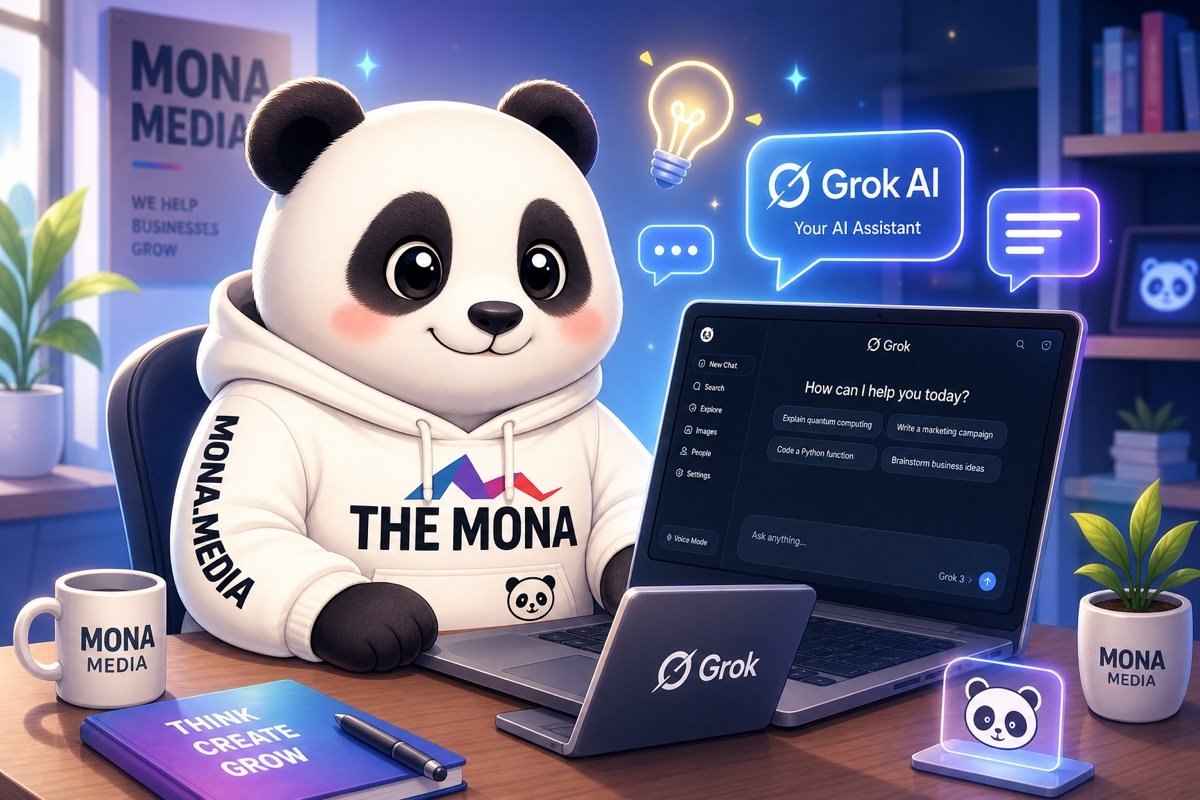
Every business owner and marketing team wants to optimize performance and lighten the load of repetitive tasks. Grok, with its API connection, opens the door to powerful automation. This article walks you step by step through using the Grok API connection to turn complicated manual workflows into a seamless chain of work. We'll share practical tips so Grok can collect and analyze data and run campaigns by itself, letting your team focus on strategy instead of simple operations. This is the way to master the technology and raise the level of your marketing.

Using Grok through the API gives marketing teams a big advantage. It's a strong step forward. Grok is not just a standalone tool. It becomes a data bridge and automates chains of work. You'll see performance rise clearly.
The real power lies in integration. Grok connects flexibly with your existing systems. That saves the marketing team a lot of time. It cuts manual work and lets people focus on strategy. Results come faster.
The Grok API helps you speed up content creation. It can sketch ideas. Grok writes drafts for many formats. From blog posts to social media captions, everything goes faster. This frees up the team. They can focus on distinctive creative work.
The tool supports fine-tuning your brand voice. All content stays consistent. Grok also adjusts writing style automatically. Each channel gets the best-fitting message. Content creation speed multiplies.
The Grok API connection allows automatic content distribution. It works from customer data. The system recognizes user behavior and interests. The right content is sent. Instantly.
You can set up rules. Grok will post automatically. It schedules email campaigns. Or updates new products on the website. Everything runs smoothly. You reach customers more effectively.
Ad management gets simple. The Grok API pulls in data from the platforms. It analyzes campaign performance. Grok suggests adjustments. The budget gets optimized. Return on investment goes up.
We've seen how Grok helps adjust keywords. It improves target audiences. Grok changes ad content dynamically. These changes happen in real time. They let you seize opportunities immediately.
The Grok API automatically collects customer feedback. It consolidates comments. Grok analyzes messages from many channels. From there, you get a full picture. Every problem is spotted early.
This data is a solid foundation. You use it to refine strategy. Grok supports adjusting products and services. It helps improve the customer experience. The business stays on the right track. Always moving forward.


With Grok, finding and developing content ideas is no longer heavy work. We share a three-step workflow for using the Grok API connection. You can automate this whole chain. Let's get started.
For Grok to give sharp ideas, the input data has to be good quality. You need to connect Grok to trend information sources. Google Trends provides real-time search data. Ahrefs brings in information on keywords, competitors.

The connection requires getting API keys from these platforms. Then you configure Grok to pull data on a schedule. This is the foundation for all later analysis.
You can set the sync frequency. Daily or weekly, depending on your needs. The latest data is always ready.
Once you have the data, the next step is to guide Grok in analyzing it. You need to write clear prompts. A prompt is the key that unlocks artificial intelligence. A good prompt decides the quality of the ideas.

Start by defining a role for Grok. For example: “You are a market analysis expert”. Then make a specific request. The request could be “analyze 5 standout trends related to [industry]”.
Don't forget to add constraints. “Only list trends whose search volume grew more than 20% in the past 3 months”. You can ask for an output format. A table or a bullet list, either works.
We often use a 4-layer prompt formula. It helps force the AI to stay on your brand voice. Try out many different prompts. Find the command that suits you best.
Once the ideas are ready, it's time to put them to work. Grok can publish results automatically. That saves data entry time. You no longer need to do it by hand.
 content management system (CMS)“>
You can integrate Grok with your content management system (CMS). Or with project management tools like Notion and Asana. Even a Google Sheets spreadsheet works well. This workflow connects seamlessly.
Set up a simple “automation chain” (pipeline). When Grok creates a new idea, it automatically creates a task. Or a new entry in the idea board. This makes sure every idea is recorded. Nothing gets missed.
That makes it easy for the whole team to follow along. Work gets assigned quickly. Content performance rises noticeably.

An effective email marketing campaign always demands deep personalization. We all know this. It usually takes a lot of effort, especially with a big customer list. Grok helps you solve this challenge. It personalizes thousands of emails in just one hour. Grok connects seamlessly with your existing systems. You'll see performance rise clearly.
To personalize emails, Grok needs data. You need to integrate Grok with your CRM system. This is done through the API. Grok will pull detailed information on each customer. The data includes names, purchase history, browsing behavior or past interactions. Data is the crux. We always stress the role of clean data. As one example, MONA helped a large e-commerce business build a sales website platform with API integration. They now use the Grok connection to analyze and send emails automatically.
You can set up these connections easily. Grok supports many popular CRM platforms. This keeps your emails going to the right audience. Personalization makes the difference. Connecting the data is the first step.
Once you have the data, the next step is to guide Grok on how to write the email. You need to create detailed prompt templates. These templates shape the email content. We need flexibility. For example, you can create a template for a welcome email to new customers. Or another one for customers who abandoned their cart. A template for birthday emails works well too.
Each template should include variables. Grok fills these in automatically with data from the CRM. You stay in full control of the tone and message. This keeps the overall marketing strategyintact. Grok is just a support tool. MONA also uses similar AI tools when automating our internal workflows.
The last step is sending the personalized emails automatically. Grok connects to your email marketing service through the API. You can use Mailchimp, SendGrid or similar platforms. Grok creates the email content. Then it pushes each individual email to the sending system. This workflow runs fully automatically.
Grok's processing speed is impressive. It can personalize and send more than 5,000 emails per hour. That lets you roll out large campaigns quickly. At the same time, personalization quality is still guaranteed. The results are better. It's one way to optimize resources. We spend our time on more important work.
We often miss valuable customer feedback. Compiling and analyzing it by hand takes time and is error-prone. Grok automates this whole process.
The tool helps you find up to 90% of the deep insights that usually get overlooked. Rolling out a feedback analysis workflow with Grok involves three main steps.
The first step is collecting feedback data. You need to connect Grok to the important channels. We use APIs so Grok can access the popular platforms directly.
This workflow makes sure every customer opinion is fully collected. MONA has applied API integration extensively for business website platforms and SEO strategy.
Once the data is collected, Grok starts analyzing. You need to train Grok to recognize emotions. This model helps Grok understand the real meaning of each comment.
This lets us accurately gauge customer satisfaction. From there, Grok helps identify the issues that need priority handling.
Grok analyzes and consolidates the results. The tool automatically creates detailed, visual reports. These reports point out trends and hot spots that need attention.
You receive this information on a schedule, or whenever something unusual happens. This helps the business react quickly and improve the customer experience more effectively. These reports are also the basis for MONA to optimize campaigns digital marketing.
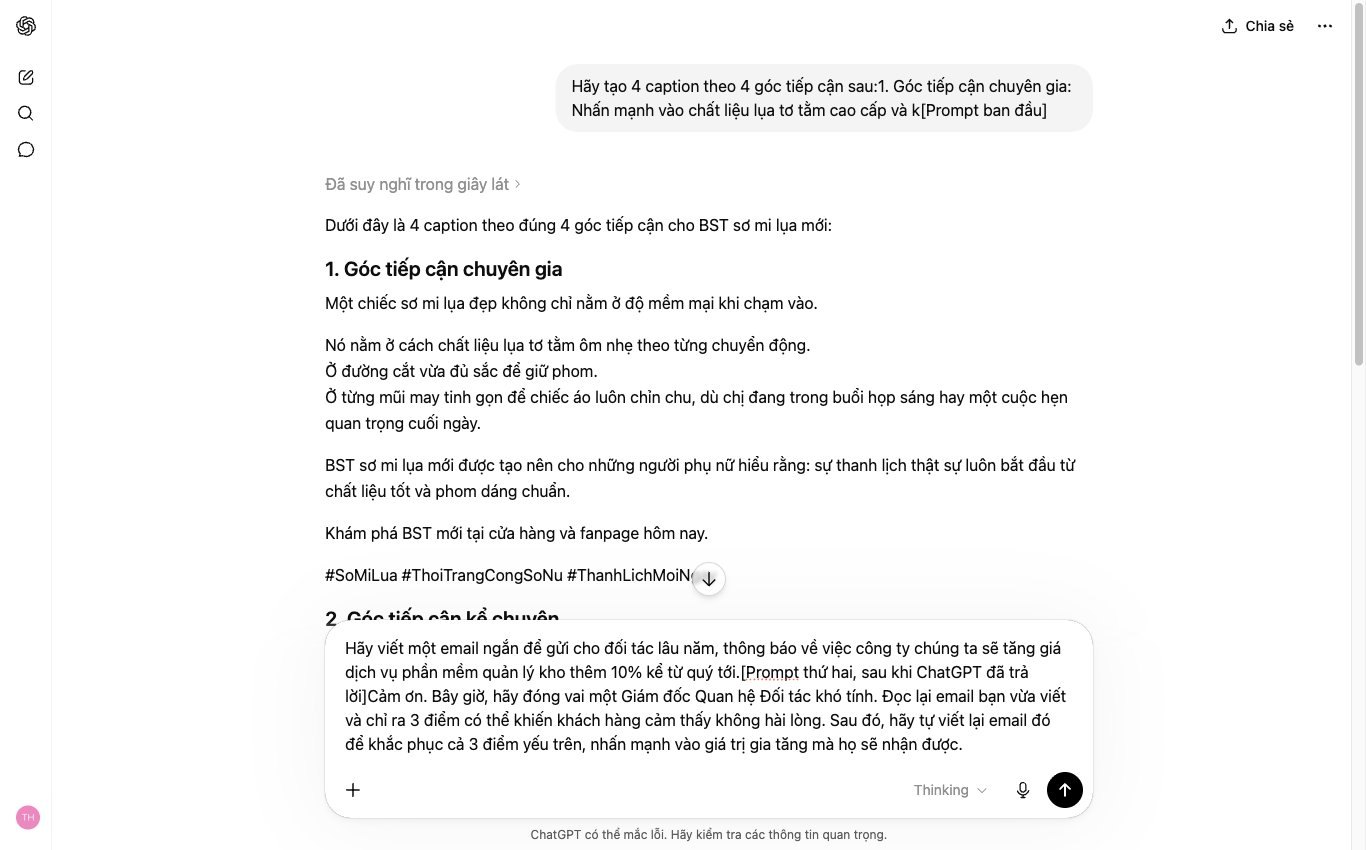
Planning social media content often takes a lot of time. We need standardization and efficiency. Grok helps you build a smart content calendar. It works from clear strategic criteria. We've applied this approach to many internal workflows, helping our team save effort noticeably.

Effective social media content has to stay up to date. Grok needs real-world data sources. You will connect Grok to the key APIs. Your internal event calendar is one source. Reputable industry news sources are also essential.
This makes sure Grok always picks up new information. It understands market trends well. Through the API, Grok can fetch data automatically. For example, it can read the launch calendar for new products. It also tracks major industry events. This keeps our content relevant.

For Grok to work smartly, you need to define the criteria clearly. Three core factors shape content quality.
Set these criteria up in detail. Grok will use them to filter and create content. It makes the content highly strategic.

With the input data and clear criteria, Grok gets to work. It analyzes and suggests automatically. A detailed posting schedule is produced. The schedule optimizes posting times. It is based on user behavior and standout events.
Beyond the schedule, Grok also drafts the content. You receive post ideas. Image captions and hashtags are suggested too. These drafts are an effective starting point. They save a lot of time. The team only needs to review and refine. This speeds up content production. We can keep things consistent across every channel.
MONA believes automation is the key. We are always looking for ways to apply AI tools. The goal is to support Vietnamese businesses. We grow stronger together.
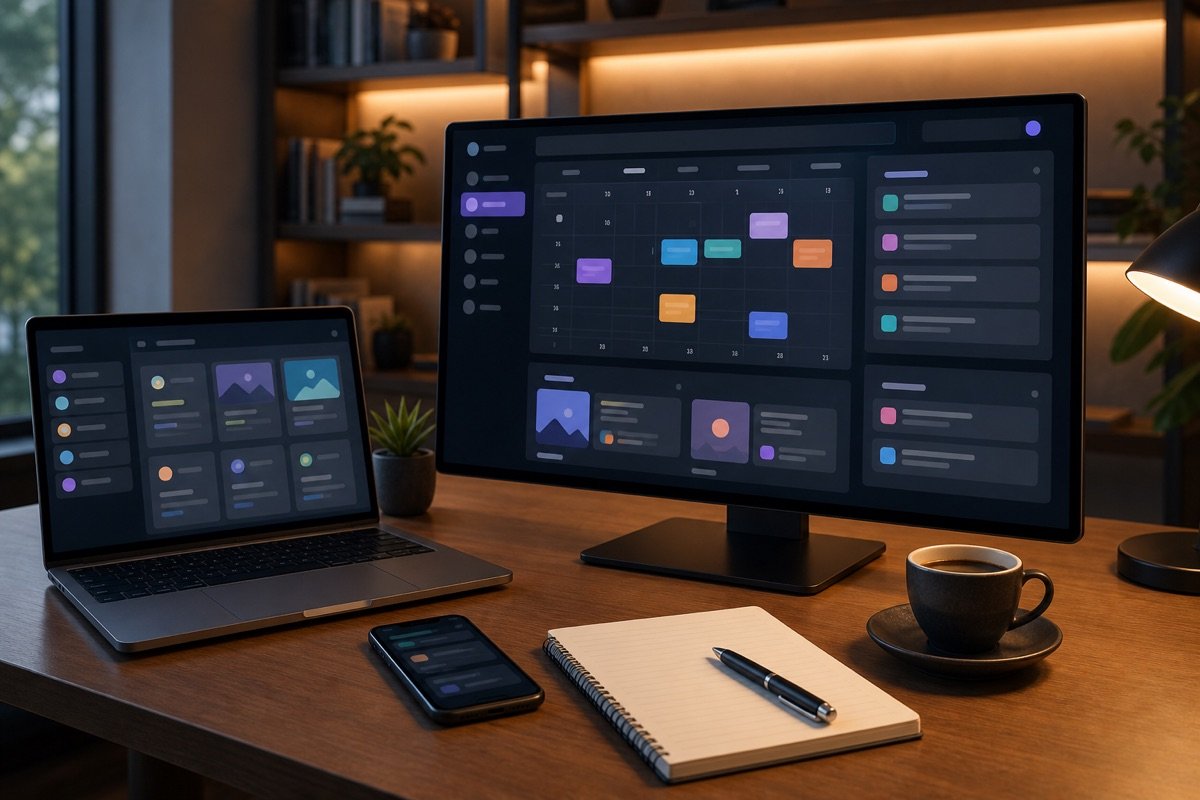

Compiling marketing campaign performance reports often eats up a huge amount of your team's time. You have to collect data by hand from many different platforms. That easily leads to errors and delays.
The Grok API connection will completely change this process. We share a tip to help you automate report creation. This takes only a few minutes to set up. After that, the system runs on its own.

The first step is centralizing the data. You need to link Grok with your campaign data sources. This makes sure all information is pulled into a single place.
In the Grok interface, find the “Integration settings” section. Choose “Add new connection”. The system shows a list of popular platforms.
Choose Google Analytics, Facebook Ads, or Google Ads. Enter your API key or authorize the account as prompted. The process is quick.
Grok verifies the connection automatically. Data from these platforms is then ready to use. Always keep your information secure when connecting.
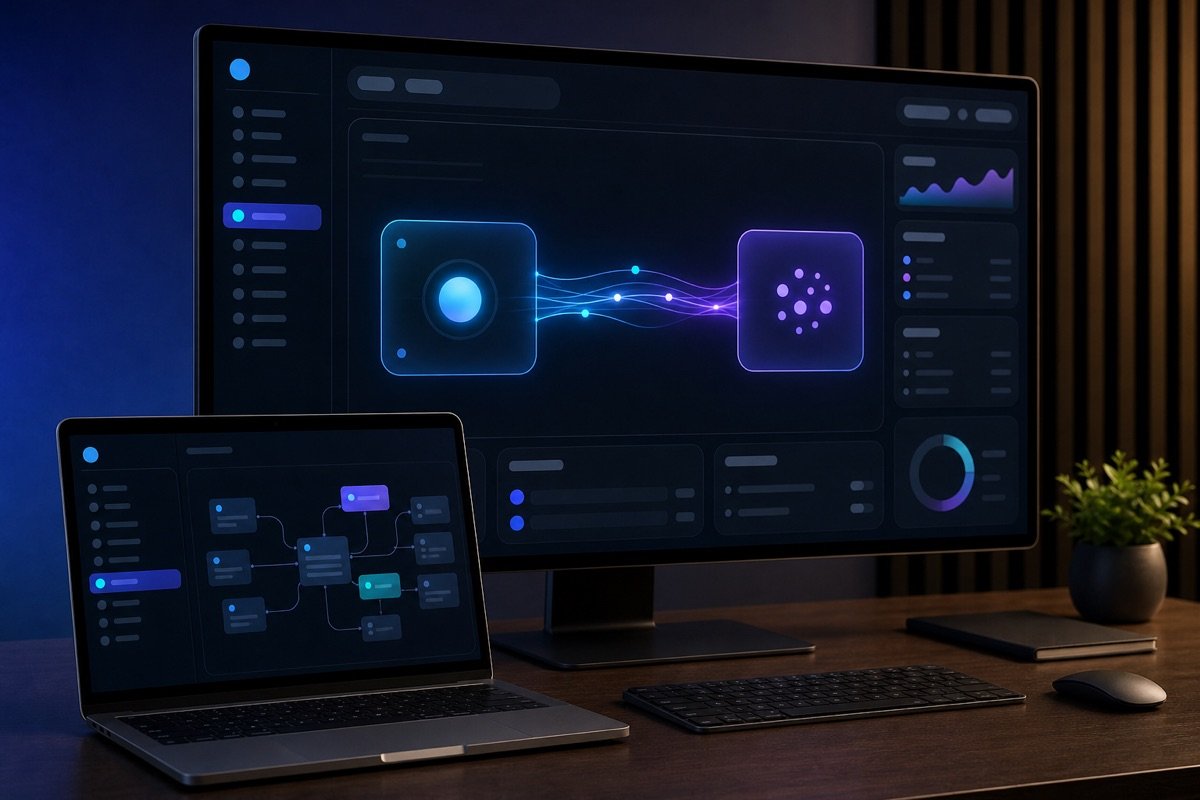
Once your data is connected, you start building a report template. A standard report makes it easy for the team to follow along. It also makes sure everyone is looking at the same picture.
In Grok, choose “Create new report”. A drag-and-drop interface appears. You can pick the metrics you need.
Basic metrics such as impressions, clicks, and conversion rate matter most. Cost per conversion also needs close tracking. Adjust the report to fit your needs.
Grok lets you format charts and tables flexibly. Save this report template. You can reuse it next time. This saves a lot of effort.

Grok's strength is full automation. You no longer have to export reports by hand every week or month. Grok does it for you.
In the report settings, choose “Schedule automatically”. Set the frequency you want: daily, weekly, or monthly. Pick the exact time.
Then enter the email addresses of the people who should receive it. That could be the CEO, the marketing director, or team leads. Grok sends the report on time automatically.
Information stays up to date. The team has the data to make decisions quickly. This is the big benefit of automation.


You have seen that Grok and other AI tools bring real power. They can automate many individual tasks. But stitching tools together by hand through APIs always has limits. It is hard to gain more performance when the process is not seamless.
This is where we need a different view. Businesses now need more than scattered “tips”. We need a complete, durable automation system.
Having each person automate their own small task is not the best approach. Marketing data tends to be fragmented. The risk to customer data security goes up. The cost of running and maintaining many separate tools is not small either. We are missing a bigger picture.
A chain of automated jobs that are out of sync breaks easily. We need a solution that goes beyond “patching together” single functions. Businesses are looking for real seamlessness. They want one platform that brings every process together.
At MONA, we understand this challenge well. We do not just sell “AI” as a tool. MONA builds custom production automation software. It is a closed chain of modules. Every marketing, sales, and operations process is synced on a single platform.
We have over 10 years of experience (since 2016) in technology. With . Delivered for over 14,000+ projects across the country. Our repeat-customer rate reaches 85%, which shows our quality and reliability.
Custom software built by MONA helps your business cut operating costs. It removes unnecessary headcount bloat. It raises the output of the whole team. Data is fully secure. All information sits in one place.
Grok and other AI tools are powerful. We integrate them into our custom software. This keeps the system running smoothly and as efficiently as possible. To truly tap the power of automation, a business needs a solid architecture. Contact MONA for advice on custom software, and build a lasting digital future for your business.

Call the Grok API yourself when you are trying a single standalone task, with little data and a technical person watching for errors. When Grok has to pull data from several sources, create multichannel content, update the website, and write results back to your system, we can build a custom integration layer.
Contact us via 1900 636 648 so we can review the API, access permissions, and run order of your marketing process. Connect the flow correctly first, then automate.

CEO & Founder · The MONA
Founder of The MONA, who built a services company of 60+ staff with 14,000+ projects delivered. Khánh Hùng shares how he thinks about building systems that run themselves, automating a business, and the real lessons from delivering projects at MONA.
 273




Professional website
design services
Own a website with a beautiful, 100% exclusive design and a lifetime warranty, with the ability
to expand features flexibly as your business grows, starting today!






 MONA will never sell your information or send you spam


 MONA will never sell your information or send you spam
