
 MONA OS 2.0
 Partner with MONA


 Tự động hoá doanh nghiệp
 Cẩm nang SEO
 Digital Marketing
 Kinh nghiệm thiết kế website
 Hạ Tầng Server
 Giáo dục


 VI
 EN













Message us on
Zalo Official


 ProductsNew

 ProductsProducts
 Mới ra mắtKHA AI 2027App tự edit video, tự đăng mọi mạng xã hội, 2 phút mỗi ngày










 Website designLooks good and wins customers over.
SEO servicesBrings in customers searching for exactly what you sell.
 Tư vấn digital marketingKéo khách từ nhiều kênh, đo bằng số thật.
Corporate video productionVideos introducing your company, factory and team.
 NewAI video productionCompany story films made with AI.
 Custom software developmentCRM, ERP and HRM built for your business.
 Viết AI Agent theo yêu cầuĐặt riêng một trợ lý AI cho đúng việc của mình.
 Tư vấn chuyển đổi AIĐưa AI vào vận hành của cả công ty.
NewMONA LMSManagement for centers and schools.
MONA SkillHubInternal training for company staff.
 NHTQ systemEnd-to-end China–Vietnam shipping operations.
MONA JMSManagement for gold, diamond and pawn shops.
 MONA E-LearningA website with every feature you need to sell courses.
 How to sell online courses (course)More than 30 free lessons on selling courses on autopilot.
 MONA Cloudmonacloud.vnServers to get your apps and websites running.
 MONA Basemonabase.vnPostgres database, sign-in and file storage.
 MONA Mailmonamail.vnSend OTP, order and invoice emails from your software.
 MONA Paymonapay.vnAccept bank transfers via VietQR and notify your software when the money arrives.
 MONA eInvoiceComing soonIssue e-invoices that meet tax standards.
Gấu CườiTrả lời khách 24/7 trên web, Fanpage, Zalo và thu lead cho sale.
 Gấu TeleSalesGọi điện tư vấn, chăm khách như tổng đài viên thật.
Dê CườiTư vấn và chốt đơn cho shop ngay trong khung chat.
Gấu WebmasterNhắn nhóm Zalo là website được sửa xong.
 Gấu Pháp ChếSoạn hợp đồng, rà điều khoản trong vài phút.
 Gấu Báo GiáLên báo giá đúng mẫu và gửi khách ngay.
 AI chăm sóc khách hàngTheo dõi và giữ chân khách hàng cũ.
 Gấu Tuyển DụngLọc hồ sơ, hẹn lịch, phỏng vấn ứng viên.
 Mới ra mắt
KHA AI 2027
Xây kênh chuyên gia 2 phút mỗi ngày
Quay bằng điện thoại, AI tự edit video, tự đăng lên 16 nền tảng và tự trả lời bình luận, tin nhắn.
950.240lượt xem trên kênh CEO MONA sau 49 ngày
 Anh Khánh HùngCEO MONA đang dùng mỗi ngày
Xem app làm được gì
 AI
Gấu Cười MONA ĐANG TỰ XÀITrả lời khách 24/7 trên website, Zalo OA, Messenger và thu lead về cho sale.
Dê CườiChốt đơn bán lẻ và sàn: Shopee, TikTok Shop, web. Chăm cả khách sỉ, đại lý.
Gấu WebmasterCập nhật nội dung, tối ưu SEO website mỗi ngày.
Gấu TeleSalesGọi điện tư vấn, chăm khách như tổng đài viên thật.
Gấu Tuyển DụngLọc hồ sơ, hẹn lịch, phỏng vấn ứng viên tự động.
AI chăm sóc khách hàngGiữ khách cũ, cứu lead đã rớt cho phòng kinh doanh.
Gấu Pháp ChếSoạn hợp đồng, rà điều khoản trong vài phút.
Gấu Báo GiáLên báo giá đúng mẫu, gửi khách ngay khi có yêu cầu.
 Chuyển đổi AI toàn phầnGiải pháp tổng cho doanh nghiệp, 3 lớp triển khai.
 Viết AI Agent theo yêu cầuĐặt riêng một con AI gánh đúng nghiệp vụ của bạn.
 Custom softwareCRM, ERP and HRM with built-in AI automation.
 SEO & AEO thời đại AIĐược Google lẫn AI trích dẫn, không chỉ xếp hạng.
 Kiến thức AI cho doanh nghiệpBài phân tích, hướng dẫn ứng dụng AI vào vận hành.
 Free AI courses
 AI tools at work
App mới · KHA AI 2027
Xây kênh 2 phút mỗi ngày
AI tự edit video, tự đăng mọi mạng xã hội
Free consultation, 8am–10pm every day

14 June, 2026

Business owners and marketing teams are always looking for ways to produce high-quality visuals that attract customers while keeping costs down. Adobe Firefly is a powerful tool that turns ideas into reality fast, and it is especially effective when you use Adobe Firefly for marketing. But to get the most out of it, from copywriting and ads to SEO, it takes more than typing a command. We at MONA Media have researched and applied Adobe Firefly in many real projects. Today we share 3 proprietary formulas, field-tested tips so you can create ad images that perform, drive engagement and convert. These techniques are proven and help your team use the tool like professionals.

Adobe Firefly brings powerful marketing image creation. This tool helps you turn raw ideas into dozens of eye-catching ad images. Within one working hour, your team can have a rich set of graphic assets. This boosts productivity significantly for every campaign.
This tool is a strong support for modern marketing departments. It shortens the visual content creation cycle. That lets you focus resources on strategy and other core activities.
One of Adobe Firefly's biggest benefits is that it speeds up the design process. You will cut the time needed to produce high-quality images considerably. We often spend hours, even days, to get a complete set of images.
With Firefly, a marketing team can produce a batch of versions in minutes. A large restaurant chain with 18 branches in Hanoi and Hai Phong, with revenue of around 40 billion VND a month, used to spend a lot of time on photos of new dishes. Each launch needed a hundred or so varied ad images. Now they just enter a product description and Firefly suggests dozens of variations. Adjustments happen very quickly.
This tool helps produce image variants for A/B testing. You don't have to wait for the design team. Everything is handled quickly within the marketing department. This speeds up campaign rollout and keeps pace with market trends.
Adobe Firefly opens the door to creativity for everyone, even those who are not graphic design experts. This tool lets marketing teams tap a vast resource library. You can easily create images from text and adjust small details.
A household appliance manufacturer with 22 showrooms nationwide needs a huge number of product photos. They had to hire an outside agency or train design staff. Firefly gives them much more independence. A marketing employee just enters a product description and the style they want. The AI tool generates realistic images that fit the company's brand voice. We can use the Generative Fill function to change backgrounds and add objects. Every operation is very intuitive.
Firefly simplifies visual content production. It helps you create ad banners, social media post images and blog illustrations. Your team can now produce professional marketing materials on their own. The near-limitless customization sets your brand apart.
We at MONA Media are always looking for modern tools to raise our service quality. We apply Adobe Firefly in our content production process for clients. This helps website design and SEO your campaigns perform better.
We use Firefly to create distinctive illustrations for blog posts. The tool also supports designing attractive ad banners. These images fit each industry and each business's specific needs. MONA's digital marketing team is well versed in getting the most from Firefly.
MONA also builds Firefly into its internal training courses. This helps staff pick up new technology. We share our experience using AI tools effectively. We are committed to delivering real value to over 14,000 projects that have trusted MONA since 2016. We always aim for the highest return on investment.
Although Firefly is powerful, it still has limits. It only handles discrete, individual tasks. For businesses that need full automation and connected data, MONA will build custom software. Software designed by MONA optimizes your entire operating process. It ensures security and consistency across your whole system.


For Firefly to produce accurate ad images, we need a clear prompt structure. The 3-layer prompt principle helps you steer the AI to stay close to 90% of your original idea. This cuts editing time and off-target results. It saves considerable effort.
MONA has applied this principle successfully in internal design projects and client training. The result is images that are both creative and on message. This is the key to high performance.
An effective prompt for Adobe Firefly always revolves around three core elements: Subject, Action and Context. Separating these components helps the AI process information coherently and avoid misreading your request. This is the smart way to work.
Think of your request as a short script. The “Subject” describes the main focus of the picture, for example: “a young woman,” “a happy family,” “a successful businessperson.” Describe the character, clothing or identifying features in detail.
Next is the “Action” the subject is performing. This is what brings the image to life. For example: “smiling,” “reading on the sofa,” “presenting to a crowd.” The more specific the action, the easier it is for Firefly to picture. It gives the image soul.
Finally, the “Context” sets the space and time of the image. It could be “a modern office,” “a beach at sunset,” “a lush green garden.” A detailed context will add realism and fit the advertising message.
Say you want an ad image for a personal development course. Instead of a vague prompt like “person studying,” try: “A 30-year-old businesswoman, smiling confidently, holding a tablet in a modern open-plan office.” This is how you create a difference.

Beyond the basic structure, the “magic” keywords that define graphic style decide the quality and uniqueness of your images. We need to know how to use these keywords to get professional results that match your brand's taste. It brings strong visual appeal.
These keywords cover art style (“digital painting,” “photorealistic,” “watercolor”), lighting effects (“cinematic lighting,” “golden hour”), camera angle (“wide shot,” “close-up”) and image quality (“8k,” “ultra detailed”). They are powerful tools.
Try combining these keywords to find the best style. For example, for a tech product you could use: “photorealistic, cyberpunk style, neon lights.” For a beauty product, consider: “soft focus, pastel colors, glowing skin.”
MONA regularly updates its list of effective keywords during training. We help clients discover the most valuable keywords. This keeps each marketing campaign distinctive.

The most common mistake with Firefly is writing a prompt that is unclear or too vague. The AI then can't understand your idea correctly. The result is an image completely off target. It wastes time and resources.
We need to avoid words with multiple meanings or unclear wording. For example, “a beautiful scene” is a poor prompt. Instead, describe it specifically: “a sunset scene over the sea with small boats.” Clarity comes first.
Also, don't hesitate to add negative keywords. For example, if you don't want people in the image, add “no people.” This helps Firefly leave out unwanted elements. It refines results better.
MONA recommends splitting your prompt into short segments, one idea each. Review it carefully before sending it to Firefly. Check every word to make sure nothing can be misread. This is an important step.
A fashion chain with 17 branches in Hanoi once struggled to create ad images for new products. Prompts that were too generic produced Firefly images they couldn't use. After MONA guided them on the 3-layer prompt structure and a dedicated keyword set, their marketing team confidently created hundreds of high-quality images. This streamlined their campaign, and they saved a lot on photo shoots.



The 1:1:1 ad image formula helps you optimize images across multiple platforms. Adobe Firefly provides powerful tools. We need to understand each requirement. This ensures the best display performance.
Every platform has its own quirks. From websites to social networks, image size and content both matter. We at MONA Media find that tailoring images is the key factor. It determines how much attention potential customers.
Firefly helps you produce suitable formats. You get beautiful images that meet the standard. This saves a lot of time. And the image quality is always assured.
Website banners need exact sizes and SEO optimization. This improves visibility in search engines. You need to design images that make an immediate impression. We can use Firefly to do this.
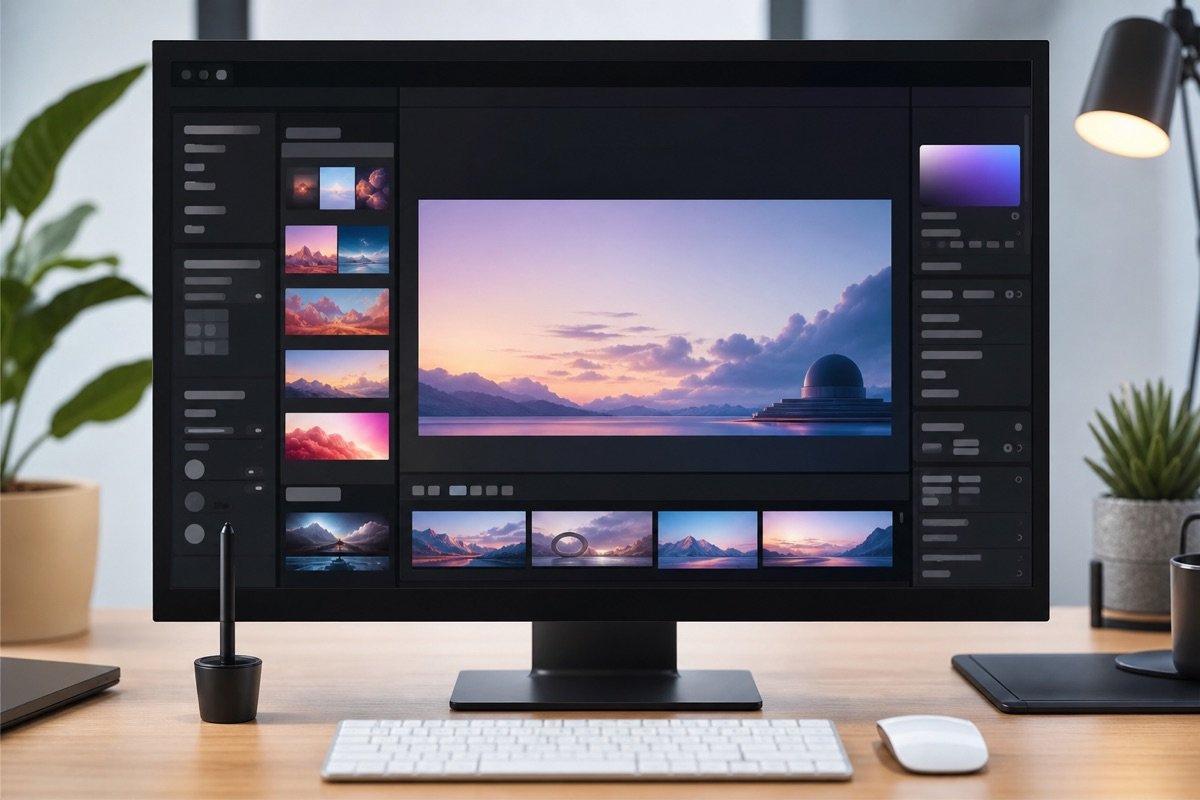
First, choose a suitable aspect ratio. For example, website banners commonly use 16:9 or 21:9. Adobe Firefly lets you enter custom dimensions. Just give a prompt describing your idea. Firefly will generate variations.
A furniture company wants to promote a new collection. They need a lively website banner. Instead of hiring models, you can use Firefly. Enter a detailed prompt: “modern living room, beige sofa, natural light, wide angle, cozy.” Firefly will produce a high-quality image. Then optimize the image file name and alt tag. This helps SEO work well. We at MONA Media always guide clients on image SEO when designing a new website.
After creating the image, don't forget to compress it. This makes the website load faster. Page speed is an important SEO factor. SEO services at MONA Media always stresses this. Image optimization is an indispensable part.
Facebook and Zalo ads require product images that truly stand out. Users scroll fast. The image must grab attention at first glance. Firefly is a great tool for this.
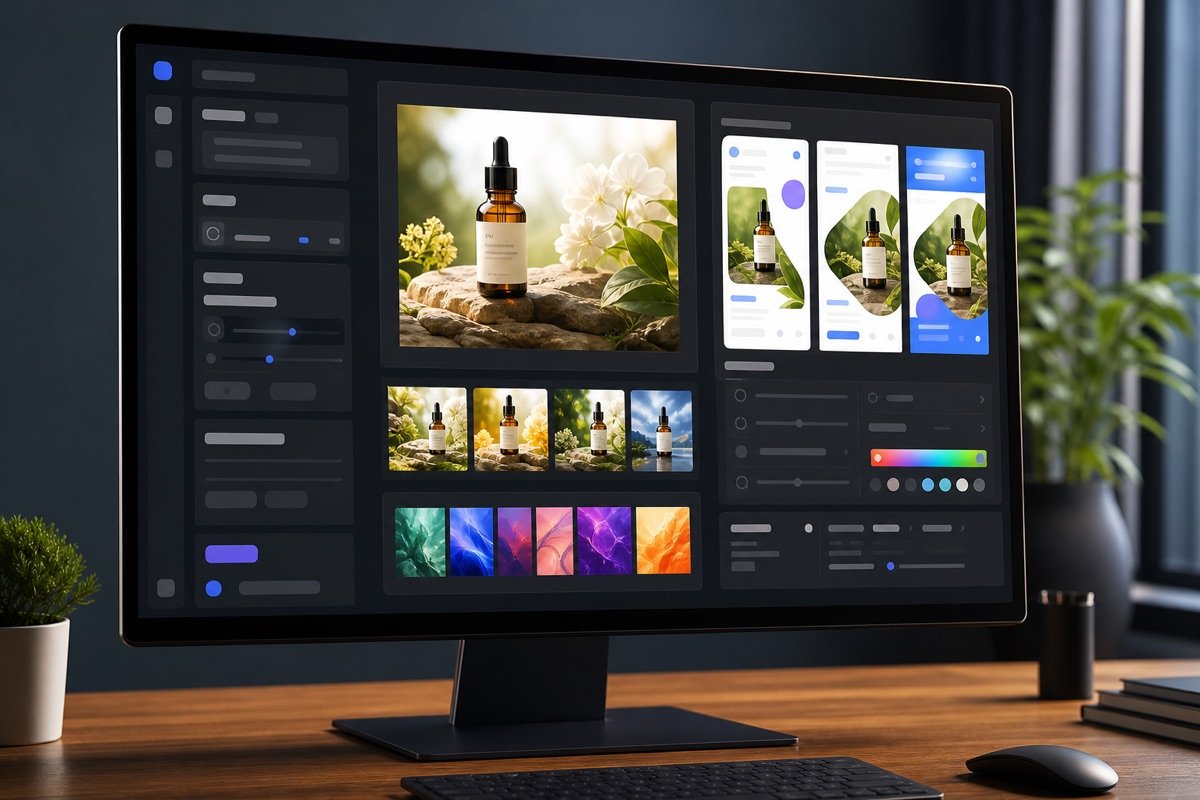
Focus on product details. Use clear, descriptive prompts. For example: “luxury perfume bottle, jade green tones, sparkling light rays, placed on white marble.” Firefly will produce professional-looking photos. You can ask it to remove the background or change the environment.
A local fashion brand wants to introduce a new line of T-shirts. Instead of an expensive studio shoot, they use Firefly. You can create images of the T-shirt worn by different body types, in everyday settings. These photos look very natural. They easily attract attention on Facebook and Zalo. This noticeably lifts engagement.
We often advise you to try many camera angles. Don't be afraid to try creative prompts. This helps you find the most distinctive image. High image quality will raise your conversion rate ads.
To build a brand, exclusive and consistent imagery is very important. Social media needs varied content. Firefly helps you keep that consistency. This strengthens brand recognition.
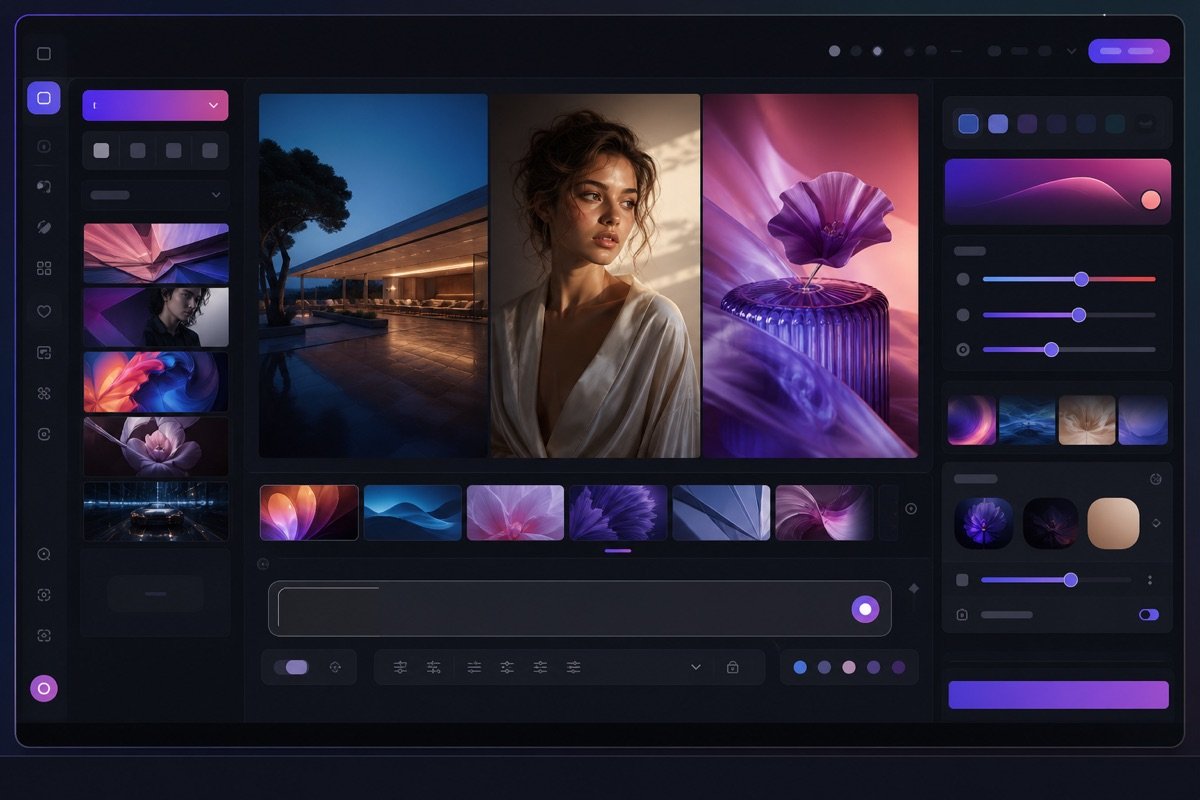
You can upload a reference image. That is an existing photo from your brand. Firefly analyzes the style. Then it generates new, similar images. This keeps colors, composition and mood consistent.
An English training center with over 14,000 students needs illustrations for daily posts. The images must convey a positive message. They need to be energetic and professional. Firefly helps produce this series of images, all in one consistent style. As a result, the brand becomes easier to recognize.
We at MONA Media believe consistency is the key. Website design or marketing campaign needs this. Firefly helps you produce consistent content. It helps build a online marketing strategy strong brand. Your business will stand out more.

The Generative Fill technique in Adobe Firefly helps you reuse and upgrade existing images into professional advertising materials. We can do it quickly. This saves considerable time and image production cost. It is a tip for marketing teams to streamline their work.
We will walk you through applying Generative Fill in three main steps. From there, you turn ordinary photos into eye-catching ad pieces. Let's go through the steps below.
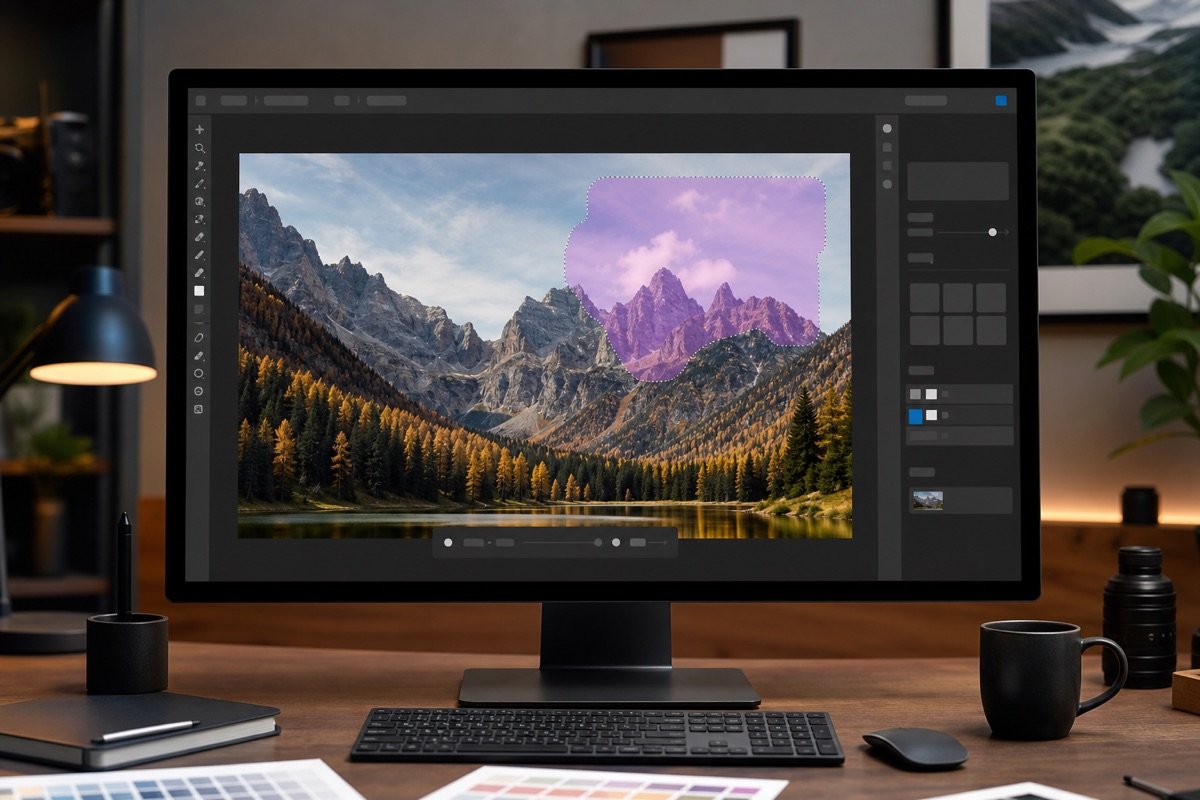
Generative Fill lets you extend an ad image seamlessly. That is very useful when the original photo is too small for a new format. You don't need to reshoot.
Take a fashion retail chain with 20 branches in Hanoi. They have a beautiful product photo, shot in portrait. But the marketing team needs a landscape image for the homepage banner. In the past, that meant scheduling a new shoot. Now it takes a few simple steps.
To extend the frame, upload the image to Firefly. Then choose the “Generative Fill” tool and drag the frame out to the size you want. Firefly analyzes the image on its own and fills the empty area with new detail. The new detail matches the original composition and lighting.

The result is a new image at exactly the size you need. Quality stays the same and the original composition is untouched. Your marketing team saves days of work.
Cleaning stray details out of a photo is a real challenge. Those details pull the customer's attention away. Generative Fill solves this quickly and makes your product stand out.
Say a large cosmetics brand with 15 showrooms shoots its new product. A small object accidentally ends up in the frame and spoils the look. To remove it, you just use “Generative Fill”.
Select the area of the object you want to remove, then type a simple description, for example: “Remove this object”. Firefly analyzes the image and removes it, filling the gap with a matching background. The result is a clean photo that puts the product front and center.

This technique is especially useful for e-commerce businesses that need flawless product photos. It makes the image more appealing, and customers focus on the main product.
Generative Fill also lets you add new details that blend naturally into the original photo. That helps you produce many versions of an ad without reshooting from scratch.
A furniture company wants to promote a new sofa. They have a product photo in a plain living room. To make it feel cozier, they want to add a rug and a small potted plant.
Select an empty area of the photo and describe the object you want to add in detail. For example: “Add a gray shaggy rug and a monstera plant”. Firefly generates several options, and the new objects match the existing lighting and perspective.

This feature opens up a lot of creative room. You can keep testing new ideas, your marketing campaigns become richer, and you can reach more customer segments.
Using Generative Fill saves resources and improves ad performance at the same time. It is a dependable assistant for any business.

Managing the library of images created with Adobe Firefly is very important. You need a clear system to keep work efficient, so your marketing team doesn't waste time recreating assets that already exist. It also makes sure every image serves a real business goal.
A well-organized image library is a valuable asset. You save a great deal of effort and resources, and it becomes a solid base for every ad campaign, from your website to social media.
Accurate categorizing and tagging helps you find Firefly images again quickly. It is the first step toward an effective library, and a well-built system saves a lot of time.
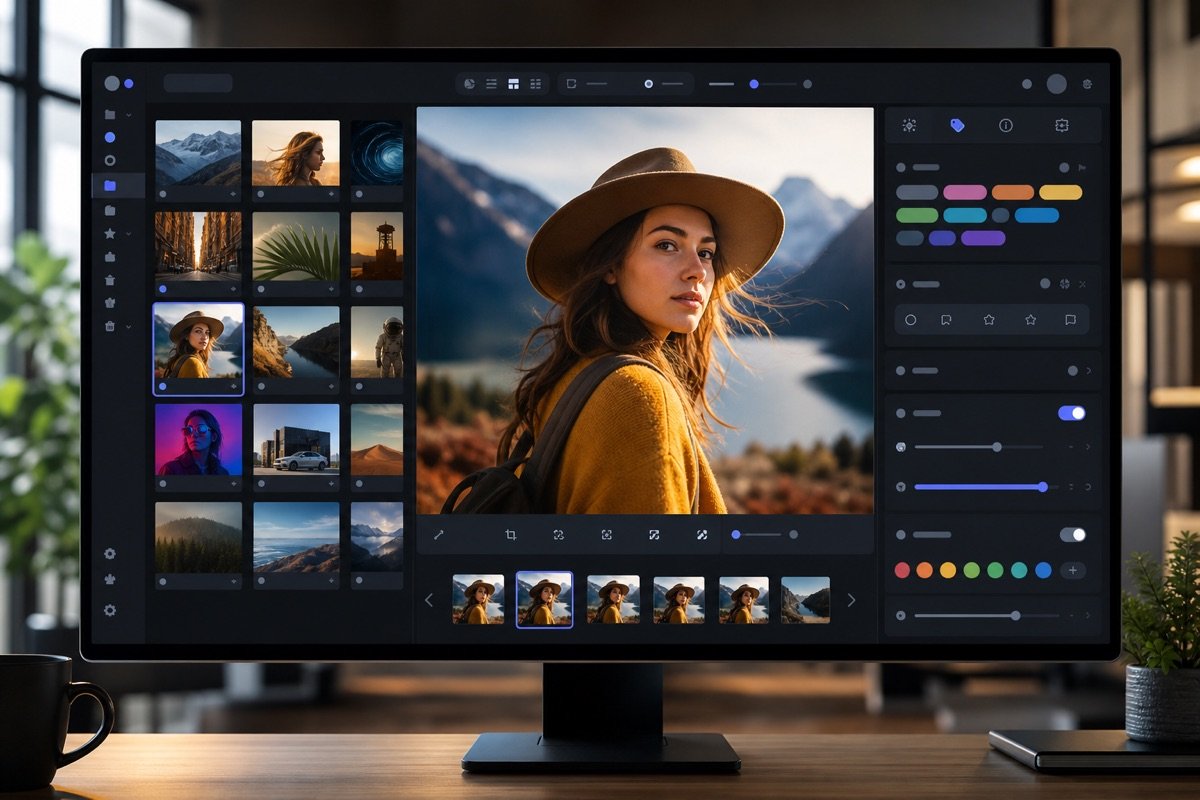
Set a shared keyword list for the whole team. Tag by topic, campaign, product type or target audience. For example, a fashion retailer might tag “Men's shirts”, “Summer 2024 collection”, “Facebook ads”. File names should also carry a short summary of the content.
We apply a similar process in our website design projects and SEO for clients. Image file names and ALT attributes are optimized. That helps with internal management and improves visibility on search engines.
A consistent style is the key to a recognizable brand on every platform. With Firefly, you can reproduce a specific style reliably. That reinforces your brand image in customers' minds.

Build a prompt template with your core style elements: main colors, image type (illustration or realistic photo) and overall mood. A restaurant chain might use the prompt “fine-dining dish, warm lighting, earth-tone palette”. They can then easily produce matching images for new dishes.
MONA also regularly trains clients on keeping their brand identity intact, especially when they use AI tools to create content. That consistency makes communication far more effective.
Sharing image assets well keeps your team in sync and speeds up the work. You need one central channel that is easy to access.

Use cloud storage such as Google Drive or Dropbox. You can also consider a simple digital asset management (DAM) system. Set clear rules for access and editing, which helps avoid confusion and version conflicts.
For example, a travel company needs to share Firefly images with its tour partners. It can create a separate folder for each tour and give partners read-only access. The process is both secure and efficient.
With over 10 years of experience (since 2016), MONA has a team . We specialize in deploying solutions custom software. These systems include integrated digital asset management for businesses, so your data stays in sync and as secure as possible.

Adobe Firefly produces very impressive ad images and gives your marketing team visuals fast. But relying only on standalone AI tools like Firefly will soon hit an inherent limit. At that point, a business needs a connected management system.
Single AI tools like Adobe Firefly deliver instant results but always come with big limits. It is hard to keep them consistent, protect your information or scale content production sustainably. That creates plenty of challenges for growing businesses.
Many marketing teams create images separately. Everyone works on their own, with no shared asset library, so version control and quality control are hard. A fashion retail chain with 15 branches runs into this easily: different departments create content with no link between them. Finding an old campaign image means a long search, and a lot of internal effort is lost.
Information security is also a major risk. When company data and intellectual property are uploaded to public platforms, the risk of a leak is very real. You can't tightly control who accesses or edits the content. A large interior design firm needs to protect its drawings and proprietary ideas, and scattered tools raise the chance of assets getting out. That is something you want to avoid.
Scalability is another weak point of standalone tools. As the workload grows, managing things by hand stops working, and these tools are hard to integrate smoothly with your existing systems. An e-commerce marketplace that needs thousands of new product images every month will find the process slow if it uses Firefly on its own, and the speed of new product launches suffers badly.
At this point, a business needs its own automation software to solve these limits for good. A dedicated solution gives you full control of your data, along with consistency and high performance. It is a strategic investment for the future.
Dedicated software lets you build a central digital asset library. Images, videos and other content are stored safely, and everyone can access, use and update them following your process. That cuts duplication and improves efficiency, and it keeps ad images in line with your brand. Consistency is a key factor in building customer trust.
Information security improves as well. Automation software built for your business gives you detailed control over access: you decide who can view and who can edit, and every action is logged. A finance company with 30 branches needs absolute safety for customer data, and a dedicated system keeps internal information from leaking. Generic tools can't do that.
This software also makes scaling easy. You can integrate it with your existing ERP system, CRM or CMS. Automating the process of creating, approving and publishing content runs smoothly end to end. A restaurant chain with 20 locations can generate new menus automatically and update dish photos by season. This kind of automated system helps a business react quickly to the market, and content output rises significantly.
MONA understands the challenges you face with standalone AI tools. We work alongside businesses to build an in-house AI ecosystem, and together we create an efficient operating process. It is a solid foundation for long-term growth.
We specialize in custom, production-grade automation software: closed-loop module chains designed for each business. MONA integrates Adobe Firefly's image generation into a complete system that lets you manage digital assets, approve content and track performance, creating a seamless content value chain.
We also offer in-depth training programs for your staff. These sessions help them master AI technology, so your people know how to get the most out of Firefly and out of the automation software MONA builds. That ensures the technology is applied correctly and delivers real results. MONA has trained thousands of learners to work more professionally.
MONA doesn't stop at building software. We also help you integrate an in-house AI system into your business processes, automating everything from ideation to publishing. A real estate company with 80 sales staff can automate banner creation and produce project images in just minutes. MONA has delivered 14,000+ projects since 2016. We are committed to giving your business the highest return on investment.

You can use Firefly on your own when a campaign needs only a few test images and your team already has someone to approve the designs. When each run needs dozens of variants for ads, your website and social media, a workflow that ties image generation to your product catalog cuts a lot of manual revisions.
Call us at 1900 636 648 if you want a Firefly workflow designed just for your marketing team. Fast image output that still stays true to your brand.

CEO & Founder · The MONA
Founder of The MONA, who built a services company of 60+ staff with 14,000+ projects delivered. Khánh Hùng shares how he thinks about building systems that run themselves, automating a business, and the real lessons from delivering projects at MONA.
 293




Professional website
design services
Own a website with a beautiful, 100% exclusive design and a lifetime warranty, with the ability
to expand features flexibly as your business grows, starting today!






 MONA will never sell your information or send you spam


 MONA will never sell your information or send you spam
