
 MONA OS 2.0
 Hợp tác với MONA


 Tự động hoá doanh nghiệp
 Cẩm nang SEO
 Digital Marketing
 Kinh nghiệm thiết kế website
 Hạ Tầng Server
 Giáo dục


 VI
 EN
















Message us on
Zalo Official


 ProductsNew

 ProductsProducts
 Mới ra mắtKHA AI 2027App tự edit video, tự đăng mọi mạng xã hội, 2 phút mỗi ngày










 Thiết kế websiteVừa đẹp vừa thuyết phục được khách.
Dịch vụ SEOKéo về khách đang tìm đúng thứ anh chị bán.
 Tư vấn digital marketingKéo khách từ nhiều kênh, đo bằng số thật.
Quay video doanh nghiệpVideo giới thiệu công ty, nhà xưởng, đội ngũ.
 MớiDựng video AIDựng phim câu chuyện công ty bằng AI.
 Custom software developmentCRM, ERP and HRM built for your business.
 Viết AI Agent theo yêu cầuĐặt riêng một trợ lý AI cho đúng việc của mình.
 Tư vấn chuyển đổi AIĐưa AI vào vận hành của cả công ty.
NewMONA LMSManagement for centers and schools.
MONA SkillHubInternal training for company staff.
 NHTQ systemEnd-to-end China–Vietnam shipping operations.
MONA JMSManagement for gold, diamond and pawn shops.
 MONA E-LearningA website with every feature you need to sell courses.
 How to sell online courses (course)More than 30 free lessons on selling courses on autopilot.
 MONA Cloudmonacloud.vnServers to get your apps and websites running.
 MONA Basemonabase.vnPostgres database, sign-in and file storage.
 MONA Mailmonamail.vnSend OTP, order and invoice emails from your software.
 MONA Paymonapay.vnAccept bank transfers via VietQR and notify your software when the money arrives.
 MONA eInvoiceComing soonIssue e-invoices that meet tax standards.
Gấu CườiTrả lời khách 24/7 trên web, Fanpage, Zalo và thu lead cho sale.
 Gấu TeleSalesGọi điện tư vấn, chăm khách như tổng đài viên thật.
Dê CườiTư vấn và chốt đơn cho shop ngay trong khung chat.
Gấu WebmasterNhắn nhóm Zalo là website được sửa xong.
 Gấu Pháp ChếSoạn hợp đồng, rà điều khoản trong vài phút.
 Gấu Báo GiáLên báo giá đúng mẫu và gửi khách ngay.
 AI chăm sóc khách hàngTheo dõi và giữ chân khách hàng cũ.
 Gấu Tuyển DụngLọc hồ sơ, hẹn lịch, phỏng vấn ứng viên.
 Mới ra mắt
KHA AI 2027
Xây kênh chuyên gia 2 phút mỗi ngày
Quay bằng điện thoại, AI tự edit video, tự đăng lên 16 nền tảng và tự trả lời bình luận, tin nhắn.
869.614lượt xem trên kênh CEO MONA sau 34 ngày
 Anh Khánh HùngCEO MONA đang dùng mỗi ngày
Xem app làm được gì
 AI
Gấu Cười MONA ĐANG TỰ XÀITrả lời khách 24/7 trên website, Zalo OA, Messenger và thu lead về cho sale.
Dê CườiChốt đơn bán lẻ và sàn: Shopee, TikTok Shop, web. Chăm cả khách sỉ, đại lý.
Gấu WebmasterCập nhật nội dung, tối ưu SEO website mỗi ngày.
Gấu TeleSalesGọi điện tư vấn, chăm khách như tổng đài viên thật.
Gấu Tuyển DụngLọc hồ sơ, hẹn lịch, phỏng vấn ứng viên tự động.
AI chăm sóc khách hàngGiữ khách cũ, cứu lead đã rớt cho phòng kinh doanh.
Gấu Pháp ChếSoạn hợp đồng, rà điều khoản trong vài phút.
Gấu Báo GiáLên báo giá đúng mẫu, gửi khách ngay khi có yêu cầu.
 Chuyển đổi AI toàn phầnGiải pháp tổng cho doanh nghiệp, 3 lớp triển khai.
 Viết AI Agent theo yêu cầuĐặt riêng một con AI gánh đúng nghiệp vụ của bạn.
 Custom softwareCRM, ERP and HRM with built-in AI automation.
 SEO & AEO thời đại AIĐược Google lẫn AI trích dẫn, không chỉ xếp hạng.
 Kiến thức AI cho doanh nghiệpBài phân tích, hướng dẫn ứng dụng AI vào vận hành.
 Free AI courses
 AI tools at work
App mới · KHA AI 2027
Xây kênh 2 phút mỗi ngày
AI tự edit video, tự đăng mọi mạng xã hội
Free consultation, 8am–10pm every day

09 June, 2025

Google is the largest search engine in the world, but it has certain limits. Letting Google crawl many pages with irrelevant or low-quality content can hurt the SEO performance of your whole website. On the other hand, for pages you want to keep but do not want to show in search results, using the noindex tag is the right solution. So what is noindex, and how do you use the noindex tag to optimize SEO? Find out with MONA Media Find out in the article below.
Noindex tag is a directive in the HTML meta robots tag, used to tell search engines like Google that you do not want that page to appear in search results. Google can still crawl the page, but when it sees the noindex tag, it will not index it and will remove the page from the displayed list.
However, for the noindex tag to take effect, Googlebot must be able to access the page. If the page is blocked through robots.txt, the bot will not see the noindex tag, and the page may still appear on Google if it has external links.

The noindex tag is very useful for controlling pages that should not be shown publicly, such as thank-you pages, internal pages, test pages, login pages or pages with low-quality content. Using the noindex tag helps optimize the website structure and focus Google's crawl resources on more important pages, which improves overall SEO performance
The noindex tag is a useful tool for controlling pages you do not want to appear on SERP. When you apply the noindex tag, Googlebot can still crawl the page but will not index it, meaning the page will not be shown in search results.
One tip to check whether a page uses the noindex tag is to view the page source (press Ctrl + U), then search for the snippet code <meta name=”robots” content=”noindex”>. If you cannot find this line, the page has most likely been indexed by Google.
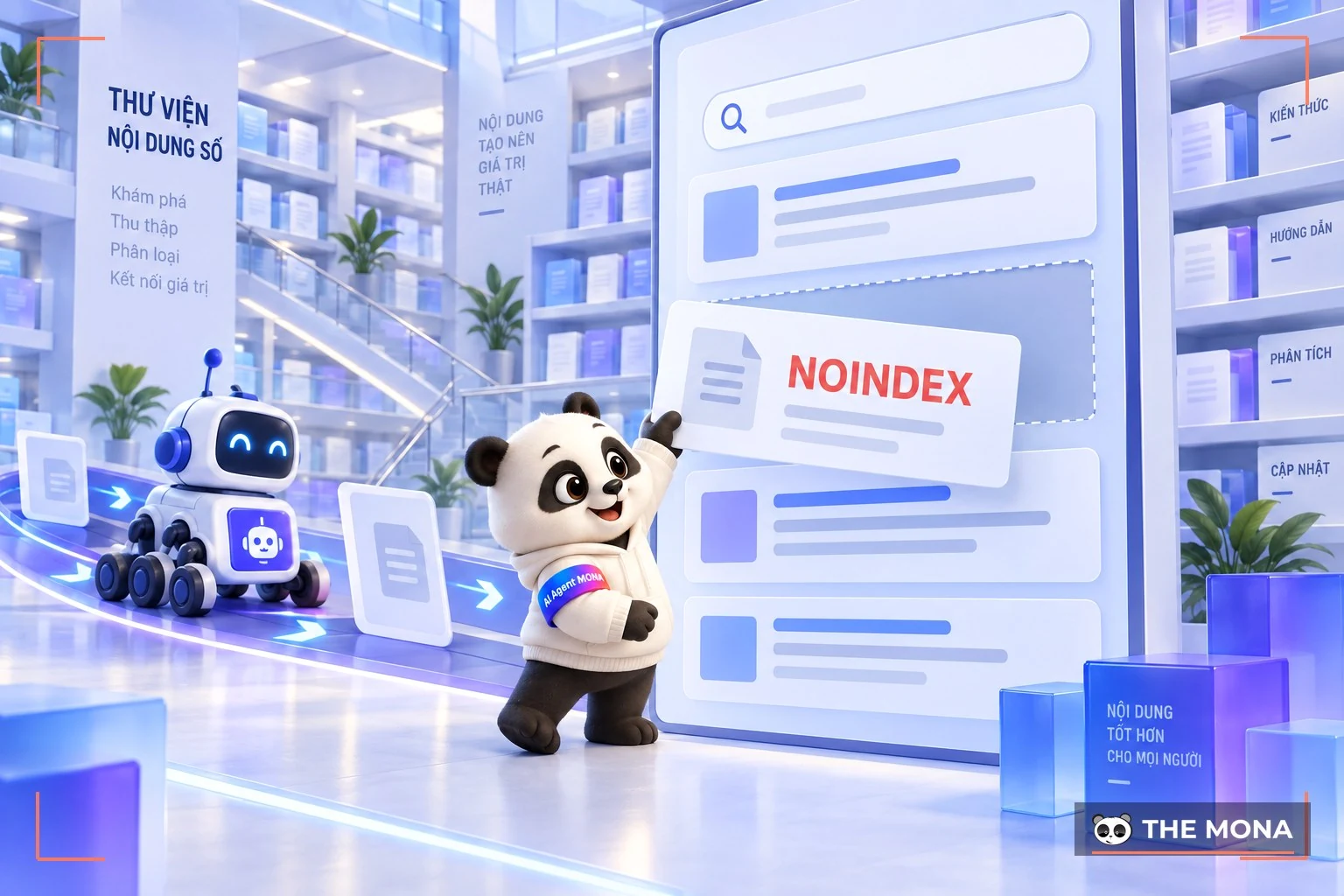
Using the noindex tag brings many practical benefits, such as:
Managing the noindex tag looks simple, but if done wrong, it can accidentally dilute the site structure, make internal links lose value and weaken the whole website. Using noindex correctly is key to keeping up the performance of full-scope SEO over the long term.

Explore the case study MONA x Ac Quy Viet Nhat, one of the hard SEO projects where the MONA team optimized the keyword set and implemented the noindex tag properly, helping this tough battery-niche site exceed 100% of its SEO target their starting revenue.
To use the noindex tag effectively for SEO website, you can choose to insert the <meta> tag in the page's HTML code or use the response header HTTP. Which method to choose depends on whether you want to apply the directive to one specific page or the whole site. You can also combine noindex with directives like nofollow or settings in robots.txt to control indexing more precisely and completely.
One of the most effective ways to stop a page from being indexed is to add the <meta name=”robots” content=”noindex”> tag to that page's <head> section. If you only want to stop Google from indexing, you can use the following separate line:
<meta name=”googlebot” content=”noindex”>
However, note that each search engine may handle the noindex tag differently. So in some cases, your page may still appear on platforms that do not fully follow this directive.

If you are using a content management system (CMS) such as WordPress, Wix or Blogger, you do not need to edit the HTML code directly. Most of these platforms have a built-in noindex option in their SEO settings or page admin, making optimization much simpler and more convenient.
Besides using the <meta> tag, you can also implement noindex through the HTTP header by using X-Robots-Tag. This is especially useful when you want to block indexing of non-HTML resources such as PDF files, videos or images.
Here is an example of an HTTP response that contains X-Robots-Tag:
HTTP/1.1 200 OK
(…)
X-Robots-Tag: noindex
(…)
When a search engine receives this response, it knows not to index that resource. The advantage of using the HTTP header is that you can easily manage many file types besides HTML, without editing the source code of each page. It is a very flexible addition when you want to control which resources are allowed to appear on Google.
→ How to get your website to the top of Google
To noindex a page in WordPress using plugin SEO, you can use popular plugins like Yoast SEO or Rank Math SEO. Here is how you can do it:
First, install and activate the SEO plugin you choose. Next, open the page you want to noindex in the editor.

Finally, to check that the setup is correct, you can use the URL Inspection tool in Google Search Console. This makes it easy to manage which pages should be indexed by Google and which should not.
When you set the noindex tag on a page for a long time, the links on that page also gradually lose their ability to pass value.
According to John Mueller (Google), if Googlebot keeps seeing the noindex status on a page for a long time, the page will be removed from the index entirely. Then the links inside the page are no longer crawled or evaluated by Google.
Suppose you have a page A with many links to other pages on your website. At first, if you put a noindex tag on page A, Google understands: “OK, do not show page A in search results, but keep following the links on the page” (if you use noindex, follow).
But if you leave page A on noindex for too long, Google will gradually treat page A as having no value and will stop crawling the links inside it. Then the links from A to other pages will no longer pass SEO value as before.

So when using noindex, you should also think carefully about the role of the links on that page, to avoid losing SEO value unintentionally.
Many people think adding a noindex tag is the way to handle duplicate content on a website, but in practice it is not the best solution. If you have many identical or near-identical pages, the best approach is to use canonical tag. This tag helps Google understand which version is the main one you want indexed. SEO signals from the secondary versions are also consolidated into the main page, strengthening the canonical version.
On the other hand, if you use noindex for duplicate pages, those signals are not consolidated, and you may accidentally lower the site's overall SEO value.
For Google to recognize the noindex tag on a page, Googlebot needs to crawl that page again. If you added a noindex tag but the page still appears in search results, Googlebot may not have re-crawled it since the change. For less important pages, this can take several weeks or even months.
You can proactively ask Google to re-crawl the page using the URL Inspection tool in Google Search Console. This speeds up the update.

Also check whether your page is blocked by robots.txt. If the robots.txt file stops Googlebot from accessing it, the bot cannot see the noindex tag and the page may still appear in search results. In that case, unblock the URL in robots.txt so the bot can access it and see the noindex.
Finally, to make sure the noindex tag is implemented correctly, you can:
Monitoring your noindex tag rollout closely helps you stay in control of which content appears on Google, which optimizes SEO performance for your whole website.
The noindex tag is a tool that helps you control which content is allowed to appear on Google. Used correctly, the noindex tag helps avoid duplicate content, optimize crawling and raise website quality. To implement SEO services in a way that is effective and lasting overall, think carefully before using noindex. If you need support, the MONA Media team is always ready to work with you on SEO-standard website optimization. Contact us today for advice and a SEO price list with full details.

CEO & Founder · The MONA
Founder of The MONA, who built a services company of 200+ staff with 14,000+ projects delivered. Khánh Hùng shares how he thinks about building systems that run themselves, automating a business, and the real lessons from delivering projects at MONA.
 1,5K




Professional website
design services
Own a website with a beautiful, 100% exclusive design and a lifetime warranty, with the ability
to expand features flexibly as your business grows, starting today!



NHẬN TƯ VẤN SEO MIỄN PHÍ !






 MONA will never sell your information or send you spam


 MONA will never sell your information or send you spam
