
 MONA OS 2.0
 Hợp tác với MONA


 Tự động hoá doanh nghiệp
 Cẩm nang SEO
 Digital Marketing
 Kinh nghiệm thiết kế website
 Hạ Tầng Server
 Giáo dục


 VI
 EN










Message us on
Zalo Official


 ProductsNew

 ProductsProducts
 Mới ra mắtKHA AI 2027App tự edit video, tự đăng mọi mạng xã hội, 2 phút mỗi ngày










 Thiết kế websiteVừa đẹp vừa thuyết phục được khách.
Dịch vụ SEOKéo về khách đang tìm đúng thứ anh chị bán.
 Tư vấn digital marketingKéo khách từ nhiều kênh, đo bằng số thật.
Quay video doanh nghiệpVideo giới thiệu công ty, nhà xưởng, đội ngũ.
 MớiDựng video AIDựng phim câu chuyện công ty bằng AI.
 Custom software developmentCRM, ERP and HRM built for your business.
 Viết AI Agent theo yêu cầuĐặt riêng một trợ lý AI cho đúng việc của mình.
 Tư vấn chuyển đổi AIĐưa AI vào vận hành của cả công ty.
NewMONA LMSManagement for centers and schools.
MONA SkillHubInternal training for company staff.
 NHTQ systemEnd-to-end China–Vietnam shipping operations.
MONA JMSManagement for gold, diamond and pawn shops.
 MONA E-LearningA website with every feature you need to sell courses.
 How to sell online courses (course)More than 30 free lessons on selling courses on autopilot.
 MONA Cloudmonacloud.vnServers to get your apps and websites running.
 MONA Basemonabase.vnPostgres database, sign-in and file storage.
 MONA Mailmonamail.vnSend OTP, order and invoice emails from your software.
 MONA Paymonapay.vnAccept bank transfers via VietQR and notify your software when the money arrives.
 MONA eInvoiceComing soonIssue e-invoices that meet tax standards.
Gấu CườiTrả lời khách 24/7 trên web, Fanpage, Zalo và thu lead cho sale.
 Gấu TeleSalesGọi điện tư vấn, chăm khách như tổng đài viên thật.
Dê CườiTư vấn và chốt đơn cho shop ngay trong khung chat.
Gấu WebmasterNhắn nhóm Zalo là website được sửa xong.
 Gấu Pháp ChếSoạn hợp đồng, rà điều khoản trong vài phút.
 Gấu Báo GiáLên báo giá đúng mẫu và gửi khách ngay.
 AI chăm sóc khách hàngTheo dõi và giữ chân khách hàng cũ.
 Gấu Tuyển DụngLọc hồ sơ, hẹn lịch, phỏng vấn ứng viên.
 Mới ra mắt
KHA AI 2027
Xây kênh chuyên gia 2 phút mỗi ngày
Quay bằng điện thoại, AI tự edit video, tự đăng lên 16 nền tảng và tự trả lời bình luận, tin nhắn.
861.888lượt xem trên kênh CEO MONA sau 31 ngày
 Anh Khánh HùngCEO MONA đang dùng mỗi ngày
Xem app làm được gì
 AI
Gấu Cười MONA ĐANG TỰ XÀITrả lời khách 24/7 trên website, Zalo OA, Messenger và thu lead về cho sale.
Dê CườiChốt đơn bán lẻ và sàn: Shopee, TikTok Shop, web. Chăm cả khách sỉ, đại lý.
Gấu WebmasterCập nhật nội dung, tối ưu SEO website mỗi ngày.
Gấu TeleSalesGọi điện tư vấn, chăm khách như tổng đài viên thật.
Gấu Tuyển DụngLọc hồ sơ, hẹn lịch, phỏng vấn ứng viên tự động.
AI chăm sóc khách hàngGiữ khách cũ, cứu lead đã rớt cho phòng kinh doanh.
Gấu Pháp ChếSoạn hợp đồng, rà điều khoản trong vài phút.
Gấu Báo GiáLên báo giá đúng mẫu, gửi khách ngay khi có yêu cầu.
 Chuyển đổi AI toàn phầnGiải pháp tổng cho doanh nghiệp, 3 lớp triển khai.
 Viết AI Agent theo yêu cầuĐặt riêng một con AI gánh đúng nghiệp vụ của bạn.
 Custom softwareCRM, ERP and HRM with built-in AI automation.
 SEO & AEO thời đại AIĐược Google lẫn AI trích dẫn, không chỉ xếp hạng.
 Kiến thức AI cho doanh nghiệpBài phân tích, hướng dẫn ứng dụng AI vào vận hành.
 Free AI courses
 AI tools at work
App mới · KHA AI 2027
Xây kênh 2 phút mỗi ngày
AI tự edit video, tự đăng mọi mạng xã hội
Free consultation, 8am–10pm every day

04 August, 2025
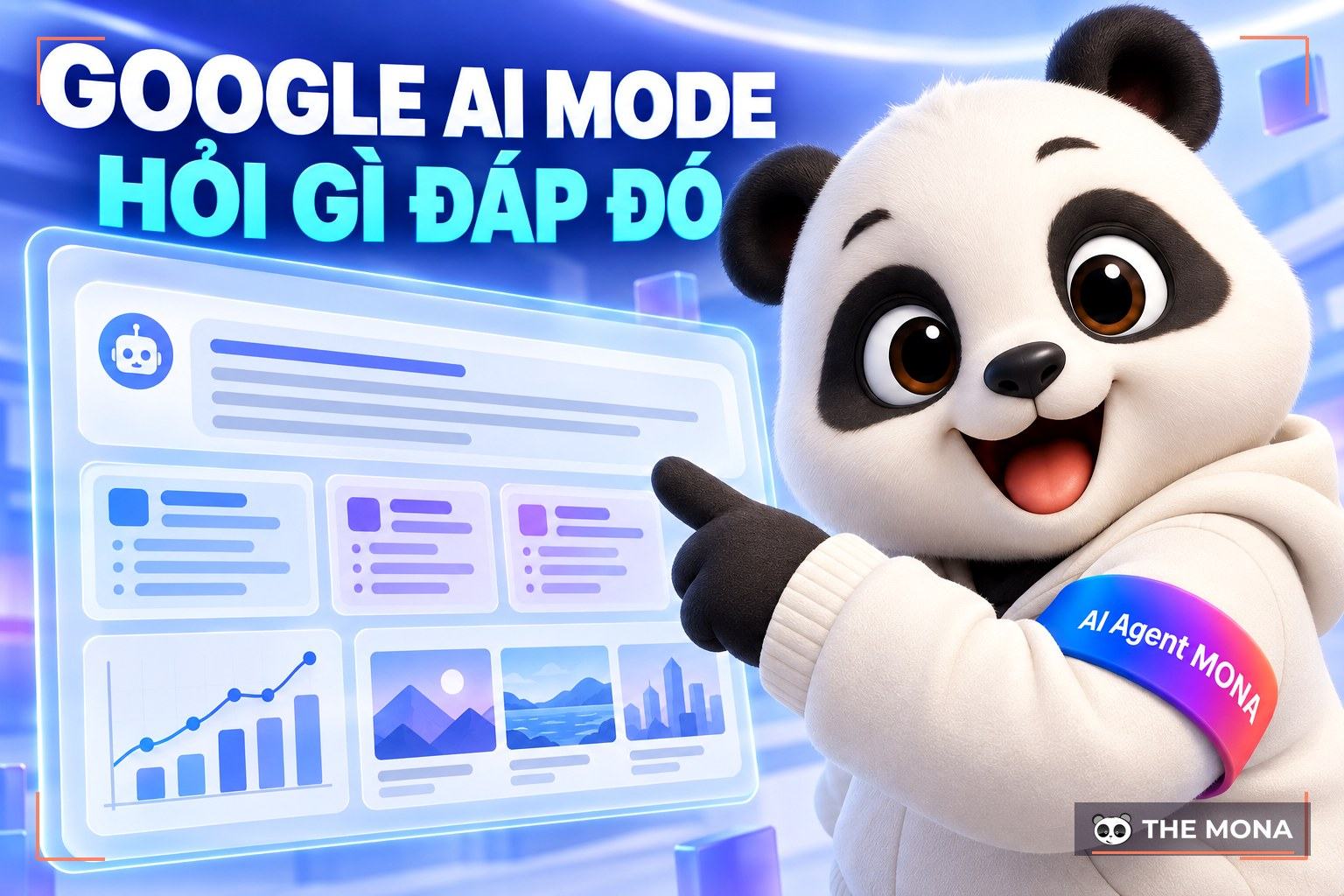
After a string of algorithm updates that shook the SEO community, Google has surprised the tech world again by launching an entirely new feature called Google AI Mode. According to many SEO experts, this mode opens a more conversational, smarter and more personalized way to access information than ever. So what is Google AI Mode? How is it different from traditional search, and how can you use it effectively? Join MONA Media as we go through the features and how to use AI Mode in this article.
Interested in
AI & Vibe Coding?
A community group for sharing experience and turning ideas into electronic products that actually earn money with AI


Google AI Mode is a new feature introduced in March 2025 that lets users ask questions and get short, detailed answers compiled from many reputable sources. It currently appears as its own tab, supporting multimodal search, natural conversation and a personalized experience, giving users a fresher way to interact than traditional search.
You may also be interested in:
- What is Conversational AI? Benefits and challenges of conversational AI
- What is Claude AI? How to use Claude AI effectively
- 10 suggestions AI SEO tools editing techniques
From what MONA has just gathered, AI Mode works on a technique called "query fan-out" (query fan-out), meaning the system automatically breaks your question into many smaller queries, then searches hundreds of related results in parallel. This lets Google AI Mode collect information from many angles to produce a comprehensive answer that stays close to the user's real search intent.
Google also combines AI Gemini 2.5 generative technology with a huge data store and a knowledge system built up over many years, so it can handle text, images and even voice flexibly and quickly. As a result, users get short, easy-to-understand replies compiled accurately from many trustworthy sources.
Beyond building AI into the search bar, Google AI Mode brings a range of new AI features that upgrade the user experience across the board. So what are the best functions of Google AI Mode?

Instead of just showing a list of web pages as before, the AI Mode search tool answers you with concise, natural paragraphs like an expert. Users can keep using prompt or ask questions to expand the information or go deeper into details without repeating the original context.
No longer limited to text, AI Mode lets you search by images, voice or video. For example, you just take a photo of a water bottle and ask "Which brand is this water bottle?", AI tools will analyze it and reply instantly with all the information you need.

A big plus of Google AI Mode is that it learns from each user's behavior and search history. Based on that, the smart chatbot suggests answers that fit your interests, needs and habits. As a result, users get more accurate information and spend less time searching.
Google has now connected AI Mode to the Shopping Graph, which gives users access to a database of more than 50 billion products. When a user asks a question, AI Mode automatically compares prices and reviews and recommends the products that best fit their needs, all in real time.
Since Google AI Mode appeared, users have been visiting websites less to read the details. They tend to read the summarized answer from AI right away, or search by voice to save time. This leaves many businesses with falling traffic, unstable rankings and traditional SEO that no longer performs as it used to. To deal with this, businesses can switch to an AI SEO strategy.
MONA's AI SEO service helps you:
Contact MONA now for an AI SEO strategy that fits your business, so your website shows up wherever your customers are searching.

The arrival of Google AI Mode marks a major turning point, as the way people use search engines shifts from “search and choose” to “ask and get an explanation”. To understand the difference better, see the detailed comparison table below.
|
The |
Traditional search |
AI Mode |
|
How queries work |
Short keywords or simple questions |
Supports long, complex, multi-step follow-up questions |
|
How results are shown |
Snippets and lists |
A single synthesized answer with source links, placed right below the query |
|
How users interact |
Users research on their own by visiting websites |
In-depth Q&A with an AI that remembers context and adapts to the user's needs |
|
Technology |
Google's algorithm, indexing |
Gemini 2.5 model, knowledge graph and search infrastructure |
|
Depth of content |
Limited by ranking position |
Synthesized from many sources through query fan-out |
|
Use cases |
Quick lookups, addresses, news, translation, basic shopping |
Comparisons, deep research, specialized Q&A, detailed and specific product search |
|
Ability to take action |
Depends on the user (clicking a signup link, filling in a form, buying) |
Can act on its own, such as finding and buying tickets |
|
Performance tracking |
Query data is available in Google Search Console |
No separate tracking data for AI results yet |
So what is the difference between AI Overview and Google AI Mode?
Although both were built to improve the search experience, Google AI Mode and AI Overviews serve different purposes and fit different user needs.
See also: How to rank effectively from Google, latest for 2026
If your website isn't indexed, has no clear data and isn't trustworthy enough, AI has nothing to read or cite. In this video, Huy explains why overall SEO is still the required foundation for a business to survive in the AI search ecosystem. Let's watch together with Huy!
Google has rolled out AI Mode widely in the US, built right into Google Search with an easy, seamless interface. When you search, you'll see an “AI Mode” tab next to the familiar categories such as All, Images, News… Just click this tab to switch to the AI search interface and get a full answer that is synthesized and presented in a natural, conversational way.
Here, users can:

You can access AI Mode in two ways:
Advantages
Disadvantages
To avoid being “left behind” in the era of AI search, you can consider using MONA's AEO service . We have a team of top SEO experts with deep experience and expertise, ready to apply techniques and combine AEO, SEO so that AI picks and cites your website.

1. How do I turn on Google AI?
To turn on Google AI Mode, sign in to your Google account (not in incognito mode), then open a new tab in your browser. Next, click the Search Labs icon at the top of the page and turn on “AI Overviews and more”. Note that Google is rolling this feature out gradually in some regions.
2. Is Google's AI Mode the same as Gemini?
No, they are different. Gemini is a large language model (LLM), the “brain” of the AI. Google AI Mode is the AI search interface that lets you interact with and receive responses generated by Gemini.
That wraps up this article from keyword SEO companies MONA, which has answered in detail “what is Google AI Mode” along with its standout features and how to access and use it well. With conversational answers, multimodal analysis and personalized content, AI Mode saves you search time and gets you higher-quality information that fits your needs. If you want to stay ahead of the trend and search more effectively, start getting familiar with AI search mode today.

CEO & Founder · The MONA
Founder of The MONA, who built a services company of 200+ staff with 14,000+ projects delivered. Khánh Hùng shares how he thinks about building systems that run themselves, automating a business, and the real lessons from delivering projects at MONA.
 1,5K



Professional website
design services
Own a website with a beautiful, 100% exclusive design and a lifetime warranty, with the ability
to expand features flexibly as your business grows, starting today!



NHẬN TƯ VẤN SEO MIỄN PHÍ !






 MONA will never sell your information or send you spam


 MONA will never sell your information or send you spam
