
 MONA OS 2.0


 Tự động hoá doanh nghiệp
 Cẩm nang SEO
 Digital Marketing
 Kinh nghiệm thiết kế website
 Hạ Tầng Server
 Giáo dục


 VI
VI
 EN
EN











Message us on
Zalo Official


 ProductsNew

 ProductsProducts
 Mới ra mắtKHA AI 2027App tự edit video, tự đăng mọi mạng xã hội, 2 phút mỗi ngày










 Website designLooks good and wins customers over.
SEO servicesBrings in customers searching for exactly what you sell.
Website designLooks good and wins customers over.
SEO servicesBrings in customers searching for exactly what you sell.
 Tư vấn digital marketingKéo khách từ nhiều kênh, đo bằng số thật.
Corporate video productionVideos introducing your company, factory and team.
Tư vấn digital marketingKéo khách từ nhiều kênh, đo bằng số thật.
Corporate video productionVideos introducing your company, factory and team.
 NewAI video productionCompany story films made with AI.
 Custom software developmentCRM, ERP and HRM built for your business.
 Viết AI Agent theo yêu cầuĐặt riêng một trợ lý AI cho đúng việc của mình.
 Tư vấn chuyển đổi AIĐưa AI vào vận hành của cả công ty.
NewMONA LMSManagement for centers and schools.
MONA SkillHubInternal training for company staff.
Tư vấn chuyển đổi AIĐưa AI vào vận hành của cả công ty.
NewMONA LMSManagement for centers and schools.
MONA SkillHubInternal training for company staff.
 NHTQ systemEnd-to-end China–Vietnam shipping operations.
MONA JMSManagement for gold, diamond and pawn shops.
NHTQ systemEnd-to-end China–Vietnam shipping operations.
MONA JMSManagement for gold, diamond and pawn shops.
 MONA E-LearningA website with every feature you need to sell courses.
 How to sell online courses (course)More than 30 free lessons on selling courses on autopilot.
 MONA Cloudmonacloud.vnServers to get your apps and websites running.
 MONA Basemonabase.vnPostgres database, sign-in and file storage.
 MONA Mailmonamail.vnSend OTP, order and invoice emails from your software.
 MONA Paymonapay.vnAccept bank transfers via VietQR and notify your software when the money arrives.
 MONA eInvoiceComing soonIssue e-invoices that meet tax standards.
Gấu CườiTrả lời khách 24/7 trên web, Fanpage, Zalo và thu lead cho sale.
MONA eInvoiceComing soonIssue e-invoices that meet tax standards.
Gấu CườiTrả lời khách 24/7 trên web, Fanpage, Zalo và thu lead cho sale.
 Gấu TeleSalesGọi điện tư vấn, chăm khách như tổng đài viên thật.
Dê CườiTư vấn và chốt đơn cho shop ngay trong khung chat.
Gấu WebmasterNhắn nhóm Zalo là website được sửa xong.
Gấu TeleSalesGọi điện tư vấn, chăm khách như tổng đài viên thật.
Dê CườiTư vấn và chốt đơn cho shop ngay trong khung chat.
Gấu WebmasterNhắn nhóm Zalo là website được sửa xong.
 Gấu Pháp ChếSoạn hợp đồng, rà điều khoản trong vài phút.
 Gấu Báo GiáLên báo giá đúng mẫu và gửi khách ngay.
 AI chăm sóc khách hàngTheo dõi và giữ chân khách hàng cũ.
 Gấu Tuyển DụngLọc hồ sơ, hẹn lịch, phỏng vấn ứng viên.
 Mới ra mắt
KHA AI 2027
Xây kênh chuyên gia 2 phút mỗi ngày
Quay bằng điện thoại, AI tự edit video, tự đăng lên 16 nền tảng và tự trả lời bình luận, tin nhắn.
310.136lượt xem trên kênh CEO MONA sau 17 ngày
Mới ra mắt
KHA AI 2027
Xây kênh chuyên gia 2 phút mỗi ngày
Quay bằng điện thoại, AI tự edit video, tự đăng lên 16 nền tảng và tự trả lời bình luận, tin nhắn.
310.136lượt xem trên kênh CEO MONA sau 17 ngày
 Anh Khánh HùngCEO MONA đang dùng mỗi ngày
Xem app làm được gì
Anh Khánh HùngCEO MONA đang dùng mỗi ngày
Xem app làm được gì
 AI
Gấu Cười MONA ĐANG TỰ XÀITrả lời khách 24/7 trên website, Zalo OA, Messenger và thu lead về cho sale.
Dê CườiChốt đơn bán lẻ và sàn: Shopee, TikTok Shop, web. Chăm cả khách sỉ, đại lý.
Gấu WebmasterCập nhật nội dung, tối ưu SEO website mỗi ngày.
Gấu TeleSalesGọi điện tư vấn, chăm khách như tổng đài viên thật.
Gấu Tuyển DụngLọc hồ sơ, hẹn lịch, phỏng vấn ứng viên tự động.
AI chăm sóc khách hàngGiữ khách cũ, cứu lead đã rớt cho phòng kinh doanh.
Gấu Pháp ChếSoạn hợp đồng, rà điều khoản trong vài phút.
Gấu Báo GiáLên báo giá đúng mẫu, gửi khách ngay khi có yêu cầu.
AI
Gấu Cười MONA ĐANG TỰ XÀITrả lời khách 24/7 trên website, Zalo OA, Messenger và thu lead về cho sale.
Dê CườiChốt đơn bán lẻ và sàn: Shopee, TikTok Shop, web. Chăm cả khách sỉ, đại lý.
Gấu WebmasterCập nhật nội dung, tối ưu SEO website mỗi ngày.
Gấu TeleSalesGọi điện tư vấn, chăm khách như tổng đài viên thật.
Gấu Tuyển DụngLọc hồ sơ, hẹn lịch, phỏng vấn ứng viên tự động.
AI chăm sóc khách hàngGiữ khách cũ, cứu lead đã rớt cho phòng kinh doanh.
Gấu Pháp ChếSoạn hợp đồng, rà điều khoản trong vài phút.
Gấu Báo GiáLên báo giá đúng mẫu, gửi khách ngay khi có yêu cầu.
 Chuyển đổi AI toàn phầnGiải pháp tổng cho doanh nghiệp, 3 lớp triển khai.
 Viết AI Agent theo yêu cầuĐặt riêng một con AI gánh đúng nghiệp vụ của bạn.
 Custom softwareCRM, ERP and HRM with built-in AI automation.
 SEO & AEO thời đại AIĐược Google lẫn AI trích dẫn, không chỉ xếp hạng.
 Kiến thức AI cho doanh nghiệpBài phân tích, hướng dẫn ứng dụng AI vào vận hành.
 Free AI courses
 AI tools at work
App mới · KHA AI 2027
Xây kênh 2 phút mỗi ngày
AI tự edit video, tự đăng mọi mạng xã hội
Free consultation, 8am–10pm every day
AI tools at work
App mới · KHA AI 2027
Xây kênh 2 phút mỗi ngày
AI tự edit video, tự đăng mọi mạng xã hội
Free consultation, 8am–10pm every day

18 March, 2023
As the Internet has grown, people increasingly do not want to spend much time taking in information through plain, boring text. They want to get information quickly and accurately through other formats such as slides, audio and animated video. One format that stands out is the infographic, a method that is popular and widely used because of how well it works. So What is an infographic? This article Mona Media gives you an overview of one of the 9 types of content marketing in common use.
An infographic, short for information graphic, presents information as visuals so it reaches readers more effectively and more easily. In this kind of design, complex information is turned into symbols, icons, maps and so on. This lets researchers, scientists and people who work with statistics get concepts and ideas across effectively, in detail and in full.
Infographics are becoming a trend in advertising content because users want short, concise content that still contains something new. It is also inconvenient to browse the web on a small phone screen, which makes in-depth analytical articles harder to read.
On top of delivering information effectively and benefiting businesses, users also say that reading an infographic saves them more time finding the knowledge they need than reading plain text did.
An infographic presents information together with illustrations so that it stands out and draws more readers. Beyond choosing colors well, the overall layout is also an important factor. So depending on the situation, setting and purpose, the infographic you use can take many flexible forms. There are 10 main types, shown in the image below:
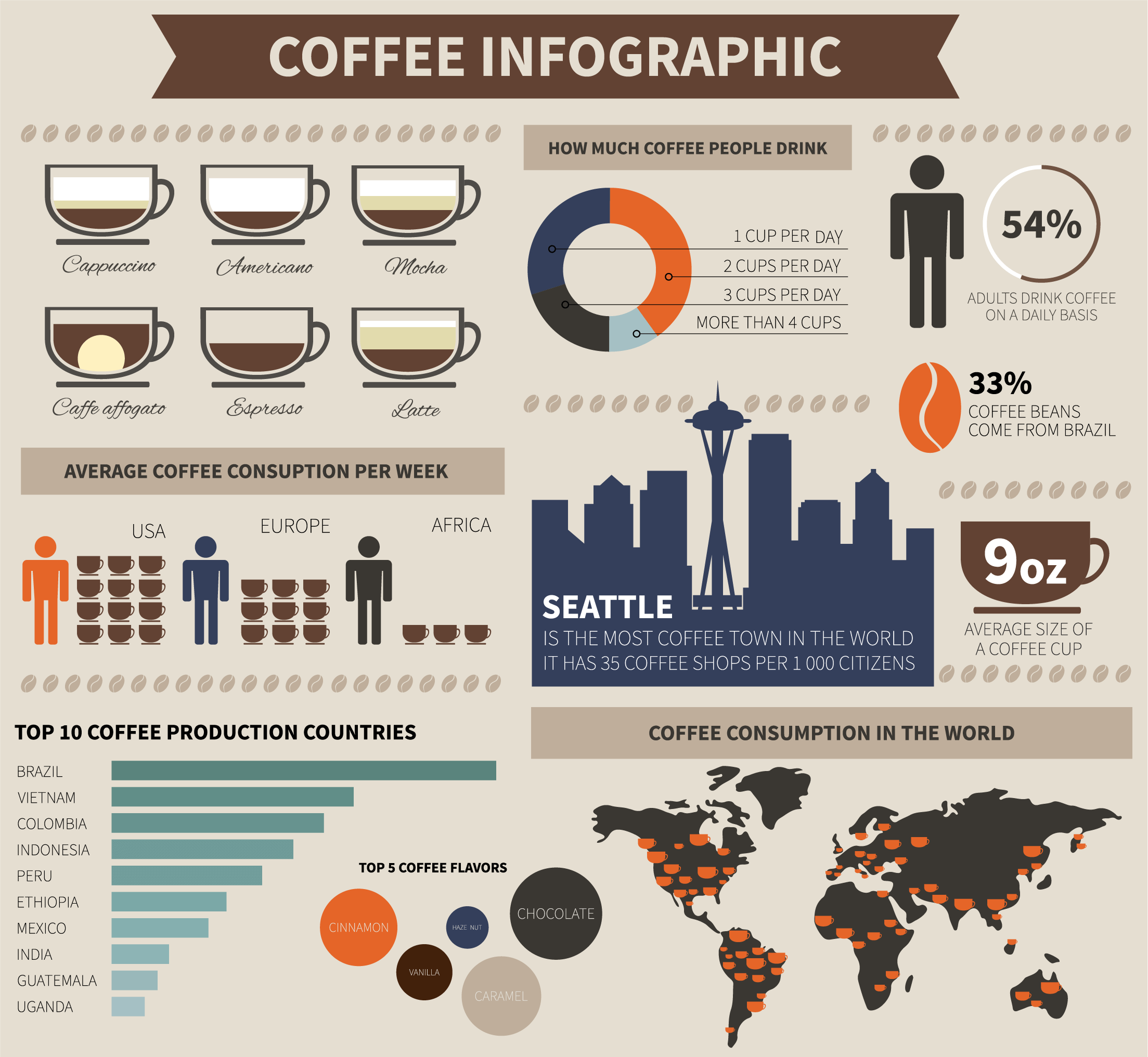
This type uses more text than other types of infographics. The visuals are used fully to illustrate the concept or topic. As a result, an informational infographic gives readers carefully selected content that is useful, lively, and easy to remember and understand.
This is one of the most popular types of infographic today. You can arrange the data and information freely, instead of only writing bullet points or presenting them in a straight line.

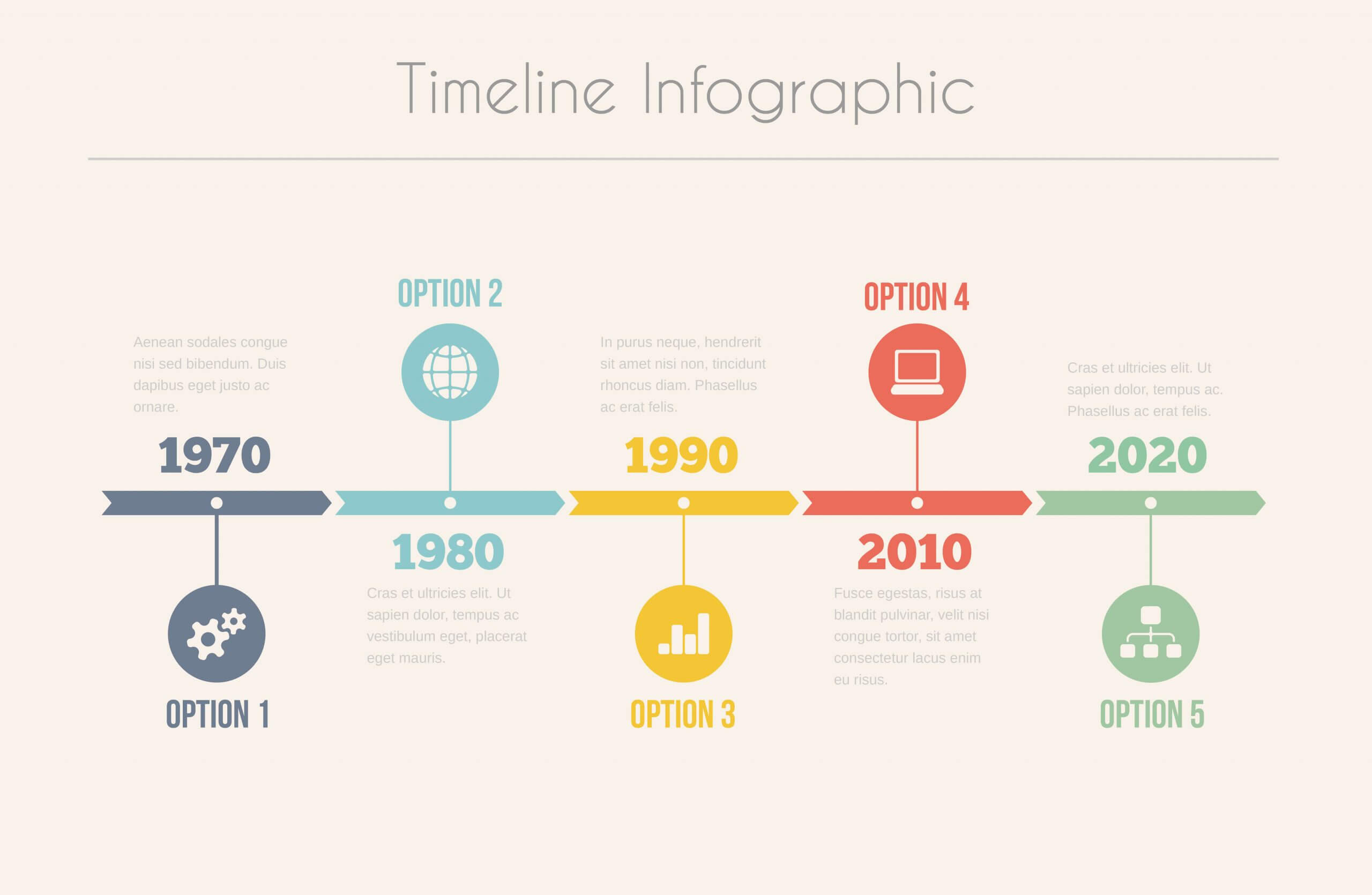
A timeline lays information out in a line, so this type is often used for milestones in the past, a long history or plans for the future. It can also shorten a long, complicated story into something concise and easy to follow. Images, icons and characters are often used to emphasize information in this type.
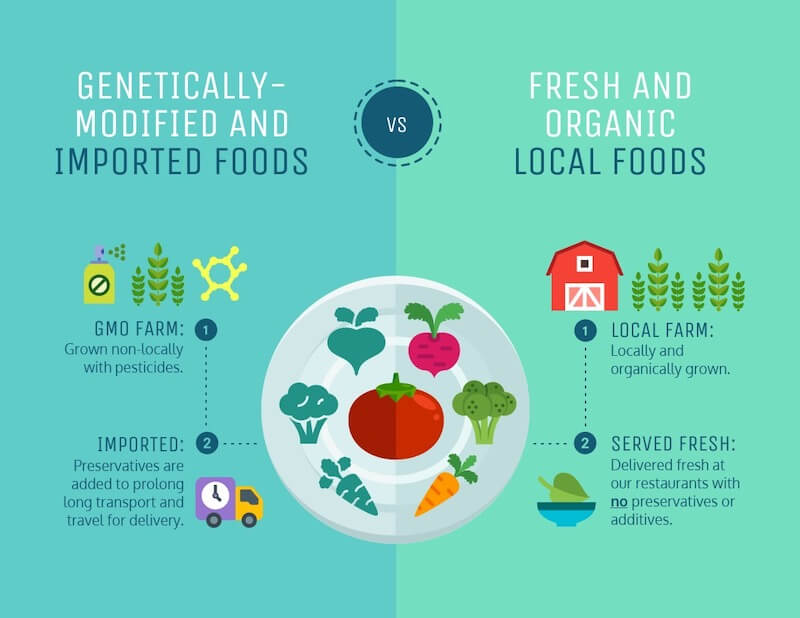
This is a good choice if you want to highlight a contrast. The layout of a comparison infographic is usually split symmetrically, vertically or horizontally, so viewers can see at a glance how two or more things differ and what they have in common.
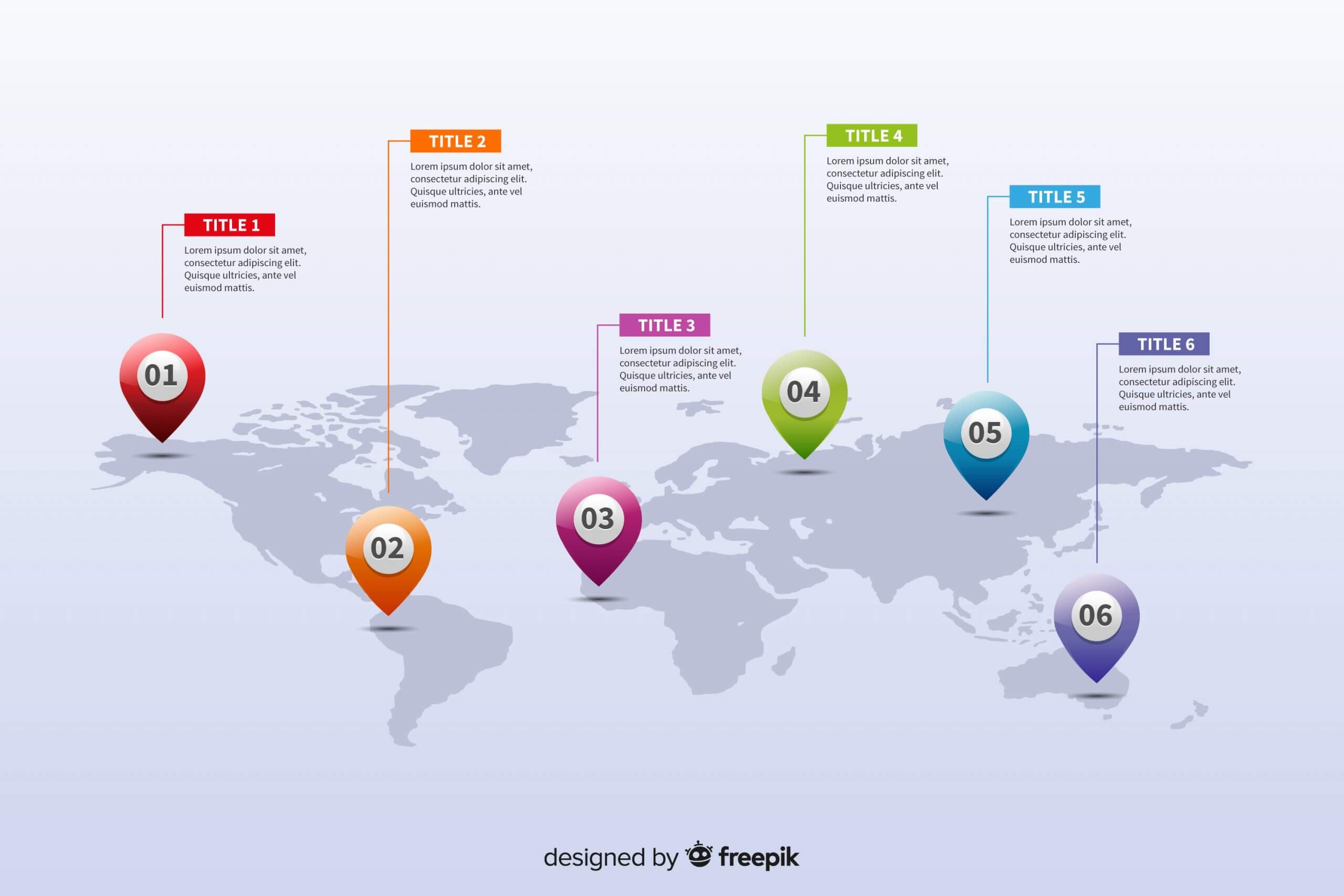
A map infographic is an effective way to mark things visually by region or across the whole world. This style is very well suited to statistics or locations based on geography. You can also use this type to weigh and compare several options against each other.
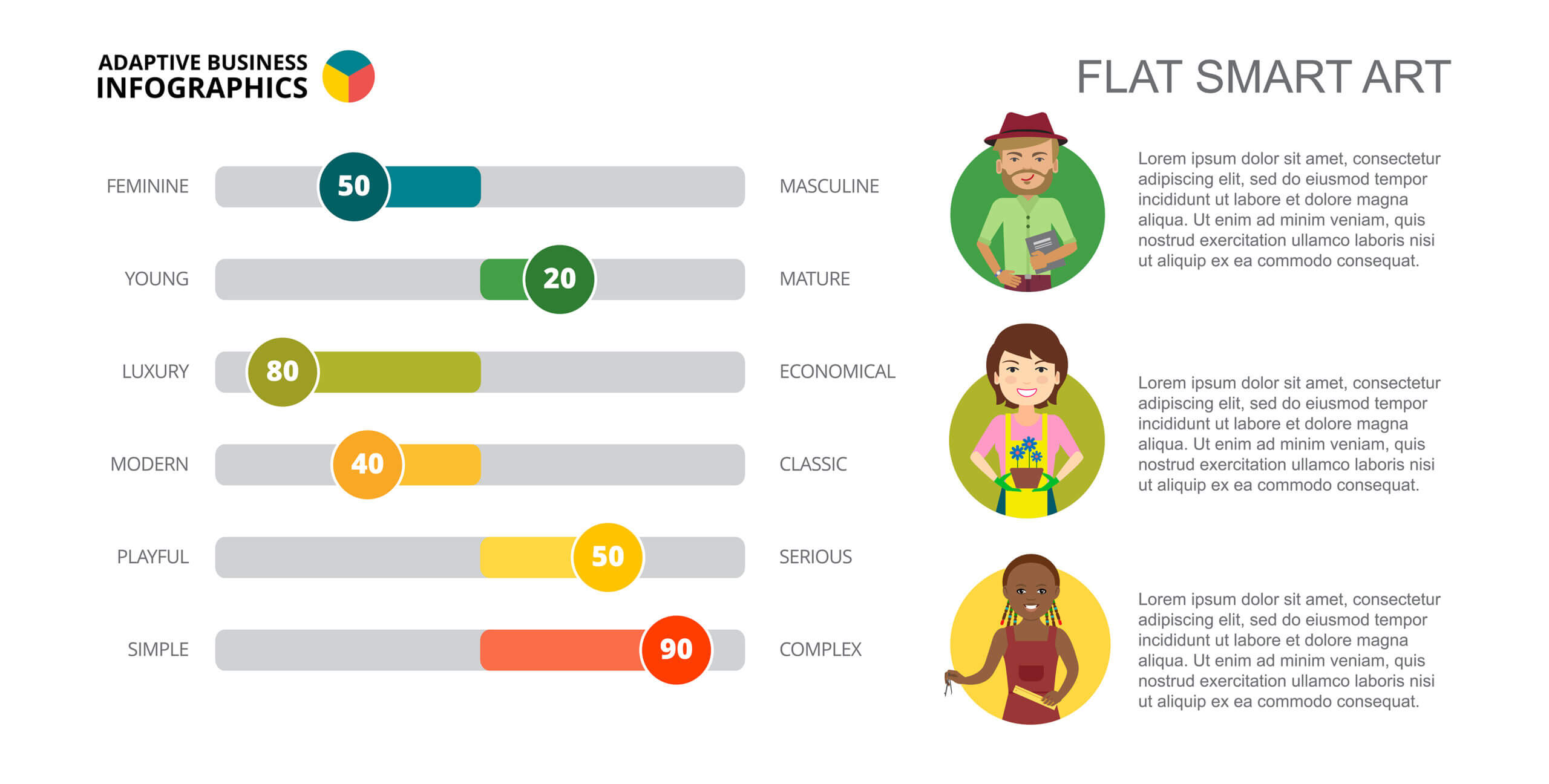
A statistical infographic is made to digest complex figures. It is usually used to describe data collected from many sources and then summarize research findings or present survey results. To make a complete infographic, you need to combine text, charts and images into a design that turns the figures into something visual. It brings dry numbers to life and makes them more engaging and easier to absorb.
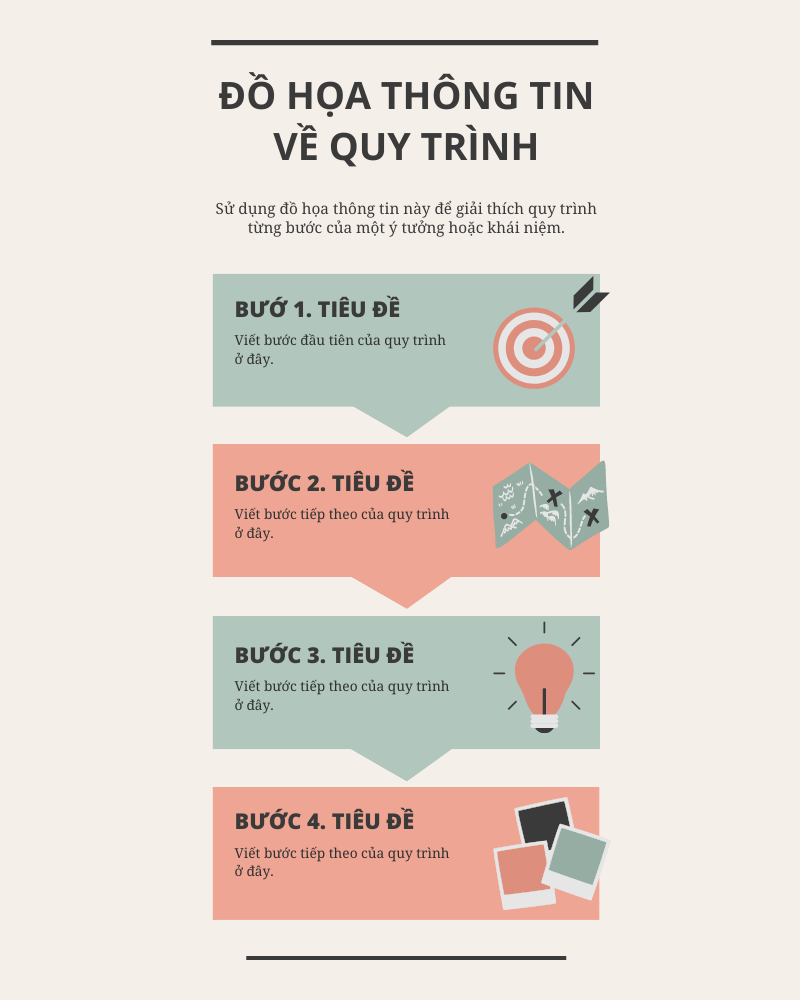
This type usually uses lines, arrows and shapes to describe the steps of a process from start to finish. It gives readers an overview of how a task or project gets done, along with detailed step-by-step guidance. Readers can follow each stage and know what they need to do, so they can plan accordingly.
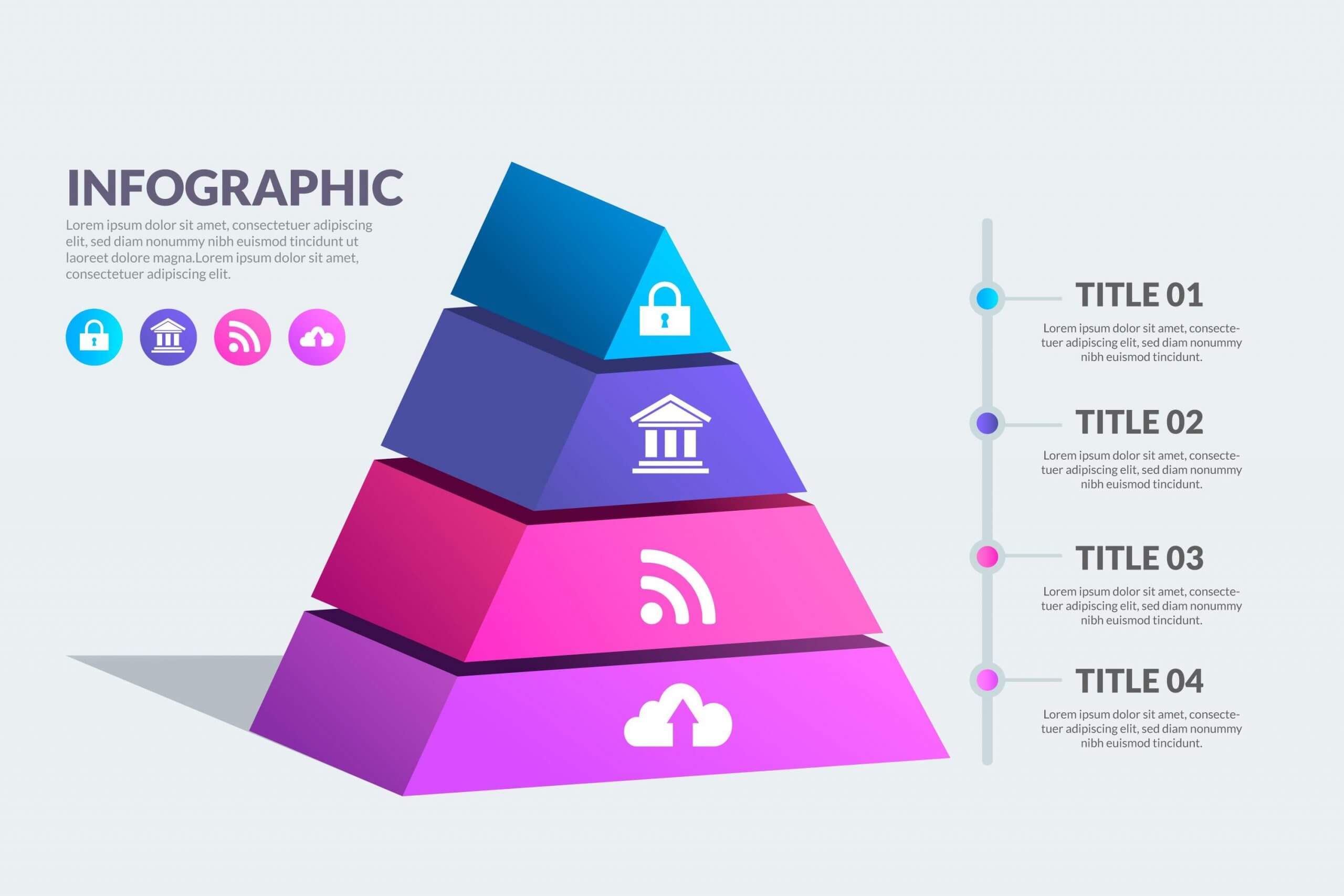
A hierarchy infographic arranges information by level. The most familiar form is the pyramid, and there is also the organization chart. This type shows the different levels and how the items at those levels relate to each other.
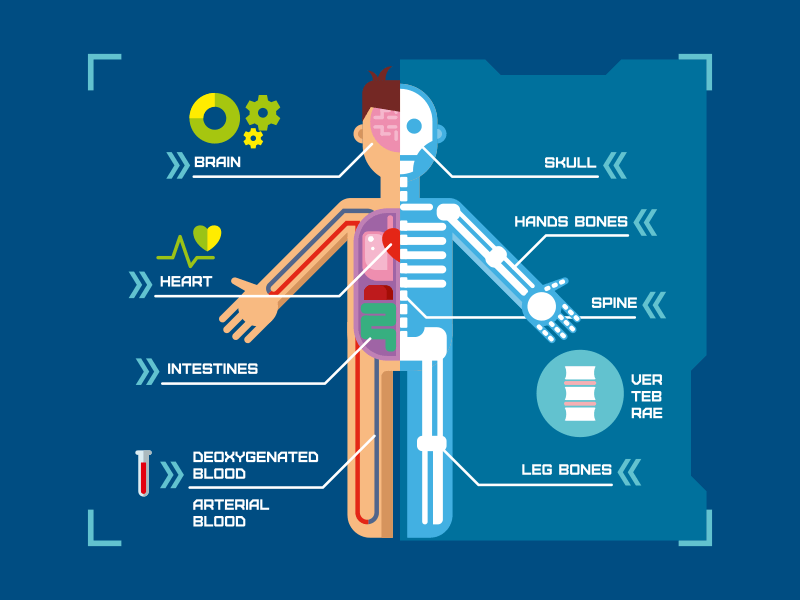
Are you a biology teacher? Do you want to illustrate the organs and structure of a subject? This type of infographic makes that easy. It makes full use of illustrations and can show exact positions with clear, detailed labeled diagrams.
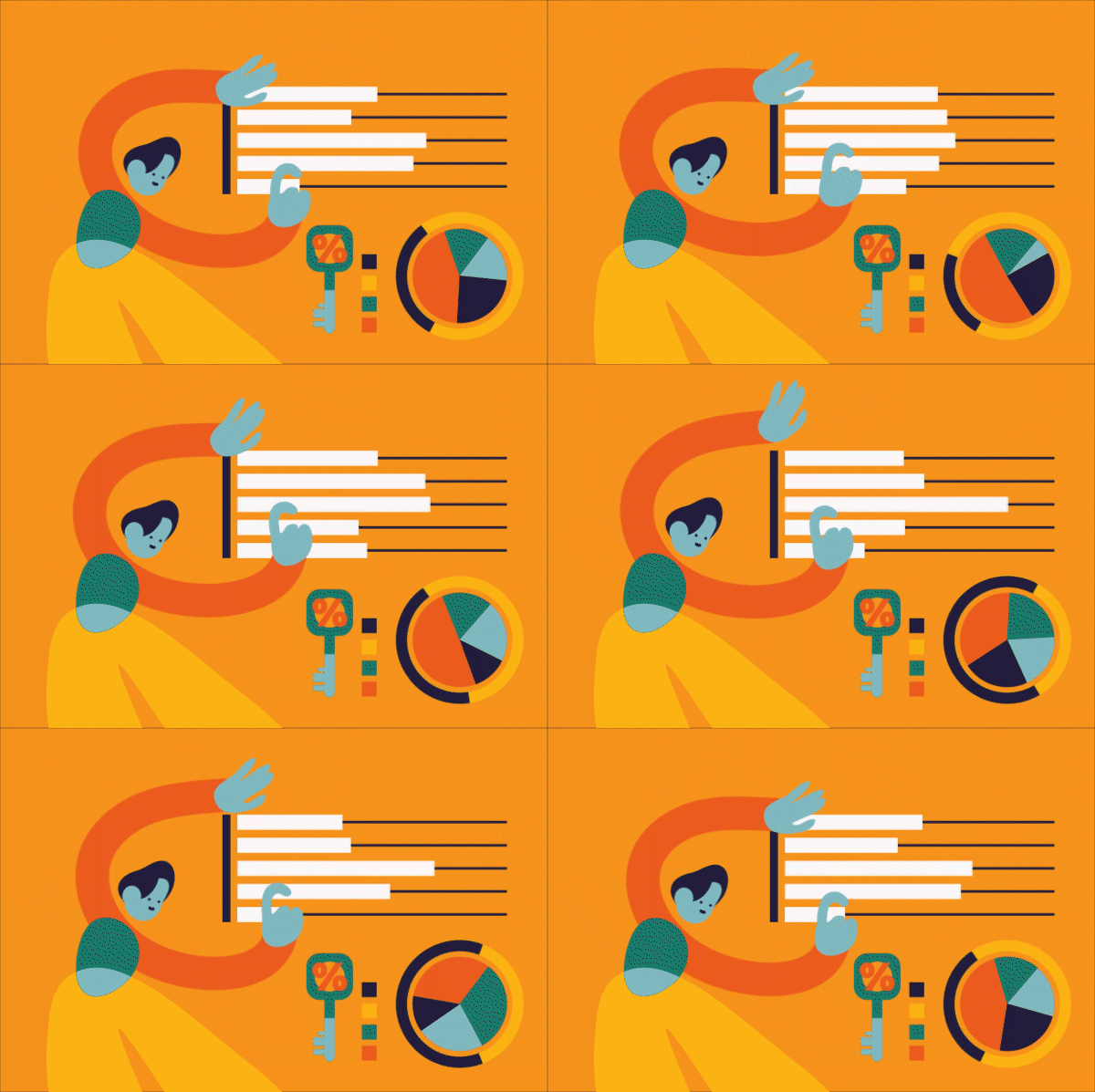
This is a static infographic with motion added. You can make an infographic more lively by adding interactive elements, transitions or color combinations that draw the reader's eye to the important information. There are 3 basic formats in this type: video, GIF and HTML5.
By combining information with creative design, your infographic becomes more distinctive and more eye-catching than words alone. Smart use of lines, color and layout helps readers tell what matters most, where to focus and how to take in the information effectively.
With an eye-catching presentation, an infographic quickly grabs the viewer's attention through its images, lines and colors. Even before viewers know what the infographic is about, they will stop at the design, whether on a phone screen or on paper.
As people entered the age of Industry 4.0, the rapid growth of the Internet gave infographics a further boost. When you search for information, you will see infographics appear all the time, and you may even run into them printed on paper wherever you go. This makes information easier for readers to reach.
An infographic's strength is its variety of color, detail and high contrast. Readers pick up the information faster and remember the visuals more easily than they would plain text.
Because an infographic lays information out in an organized way, the message stays tidy and easy to follow. That avoids the misreadings that happen when people have to wade through a lot of text.
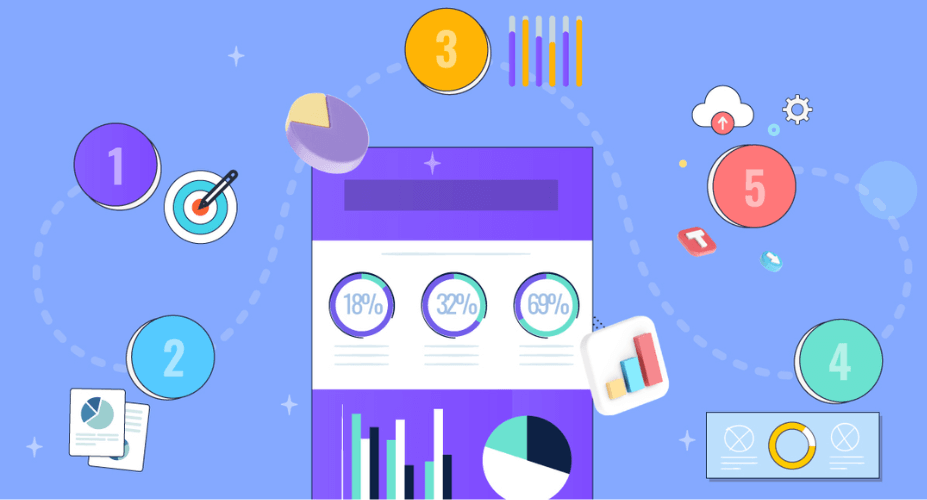
You can design an attractive infographic in tools such as Illustrator, Inkscape or CorelDraw. But for the result to do what you planned, it helps to follow these steps:
First, decide what you want to say and on what topic. That tells you which elements you will need, such as the content, colors and layout. Choosing a topic is harder than it sounds. It is best to pick a specific field where you have plenty of knowledge to share with readers.
It is also hard to find a topic that is both appealing and one you know well. But when you know the field well, the information you give your audience is more reliable and more valuable. If you love food, for example, you will have plenty to say about the specialty dishes of each region.
Next comes planning the idea. The point is to filter down the information, figures, images and wording that suit the infographic. It helps to sketch a rough layout first, so you are not overwhelmed by the amount of information and imagery once you start building.
>> See more:
Once the topic is settled, gather information from different sources, from books and newspapers to the internet. Using your initial idea and layout, pick out the figures, references and wording you need. The secret to a successful infographic is "the simpler, the better".
Before you start designing, get your tools and information ready. For numbers, think about which chart type fits best. Color matters just as much, so choose colors that suit your audience.
If you want to make a video clip, don't pile on too many techniques. Use only what helps viewers take in the information more easily. When you add a voiceover, pay attention to the quality of the content, the voice and the speaking speed so viewers can follow along.
An infographic built as a web page is also a good option. It allows more interaction and can link several sources together, although it is less common at the moment.
Resolution and size also need attention. Readers often can't see the whole content because the exported quality is too low.
When the infographic is finished, share it on social channels related to the topic (Facebook, Twitter, Pinterest and others) so more people see it.
Readers are drawn to your infographic when it is striking and original. So how do you make an infographic appealing?
An infographic is made to marketing campaign bring customers to your product or service, or to build your brand. So a business needs to research carefully what its customers really need and care about. Only then can the infographic be properly optimized and perform at its best on every platform.
The strength of an infographic is that it uses images, icons and symbols to show content and information. Don't pack in too much text, or the infographic becomes cluttered and dull.
You want to stand out, but overdoing it backfires. What matters is what readers see and understand from the visuals.
Choose fonts that are clear and easy to read. Pick colors that fit and relate to your brand, and combine them in a balanced, consistent way.
Here are some free infographic tools you can try and use yourself at home:
MONA hopes you now have a clearer idea of what an infographic is after reading this article. With their clear advantages, infographics are increasingly used in business marketing campaigns. Take in the tips MONA has shared and apply them to design infographics that people want to look at. Good luck!

CEO & Founder · The MONA
Founder of The MONA, who built a services company of 200+ staff with 14,000+ projects delivered. Khánh Hùng shares how he thinks about building systems that run themselves, automating a business, and the real lessons from delivering projects at MONA.
 1,8K
1,8K




Professional website
design services
Own a website with a beautiful, 100% exclusive design and a lifetime warranty, with the ability
to expand features flexibly as your business grows, starting today!














 MONA will never sell your information or send you spam
MONA will never sell your information or send you spam
MONA will never sell your information or send you spam


 MONA will never sell your information or send you spam