
 MONA OS 2.0
 Partner with MONA


 Tự động hoá doanh nghiệp
 Cẩm nang SEO
 Digital Marketing
 Kinh nghiệm thiết kế website
 Hạ Tầng Server
 Giáo dục


 VI
 EN
















Message us on
Zalo Official


 ProductsNew

 ProductsProducts
 Mới ra mắtKHA AI 2027App tự edit video, tự đăng mọi mạng xã hội, 2 phút mỗi ngày










 Website designLooks good and wins customers over.
SEO servicesBrings in customers searching for exactly what you sell.
 Tư vấn digital marketingKéo khách từ nhiều kênh, đo bằng số thật.
Corporate video productionVideos introducing your company, factory and team.
 NewAI video productionCompany story films made with AI.
 Custom software developmentCRM, ERP and HRM built for your business.
 Viết AI Agent theo yêu cầuĐặt riêng một trợ lý AI cho đúng việc của mình.
 Tư vấn chuyển đổi AIĐưa AI vào vận hành của cả công ty.
NewMONA LMSManagement for centers and schools.
MONA SkillHubInternal training for company staff.
 NHTQ systemEnd-to-end China–Vietnam shipping operations.
MONA JMSManagement for gold, diamond and pawn shops.
 MONA E-LearningA website with every feature you need to sell courses.
 How to sell online courses (course)More than 30 free lessons on selling courses on autopilot.
 MONA Cloudmonacloud.vnServers to get your apps and websites running.
 MONA Basemonabase.vnPostgres database, sign-in and file storage.
 MONA Mailmonamail.vnSend OTP, order and invoice emails from your software.
 MONA Paymonapay.vnAccept bank transfers via VietQR and notify your software when the money arrives.
 MONA eInvoiceComing soonIssue e-invoices that meet tax standards.
Gấu CườiTrả lời khách 24/7 trên web, Fanpage, Zalo và thu lead cho sale.
 Gấu TeleSalesGọi điện tư vấn, chăm khách như tổng đài viên thật.
Dê CườiTư vấn và chốt đơn cho shop ngay trong khung chat.
Gấu WebmasterNhắn nhóm Zalo là website được sửa xong.
 Gấu Pháp ChếSoạn hợp đồng, rà điều khoản trong vài phút.
 Gấu Báo GiáLên báo giá đúng mẫu và gửi khách ngay.
 AI chăm sóc khách hàngTheo dõi và giữ chân khách hàng cũ.
 Gấu Tuyển DụngLọc hồ sơ, hẹn lịch, phỏng vấn ứng viên.
 Mới ra mắt
KHA AI 2027
Xây kênh chuyên gia 2 phút mỗi ngày
Quay bằng điện thoại, AI tự edit video, tự đăng lên 16 nền tảng và tự trả lời bình luận, tin nhắn.
921.256lượt xem trên kênh CEO MONA sau 40 ngày
 Anh Khánh HùngCEO MONA đang dùng mỗi ngày
Xem app làm được gì
 AI
Gấu Cười MONA ĐANG TỰ XÀITrả lời khách 24/7 trên website, Zalo OA, Messenger và thu lead về cho sale.
Dê CườiChốt đơn bán lẻ và sàn: Shopee, TikTok Shop, web. Chăm cả khách sỉ, đại lý.
Gấu WebmasterCập nhật nội dung, tối ưu SEO website mỗi ngày.
Gấu TeleSalesGọi điện tư vấn, chăm khách như tổng đài viên thật.
Gấu Tuyển DụngLọc hồ sơ, hẹn lịch, phỏng vấn ứng viên tự động.
AI chăm sóc khách hàngGiữ khách cũ, cứu lead đã rớt cho phòng kinh doanh.
Gấu Pháp ChếSoạn hợp đồng, rà điều khoản trong vài phút.
Gấu Báo GiáLên báo giá đúng mẫu, gửi khách ngay khi có yêu cầu.
 Chuyển đổi AI toàn phầnGiải pháp tổng cho doanh nghiệp, 3 lớp triển khai.
 Viết AI Agent theo yêu cầuĐặt riêng một con AI gánh đúng nghiệp vụ của bạn.
 Custom softwareCRM, ERP and HRM with built-in AI automation.
 SEO & AEO thời đại AIĐược Google lẫn AI trích dẫn, không chỉ xếp hạng.
 Kiến thức AI cho doanh nghiệpBài phân tích, hướng dẫn ứng dụng AI vào vận hành.
 Free AI courses
 AI tools at work
App mới · KHA AI 2027
Xây kênh 2 phút mỗi ngày
AI tự edit video, tự đăng mọi mạng xã hội
Free consultation, 8am–10pm every day

18 March, 2023

In SEO, understanding a website's history makes it easier to find why rankings dropped, traffic was lost, or which content once worked well. One powerful tool for this is the Wayback Machine. It is often called a “time machine” because it lets you see old versions of a website, from the design and content to the URL structure. Used well, the Wayback Machine helps you optimize SEO more effectively and recover forgotten value. So how do you optimize SEO with the Wayback Machine? Let's MONA Media find out in the article below.
The Wayback Machine is a huge web archive that works like a “time machine”, letting users view historical versions of websites that existed in the past. It was developed by the non-profit Internet Archive, based in San Francisco, USA, and founded in 1996 by Brewster Kahle and Bruce Gilliat. The service is completely free and keeps collecting and storing snapshots of billions of web pages from the 1990s to today.

To date, the Wayback Machine has archived over 728 billion web pages, making it a valuable data source for tracking how a website changes over time.
The Wayback Machine does more than let you “look back” at a website. It also brings practical benefits such as recovering lost content, analyzing competitors' strategies, and supporting SEO optimization for the web and preserve important data. Here are the main advantages of this tool:
One of the most useful features of the Wayback Machine is that it can bring back data your website has lost. When a page is deleted, changed or broken so the content no longer shows, you can "go back in time" and restore an older version through the Wayback Machine.

For SEO specialists and site admins, this matters most when you want to get back articles, structures or information that used to perform well. The tool also lets you review old meta tags, titles, URLs and lost internal links or backlinks, which makes recovery and SEO optimization easier.
Beyond data recovery, the tool lets you see how a website developed over time. In a few clicks you can see how a site's design, layout or content changed. For people in SEO, marketing or web development, this makes it easy to analyze competitor strategy, spot trending content and learn how a site was optimized. You can then draw lessons and set a better direction for your own strategy.
Before investing in a PBN (Private Blog Network), checking the site's history is an extremely important step, and the Wayback Machine is the best tool for it.

Here are the specific benefits:
Verify the domain's history: The Wayback Machine shows what a website was used for, whether it was a legitimate site, and whether it ever carried spam, gambling or harmful content.
Spot unusual changes: By looking through old versions, you can easily tell when a site changed owners, switched topics or got unnatural "link injection", all signs of a junk domain.
Judge the quality of old content: Check whether the site previously published content related to the topic you plan to build. If the old content was completely different, that PBN may bring no SEO value.
Avoid buying a penalized domain: A site that once spammed or was penalized by Google can put your whole PBN network at risk. Reviewing its history helps you catch this early and avoid wasting your investment.
Understand the SEO potential: If the site used to have quality content, natural backlinks and regular updates, that is a good sign for investing in a PBN.
The Wayback Machine lets you "look into" a domain's past before you buy, so you pick safe, clean sites with a solid base for a lasting PBN strategy.
The Wayback Machine is a free tool that gives you SEO specialists easy access to the huge data source of the Internet Archive. Because it stores billions of web pages over many years, you can view any old version to research, compare and analyze your own SEO strategy or your competitors'. Simple but powerful, the Wayback Machine is a useful helper for anyone who wants to optimize a website without paying for expensive tools.
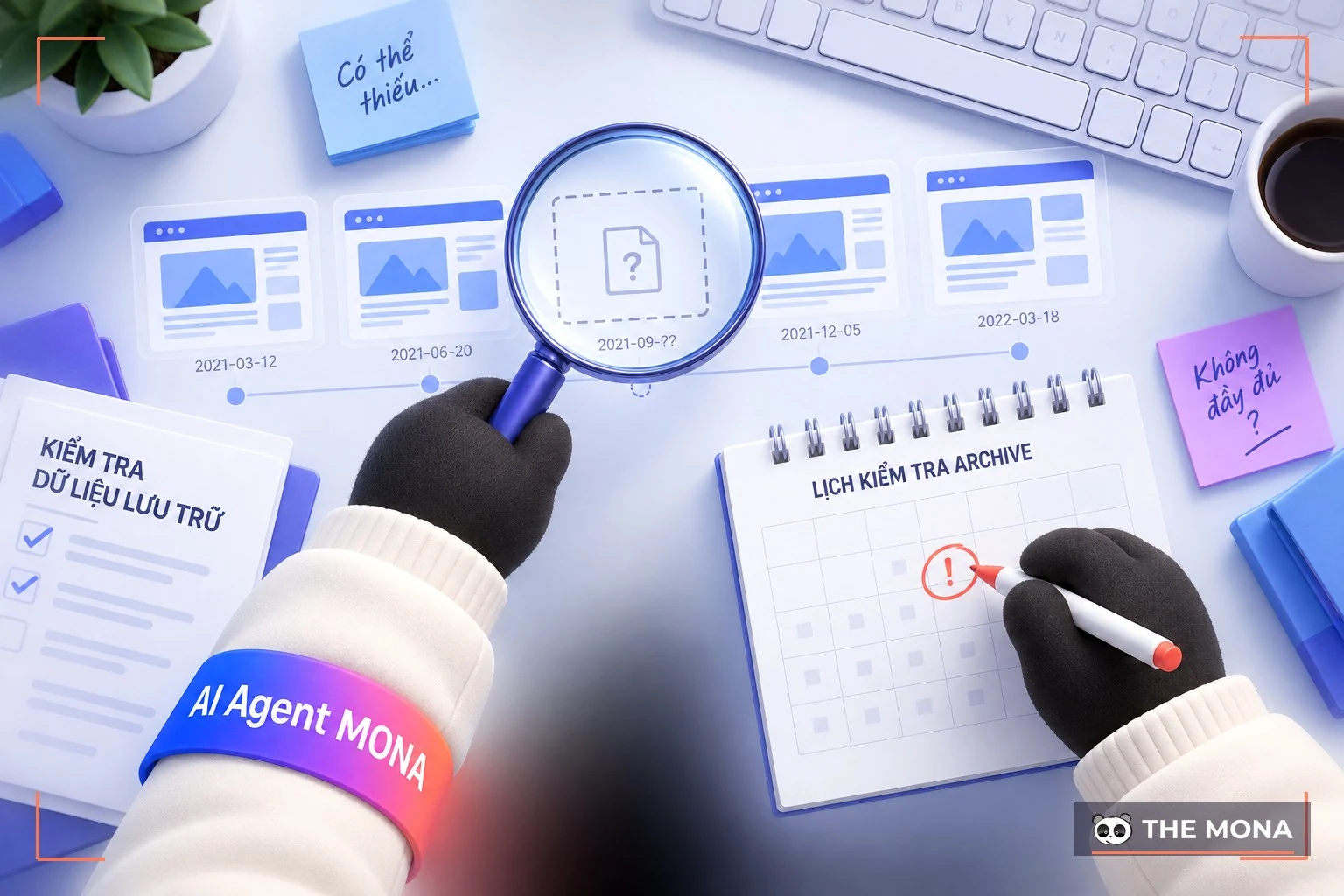
Although the Wayback Machine is powerful and free, it has some limits users should know about:
Not every website is archived: Some websites are skipped because of the owner's request or technical errors during crawling.
Archived versions may be incomplete: Many pages are missing images, videos or interactive elements, so the content looks different from the original.
Data may be outdated: Information in the Wayback Machine is not always current, so check it against other sources before you use it.
Copyright risk: Quoting or reusing archived content may infringe ownership rights if the site owner has not given permission.
Restricted access from some large sites: Many platforms such as Reddit have blocked the Wayback Machine to protect user data, especially against use by AI models.
Technology risk: The system can still suffer technical failures, cyberattacks or data loss if the operating organization runs into trouble.
These limits do not reduce the value of the Wayback Machine, but understanding them helps you use the tool more effectively and safely.
The Wayback Machine is easy to use and needs no complex technical skills. Here is a common way to get started:
How to view an old version of a website:

How to archive a new web page:
Tip: When site performance drops or the bounce rate rises, you can use the Wayback Machine to look at older versions, compare changes and find the cause so you can adjust in time.
The Wayback Machine is a useful tool that lets you see a website's history through archived snapshots over time. Besides tracking a site's activity, it also supports SEO work to improve rankings. Here is how to use the Wayback Machine to optimize SEO effectively
With the Wayback Machine you can view old versions of a website, even from over 10 years ago, thanks to its continuous archiving. That makes it easy to follow changes in a site's design, content or brand direction.
For example, when a company changes its logo, expands into new product lines or adjusts its business strategy, the Wayback Machine lets you see that whole transformation clearly.

This is a useful tool for studying a website's development history, exploring design trends and judging changes in communication strategy.
While optimizing SEO or updating content, many websites change articles, layouts or product information. Sometimes these changes cause rankings to drop and traffic to fall. In that case, the Wayback Machine helps you look at older versions of the page, from when the site performed better.
Comparing current content with the old version helps you find the changes that hurt SEO performance, so you can adjust and restore the content that used to work. It is an effective way to understand why rankings dropped and to improve the site's quality.
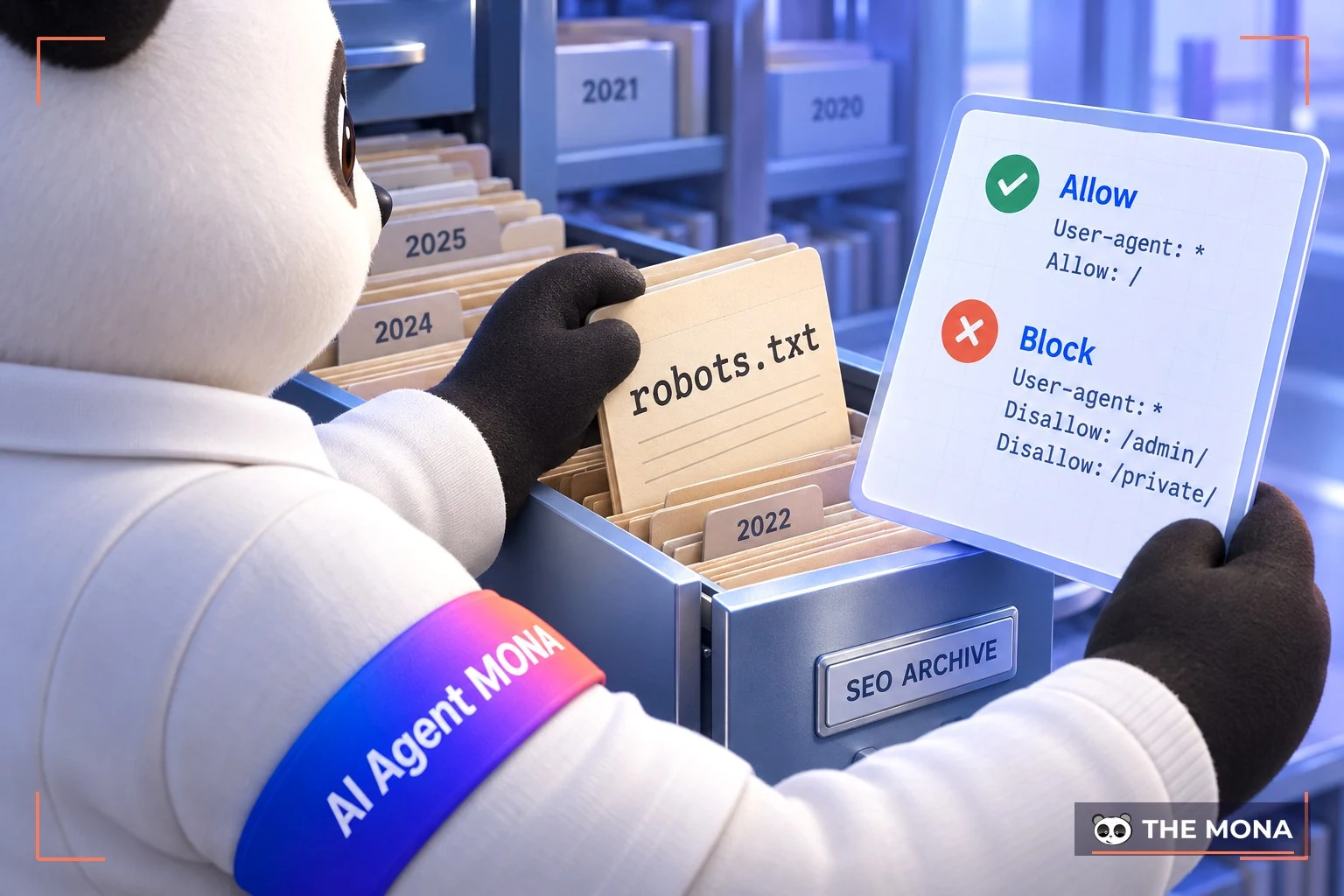
Another great use of the Wayback Machine is tracking changes to the robots.txt file over time, for example:
Fix errors: When you find an error in the file robots.txt current one, you can open the Wayback Machine to see the old version, compare the content and pinpoint the error to fix it quickly.
Check changes: Use the Wayback Machine to view earlier and later versions of robots.txt so you know exactly what changed over time.
Restore an old version: If you want to go back to a previous configuration, you can download the robots.txt file from an archived version and use it again.
Research competitors: Open competitors' old robots.txt files to see how they set crawling rules, then learn from them and optimize your own SEO strategy.
Competitors doing SEO update their articles often to improve their Google positions, especially for high-volume keywords. They may add new content, edit titles or change article layouts to optimize further. With the Wayback Machine, you can view older versions of a competitor's site and see what they changed. That gives you a clearer picture of how they optimize content and helps you shape a strategy that fits your own website.

With the Wayback Machine, you can review a site's change history and see how often a competitor updates its content. This is very useful, because Google now rewards websites with fresh, continuously updated content.
For example, with articles like "Website SEO optimization checklist 2026", if you do not refresh the content, the site will quickly lose rank because the information is out of date.

With the Wayback Machine, you can work out a competitor's content update cycle, understand what they are changing and plan adjustments to your own content. For SEO and marketing people, this tool not only helps you track competitors but also supports a stronger SEO content strategy, keeping your site in step with trends and holding its position in search rankings.
In SEO, researching and analyzing a website is always an essential step to understand strengths, weaknesses and room for improvement. If you use the Wayback Machine well, you can save a lot of time analyzing websites, tracking content change history and seeing competitors' SEO strategy: what they did, how they changed it and why they rank high. From there, you have a basis to adjust your content, structure and technical SEO to optimize across the board and improve your search position.
However, if you do not have much experience analyzing Wayback Machine data or do not know how to apply it effectively to SEO strategy, the SEO experts at MONA Media can do it for you quickly and accurately.

With over 10 years of experience delivering hundreds of projects full-scope SEO for businesses in many industries, MONA treats research and analysis of the market and competitors as the most important foundation for an effective SEO strategy.
MONA does not focus on rankings alone. We optimize across Content, Technical and Backlinks to help businesses raise conversion rates and bring real revenue. Our SEO experts also keep up with Google algorithm updates and the latest SEO AI trends, so your website is visible not only in traditional search results but also in AI Overview and responses from AI tools. That way, your brand shows up wherever users search and holds a strong, lasting position in search rankings.
Do not let your website fall behind. Contact HOTLINE 1900 636 648 to get a consultation, SEO services quote overall at MONA Media and get an optimization plan that fits your business goals.
In a digital world that keeps changing, the Wayback Machine is a valuable tool for understanding how a website has developed. From recovering lost content to analyzing competitor strategy, it offers practical value to anyone working in SEO or site administration. We hope this article from MONA Media has helped you understand how to use the Wayback Machine to improve SEO results and grow your website sustainably.

CEO & Founder · The MONA
Founder of The MONA, who built a services company of 60+ staff with 14,000+ projects delivered. Khánh Hùng shares how he thinks about building systems that run themselves, automating a business, and the real lessons from delivering projects at MONA.
 1,6K




Professional website
design services
Own a website with a beautiful, 100% exclusive design and a lifetime warranty, with the ability
to expand features flexibly as your business grows, starting today!



NHẬN TƯ VẤN SEO MIỄN PHÍ !






 MONA will never sell your information or send you spam


 MONA will never sell your information or send you spam
