
 MONA OS 2.0
 Partner with MONA


 Tự động hoá doanh nghiệp
 Cẩm nang SEO
 Digital Marketing
 Kinh nghiệm thiết kế website
 Hạ Tầng Server
 Giáo dục


 VI
 EN










Message us on
Zalo Official


 ProductsNew

 ProductsProducts
 Mới ra mắtKHA AI 2027App tự edit video, tự đăng mọi mạng xã hội, 2 phút mỗi ngày










 Website designLooks good and wins customers over.
SEO servicesBrings in customers searching for exactly what you sell.
 Tư vấn digital marketingKéo khách từ nhiều kênh, đo bằng số thật.
Corporate video productionVideos introducing your company, factory and team.
 NewAI video productionCompany story films made with AI.
 Custom software developmentCRM, ERP and HRM built for your business.
 Viết AI Agent theo yêu cầuĐặt riêng một trợ lý AI cho đúng việc của mình.
 Tư vấn chuyển đổi AIĐưa AI vào vận hành của cả công ty.
NewMONA LMSManagement for centers and schools.
MONA SkillHubInternal training for company staff.
 NHTQ systemEnd-to-end China–Vietnam shipping operations.
MONA JMSManagement for gold, diamond and pawn shops.
 MONA E-LearningA website with every feature you need to sell courses.
 How to sell online courses (course)More than 30 free lessons on selling courses on autopilot.
 MONA Cloudmonacloud.vnServers to get your apps and websites running.
 MONA Basemonabase.vnPostgres database, sign-in and file storage.
 MONA Mailmonamail.vnSend OTP, order and invoice emails from your software.
 MONA Paymonapay.vnAccept bank transfers via VietQR and notify your software when the money arrives.
 MONA eInvoiceComing soonIssue e-invoices that meet tax standards.
Gấu CườiTrả lời khách 24/7 trên web, Fanpage, Zalo và thu lead cho sale.
 Gấu TeleSalesGọi điện tư vấn, chăm khách như tổng đài viên thật.
Dê CườiTư vấn và chốt đơn cho shop ngay trong khung chat.
Gấu WebmasterNhắn nhóm Zalo là website được sửa xong.
 Gấu Pháp ChếSoạn hợp đồng, rà điều khoản trong vài phút.
 Gấu Báo GiáLên báo giá đúng mẫu và gửi khách ngay.
 AI chăm sóc khách hàngTheo dõi và giữ chân khách hàng cũ.
 Gấu Tuyển DụngLọc hồ sơ, hẹn lịch, phỏng vấn ứng viên.
 Mới ra mắt
KHA AI 2027
Xây kênh chuyên gia 2 phút mỗi ngày
Quay bằng điện thoại, AI tự edit video, tự đăng lên 16 nền tảng và tự trả lời bình luận, tin nhắn.
853.713lượt xem trên kênh CEO MONA sau 29 ngày
 Anh Khánh HùngCEO MONA đang dùng mỗi ngày
Xem app làm được gì
 AI
Gấu Cười MONA ĐANG TỰ XÀITrả lời khách 24/7 trên website, Zalo OA, Messenger và thu lead về cho sale.
Dê CườiChốt đơn bán lẻ và sàn: Shopee, TikTok Shop, web. Chăm cả khách sỉ, đại lý.
Gấu WebmasterCập nhật nội dung, tối ưu SEO website mỗi ngày.
Gấu TeleSalesGọi điện tư vấn, chăm khách như tổng đài viên thật.
Gấu Tuyển DụngLọc hồ sơ, hẹn lịch, phỏng vấn ứng viên tự động.
AI chăm sóc khách hàngGiữ khách cũ, cứu lead đã rớt cho phòng kinh doanh.
Gấu Pháp ChếSoạn hợp đồng, rà điều khoản trong vài phút.
Gấu Báo GiáLên báo giá đúng mẫu, gửi khách ngay khi có yêu cầu.
 Chuyển đổi AI toàn phầnGiải pháp tổng cho doanh nghiệp, 3 lớp triển khai.
 Viết AI Agent theo yêu cầuĐặt riêng một con AI gánh đúng nghiệp vụ của bạn.
 Custom softwareCRM, ERP and HRM with built-in AI automation.
 SEO & AEO thời đại AIĐược Google lẫn AI trích dẫn, không chỉ xếp hạng.
 Kiến thức AI cho doanh nghiệpBài phân tích, hướng dẫn ứng dụng AI vào vận hành.
 Free AI courses
 AI tools at work
App mới · KHA AI 2027
Xây kênh 2 phút mỗi ngày
AI tự edit video, tự đăng mọi mạng xã hội
Free consultation, 8am–10pm every day

04 June, 2024

Ads that never get through Facebook's "gatekeeper" is a case many marketers run into when they first start running Facebook Ads service provider. So what is the reason? Let's MONA Media look at the reasons Facebook ads are not approved and the fastest ways to fix them in the article below.
Facebook is getting stricter with its ad policies to keep the platform's environment as civil as possible for users. That is why there are many causes for getting some Facebook ad not approved errors.
So let MONA answer the question at the start of this article: "Why are Facebook ads not approved?". See whether you are running into any of the cases below.
Facebook checks ad image quality very strictly. Images that do not fit the policy are also a reason Facebook ads are not approved. Let's look at the common image errors to help your ad campaign "pass the checkpoint" faster.
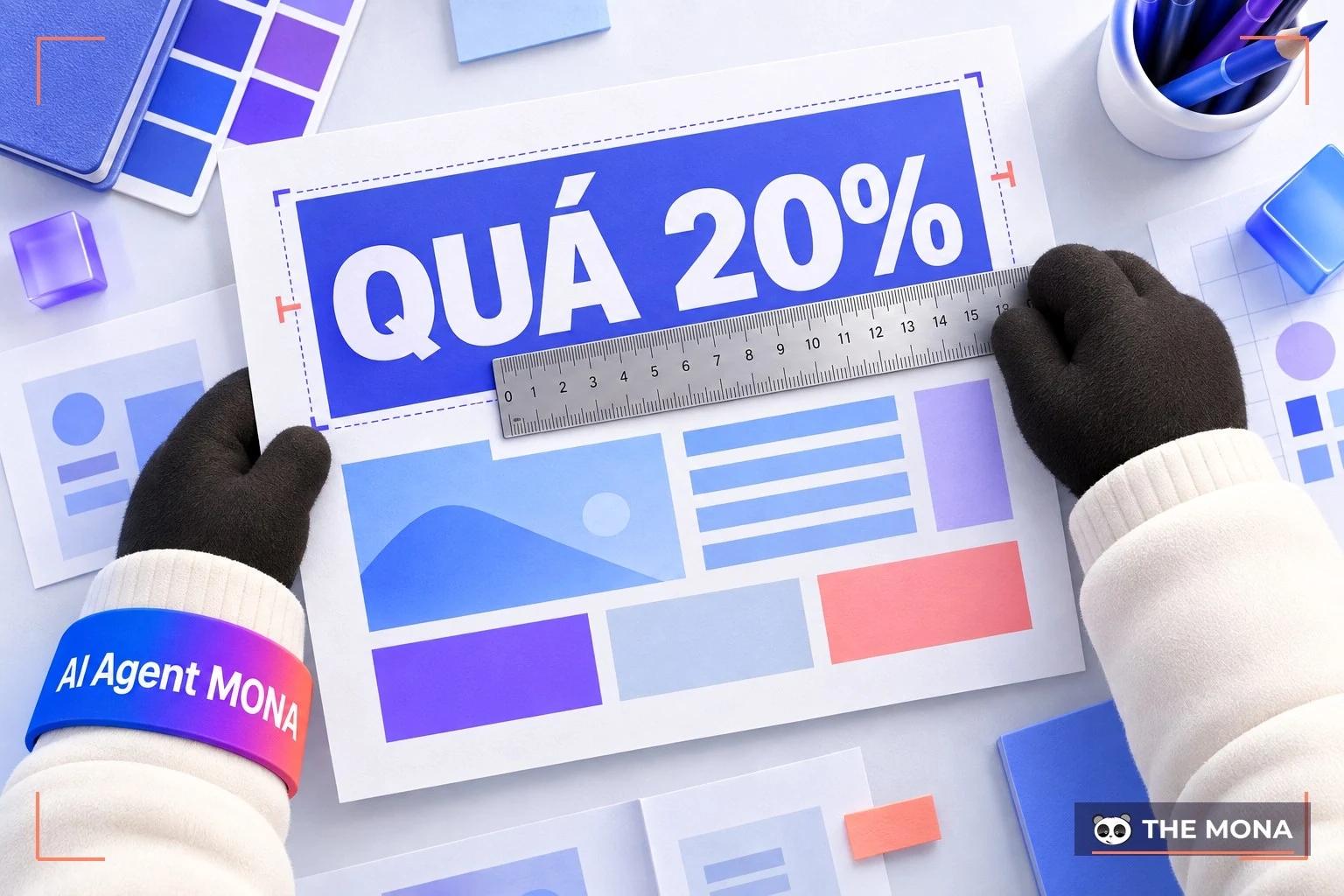
This is one of the common Facebook ad not approved errors that newcomers often make. To give users the best experience, Facebook requires that text not take up more than 20% of the ad image, so viewers are not bothered when they see it. So check your image carefully to make sure you do not make this simple mistake.
To avoid breaking community standards, Facebook bans ads that use sensitive images such as overly revealing shots or ones that focus on unnecessary body parts. The "adult content" error is a reason Facebook ads are not approved. Fashion, aesthetics and spa are the topics that often run into this.
MONA has a tip: if you want to promote a slightly revealing outfit, photograph the item itself instead of adding a model wearing it.

Facebook wants to protect users from scam or misleading ads. So using images that illustrate features that do not exist is also an error that stops Facebook ads from running.
For example, using an image with CTA buttons such as "Call now" or "Download" when there is no matching function will cause a Facebook ad not approved error. Make sure your images accurately show the real features of your product or service, which not only gets the ad approved but also adds to the trust and effectiveness of your campaign.
Using Facebook brand imagery such as the logo, symbols or icons in an ad can lead to Facebook ads not being approved. The reason is that you are infringing Facebook's copyright and trademark without permission. To avoid ads being rejected, remove all Facebook copyright-related imagery from your ad images.
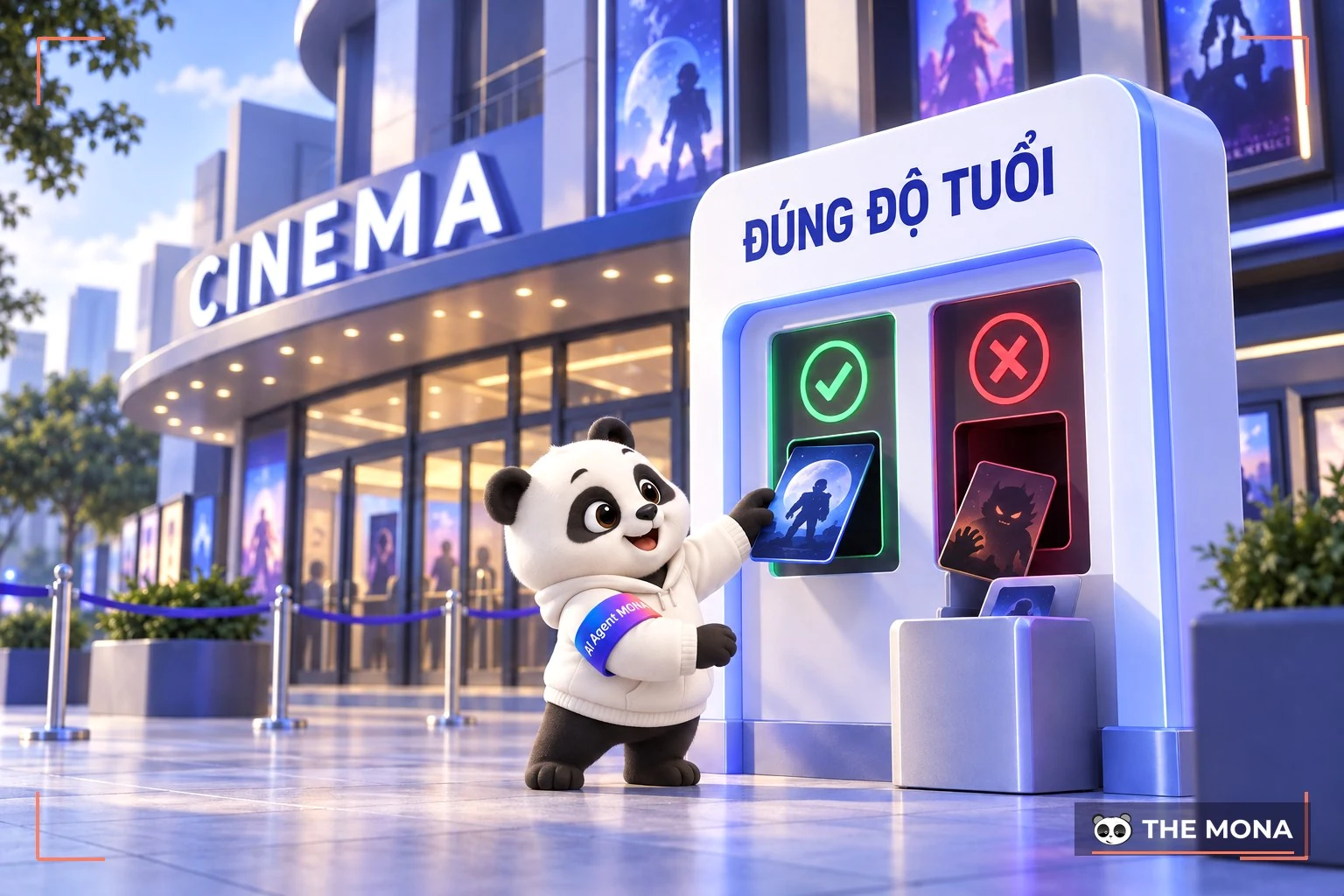
When running ads, if the images used are unsafe or unsuitable for people under 18, Facebook will reject your ad. You need to optimize, edit or replace the images with other creative ones that still suit your target audience, to avoid a Facebook ad not approved error
Alongside images, Facebook also has its own strict rules for ad content. Please make sure your ad content does not commit the errors below.

Facebook is extremely strict about issues related to personal attributes such as race, religion, gender, health condition, nationality, age or sexual orientation of users, and so on.
This error often hits cosmetics, pharmaceutical and tobacco ads that use words such as "acne", "scars", "fat loss", "weight loss", "sexual weakness", and so on. Facebook sees this as a violation of users' privacy.
Ad content that is a before-and-after comparison containing words such as "Before" and "After" is often a reason Facebook ads are not approved, especially in ads for weight loss, skincare or aesthetics products. Facebook bans images and content that clearly compare before and after using a product, because they can mislead or create unrealistic expectations.

Absolute guarantee wording such as "100% guaranteed", "never fails" or "success guaranteed" is on the list of errors that stop Facebook ads from running. Facebook wants to protect users from misleading or scam ads, so absolute guarantees are usually banned.
Sensitive words related to finance, health or other sensitive topics must be used with care and follow Facebook's rules.
Below is a list of words banned in Facebook ads or restricted that you should watch out for if you do not want to run into a Facebook ad not approved error:

Another common Facebook ad not approved error is using the Facebook brand name incorrectly. To protect its brand and image, Facebook only lets you mention it exactly, with a capital F at the start of "Facebook". All other forms such as facebook, FB, Fbook, fb, and so on will get the Facebook ad not approved.
Besides the Facebook brand, using other copyrighted brand names in ads also has to follow strict rules, otherwise you will hit a Facebook ad not approved error. If you do not have permission from the brand owner, your ad may be rejected, including the use of brand images or logos you do not own.
When users click an ad and are sent to a landing page that is unrelated or does not match the ad content, that is also one of the Facebook Ads not approved errors. Make sure your landing page is closely related and gives information that fits what the ad promised, so your Facebook ad does not get stuck unapproved.
Facebook requires the display URL to be accurate and clear so users know where they will be taken. So when setting up an ad, make sure you fill in the right display URL.

Hashtags are a useful tool for expanding reach, but overusing hashtags can backfire and cause a Facebook ad not approved error. Using too many hashtags, or hashtags unrelated to the ad content, makes the ad look unprofessional and less effective. Facebook may treat this as spam and refuse to approve your ad.
Don't focus only on the ad content. Your ad can still go unapproved if the cases below apply to Fanpage or the ad account you are using.
Newly created pages that start running ads are easily restricted by Facebook right away, and that is of course also a reason your ad is not approved. To avoid this, take good care of your Fanpage and complete it for about 1 week, then schedule posts. Pay attention to the quality of your regular posts too, because it also affects slow Facebook ad review with your campaign.

If an ad account has a history of being reported or in violation, Facebook will watch it closely and may refuse to approve new ads. So when buying an ad account, check this carefully to avoid losing money for nothing.
Using an account that has violated policy to run ads is one of the banned behaviors on Facebook. Accounts used to create fake traffic or fool Facebook's analytics system are immediately banned or restricted once detected, causing the FB ad not approved error.
Failed payments or other Visa card issues are also a main cause of Facebook ad not approved errors.
If payment fails because of insufficient balance or wrong card details, Facebook cannot complete the transaction and the ad is paused, disrupting the campaign and causing a Facebook Ads not approved error.

Have some cards on the market are not accepted by Facebook and cause a Facebook ad not approved error. Currently Facebook only accepts 2 card types: credit and debit cards from Visa and Master. If you use the right card type but the ad is still not approved, check the card details again and contact your bank to resolve it.
A Facebook ad not approved error can happen when you run into a held transaction, specifically:
To resolve it, verify your identity or give Facebook more information so it trusts you. If not, you can switch to another payment account, open a new card, or contact Facebook directly for a more effective fix.
Do not rule out the case where your ad fully follows the policies but still gets an FB ad not approved error. This may be because Facebook has made some mistake about your ad. So you can absolutely send an appeal to Facebook to ask for a review of the campaign. But make sure you have not broken any policy.

This situation is fairly common: your campaign has been approved by Facebook but the ad still does not spend, does not deliver and records no statistics at all. The causes may be:
→ So what steps make an ad campaign effective? See the article on "A guide to running Facebook ads“
Facebook Ads is an advertising strategy that helps businesses reach their target customers easily, but running into Facebook ad not approved errors will cut your campaign results. You can avoid this with the following methods.
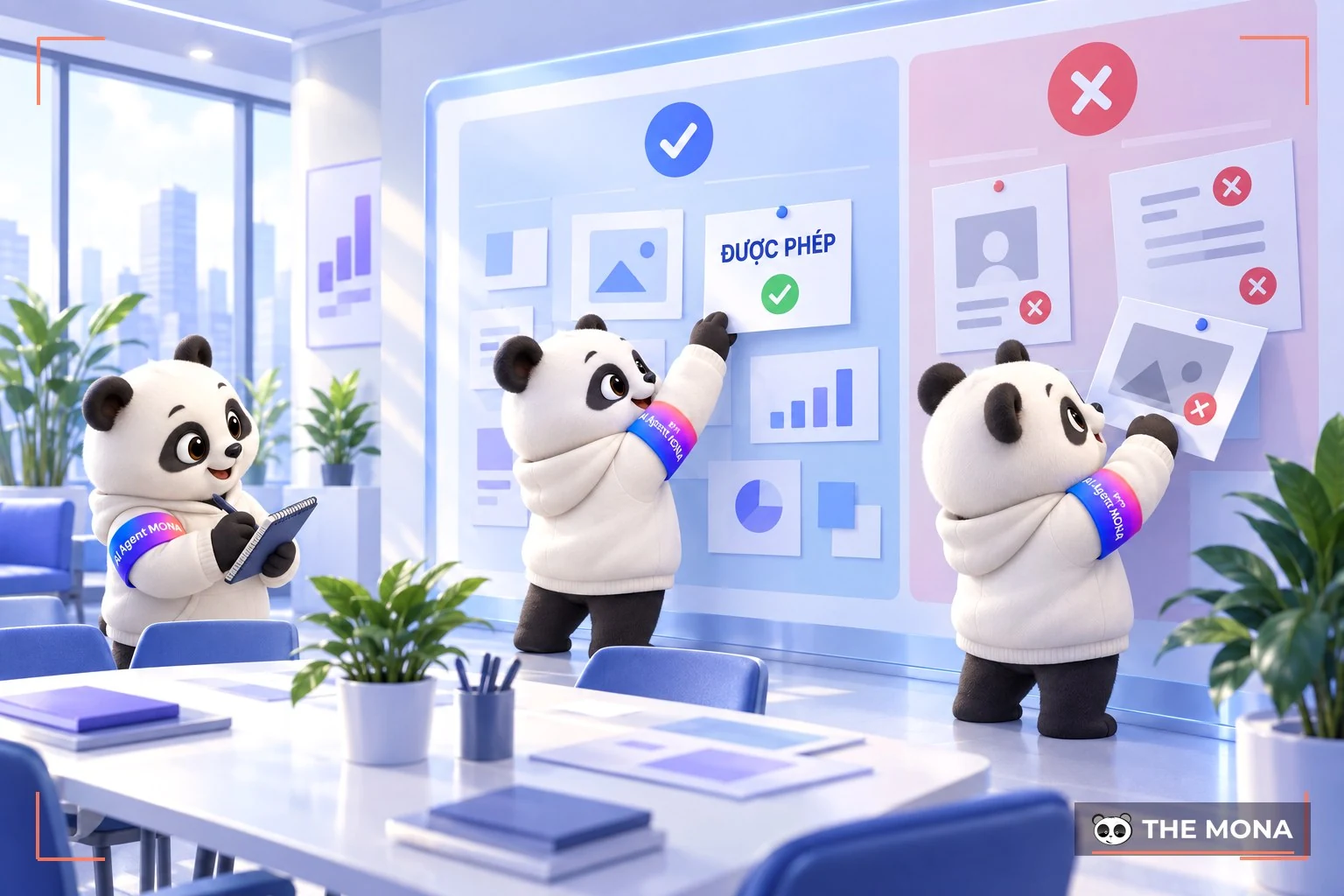
Violating Facebook's ad policies is always a common reason Facebook ads are not approved. Facebook has strict policies on ad content, including images, text and advertised products. Before starting a campaign, you need to know and follow the rules and standards Facebook sets. Take time to read the terms carefully, especially the rules on banned and restricted content.
Read it now: Facebook advertising policies latest
Content and images are the two key factors that decide whether your ad is approved. MONA suggests using Facebook's tool for checking text in images to make sure you follow the text ratio rule.
Also, make sure the content is clear and engaging and does not contain words that could be misread or are sensitive. Checking content and image quality carefully will help you reduce the risk of a Facebook ad not approved error from the start.

If your ad is rejected and you cannot edit it to meet the requirements, create a new ad. Creating a new ad gives you a chance to start over and avoid the earlier errors. This usually works better than trying to fix the old ad many times without success. It also helps you learn from past mistakes and improve your ad quality, avoiding the Facebook Ads not approved error.
Facebook provides appeal forms that let you request a review of the decision. When appealing, give full information and the reasons you believe your ad follows the policies. The process may take time, but if you are right, Facebook will approve your ad again.
≫Read more:
Of course, if you are sure you have not broken any Facebook ad rule but the ad is still not approved, you can use the method below to appeal.
When your original ad is not approved, Facebook sends you a notice with the reason and a button “Request review”. Click the button and wait for your ad to be reviewed again if you are sure your post does not violate any policy.

Go to the link https://www.facebook.com/business-support-home/ of Facebook, choose the rejected ad you think was unfairly declined. Click “Request review” and “Submit”.
Appealing also helps you understand Facebook's requirements better and avoid Facebook Ads rejections in the future. But it is risky if Facebook rejects you again, so make sure your ad is clean before you appeal, so you don't run into another case of a Facebook ad not being approved.
So MONA has explained why Facebook ads get rejected and how to fix it through the information above. Study Facebook's policies carefully, pay attention to content quality from the start, and don't hesitate to create a new ad if needed for an effective campaign. MONA hopes this article helps you get the most out of your Facebook ad campaigns.

CEO & Founder · The MONA
Founder of The MONA, who built a services company of 200+ staff with 14,000+ projects delivered. Khánh Hùng shares how he thinks about building systems that run themselves, automating a business, and the real lessons from delivering projects at MONA.
 1,5K



Professional website
design services
Own a website with a beautiful, 100% exclusive design and a lifetime warranty, with the ability
to expand features flexibly as your business grows, starting today!






 MONA will never sell your information or send you spam


 MONA will never sell your information or send you spam
