
 MONA OS 2.0
 Partner with MONA


 Tự động hoá doanh nghiệp
 Cẩm nang SEO
 Digital Marketing
 Kinh nghiệm thiết kế website
 Hạ Tầng Server
 Giáo dục

 VI
VI
 EN
EN













Message us on
Zalo Official


 ProductsNew

 ProductsProducts
 Mới ra mắtKHA AI 2027App tự edit video, tự đăng mọi mạng xã hội, 2 phút mỗi ngày










 Website designLooks good and wins customers over.
SEO servicesBrings in customers searching for exactly what you sell.
Website designLooks good and wins customers over.
SEO servicesBrings in customers searching for exactly what you sell.
 Tư vấn digital marketingKéo khách từ nhiều kênh, đo bằng số thật.
Corporate video productionVideos introducing your company, factory and team.
Tư vấn digital marketingKéo khách từ nhiều kênh, đo bằng số thật.
Corporate video productionVideos introducing your company, factory and team.
 NewAI video productionCompany story films made with AI.
 Custom software developmentCRM, ERP and HRM built for your business.
 Viết AI Agent theo yêu cầuĐặt riêng một trợ lý AI cho đúng việc của mình.
 Tư vấn chuyển đổi AIĐưa AI vào vận hành của cả công ty.
NewMONA LMSManagement for centers and schools.
MONA SkillHubInternal training for company staff.
Tư vấn chuyển đổi AIĐưa AI vào vận hành của cả công ty.
NewMONA LMSManagement for centers and schools.
MONA SkillHubInternal training for company staff.
 NHTQ systemEnd-to-end China–Vietnam shipping operations.
MONA JMSManagement for gold, diamond and pawn shops.
NHTQ systemEnd-to-end China–Vietnam shipping operations.
MONA JMSManagement for gold, diamond and pawn shops.
 MONA E-LearningA website with every feature you need to sell courses.
 How to sell online courses (course)More than 30 free lessons on selling courses on autopilot.
 MONA Cloudmonacloud.vnServers to get your apps and websites running.
 MONA Basemonabase.vnPostgres database, sign-in and file storage.
 MONA Mailmonamail.vnSend OTP, order and invoice emails from your software.
 MONA Paymonapay.vnAccept bank transfers via VietQR and notify your software when the money arrives.
 MONA eInvoiceComing soonIssue e-invoices that meet tax standards.
Gấu CườiTrả lời khách 24/7 trên web, Fanpage, Zalo và thu lead cho sale.
MONA eInvoiceComing soonIssue e-invoices that meet tax standards.
Gấu CườiTrả lời khách 24/7 trên web, Fanpage, Zalo và thu lead cho sale.
 Gấu TeleSalesGọi điện tư vấn, chăm khách như tổng đài viên thật.
Dê CườiTư vấn và chốt đơn cho shop ngay trong khung chat.
Gấu WebmasterNhắn nhóm Zalo là website được sửa xong.
Gấu TeleSalesGọi điện tư vấn, chăm khách như tổng đài viên thật.
Dê CườiTư vấn và chốt đơn cho shop ngay trong khung chat.
Gấu WebmasterNhắn nhóm Zalo là website được sửa xong.
 Gấu Pháp ChếSoạn hợp đồng, rà điều khoản trong vài phút.
 Gấu Báo GiáLên báo giá đúng mẫu và gửi khách ngay.
 AI chăm sóc khách hàngTheo dõi và giữ chân khách hàng cũ.
 Gấu Tuyển DụngLọc hồ sơ, hẹn lịch, phỏng vấn ứng viên.
 Mới ra mắt
KHA AI 2027
Xây kênh chuyên gia 2 phút mỗi ngày
Quay bằng điện thoại, AI tự edit video, tự đăng lên 16 nền tảng và tự trả lời bình luận, tin nhắn.
421.414lượt xem trên kênh CEO MONA sau 23 ngày
Mới ra mắt
KHA AI 2027
Xây kênh chuyên gia 2 phút mỗi ngày
Quay bằng điện thoại, AI tự edit video, tự đăng lên 16 nền tảng và tự trả lời bình luận, tin nhắn.
421.414lượt xem trên kênh CEO MONA sau 23 ngày
 Anh Khánh HùngCEO MONA đang dùng mỗi ngày
Xem app làm được gì
Anh Khánh HùngCEO MONA đang dùng mỗi ngày
Xem app làm được gì
 AI
Gấu Cười MONA ĐANG TỰ XÀITrả lời khách 24/7 trên website, Zalo OA, Messenger và thu lead về cho sale.
Dê CườiChốt đơn bán lẻ và sàn: Shopee, TikTok Shop, web. Chăm cả khách sỉ, đại lý.
Gấu WebmasterCập nhật nội dung, tối ưu SEO website mỗi ngày.
Gấu TeleSalesGọi điện tư vấn, chăm khách như tổng đài viên thật.
Gấu Tuyển DụngLọc hồ sơ, hẹn lịch, phỏng vấn ứng viên tự động.
AI chăm sóc khách hàngGiữ khách cũ, cứu lead đã rớt cho phòng kinh doanh.
Gấu Pháp ChếSoạn hợp đồng, rà điều khoản trong vài phút.
Gấu Báo GiáLên báo giá đúng mẫu, gửi khách ngay khi có yêu cầu.
AI
Gấu Cười MONA ĐANG TỰ XÀITrả lời khách 24/7 trên website, Zalo OA, Messenger và thu lead về cho sale.
Dê CườiChốt đơn bán lẻ và sàn: Shopee, TikTok Shop, web. Chăm cả khách sỉ, đại lý.
Gấu WebmasterCập nhật nội dung, tối ưu SEO website mỗi ngày.
Gấu TeleSalesGọi điện tư vấn, chăm khách như tổng đài viên thật.
Gấu Tuyển DụngLọc hồ sơ, hẹn lịch, phỏng vấn ứng viên tự động.
AI chăm sóc khách hàngGiữ khách cũ, cứu lead đã rớt cho phòng kinh doanh.
Gấu Pháp ChếSoạn hợp đồng, rà điều khoản trong vài phút.
Gấu Báo GiáLên báo giá đúng mẫu, gửi khách ngay khi có yêu cầu.
 Chuyển đổi AI toàn phầnGiải pháp tổng cho doanh nghiệp, 3 lớp triển khai.
 Viết AI Agent theo yêu cầuĐặt riêng một con AI gánh đúng nghiệp vụ của bạn.
 Custom softwareCRM, ERP and HRM with built-in AI automation.
 SEO & AEO thời đại AIĐược Google lẫn AI trích dẫn, không chỉ xếp hạng.
 Kiến thức AI cho doanh nghiệpBài phân tích, hướng dẫn ứng dụng AI vào vận hành.
 Free AI courses
 AI tools at work
App mới · KHA AI 2027
Xây kênh 2 phút mỗi ngày
AI tự edit video, tự đăng mọi mạng xã hội
Free consultation, 8am–10pm every day
AI tools at work
App mới · KHA AI 2027
Xây kênh 2 phút mỗi ngày
AI tự edit video, tự đăng mọi mạng xã hội
Free consultation, 8am–10pm every day

18 March, 2023
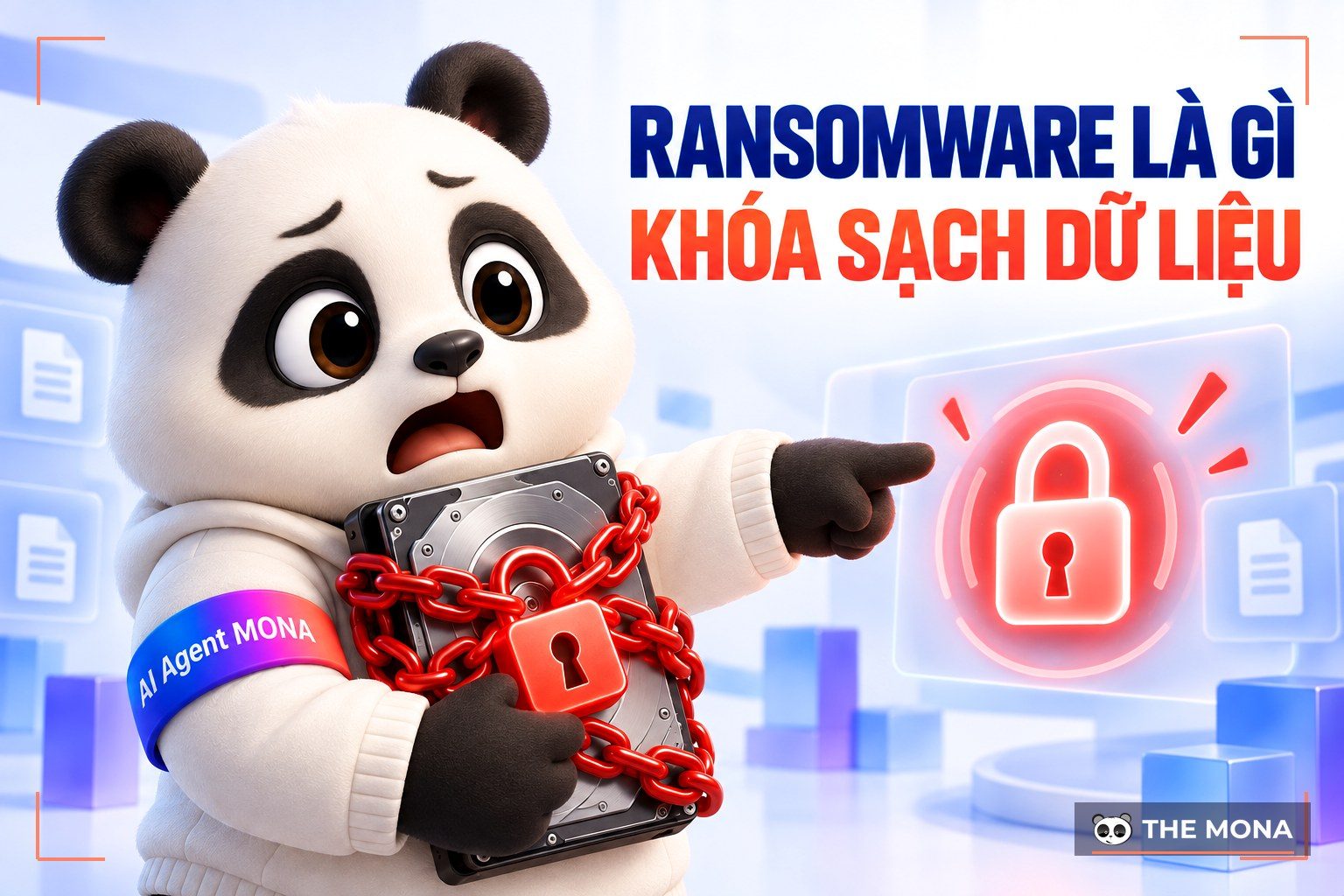
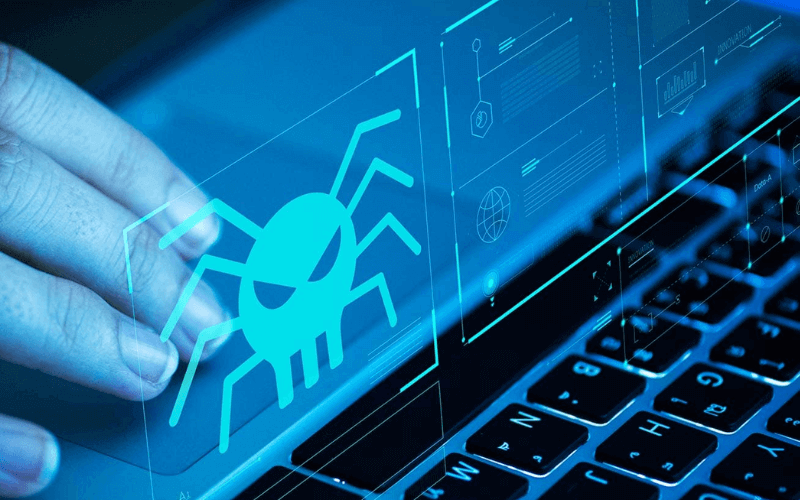
Ransomware is a type of malicious software that extorts users by breaking into their computers and manipulating their data. In recent years, ransomware has been the biggest threat to many organizations and businesses. IT system administrators are constantly looking for ways to stop this kind of malware from getting in. Next, join Mona Media in going through the basics to answer the question “What is ransomware?” in this article.
Ransomware is malicious software that encrypts data, locking users out of their devices. To get access back to their data or device, users have to pay hacker a set amount of money known as a ransom. Ransomware is also called extortion malware or extortion software.
The ransom is usually around $250 – $500 for a personal computer. For businesses and organizations it can reach thousands of dollars. Hackers mostly ask victims to pay the ransom by bitcoin and bank transfer. In recent years, ransomware distributors have preferred to take ransom payments in bitcoin because it is highly private and very hard to trace.
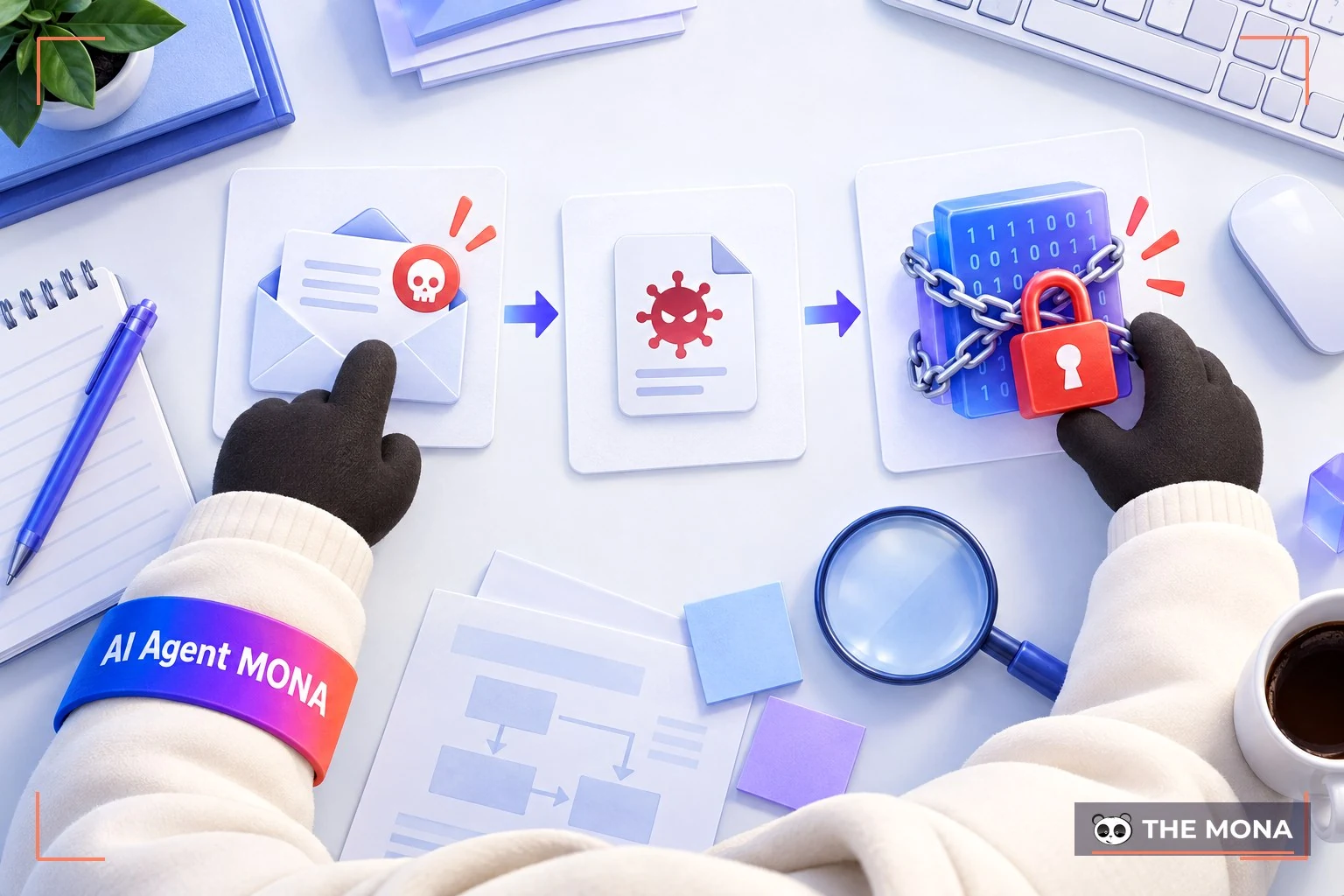
When ransomware infects a computer, it encrypts data files and gives them strange extensions. For example, *.Doc > *.docm; *.xls > *.cerber. These extensions differ from time to time, which makes them laborious to identify. An infected computer will not display any message from the hacker. When one computer is infected with ransomware, the other machines in the system are very likely to end up in the same state.
Ransomware was first detected in Russia in 2005–2006. In its earliest form it was a variant called TROJan CRYZIP.A. Data analysts found that when a variant of the Trojan type got into a machine, its data was encrypted immediately. To get access back, a password was needed. To receive the password, users were asked to pay $300.
Over time, ransomware widened its reach. It began to affect text files and spreadsheets with extensions such as *.xl, *.doc, *.exe, and more. In 2011, media around the world reported another kind of ransomware called SMS Ransomware. Besides the usual behavior, SMS Ransomware also sent messages telling users to contact the hacker at a given phone number until they transferred the money as demanded. Another version also made waves by attacking the MBR of server operating systems. In other words, it left the operating system unable to function.
Ransomware first appeared in Russia, but within a short time it had spread across Europe. It peaked in 2012, when a large number of ransomware attacks were recorded in Europe as well as Canada and the US. Today, ransomware can still show up anywhere in the world.

Locker ransomware, also called non-encrypting ransomware, does not encrypt the victim's files. Instead, it locks users out of their devices. Victims cannot do anything on the computer except turn the screen on and off. The screen shows detailed instructions for paying the ransom so the owner can get back into the device and use it again.
Crypto ransomware, also called encrypting ransomware, is the most common kind of extortion software. It typically encrypts users' data such as files and folders. After getting into a computer, it quietly connects to the attacker's server and generates two keys. A public key is used to encrypt your files, while a private key, held on the hacker's server, is used to decrypt them. The affected files get their extensions changed to certain formats and show an error when the user tries to open them.
After encrypting the files, crypto ransomware displays a message on your computer. It tells you that you have been attacked and must pay a ransom if you want your password back. In some cases the attacker adds pressure by demanding payment within a set deadline. After the deadline, the decryption key is destroyed and the ransom goes up.
See also: Server administration: how is it done?
Countless ransomware strains of varying severity have been recorded. Among the best known, the three most dangerous are CryptoLocker, WannaCry and Petya. Others such as TeslaCrypt and Locky can also do considerable damage to your computer.
Ransomware and ordinary malware have one thing in common: they do everything they can to hide and damage files quietly. The big difference is ransomware's extremely complex encryption. That encryption lets the malware dig deep into users' data files. It gets past the barriers that many antivirus programs put up. However, today's antivirus software is also gradually getting more sensitive to ransomware.
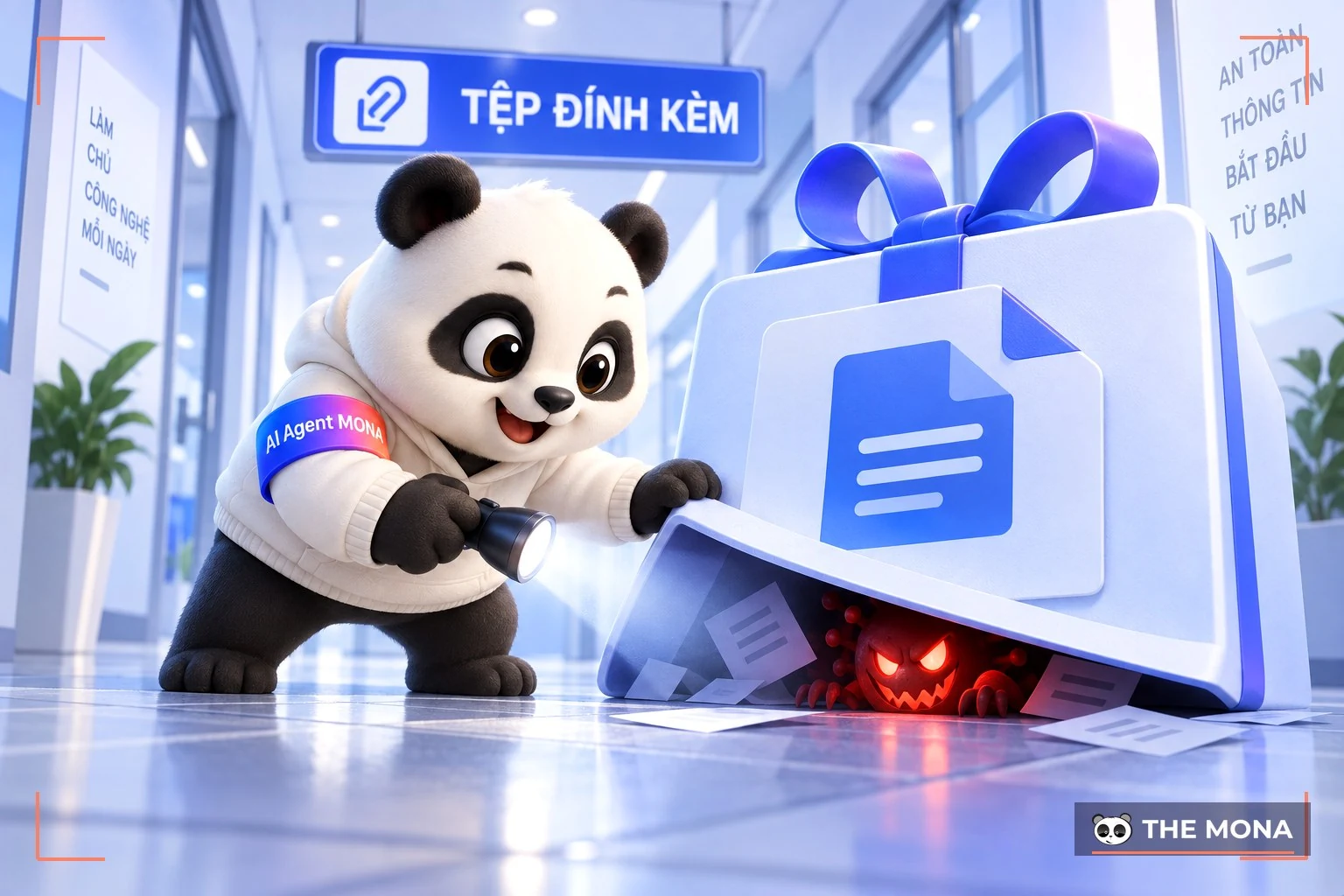
Hackers now equip ransomware with many evasion techniques. The most common are the following:
Detection is a reconnaissance method. Malware often probes its environment to check whether it is running in a virtualized one, so it can avoid being spotted by researchers. The trade-off is that this method prevents it from producing any updated security signature.
Nothing is perfect, and antivirus software is no exception. Even though it keeps raising alerts, it struggles to protect every part of a system, especially against a dangerous threat like ransomware. Ransomware gets in while the device is turning on or off, when the antivirus has not yet had time to start.
Once it gets into data files, ransomware immediately contacts its command server for instructions. Antivirus software can use this behavior to detect specific an IP address and block those communications.
When a computer is infected with ransomware, a fake program may pop up. Users without much experience may mistake it for a normal operating system program. They follow its instructions and the virus spreads faster.
To prevent ransomware, you can apply a few measures: do not use free Wi-Fi or networks of unknown origin, and avoid clicking on strange links or emails from unknown addresses. Also back up your data regularly, install antivirus software and keep it updated. Change the default passwords on all access points, put multiple barriers on your own networks, and have a recovery plan in case you lose data.

At the top of the list is WannaCry, the malware that caused panic worldwide in 2017. WannaCry exploited a vulnerability in Microsoft's operating system and spread to other computers on the same network. It infected more than 260,000 computers in 117 countries (including Vietnam), causing damage in the hundreds of millions of USD. After the incident was handled, the UK and US governments and Microsoft accused North Korea of being behind the attacks.
In 2018, malware called GandCrab spread through ads that led users to pages hosting the malware, or through emails. To remove it, users were told to install a browser called Thor and pay in cryptocurrency such as Bitcoin, at about 3200 – $1400 depending on the level of infection.
In 2017, several countries in Eastern Europe recorded the appearance of malware called Bad Rabbit. Within a short time it caused serious disruption to many businesses and governments. Through a fake Adobe Flash update request, Bad Rabbit got into servers by luring users into downloading a compromised Adobe Flash file.
Like WannaCry, NotPetya exploited a Microsoft vulnerability to get into users' data. What makes this ransomware more dangerous is that it can spread by itself from one computer to another, and from one set of data to another. On top of that, it destroys the victim's hard drive whether or not the ransom is paid.
This article has given a general overview of what ransomware is and the great harm it causes. We hope that with this knowledge you can take preventive action and know how to respond if you run into these problems.
See more:

CEO & Founder · The MONA
Founder of The MONA, who built a services company of 200+ staff with 14,000+ projects delivered. Khánh Hùng shares how he thinks about building systems that run themselves, automating a business, and the real lessons from delivering projects at MONA.
 1,5K
1,5K




Professional website
design services
Own a website with a beautiful, 100% exclusive design and a lifetime warranty, with the ability
to expand features flexibly as your business grows, starting today!








 MONA will never sell your information or send you spam
MONA will never sell your information or send you spam
MONA will never sell your information or send you spam


 MONA will never sell your information or send you spam